Making a digital magazine used to cost real money, whether that meant paying for design software, a web developer, or a dedicated publishing platform with a monthly fee. Today, that barrier is essentially gone. With the right free tools, you can take a PDF and turn it into a polished, interactive publication that readers can flip through on any device, no coding, no design degree, and no budget required.
This article walks through exactly how to make a digital magazine for free: which design tools to use, how to structure your pages, how to convert your design into an interactive flipbook, and how to distribute your publication so it actually reaches readers. Flipbooks AI is the platform that ties the whole workflow together, handling conversion, hosting, and distribution from a single dashboard.
What a Digital Magazine Actually Is
Before picking a tool, it helps to be clear about what you're building. A digital magazine is not just a PDF sitting behind a download link. It is an interactive, browser-readable publication with page-turning animations, embedded media, clickable links, and a layout optimized for screens rather than print.
The formats that dominate today:
| Format | Interactive | Mobile-Friendly | Free Options | Best For |
|---|
| PDF download | No | Partial | Yes | Print-first content |
| HTML5 Flipbook | Yes | Yes | Yes | Magazines, catalogs, lookbooks |
| Web article series | Yes | Yes | Yes | Blog-style editorial |
| App-based magazine | Limited | Yes | Rarely | Branded mobile apps |
For most creators, an HTML5 flipbook is the format that delivers the magazine experience readers expect: realistic page turns, full-screen reading mode, and embeds that work on mobile without any additional apps or plugins.
Why PDF-to-Flipbook Is the Right Approach
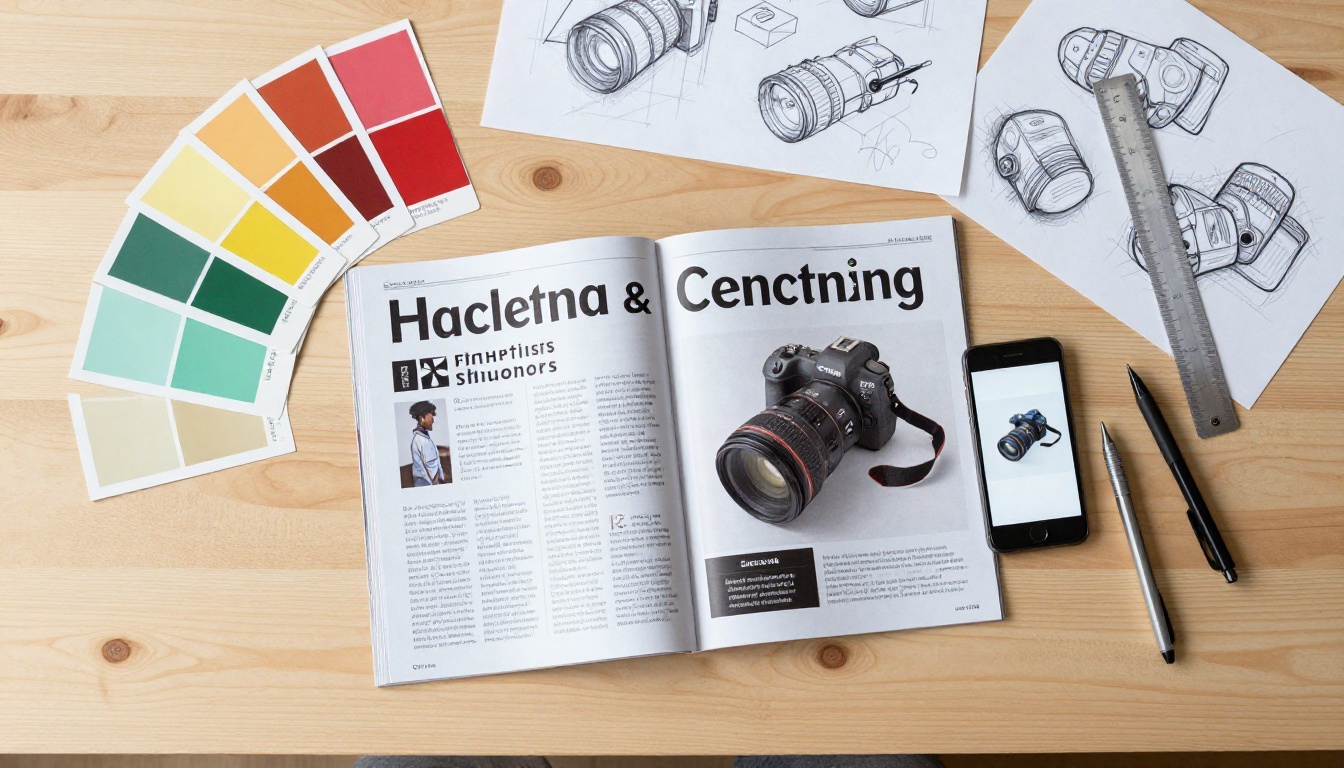
The most practical path to a free digital magazine starts with a PDF. Why? Because PDF is the universal output format for every design tool that exists, from Canva to Adobe InDesign to Google Slides. You design your pages in whatever tool you already use, export as PDF, and then convert that PDF into an interactive flipbook using a dedicated publishing platform.
This approach means:
- You keep full creative control over your layout and typography
- You are not locked into any single platform's limited design editor
- Updating the magazine is as simple as uploading a revised PDF
- The interactive layer (page turns, links, video embeds) is handled by the publishing platform, not by you
- Your source design files remain portable and reusable across tools
Flipbooks AI is built entirely around this workflow. You upload a PDF, and the platform converts it into a fully interactive HTML5 flipbook with page-flip animations, a clean reading interface, and a shareable link, without watermarks and without technical setup.
Choosing a Free Design Tool for Your Pages
The design phase is where most people overthink things. Here is a clear breakdown of the most capable free tools for creating magazine-quality page layouts:
| Tool | Free Tier Quality | Magazine Templates | PDF Export | Collaboration |
|---|
| Canva | Excellent | 100+ dedicated magazine templates | Yes | Yes (up to 5 users) |
| Adobe Express | Good | Yes, brand-focused | Yes | Limited |
| Google Slides | Basic | Minimal | Yes (via print to PDF) | Yes |
| Microsoft Designer | Good | AI-assisted, growing library | Yes | Limited |
| Piktochart | Good | Data-heavy editorial formats | Yes | Yes |
| Scribus (Desktop) | Professional | Manual setup required | Yes | No |
💡 Best starting point: Canva's free tier includes dozens of magazine-specific templates with proper multi-page support, consistent grid systems, and typography pairings already set up. Customize brand colors and fonts, then export as PDF.
When designing your pages, keep these rules in mind for the best flipbook rendering:
- Use consistent margins of at least 15mm from every edge
- Design at A4 or US Letter size for standard magazine proportions
- Keep body text at 10pt minimum for on-screen readability
- Avoid content bleeding across two-page spreads since flipbooks typically display single pages
- Export your PDF at 150 to 300 DPI for sharp rendering without excessive file size
Planning Your Editorial Structure
Before you open a design tool, spend 30 minutes planning your magazine's structure. This saves hours of redesigning later.
A standard digital magazine issue needs:
Front matter (pages 1 to 4):
- Cover page with strong visual and issue date
- Table of contents with section markers
- Editor's letter or welcome note
- Contributors or credits page
Main content sections (pages 5 onwards):
- Feature articles with 1,500 to 3,000 words and photography
- Short reads and briefs at 200 to 500 words on single pages
- Interviews and profiles with pull quotes
- Visual spreads including photo essays, infographics, and data visualizations
Back matter (final 4 pages):
- Resources and recommendations
- Subscriber or community information
- Back cover with strong visual
✅ Issue length: The sweet spot for digital magazines is 16 to 32 pages. This is long enough to feel substantial, short enough that readers actually finish reading it.
Always plan for even-numbered page counts since flipbooks display in two-page spreads. A 17-page magazine will create an odd final page that breaks the spread layout.

How to Make a Digital Magazine for Free with Flipbooks AI
Once your PDF is ready, the conversion process takes minutes. Here is the exact step-by-step process using Flipbooks AI:
Step 1: Sign Up for Free
Go to flipbooksai.com/account and create your account. No credit card is required for the free plan.
Step 2: Upload Your PDF
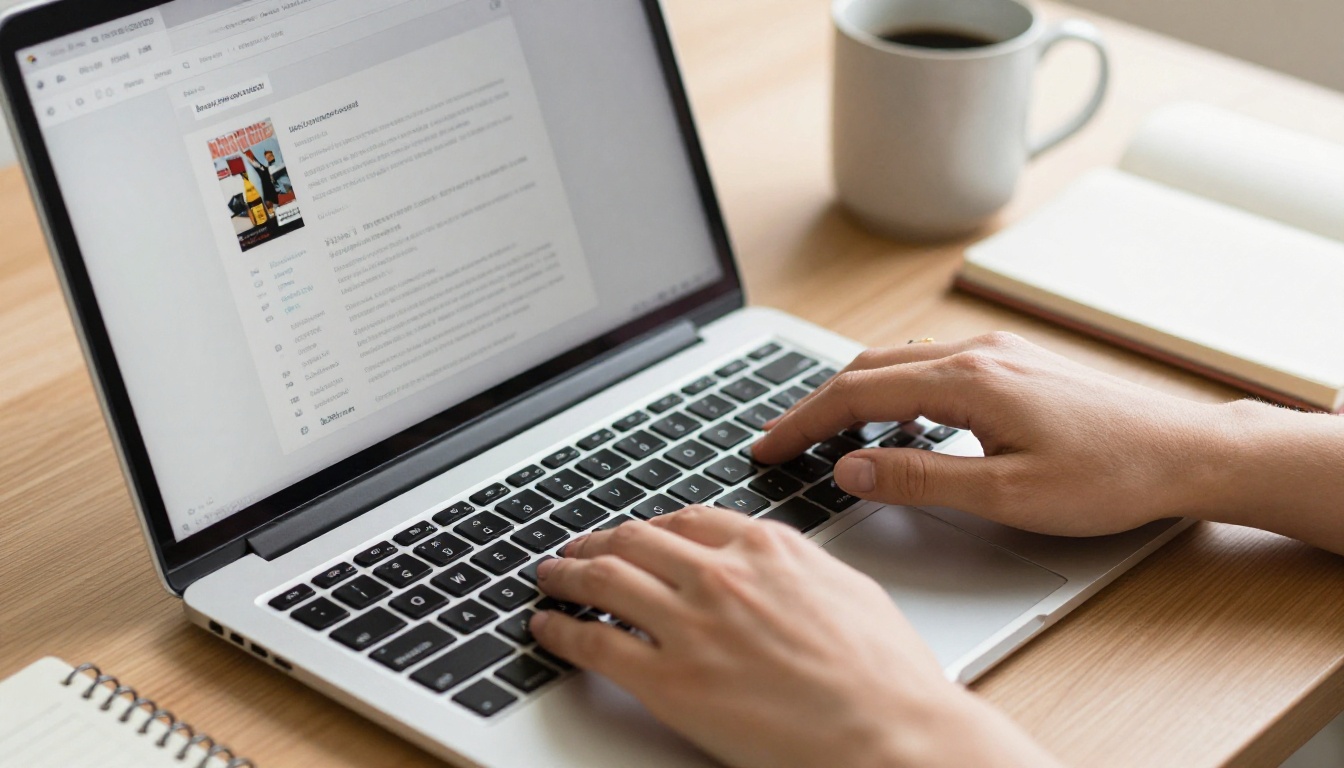
Click "New Flipbook" and upload your PDF file. The platform processes each page and renders it as a high-resolution digital spread. For a 20-page magazine, processing typically takes under 60 seconds.
✅ File tip: Export your design PDF at 150 DPI for fast uploads, 300 DPI for photo-heavy issues where image quality matters most.
Step 3: Customize the Reading Experience
Once converted, you can configure several settings that shape how readers experience your magazine:
- Cover thumbnail: Select which page appears as the preview image in links and embeds
- Background color: Set a neutral, brand-matched, or dark reading environment
- Page flip sound: Enable or disable the satisfying page-turn audio
- Auto-flip timer: Set automatic page progression for kiosk displays or presentations
- Branding and logo: Add your publication's logo to the reader interface (Standard plan and above)
- Table of contents: Add navigable section links so readers can jump directly to articles
Step 4: Add Interactive Elements
This step is what transforms your flipbook from a static read into a genuinely interactive digital magazine. Within the editor you can:
- Place clickable hotspots over any area of any page
- Embed YouTube or Vimeo videos that play directly inside the magazine
- Add audio clips for narrated sections, music, or ambient sound
- Insert contact forms and lead capture for subscriber sign-ups (Professional plan)
- Add product links that open in a new tab when readers click on items
💡 Real-world use case: A lifestyle magazine can embed a recipe video directly on its food editorial spread. Readers watch the video without leaving the page, increasing time-on-publication significantly.
Step 5: Share and Distribute
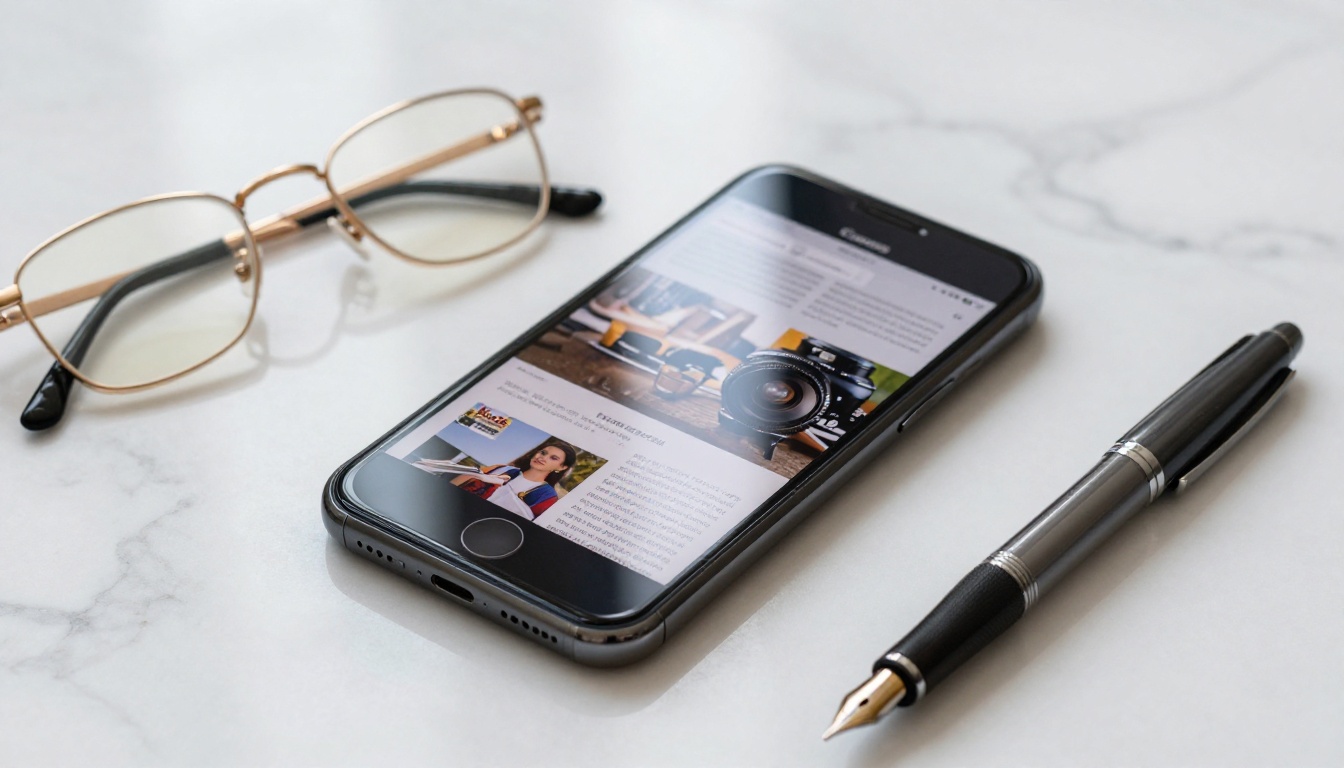
After setting up your magazine, Flipbooks AI gives you multiple distribution formats:
- Direct URL: A unique link to share via email, social media, or any messaging platform
- Embed code: An iFrame snippet to place your magazine on any website or blog
- Password protection: Lock content for subscribers or private distribution
- QR code: Auto-generated for print materials, event signage, or packaging
- Offline download: Allow readers to save the flipbook for offline reading (Standard plan and above)
The Embed Flipbook on Website tool makes embedding into WordPress, Squarespace, or any HTML site a copy-paste operation.
What the Free Plan Actually Covers
Here is a transparent comparison of what each plan tier delivers:
| Feature | Free | Standard | Professional |
|---|
| Watermarks | None | None | None |
| Number of flipbooks | Limited | Unlimited | Unlimited |
| Password protection | No | Yes | Yes |
| Custom branding and logo | No | Yes | Yes |
| Basic analytics | No | Yes | Yes |
| Advanced reader analytics | No | No | Yes |
| Lead generation forms | No | No | Yes |
| Offline downloads | No | Yes | Yes |
| Embed on website | Yes | Yes | Yes |
| Custom domain | No | No | Yes |
The critical differentiator: Flipbooks AI never adds watermarks, even on the free plan. Your magazine looks professional from the first page regardless of which tier you use.
The free plan works well for individual creators publishing occasional issues. For regular publishing schedules, the Standard plan at flipbooksai.com/pricing unlocks unlimited flipbooks, custom branding, and analytics at a cost far below traditional publishing software subscriptions.
Types of Digital Magazines You Can Make
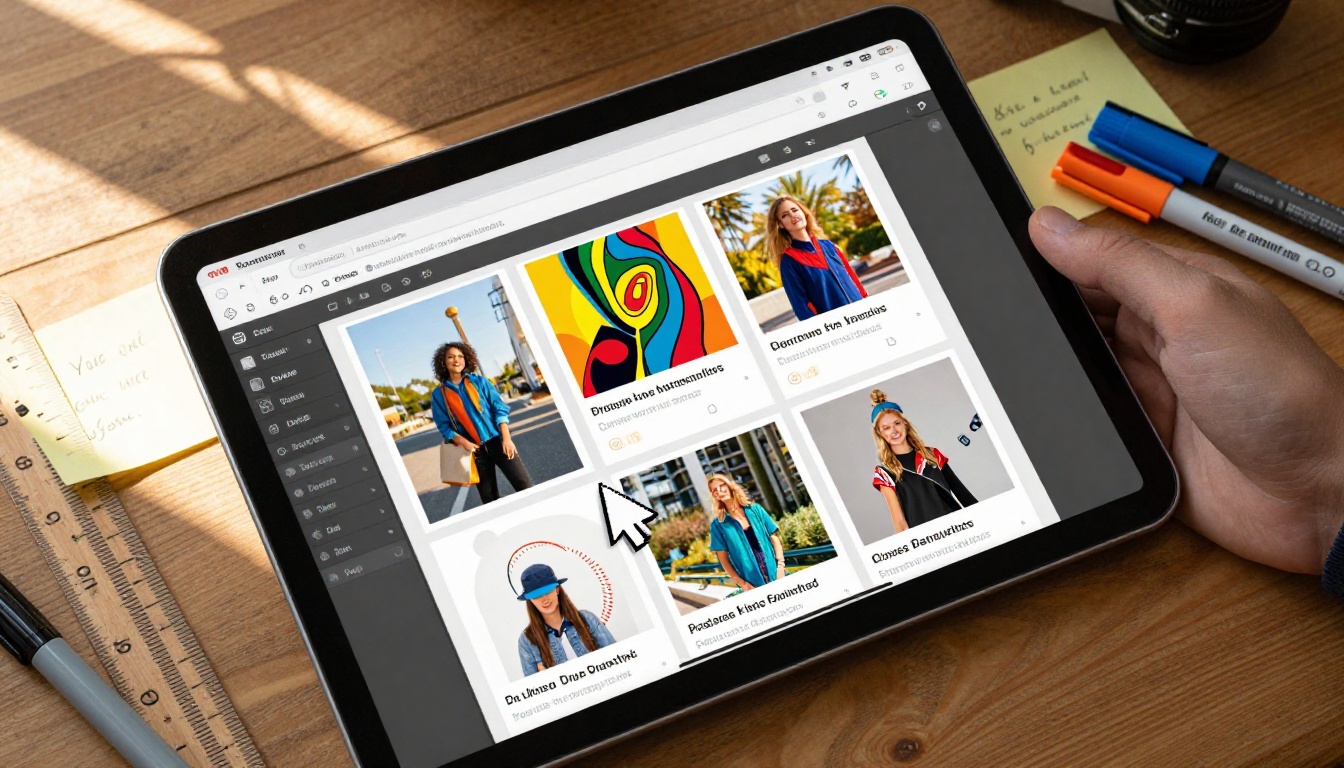
The flipbook format works across a wide range of publication types. Here is how different creators use the same core workflow:
Lifestyle and Editorial Publications
Fashion, travel, food, and culture magazines benefit most from the visual richness of the flipbook format. The E-Magazine Publishing Tool and Magazine Flipbook Creator are built specifically for full-bleed, photo-heavy editorial layouts.
Corporate and Internal Communications
Employee newsletters, company quarterly reviews, and internal communications benefit from a branded publication that feels polished rather than a forwarded email attachment. The Newsletter Flipbook Publisher handles these formats well.
Educational Publications
School newspapers, university department magazines, and course companion publications. The School Newsletter Creator and Course Material Publisher handle education-specific formats and distribution requirements.
Independent and Niche Publications
Photography zines, local community publications, and hobbyist magazines. The same PDF-to-flipbook workflow used by large publishers is equally accessible to a solo creator publishing a 16-page zine for 200 readers.
Making Your Magazine Look Professional
Free tools do not have to mean amateur results. These practices consistently separate polished publications from ones that look like first drafts:
Typography rules
- Use two fonts maximum: one serif for body copy, one sans-serif for headlines and labels
- Set consistent type sizing across every issue (heading: 36pt, subheading: 24pt, body: 11pt, caption: 9pt)
- Set line spacing (leading) at 140 to 160% of the font size for comfortable reading
Color discipline
- Define a 4-color palette before starting: primary, secondary, accent, and neutral
- Use the same palette in your flipbook interface settings for a unified brand experience
- Avoid more than two colors on a single page and let photography carry the visual weight
Photography standards
- Source high-resolution images at 150 DPI minimum at final layout size
- Apply a consistent photo treatment across the issue: same crop style, same color temperature
- Alternate between full-bleed, half-page, and quarter-page image sizes for visual rhythm
⚠️ Common mistake: Using stock photos with visible watermarks or low-resolution screenshots in editorial spreads. Every image in your magazine should be high quality, even in a digital-only publication.
Distributing and Building Your Readership
Publishing your magazine is step one. Getting readers to it is the ongoing work. Here is how effective digital magazine publishers grow their audience:
Email as your primary channel
Email lists are the most reliable distribution channel for digital publications. Build a signup form on your website, offer your first issue as an incentive, and send a direct link to each new issue on publication day. Readers who opt into email are significantly more likely to read each issue than social media followers.
Social media teasers
Instead of sharing the full link as a standalone post, create visual teasers. Export 3 to 5 individual pages as images and share them as a carousel, adding the full link in your profile bio. This generates curiosity about the full publication rather than giving everything away upfront.
Website embedding
Embedding your magazine directly on your website via iFrame improves dwell time, signals content depth to search engines, and keeps readers on your domain. This is a meaningful SEO signal for publications covering niche topics with consistent readership.
Community distribution
Share your magazine in relevant online communities: subreddits, Facebook groups, LinkedIn communities, Discord servers. Frame it as a resource rather than a promotion. A travel magazine shared in a travel photography community reaches exactly the right readers.
💡 Analytics insight: The Professional plan's reader analytics show engagement by page, so you can see which spreads readers dwell on longest and which they skip past. This data shapes which content types to prioritize in future issues.
Building a Consistent Publishing Operation
The publications readers return to are built on systems, not just talent. Here is how to build a repeatable publishing operation from the start:
- Set a publishing cadence you can actually maintain (quarterly is sustainable for a solo creator; monthly works for a small team)
- Build your content pipeline 6 weeks before each issue's publication date
- Create a style guide documenting your typography, colors, photo treatment standards, and tone of voice so contributors work to a consistent standard
- Template your layout in your design tool so each new issue starts from a pre-built grid rather than a blank page
- Build a contributor network of writers, photographers, and designers who understand your format and production timeline
Monetization becomes possible once you have consistent readership. The Professional plan's lead generation tools let you capture subscriber information directly inside the magazine, run reader surveys, or gate premium issues behind a sign-up wall.

From First Issue to Ongoing Publication
The gap between publishing one issue and running a digital magazine comes down to consistency. Readers do not follow one-off publications. They follow publications that show up on a predictable schedule with consistently high-quality content.
Your first issue teaches you what the production process actually feels like. Use that experience to:
- Identify which parts of the process take longer than expected and build in buffer time
- Note which content types your readers engage with most, from analytics or direct feedback
- Refine your template so the second issue takes less time to design than the first
- Set a specific publication date for the next issue before you finish distributing the current one
The tools, the process, and the platform are all free or low-cost. The real investment is editorial time and creative commitment.

Start Your First Issue Today
Making a digital magazine for free is not a compromise on quality. With the right workflow combining a strong design tool for layout, a clean PDF export, and Flipbooks AI for interactive publishing and distribution, your publication can hold its own against anything produced by a well-funded media operation.
The barrier to starting has never been lower. Design your pages, export your PDF, upload it, and your first digital magazine can be live in under an hour.
Create your free account and publish your first issue today. Browse all magazine and publication tools to find the right format for your content type. When your readership grows and you need more features, explore the pricing plans to find what fits your publishing goals.



