Wholesale buyers don't have time to scroll through a disorganized price list or wait for someone to email them updated PDFs. They want to browse products, check pricing tiers, and share your catalog with their purchasing team in under five minutes. A flip catalog gives you exactly that edge. This article breaks down how to make a flip catalog for wholesale buyers that actually works, from planning the structure to sharing it with distributors and resellers using Flipbooks AI.
What Wholesale Buyers Actually Want
Speed and Clarity Above All
A wholesale buyer reviewing your catalog is not a casual shopper. They are evaluating margins, checking minimum order quantities, comparing your product line against competitors, and reporting back to a procurement team. Every second they spend hunting for information is a second your catalog is failing them.
The best wholesale catalogs do three things instantly:
- Show the product clearly with high-resolution photography and multiple angles
- Display pricing tiers for different order volumes (1-10 units, 11-50, 51+)
- List specs that matter for bulk decisions: dimensions, materials, weight, and case pack counts
The "Send Me the Catalog" Problem
Every sales rep knows this moment. A buyer at a trade show or over the phone says, "Send me your catalog." You send a 60MB PDF. They may or may not open it. You have no idea if they shared it with their team. You have no idea what they looked at.
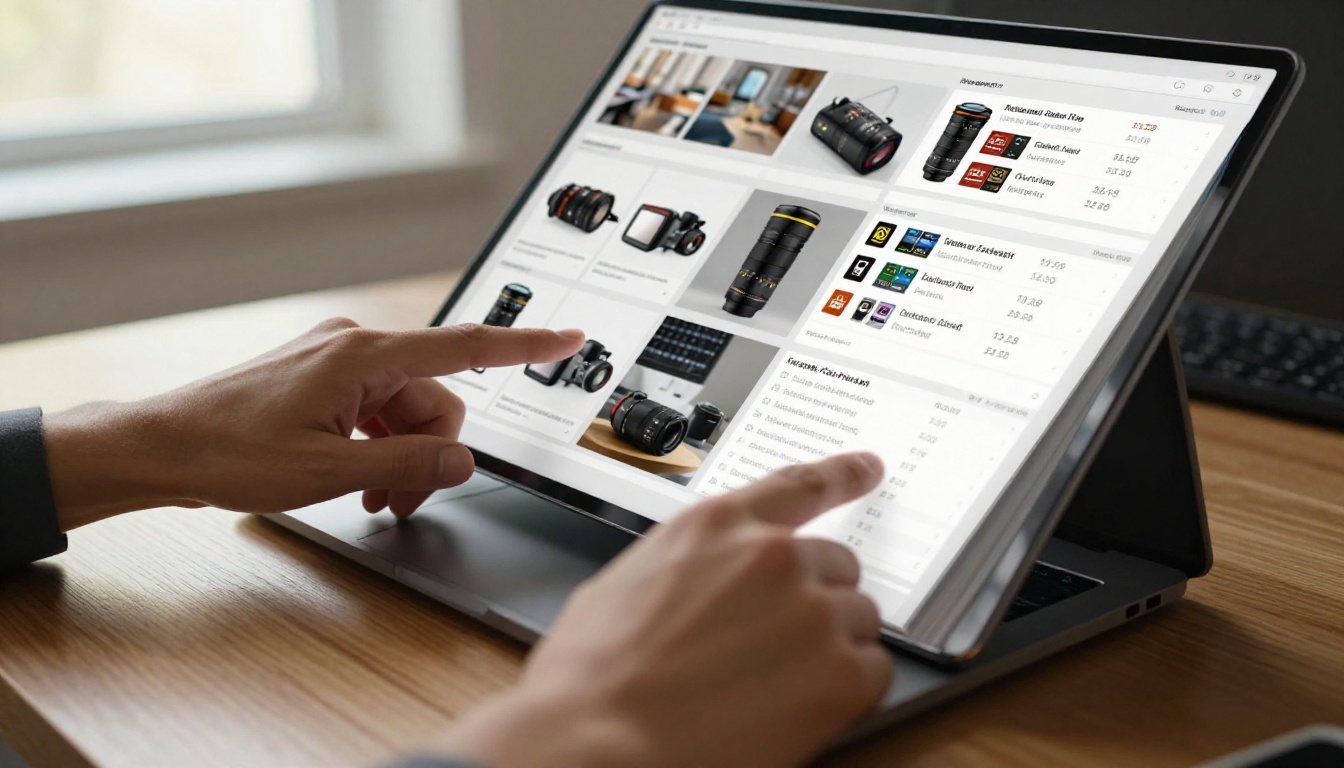
A flip catalog changes that dynamic entirely. Instead of a static file sitting in someone's downloads folder, you send a link to a branded, interactive, mobile-ready catalog that you can track, update, and protect.
Why a Flip Catalog Works for B2B
Static PDFs Are Losing Deals
The numbers are not flattering for traditional PDF catalogs. Buyers who receive a PDF attachment open it about 40% less often than buyers who receive a direct link to a web-based catalog. When your competitor sends a sleek, interactive flipbook and you send a static PDF, the difference is obvious immediately.
💡 A flip catalog also stays current. Update your pricing or add new SKUs to the source file, re-upload, and every buyer link already reflects those changes. No need to re-send anything.
Interactive Beats Print Every Time
Printed catalogs have their place at in-person events, but they come with serious drawbacks for wholesale distribution. They go out of date the moment they are printed. They cost money per copy. Shipping them internationally is expensive. And you cannot track what a buyer actually spent time reading.
| Format | Shareability | Tracking | Updateable | Cost | Mobile-Friendly |
|---|
| Printed Catalog | Low | None | No | High | No |
| Static PDF | Medium | None | No | Low | Partial |
| Flip Catalog (Digital) | High | Yes | Yes | Very Low | Yes |

Planning Your Wholesale Flip Catalog
Define Your Buyer Persona First
Before opening any design software, spend 20 minutes answering these questions about your wholesale buyer:
- What industry are they in? A fashion retailer needs different catalog sections than a restaurant equipment distributor.
- How do they buy? Online ordering portal, direct rep, or trade show?
- What do they compare? Your pricing vs. a competitor? Your delivery times? Your minimum order quantities?
- Who else sees this catalog? A purchasing manager, store owner, or a corporate procurement committee?
The answers shape every decision you make about structure, content density, and design style.
What to Include in Every Section
A wholesale flip catalog for buyers is different from a consumer product catalog. Your buyers are not browsing for pleasure. They are making purchasing decisions on behalf of a business. Every page should serve that purpose.
| Catalog Section | What to Include | Why It Matters |
|---|
| Product Overview | Name, SKU, category | Quick identification and ordering |
| Photography | 2-3 angles, lifestyle shot | Reduces return rates, builds confidence |
| Pricing Tiers | Volume breaks, MSRP, wholesale price | Core buying decision information |
| Specs | Dimensions, weight, materials, case count | Logistics and shelf-fit decisions |
| Ordering Info | MOQ, lead time, payment terms | Removes friction from the purchase |
| Terms | Return policy, shipping zones | Buyer confidence and compliance |
⚠️ Never assume buyers will contact you for basic information. If your catalog doesn't answer the question, a competitor's catalog probably does.
Designing for Bulk Buyers
Product Pages That Convert
Each product page in your wholesale catalog should follow a consistent layout. Consistency helps buyers scan quickly and compare products across your line without having to re-orient themselves on every page.
Recommended product page layout:
- Full-width product image (top)
- Product name and SKU (large, bold)
- Short description (2-3 sentences max)
- Specifications table
- Pricing tier table
- Ordering minimum and lead time
- Contact or order action

Pricing Tables That Make Sense
Volume pricing is the backbone of wholesale. Your catalog needs to present it in a way that immediately communicates value at scale. A simple tiered table does this better than any written paragraph.
| Quantity | Unit Price | Savings vs. MSRP |
|---|
| 1-10 units | $24.00 | 20% |
| 11-50 units | $20.00 | 33% |
| 51-100 units | $17.00 | 43% |
| 100+ units | Contact for quote | Negotiable |
💡 If your pricing is confidential, use password protection on your flip catalog. Only approved buyers with the link and password can access pricing details.
How to Build Your Flip Catalog with Flipbooks AI
Flipbooks AI makes building a wholesale flip catalog straightforward even if you have no design experience. You start with a PDF and the platform handles the conversion.
Step 1: Prepare Your PDF
Design your catalog in Adobe InDesign, Canva, Google Slides, or any tool that exports a high-resolution PDF. Structure it with clear sections as described above. Use a consistent page template. Export at 150-300 DPI for crisp screen display.
✅ Use the Digital Catalog Maker or the Catalog Flipbook Creator for pre-built templates optimized for wholesale product catalogs.
Step 2: Upload and Convert
Go to flipbooksai.com and create your account. From the dashboard:
- Click New Flipbook
- Upload your catalog PDF
- The PDF to Flipbook Converter automatically processes every page
- Preview the result in the built-in viewer
Conversion typically takes under two minutes for a 50-page catalog.
Step 3: Customize for Your Brand
This step separates a generic PDF from a branded wholesale catalog that buyers remember. In the editor:
- Logo: Upload your company logo to appear in the viewer header
- Brand Colors: Set your primary and accent colors for the viewer interface
- Custom Domain: Point the catalog to your own domain for catalog.yourcompany.com links
- Multimedia: Optionally embed product demo videos directly in catalog pages
Step 4: Set Access Controls
For wholesale catalogs, access control is often critical. Your pricing is not public information. Choose from three options:
- Public Link: Anyone with the URL can view (good for general product lines)
- Password Protected: Buyers need a password to open (good for pricing catalogs)
- Private: Only specific email addresses can access (good for individual account catalogs)
Check the pricing plans page to see which access options are available at each tier.
Step 5: Share with Your Buyers
Once published, you get a shareable link. You can also:
- Embed the catalog directly on your wholesale portal or website
- Download a QR code to print on trade show materials
- Share via email campaigns with tracking enabled
- Send via messaging apps, WhatsApp, or LinkedIn

Sharing Your Catalog with Wholesale Buyers
Direct Link vs. Embed vs. Download
Choosing how to share your flip catalog depends on your sales workflow and buyer profile.
| Sharing Method | Best For | Pros | Cons |
|---|
| Direct Link | Email outreach, DMs, trade show follow-up | Easy to share, trackable | Requires internet |
| Website Embed | Wholesale portal, product pages | Seamless UX, no extra click | Needs website access |
| QR Code | Trade shows, printed materials | Physical to digital bridge | Requires phone scan |
| Download | Offline buyers, low connectivity regions | Works offline | Not updateable after download |
✅ For most B2B sales teams, a combination of direct link sharing and website embed gives the best results. Use the Embed Flipbook on Website tool to add the catalog to your ordering portal.
Password Protection for Private Pricing
Wholesale pricing is commercially sensitive. Most suppliers don't want their distributor margins visible to the general public or their retail customers. Password protection on your flip catalog solves this without requiring a login system.
You set the password once. You share it with approved buyers alongside the catalog link. No complex registration flows, no IT involvement.

Tracking What Buyers Actually Look At
Analytics for B2B Sales Teams
One of the biggest advantages of a digital flip catalog over print or static PDF is visibility into buyer behavior. With analytics available on the Professional plan, you can see:
- Total views and unique visitors per catalog
- Time spent per page (which products are getting the most attention)
- Drop-off points (where buyers stop reading)
- Device breakdown (mobile vs. desktop vs. tablet)
- Geographic data (which regions are most active)
This data turns your catalog into a sales intelligence tool. If buyers consistently spend time on pages 12-15 (your seasonal collection) but skip pages 20-25 (your basics), that tells your sales team exactly where to focus follow-up calls.
💡 Lead generation forms can be embedded in your flip catalog on the Professional plan. Buyers can request a quote, sign up for updates, or submit an order inquiry without ever leaving the catalog.
Real Use Cases by Industry
Fashion and Apparel Wholesalers
A clothing wholesaler selling to boutiques and online retailers uses a flip catalog to present their seasonal lookbook alongside technical spec sheets. Buyers can flip through lifestyle photography on the front pages, then move to the spec and pricing section at the back. The Fashion Catalog tool provides templates built specifically for this structure.
What works: High-quality lifestyle images on left pages, spec tables and size charts on right pages. Seasonal collections separated by category sections or color-coded dividers.
Food and Beverage Distributors
A specialty food importer distributing to restaurants, hotels, and grocery chains uses a flip catalog to showcase their product line with clear minimum order quantities, shelf life information, and allergen data. Buyers in this sector often need to share catalogs with compliance teams before ordering.
Password-protected catalogs with downloadable spec sheets embedded on individual product pages are particularly effective here.
Home Goods and Furniture
Furniture and home decor wholesalers deal with buyers who need to visualize how products fit into retail spaces. A flip catalog with room-setting photography, dimension diagrams, and fabric or finish options presented in a visual matrix format converts far better than a text-heavy price list.
The Furniture Catalog Maker and Product Catalog Generator both offer layouts optimized for visual merchandise presentation.

Industrial and B2B Equipment
Technical buyers in manufacturing, construction, or foodservice equipment need detailed spec sheets, compliance certifications, and installation requirements alongside pricing. A flip catalog with embedded PDF attachments per product page, or links to individual spec documents, handles this well.
⚠️ For technical catalogs, prioritize clarity over aesthetics. Dense spec tables are fine. Buyers in these sectors expect and rely on them.
Flip Catalog Features That Matter Most for Wholesale
Not every feature in a flipbook platform matters equally for wholesale use cases. Here is how the core features rank by importance for B2B catalog distribution:
| Feature | Importance for Wholesale | Why |
|---|
| Password Protection | Critical | Protects pricing from competitors |
| Mobile Responsiveness | Critical | Buyers review on phones constantly |
| Analytics | High | Sales intelligence and buyer follow-up |
| Custom Branding | High | Professionalism builds buyer trust |
| Lead Generation Forms | High | Direct quote requests from within catalog |
| Offline Downloads | Medium | Buyers in low-connectivity areas |
| Embed on Website | Medium | Wholesale portal integration |
| Video Embedding | Medium | Product demos within catalog pages |
✅ The Standard plan at Flipbooks AI includes unlimited flipbooks with no watermarks, custom branding, and mobile-responsive design. The Professional plan adds analytics and lead generation, the most valuable features for active sales teams.

Start Sending Catalogs That Close Deals
Wholesale buyers are making decisions faster than ever. A poorly organized PDF or an out-of-date printed catalog is not just inconvenient; it actively costs you deals. A well-built flip catalog positions your business as organized, professional, and easy to work with, which matters enormously in B2B relationships where trust drives long-term volume.
The process is simpler than most suppliers expect. Design your catalog PDF with clear sections, upload it to Flipbooks AI, customize your branding, set your access controls, and send buyers a link they can open on any device in under a second.
Start your first wholesale flip catalog today by creating a free account at Flipbooks AI. Browse all available catalog tools and templates to find the right fit for your product line, or compare pricing plans to see which tier works best for your sales team's needs.



