Making a flipbook for a birthday is one of those gifts that lands differently. Not a candle, not a gift card, not a generic box of chocolates. A flipbook is motion frozen into pages, a tiny film of someone's story that fits in the palm of a hand. The person receiving it will flip through it on the spot, then again an hour later, then put it on a shelf where it stays for years. Flipbooks AI exists to make the digital version of that experience faster, sharper, and shareable with anyone in the world in seconds.
This article walks through every method available, from cutting and binding paper pages at your kitchen table to uploading a PDF and publishing a polished interactive flipbook online.
Why a Flipbook Hits Different as a Birthday Gift
The Nostalgia Paper Pages Carry
There is something tactile about a physical flipbook that a digital slideshow cannot replicate. When someone holds it and runs their thumb across the corner of the pages, the brain activates a different kind of attention. It is interactive. It is personal. It requires physical participation from the reader, which makes the emotional payoff stronger than a video someone watches passively on a screen.
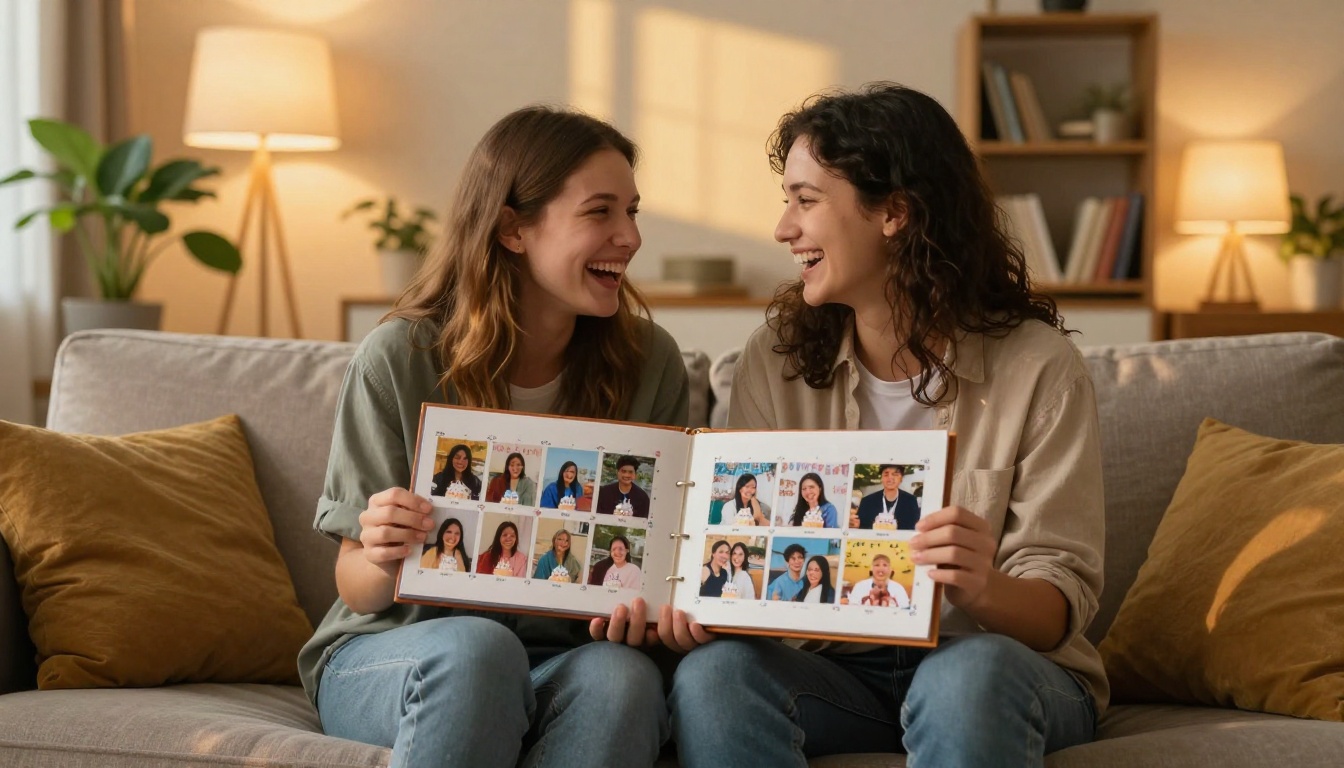
Birthday flipbooks work because they are a story. A first-year baby book showing 52 weekly photos. A decade-spanning tribute to a parent turning 60. A wedding party inside joke captured frame by frame. These are not decorations. They are artifacts.
Physical vs Digital: Which One Fits
Both formats work. They serve different needs.
A paper flipbook is best when you want something someone can hold, display on a shelf, or pass around the table at dinner. It requires more manual effort but zero technology on the recipient's end.
A digital flipbook is best when you want higher image quality, easier sharing, password protection, and the ability to send it to someone across the world instantly. A digital flipbook also lets you embed videos, add audio, and update the content after the fact.
💡 If you are making a birthday gift for someone who lives far away, a digital flipbook shared via link is faster and cleaner than shipping a physical item.
What You Need Before You Start
For a Paper Flipbook
- At minimum 30 photos or illustrations (more pages means smoother animation)
- A printer with decent resolution (300 DPI minimum)
- Card stock or thick photo paper (80-100 lb weight)
- Scissors or a paper trimmer for clean cuts
- A binder clip, rubber band, or a stapler
- Optional: a corner rounder for a professional finish
For a Digital Flipbook
- A PDF of your photos, pages, or layouts (most tools require PDF input)
- Your photos organized in chronological or thematic order
- A Flipbooks AI account (free to start)
- Optional: Canva, Adobe InDesign, or Google Slides to build your PDF layout
How to Make a Paper Birthday Flipbook Step by Step
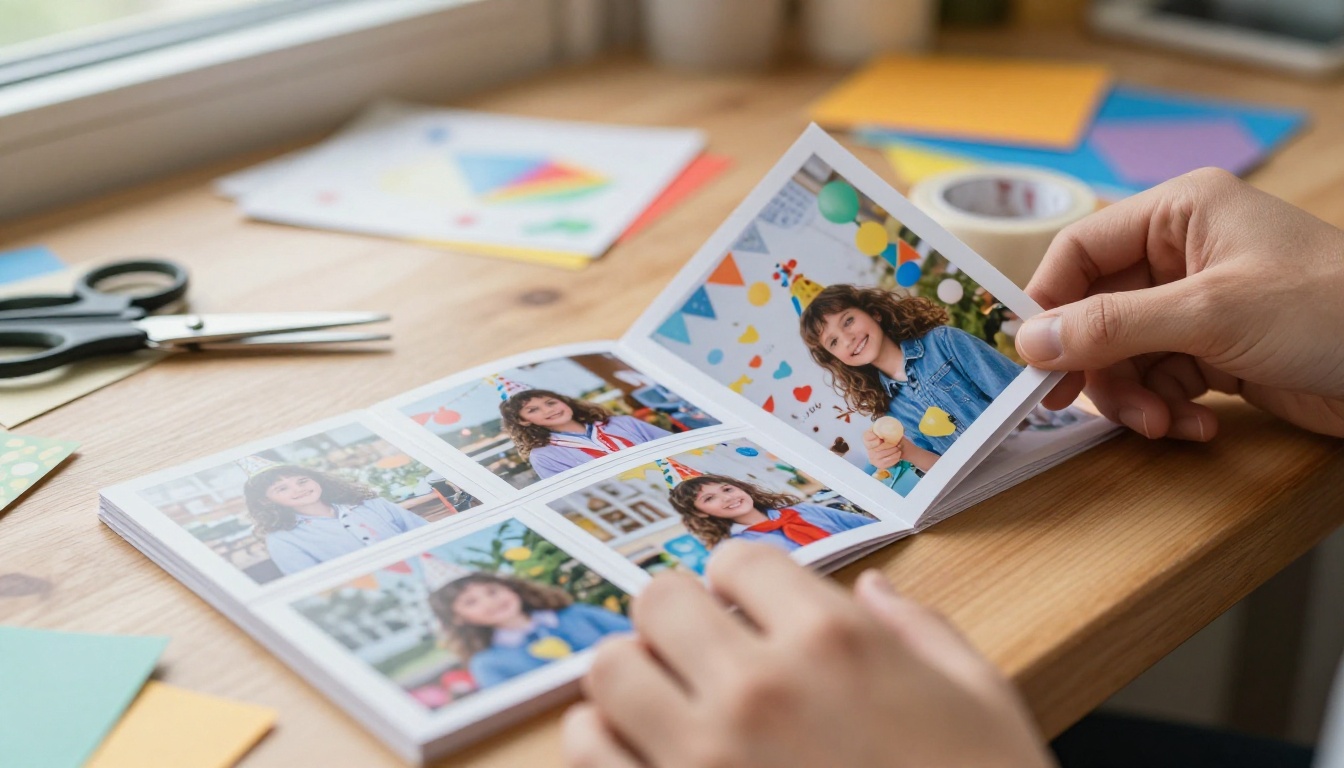
Paper flipbooks are the original version. They have been around since 1868, and the format has not changed because it does not need to.
Step 1: Pick Your Photo Sequence
The single most important decision. A flipbook only works if there is progression between pages. That means:
- For animation: draw or photograph slight variations of the same subject so motion is implied when pages flip
- For a photo tribute: arrange photos in chronological order so the person "grows up" as the pages turn
- For a party flipbook: sequence photos from setup, to arrivals, to cake cutting, to the chaos at the end
A common mistake is choosing photos that are too different from each other. The eye needs visual continuity. Keep the subject in roughly the same position across frames.
Step 2: Print and Size Your Pages
Standard flipbook size is approximately 2.5 x 3.5 inches (think playing card sized) or 4 x 6 inches for photo-heavy versions. Print all your images on photo paper or card stock.
- Set print resolution to 300 DPI
- Leave a small white margin on the left side (the binding edge)
- Number each page lightly in pencil on the back to preserve sequence order
⚠️ Do not use regular printer paper. It is too thin and the pages will buckle and stick together when someone flips them.
Step 3: Bind the Pages Together
This is where most DIY flipbooks fail. Weak binding means the pages fly apart after the second flip.
Options ranked by durability:
- Glue binding: Apply a thin, even layer of PVA glue to the left edge. Clamp overnight. Clean finish.
- Binder clip: Fast and easy. Clip on the left spine. Works for casual gifts.
- Staple plus tape: Staple the spine, then wrap the staples with bookbinding tape for a clean edge.
- Spiral bind: Most durable. Requires a binding machine but gives a professional feel.
Step 4: Add a Personal Touch
- Write a message on the back page
- Add a title page as the first page
- Use a custom sleeve or envelope for presentation
How to Make a Digital Birthday Flipbook with Flipbooks AI
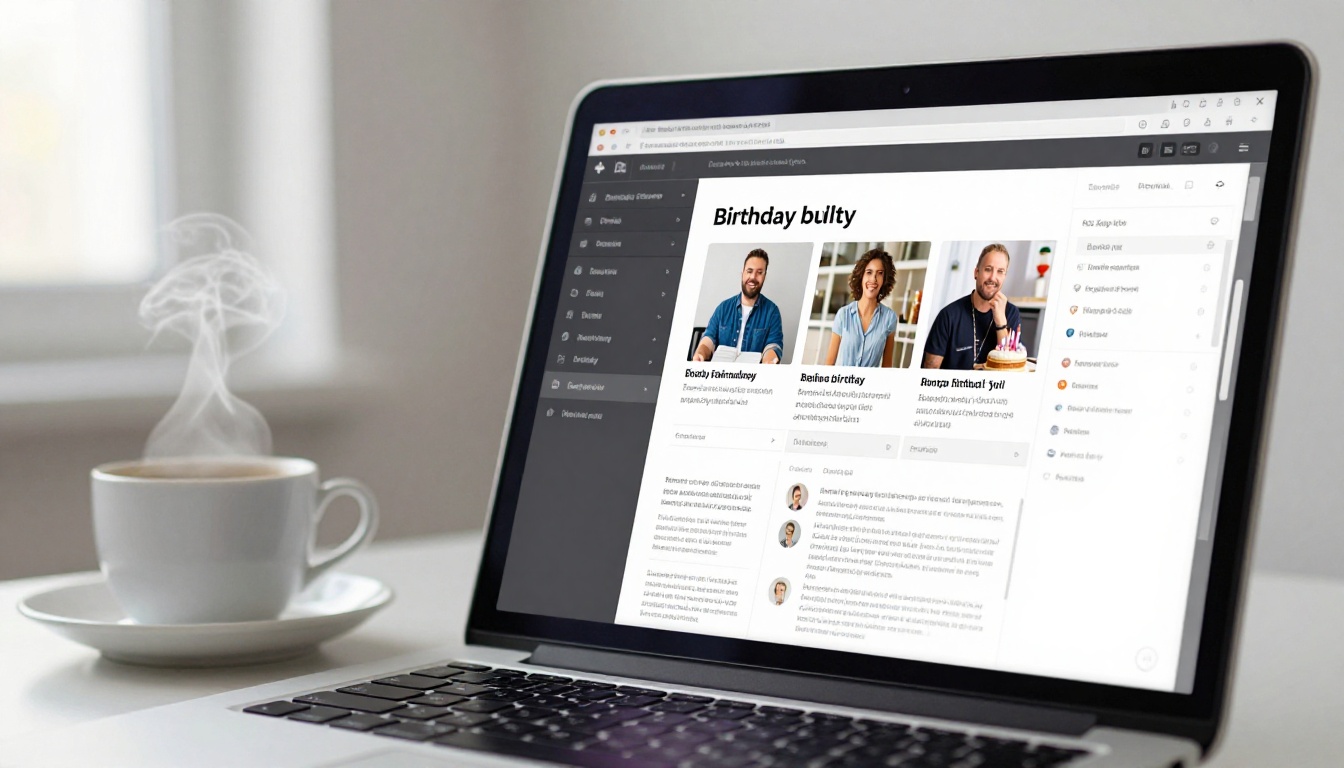
Flipbooks AI turns a PDF into a fully interactive, page-turning digital flipbook in under two minutes. No coding. No design degree required.
Step 1: Build Your PDF
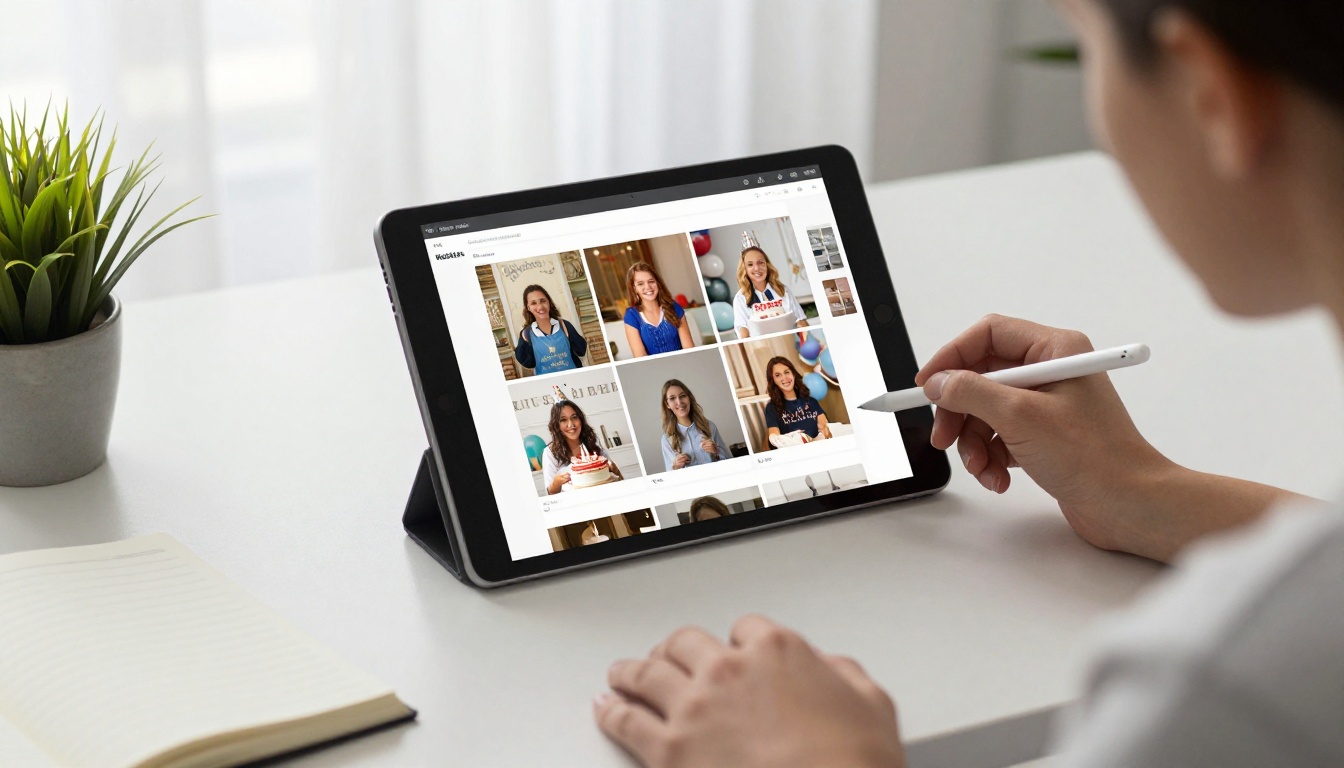
Open Canva, Google Slides, or PowerPoint. Set the page size to match your desired flipbook format (A4 or letter size works well). Add your birthday photos one per page, or design spreads with photos, captions, and decorative elements.
Export as PDF when done.
✅ Keep each page visually consistent. Use the same font, border style, or color palette throughout so the flipbook feels cohesive rather than chaotic.
Step 2: Upload and Convert
Go to Flipbooks AI and create your account. Once inside:
- Click "New Flipbook"
- Upload your PDF file
- The platform converts each PDF page into a high-resolution flipbook page automatically
- Preview the result in the built-in viewer before publishing
The PDF to Flipbook Converter handles files of any size and preserves your original image quality.
Step 3: Customize the Look
This is where the digital version beats paper entirely:
- Change the background color or add a texture behind the flipbook
- Set the page-flip animation style (classic page turn, slide, fade)
- Add your name or a birthday message as a custom flipbook title
- Upload a thumbnail for sharing previews
All customization is done in real time with live preview. No export-reimport loop required.
Step 4: Share and Send
Once published, you get:
- A direct link you can text, email, or post anywhere
- An embed code to place the flipbook inside a website or digital invitation
- A QR code to print on a physical card so guests can scan and view it at the party
- Password protection if you want to keep it private to the birthday person
💡 Print the QR code on a birthday card. When the person scans it, they get taken directly to their personal birthday flipbook. No apps, no downloads, no hunting through old emails.
Birthday Flipbook Ideas That Actually Work
Baby's First Year
Photograph the baby once a week for 52 weeks. Same position, same spot in the house. Turn those 52 photos into a flipbook. When flipped, you see the baby grow from a newborn into a walking, laughing one-year-old in about four seconds. This is the most common format and for good reason: it reliably makes people emotional in the best possible way.
A Through-the-Years Tribute
Perfect for milestone birthdays (30th, 40th, 50th, 60th). Source one photo per year of the person's life. Sequence them chronologically. The person flips through their own life story. Pair it with a digital version using Flipbooks AI so relatives who could not attend can also view it.
Party Highlights Reel
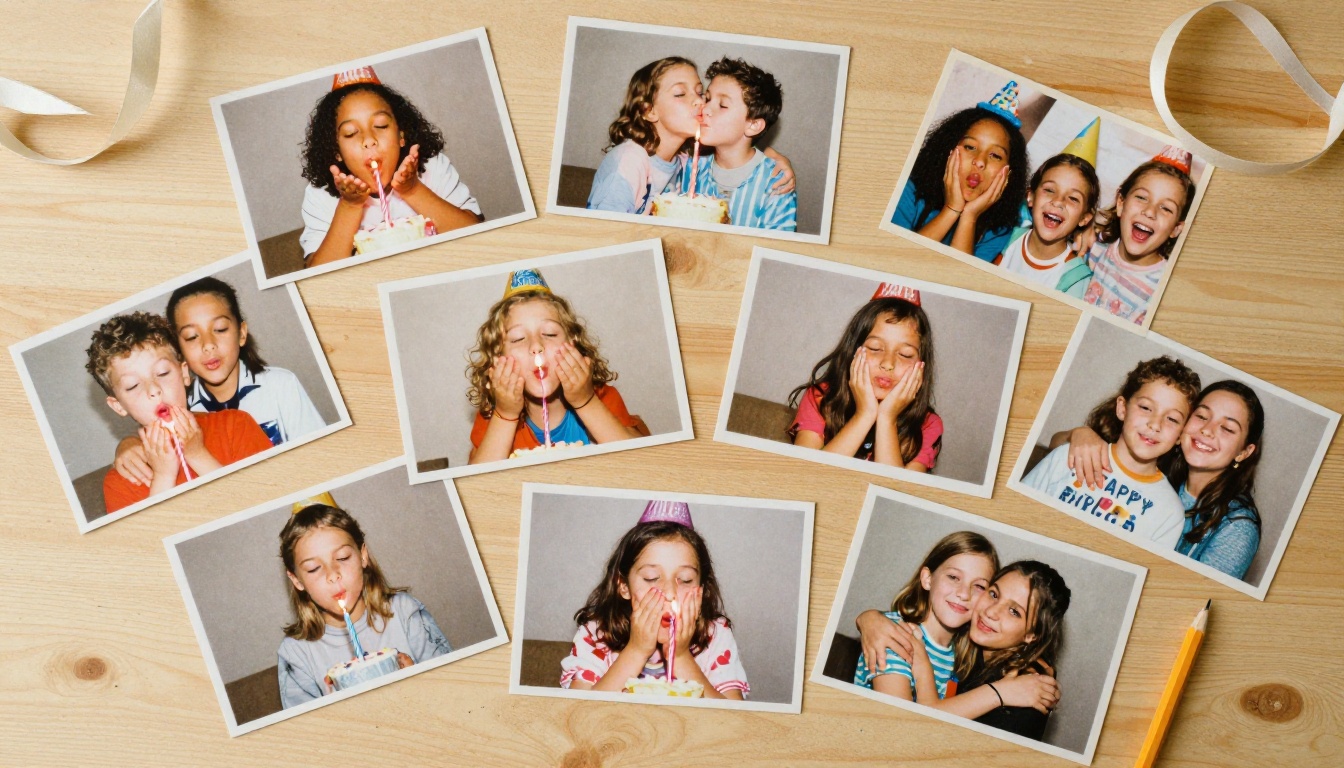
Have a photographer (or a detail-oriented friend with a phone) take burst photos during specific moments: guests arriving, the birthday person's face when they see the cake, the candle blow. Sequence the burst shots into a flipbook. The result is a near-video of the party captured in paper.
Animated Birthday Message
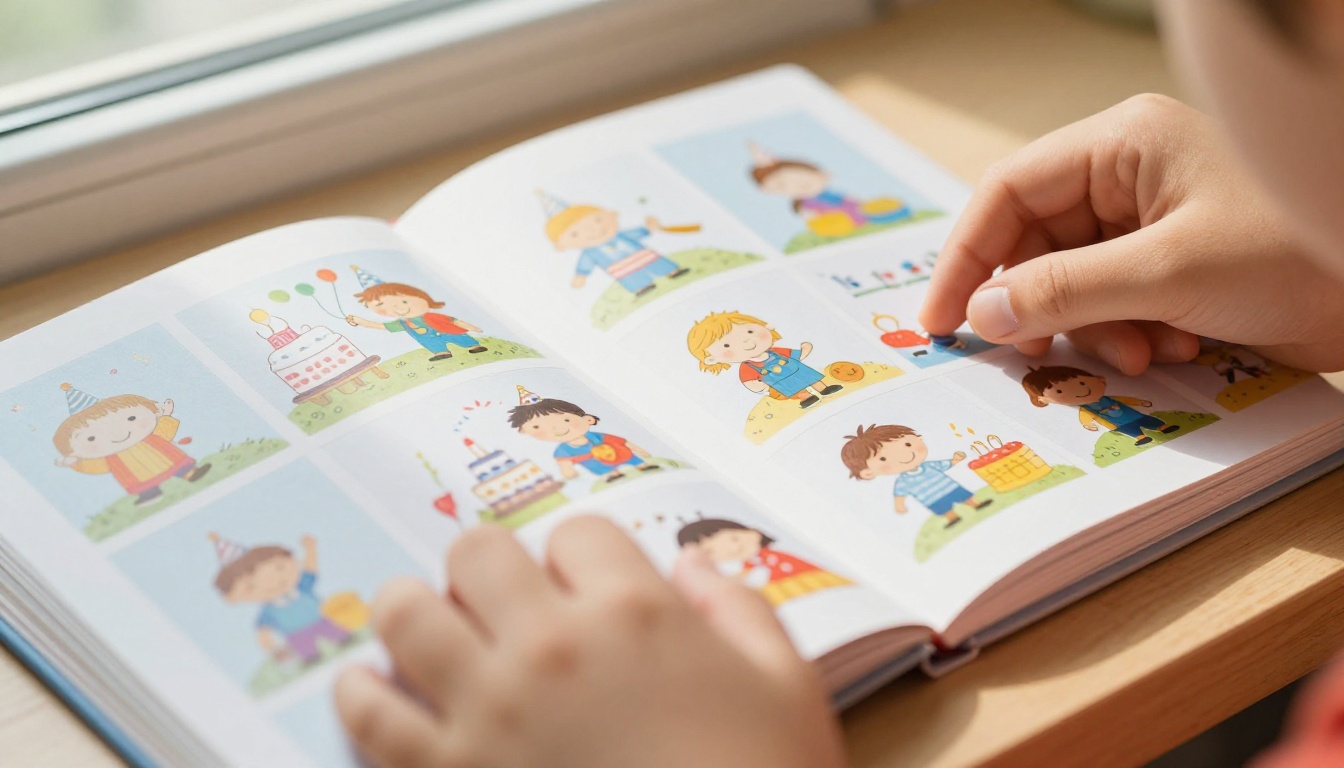
Instead of photos, illustrate a short birthday animation frame by frame. Even stick figures work if the motion is clean. "Happy Birthday [Name]" written letter by letter across 30 pages has genuine charm. Hand-drawn flipbooks feel personal in a way no digital asset can replicate.
Travel Memory Book
If the recipient loves travel, sequence photos from different trips across the years, one destination per section. A digital version using the Travel Guide Flipbook tool lets you add captions and embedded video clips from the trips.
Paper vs Digital: A Real Comparison
| Feature | Paper Flipbook | Digital Flipbook (Flipbooks AI) |
|---|
| Cost | $5 to $30 (printing + materials) | Free to start, paid plans from $9/mo |
| Time to produce | 2 to 6 hours | 15 to 30 minutes |
| Image quality | Limited by printer | Full HD, original quality preserved |
| Sharing | In person only | Link, embed, QR code, email |
| Customization | Manual only | Colors, fonts, animation styles |
| Password protection | No | Yes |
| Video and audio | No | Yes |
| Durability | Can wear with use | Permanent online access |
| Best for | Intimate gifts, display items | Remote sharing, large audiences |
✅ For most birthday situations, a combination works best: a small paper version as the physical gift, plus a digital version shared via link for family members who were not there.
Flipbooks AI Plans at a Glance

| Plan | Flipbooks | Watermark | Password | Analytics | Price |
|---|
| Free | 1 | Yes | No | No | $0 |
| Starter | 10 | No | No | No | From $9/mo |
| Standard | Unlimited | No | Yes | No | From $19/mo |
| Professional | Unlimited | No | Yes | Yes | From $39/mo |
No watermarks start at the Starter plan. Unlimited flipbooks, password protection, and the full feature set come with Standard and Professional plans. Compare all plans to see what fits your situation.
5 Mistakes That Ruin a Birthday Flipbook
1. Too few pages
Anything under 20 pages barely registers as a flipbook. The animation feels choppy and the viewing experience is over before it begins. Aim for at least 30 pages for paper, and use multi-page PDFs for digital versions.
2. Inconsistent framing
If the subject jumps around the frame between pages, the flip effect breaks. Keep the subject in the same area of the frame across all pages. Crop and align in editing before printing.
3. Low resolution photos
A blurry flipbook printed at 72 DPI feels like a mistake. Always use 300 DPI images for print. For digital, upload the highest resolution PDF you have.
4. Weak binding
The most common DIY failure. If the pages are not bound firmly on the left edge, the flipbook falls apart after one or two uses. Use proper bookbinding glue or get it spiral bound at a print shop.
5. No title page
A flipbook without a title page looks unfinished. Add a simple opener: the person's name, the birthday year, and who made it. That context makes it a keepsake instead of just a stack of photos.
⚠️ Avoid glossy photo paper for paper flipbooks. The pages stick together when flipped quickly, which kills the animation effect. Matte or semi-gloss paper performs much better.
Personalization Options Worth Knowing
Both paper and digital formats offer more personalization than most people use. For paper:
- Hand-write captions in the margin of each page
- Use colored card stock for a bold, playful feel
- Add stickers or stamps between sections as visual chapter breaks
- Create a custom sleeve or envelope for presentation
For digital versions on Flipbooks AI:
- Set a custom background color or texture that matches the birthday theme
- Add the birthday person's name to the front page dynamically
- Embed a short video message from friends and family directly inside the flipbook
- Use the Wedding Album Flipbook or Digital Portfolio Creator tools as starting templates for photo-heavy formats
- Share via QR code printed on the physical invitation
| Personalization | Paper Flipbook | Digital Flipbook |
|---|
| Front page design | Yes (manual) | Yes (built-in editor) |
| Captions per page | Yes (handwritten) | Yes (text overlays) |
| Embedded video | No | Yes |
| Color theme | Limited (paper choice) | Full color control |
| Guest messages | No | Yes (via link sharing) |
| QR code access | No | Yes |
Making the Gift Feel Right
The flipbook itself is the gift. But how you present it matters almost as much.
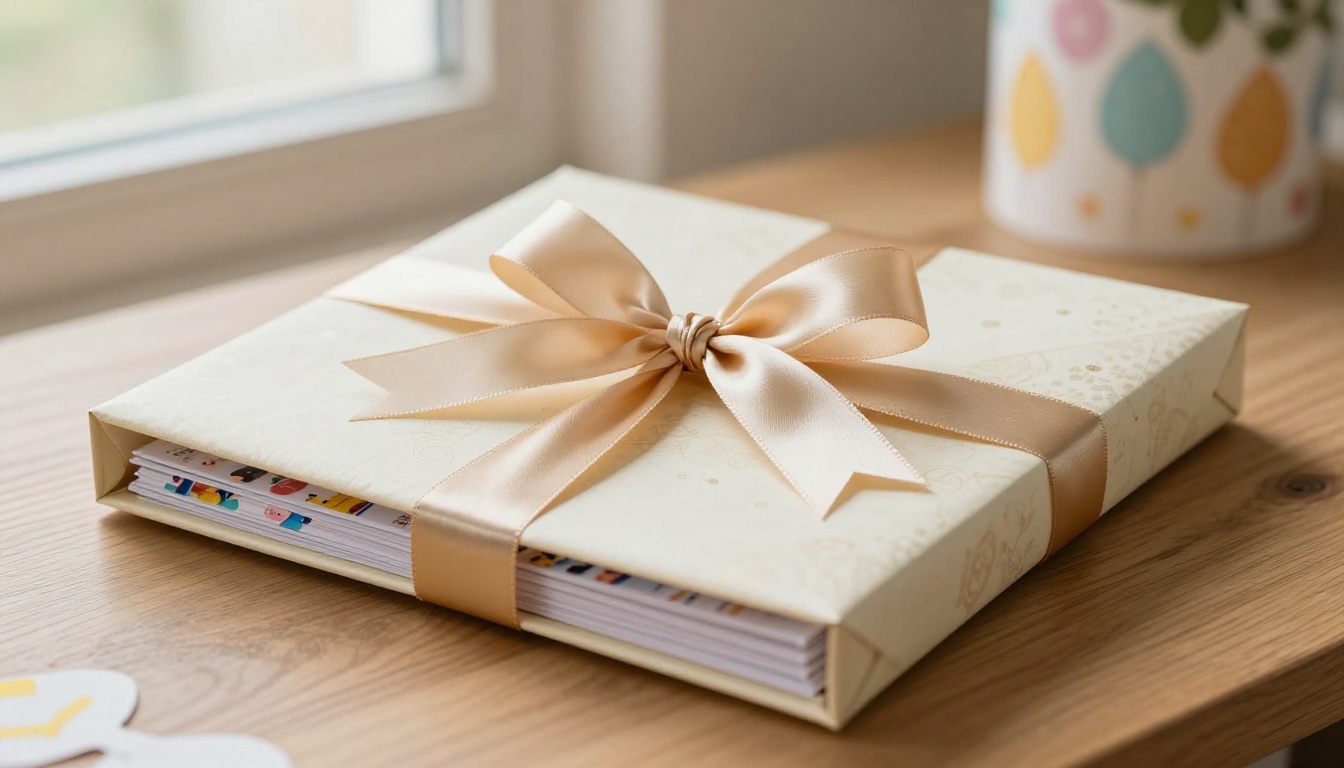
For a paper flipbook: wrap it in tissue paper, tuck it inside a small box or envelope, and attach a handwritten note explaining the concept. Some people have never seen a flipbook before and need a second to realize they should flip the pages with their thumb.
For a digital flipbook: send the link inside a birthday message, not as an afterthought. Write a sentence explaining what it is. "I made you a flipbook of your last ten years. Flip through it." That one line of framing changes how the person receives it.
If you want to add even more depth, pair the digital flipbook with a printed QR code card. The person keeps the physical card, and every time they scan it, the flipbook is right there. No apps, no downloads, no searching through old emails.
Ready to build yours? Get started for free on Flipbooks AI. Browse all available tools and templates to find the right format for your birthday tribute. And when you are ready for password protection, analytics, and unlimited flipbooks, check the pricing plans to find what works for you.
A flipbook for a birthday is not a trend. It is a format that has lasted over 150 years because it does something nothing else does: it turns still images into motion, and motion into memory.



