Planning a charity auction without a proper catalog is like hosting a dinner party without a menu. Guests arrive, see items scattered around the room, and have no clear way to evaluate what they're bidding on or why it matters. A flipbook changes that entirely.
Whether you're organizing a black-tie gala, a school fundraiser, or a community benefit night, a well-designed charity auction flipbook gives your event a professional edge, helps donors make informed decisions, and drives higher bids. Flipbooks AI makes the whole process approachable even if you've never designed an event program before.
This article walks through every part of creating a flipbook for a charity auction: what to include, how to design it, how to share it, and how to make sure it actually helps you raise more money.
Why Flipbooks Work for Charity Auctions
More Bids, More Money Raised
The data behind event fundraising is clear: donors who feel informed give more. When someone can flip through a catalog, read an item description, see a photo, and understand the retail value before the bidding starts, they're more likely to commit to a bid, and often a higher one.
A printed bid sheet stapled to a wall tells donors almost nothing. A flipbook with a full-page photo, a compelling description, and a stated starting bid does the selling for you before you even open your mouth.
First Impressions Matter at Fundraisers
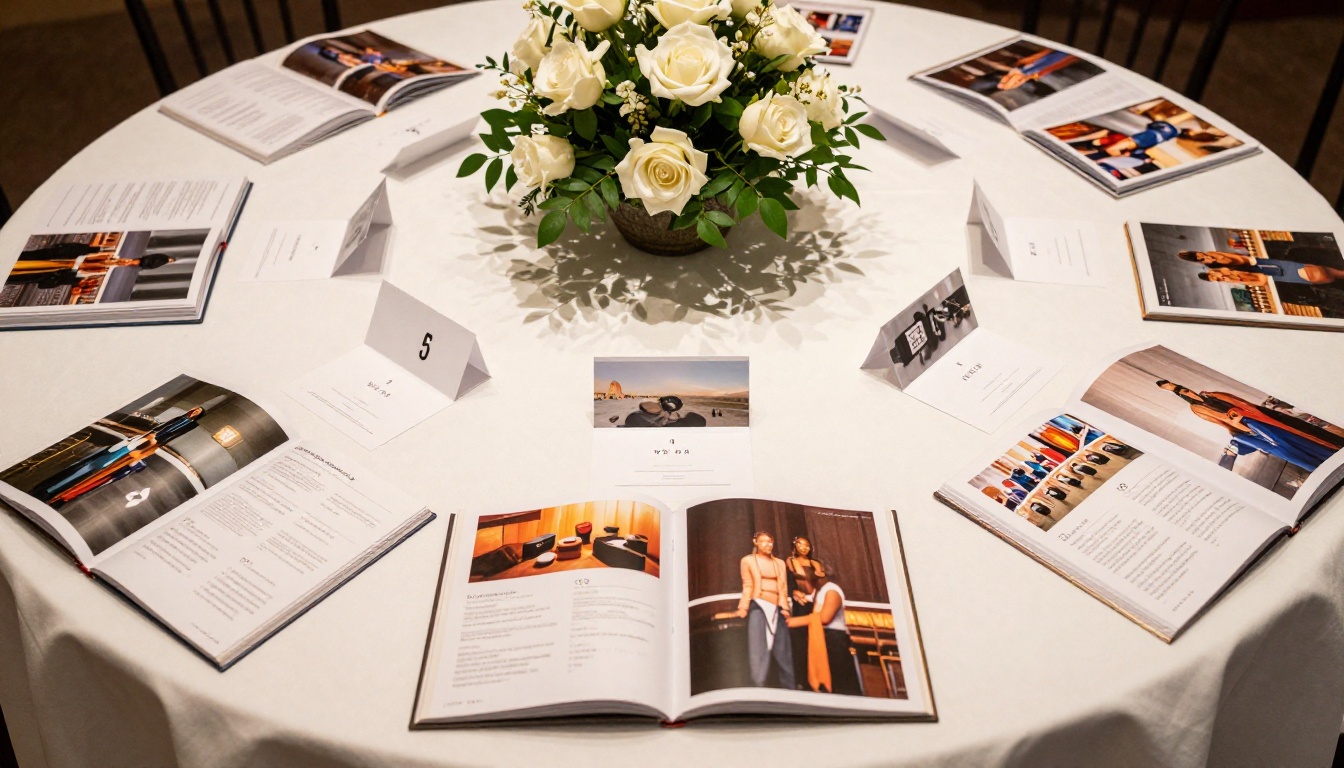
Charity auctions are as much about atmosphere as they are about items. When guests arrive and find a beautifully designed auction catalog waiting at their table, they feel like they're at a real, well-organized event. That perception drives trust, and trust drives generosity.
A flipbook also signals respect for your donors' time. Instead of crowding around a single display, guests can browse at their own pace, share the catalog with a friend, or review items before the event even begins.

What Goes Inside a Charity Auction Flipbook
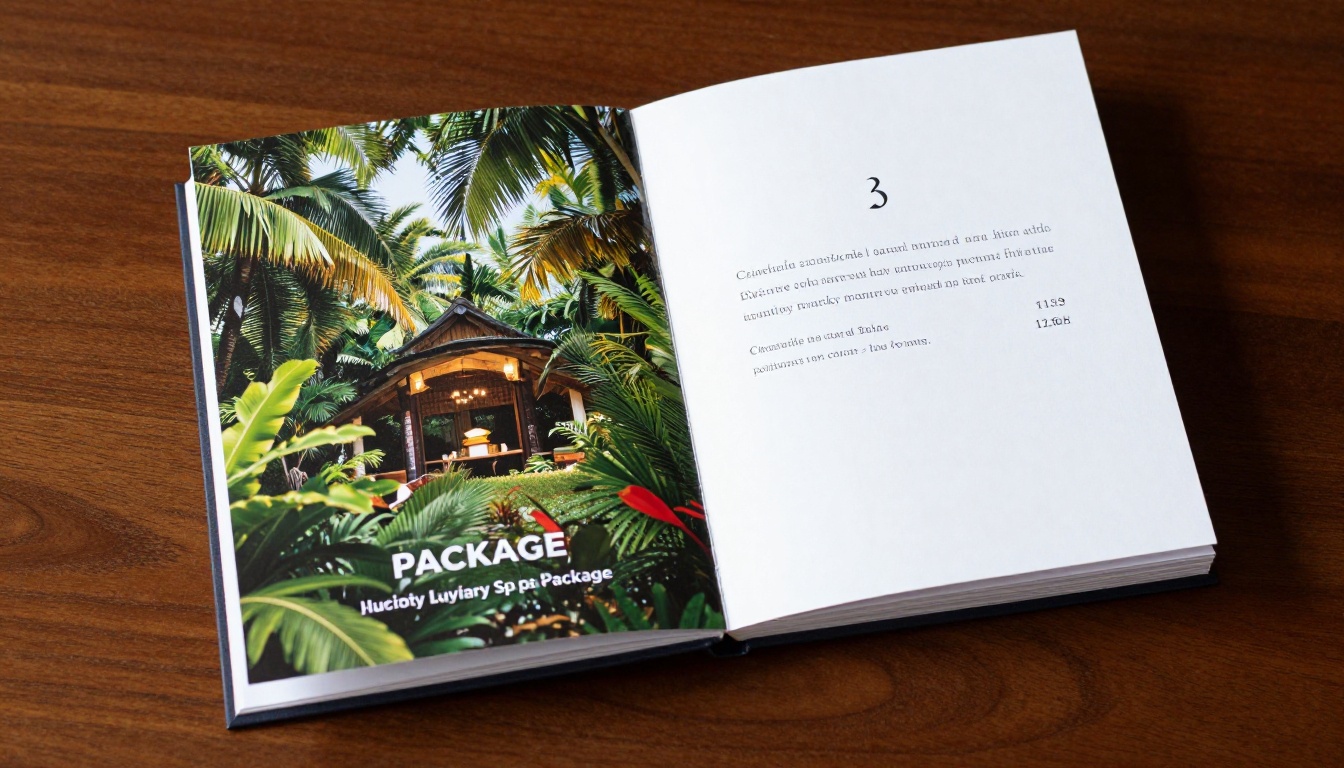
Auction Item Pages That Convert
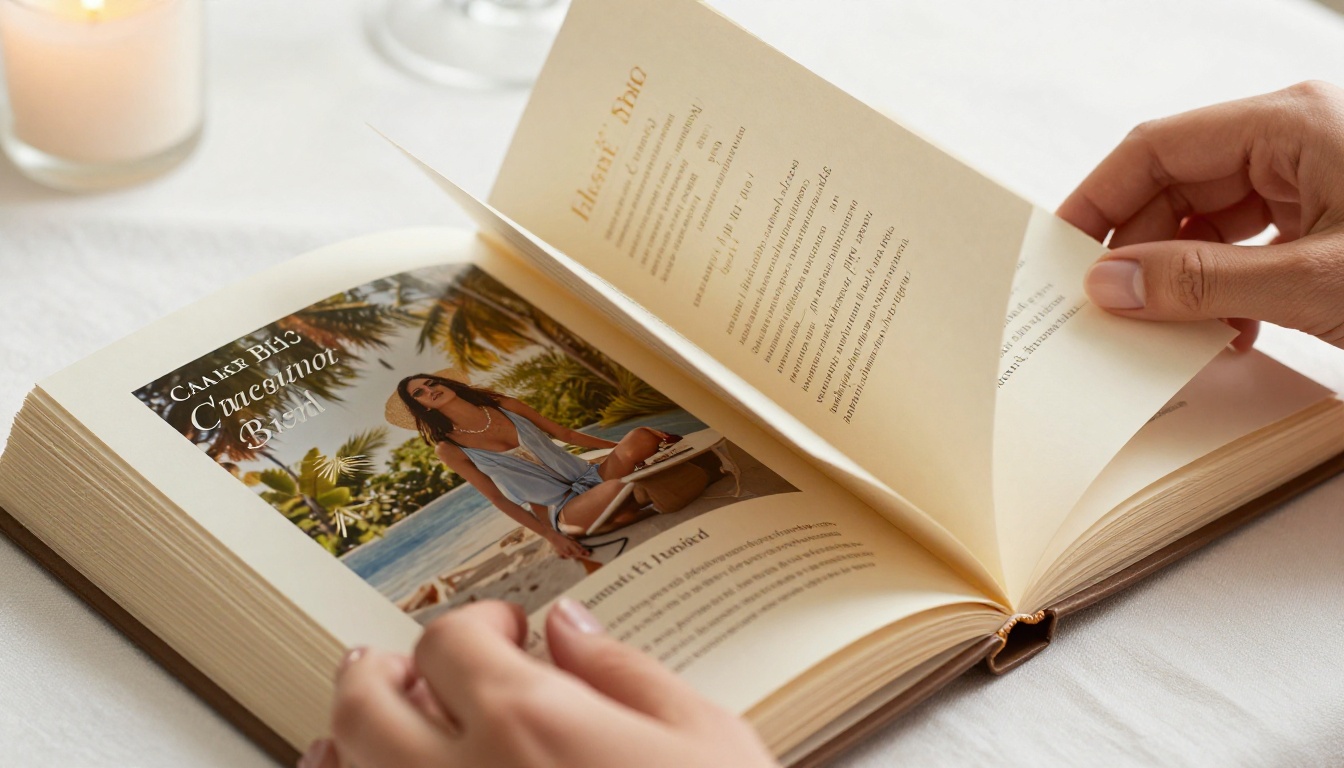
Each item in your auction deserves its own spread, or at minimum a clearly defined section. A strong item page includes:
- Item name: clear and descriptive, not just "Lot 12"
- High-resolution photo: the single biggest factor in bid decisions
- Short description: two to four sentences on what makes this item special
- Donor credit: "Donated by [Business Name]" builds credibility
- Retail value: helps donors understand what they're getting
- Starting bid: removes hesitation and anchors expectations
- Bid increments: helps runners and attendees know the rules
💡 Items with photos receive significantly more bids than items listed text-only. Invest time in getting good photos for every single item.
Sponsor and Donor Recognition Pages
Your sponsors paid to be seen. Your flipbook is one of the best places to deliver that visibility. Dedicate at least one full page, ideally two, to acknowledging sponsors by tier: Title Sponsor, Gold, Silver, and Community Supporters.
Include logos where available, a short line about each company, and a genuine thank-you. Sponsors who feel recognized are more likely to return next year.
Event Schedule and Rules
Don't bury your guests in rules, but do include the essentials:
- Silent auction open and close times
- Live auction start time
- How to pay and pick up items
- Payment methods accepted
- Contact info for questions on the night
A one-page schedule section at the front of the flipbook means staff spend less time answering the same questions all night long.
| Page Section | Recommended Placement |
|---|
| Welcome and Mission Statement | Pages 1-2 |
| Event Schedule and Rules | Pages 3-4 |
| Sponsor Recognition | Pages 5-6 |
| Auction Items | Pages 7 onward |
| Thank You and Contact Info | Last page |
How to Build Your Flipbook Step by Step
Design Your PDF First
Before uploading anything to a flipbook platform, you need a designed PDF. You don't have to be a graphic designer. Tools like Canva, Adobe Express, or even PowerPoint can produce professional-quality layouts.
Tips for designing your auction PDF:
- Use your organization's colors consistently throughout
- Stick to two fonts maximum: one for headings, one for body text
- Give each item a full half-page or full page, don't cram multiple items
- Leave white space. Crowded pages feel overwhelming
- Export at high resolution: 300 DPI minimum for print, 150 DPI for digital
✅ Keep a consistent grid across all item pages. When every page follows the same structure (photo top, description below, bid info bottom), guests can scan quickly without getting lost.
Upload and Convert in Minutes
Once your PDF is ready, the conversion process takes less than five minutes. Upload your file, wait for the automatic page-flip conversion, and you'll have an interactive digital flipbook ready to share.
For a charity auction, you'll likely want both a print version for tables and check-in packets, and a digital version to share via email before the event and display on screens during the gala.

Add Branding and Custom Colors
A generic black-and-white program doesn't excite anyone. When your flipbook carries your organization's branding, logo on the cover, brand colors in the navigation bar, and custom fonts, it tells donors that your organization takes its work seriously.
Cover branding options include:
- Custom logo placement
- Branded color scheme for the flipbook player
- Custom cover thumbnail
- Organization name in the browser tab title
Share Before and During the Event
One underused strategy: send the flipbook to registered guests 3 to 5 days before the event. This gives donors time to review items, discuss with partners, set a budget, and arrive with intent to bid on specific lots.
Sharing options for a charity auction flipbook:
- Direct link: paste into your event confirmation email
- QR code: print on table cards and check-in packets
- Embed on your website: add to your event page
- Password protection: restrict early access to registered guests only
⚠️ If you send the flipbook in advance, include a note explaining that items and bid info are subject to change. This protects you if a donation falls through before the event.
How to Create Your Charity Auction Flipbook with Flipbooks AI
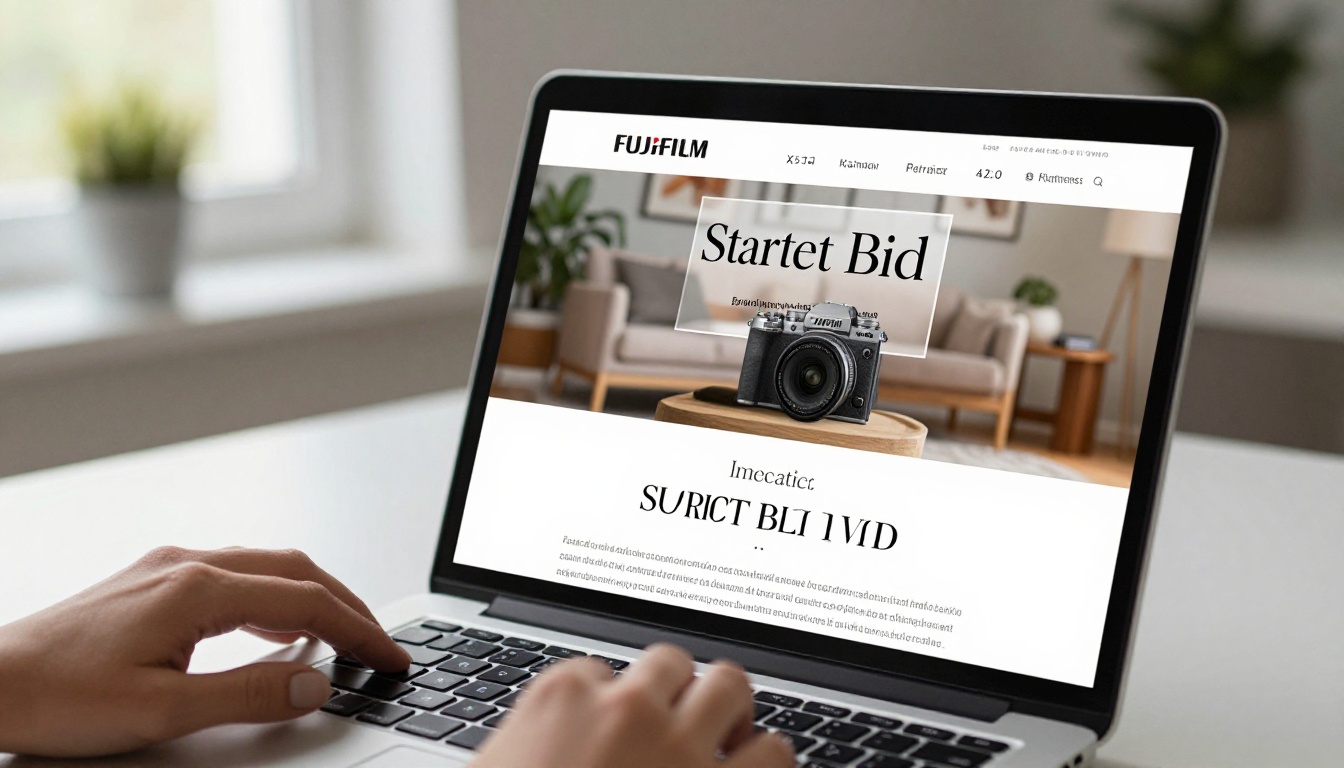
Flipbooks AI is built for exactly this use case. The platform converts PDF files into interactive digital flipbooks with page-turn animations, supports custom branding, and offers sharing tools that work for events of any size.
Set Up Your Account
Head to flipbooksai.com/account and create a free account. The Standard plan and above include unlimited flipbooks with no watermarks, which matters for a professional charity event presentation.
Upload Your Auction PDF
From your dashboard, click "New Flipbook" and upload your designed PDF. The system processes the file and creates an interactive flipbook in minutes. Pages render with full image quality and maintain your exact layout.
Customize for Your Cause
Once uploaded, use the editor to:
- Set your organization's logo and brand colors
- Configure the background style: dark, light, or custom
- Enable or disable the table of contents
- Add custom metadata for title and description when shared on social media
- Set a password if you want to restrict access to registered guests only
The Event Program Maker tool is particularly useful for structuring a clean, scannable layout before you generate your PDF.
Share and Embed Options
From the publish panel you'll get:
- Direct shareable link: copy and paste anywhere
- Embed code: drop into your event website or donation page
- QR code: download and print for table displays
For nonprofits tracking donor behavior, the Professional plan includes analytics so you can see which pages got the most views and which items attracted the most attention. That data is invaluable for planning next year's auction. See pricing plans to compare what's included at each tier.
| Flipbooks AI Plan | Flipbooks | Watermark | Analytics | Password Protection |
|---|
| Free | 3 | Yes | No | No |
| Standard | Unlimited | No | No | No |
| Professional | Unlimited | No | Yes | Yes |
💡 For charity events, the Professional plan's password protection and analytics features are worth the investment. Pre-event access control alone saves hours of back-and-forth with attendees.
Silent Auction Catalogs
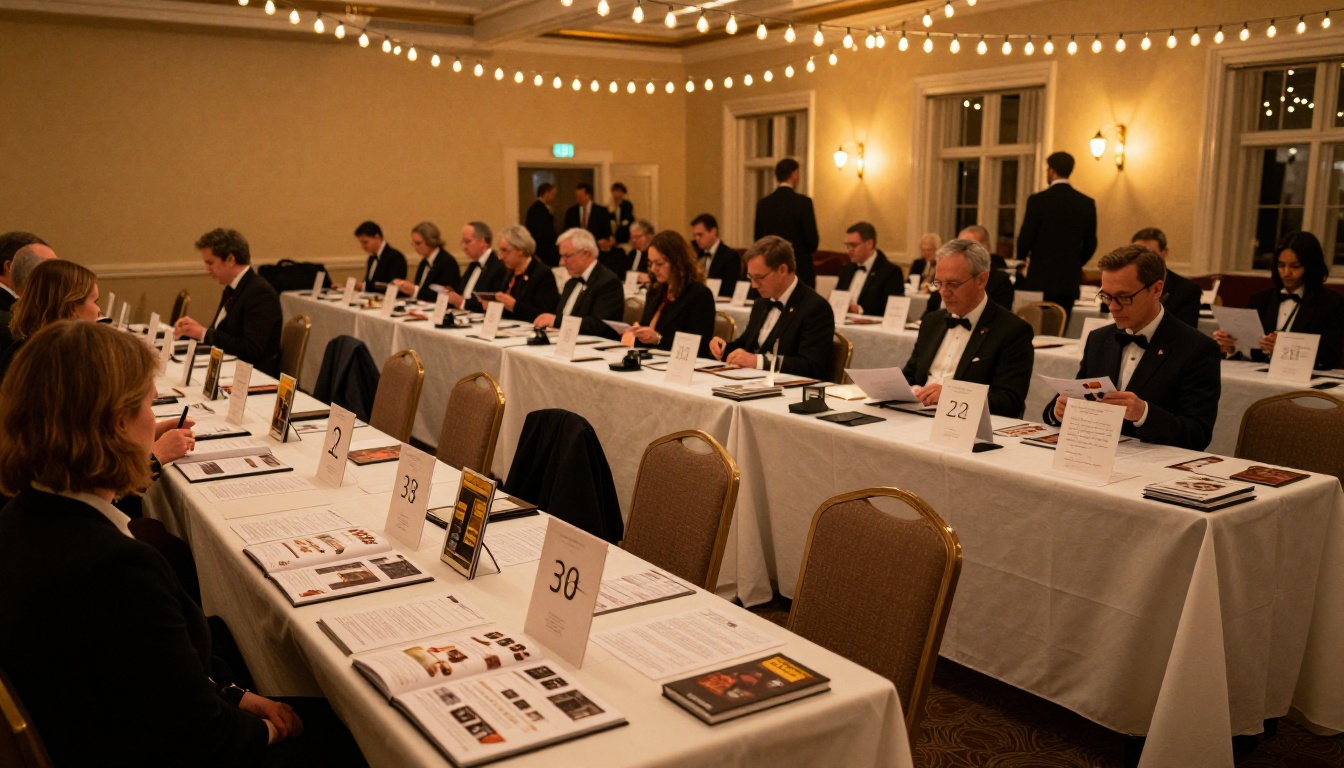
Silent auctions work best when guests can browse independently without needing staff guidance. A flipbook catalog placed at each table, or displayed as a QR code, lets every guest move at their own pace.
For silent auctions, organize items by category (Travel, Experiences, Dining, Goods) and number each lot clearly. The Digital Catalog Maker is a solid starting point for this format.
Live Auction Programs
Live auctions move fast. The emcee announces a lot number and bidding begins within seconds. Guests following along in a printed or digital flipbook program need to find that item instantly.
For live auction programs:
- Number lots prominently on each page in large, bold font
- Include a quick-reference index at the front
- Keep item descriptions short. Guests are reading and listening simultaneously
- List items in the exact order they'll be presented
Online Pre-Auction Previews
Many nonprofits now run hybrid events where some bidding happens online before the live event. A digital flipbook serves as the perfect pre-auction catalog. Share it via email, post it on social media, and embed it on your event registration page.
The flip-page interface naturally encourages browsing. Unlike a PDF download or a flat webpage, a flipbook makes people want to keep turning pages, which means more items seen and more bids placed.
Tips That Actually Raise More Money
Use High-Quality Item Photos
This is the single highest-impact decision you'll make. Blurry phone photos on auction items signal low value. Sharp, well-lit photos signal premium value, even for items that aren't inherently expensive.
For every donated item, ask the donor for a high-resolution product photo or take one yourself against a clean white or neutral background. For experiences like spa days, concert tickets, or travel packages, find a compelling lifestyle photo that sells the feeling.
Set Clear Starting Bids
Ambiguity kills bidding. When guests don't know where to start, many won't start at all. Research suggests that starting bids at 30 to 50 percent of retail value encourage participation while still generating strong revenue.
Include bid increments too. Telling guests "please bid in increments of $25" removes friction and keeps the energy moving.
| Item Retail Value | Recommended Starting Bid | Recommended Increment |
|---|
| Under $100 | $25-$40 | $5-$10 |
| $100-$500 | $50-$150 | $25 |
| $500-$2,000 | $200-$500 | $50-$100 |
| Over $2,000 | 25 to 35% of retail | $100-$250 |
Add Donor Recognition Pages
When donors see their business recognized in a professional, well-designed program, they feel appreciated. More importantly, they see the tangible value of their contribution.
Recognition pages also create social proof. When new potential donors see an impressive list of past sponsors, they want to be included. Your flipbook becomes a fundraising tool that extends well beyond the event itself.
Common Mistakes to Avoid
Even experienced event planners make these errors. Watch out for:
- Too many items per page: cluttered pages get skimmed, not read. One to two items per page maximum.
- Missing item photos: any item without a photo should be treated as unbiddable. Find or create an image.
- No starting bid listed: guests will assume the item is either too cheap or too expensive. Always show a number.
- Outdated sponsor logos: using a pixelated or old logo makes sponsors feel like an afterthought.
- Sending only a PDF: PDFs are harder to browse casually. A flipbook's page-turn interface keeps people engaged longer.
- No mobile optimization: many donors will view your flipbook on their phone. Flipbooks AI handles mobile responsiveness automatically.
- Single proofreader: auction catalogs with typos in item names or bid information cause real problems at checkout. Have at least two people review every page before publishing.
⚠️ Never finalize your flipbook until your donated items are confirmed. A catalog that lists an item that later falls through creates a credibility problem on auction night.
Build Your Auction Flipbook Now
A charity auction flipbook isn't a luxury add-on for big-budget galas. It's a practical tool that pays for itself in higher bids, better donor experience, and more returning sponsors. With the right platform, you can go from a designed PDF to a shareable, professional flipbook in under ten minutes.
Get started for free on Flipbooks AI and have your auction catalog ready before your next event. To compare what each plan includes before committing, visit the pricing page. For nonprofits running annual events, the analytics and lead generation tools in the Professional plan often make the difference between a good event and an exceptional one.
Browse all available flipbook tools to find additional formats that work for your organization, from the Non-Profit Annual Report creator to the Event Program Maker.
Your donors are ready to give. Give them something worth bidding on.



