Dog trainers who still hand out paper brochures at the dog park are working twice as hard for half the results. Today's pet owners do their homework online, compare trainers before making a single call, and expect professional materials they can revisit on their phones. A well-built digital flipbook puts your packages, credentials, testimonials, and training philosophy in a format that looks polished on any screen, travels via a single link, and never ends up crumpled at the bottom of a tote bag. If you have been wondering how to make a flipbook for a dog trainer business that actually converts browsers into booked clients, this is where you start. Flipbooks AI makes the whole process faster than you might expect.
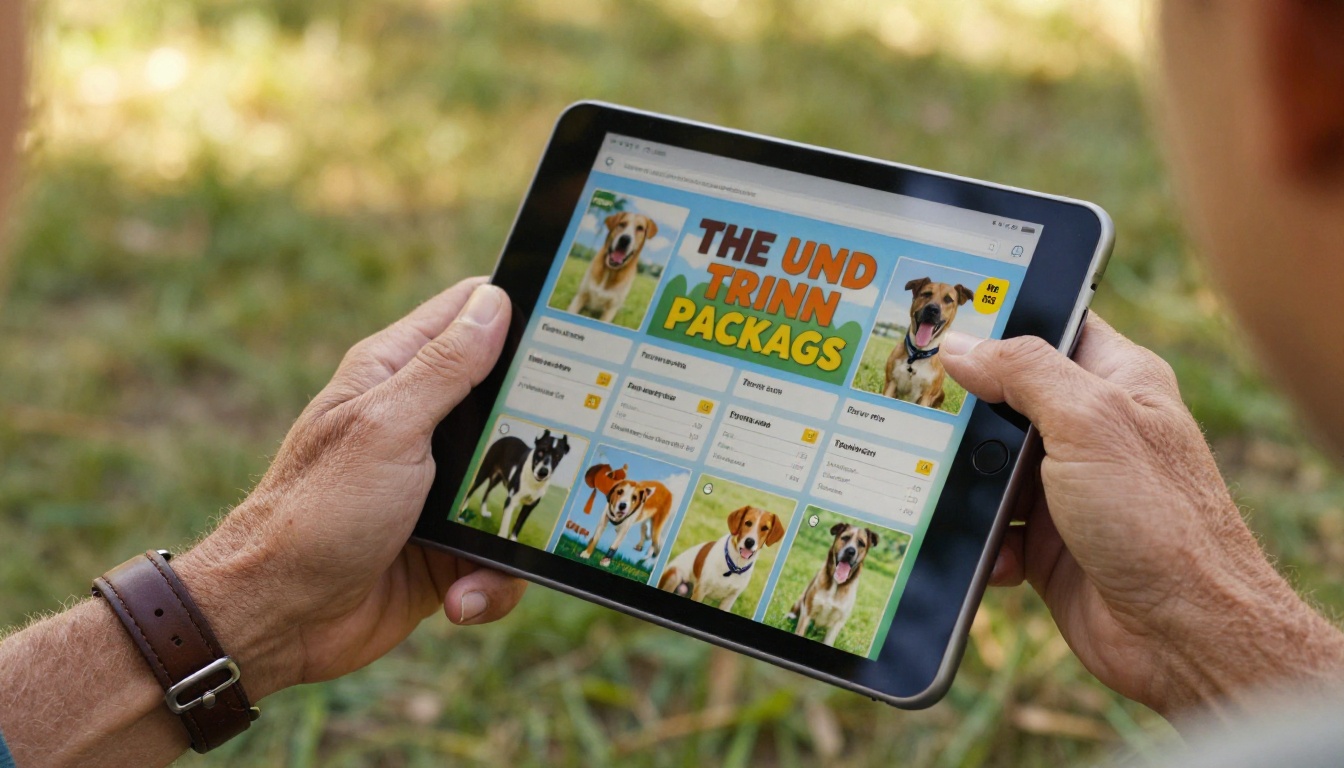
Why Dog Trainers Need a Digital Flipbook
Paper materials are costing you bookings
Printed flyers and PDF attachments in email chains create friction. A potential client gets your brochure at a puppy class, tosses it in a bag, and forgets about it. Even PDFs on a desktop feel static and forgettable. A digital flipbook is a living document: it page-turns like a real booklet, works on every device, and you can update it without reprinting a single sheet.
More importantly, it signals professionalism. When you send a prospect a link to a beautifully designed interactive flipbook, you communicate that you take your business seriously before they have read a single word.
What prospects actually want to see
Before booking a dog trainer, most clients want fast answers to three questions:
- What training methods do you use? (positive reinforcement, balanced, relationship-based, etc.)
- What does it cost and what do I get for that price?
- Have you worked with a dog like mine before?
A flipbook lets you answer all three with visuals, testimonials, and clear pricing tables in a format that feels designed, not cobbled together.

What to Put in Your Dog Trainer Flipbook
Your services and packages at a glance
This is the most important section. Clients should be able to scan your offerings in under 30 seconds. A structured table format works perfectly here:
| Package | Sessions | Format | Best For |
|---|
| Puppy Start | 4 sessions | Private, in-home | 8-16 week puppies |
| Basic Obedience | 6 sessions | Group class | Adolescent dogs |
| Behavior Fix | 8 sessions | Private + follow-up | Reactive or anxious dogs |
| Board and Train | 2 weeks | Residential | Owners short on time |
Laying it out this way removes ambiguity and cuts the "how much does it cost?" phone tag that eats your schedule.
Before and after client stories
Visuals matter enormously in this industry. A single before-and-after photo of a reactive rescue dog that now walks calmly on leash is worth five paragraphs of text. Build a dedicated page in your flipbook with real client stories, short quotes, and transformation images. Dog training is fundamentally an emotional purchase, and the most persuasive evidence you have is the results you have already delivered.
Your credentials and methods
Dog owners are protective. They want to know who is handling their family member. A dedicated page should cover:
- Certifications: CPDT-KA, IAABC, Karen Pryor Academy, and others
- Years of experience and the breeds or behavioral issues you specialize in
- Training philosophy: force-free, science-based, relationship-focused
- Insurance and liability coverage
Presenting credentials inside a well-designed flipbook reads as far more credible than a simple bio buried on a website footer.
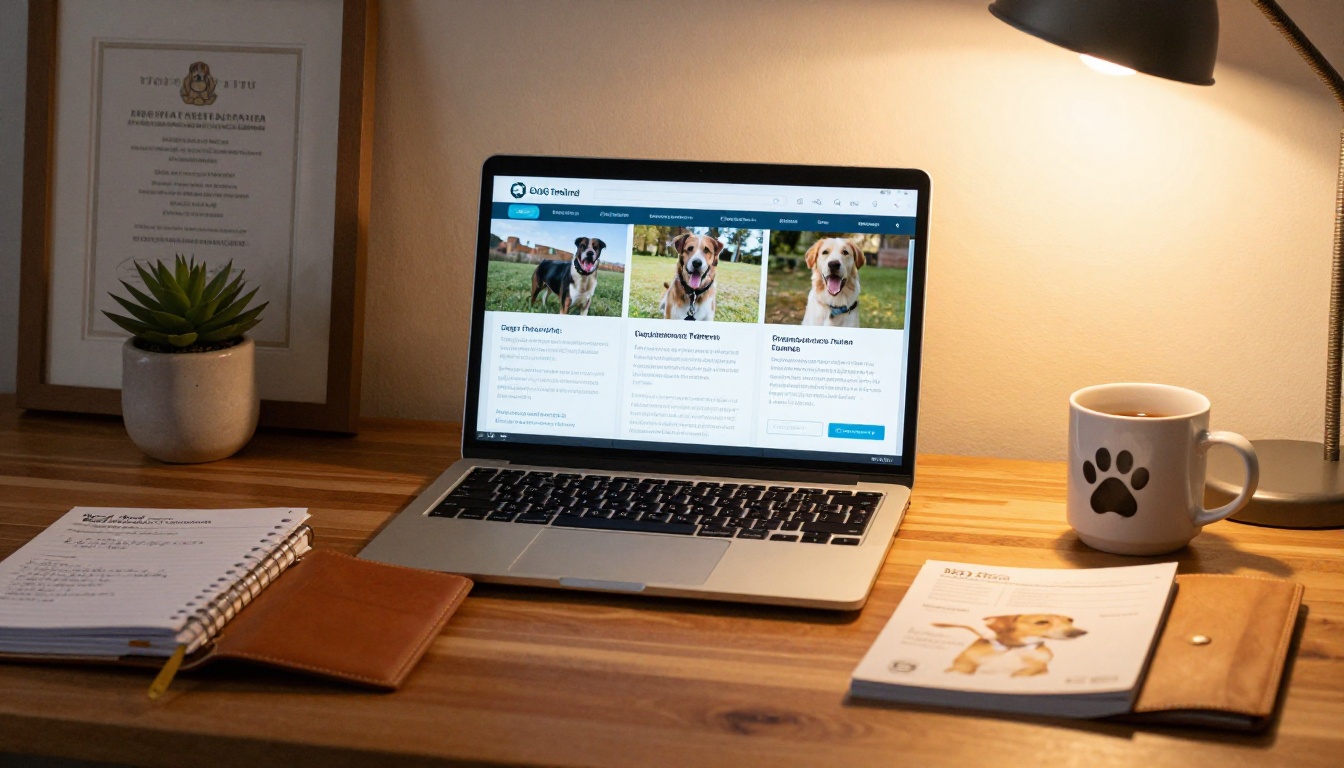
Build Your Flipbook Step by Step
Building a dog trainer flipbook with Flipbooks AI takes four steps. No design experience required, no developer needed.
Step 1: Create your PDF first
Your flipbook starts as a PDF. Use Canva, Google Slides, or Adobe Express to design a document with these pages:
- Title page: Your business name, a strong photo, and a one-line tagline
- About Me: Your photo, credentials, and training philosophy in plain language
- Services: Your packages and pricing table
- Results: Before and after photos plus client testimonials
- FAQ: The five most common questions you get before a booking
- Booking page: Phone, email, Instagram handle, and a direct booking link
Keep each page visually clean. Use large fonts, plenty of white space, and one hero image per page. Export as a high-resolution PDF.
💡 Pro tip: Use a 16:9 landscape format for your PDF pages. It renders beautifully on laptops and tablets, which is exactly where most clients will view your flipbook.
Step 2: Upload and convert on Flipbooks AI
Head to Flipbooks AI and create your account. Once logged in:
- Click New Flipbook and upload your PDF
- The platform converts it automatically into an interactive page-turn experience
- Preview it on both desktop and mobile before publishing
The conversion takes under a minute for a 10-page document. No plugins, no coding, no waiting.

Step 3: Brand it and customize
This is where your flipbook stops looking like a generic PDF and starts looking like a real business asset. Inside the editor:
- Set your brand colors to match your logo
- Add your business name to the flipbook header
- Enable page-turn animations for the interactive feel
- Upload a custom thumbnail for the preview image
- Add clickable links inside your content (booking page, social profiles, etc.)
✅ Best practice: Add a password to your client-facing pricing flipbook using the password protection feature. Send it only to serious prospects, creating a sense of exclusivity while filtering out unqualified inquiries.
Step 4: Share it everywhere
Once published, you get a clean shareable link and an embed code. Put them to work across every touchpoint:
- Instagram bio link: Replace your Linktree with your flipbook link
- Email signature: "See my training packages" linked directly to the flipbook
- WhatsApp follow-up: Paste the link after an initial inquiry
- Website: Embed the flipbook on your Services page using the Embed Flipbook on Website tool
- Google Business Profile: Add it as a product or service link
- QR code on business cards: Print a QR code pointing to your flipbook for in-person events

Not every dog trainer needs the same flipbook. Here are three formats that solve specific problems:
Client onboarding flipbook
Send this to every new client right after they book. Include:
- What to expect in the first session
- How to prepare your dog (exercise beforehand, bring high-value treats)
- Communication and cancellation policies
- Session-by-session homework expectations
This cuts down on the "what do I do?" texts and makes you look exceptionally organized from day one. The Training Manual Flipbook tool is a strong starting point for this format.
Training program catalog
If you offer multiple programs including puppy classes, reactive dog workshops, CGC prep, or agility foundations, a catalog-style flipbook lets clients self-select. Use clear section dividers, program summaries, and pricing per format. The Digital Catalog Maker handles this layout well.
Puppy class schedule flipbook
A seasonal schedule published as a flipbook is far more persuasive than a plain text email. Include class dates, locations, what each week covers, and quotes from past participants. Distribute the link in local Facebook pet groups, your newsletter, and at veterinary clinic notice boards.
💡 Pro tip: Update your schedule flipbook each quarter without changing the public link. Flipbooks AI lets you replace the PDF source in place, so every location where you shared the link stays current automatically.

Plans and Pricing at a Glance
Choosing the right Flipbooks AI pricing plan depends on how heavily you use flipbooks in your business:
| Feature | Free | Standard | Professional |
|---|
| Flipbooks | 1 | Unlimited | Unlimited |
| Custom branding | No | Yes | Yes |
| Password protection | No | Yes | Yes |
| Analytics | No | No | Yes |
| Lead generation | No | No | Yes |
| Offline downloads | No | No | Yes |
| Watermarks | Yes | No | No |
For most solo dog trainers, the Standard plan covers the essentials: unlimited flipbooks, custom branding, and password protection with no watermarks. For multi-trainer operations or trainers running paid ads with their flipbook as a lead magnet, the Professional plan returns its cost quickly. The analytics alone reveal which pages prospects spend the most time on, giving you direct data to sharpen your pitch.
Free vs paid: what actually matters
The watermark on the free plan is a dealbreaker for professional use. Prospects notice it, and it undercuts the polished impression you are trying to create. The jump to Standard removes it entirely and opens up every feature you actually need.
⚠️ Worth noting: Do not send a watermarked flipbook to a high-value prospect. It signals "I'm testing this tool" rather than "this is how I run my business." Upgrade before your first send to anyone you want to impress.
Different channels call for different distribution methods. Here is a quick reference:
| Channel | Best Method | Notes |
|---|
| Instagram | Link in bio | Pair with a Reel showing a quick flipbook walkthrough |
| Email inquiry | Direct link | Paste in reply within one hour of contact |
| WhatsApp | Short link | Flipbooks AI links auto-generate a rich preview |
| Website | Embed code | Use the viewer on your Services page |
| Facebook Groups | Direct link | Add a short description of what is inside |
| In-person events | QR code | Print on business cards or pop-up banners |
The QR code approach works particularly well at adoption fairs, breed meetups, and veterinary open days. Prospects scan in the moment rather than relying on a paper flyer they will probably lose.
Switching to interactive flipbooks consistently outperforms static PDFs across every measurable metric:
- Average time-on-document increases by 2-4x compared to PDF attachments
- Click-through rates on embedded links inside flipbooks outperform plain hyperlinks in email
- Prospects who view a flipbook before a consultation are significantly more likely to book at full rate rather than pushing back on price
When your pricing and value are presented in a format clients actually read, you spend less time selling on the call and more time confirming the booking.
From scattered materials to a single link
The most common shift reported by service professionals who adopt digital flipbooks is the elimination of the "can you send me more information?" follow-up. When everything lives in one shareable link, a prospect can move from initial curiosity to booking decision without waiting for you to piece together an email response.
Dog trainers who embed their flipbook on a booking page report that prospects consistently arrive to consultations better prepared, with sharper questions and a clearer sense of which package they want.

Pages That Actually Close Bookings
Not all pages in your flipbook carry equal weight. Based on what prospects consistently spend the most time reviewing:
- Pricing page (highest attention, answer it clearly and without games)
- Before and after results (emotional proof that you deliver real change)
- About the trainer (trust builder, always include a photo of you with dogs)
- FAQ (removes last-minute objections before the call)
- Booking page (clear call to action, direct booking link required)
What kills conversions
- Generic stock photos of dogs you have never trained
- Pricing hidden behind "contact for rates"
- Pages dense with text and no visuals
- A broken or expired link
None of these are hard to fix. Clean design, honest pricing, and a working link beat elaborate production value every time.

Your Next Booked Client Is Already Searching
Your next client is probably searching for a dog trainer right now. Give them something worth stopping for. A polished, shareable, interactive flipbook that answers their questions, shows your results, and makes booking simple is one of the most effective marketing assets a solo trainer can build, and with Flipbooks AI it takes an afternoon, not a budget.
Ready to stop sending flat PDFs and start sending experiences? Create your account on Flipbooks AI and have your first flipbook live by the end of the week. Browse all available tools and templates to find the right format for your business, and check pricing plans to see what fits where you are right now.



