Nutritionists work with some of the most skeptical clients in the wellness industry. People show up with questions, doubts, and a dozen tabs open on their phones. What separates the practices that thrive from those that plateau often comes down to one thing: how well you present your information. A printed handout gets tossed. A PDF sits in a download folder. But a beautifully designed interactive digital flipbook? Clients actually open it, scroll through it, and come back to it. If you have been wondering how to make a flipbook for a nutritionist practice that commands attention and drives real results, this article walks you through the whole process with Flipbooks AI.
Why Digital Flipbooks Work for Nutrition Practices
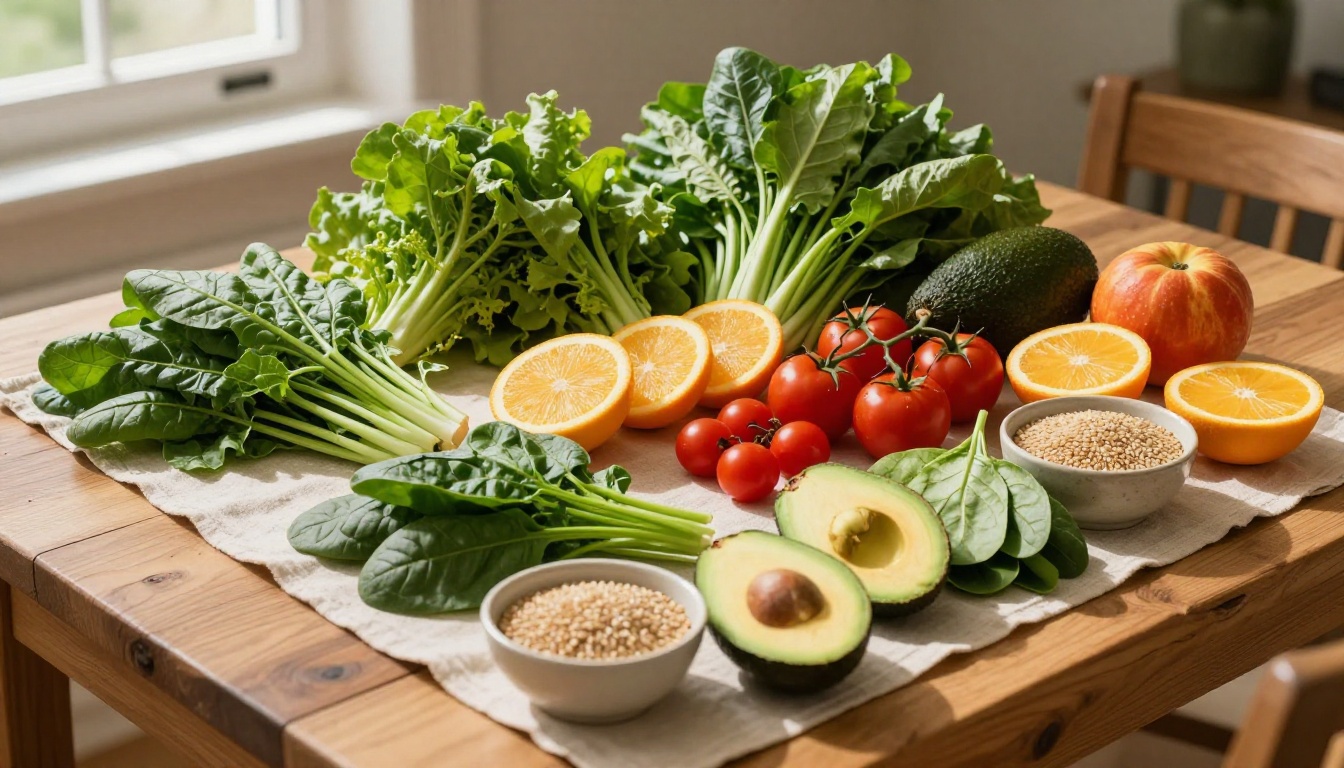
Nutrition clients need repetition to change behavior. A recommendation said once in a consultation rarely sticks. When that same recommendation lives inside a beautifully formatted, easy-to-navigate flipbook, clients revisit it during meal prep, grocery shopping, or a slow afternoon. That repetition is where habits form.
Digital flipbooks also signal professionalism. A nutrition practice that sends clients a polished, branded digital resource looks different from one that emails a plain PDF. That visual difference builds trust before a single meal plan recommendation is even read.
Here is why flipbooks specifically outperform plain PDFs for nutritionists:
- Visual storytelling: Pages with images of real food, portion references, and recipe photography communicate more than bullet-pointed text
- Mobile-first design: Clients read on their phones. Flipbooks render beautifully on any screen size
- Shareability: Clients share useful resources with family members and friends, extending your reach organically
- Interactivity: Embed links to recipes, video demonstrations, and external resources directly inside the flipbook
- No printing costs: Update a digital flipbook instantly without reprinting anything
💡 Practices that provide branded digital resources report higher perceived value from clients, which directly supports premium pricing for programs and packages.
What Content Works Best in a Nutrition Flipbook

Before designing anything, you need to decide what goes inside. The content type shapes the design, and not every nutrition document belongs in a flipbook format. Here is a breakdown of what converts well:
Client Onboarding Packets
First impressions matter. A digital flipbook containing your welcome letter, practice philosophy, what to expect, and intake form instructions sets the tone for the entire client relationship. It feels intentional. It feels premium.
Weekly or Monthly Meal Plans
Meal plans presented as flipbooks work exceptionally well because the format mirrors how people naturally browse recipes, magazine-style, visually. Each page can feature a day of meals with food photography, ingredient notes, and prep tips.
Nutrition Education Resources
Topics like blood sugar balance, anti-inflammatory eating, gut health, or macronutrient ratios work well as standalone educational flipbooks. These also double as lead magnets when shared publicly.
Recipe Collections
A curated recipe book for a specific program, such as a 30-Day Gut Reset or a 21-Day Anti-Inflammatory Protocol, gives clients a tangible resource they reference repeatedly throughout the program.
Program Overviews and Sales Materials
When selling a nutrition program or package, a digital brochure or program overview flipbook functions as your sales asset. It is more compelling than a plain pricing PDF and can include testimonials, food photography, and a clear call to action.
| Content Type | Best Use Case | Frequency |
|---|
| Onboarding Packet | New client welcome | Once per client |
| Meal Plan | Weekly nutrition roadmap | Weekly or monthly |
| Education Resource | Topic-specific teaching tool | Per program module |
| Recipe Collection | Program resource | Per program |
| Program Overview | Sales and marketing | Seasonal updates |
Designing for Your Target Client
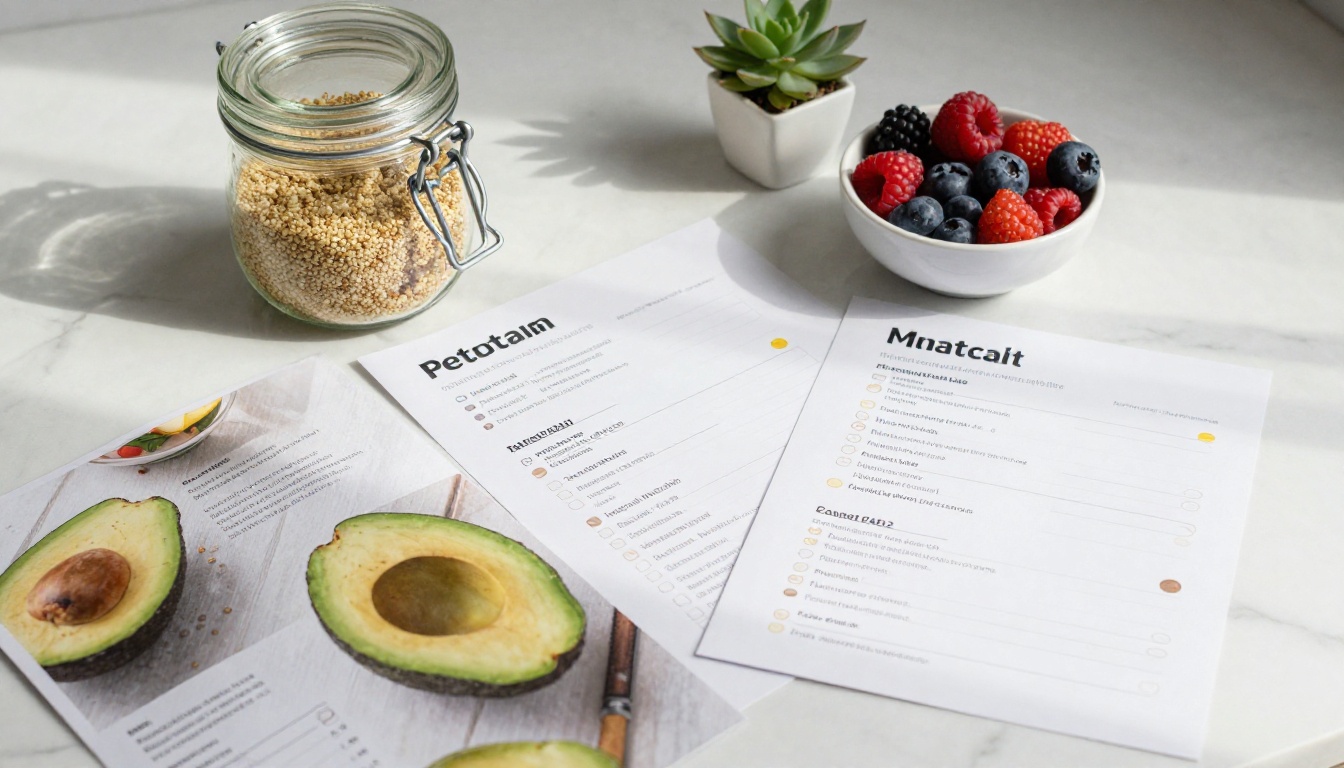
The design of your flipbook needs to reflect who your clients are. A sports nutrition practice working with competitive athletes uses a very different visual language than a fertility nutrition practice working with women trying to conceive. Before opening any design software, answer these questions:
- Who is your primary client? (Age, lifestyle, health goals)
- What emotional tone do you want? (Energizing, calming, clinical, warm)
- What colors represent your brand?
- What typefaces do you use consistently?
Color Psychology in Nutrition Materials
Color choices are not arbitrary. They carry psychological weight that either reinforces or contradicts your message.
| Color | Association | Best For |
|---|
| Green | Health, freshness, nature | General wellness, plant-based nutrition |
| Blue | Calm, trust, clinical | Medical nutrition therapy, clinical dietetics |
| Orange | Energy, warmth, appetite | Sports nutrition, weight loss programs |
| Earth tones | Organic, grounded, natural | Functional nutrition, holistic practices |
| White/Minimal | Clean, modern, premium | High-end wellness programs |
⚠️ Avoid using red as a primary color in nutrition materials. It activates appetite in food service contexts but creates urgency or alarm in health education materials, which can undermine a calm, educational tone.
Typography That Reads Well on Mobile
Since most clients will view your flipbook on a smartphone, typography choices matter enormously. Use sans-serif fonts for body text at minimum 16px equivalent, and reserve serif fonts for headings only. Keep line spacing generous. Dense text blocks lose readers immediately.
How to Create a Nutrition Flipbook with Flipbooks AI

Flipbooks AI is the fastest way to turn a designed PDF into a professional interactive flipbook without technical skills. The process takes minutes, not days. Here is exactly how to do it:
Step 1: Design Your PDF First
Before uploading to Flipbooks AI, your content needs to exist as a PDF. Use Canva, Adobe InDesign, or Google Slides to design your meal plan, education resource, or onboarding packet. Make sure:
- Pages are designed at 16:9 or standard A4 ratio
- Images are high resolution (300 DPI minimum)
- Text is embedded, not outlined
- Brand colors and fonts are applied consistently
Step 2: Create Your Account
Go to Flipbooks AI and create your account. The platform offers a free tier to test the tool, with paid plans starting at the Standard level that remove watermarks and allow unlimited flipbooks.
Step 3: Upload and Convert Your PDF
Once logged in, click the upload button and select your PDF. Flipbooks AI processes the file and generates the interactive flipbook with page-turning animations automatically. Most files convert in under 60 seconds.
💡 For meal plan flipbooks with lots of food photography, use high-quality images in your PDF. The conversion preserves image fidelity, so the final flipbook looks exactly as polished as your original design.
Step 4: Customize Branding and Settings
After conversion, you can customize:
- Background color of the flipbook viewer
- Logo placement for your practice brand
- Page flip sound and animation style
- Navigation controls (arrows, thumbnail strip, page numbers)
- Auto-flip settings for presentations
For nutrition practices, keeping the viewer background neutral allows your food photography to stand out rather than competing with a dark or colorful surround.
Step 5: Set Sharing and Privacy Options
This is where Flipbooks AI truly separates itself from plain PDF delivery. You control exactly who sees your flipbook:
- Public link: Shareable URL for lead magnets and free resources
- Password protection: Ideal for paid program materials. Clients enter a password to access their meal plan or program resource
- Embed code: Place the flipbook directly on your website or membership portal
For client onboarding packets and program resources, password protection keeps your paid content private while still delivering a premium digital experience.
Step 6: Share with Clients
Copy the shareable link and send it via email, WhatsApp, your client portal, or any other channel you use. Clients click the link and the flipbook opens in their browser, no app download required, no PDF viewer needed. It just works.
✅ Include a short voice note alongside the first flipbook you send a new client. Walking them through it once removes any hesitation and sets the expectation that they should actually read it.
Flipbooks AI Plans: Which One Fits Your Practice
Choosing the right plan depends on how many clients you serve and what features matter most to your practice. Here is a practical breakdown:
| Plan | Best For | Included Features |
|---|
| Free | Testing the platform | Limited flipbooks, watermark |
| Standard | Solo practitioners | Unlimited flipbooks, no watermark, custom branding |
| Professional | Growing practices | Analytics, lead generation, offline downloads, priority support |
For most solo nutritionists and small practices, the Standard plan covers everything needed: unlimited flipbooks, no watermarks, and custom branding. The Professional plan becomes valuable when you want to track which clients are actually opening and reading your materials, or when you want to capture leads through your public flipbook resources.
Explore current pricing plans to see which tier fits your practice volume.
Practical Use Cases for Nutritionist Flipbooks
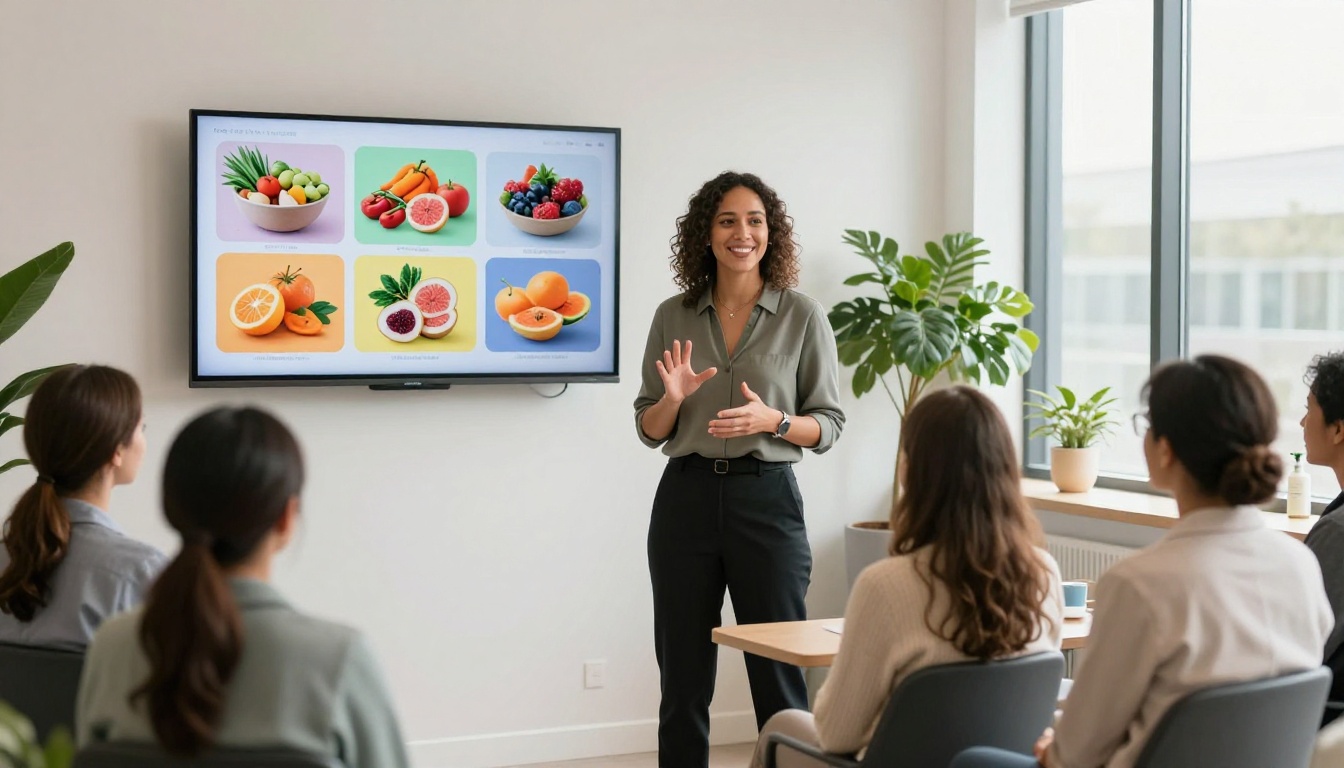
Seeing real scenarios makes the format click. Here is how different types of nutrition professionals are using flipbooks in practice:
Weight Loss Coaches
A weight loss coach creates a new 4-week meal plan flipbook at the start of each program cohort. The flipbook includes a weekly grocery list page, daily meal structure, one motivational quote per week, and a check-in reminder. Clients receive a password-protected link at the start of each week. The coach tracks views through analytics to know who is actively using the materials.
Sports Nutritionists
A sports nutritionist working with CrossFit athletes creates position-specific fueling resources: one for strength training days, one for conditioning days, one for competition week. Each flipbook is under 12 pages and heavily visual, with macronutrient targets, sample meal timings, and simple recipe ideas. Athletes keep them bookmarked on their phones.
Gut Health Specialists
A functional nutritionist running a 12-week gut healing program delivers the full protocol as a series of four flipbooks, one per program phase. Each flipbook covers the dietary protocol, approved food lists, recipes for that phase, and lifestyle recommendations. Clients work through the series sequentially, and the flipbook format makes a complex protocol feel accessible rather than overwhelming.
Corporate Wellness Dietitians
A registered dietitian contracted by a corporate wellness program creates a quarterly nutrition education flipbook distributed to 500 employees. Topics rotate: one quarter on blood sugar, the next on sleep and nutrition, the next on hydration. The flipbooks are embedded on the company intranet and shared as public links in the monthly wellness newsletter.
Making Your Flipbook Actually Get Read

A flipbook that no one opens is just a PDF with extra steps. Here is what separates the resources clients actually use from the ones that disappear:
Keep It Short
Clients do not read 40-page nutrition documents. They skim, pull out what feels relevant, and move on. Aim for 8 to 16 pages per flipbook. Split longer content across multiple focused resources rather than stuffing everything into one document.
Lead with Visuals
The first two pages determine whether someone keeps scrolling. Open with strong food photography, a visually compelling layout, and minimal text. Let the design do the work of drawing them in before the words take over.
Use Scannable Structure
Most nutrition clients are reading your flipbook between tasks: on the bus, in the kitchen, during a lunch break. Structure every page for scanning: bold headers, short paragraphs, numbered lists, and clear visual hierarchy.
Update Seasonally
Clients notice when materials feel current. A summer meal plan with cooling, hydrating foods feels more relevant than a generic template. Seasonal updates also give you a reason to re-engage clients and remind them of their resources.
💡 If you create a new version of a recurring resource (monthly meal plan, seasonal nutrition resource), keep the same shareable link by updating the flipbook in Flipbooks AI rather than creating a new one. Clients who have bookmarked the link will see the updated content automatically.

Flipbooks work best as part of a broader client communication system. Here are the tools that nutritionists pair most effectively with their flipbooks:
Client Management Platforms: Practice Better, Healthie, or simple CRM tools for delivering flipbook links alongside session notes and action items.
Email Marketing: A welcome sequence that delivers a new flipbook each week of the first month builds value from day one. Tools like Mailchimp or ConvertKit handle delivery automation.
Website Integration: Embed a free nutrition resource flipbook on your website using the embed code from Flipbooks AI. It turns a static page into an interactive resource and increases time on site significantly.
Social Media: Share screenshots or short screen recordings of your flipbook on Instagram and Pinterest to build interest and drive sign-ups for your programs.
The Interactive E-Book Publisher and Course Material Publisher tools within Flipbooks AI are particularly useful for nutritionists building educational programs. Browse the full flipbook tools directory to find tools tailored to your specific use case.
Building a Flipbook Library for Your Practice
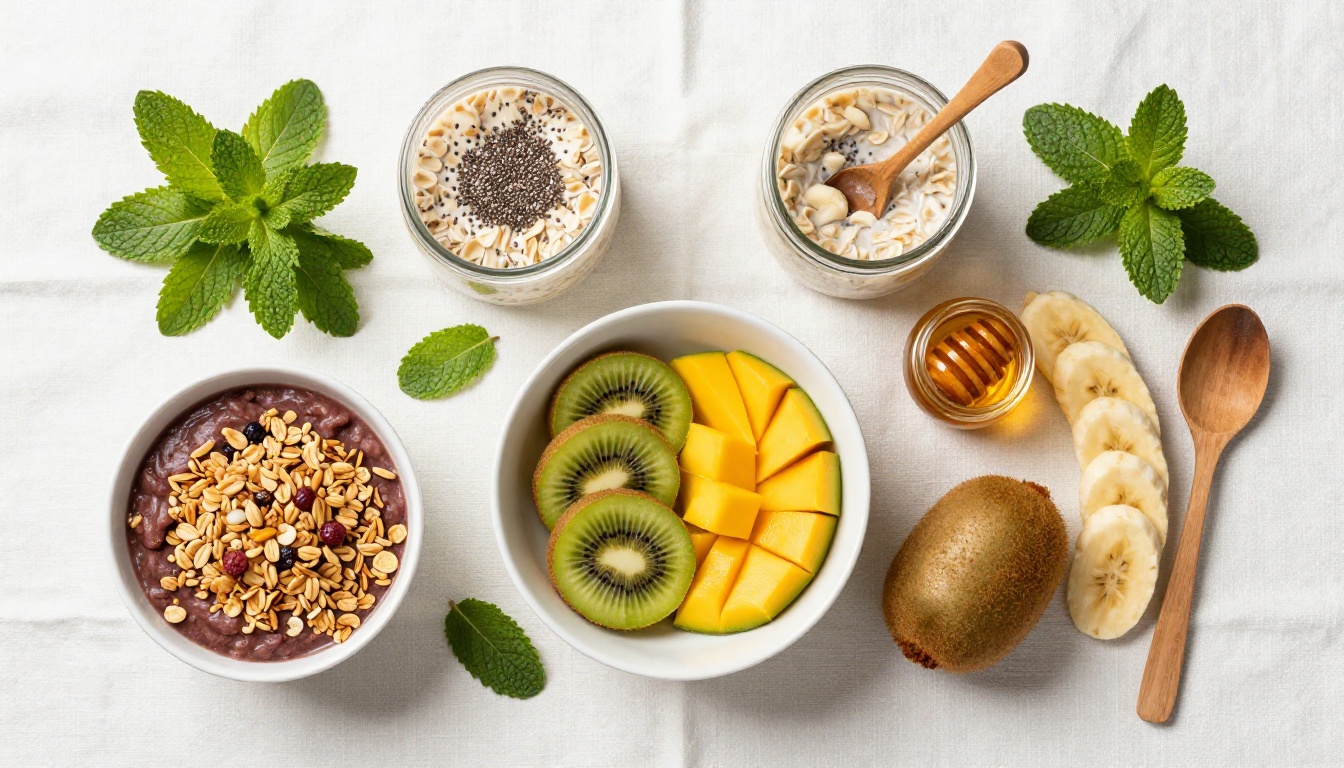
The most efficient nutrition practices do not create new resources from scratch for every client. They build a library of evergreen flipbooks and customize or reuse them across clients and programs. Over time, your library becomes a core asset of your practice.
A well-stocked flipbook library for a nutrition practice might include:
- A new client welcome and orientation flipbook
- A foundational nutrition principles flipbook
- A seasonal meal plan template (updated quarterly)
- A grocery shopping and label reading resource
- Condition-specific resources (blood sugar, inflammation, gut health, hormones)
- A recipe collection aligned with your approach
- A program overview for each signature program you offer
Building this library does not happen overnight. Start with the resource your clients ask about most often, build that flipbook first, and add one new resource per month. Within a year, you have a full system.
✅ Store all your flipbook links in a simple shared document or your client portal. When a client has a question, you can respond with a link to the relevant flipbook in seconds, rather than writing a custom response each time.
Ready to Build Your First Nutrition Flipbook?
Nutrition clients are more actively involved when the materials they receive feel worth reading. A professional, interactive flipbook signals that you take your practice seriously, and by extension, that you take their health seriously. The bar for what clients expect from their health professionals continues to rise, and the practices that meet that bar with beautifully crafted digital resources are the ones that build lasting reputations.
Get started for free on Flipbooks AI and create your first nutrition flipbook today. The upload and conversion takes less than two minutes, and your clients will notice the difference immediately.
If you want to see everything the platform offers before committing, explore all available tools and templates or compare pricing plans to choose what fits your practice.



