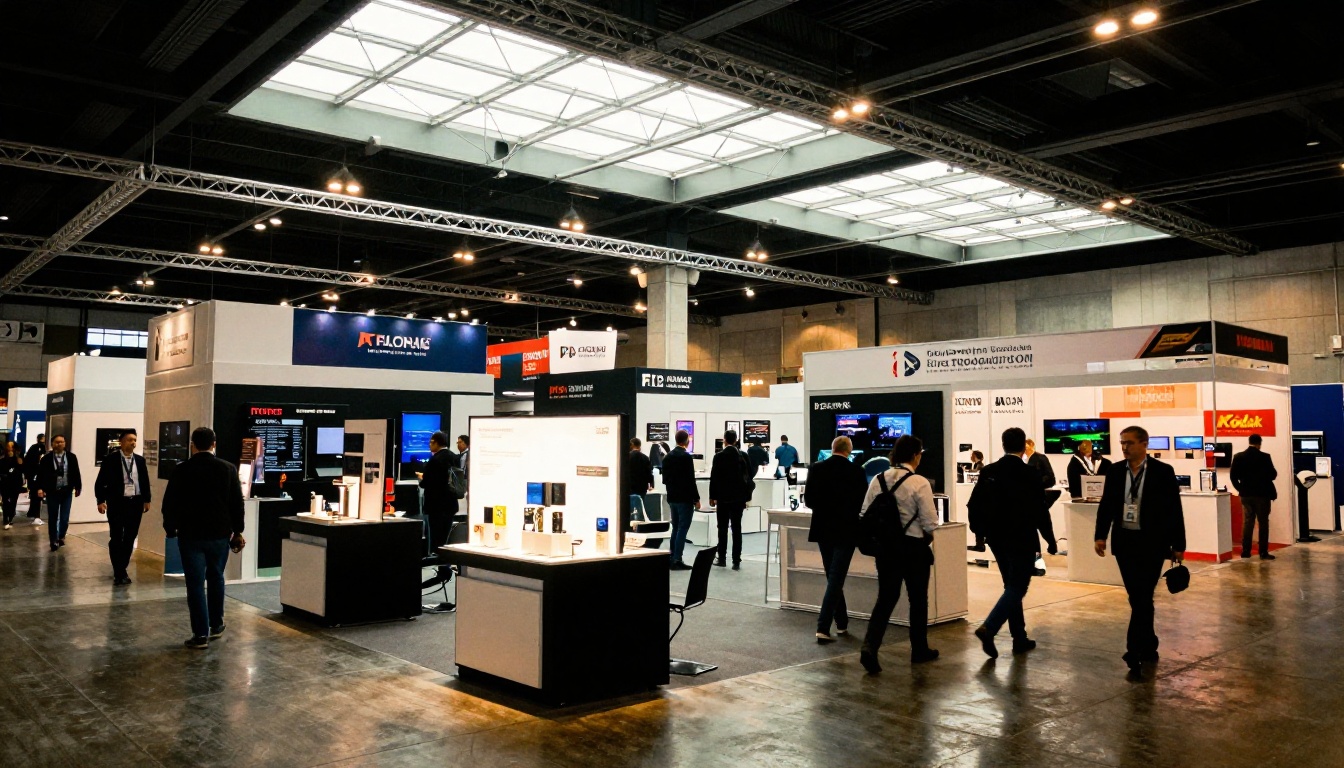
Trade shows are brutal. You have maybe 30 seconds to catch someone walking past your booth, get them interested, and hand them something they won't throw away in the next trash can. Printed brochures used to be the standard answer, but they're expensive to produce, heavy to ship, and end up in hotel recycling bins before dinner. A digital flipbook changes all of that, and with Flipbooks AI, you can have one live before your next event. This article walks you through exactly how to make a flipbook for a trade show booth, from planning the content to displaying it on the floor and following up with leads after the show closes.
Why Paper Handouts Fail at Trade Shows
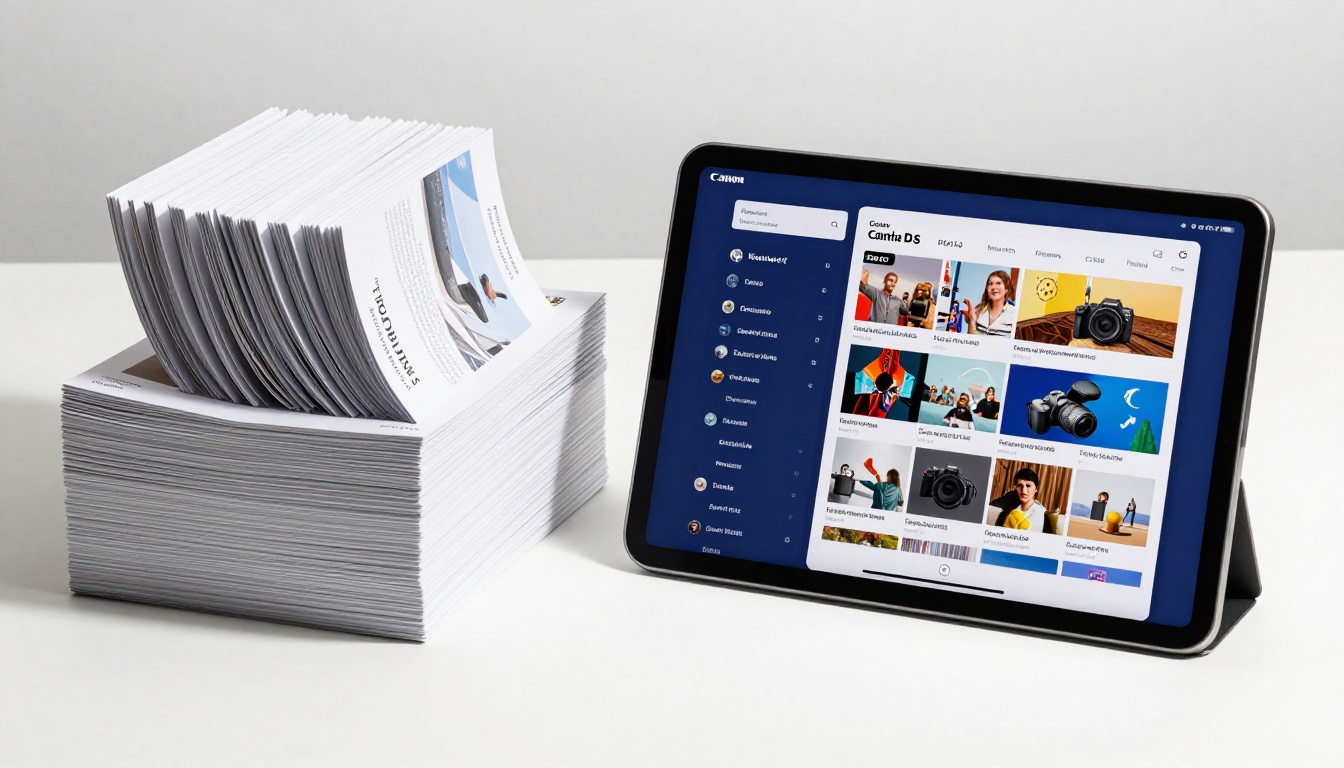
Every exhibitor at a trade show spends money on printed materials. Thousands of brochures, catalogs, and flyers get stacked on counters and stuffed into tote bags. By the end of day one, most of them are crumpled alongside a water bottle, a stress ball, and someone else's business card. The money is spent, but the message is buried.
The Cost Nobody Talks About
Printing 2,000 four-color brochures for a major trade show runs anywhere from $800 to $3,000 depending on paper weight, finish, and page count. Add shipping to the venue and you're often looking at another $200 to $600. And that's before you account for the fact that you printed last season's pricing because the catalog had already gone to press when the rate change came through.
Paper brochures also have zero analytics. You have no idea if someone read page four. You have no idea if the person who took one ever opened it. You're guessing at ROI while writing a check for printing costs every single event cycle.
What Visitors Actually Want
Booth visitors in 2027 don't want to carry things. They want to scan a QR code, look at something on their phone, and either share it with their procurement team immediately or save it for later review. A digital flipbook fits exactly how people consume information at events. It loads instantly, it works on any device, and the page-turn animation alone tends to stop people mid-stride when displayed on a booth screen.
The format also removes friction from the post-show conversation. Instead of hunting through a tote bag for a dog-eared brochure, your prospect pulls up the same crisp flipbook link you sent in your follow-up email. First impressions stay consistent from the booth floor to the buying decision.
What Goes Into a Trade Show Flipbook
Before you open any software, the content strategy matters more than the design. A trade show flipbook is not your full website. It's a curated conversation starter, and the discipline of keeping it tight is what makes it effective.
Product Pages That Do the Selling
Your flipbook should lead with your three to five most compelling products or services. Each page should have one clear hero image, a one-sentence value statement, and a single next step. Think of each page like a billboard, not a product manual. The goal is to create enough interest that the visitor asks a question, not to answer every question before they open their mouth. White space is your friend here. Cramming six bullet points and a spec table onto one page kills the visual impact that makes flipbooks work.
Pricing Tables That Close Deals
One of the biggest mistakes exhibitors make is hiding pricing. If someone has to ask, many won't bother. A clean pricing table, even a simple one showing three tiers with their main features, builds immediate trust and lets your sales rep skip the "well, it depends" conversation. It also filters out unqualified leads before they take up thirty minutes of booth time.
Your Story in 3 Pages or Less
Include a brief company overview page. Two or three sentences about who you are, how long you've operated, and one impressive client name or statistic. That's it. Don't turn your flipbook into a corporate history lesson. Visitors are looking for reasons to trust you quickly, not the full founding narrative. A single page with a clean team photo, one credibility stat, and a logo strip of recognizable clients does more work than five pages of company history ever will.
A Dedicated Show Offer Page
Add one page specifically for the trade show. A limited-time discount, a free consultation, a sample kit, or a live demo booking link. This page serves double duty: it gives booth visitors a reason to act now rather than later, and it makes your follow-up emails feel personal when you reference "the offer from the show."
How to Build Your Trade Show Flipbook Step by Step
Flipbooks AI makes this process fast even under deadline pressure. Here's the full workflow from blank PDF to live flipbook.

Step 1: Create Your PDF
Design your content in whatever tool your team already uses, whether that's Canva, Adobe InDesign, PowerPoint, or Google Slides. Export it as a PDF. Keep it between 8 and 20 pages for trade show use. Longer than that and booth visitors won't scroll through it in a standing conversation. Standard A4 or letter size works perfectly, and the PDF to Flipbook Converter handles both orientations without any reformatting.
💡 Pro tip: Use high-resolution images at 300 DPI for print-sharp quality on booth screens. Anything below 150 DPI will look blurry when displayed on a large monitor.
Step 2: Upload and Convert
Head to Flipbooks AI and create your account. The upload process takes under two minutes:
- Click "New Flipbook" from your dashboard
- Drag your PDF file into the upload window
- Wait 20 to 60 seconds for conversion depending on file size
- Preview the auto-generated flipbook directly in your browser
- Check every page for layout accuracy before moving to customization
The converter preserves all your fonts, images, and spacing exactly as designed. No reformatting, no missing elements.
Step 3: Brand It to Your Booth
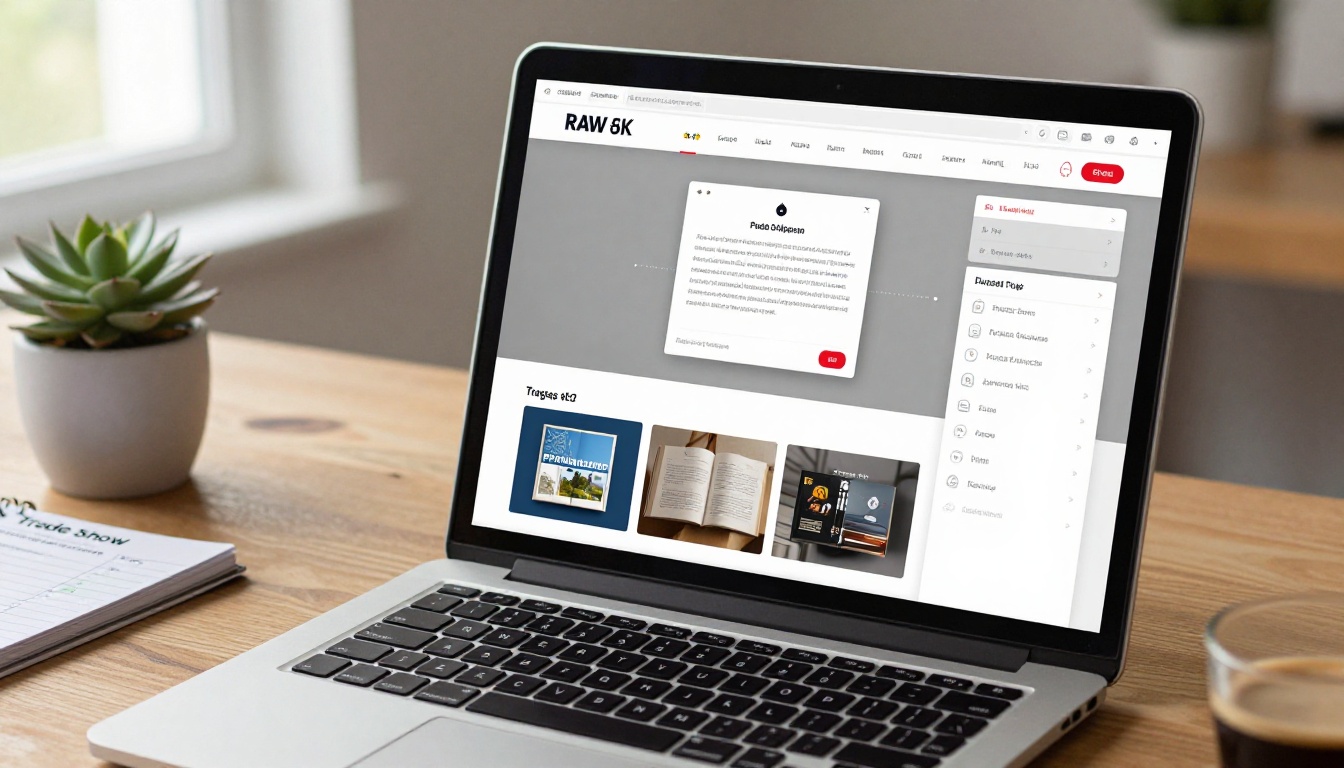
Once converted, open the customization panel. This is where your flipbook stops looking generic:
- Logo: Upload your company logo to display in the flipbook viewer
- Brand colors: Set your primary and accent colors for the toolbar and UI elements
- Page effects: Choose the realistic page-flip animation or a clean slide transition
- Background: Match or complement your booth color scheme for visual consistency
✅ Best practice: Match your flipbook's color scheme to your booth banners. When someone scans your QR code and the flipbook opens in the same colors surrounding them at the booth, it feels intentional and professionally coordinated.
Step 4: Set Up Lead Capture
This is what separates a passive booth asset from an active lead generation tool. On the Professional plan, you can add a lead capture form that appears before the flipbook opens or after a specific page.
Options include:
- Name and email fields as a viewing gate
- A contact form inserted after the pricing page
- A "Download PDF" prompt that captures email before allowing offline save
⚠️ Warning: Don't gate every interaction with a form. One strategic lead capture moment is effective. Multiple interruptions cause visitors to close the flipbook and walk away.
Step 5: Set Up Your Sharing and Display
Once live, you have several display options for the booth floor:
- Direct link: Generate a clean URL to display as a QR code on all print materials
- Embed code: Drop it into your website or event landing page using the Embed Flipbook on Website tool
- Password protection: Create a private version for VIP client previews or distributor briefings before the show opens
- Offline download: Enable offline access so visitors can view it without convention center WiFi, which is notoriously unreliable at large events
3 Ways to Display It at Your Booth
You've built the flipbook. Now where does it actually live during the show?
On-Screen Tablet Stations
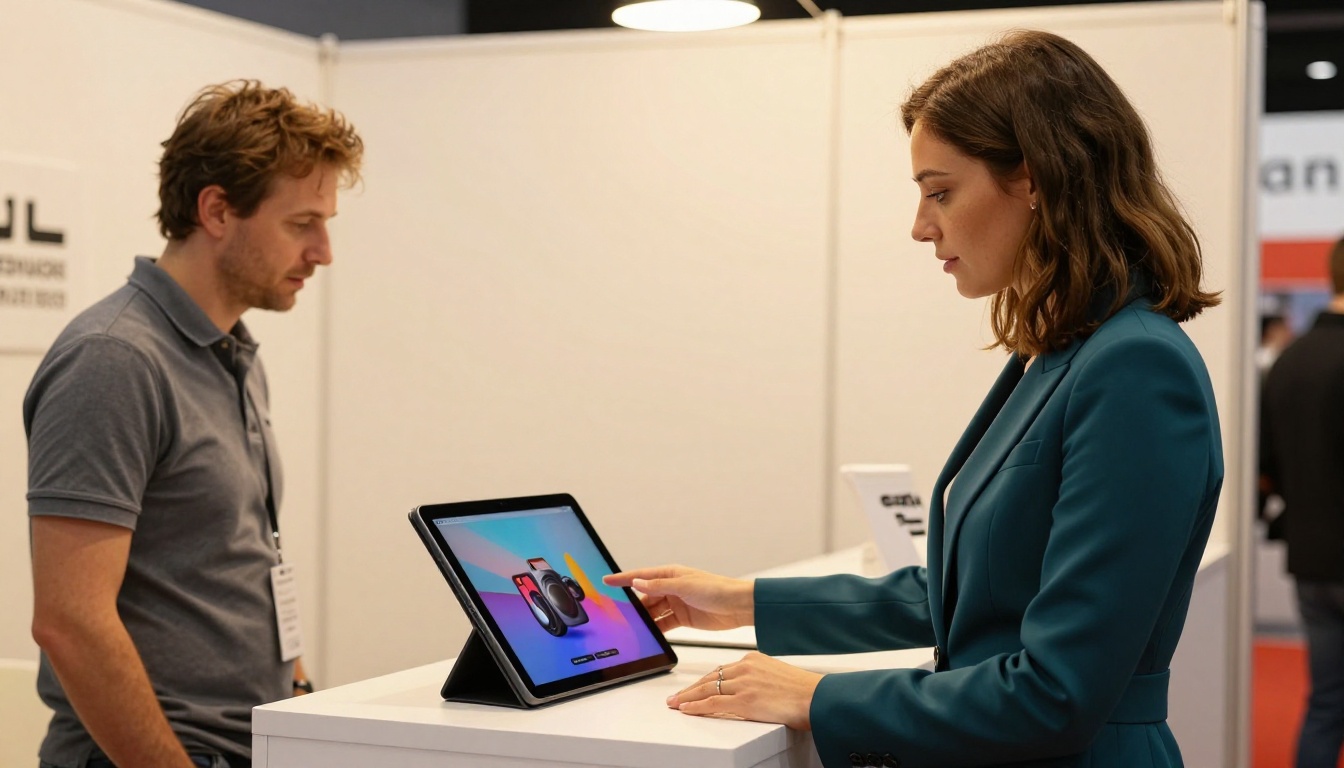
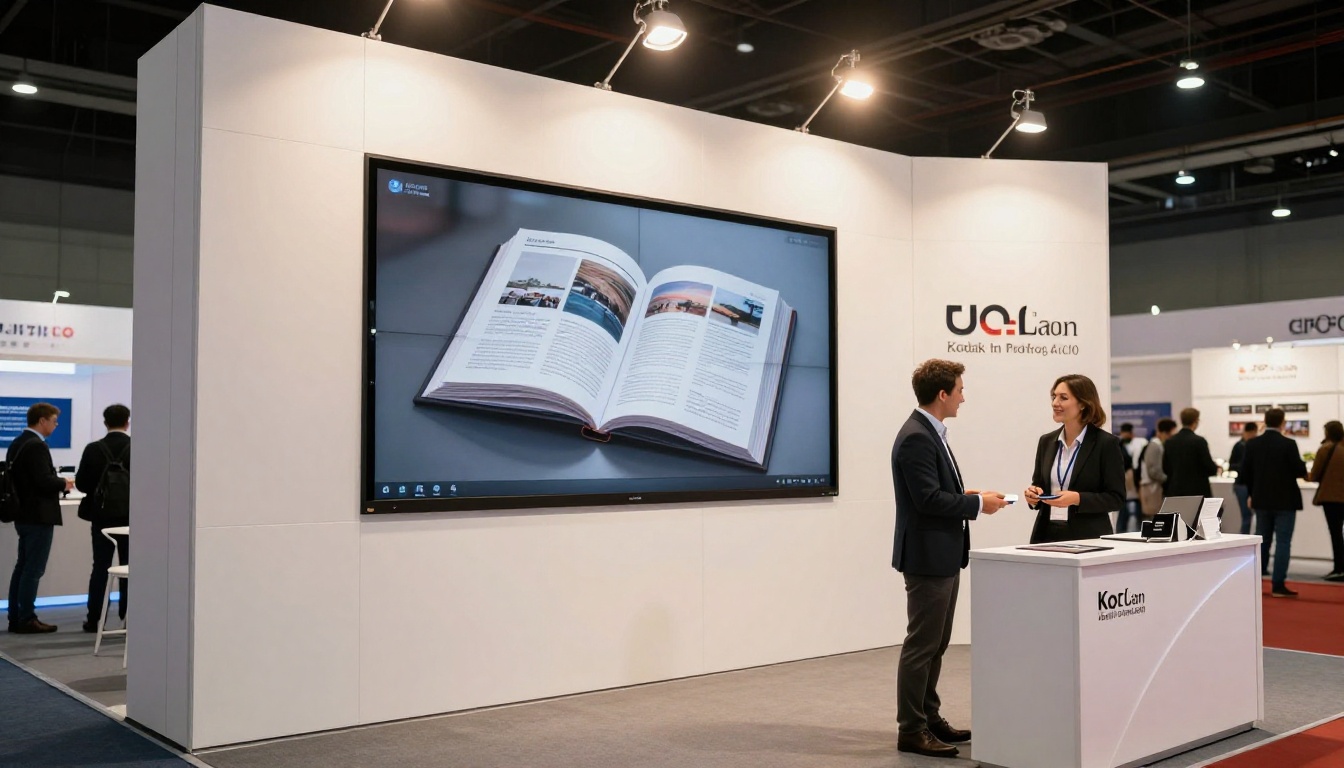
A dedicated iPad or tablet mounted at the front of your booth counter is the most effective display method. Set the flipbook as the home screen and let visitors swipe through it themselves. People who self-navigate through content spend significantly more time with it than when a rep walks them through it on demand. It also frees your team to have real conversations instead of running through a scripted product walkthrough every 10 minutes.
Mount the tablet at counter height, not desk height. Visitors standing in the aisle should be able to see the screen without committing to entering your booth space. That visual hook is what pulls them in.
QR Codes on Every Print Piece
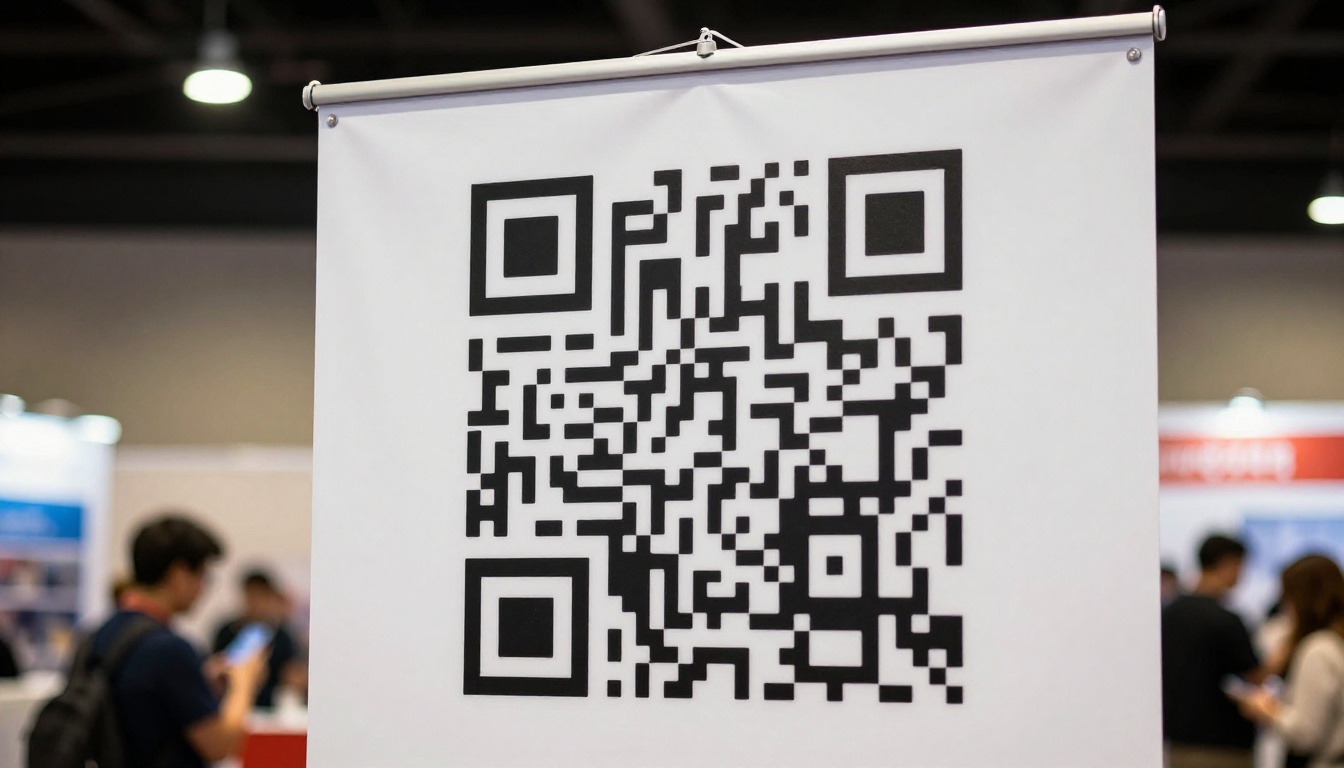
Print one QR code linking to your flipbook and put it on everything: pull-up banners, counter signage, business cards, and any handout materials you do produce. When someone scans it from your banner while walking the aisle, you've extended your booth reach by 15 feet in every direction without any extra effort from your team.
💡 Pro tip: Use a trackable short link through Bitly or a similar service so you can see scan counts. Cross-reference with your Flipbooks AI analytics to see what percentage of scanners actually opened and read through the flipbook content.
The Post-Show Follow-Up Page
Add a final page to your flipbook with a dedicated post-show offer, a discount code, a free consultation booking link, or a downloadable resource. This page doesn't need to be in the version you display on the floor. Create a second version of your flipbook with this closing page and send it in your follow-up email sequence.
When someone opens your email two days after the show and sees a familiar flipbook link, they're far more likely to click through than they would be on a plain PDF attachment. The format feels like a continuation of the conversation, not a cold sales email.
Flipbooks AI Plans for Event Teams
Choosing the right plan before your trade show matters, especially when you're working against an event deadline. Here's how the main plans stack up for exhibition use cases:
| Feature | Free | Standard | Professional |
|---|
| Number of flipbooks | 1 | Unlimited | Unlimited |
| Custom branding | No | Yes | Yes |
| No watermark | No | Yes | Yes |
| Password protection | No | Yes | Yes |
| Lead capture forms | No | No | Yes |
| Analytics dashboard | No | Basic | Full |
| Offline downloads | No | Yes | Yes |
| Embed on website | No | Yes | Yes |
| Multiple events per year | No | Yes | Yes |
✅ For a single trade show, Standard covers everything most exhibitors need. If you're running multiple shows per year or want lead capture and detailed analytics, Professional pays for itself after a single event.
5 Mistakes Exhibitors Make With Trade Show Flipbooks
Even well-designed flipbooks fail at booths when the execution falls short. Here are the most common problems and how to avoid them:
| Mistake | Why It Hurts | How to Fix It |
|---|
| Too many pages | Visitors skim, skip, and close | Cap at 15 pages for event use |
| No clear action on each page | Visitors don't know what to do next | One CTA per spread |
| No QR code on print materials | Misses all aisle traffic | Print QR code on every booth piece |
| Flipbook colors clash with booth | Feels disconnected and unplanned | Sync brand colors before publishing |
| Not tested on mobile | Over 60% of QR scans happen on phones | Preview on iPhone and Android before the show |
Real-World Use Cases by Industry
Different industries get different value from trade show flipbooks. Here's how the format applies across sectors:
| Industry | Best Flipbook Type | What to Include |
|---|
| Manufacturing | Product Catalog | Spec sheets, comparison tables, lead times |
| Real Estate | Real Estate Brochure | Property listings, pricing tiers, agent contacts |
| Fashion and Retail | Fashion Catalog | Seasonal lookbook pages, wholesale pricing, order info |
| Technology and SaaS | Sales Presentation | Demo screenshots, pricing tiers, integration specs |
| Hospitality | Hotel Brochure | Room types, venue photography, event packages |
| Professional Services | Corporate Report Maker | Team bios, case studies, service package details |
Every format listed above can be built from a PDF and customized for trade show use in under an hour on Flipbooks AI.
Before the Show: Your Final Checklist
Running through this list the week before your event prevents problems on the floor:
- PDF exported at 300 DPI with all fonts embedded
- Flipbook converts cleanly with no missing images or layout breaks
- Logo and brand colors applied in the viewer panel
- QR code tested on both iOS and Android devices
- Lead capture form set up on the pricing or offer page
- Analytics dashboard enabled to track opens in real time during the show
- Offline download enabled for venues with unreliable WiFi
- Final page includes a post-show offer or booking link
- Tablet or screen tested at counter height to confirm visibility from the aisle
- Your team briefed on how to introduce the flipbook to visitors naturally
Make It Work Harder Than a Brochure
A trade show flipbook doesn't just replace a printed catalog. It tracks who's reading, captures leads automatically, updates in real time if your pricing changes the night before the show, and keeps working long after the event closes when you send it in follow-up emails. The same file you display on a tablet at the booth becomes the asset your sales team sends to prospects for the next three months. No reprints, no shipping costs, no outdated information sitting on someone's counter.
If you're still planning your materials, browse all the flipbook tools available on the platform. There's a dedicated tool for almost every industry and use case you'll encounter across the show floor.
Ready to build yours? Create your account on Flipbooks AI and have your first trade show flipbook live before your next event. If you're weighing which plan fits your team's event schedule, compare all pricing options to see what makes sense for the number of shows you're running this year.



