Every auction house has the same problem: the printed catalog ships to a few hundred addresses, sits in lobbies, and disappears the day after the sale. Meanwhile, the bidders who would have paid the most for Lot 47 never saw it because they live in another city. Converting your auction catalog into a digital flipbook changes that equation entirely. With Flipbooks AI, you can publish a page-turning, interactive version of your catalog in minutes, share it with thousands of potential bidders worldwide, and track exactly who engaged with which lots.
This is how auction professionals are stretching their reach without reprinting a single page.
Why Printed Catalogs Miss the Bid
Printed auction catalogs made sense in an era when bidders showed up in person. Today, online bidding platforms, live-streamed auctions, and global collector communities have fundamentally changed who your audience is and where they are located.

Here is what a printed catalog cannot do:
- Reach bidders outside your local mailing list
- Update lot information after print (withdrawn lots, corrected estimates)
- Embed condition reports, videos, or 360-degree photography
- Track which lots attracted the most pre-auction attention
- Be shared instantly via a link in an email campaign
- Display correctly on a phone
The numbers tell the story. Industry research consistently shows that auction houses offering online pre-sale catalogs achieve higher average hammer prices, longer bidder dwell time per lot, and measurably stronger absentee bidding participation. A digital flipbook delivers all of that without replacing the tactile prestige of a printed catalog.
💡 You do not have to choose between print and digital. Many auction houses produce a physical catalog for VIP preview attendees and a digital flipbook for everyone else.
What Separates a Flipbook from a PDF
A PDF is static. A flipbook is an experience. When you convert your auction catalog PDF into a flipbook, you add the familiar, satisfying page-turn animation that mimics a physical publication while layering in functionality no printed piece can offer.
| Feature | Static PDF | Digital Flipbook |
|---|
| Page-turn animation | No | Yes |
| Mobile-responsive | Partial | Fully optimized |
| Embeddable on website | No | Yes |
| Password protection | No | Yes |
| Analytics per lot/page | No | Yes |
| Shareable via direct link | Cumbersome | One click |
| Offline download | File only | Structured download |
| Video and audio embedding | No | Yes |
| Custom branding | No | Yes |
| Lead capture forms | No | Yes (Professional plan) |
That table is the argument. Every row represents something a remote bidder needs and a printed catalog cannot provide.
The 5 Auction Types That Benefit Most
Not every auction has the same catalog requirements. Here is how the flipbook format maps across the most common auction formats:
Fine Art and Antiques Sales
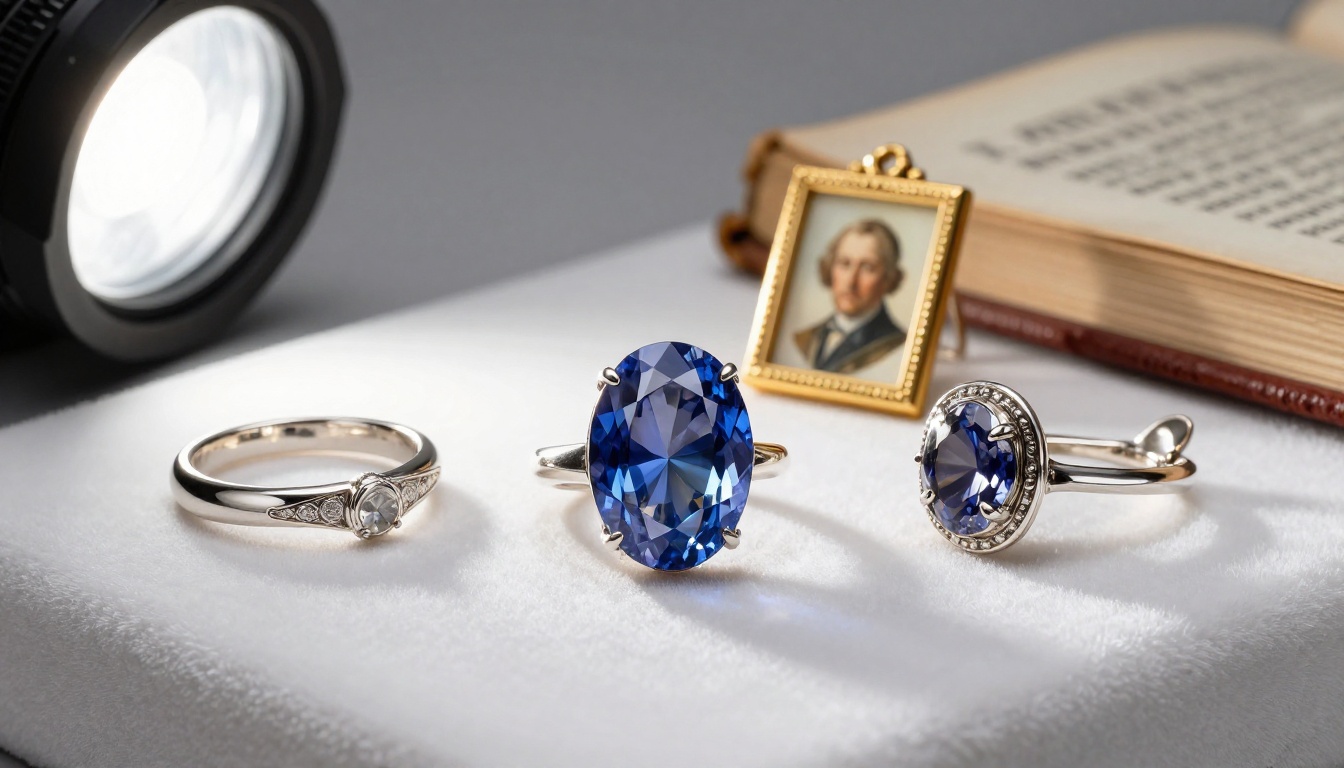
High-value lots demand high-fidelity presentation. A digital flipbook lets you include multiple photography angles per lot, full provenance documentation, and condition report summaries without the prohibitive print cost of a 200-page catalog with full-color lot plates on every page.
Charity and Benefit Auctions
Charity auctions rely heavily on emotional storytelling. The flipbook format lets organizations embed videos of beneficiary programs alongside the lots, giving bidders a reason to bid that goes beyond the object itself. Event programs, sponsor pages, and bid-sheet layouts translate perfectly into the format.
Estate Sales
Estate catalogs are often voluminous and produced under time pressure. When a family entrusts a firm with a significant property or collection, speed of publication matters. A digital flipbook can be published the same day the catalog PDF is finalized, giving the broadest possible audience maximum preview time.
Real Estate and Property Auctions
Property auction catalogs need to carry a lot of information per lot: legal descriptions, survey maps, zoning information, photography, and financial disclosures. A flipbook handles multi-page lot entries naturally, and the ability to embed satellite or walkthrough video links per property makes it far more powerful than a printed brochure.
Industrial and Equipment Auctions
These catalogs are often enormous, covering hundreds of lots across dozens of categories. Digital flipbooks with bookmarked sections let bidders jump directly to the equipment category relevant to them, dramatically improving their experience and time-on-page for the lots that matter most.
How to Build Your Auction Catalog PDF
Before you convert anything, the source PDF needs to be right. A flipbook is only as good as the document it is built from.
Lot Photography That Moves Bidders
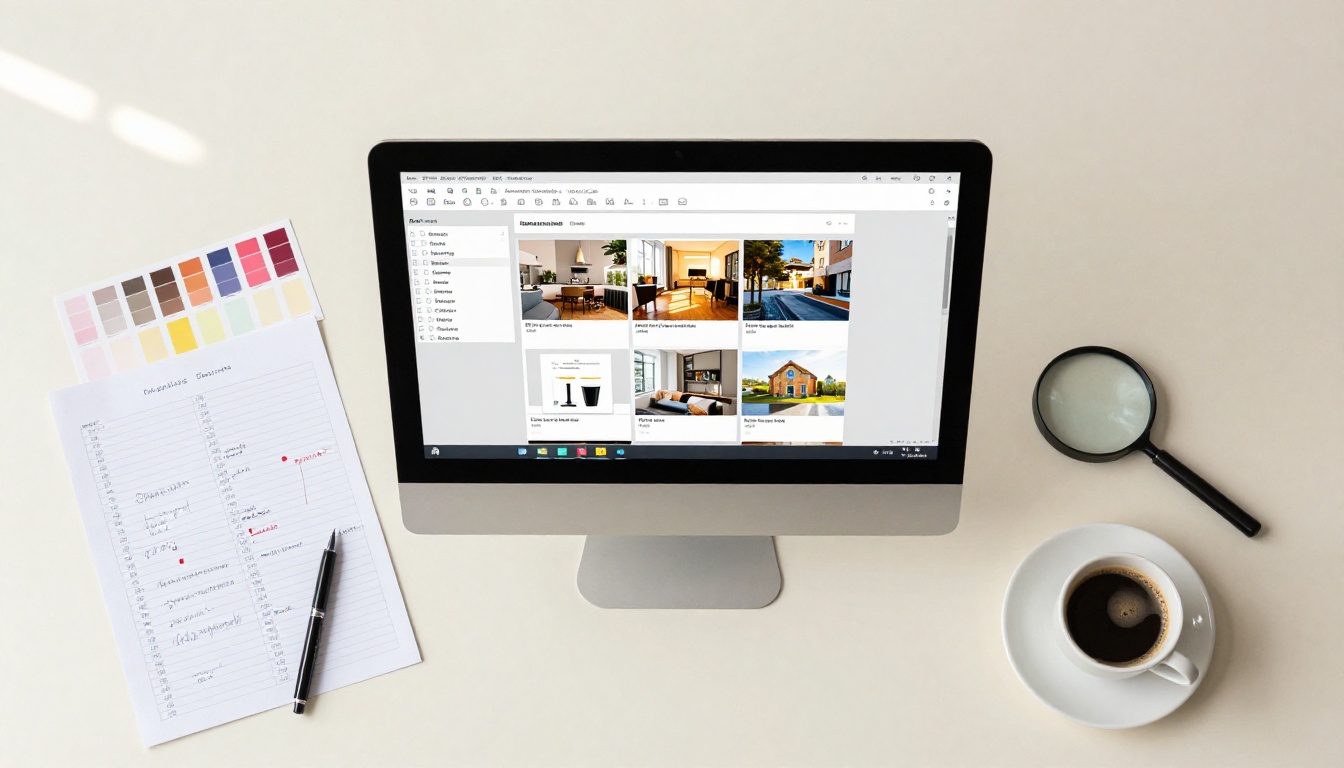
Photography is the single largest determinant of lot performance in any online auction environment. For each lot, you need:
- A primary hero image at minimum 2000px wide, well-lit and square-on
- At least two detail shots showing texture, condition, marks, or signatures
- A scale reference shot where appropriate (furniture, sculpture, ceramics)
- For jewelry and watches: a macro close-up of the defining feature
Avoid composite images that crowd multiple lots onto one catalog page. Each lot deserves its own dedicated layout space.
What Each Lot Entry Should Contain
| Field | Required | Recommended |
|---|
| Lot number | Yes | |
| Category or medium | Yes | |
| Title or description | Yes | |
| Artist, maker, or manufacturer | Yes | |
| Date or period | Yes | |
| Dimensions or weight | Yes | |
| Provenance | When known | Yes |
| Exhibition or publication history | When applicable | Yes |
| Condition summary | Yes | |
| Estimate (low and high) | Yes | |
| Reserve status (if disclosed) | Varies | |
| Starting bid or minimum | Yes | |
Typography and Layout Basics
Use a clean two-column grid. Lot photography occupies the primary column; lot information occupies the secondary. Body text should be no smaller than 10pt in the source PDF to remain legible on mobile screens after conversion. Use a serif typeface for lot descriptions (it reads as authoritative) and a sans-serif for lot numbers and estimates.
⚠️ Avoid placing critical information in the gutter of a spread. When a flipbook renders two-page spreads on wide screens, anything too close to the center may be obscured by the spine shadow effect.
Converting Your Catalog PDF to a Flipbook
Once your PDF is ready, the conversion process takes minutes. Flipbooks AI is built specifically for professional publications, and its Catalog Flipbook Creator is designed for exactly this use case.
Step 1: Create Your Account
Go to flipbooksai.com/account and register. The platform offers a free tier to test your first publication. For auction catalogs, you will likely want the Standard or Professional plan, which removes watermarks and unlocks unlimited flipbook publishing.
Step 2: Upload Your Catalog PDF
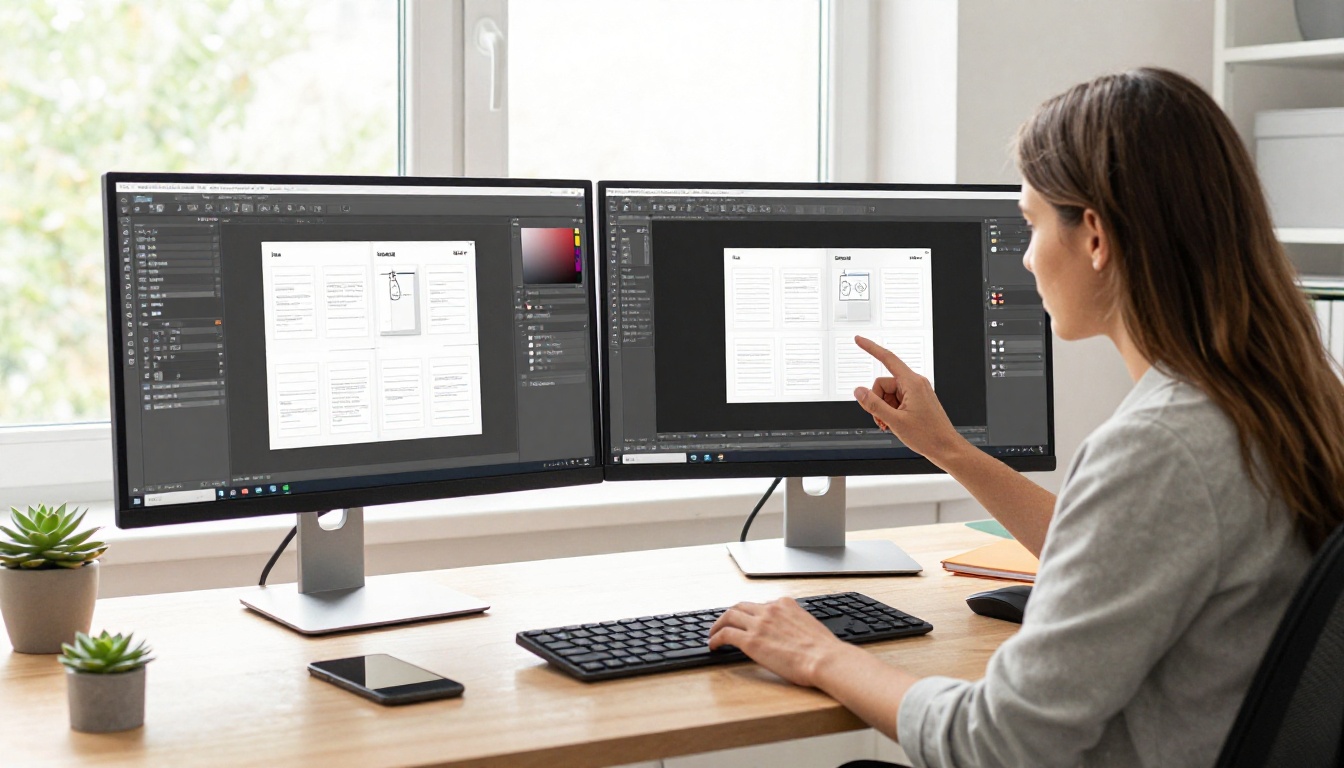
From your dashboard, select "New Flipbook" and drag your catalog PDF into the upload zone. The platform processes your file, preserves your typography, layout, and photography at full quality, and renders every page into the interactive flipbook format. Large catalogs with 100+ pages process in under two minutes.
Step 3: Customize Branding and Appearance
Once uploaded, apply your auction house branding:
- Custom logo in the viewer header
- Brand colors for the navigation bar and controls
- Background color or texture behind the flipbook viewer
- Custom domain or subdomain for the shareable link (Professional plan)
- Favicon for the viewer tab
This is where your catalog stops looking like a generic PDF and starts presenting as a premium publication.
Step 4: Add Interactive Elements
For auction catalogs, the most valuable interactive additions are:
- Hyperlinked lot entries that connect to your online bidding platform registration page
- Embedded video for lots with movement, installation footage, or maker interviews
- Clickable table of contents linking to catalog sections by category
- Lead capture form on the catalog cover page to collect interested bidder emails (Professional plan)
✅ Link every lot estimate range to your bidding registration page. That single change converts passive catalog browsers into active registered bidders.
Step 5: Share and Distribute
Your flipbook publishes to a direct link you can use anywhere:
- Email campaign: Paste the link in your pre-sale email to registered bidders. It works in every email client without attachments.
- Website embed: Use the embed code to place the live flipbook directly on your auction page with the Embed Flipbook on Website tool.
- Social media: Share the direct link on Instagram, Facebook, LinkedIn, or X. The link preview renders a thumbnail of your catalog cover automatically.
- Password protection: For pre-sale catalogs restricted to registered bidders only, activate the password feature before publishing.
Choosing the Right Plan
Flipbooks AI offers plans that scale with the size and frequency of your auction activity. Here is how they compare for auction-specific needs:
| Feature | Free | Standard | Professional |
|---|
| Watermark-free flipbooks | No | Yes | Yes |
| Unlimited flipbooks | No | Yes | Yes |
| Password protection | No | Yes | Yes |
| Custom branding | No | Yes | Yes |
| Embed on website | No | Yes | Yes |
| Analytics per page | No | No | Yes |
| Lead generation forms | No | No | Yes |
| Offline downloads | No | Yes | Yes |
| Custom domain | No | No | Yes |
| Priority support | No | No | Yes |
For houses running four or more sales per year, the Professional plan pays for itself in the additional bidder registrations captured through lead generation forms alone.
💡 If you are a charity organization running a single annual benefit auction, the Standard plan covers everything you need at a fraction of what reprinting 500 extra catalogs would cost.
How Real Auction Operations Use Digital Catalogs
The practical use of a flipbook varies by the type of operation running it.

A regional auction house selling estate collections publishes the digital catalog seven days before the live auction. They email the link to 4,200 subscribers and embed it on the sale-specific page of their website. Absentee bids come in from five countries because bidders who would never have received a mailed catalog found the digital version through a Google search.
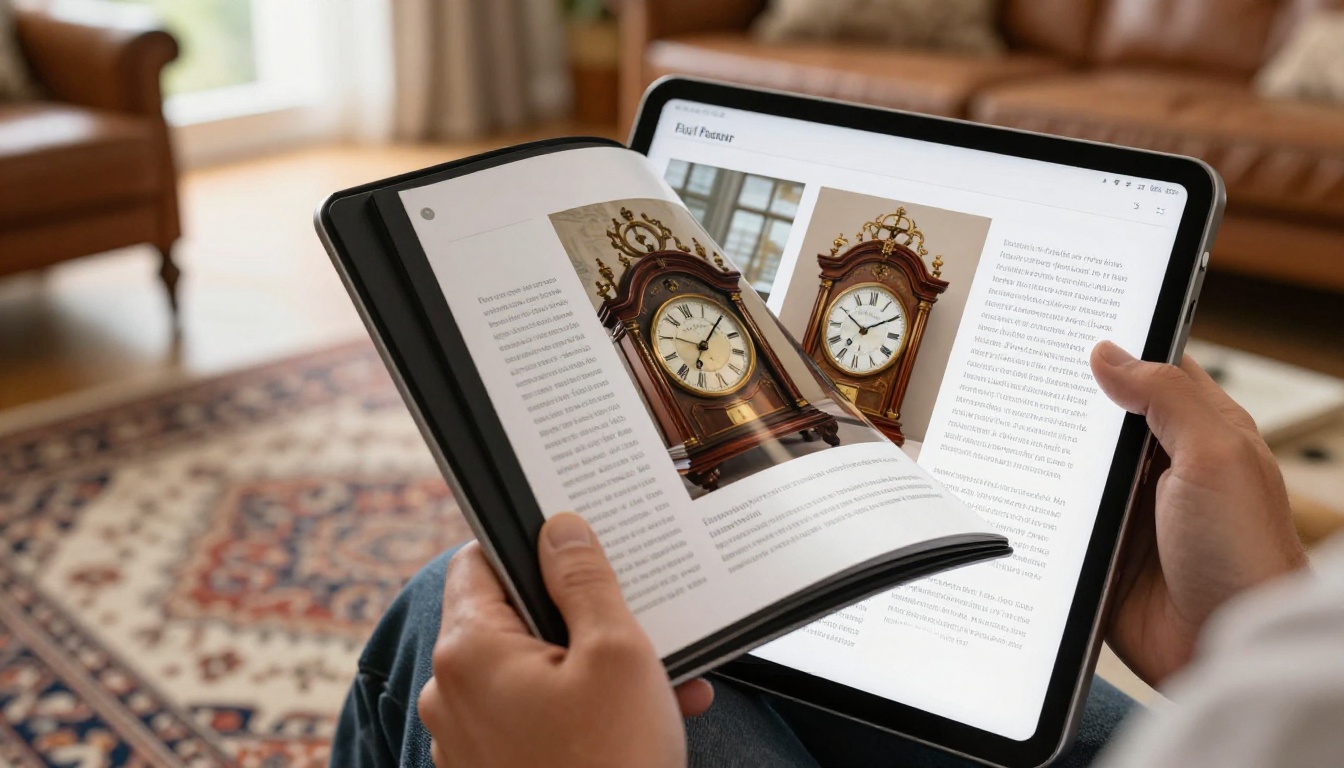
A charity foundation runs its annual gala auction. The event team builds the catalog in InDesign, exports to PDF, and uploads to Flipbooks AI two weeks before the gala. They share the password-protected link with ticketed guests so VIP attendees can research lots before arriving. On the night, tablets at each table display the live flipbook so guests do not need to queue for printed programs.
An antique dealer collective operating quarterly specialty sales uses the Digital Catalog Maker to produce catalogs for each themed sale: Georgian silver, Japanese woodblock prints, American folk art. Each catalog lives permanently on their website as a searchable archive.

Distribution Tactics That Fill Bidder Rosters
Publishing the flipbook is step one. Getting the right eyes on it is step two. Here is what consistently works:
- Pre-sale email series: Send the flipbook link to your full subscriber list 10, 5, and 1 day before the auction. Use different subject lines each time (lot highlight, preview reminder, sale day alert).
- Consignor promotion: Share the link with consignors and ask them to share with their personal networks. A consignor with a valuable lot in the sale is highly motivated to drive bidder attention to it.
- Collector community outreach: Share specific catalog sections in relevant collector forums, Facebook groups, and subreddits. A link to page 34 of your Georgian silver catalog lands better in a silverware collecting community than a generic auction announcement.
- Paid social targeting: Use the flipbook link as the destination URL in Facebook and Instagram ads targeted by interest (art collecting, antiques, fine jewelry). The cover image renders as an ad creative automatically.
- SEO value: An embedded flipbook on your website keeps visitors on-page longer, improving dwell-time metrics and signaling quality to search engines over time.

3 Mistakes That Weaken Auction Flipbooks
Most auction catalog flipbooks underperform for one of three reasons:
1. Low-resolution lot photography in the source PDF. The flipbook renders what the PDF contains. If your source document has 72dpi JPEGs, the flipbook will look soft. Use 300dpi images in your layout and export at PDF/X-1a quality.
2. No call to action on the catalog pages. A catalog that shows lots without telling readers what to do next is a missed opportunity. Include a prompt to register and bid on the cover page, the section breaks, and the final page.
3. Publishing too close to the sale date. Bidders need time to research, consult advisors, arrange financing, and make decisions. Publish your digital catalog at least seven days before the auction. Ten to fourteen days is better for significant sales.

The Catalog as Permanent Record
One overlooked benefit of a digital flipbook is its permanence. A printed catalog is gone when the sale is over. A digital flipbook lives on your website indefinitely as:
- An archive for consignors who want documentation of what their items achieved
- A reference for collectors who want to cite provenance in future transactions
- A portfolio piece demonstrating the quality of your sales to prospective consignors
- A body of content that drives organic traffic to your website year-round
Auction houses that archive past sale catalogs as flipbooks build an SEO asset over time. Each catalog, properly titled and embedded, is a page that ranks for specific lot descriptions, artist names, and furniture periods.
✅ After the sale, update the flipbook description with realized prices for lots where disclosure is permitted. This turns your catalog into a price guide that attracts collectors researching current market values.
Start Reaching More Bidders Now
The gap between a local auction and an international one is often just a matter of who saw the catalog. A digital flipbook puts your lots in front of every collector in your subscriber list, every follower on social media, and every buyer who finds your website through search, not just the ones on your mailing list.
Flipbooks AI makes the process fast, the result professional, and the reach unlimited. Create your first catalog flipbook today at flipbooksai.com/account, or browse pricing plans to find the right fit for your auction volume. Explore all available catalog tools to find the format that fits your next sale.
Your catalog should not sit in a box after the sale. It should be working for you the moment the PDF is ready. Get started free and see what a digital catalog can do for your bidder numbers.



