Opera houses have a program problem. Every season, thousands of beautifully designed printed programs are handed out at the door, skimmed during intermission, and left behind on seats or forgotten in coat pockets. The cost is real, the waste is visible, and modern audiences increasingly expect digital-first experiences. A flipbook for your opera house solves all of this at once, giving patrons something they can read before the curtain rises, bookmark for later, and share with friends who couldn't make the show. Flipbooks AI makes the conversion from PDF to polished interactive publication faster than you'd expect.
Why Printed Programs Are Becoming a Burden
The printed program has been a fixture of the opera world for over a century. Beautifully typeset, often featuring original artwork, and carrying the weight of institutional tradition, they remain beloved by many. But the economics and logistics behind them tell a different story.
The Real Cost Per Season
Printing programs for a full opera season adds up fast. Consider a mid-sized opera house running eight productions per year:
| Cost Category | Printed Program | Digital Flipbook |
|---|
| Per-run printing | $2,500 - $8,000 | $0 |
| Design revisions | Costly, all reprinted | Instant, free updates |
| Last-minute cast changes | Reprint or handwritten inserts | Updated in seconds |
| Distribution | Staff time at doors | QR code or email link |
| Storage | Requires physical space | Cloud-based |
| Annual total (8 productions) | $20,000 - $64,000+ | Monthly subscription |
That number does not include emergency reprints when a lead singer is replaced at the last minute, which is a reality every opera house has faced. With a digital flipbook, you update the file, republish, and the change is live instantly.
What Audiences Actually Want
Younger audiences, increasingly the target of opera's outreach efforts, are accustomed to interactive content. They want to tap a cast member's name and see their bio. They want to share a page from the program to Instagram Stories. They want to read the synopsis on their phone in the taxi on the way to the venue.
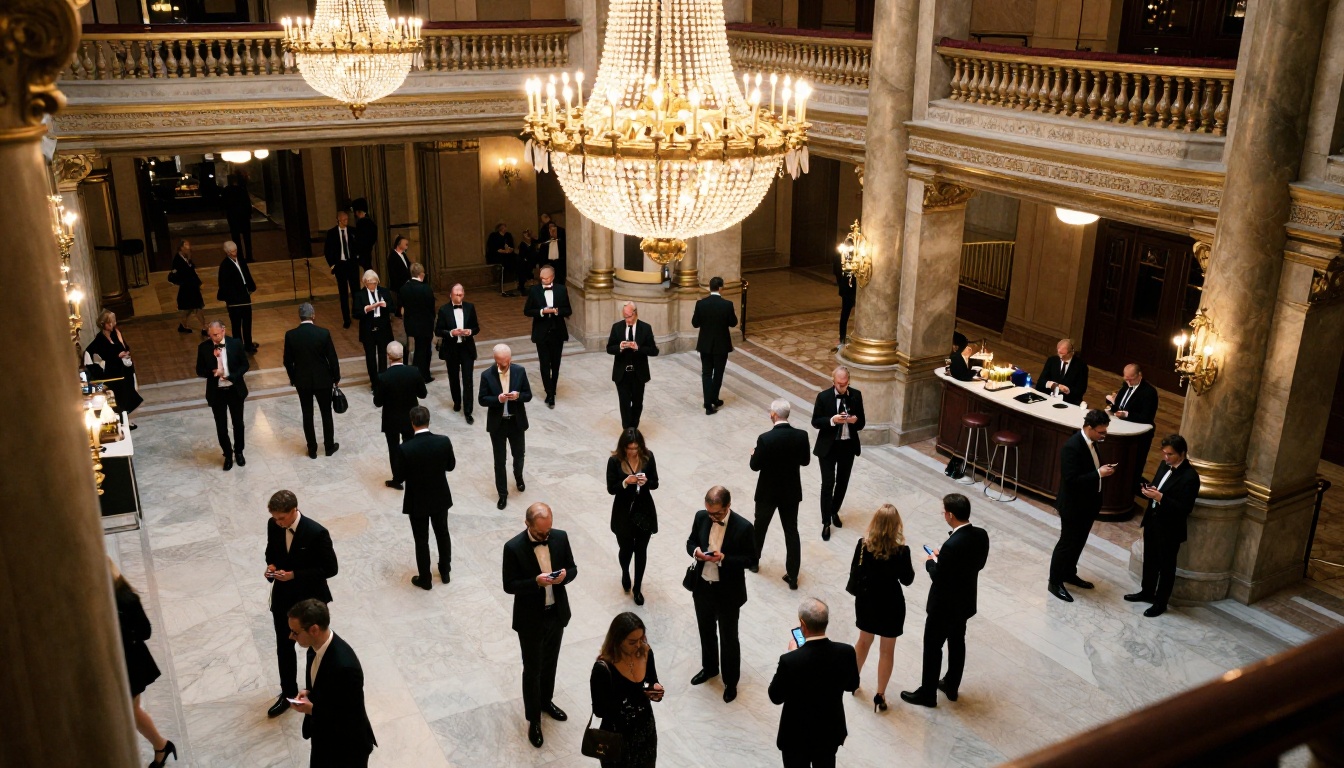
A 2023 audience behavior study across performing arts venues found that over 67% of attendees aged 25-45 preferred to receive event programs digitally rather than in print. The preference among over-55 audiences was closer to even, but the trend is unmistakable.
💡 Many opera houses now use a hybrid approach: a small print run for VIP and subscription patrons, with digital flipbooks distributed via QR code to the general audience.
What Goes Inside an Opera House Flipbook
The structure of a strong opera flipbook mirrors a printed program, but with opportunities that print simply cannot offer.
Cast Bios and Creative Team

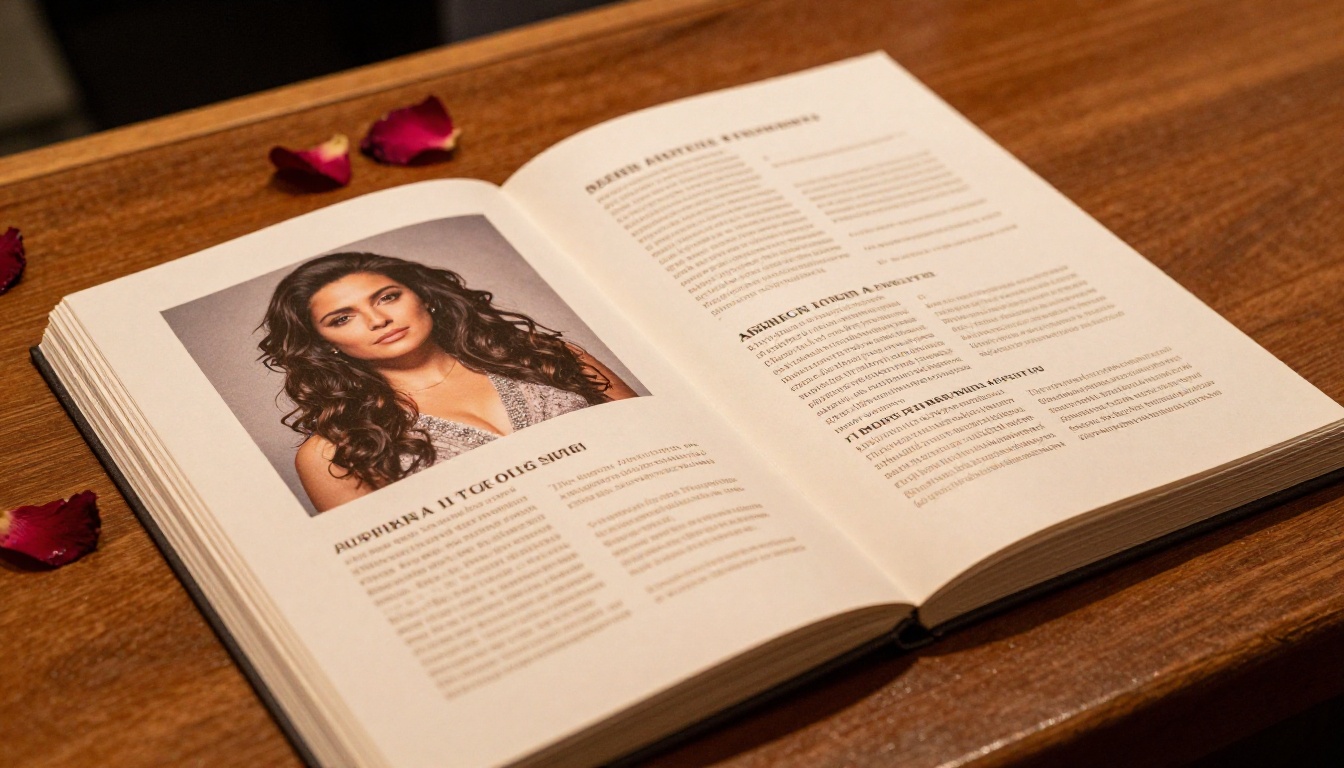
The cast page is where digital flipbooks shine. Instead of cramming paragraphs of text into a two-column layout, you have room to breathe. Each principal singer gets a full-page bio with their headshot, performance history, and discography. The conductor, director, and design team each get proper recognition.
A strong cast section typically includes:
- Full-page or half-page portrait photos for lead singers
- Two to three paragraph bios per principal
- A compact roster listing for chorus and orchestra members
- Creative team credits: director, set designer, costume designer, lighting designer
- Artistic director's note or welcome message
Synopsis and Act Structure
Opera can be intimidating for first-time attendees. A well-written synopsis, broken down by act and scene, removes that barrier entirely. In a digital flipbook, you can add a table of arias with their titles and the character singing them, which printed programs rarely have room for.
| Act | Setting | Central Scene |
|---|
| Act I | The courtyard at dawn | Opening aria, introduction of the lovers |
| Act II | The duke's ballroom | The betrayal scene, second soprano aria |
| Act III | The prison cell | Final duet and resolution |
| Epilogue | The garden | Curtain call theme reprised |
This kind of structured breakdown is easy to read on a phone screen and impossible to mess up with a bad fold or torn page.
Sponsor Recognition Pages
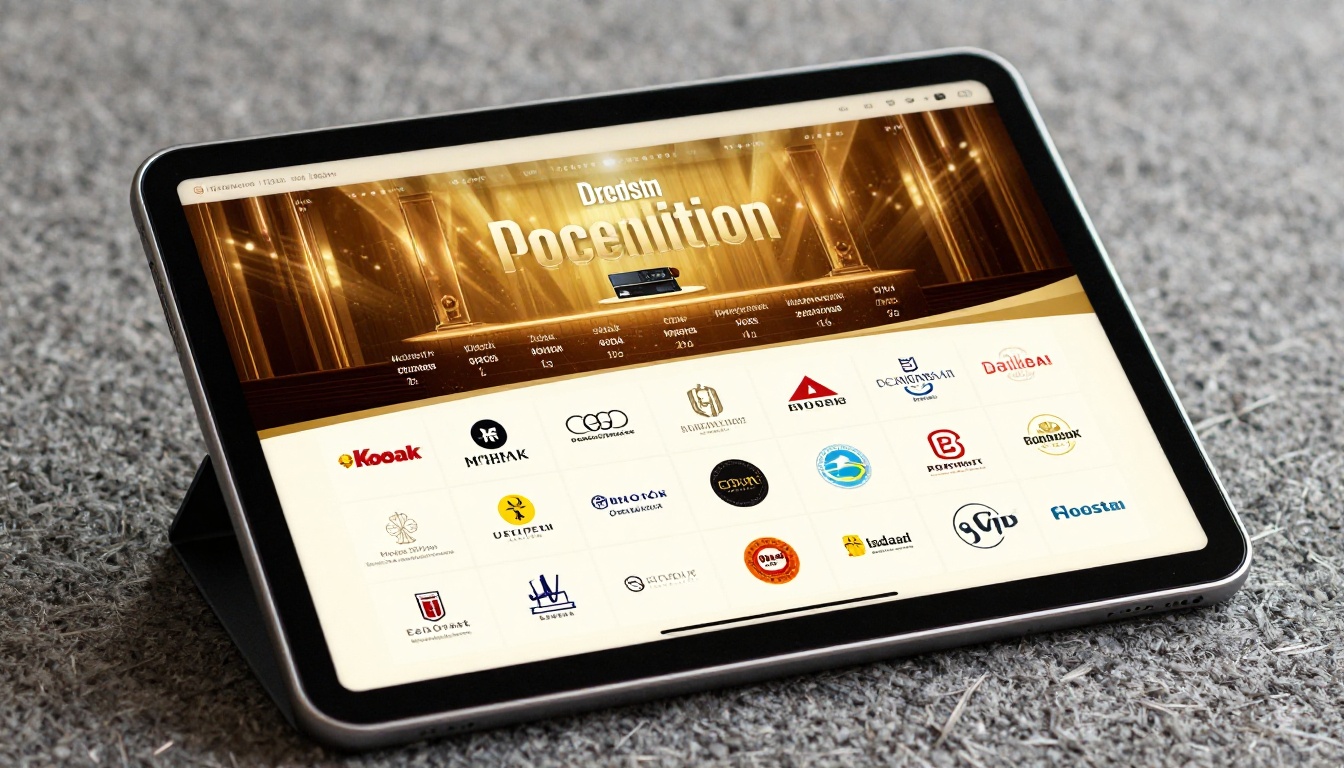
Sponsors pay for recognition, and a digital flipbook gives them better visibility than a printed program ever could. Instead of a static page with logos and a thank-you note, you can dedicate a full interactive spread to each tier of sponsorship, with clickable logos that link directly to sponsor websites.
✅ Sponsors consistently report higher satisfaction when their branding appears in a digital format that includes a clickable link to their own site. It turns passive brand placement into measurable referral traffic.
Sponsor page elements to include:
- Title sponsor: full-page feature with brand story paragraph
- Season sponsors: half-page with logo and one-line acknowledgment
- Production sponsors: quarter-page with logo grid
- Individual donors: scrollable list by giving level (Patron, Benefactor, Friend)
Designing Your Opera Flipbook
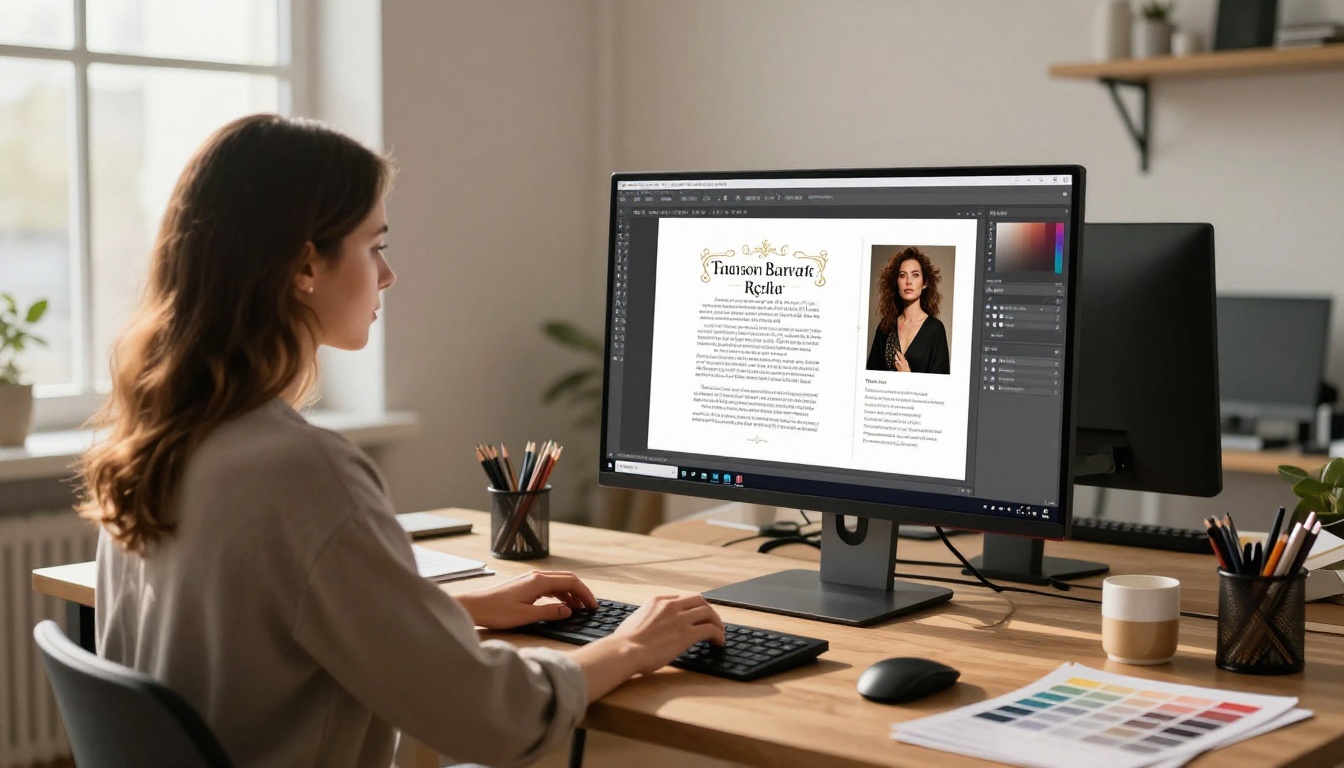
A flipbook is only as good as its underlying PDF. Before you upload anything to a platform, the design work needs to be done properly.
Layout and Page Structure
Opera programs traditionally follow a landscape or portrait format. For digital flipbooks, portrait orientation (similar to a book or magazine) works best because it mirrors how people hold tablets and phones.
Recommended page structure for an opera flipbook:
- Front page: Production artwork, opera title, venue, season dates
- Welcome message: Artistic or general director
- Cast page: Principal singers with photos
- Creative team: Director, conductor, design team
- Synopsis: Act-by-act breakdown
- Program notes: Musicologist or dramaturg essay
- Sponsor recognition: Tiered by contribution level
- Upcoming season: Next productions with dates
- Back page: Venue information, ticketing, social media
Typography, Colors, and Branding
Opera houses have established visual identities. Your flipbook should extend that identity consistently:
- Primary typeface: Serif fonts (Garamond, Caslon, Times New Roman) signal classical prestige
- Accent typeface: A clean sans-serif for captions and labels
- Color palette: Deep burgundy, gold, ivory, and black are perennial favorites
- Image quality: All photos at minimum 300 DPI in the source file
- Margins: At least 12mm on all sides to avoid content being cut at fold points
⚠️ Avoid placing critical text within 5mm of page edges. Even in digital flipbooks, the page-turn animation can obscure content near the spine.
Building Your Opera Flipbook with Flipbooks AI
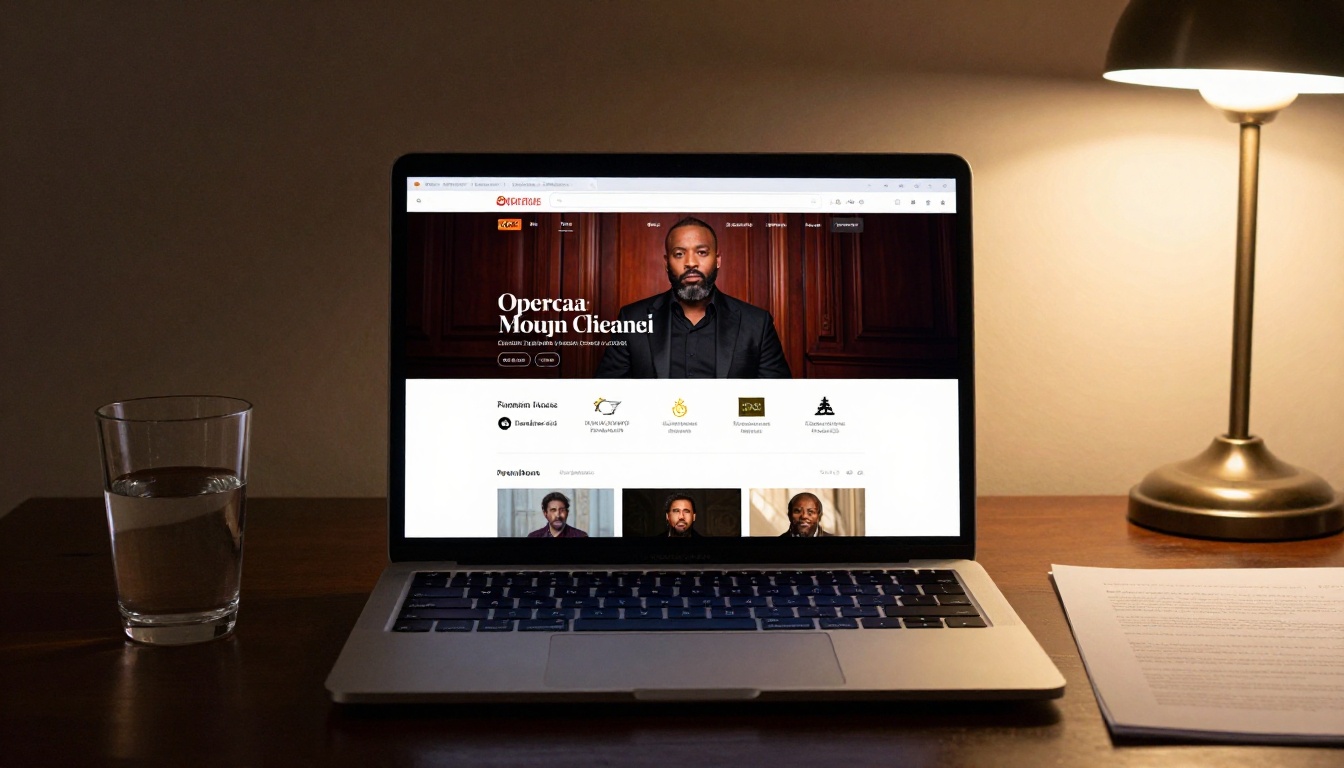
Flipbooks AI is built for exactly this kind of use case. The platform converts your finished PDF into a fully interactive digital flipbook with realistic page-turning effects, mobile responsiveness, and sharing options that work for both casual audiences and institutional partners. Here is how to do it from scratch.
Step 1: Design and Export Your PDF
Using your design software of choice (Adobe InDesign, Canva, or Affinity Publisher all work well), build your program to the specifications above. Export as a high-quality PDF, with fonts embedded and images at full resolution. Aim for a file size under 50MB for fastest loading.
For opera houses without an in-house designer, the Event Program Maker tool on Flipbooks AI offers templates specifically built for performing arts programs, saving significant design time.
Step 2: Upload to Flipbooks AI
Create your account at flipbooksai.com/account. From your dashboard, click "New Flipbook" and upload your PDF. The conversion process takes under two minutes for most program files.
The platform supports:
- PDF files up to 2GB
- Single and multi-page documents
- Landscape and portrait orientations
- Documents with embedded images, vector graphics, and complex layouts
Step 3: Customize the Experience
Once your flipbook is generated, the customization options begin. The Flipbooks AI editor lets you:
- Set your brand colors: Match your opera house's official palette throughout the reader interface
- Add a custom logo: Appears on the reader toolbar for institutional recognition
- Choose page effects: The classic page-flip animation, or a smooth slide transition
- Embed audio clips: Add an overture preview or aria sample directly into the program
- Add clickable links: Every sponsor logo and cast name can link to an external page
- Set the starting page: Open to the cast page rather than the front page if preferred
Step 4: Share with Your Audience
Flipbooks AI gives you multiple distribution options that work for different opera house contexts:
| Sharing Method | Best For | How It Works |
|---|
| Direct link | Email newsletters, social media | One URL that opens the flipbook instantly |
| QR code | Lobby signage, printed inserts | Scannable code generated automatically |
| Embed code | Opera house website | Drops the flipbook into any webpage |
| Password protection | VIP patrons, board members | Restrict access to invited guests only |
| Offline download | Accessibility, low-signal venues | PDF download option for subscribers |
💡 Print QR codes on small business card-sized inserts that ushers hand to patrons as they enter. This takes less than a minute per patron and eliminates the entire printing bill.
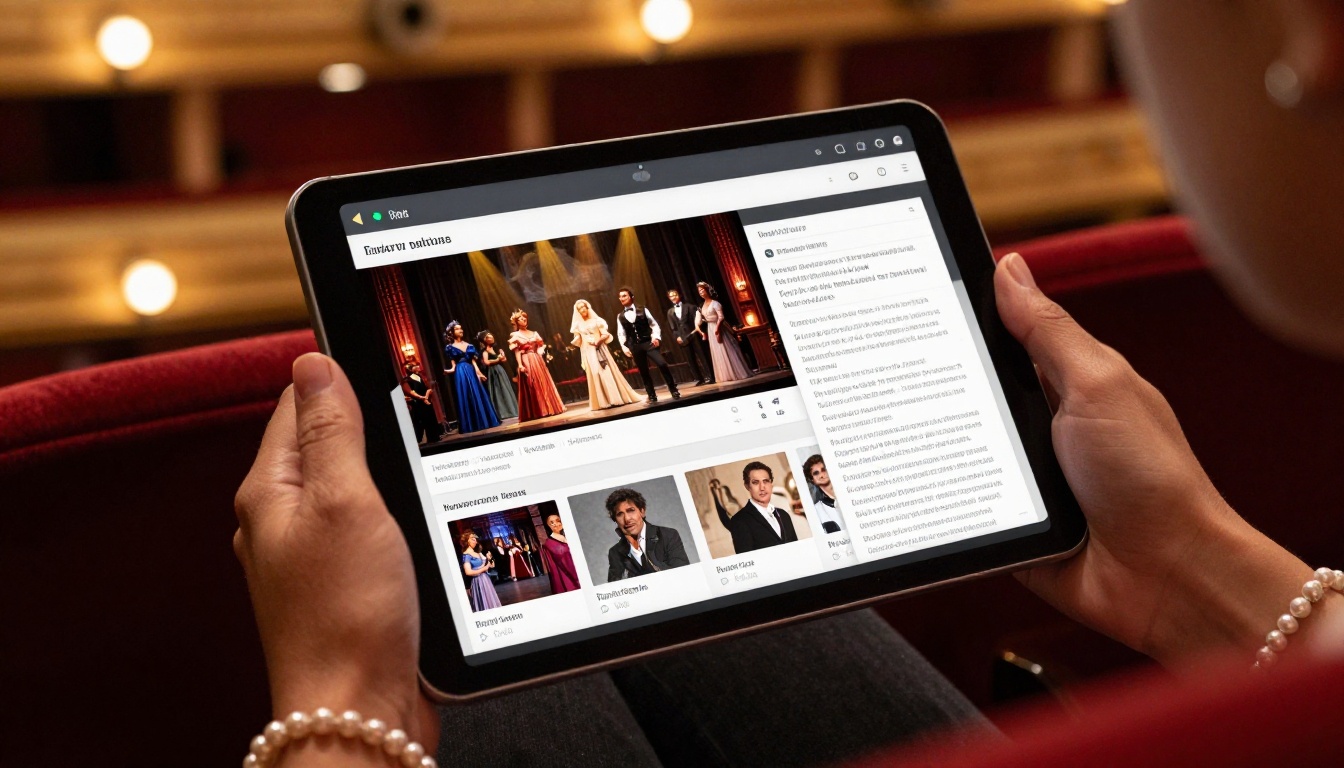
Printed vs. Digital Flipbook at a Glance
This comparison covers the factors that matter most to opera house administrators, marketing directors, and artistic staff:
| Factor | Printed Program | Digital Flipbook |
|---|
| Cost per production | $2,500 - $8,000+ | Included in subscription |
| Last-minute updates | Reprint required | Instant |
| Cast change handling | Insert slips or apologies | Updated in seconds |
| Sponsor clickable links | Not possible | Standard feature |
| Audience accessibility | Physical copy only | Any device, anywhere |
| Archive availability | Physical storage needed | Permanent URL |
| Environmental impact | Paper and ink waste | Zero physical waste |
| Analytics (views, shares) | Not available | Full dashboard |
| Multilingual versions | Separate print run | One file, multiple languages |
| Password-protected access | Not possible | Standard feature |
Flipbooks AI Plans for Opera Houses
Choosing the right plan depends on your production volume and the features you need. Here is how the main tiers compare for opera house use cases:
| Feature | Starter | Standard | Professional |
|---|
| Number of flipbooks | Limited | Unlimited | Unlimited |
| Custom branding | Partial | Full | Full |
| Password protection | No | Yes | Yes |
| Analytics dashboard | No | No | Yes |
| Lead generation forms | No | No | Yes |
| Offline downloads | No | Yes | Yes |
| Embed on website | Yes | Yes | Yes |
| Watermark-free | Yes | Yes | Yes |
For most opera houses running more than two productions per year, the Standard plan offers the best value. Houses with major fundraising operations or patron involvement programs will benefit most from Professional, which includes analytics and lead generation, features that translate directly into donor pipeline data. Check the full breakdown at flipbooksai.com/pricing.
💡 Use the lead generation form feature on Professional to capture patron email addresses when they open the flipbook. This builds your mailing list automatically with every program view.
Best Practices for Opera House Flipbooks
Release Timing
The biggest mistake opera houses make is treating the digital program as a last-minute replacement for the printed one. A digital flipbook can do much more if you release it in advance:
- Two weeks before opening night: Send to season subscribers via email with a teaser subject line referencing the cast
- One week before: Post the flipbook link to social media with a page preview
- Day of the show: Include the QR code link in your pre-show reminder email
- During intermission: Promote the "Act II Notes" page via a social media post
Promoting Before the Show

A flipbook that nobody opens is a missed opportunity. Opera house marketing teams that treat the digital program as a content asset, rather than just a replacement for a printout, see significantly more patron reads:
- Share individual pages as image posts on Instagram and Facebook
- Use the cast bio page as a newsletter feature leading up to opening night
- Embed the flipbook on the production's page on your website using the embed code from Flipbooks AI
- Create a short video walking through a few pages of the flipbook for social media
- Pin the flipbook link in your email signature for the two weeks surrounding each production
✅ Opera houses that release their digital program at least seven days before opening night report an average of 3x more total flipbook views than those who release it on the day of the performance.
More Than Just a Program
Once your opera house has a flipbook workflow in place, the format opens up for other publications you likely already produce:
- Season brochure: The full season lineup becomes an interactive digital catalog that patrons can read and share before subscriptions go on sale
- Donor and sponsor report: An annual report of artistic achievements and financial stewardship, distributed digitally to board members and major donors using the Annual Report Creator
- Educational materials: Pre-opera listening notes and libretto excerpts formatted as interactive publications using the Course Material Publisher
- Press kit: A media-ready digital press kit for critics and journalists using the Press Kit Designer
- Lobby content: A companion flipbook with extended program notes for display on lobby screens during pre-show and intermission
Each of these has its own tool on flipbooksai.com/tools, and each one follows the same simple upload-and-publish workflow.
Take Your Opera House Programs Digital
The case for making the switch is straightforward: a digital flipbook costs less, reaches more people, updates instantly, and gives your sponsors something print never could, a live link to their own website. The artistic prestige of a beautifully designed opera program does not have to live or die with a print run.
Ready to publish your first opera house flipbook? Create your account on Flipbooks AI and upload your first PDF in minutes. For houses just starting to think through the transition, the Event Program Maker is a strong first step.
Browse all available tools and templates to find what works for your venue. When you are ready to scale across productions, compare pricing plans to choose the tier that fits your season budget.



