Your construction company builds real things, things that reshape skylines, revamp warehouses, and convert raw land into finished facilities. But if your project portfolio still lives inside a PDF attachment or a worn-out three-ring binder, you're likely losing bids to contractors who look sharper on paper, even if your actual work is stronger. A digital flipbook changes that quickly. Flipbooks AI lets you turn any PDF into an interactive, page-turning portfolio that clients actually open, read, and share. This article breaks down exactly how to build one, what to include, and how to put it to work across every stage of your sales process.
Why Static PDFs Are Costing You Jobs
The average general contractor sends dozens of proposals every year. Most of those proposals land in a client's inbox as PDF attachments, and most of those attachments never get opened past the first page. It's not because your work lacks merit. It's because a flat, static document doesn't hold attention the same way an interactive publication does in 2027.
Clients Skip Attachments
Email attachments create friction. They require downloading, opening in a separate app, and scrolling through pages with no visual momentum. A digital flipbook opens in any browser with a single click. Clients flip through your projects the same way they'd browse a print magazine, with smooth page transitions and a layout that rewards attention. The psychological effect of physically "turning" a page, even digitally, creates stronger recall than scrolling through a PDF.

Printed Portfolios Hit Walls
A printed portfolio impresses in person. But it can't be emailed after the meeting, it can't be shared with a decision-maker who wasn't in the room, and it costs money every time you update it. A digital flipbook is just a URL. You share it in an email, embed it on your website, display it on a tablet in the field, or drop it into a text message, without reprinting anything, ever.
💡 Pro tip: A flipbook link dropped directly into a bid proposal email gets significantly higher view rates than a PDF attachment because it requires zero downloads and opens instantly on any device.
What a Construction Flipbook Actually Does
A flipbook isn't just a PDF with a more attractive skin. It's a fully interactive publication that behaves more like a website than a document. Pages turn with a smooth, realistic animation. Images load at full resolution. You can embed links, contact forms, and even video directly into the pages. For a construction company, this means your portfolio becomes a dynamic sales tool rather than a passive document gathering dust in someone's downloads folder.
It Reads Like a Magazine
The page-flip interaction is the first thing clients notice, and it immediately positions your company as polished and detail-oriented. In construction, perception matters. If your proposal looks more professional than a competitor's, you start the conversation with a real advantage before a single word is spoken.

Before and After Pages That Stick
One of the most effective things you can do in a construction flipbook is dedicate a spread to before-and-after photography. A static document shows two images side by side. A flipbook spread creates a dramatic reveal as clients literally turn the page from the raw jobsite to the finished result. This format is far more memorable than any side-by-side comparison printed on paper.
| Format | Client Response | Shareability | Update Cost | Brand Impact |
|---|
| Printed Binder | Low | None | High (reprint) | Moderate |
| PDF Attachment | Moderate | Medium | Low | Low |
| Digital Flipbook | High | Very High | Free (update anytime) | High |
What to Put in Your Construction Flipbook
A strong construction flipbook is more than a photo gallery. It's a curated argument for why a client should hire you specifically. Every page should serve a clear purpose in building that case.
Project Showcases That Build Trust
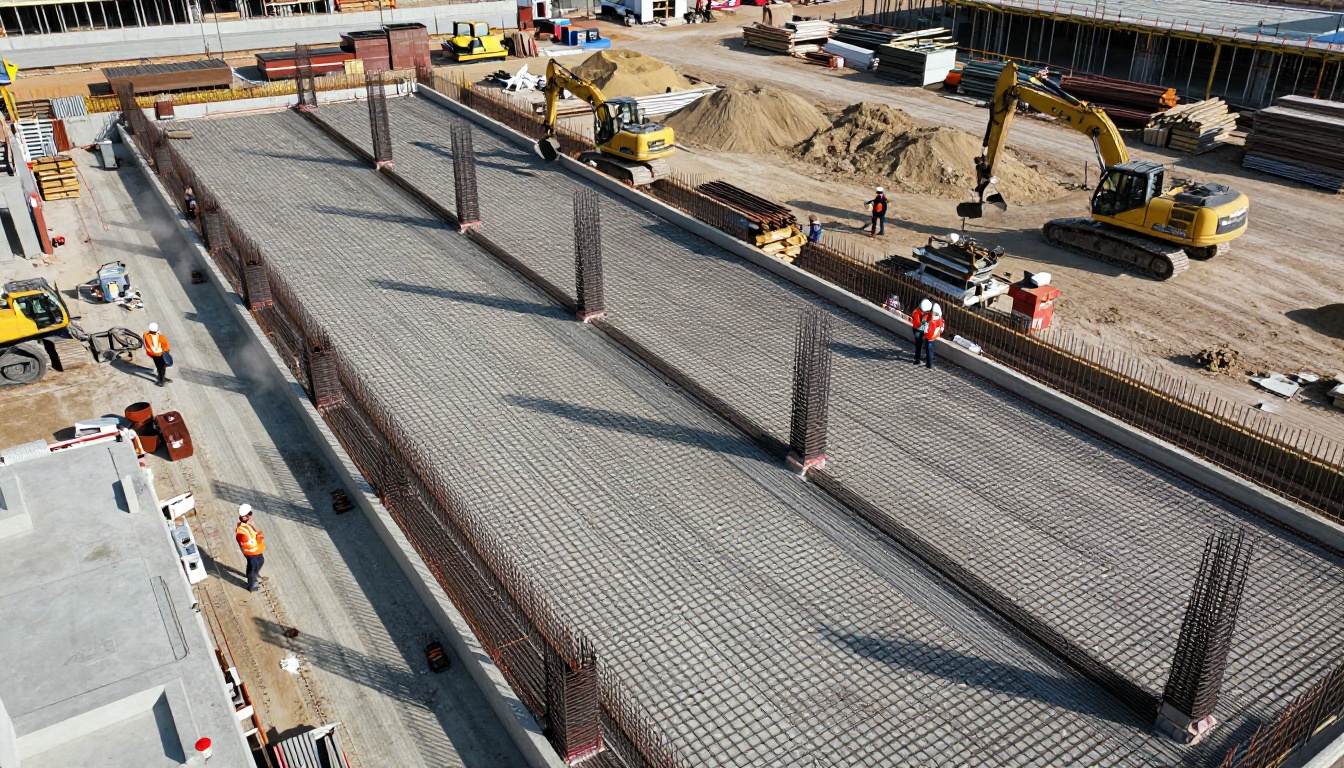
Lead with your three to five strongest completed projects. Each project should get at least two pages: one wide establishing shot of the finished structure, one close-up detail shot showing craftsmanship quality, and a brief project summary with scope, timeline, and client sector. Keep text minimal but precise. "15,000 sq ft tilt-up concrete warehouse completed in 11 weeks" is more compelling than "large commercial project."
Your Process, Not Just the Outcome
Clients hiring a contractor for a significant project aren't just buying the finished building. They're buying confidence in your ability to deliver on schedule and on budget. Include a section that walks through your typical project workflow: initial site assessment, design coordination, permitting, phased construction, and final inspection. A simple numbered list or timeline graphic here builds more trust than any photograph alone.
✅ Best practice: Add a client testimonial section with verbatim quotes, company names, and project references. Social proof from specifically named clients carries far more weight than generic phrases about satisfaction.
Supporting Content That Closes Deals
Beyond project photos and process overviews, a complete construction flipbook should also include:
- Team section: Short bios and headshots for your project managers and site supervisors add credibility and a human face to the company name
- Certifications and compliance: OSHA records, bonding status, insurance certificates, and specialized trade certifications on a dedicated page
- Service area: A simple regional map showing where you operate helps clients immediately verify you serve their location
- Embedded contact: Every spread should carry your phone number, email, and website as clickable links so clients can reach you from inside the flipbook without switching tabs

How to Build Your Flipbook with Flipbooks AI
Flipbooks AI is built exactly for this workflow. You design your portfolio in any tool you already use, such as Canva, Adobe InDesign, PowerPoint, or Google Slides, export it as a PDF, and Flipbooks AI converts it into a fully interactive flipbook in minutes. Here is the full process from start to live link.
Step 1: Design Your PDF Portfolio
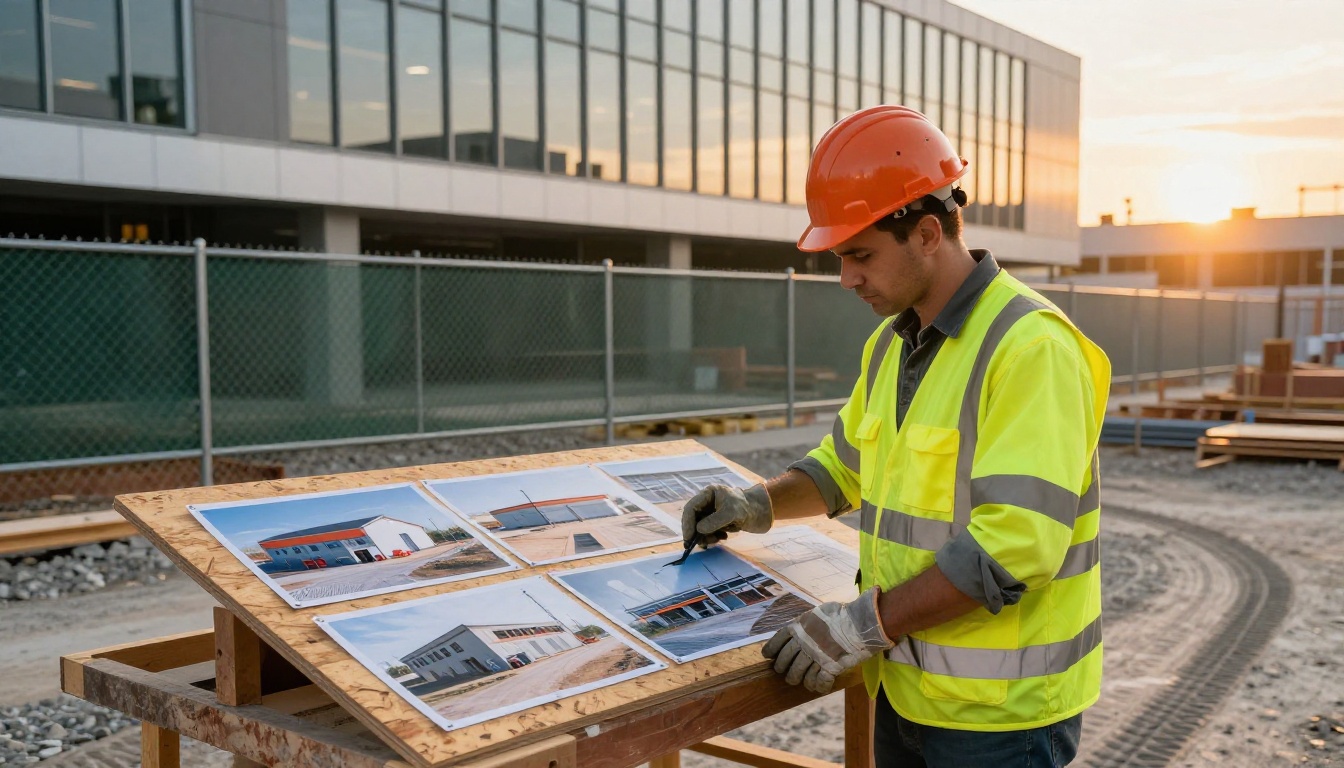
Open your preferred design tool and build your portfolio pages. Use a 16:9 landscape orientation for optimal screen viewing. Apply your company colors, logo, and a consistent font throughout every page. High-resolution project photography is the most critical asset here. Export the finished document as a PDF at the highest quality setting your tool allows.
💡 Pro tip: Canva offers free construction and corporate portfolio templates. Swap in your own project photos, adjust colors to match your brand, and you'll have a polished, print-ready PDF in about two hours.
Step 2: Create Your Account
Go to Flipbooks AI and set up your account. No credit card is required to start. The platform is entirely browser-based, so there's nothing to download or install on your machine.
Step 3: Upload and Convert
Click "New Flipbook" and upload your PDF. Flipbooks AI processes each page and renders it as a high-fidelity flipbook page within seconds. For a 20-page portfolio, the conversion typically finishes in under 30 seconds.
Step 4: Apply Your Branding
Once the pages are loaded, configure the flipbook shell with your company identity. Set your background color, add your logo to the viewer frame, and select a page flip style. This ensures the entire client experience, from first page to last, looks like your company rather than a generic viewer tool.
Step 5: Set Privacy and Sharing Options
Flipbooks AI offers three primary access modes:
- Public link: Anyone with the URL can view it. Ideal for website embeds and general proposal emails
- Password protection: Restrict access for sensitive bid documents. Only clients with the password can open the flipbook
- Embed code: Drop your flipbook directly onto your website's portfolio page using a simple iframe snippet
Step 6: Monitor Client Activity
With the Professional plan, you get analytics that show how many times each flipbook was viewed, how long clients spent on each page, and whether they reached the end. This data is directly useful for refining your portfolio over time. If clients consistently stop on page 8, that section needs improvement. If they linger on a specific project spread, that's a signal to lead with that project.

For construction companies building project portfolios specifically, the Digital Portfolio Creator and Portfolio Flipbook Builder tools are worth using directly. They are optimized for photo-heavy, multi-project layouts that showcase construction work at its best.
Choosing the Right Plan for Your Company
Flipbooks AI pricing scales with how much you use the platform. Here's how the tiers map to typical construction company needs:
| Feature | Free | Standard | Professional |
|---|
| Number of Flipbooks | 1 | Unlimited | Unlimited |
| Watermark-Free Pages | No | Yes | Yes |
| Password Protection | No | Yes | Yes |
| Custom Branding | No | Yes | Yes |
| Analytics Dashboard | No | No | Yes |
| Lead Generation Forms | No | No | Yes |
| Offline Downloads | No | No | Yes |
| Website Embed | Yes | Yes | Yes |
| Mobile Responsive | Yes | Yes | Yes |
For most small to mid-size construction companies, the Standard plan covers everything needed: unlimited flipbooks with no watermarks, custom branding applied throughout, and password protection for sensitive bid documents. If you want to track exactly how individual clients interact with your portfolio, the Professional plan adds a full analytics dashboard and the ability to capture leads directly inside the flipbook without any third-party tools.
⚠️ Important: The free plan adds a Flipbooks AI watermark to every page. If you're sending this document to prospective clients as part of a professional proposal, always use at minimum the Standard plan. A watermarked document undercuts the credibility you're building.
See all plan details and current rates on the pricing page.
Where to Use Your Flipbook
Building the flipbook is only part of the work. Deploying it at every client touchpoint is where the return on that time actually comes from.
On Your Website
Use the embed code to place your portfolio flipbook on your website's Projects or Portfolio page. Instead of a static image grid, site visitors interact with a full-page, magazine-style publication. Time on page increases, and clients leave with a substantially stronger impression of your work quality.
In Bid Proposals
Replace the PDF attachment in your proposals with a direct flipbook link. Include one line in the proposal email: "View our completed project portfolio here: [link]." Clients go straight to your best work with zero friction and no file download required.
During In-Person Meetings
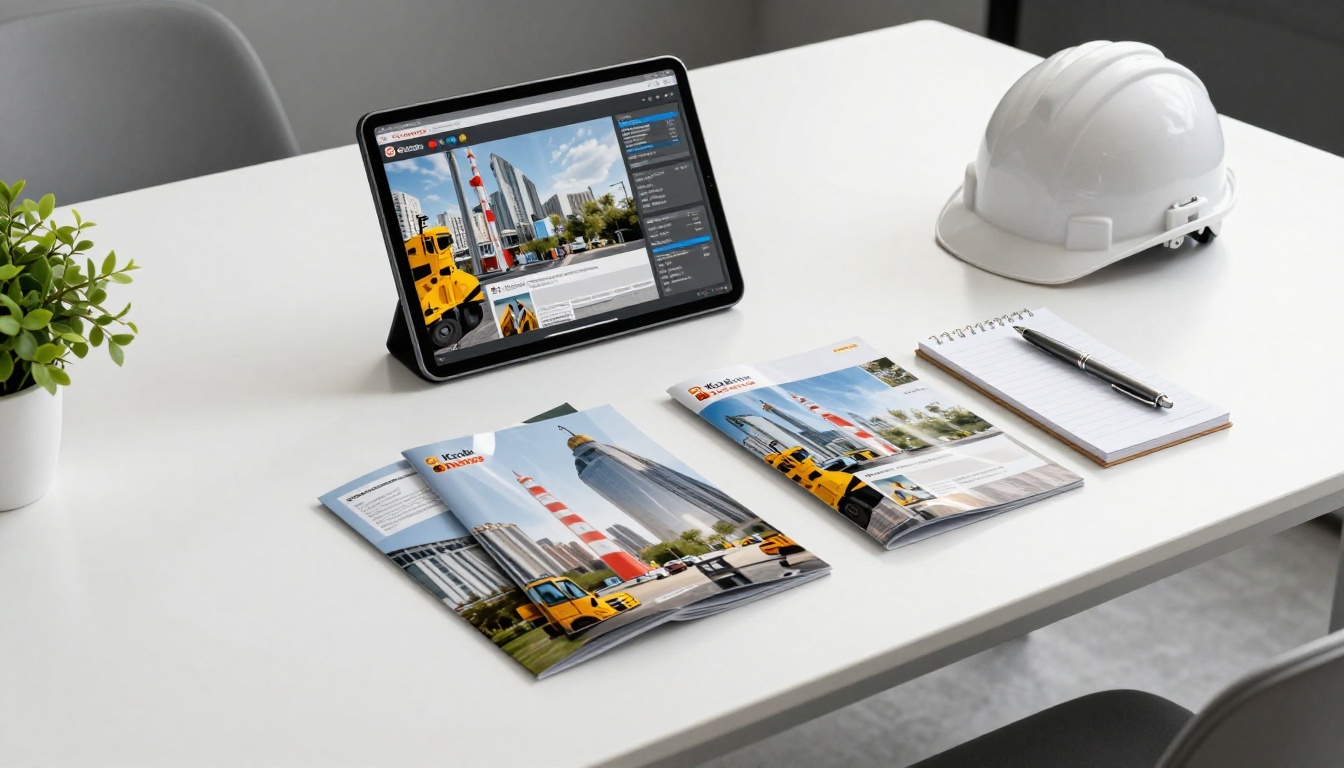
Pull up your flipbook on a tablet or laptop during client meetings. The page-flip animation creates a natural presentation rhythm. You flip to the relevant project, give the client a moment to absorb the photography, then move forward at their pace. It reads like a curated presentation rather than a file scroll.
At Industry Events
Bring a tablet preloaded with your flipbook to trade shows and networking events. Let potential clients browse it themselves during conversations. A self-navigating portfolio works naturally in informal settings where opening a laptop feels too formal for the moment.
How Different Construction Companies Use Flipbooks
The flipbook format adapts to a wide range of construction business types and sales scenarios:
| Company Type | Best Use Case | Content to Prioritize | Recommended Tool |
|---|
| General Contractor | Bid proposals, client pitches | Project photos, scope summaries, team bios | Portfolio Flipbook Builder |
| Specialty Subcontractor | Trade qualification packages | Certifications, scope examples, references | Digital Portfolio Creator |
| Home Renovation Company | Lead generation, referrals | Before and after photos, testimonials | Online Brochure Designer |
| Commercial Developer | Investor presentations | Site plans, financial summaries, renderings | Presentation Flipbook Designer |
| Infrastructure Contractor | Pre-qualification submissions | Safety records, past performance, certifications | Annual Report Creator |
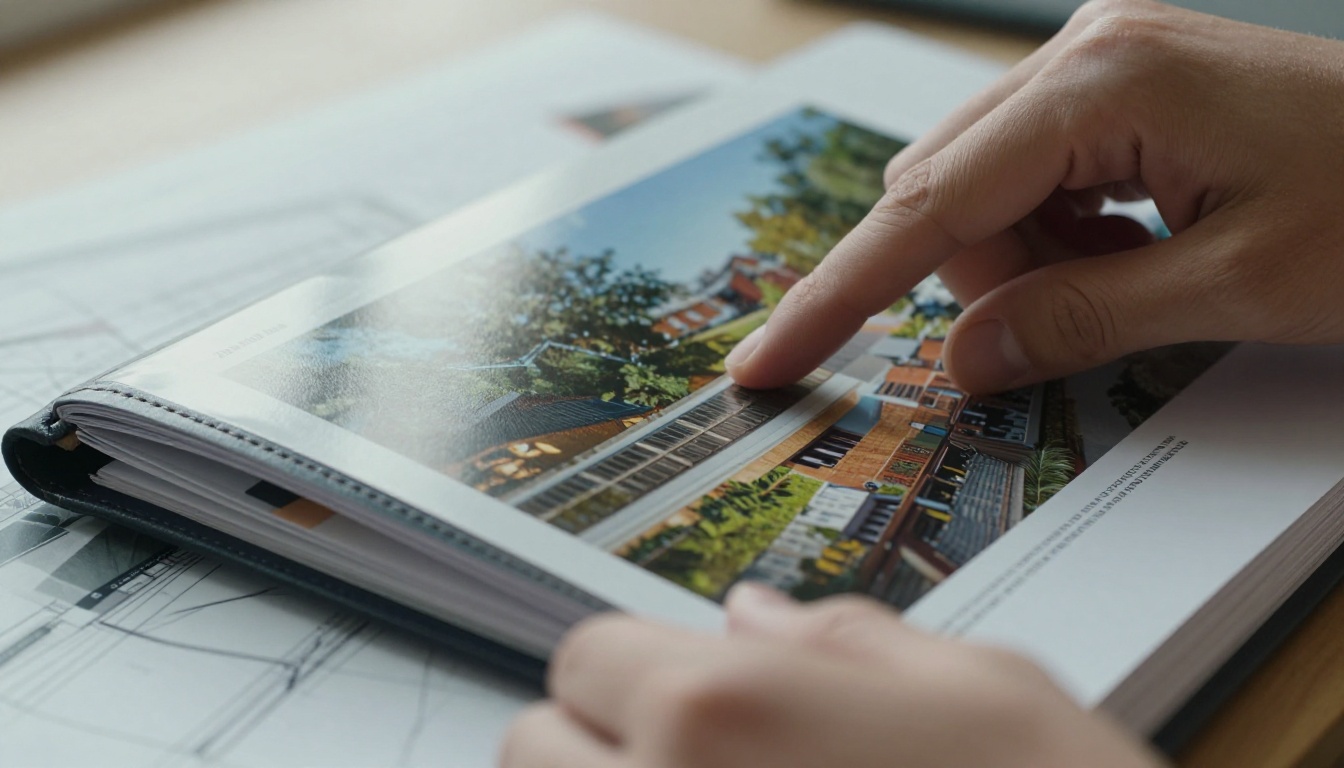
The construction companies winning the most competitive bids aren't always the ones with the lowest price or the longest track record. They're the ones that show up looking the most prepared at every stage of the client relationship. A polished digital portfolio signals that you bring the same precision to how you present your work as you bring to the work itself. That's a signal clients notice, even when they can't articulate exactly why one contractor felt more credible than another in the room.
Your Portfolio Is Ready to Work Harder
You already have the projects. You have the photography. The only thing standing between you and a portfolio that actively wins business is putting those assets into a format that does the selling for you. A construction company flipbook is one of the fastest, lowest-cost improvements you can make to how your company shows up in the market, from the first proposal email to the final client meeting.
Ready to build yours? Create your account on Flipbooks AI and have your first portfolio flipbook live in under an hour. To see everything available for business and portfolio publishing, browse all the tools and find the right format for your content. When you're ready to scale with analytics and lead capture, compare the plans to choose the right fit for your company.
Your next client is already looking for a contractor. Make sure that when they find you, your work speaks clearly enough to close the deal.



