Your lighting brand sells more than fixtures. It sells atmosphere, warmth, and the feeling of a room completely transformed by the right light. But if your catalog is a flat PDF buried in an email attachment or a stack of printed books collecting dust at trade shows, you are leaving that story untold. A well-crafted digital flipbook changes everything, putting your entire lighting collection into the hands of buyers as a cinematic, page-turning experience they actually want to browse.
Flipbooks AI makes it possible to convert any PDF catalog into a fully interactive flipbook in minutes, with no design experience or developer required. Below is everything you need to know to build one that works.
Why Lighting Brands Need a Digital Catalog

The lighting industry is visual-first. A buyer choosing between a brushed brass chandelier and a matte black pendant is making a decision that lives or dies on presentation. Printed catalogs have their place, but they are slow to update, expensive to produce in volume, and nearly impossible to share at scale without significant logistics. Digital flipbooks solve all three problems without sacrificing the tactile, page-turn experience that makes catalogs so enjoyable to browse.
Print Catalogs Are Expensive and Hard to Update
A printed lighting catalog for a mid-sized brand can run $10 to $20 per copy once you factor in photography, graphic design, print production, and shipping to reps and showrooms. A new product line means reprinting everything. A price change means the entire batch is outdated before it lands on a buyer's desk. And discontinued products? There is no good answer beyond hoping buyers do not order something you no longer make.
Digital flipbooks eliminate that cycle entirely. Update your source PDF, re-upload it to Flipbooks AI, and your catalog is current instantly for every buyer who has the link, anywhere in the world.
What Buyers Actually Want
Today's interior designers, architects, and retail buyers do their research online and on mobile. They want to browse your collection at 10pm on a tablet, share a specific spread with a client over text, and compare two pendant styles in the same browser session without downloading a thing. A static PDF download does not support that behavior naturally. An interactive flipbook does.
💡 Pro Tip: Interior designers often save flipbook links to share later with clients during mood board presentations. Make sure your flipbook has a clean, shareable direct URL that reflects your brand, not a long string of random characters.
What Makes a Great Lighting Flipbook
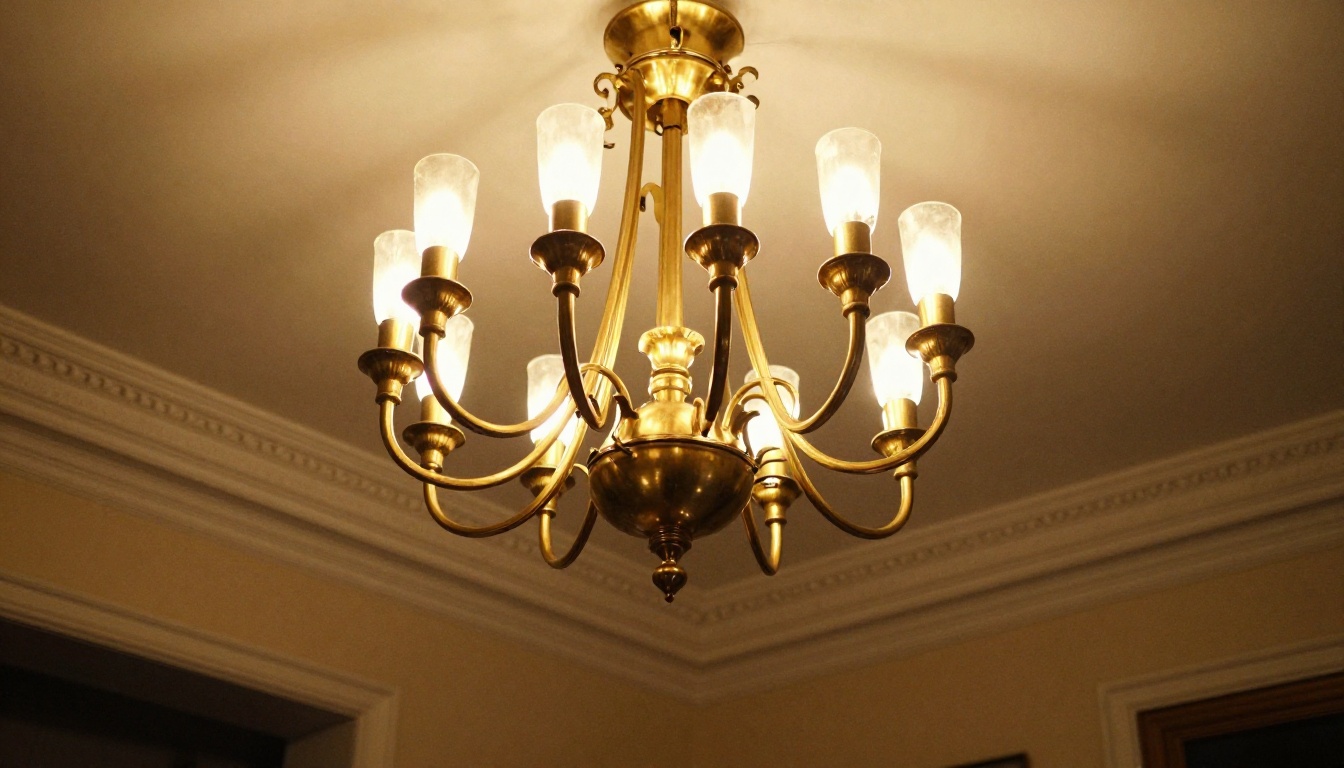
Not every digital catalog feels premium. The difference between a flipbook that converts buyers and one that gets closed in five seconds comes down to a few fundamentals that are easy to control once you know what to focus on.
| Element | Weak Execution | Strong Execution |
|---|
| Cover Page | Product on white background | Lifestyle shot in a real room |
| Product Pages | Specs listed only | Specs + lifestyle image + finish options |
| Navigation | No table of contents | Clickable chapter index by room type |
| Branding | Generic template fonts | Custom brand fonts and color palette |
| Sharing | PDF download only | Direct link plus embedded on website |
| Updates | Reprint entire run | Instant re-upload, zero cost |
| Analytics | None | Page-by-page viewer tracking |
A lighting flipbook that performs well has a strong cover page, a logical flow organized by room or product category, consistent photography style throughout, and clear calls to action on how buyers can request samples or place orders. Get these right and the flipbook does real sales work.
How to Photograph Your Lighting Products
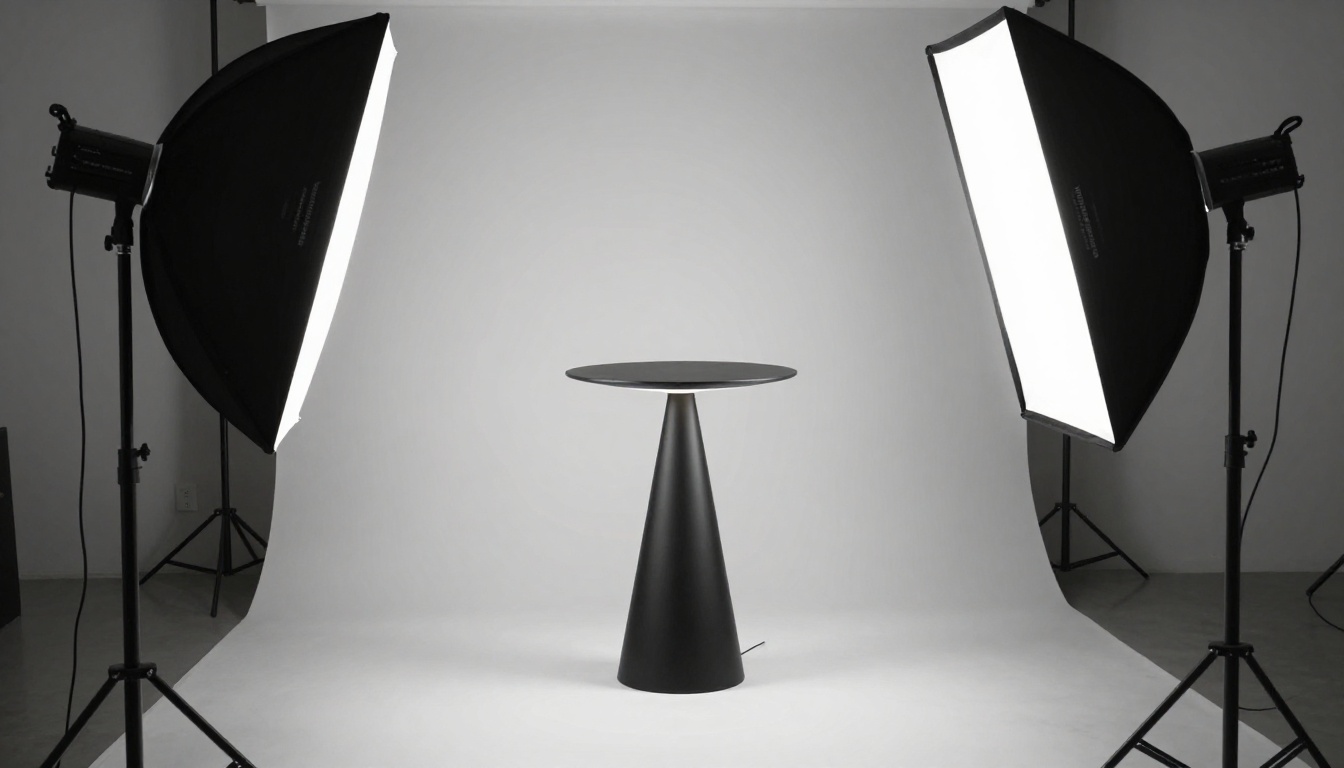
The photography inside your flipbook carries most of the weight. No amount of smart design compensates for poor product images. Lighting products in particular demand two distinct types of photography: white-background studio shots for technical reference, and lifestyle shots showing the fixture in a real living environment doing exactly what it is designed to do.
Studio Shots: Getting the Details Right
Studio photography for lighting products requires careful control of how the fixture itself appears, completely independent from how it illuminates a space. You want metal finishes, glass textures, and hardware details to read with absolute clarity.
- Shoot on a white sweep with softbox lighting positioned on both sides to eliminate harsh shadows
- Use a 100mm macro lens for close-up detail shots of hardware, socket details, and finish textures
- Capture each fixture both lit (bulbs on, showing the glow character) and unlit (showing shade and base detail clearly)
- Shoot from multiple angles: straight-on front, 45-degree three-quarter, and top-down for pendants and ceiling fixtures
- Keep the lighting consistent across all studio shots so the entire collection looks cohesive in the catalog
Lifestyle Shots: Selling the Feeling
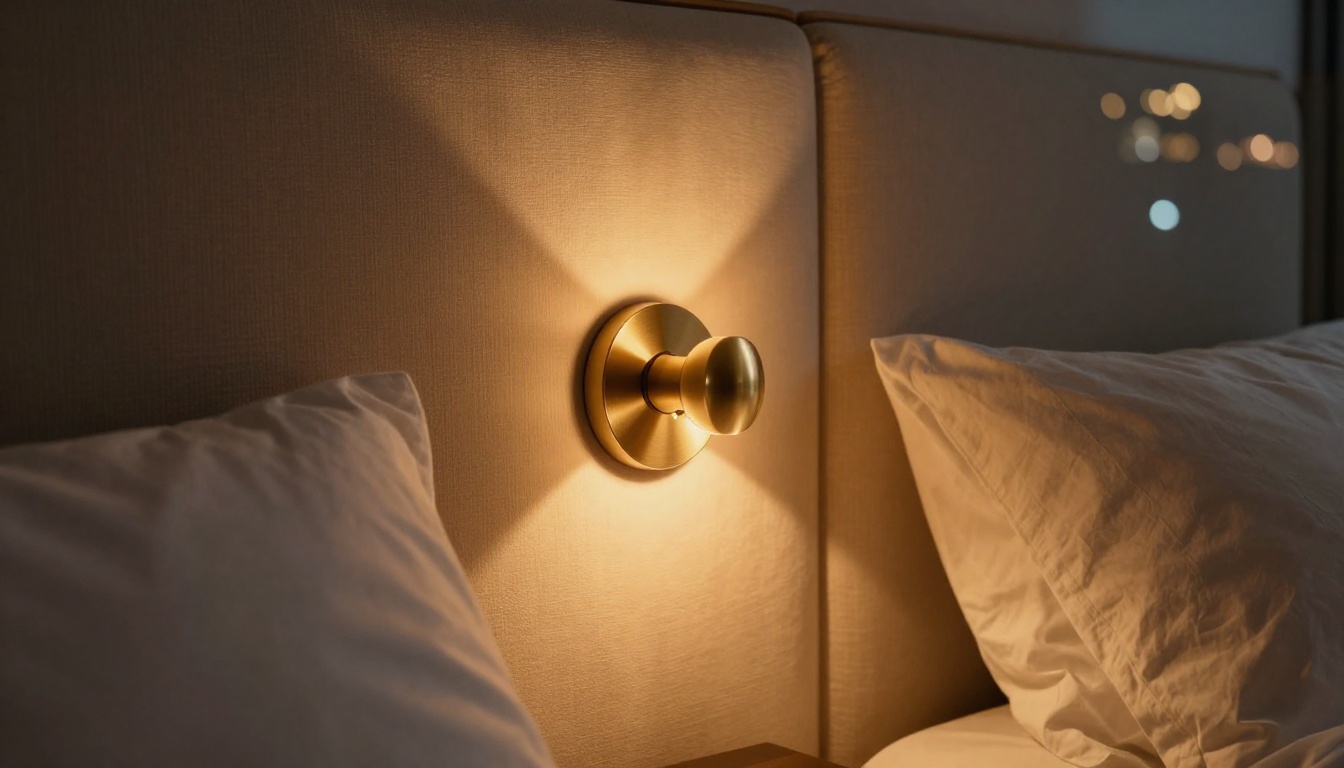
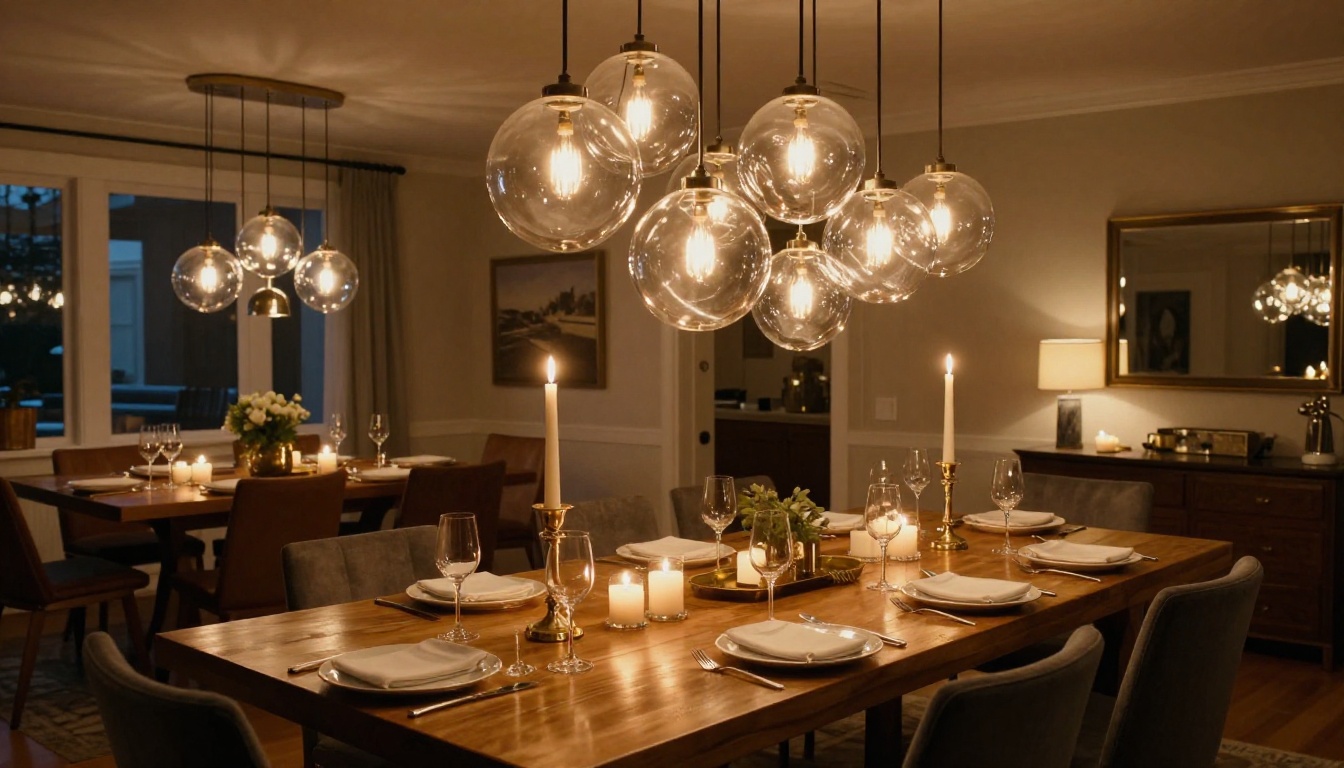
Lifestyle images show your fixture doing its job in the world. A wall sconce beside a linen headboard. A cluster of glass pendants over a long dining table. A floor lamp pulling a reading nook together. These images answer the question buyers are actually asking: what does this look like in a real home or project?
- Stage rooms as close to your target customer's aesthetic as possible, whether that is minimal Scandinavian or rich maximalist
- Use real rooms when possible, rental spaces, showroom floor setups, and designer home shoots all work well
- Shoot at dusk or under controlled light to show the fixture's actual output, color temperature, and shadow character
- An 85mm f/1.4 to f/1.8 lens gives the best balance of sharpness on the fixture and natural background separation
⚠️ Warning: Avoid heavy post-processing on lifestyle photos. Retouching that makes light look artificially perfect will undermine buyer trust. People want to see how the product actually performs in a space, not a CGI fantasy version of it.
Building Your Lighting Catalog PDF
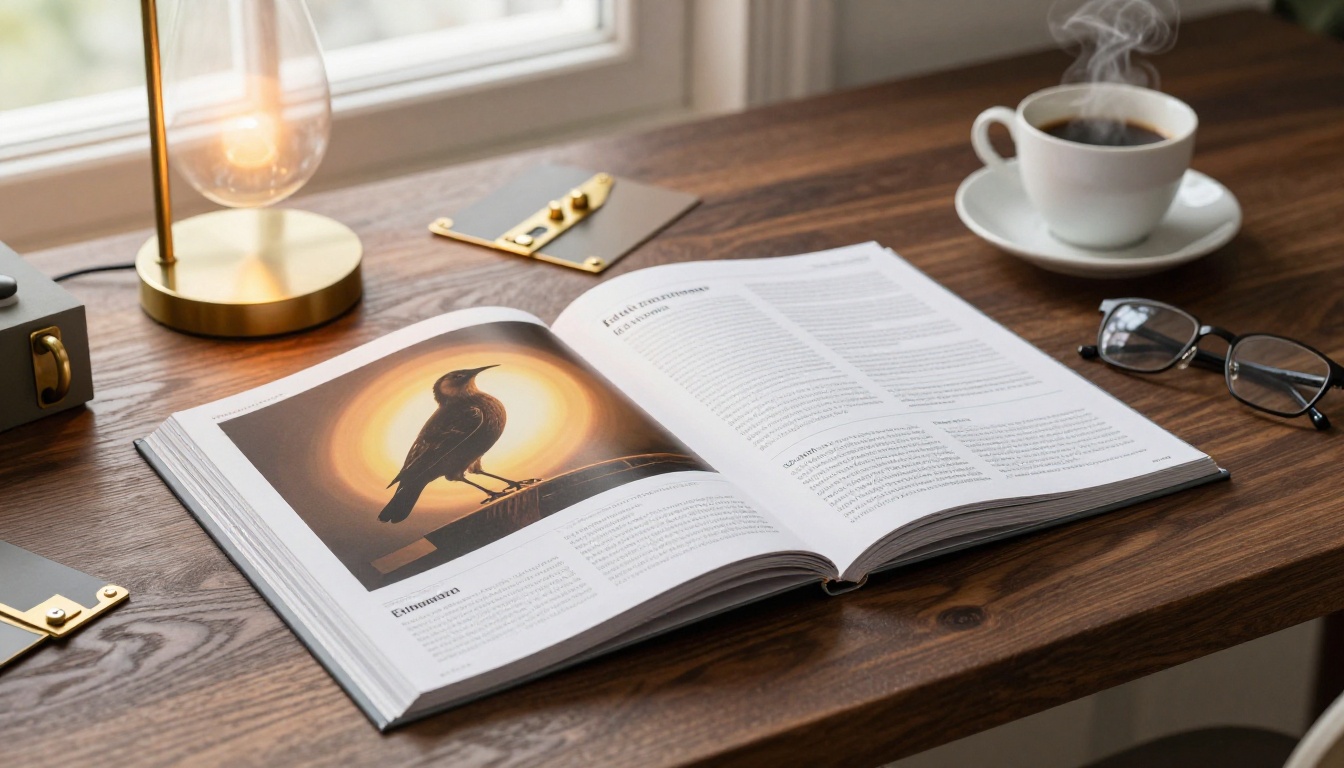
Before uploading to a flipbook platform, your PDF needs to be well-structured. Most lighting brands organize their catalogs in one of three ways: by product category (pendants, sconces, floor lamps, table lamps), by room type (kitchen, bedroom, living room, outdoor), or by material and finish family (brass, matte black, chrome, natural wood). Choose whichever logic your buyers will navigate most intuitively.
What to Include on Each Product Page
Every product page in a well-built lighting catalog should carry the following:
- Hero image (lifestyle preferred as the primary, studio shot as secondary or inset)
- Product name and SKU in a consistent, easy-to-read typographic hierarchy
- Available finishes with actual finish swatch photography, not just color names
- Full dimensions including height, width, cord or chain length, and canopy size
- Bulb type and wattage with explicit LED compatibility notation
- UL, CE, or ETL listing and IP rating for outdoor-rated products
- Lead time and minimum order quantity for wholesale and trade buyers
- URL or QR code linking directly to the product page on your website
Page Layout Tips for Lighting Brands
- Use a consistent grid system: two products per spread for large statement pieces, four per spread for smaller task or accent lights
- Reserve the first two pages for a brand statement and collection overview that sets tone and design philosophy
- Group similar finishes together so buyers can easily visualize mix-and-match potential across a space
- Add a technical spec section near the back for the detail-oriented buyers: electrical contractors, architects, and lighting consultants
✅ Best Practice: Include a finish comparison spread early in the catalog. Show the same pendant or chandelier rendered in three finish options side by side. This single type of page consistently drives more sample requests than nearly anything else in a lighting catalog.
How to Create a Lighting Brand Flipbook with Flipbooks AI
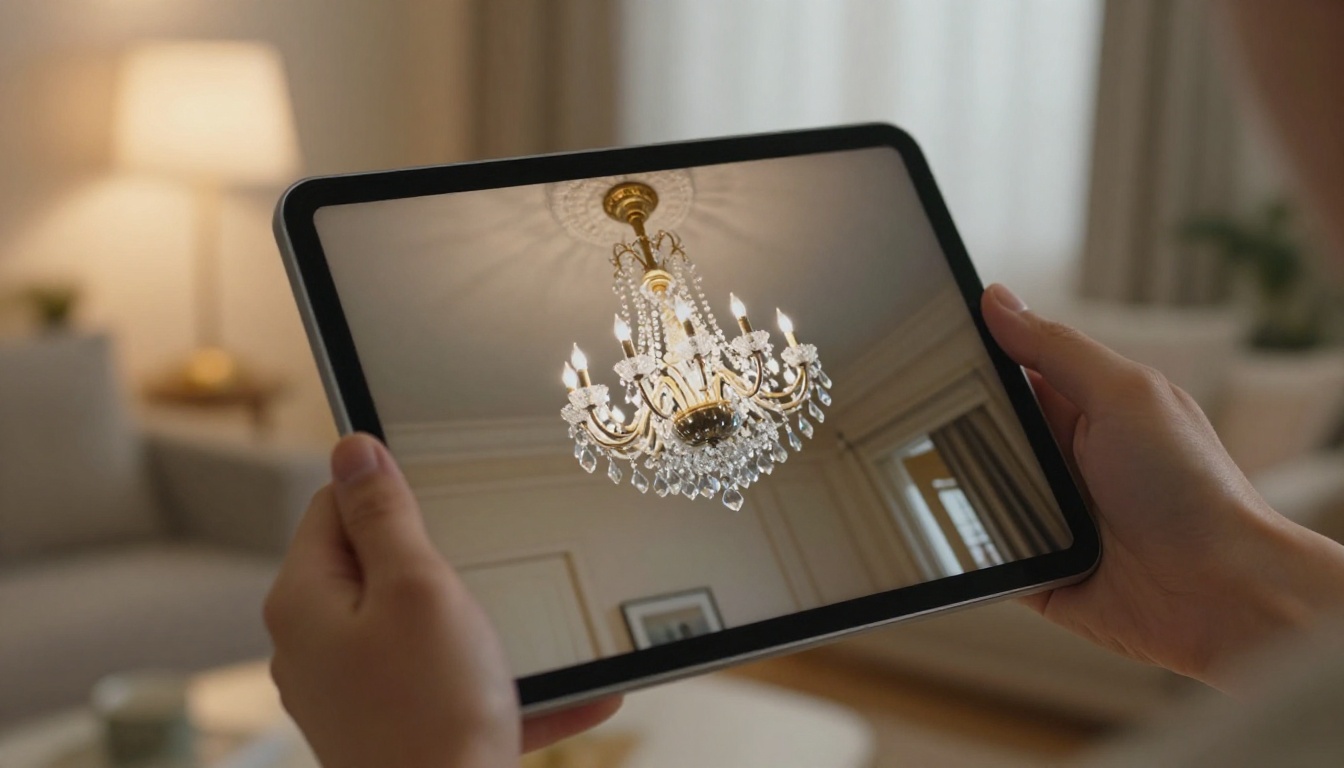
Once your PDF is ready, converting it into an interactive flipbook takes less than five minutes on Flipbooks AI. Here is the full process.
Step 1: Create Your Account
Go to flipbooksai.com/account and sign up. The Standard plan supports unlimited flipbooks with no watermarks, which is the right starting point for brands updating their catalog quarterly or seasonally.
Step 2: Upload Your PDF
From your dashboard, click New Flipbook and upload your lighting catalog PDF. The platform automatically converts every page into a high-resolution flipbook spread with a realistic page-turn animation that works beautifully on both desktop and mobile.
Step 3: Apply Your Brand Settings
Open the customization panel after upload:
- Set your brand colors for the toolbar and viewer background
- Upload your logo to appear in the flipbook header and favicon
- Choose a background texture or color that complements your catalog's visual tone
- Add your custom domain if you want the flipbook URL to carry your brand name
Step 4: Add Interactive Elements
This is where a digital flipbook genuinely surpasses a PDF. Inside Flipbooks AI you can:
- Add clickable hotspots on product pages linking directly to your website product listings
- Embed a product video for hero fixtures (Standard plan and above)
- Create a linked table of contents so buyers can jump to any collection section instantly
- Enable a lead generation form to capture buyer name and email before they browse (Professional plan)
Step 5: Publish and Share
Click Publish and you receive a clean direct link you can drop into any email, text, or social post. For your website, use the embed code to place the flipbook directly inside your catalog page so buyers can browse without navigating away. Flipbooks AI makes embedding a one-step process.
💡 Pro Tip: Use password protection for your wholesale pricing catalog. Share the password only with verified trade accounts and showroom reps to keep your dealer pricing confidential while still making the catalog easy to access remotely.
Step 6: Track Performance with Analytics
On the Professional plan, Flipbooks AI provides analytics showing which pages buyers spend the most time on, where they drop off, and total unique viewer counts. For a lighting brand, this is genuinely actionable data. If buyers consistently dwell on your brass finish pages but skip chrome, that is a real signal about where your market is heading.
Sharing and Distributing Your Lighting Flipbook

A flipbook that no one finds does not help your business. Here are the highest-impact distribution channels for a lighting brand.
Embed It on Your Website
Your catalog page is where buyers go when they want to see everything you make. Embed your flipbook there so the full collection is browsable without any download or redirect. The embed flipbook on website tool from Flipbooks AI provides the code in one click.
Email Campaigns
Send a thumbnail image of your catalog cover in your email newsletter with a direct link to the flipbook. A visual catalog preview drives significantly higher click rates than a plain PDF attachment link. Subject lines paired with a compelling cover image outperform generic "download our catalog" campaigns by a wide margin.
Trade Shows and Showroom Presentations
At trade shows, pull up your flipbook on a large-screen tablet or a touchscreen display at your booth. Buyers can swipe through your full collection on the spot, then take the link home with them via a QR code card. No heavy catalogs to ship in advance, no running out of copies on the last day of the show.
Social Media
Export high-quality page screenshots from your flipbook and use them as LinkedIn content or Instagram story frames with a link in bio pointing to the full flipbook. Lifestyle spreads, particularly bedroom and dining room shots featuring your statement fixtures, consistently perform as organic visual content.
Flipbooks AI Plan Comparison for Lighting Brands
Choosing the right plan depends on how many catalogs you maintain and which features are most relevant to your sales process.
| Feature | Free | Standard | Professional |
|---|
| Flipbooks | 1 | Unlimited | Unlimited |
| Watermarks | Yes | No | No |
| Custom Branding | No | Yes | Yes |
| Password Protection | No | Yes | Yes |
| Analytics | No | No | Yes |
| Lead Generation Forms | No | No | Yes |
| Offline Downloads | No | Yes | Yes |
| Video Embedding | No | Yes | Yes |
| Custom Domain | No | No | Yes |
For most lighting brands actively selling to trade buyers, the Standard plan covers the essential needs: unlimited catalogs, no watermarks, custom branding, and password protection for wholesale content. The Professional plan earns its cost for brands that want analytics to inform catalog strategy or are using the flipbook as an active lead generation tool at shows and events.
See current rates at flipbooksai.com/pricing.
Real-World Use Cases for Lighting Brands
Residential Lighting Companies
A residential brand selling through interior designers needs a catalog that tells a mood-first story. Organize by room rather than by fixture type, lead with aspirational lifestyle photography, and use clickable links on every product page to drive buyers to your website or a sample request form. The Interactive Lookbook Designer tool is built specifically for this kind of consumer-facing presentation.
Commercial and Architectural Lighting
Architectural lighting brands serving contractors and building specifiers need a more technical catalog structure. Include lumen output data, color rendering index specs, IES file download references, and detailed cut sheets. The PDF-to-flipbook conversion preserves all of this technical detail in a shareable format far more elegant than a ZIP file of spec sheets. The Digital Catalog Maker handles this kind of content particularly well.
Retail and Showroom Brands
Retail lighting brands with physical showroom locations can use flipbooks as digital extensions of the in-store experience. Buyers who visited the showroom take the link home, share it with a partner, and come back to purchase on their own timeline. The Catalog Flipbook Creator streamlines this for brands updating their collection each season.
✅ Best Practice: Maintain separate flipbooks for different buyer audiences. A consumer-facing lookbook has different content priorities than a trade-only wholesale catalog with net pricing. With unlimited flipbooks available on the Standard plan, there is no cost to running both simultaneously.
The ROI of Switching to Digital
The economics of digital catalogs are compelling even before you consider the experience upgrade for buyers.
| Cost Item | Print Catalog | Digital Flipbook |
|---|
| Design Cost | $2,000-5,000 | Same (one-time) |
| Print (500 copies) | $4,000-8,000 | $0 |
| Shipping to Reps | $1,000-2,500 | $0 |
| Update Cost | Full reprint | Instant re-upload |
| Analytics | None | Full tracking (Pro plan) |
| Reach | 500 physical copies | Unlimited, worldwide |
A single print run of 500 catalogs at $15 per copy is $7,500, before shipping. That same catalog as a flipbook on Flipbooks AI is available to unlimited buyers at a fraction of that cost annually, and it can be updated the moment a product changes without throwing away anything already produced. The math is not close.
Ready to Put Your Lighting Collection Online?
Your lighting brand deserves a catalog experience that matches the quality of the products inside it. A branded, interactive, page-turning flipbook puts your collection in front of designers, architects, and retail buyers in the format they actually want to use, on any device, at any time.
Create your account on Flipbooks AI and convert your first catalog in under five minutes. Browse all available tools and templates to find the right format for your specific use case, whether that is a consumer lookbook, a trade wholesale catalog, or a technical spec reference for architectural projects. When you are ready to choose a plan, compare options at flipbooksai.com/account?redirect=pricing and start with whatever fits your current volume.
The buyers are already browsing online. Make sure your lighting brand is there to meet them.



