Your portfolio is your pitch. Every time a potential client opens a flat, static PDF with no interactivity and no visual flow, they form an opinion about your studio before reading a single line. Web designers are in the business of crafting memorable digital experiences, so the format you choose to present your work sends a message as loud as the work itself.
That is why forward-thinking design studios are replacing PDFs with interactive flipbooks. With Flipbooks AI, converting a polished PDF into a cinematic, page-turning presentation takes minutes, and the results are the kind of thing clients actually remember.
This article walks you through how to make a flipbook for your web design studio from the ground up: what to include, how to build it, which plan fits your studio, and how to get it in front of the right people.

Why Static PDFs Are Costing You Clients
There is a specific moment in every client relationship where first impressions are made. For most studios, that moment is the portfolio send. The format you choose either builds confidence or quietly erodes it.
What Clients Actually Experience
A PDF lands in an inbox. The client downloads it. They open it with a generic viewer. Pages load flat. No transitions, no hierarchy, no sense of craft. By the time they have scrolled past page three, whatever visual magic your design work contains is already diluted by the sterile container it lives in.
Interactive flipbooks change this completely. Page-turn animations, responsive layouts, embedded links, and branded opening pages communicate that your studio sweats the details, even in the way you deliver documents. A prospect who receives a flipbook link instead of an attachment immediately understands they are dealing with a studio that cares about presentation at every touchpoint.
The psychology here is simple: web designers are hired to make things beautiful and functional. The materials you send before a contract is signed are the clearest demonstration of what you will produce after one.
💡 Studios that send interactive flipbooks report higher response rates and more engaged prospects during the initial outreach phase compared to traditional PDF attachments.
The Real Business Case for Flipbooks
Beyond aesthetics, flipbooks solve a practical problem. PDFs are static. Flipbooks are trackable. With a Professional plan on Flipbooks AI, you get analytics showing who opened your portfolio, how long they spent on each page, and where they dropped off. For a web design studio pitching multiple clients simultaneously, that data shapes your follow-up strategy in ways a PDF never could.
A prospect who spent four minutes on your e-commerce case study and zero seconds on your branding work tells you exactly how to open your next email. That level of insight used to require enterprise-level sales tools. Now it is built into your flipbook.
| Format | Interactivity | Analytics | Branded | Mobile-Friendly | Shareable Link |
|---|
| Static PDF | None | No | Limited | Poor | No |
| Slideshow (PPT/Keynote) | Basic | No | Yes | No | No |
| Interactive Flipbook | Full | Yes (Pro) | Yes | Yes | Yes |
| Website Portfolio Page | Full | Via GA | Yes | Yes | Yes |
Flipbooks occupy a unique middle ground: they are as brandable and visual as a custom website section, but as simple to create and share as an email attachment.
What Goes Into a Web Design Studio Flipbook
A great studio flipbook is not just your portfolio reorganized. It is a curated sales document designed to move a prospect from curious to convinced. Every page earns its place, or it should not be there.
Portfolio Pages That Sell
Each project page should lead with the outcome, not the process. Show the final website first: a full-bleed screenshot, the live URL, and the client's industry. Then follow with a brief problem statement and what your studio delivered. Three to four sentences maximum per project. Let the visuals carry the weight.
The page-turn format works brilliantly here because it mirrors how clients actually think. They see the result, they are intrigued, they turn the page to find out how. That natural curiosity loop is something a scrollable PDF can never replicate.
✅ Best practice: Include 4 to 6 portfolio projects per flipbook. Too few feels thin. Too many dilutes the impact. Quality over volume every time.
Case Studies with Real Results
Numbers close deals. Alongside your design work, include at least two case studies with measurable results: a 40% reduction in bounce rate, a 3x increase in time-on-site, a complete rebrand that preceded a Series A raise. These belong in your flipbook because they make the work tangible for clients who have not yet worked with a design studio before.
A strong case study structure: client context (industry, size, problem), what your studio did (in plain language, not jargon), and the result (specific metric or qualitative outcome). Two pages per case study is plenty.

Service Packages and Pricing
Many studios hesitate to include pricing in their portfolio. That is a mistake. Clients who see a clear services section filter themselves in or out immediately, saving everyone time. A services page that outlines your packages (brand identity, web design, UX audits) alongside ballpark investment ranges positions your studio as confident and transparent.
You do not need exact figures. Ranges work fine. "Brand identity projects typically start at $4,000. Full website builds range from $8,000 to $25,000 depending on scope." This kind of clarity signals that you have done this before and know what your work is worth.
How to Build Your Flipbook with Flipbooks AI
The entire process from a finished PDF to a shareable flipbook link takes under 15 minutes with Flipbooks AI. Here is the step-by-step breakdown for web design studios.
Step 1: Create Your Account
Go to flipbooksai.com/account and sign up. The free plan lets you test the platform and see how your PDF renders immediately. Once you are ready to go live with client-facing materials, the Standard plan removes watermarks and gives you unlimited flipbooks with full custom branding.
Step 2: Prepare and Upload Your PDF
Before uploading, make sure your PDF is export-ready. A few minutes of preparation here prevents quality issues in the final flipbook.
- Resolution: Export at 150 to 300 DPI for crisp screen rendering
- Page size: Use 16:9 (1920x1080px) for landscape layouts, or A4 for portrait
- Fonts: Embed all fonts to prevent rendering issues on different devices
- File size: Aim for under 50MB for fast loading on any connection speed
- Images: Use RGB color mode, not CMYK (which is for print and renders differently on screens)

Once your PDF is ready, drag and drop it into the Flipbooks AI upload zone. The platform processes it automatically and generates a live preview within seconds. You will see each page of your PDF rendered as a flipbook page immediately.
⚠️ Avoid exporting from Canva with the compressed PDF setting. This reduces image quality noticeably in the flipbook viewer. Always use the print quality or high resolution export option.
Step 3: Apply Your Studio Branding
This is where your flipbook becomes unmistakably yours. In the Flipbooks AI editor, you have full control over the visual wrapper around your content:
- Upload your studio logo to the front page and header area
- Set your brand primary color for navigation elements and the page-turn accent
- Choose a custom background color or subtle texture for the reader frame
- Add a custom domain or subdomain to the shareable link (Professional plan)
- Set up a branded loading screen with your studio name and tagline
Branded flipbooks convert at a higher rate than generic ones because they signal professionalism before the client has turned a single page. The experience starts the moment the link opens, not when the first piece of work appears.
Step 4: Add Interactive Elements

Static flipbooks are good. Interactive flipbooks are better. Inside the editor, you can layer in elements that turn a passive document into an active sales tool:
- Embedded links: Make your portfolio website screenshots clickable so clients can visit live projects directly from within the flipbook
- Video embeds: Add a Loom walkthrough or screen recording of a project build to bring case studies to life (available on Standard and above)
- Call-to-action buttons: Drop a booking button on the final page that links directly to your calendar or contact form
- Password protection: Ideal for sending confidential proposals or unreleased work to specific clients
- Lead capture: With the Professional plan, collect contact information from viewers before they access your flipbook
💡 Add a short video walkthrough to your most complex case study. Clients who watch a project walkthrough are significantly more likely to follow up with a discovery call.
Step 5: Share, Embed, or Send
Once your flipbook is live, you have several distribution options depending on your use case:
- Direct link: Copy the unique URL and paste it into any email, proposal, Notion doc, or social post
- Embed code: Use the Embed Flipbook on Website tool to drop your flipbook directly into your studio website with a single snippet
- Download for offline use: Save a version for conferences and in-person pitches where WiFi may be unreliable
- Password-protected send: Generate a protected link for sensitive client proposals and share the access code separately

Flipbook Types for Web Design Studios
Different documents in your studio serve different purposes at different points in the sales cycle. Here is how flipbooks map to each use case:
Each of these has its own audience and its own job to do. A portfolio flipbook gets cold leads curious. A proposal flipbook gets warm leads to sign. A case study flipbook answers the "prove it" question that every serious buyer eventually asks.
Most studios start with one portfolio flipbook and quickly realize they need two or three variations: a shorter version for cold outreach, a longer version for warm conversations, and a specialized version focused on a single service vertical.
Choosing the Right Plan
The right plan depends on how your studio uses flipbooks: occasional internal documents, or a core part of your client acquisition system.
| Plan | Best For | Features Included | Watermark |
|---|
| Free | Testing the platform | 1 flipbook, basic viewer | Yes |
| Standard | Solo designers and small studios | Unlimited flipbooks, no watermark, custom branding, video embeds | No |
| Professional | Growing studios with multiple clients | Analytics, lead generation, offline downloads, password protection, custom domain | No |
💡 Most web design studios working with three or more active clients at any given time will benefit from the Professional plan. The lead generation feature alone, which captures viewer contact information before they access your flipbook, can pay for the plan cost with a single converted lead.
Browse pricing plans to find what fits your studio's current volume and growth trajectory.
Where to Use Your Studio Flipbook
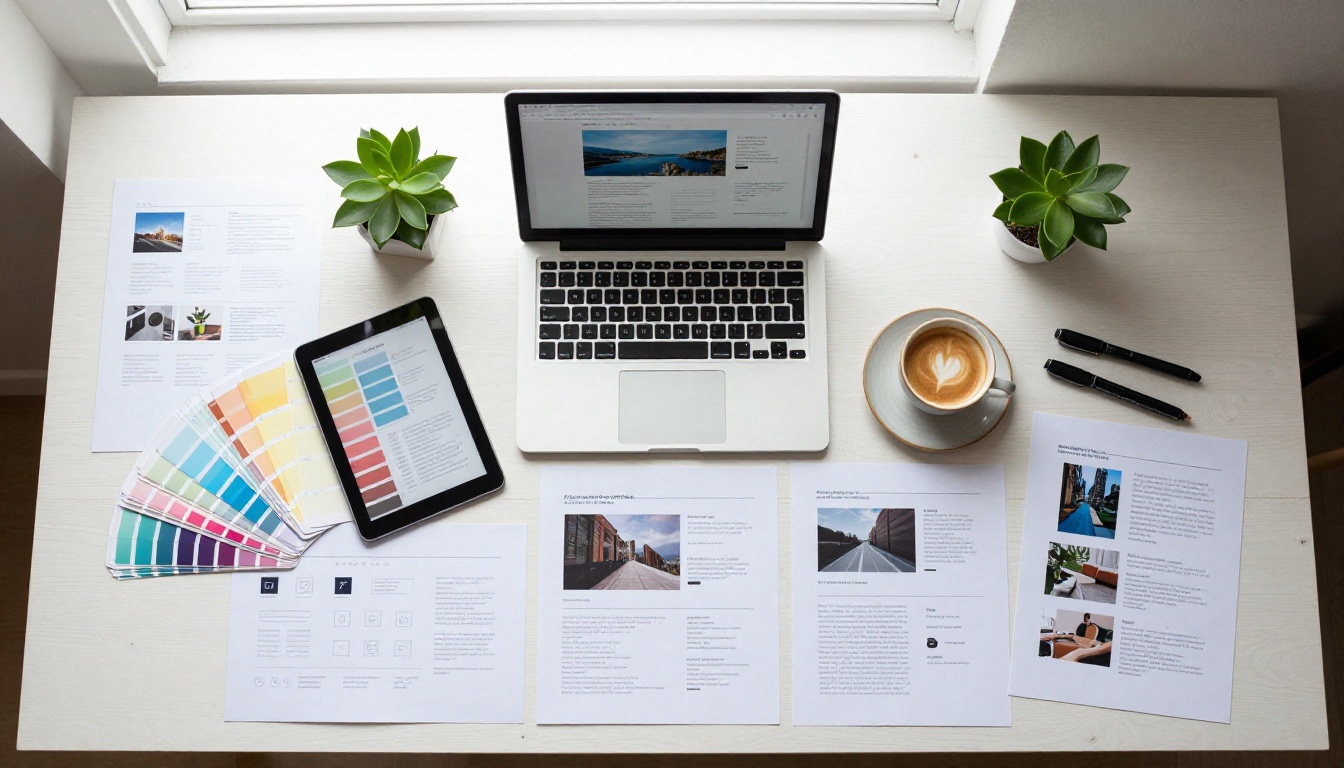
A great flipbook needs the right distribution strategy. Building it is only half the work.
On Your Website
Embed your portfolio flipbook directly on your homepage or a dedicated "Our Work" page using the Flipbooks AI embed code. This gives website visitors an interactive portfolio experience without ever leaving your site, which increases time-on-page and reduces bounce rate. For studios where the website itself is a sales tool, an embedded flipbook is a strong conversion layer.
In Client Emails
Replace the standard "see my attached PDF" with a flipbook link in your cold outreach and follow-up emails. A clickable link that opens an interactive presentation performs better than an attachment, which many corporate email clients block, strip, or quarantine entirely. A link also renders on mobile without any download required.
✅ Subject line insight: "Here is our studio work in an interactive format" consistently outperforms "Portfolio PDF attached" in cold outreach open rate tests across creative industries.
At Events and Pitches
Download your flipbook for offline use before attending conferences, networking events, or in-person pitch meetings. Having your studio work load instantly on a laptop or tablet, without needing to log into a browser or find a WiFi password, is a small but meaningful detail that experienced clients notice.
In Proposals and Follow-Ups
After an initial discovery call, send a tailored proposal as a flipbook rather than a static document. Password-protect it for privacy, embed a brief video recap of the call discussion, and link to your booking page on the final page. This approach makes the follow-up feel considered and specific rather than templated, which matters to clients who have received enough generic proposals to know the difference.
3 Common Mistakes Design Studios Make
Even studios that adopt flipbooks often make the same preventable errors. Avoid these from the start.
1. Using the wrong page orientation
Most portfolio content is landscape-oriented because websites are horizontal. Exporting your PDF in portrait format and displaying it as a flipbook creates a format mismatch: your website screenshots appear small and letterboxed. Design your portfolio PDF in landscape (16:9) from the start, so every screenshot fills the page naturally.
2. Overloading with pages
A flipbook with 40 pages might showcase everything your studio has ever done, but it will not convert. Curate ruthlessly. 12 to 16 pages of strong, varied work outperforms 40 pages of mixed quality every single time. Clients are not reading your portfolio the way you read a book. They are scanning for a reason to keep going, or a reason to stop.
3. Skipping the opening page design
The front page is the first thing a client sees when the link opens. A generic white page with a filename is a missed opportunity that sets the wrong tone for everything that follows. Design a proper front page: your studio name, a single strong hero image from your best project, a one-line description of what you do, and your website URL. That is all it needs. That is enough.
Your Next Step
Web design studios that still send flat PDFs are presenting their most dynamic work in the least dynamic format available. The mismatch between the quality of the work and the quality of the container it arrives in costs studios real business every year.
Flipbooks AI makes it possible to build a professional, branded, interactive portfolio flipbook without any technical setup or design rework. From a Digital Portfolio Creator to a full Portfolio Flipbook Builder, the tools are built for exactly this use case, and the setup time from zero to a shareable link is under 15 minutes.
Ready to replace your PDF with something clients actually remember? Create your account and build your first flipbook today, no credit card required.
When you are ready to move beyond the free plan, view pricing options to see which plan fits your studio's workflow and client volume.



