There is something deeply satisfying about the feel of a real book in your hands. The slight resistance of a page as you turn it, the shadow it casts on the spread below, the visible thickness of paper stacked at the spine. When you translate that sensory experience into a digital flipbook, you stop creating a document and start creating something people actually want to read. This article shows you exactly how to make a flipbook that looks like a real book, covering every design and technical element that separates a forgettable PDF viewer from a publication that commands attention.

Why Realism Converts Better Than Flat Pages
The Psychology of the Physical Book
Human beings have been reading physical books for centuries. That tactile experience is wired into how people perceive credibility and value. When a digital publication mimics those physical cues, including the page curl, the spine shadow, and the paper texture, readers unconsciously assign it higher authority.
Research in digital reading behavior consistently shows that readers spend more time with content that features realistic page-turn effects. The physical metaphor reduces cognitive load because the brain already knows how to interact with a book. You are not inventing new behavior, you are borrowing from five hundred years of muscle memory.
💡 Pro tip: Realistic book aesthetics are especially powerful for premium products, editorial content, and anything where the perception of quality directly affects purchasing decisions.
When a Realistic Look Increases Conversions
A flat-scrolling PDF is a utility. A realistic digital flipbook is an experience. The difference shows up in measurable ways:
- Dwell time increases when readers interact with page-turn animations rather than passive scrolling
- Bounce rates drop because the interactive format rewards curiosity at every page
- Brand perception improves because production quality signals investment in the reader's experience
- Share rates rise because people share things that feel special, not standard documents
Real estate agents, luxury brand marketers, publishers, and educators all benefit from this distinction. A property brochure that flips like a glossy magazine feels different from a flat PDF. That difference has real value.
What Makes a Flipbook Look Like a Real Book

Page-Turn Animation and Shadow Effects
The single most important element is the page-turn animation. A realistic flip must do three things simultaneously: curl the page in a natural arc, cast a dynamic shadow on the page beneath it, and reveal the back of the turning page with a slight transparency that mimics paper's light-transmitting properties.
Generic flipbook tools often use a simple CSS flip without physics. The result looks mechanical. A high-quality page-turn algorithm models the flexible behavior of actual paper, where the curl varies based on how quickly the reader drags the page and the shadow deepens or lightens accordingly.
Shadow rendering specifically is what separates amateur results from professional ones. Real pages cast soft, graduated shadows. The shadow is darkest at the point of contact with the spread below and fades outward. When this is missing or looks like a hard-edged block, the illusion breaks immediately.
Spine, Binding, and Cover Texture
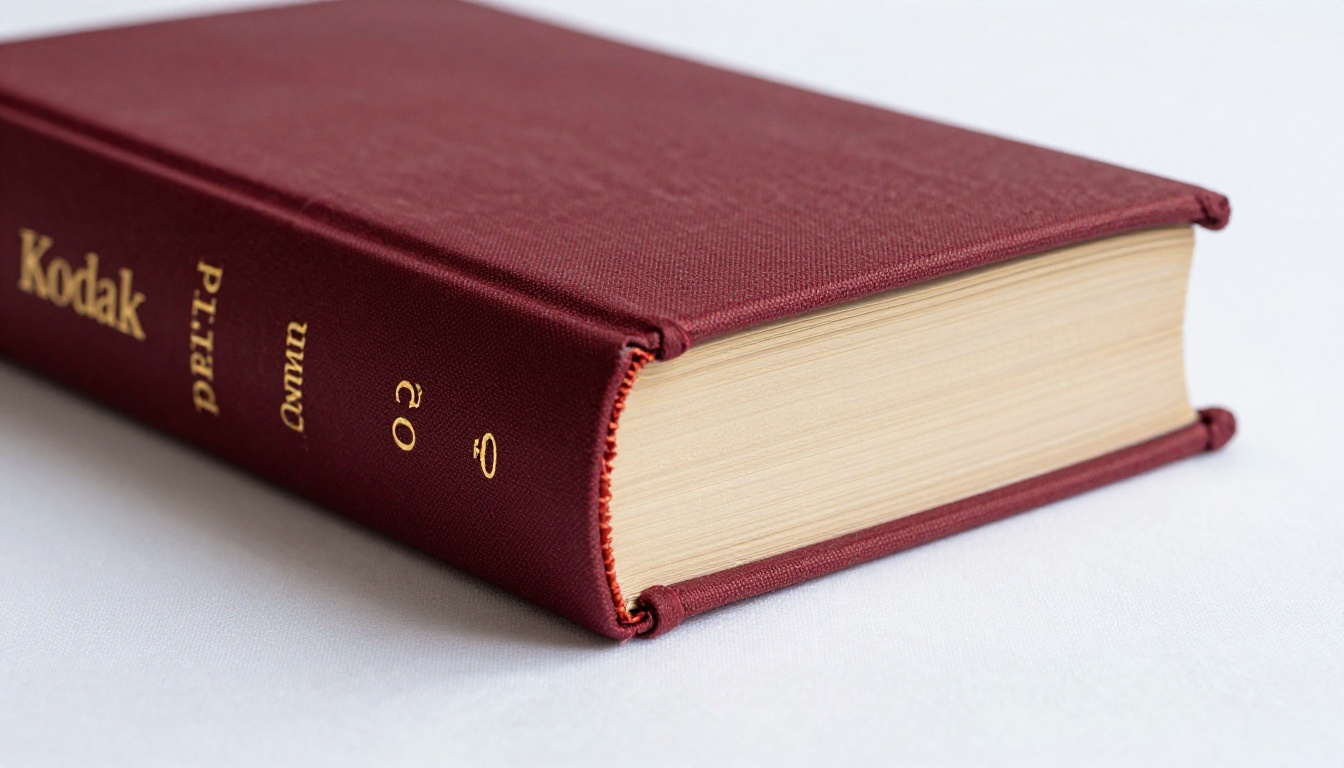
The spine is the structural anchor of a real book's identity. In a digital flipbook, spine visibility refers to the center gutter area between the two open pages. When rendered correctly, this gutter has depth, a slight shadow running along both sides, and the suggestion of page stacking.
The cover matters just as much. A flat image used as a cover looks like a cover. A cover that has texture, a slight gloss or matte finish effect, and hardcover corner geometry looks like a book. Every visual cue either reinforces or undermines the overall illusion.
Paper Texture and Page Thickness Illusion
Real paper has grain. It is not perfectly smooth. The surface texture of paper affects how ink sits on it and how light bounces off it. In digital flipbooks, paper texture is applied through the page background styling. Even a subtle off-white or cream tone, rather than a stark white background, immediately reads more like printed paper.
Page thickness illusion is created at the right edge of the open book spread. A stack of thin horizontal lines or a slight shadow gradient suggests that there are hundreds of pages compressed into that visible edge. This detail is often overlooked but it dramatically strengthens the physical metaphor.
The 7 Elements of a Realistic Flipbook
These are the non-negotiable components of a book-like digital flipbook. Check each one as you build your publication.
1. Authentic Page Flip Physics
The animation must model real paper flexibility. Drag speed should affect curl intensity. The corner of each page should be the initiation point, not an invisible button hiding in the margin.
2. Realistic Shadow and Depth
Graduated, soft shadows at the page fold, the gutter, and the base of the spread. No hard edges. Shadow opacity should increase when multiple pages are in motion simultaneously.
3. Book Spine Visibility
A visible, three-dimensional gutter with depth cues between the two open pages. The spine animation should compress and expand naturally as pages turn, just as a bound spine would flex.
4. Page Curl and Thickness Effect
A natural, non-mechanical curl arc. Page thickness indicated at the right edge of the book spread, suggesting the remaining page stack that readers have yet to reach.
5. Cover Design Matching a Real Book
Front cover, back cover, and spine treatment using high-resolution imagery with texture cues. The choice between hardcover and softcover aesthetics should be deliberate and match the content's tone.
6. Background and Environment
The background behind the open book matters more than most designers realize. A neutral desk texture, a soft gradient, or a subtle shadow beneath the book grounds it in a physical space. A harsh white or black background flattens the entire effect instantly.
7. Sound Effects (Optional but Powerful)
The soft rustle of a page turn is a surprisingly effective realism addition. When used subtly, a paper-turn sound bridges the final gap between digital and physical reading experience. This should always be optional and off by default, as unexpected audio on a website is a usability problem.
Comparing Flipbook Quality Levels
Not all digital flipbook tools are equal. Here is what separates basic, intermediate, and professional-grade results across the elements that matter most.
| Feature | Basic Tools | Intermediate | Professional |
|---|
| Page-turn animation | CSS flip only | Partial physics | Full physics with variable speed |
| Shadow rendering | None or hard-edged | Single static shadow | Graduated, dynamic shadow |
| Spine effect | None | Center gap only | Depth and compression animation |
| Paper texture | White background | Off-white only | Custom texture support |
| Page thickness illusion | None | Minimal indicator | Full edge stack visualization |
| Cover design | Image only | Image with title overlay | Custom hardcover or softcover styling |
| Background options | None | Solid color | Custom scene backgrounds |
| Sound effects | None | None | Optional page-turn audio |
⚠️ Warning: If your flipbook tool does not support dynamic shadow rendering, no amount of cover design will make the result look like a real book. Shadow is the non-negotiable foundation of the illusion.
How to Create Your Realistic Flipbook with Flipbooks AI
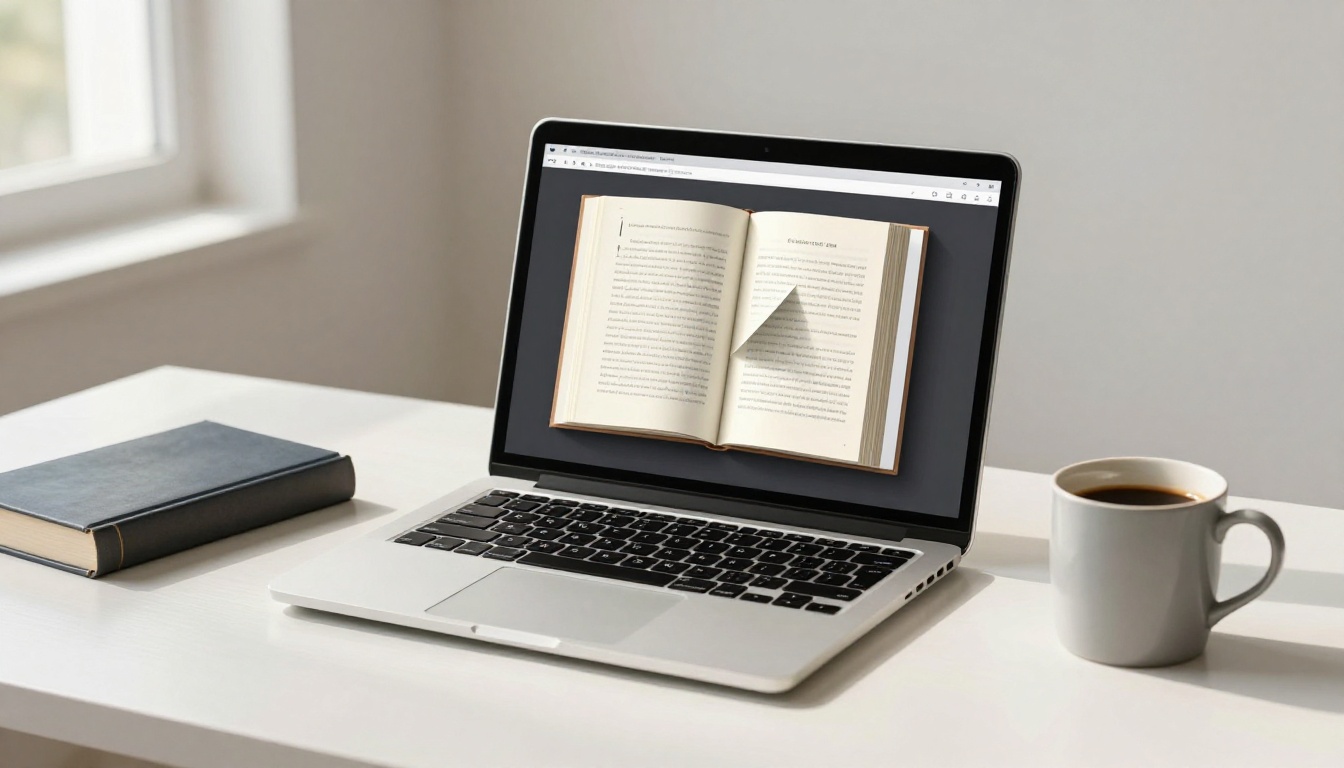
Flipbooks AI handles all technical rendering automatically, letting you focus on design rather than animation code. Here is how to create a book-like flipbook from start to finish.
Step 1: Prepare Your PDF
Before uploading anything, the quality of your source PDF directly determines the quality of your flipbook. Use these standards:
- Resolution: Minimum 150 DPI for readability, 300 DPI for print-quality appearance
- Page size: Standard dimensions (A4, Letter, or your brand spec) produce the cleanest results
- Typography: Embed all fonts to prevent substitution artifacts
- Inner margins: Leave at least 12mm at the gutter margin to account for the spine binding effect
- Color profile: Use RGB, not CMYK, for optimal screen rendering
💡 Pro tip: If designing from scratch, set your document to two-page spread view so you can preview how the left and right pages balance visually when open.
Step 2: Upload and Convert

- Create an account on Flipbooks AI
- Click New Flipbook from your dashboard
- Select your PDF file
- The converter processes each page and renders them with the realistic page-flip engine
- Preview the initial result in the built-in viewer before customizing
The PDF to Flipbook Converter automatically applies physics-based page-turn animation, spine depth, and shadow rendering on every conversion. No manual settings required at this stage.
Step 3: Enable Realistic Effects
Once converted, open the Appearance settings panel to configure book-like visual elements:
- Page background: Set to off-white or cream (a warm tone like #F5F0E8 reads as paper rather than screen)
- Shadow intensity: Increase from default toward maximum for deepest realism
- Spine style: Select the depth setting that matches your intended cover weight
- Page curl: Enable the corner hover effect so readers know intuitively they can turn pages
- Background scene: Choose a desk or neutral environment to ground the book visually
Step 4: Branding, Plans, and Customization
Flipbooks AI offers tiered plans depending on your publishing volume and feature needs. Here is what each level provides:
| Feature | Free | Standard | Professional |
|---|
| Number of flipbooks | 3 | Unlimited | Unlimited |
| Watermark | Yes | No | No |
| Custom branding | No | Yes | Yes |
| Password protection | No | Yes | Yes |
| Embed on website | Yes | Yes | Yes |
| Analytics | No | No | Yes |
| Lead generation gates | No | No | Yes |
| Offline downloads | No | No | Yes |
| Custom domain | No | No | Yes |
Standard plan and above let you apply your logo, brand colors, and toolbar styling without watermarks. For private or internal publications, password protection keeps content accessible only to intended readers.
Compare pricing plans to choose the right tier for your publishing volume.
Step 5: Share or Embed
Your finished flipbook is ready to distribute immediately. Flipbooks AI provides:
- Direct link: Share via email, social platforms, or messaging
- Embed code: Drop a responsive iframe anywhere on your website with the Embed Flipbook on Website tool
- QR code: Auto-generated for print materials that link to the digital version
- Analytics (Professional plan): Track page views, read time per page, and reader drop-off points
✅ Best practice: Always test your embedded flipbook on mobile before distributing. The page-turn interaction works natively on touch screens, but typography scaling and spine visibility should be confirmed at smaller screen sizes.
Best Use Cases for Realistic Book-Style Flipbooks
The realistic book format is not ideal for every document. Here is where it delivers the highest impact.
Magazines and Publications
Editorial content benefits most from a realistic reading experience. When a reader opens a digital magazine and sees a publication that behaves like a physical issue, with a visible spine, realistic page-turn, and optional page-turn sounds, they slow down and engage differently.
The Magazine Flipbook Creator and E-Magazine Publishing Tool are purpose-built for editorial layouts that require this level of production quality.
Catalogs and Lookbooks
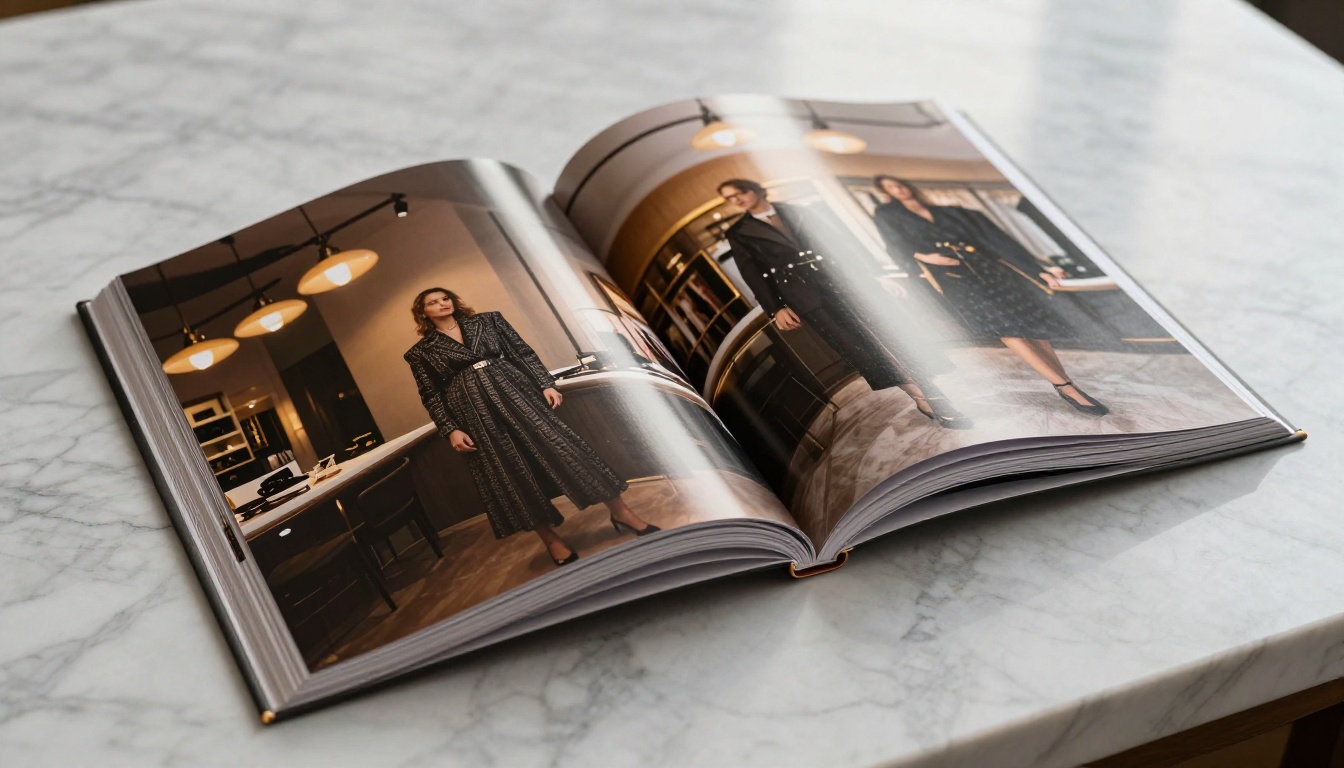
Product catalogs and fashion lookbooks rank among the highest-converting use cases for realistic flipbooks. When a customer browses a catalog that looks and feels like a printed publication, they assign higher value to the products inside. This is the same reason luxury brands still produce print catalogs even when digital distribution is cheaper.
Use the Interactive Lookbook Designer for fashion and lifestyle brands, or the Digital Catalog Maker for product-heavy publications with multiple SKUs and pricing.
E-Books and Educational Materials

E-books distributed as realistic flipbooks command higher perceived value than the same content as a flat PDF. Readers associate the book format with authority. For course creators, coaches, and educators distributing digital textbooks or workbooks, this format adds professional credibility that a PDF download simply cannot replicate.
The Interactive E-Book Publisher supports multi-chapter documents with internal navigation while maintaining the realistic book aesthetic throughout every page.
Different digital publication formats serve different purposes. Here is how realistic flipbooks compare against the alternatives.
| Format | Realism | Interactivity | Mobile-Friendly | Best For |
|---|
| Static PDF | None | None | Poor | Internal docs, forms |
| PDF viewer embed | None | Scroll only | Moderate | Reference materials |
| Simple flipbook | Low | Basic flip | Good | Basic catalogs |
| Realistic flipbook | High | Full physics | Excellent | Magazines, lookbooks, e-books |
| Animated HTML5 publication | Moderate | High | Excellent | Marketing microsites |
💡 Pro tip: Realistic flipbooks occupy a strong middle ground between print production costs and fully custom HTML5 builds. For most publishers and brands, they deliver the majority of the impact at a fraction of the development cost.
Common Mistakes That Kill the Realism
Even with the right tool, avoidable errors undermine the book-like effect. These are the most frequent problems.
Using pure white as the page background. White (#FFFFFF) looks like a screen, not paper. A cream or off-white tone immediately reads as physical. This is a single-setting fix that takes thirty seconds.
Low-resolution source files. A 72 DPI PDF looks pixelated in a high-quality renderer. The physics and shadow effects work correctly, but blurry text and images destroy credibility instantly. Always supply 150 DPI minimum, 300 DPI for print-quality results.
Ignoring the cover design. The cover is the first thing readers see. A professionally designed cover with correct aspect ratio, no bleed marks, and visual hierarchy that reads well at thumbnail size sets the tone for everything that follows.
No background scene. A realistic book floating on a solid background looks like a software widget, not a publication. Add a desk texture, a subtle gradient, or a light linen surface behind the book viewer to give it physical context.
Skipping mobile testing. Desktop rendering is straightforward. Mobile rendering requires that the page-turn interaction works on touch, typography scales correctly, and the spine effect remains visible at smaller screen sizes. Test on at least two devices before sharing publicly.
Not using spreads for editorial content. Single-page mode works fine for simple documents. For anything with editorial layout, two-page spread mode creates the full book-like experience where left and right pages complement each other visually, exactly as they would in print.
Take Your Flipbook Further
Once the realism fundamentals are in place, several options extend the value of your flipbook well beyond what any physical book can offer.
Add multimedia layers. Embedding video on a product page inside a catalog creates something print cannot match. You get the credibility of print with capabilities that print never had.
Use analytics to refine content. The Professional plan on Flipbooks AI includes per-page analytics. You can see exactly where readers stop, which pages receive the most time, and where they exit. This data is invaluable for improving future editions.
Set up lead generation. The Professional plan also supports lead capture gates, allowing you to require an email address before readers access the full publication. This converts your flipbook from a passive content piece into an active list-building asset.
Build a publication series. Consistent branding across multiple flipbook issues builds reader recognition and return visits. Using the same cover template, spine design, and viewer settings across issues creates a publication identity that readers remember.
The tools available across Flipbooks AI cover virtually every publication type, from the Annual Report Creator to the Wedding Album Flipbook to the Recipe Book Flipbook. The realistic book engine is the same across all of them.
Ready to build something that actually looks like a book? Get started for free on Flipbooks AI and convert your first PDF in under two minutes. When your readers reach out to ask how you made it, you will know exactly what to tell them.
Compare pricing plans to find the right tier for your publishing volume, or browse all tools to find the right template for your next publication.



