There is a massive difference between a flipbook that gets ignored and one that stops people mid-scroll. The gap is not always budget or software. It comes down to a handful of specific, repeatable decisions around layout, typography, imagery, and structure that separate forgettable from truly professional. Whether you are creating a product catalog, a portfolio, a restaurant menu, or a company report, these principles apply across the board. This article breaks down every one of those decisions so you can apply them right now, with Flipbooks AI as your publishing engine.
Why Most Flipbooks Look Amateur
Most flipbooks fail the same way. They start with a PDF that was never designed for digital interaction, drop it into a converter, and call it done. The result is blurry images, text that is too small to read on mobile, fonts that clash, no visual hierarchy, and a user experience that feels like reading a scanned fax from 1997.
Professional digital publications do not happen by accident. They happen when someone makes deliberate choices at every stage of the process.
3 Common Design Mistakes to Avoid
- Using too many fonts. More than two typefaces in a single document signals chaos. Readers feel it even when they cannot name it.
- Ignoring white space. Cramming every inch of a page with content makes people want to close the tab. Breathing room is part of the design.
- Low-resolution images. A pixelated hero image on your cover page destroys credibility instantly, no matter how strong the copy is.
What "Professional" Actually Means
Professional does not mean expensive or complicated. It means intentional. Every element on every page has a reason to be there. Typography is consistent. Colors follow a system. Images are sharp and relevant. Layout guides the eye without making readers think about where to look next.
💡 Before you open any design software or upload any PDF, write down three words that describe the feeling you want your flipbook to communicate. Every design decision should serve those three words.

Start With the Right Foundation
The biggest mistake in flipbook production is starting with content and working backwards to design. Professional results come from the opposite approach: design first, then fill with content.
Choose Your Format Before Anything Else
Your flipbook format should match how it will be consumed. A product catalog gets browsed quickly. A portfolio gets studied slowly. A report gets referenced non-linearly. Each of these behaviors calls for different layout decisions.
| Format | Primary Use | Ideal Page Count | Key Design Focus |
|---|
| Product Catalog | E-commerce, retail | 20-80 pages | Consistent product photography, clear pricing |
| Portfolio | Creative professionals | 10-30 pages | Full-bleed images, minimal text |
| Annual Report | Corporate communication | 30-60 pages | Data visualization, infographics |
| Menu | Hospitality | 8-20 pages | Appetizing photography, clear categories |
| Brochure | Sales and marketing | 4-12 pages | Strong CTA, emotional imagery |
Set Your Page Dimensions Early
For digital flipbooks, the sweet spot is A4 landscape (297 x 210mm) or Letter landscape (11 x 8.5 in). This gives you wide, readable spreads that work beautifully on both desktop and tablet screens. Portrait formats work well for menus and portfolios. Choose before you design a single element.
⚠️ Designing in portrait then converting to landscape after the fact is one of the most time-consuming mistakes in flipbook production. Decide your orientation on day one.
Typography That Actually Works
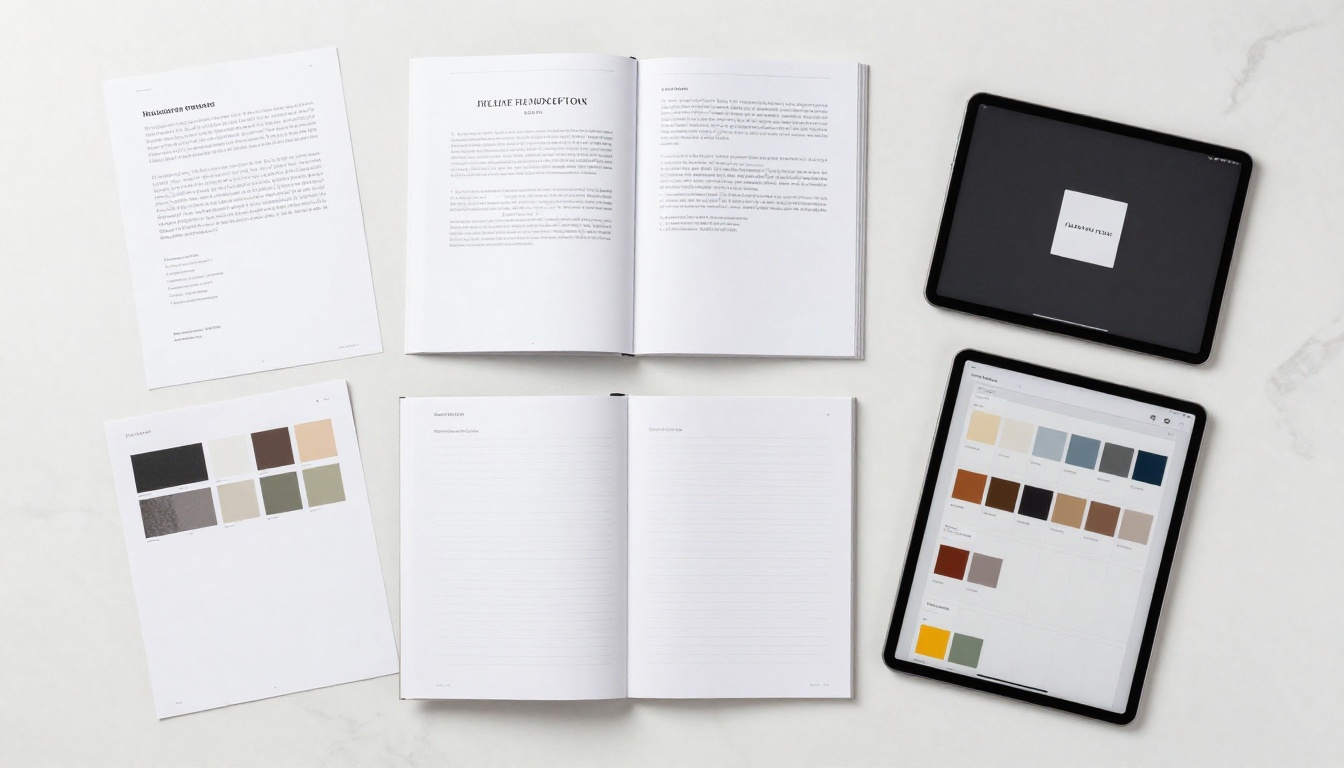
Typography is the backbone of professional design. It is also the easiest thing to get wrong. Most amateur flipbooks suffer from font chaos, poor sizing decisions, and zero visual hierarchy.
Picking Fonts That Work Together
Two fonts. That is the limit. One for headings, one for body text. The most reliable combinations pair a clean serif for headings with a neutral sans-serif for body copy, or vice versa.
Reliable font pairings for professional flipbooks:
- Playfair Display + Inter: Elegant and modern, perfect for luxury brands and portfolios
- Merriweather + Open Sans: Editorial and trustworthy, excellent for reports and publications
- Montserrat + Lato: Clean and contemporary, strong for product catalogs and tech companies
- Georgia + Arial: Classic and universally readable, dependable for corporate documents
💡 Stick to fonts that are web-safe or widely supported. Custom fonts that fail to load turn your beautiful layout into a mess of system fallbacks.
Hierarchy Rules for Readable Pages
Every page needs a clear reading order. That means your H1 should be visually dominant, your H2 slightly smaller, your body text clearly subordinate, and captions visibly the smallest element on the page.
A practical size scale that works consistently: 48px H1 / 32px H2 / 18px H3 / 14px body / 11px captions. Apply this across every page without exception.
Line spacing matters more than most people realize. Body text at 1.5x line height reads dramatically better than text crammed at 1.0x. The extra breathing room does not waste space. It actively improves comprehension and time spent reading.
Color and Visual Consistency
Color is not decoration. Color is communication. A professional flipbook uses color to guide attention, reinforce brand identity, and create emotional associations that outlast the content itself.
Build a Color Palette Before You Design
A solid professional palette needs four elements: one primary color, one secondary color, one neutral (usually off-white or light grey), and one accent for calls-to-action.
| Color Role | Purpose | Example Value |
|---|
| Primary | Brand identity, headers, dominant elements | Deep navy #1A2B4A |
| Secondary | Supporting sections, subheadings, highlights | Warm terracotta #C17A5A |
| Neutral | Backgrounds, text areas, breathing space | Off-white #F7F5F0 |
| Accent | CTAs, buttons, links, key statistics | Bright coral #E8553A |
Stick to this system across every page. Any deviation signals inconsistency to the reader's eye, even if they cannot articulate why it feels off.
White Space Is Not Wasted Space
This bears repeating because it runs counter to most people's instincts when paying per page or per spread. White space is an active design element. It gives important content room to breathe, directs the reader's eye toward what matters, and signals confidence in the material.
✅ Give every text block at least 24px of padding on all sides. Give full-page images a single column of white space on the opposing page. Never push content to the absolute edge of a spread.

Images That Elevate Every Page
A single blurry, poorly lit, or irrelevant image can undermine an otherwise excellent flipbook. Professional imagery is not optional; it is the first thing readers judge.
Resolution and Placement Rules
For digital flipbooks, images should be at least 150 DPI at their display size, and ideally 300 DPI for anything that might also be printed. Export your PDFs at maximum quality settings before uploading.
Placement follows these rules in professional design:
- Full-bleed hero images: Cover page and section openers. Image fills the entire page or spread with no margins.
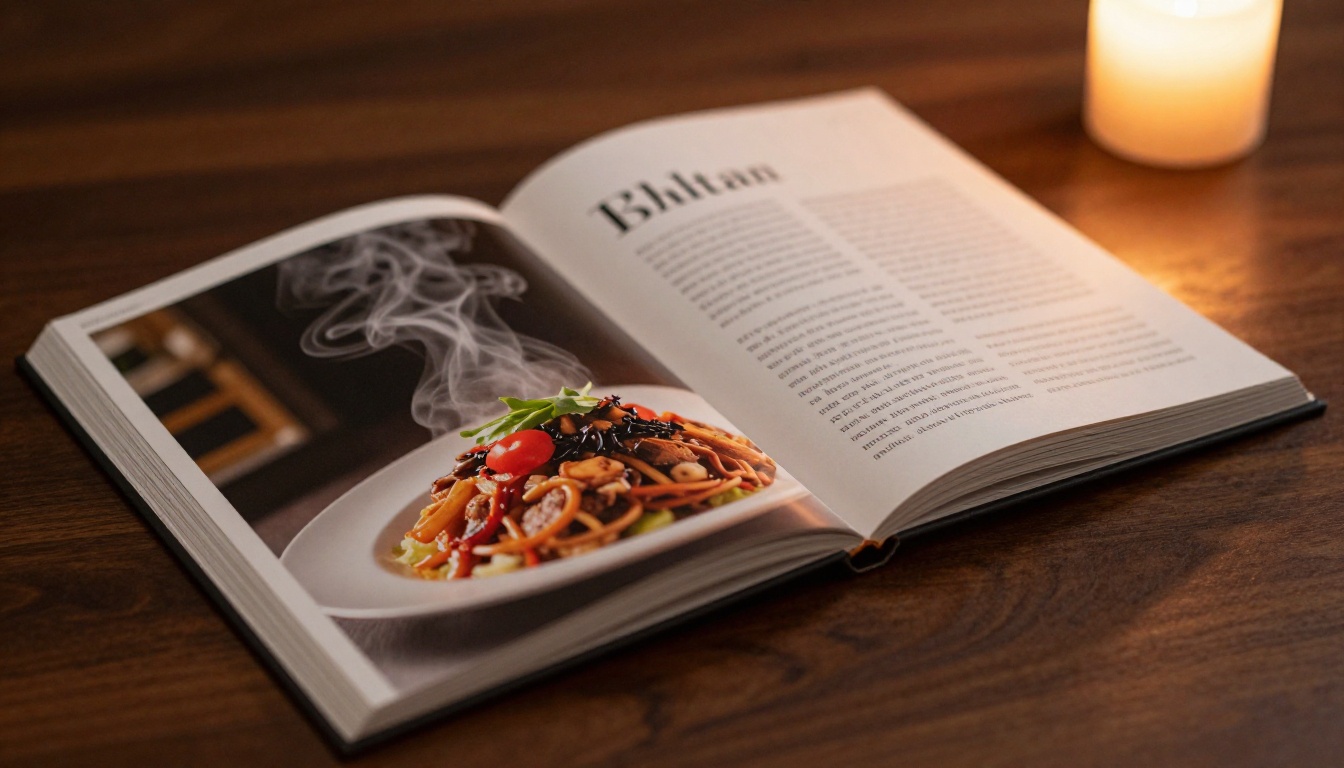
- Half-page images: Paired with text on the opposite half. Image on the left, text on the right (or the reverse, applied consistently throughout).
- Inline images: Within text flows for supporting visuals. Always the same column width, never arbitrary sizing.
- Thumbnail grids: Product listings, galleries, team pages. Consistent size, consistent spacing, no exceptions.
Never stretch, crop awkwardly, or use an image at a resolution it was not designed for. One great image outperforms ten mediocre ones.
Captions, Alt Text, and Flow
Captions are among the most-read elements in any publication, right after headlines. They deserve real attention. A good caption does not just describe what is visible. It adds context: a detail the image alone cannot convey, or an emotional beat that reinforces the page's core message.
💡 Write your captions after the page design is finished, not before. The visual context makes the caption sharper and more purposeful.
Layout Principles That Hold Everything Together
Good layout is invisible. When it works, readers move through your flipbook effortlessly, absorbing content without friction. When it fails, they feel confused and leave.
Grid Systems for Non-Designers
You do not need formal design training to use a grid. A simple 12-column grid with consistent gutters gives you a reliable structure for placing every element on the page with precision.
For most flipbooks, a practical grid approach looks like this:
- Full-width: Text or images spanning all 12 columns. Use for headers and hero images.
- Two-thirds / One-third: A large block (8 columns) paired with a sidebar (4 columns). Great for text-heavy sections.
- Half and half: Two equal 6-column blocks. Perfect for product comparisons or two-column features.
- Thirds: Three 4-column blocks. Ideal for feature lists, testimonials, or stat callouts.
Stick to the grid. Do not place elements arbitrarily. Every alignment decision should reference the grid structure.
The Cover Page Rules
Your cover page has one job: making someone decide to keep reading. It needs a dominant visual (full-bleed photography or a strong color field), one compelling headline, and nothing else.
No taglines. No paragraph text. No cluttered logo lockups. The cover earns the reader's attention. Every other page earns the sale.

How to Create a Professional Flipbook with Flipbooks AI
Once your PDF is designed and exported, Flipbooks AI handles the publishing and sharing workflow. Here is exactly how to go from file to polished, shareable flipbook in minutes.
Step 1: Upload Your PDF
Go to Flipbooks AI and create your account. On the dashboard, click Upload PDF and select your file. The platform converts your PDF into a fully interactive flipbook with smooth page-turn animations automatically. No plugins, no coding, no technical setup.
✅ Export your PDF at 300 DPI with all fonts embedded. This ensures every page renders crisply on every screen size, from mobile to 4K displays.
Step 2: Apply Your Brand
In the editor, open the Branding panel. Here you can set your logo for the navigation bar, choose your primary and accent colors for the interface, set a custom favicon, and remove all default platform branding (Standard plan and above, no watermarks ever). This is what makes your flipbook feel like a proprietary product rather than generic converter output.
Step 3: Add Interactive Elements
This is where digital flipbooks genuinely surpass print. Inside your flipbook, you can embed:
- Clickable links: Product pages, contact forms, booking systems, social profiles
- Video embeds: Product demos, testimonials, brand films, virtual tours
- Audio: Background music, narration, ambient sound for presentations
- Lead capture forms: Collect names and emails directly from within the flipbook (available on Professional plan)
A real estate agent can embed a virtual tour video inside a property brochure. A restaurant can link directly to online ordering from a menu item. A fashion brand can link product images to their e-commerce store. These are capabilities print simply cannot match.
Step 4: Set Up Sharing and Privacy
Flipbooks AI gives you multiple distribution options:
- Direct link: Share anywhere, works on any device without app downloads
- Embed code: Drop your flipbook into any website or landing page using the Embed Flipbook on Website tool
- Password protection: Restrict access to clients, board members, or press lists
- Analytics: Track views, time-on-page, and reader behavior (Professional plan)
- Offline downloads: Let readers save your flipbook for offline viewing
💡 For sales teams using flipbooks as collateral, the analytics dashboard is one of the highest-value features on the platform. You can see exactly which pages a prospect spent the most time on, which tells you precisely where their interest sits and what to follow up on.
Choosing the Right Plan
Flipbooks AI offers tiered plans to match different production volumes and feature needs. Here is how they compare:
| Feature | Free | Standard | Professional |
|---|
| Flipbooks | Limited | Unlimited | Unlimited |
| Custom branding | No | Yes | Yes |
| No watermarks | No | Yes | Yes |
| Password protection | No | Yes | Yes |
| Video and audio embeds | No | Yes | Yes |
| Analytics | No | No | Yes |
| Lead generation forms | No | No | Yes |
| Offline downloads | No | Yes | Yes |
| Custom domain | No | No | Yes |
For businesses using flipbooks as a serious marketing or sales tool, the Professional plan pays for itself quickly. The lead generation feature alone can capture prospect data that would otherwise require a separate landing page and third-party opt-in tool. Explore the full breakdown at Flipbooks AI pricing.
Real-World Use Cases
The design principles and tools above apply across every industry. Here is how professionals in different fields are putting them to work right now:
Restaurants and hospitality: A restaurant can use the Restaurant Menu Creator to build an interactive menu with embedded food photography, direct links to online ordering, and seasonal updates that never require a reprint. Hotel brands use the Hotel Brochure tool to create immersive property showcases with room tour videos embedded directly in the brochure.
Retail and e-commerce: Product teams use the Digital Catalog Maker to build shoppable catalogs where every product image links directly to the corresponding product page, turning passive browsing into an active sales funnel.
Creative professionals: Photographers, architects, and designers use the Digital Portfolio Creator to build visually dominant portfolios that showcase work at full resolution with smooth page animations that static PDF portfolios simply cannot replicate.
Corporate and financial: Leadership teams use the Annual Report Creator to produce board-ready reports with embedded data visualizations, video messages from executives, and password-protected distribution to stakeholders.
Education: Schools and training departments use the Training Manual Flipbook and Course Material Publisher to distribute rich, interactive learning materials without printing costs or distribution logistics.

The Quality Checklist Before You Publish
Before hitting publish on any professional flipbook, run through this list:
⚠️ Never publish without testing the mobile view first. A layout that looks perfect on a 27-inch monitor often breaks on a phone screen. Flipbooks AI renders responsively by default, but your underlying PDF design still needs to be mobile-legible at its base size.
Start Creating
A professional flipbook is not the result of expensive software or years of formal training. It is the result of making the right decisions in the right order: format first, then layout, then typography, then color, then imagery, then publishing. Every step in that sequence is manageable when you have the right tools behind you.
Flipbooks AI handles the publishing layer so you can focus entirely on the design layer. No watermarks, smooth page-turn animations, embedded video and audio, mobile-responsive rendering by default, and built-in analytics for the readers who need it most.
Ready to put these principles into practice? Create your account for free and start building your first professional flipbook today. Compare every plan feature side by side on the pricing page, or browse all available flipbook tools to find the right starting point for your specific use case.



