You've been meaning to create a flipbook for weeks, but every time you open a design tool, the screen fills with toolbars, panels, and a learning curve that feels more like a cliff. Good news: you don't need any of that. Modern online flipbook makers have stripped away all the complexity, so even first-timers can produce a polished, interactive digital publication in under an hour. Flipbooks AI is one of the tools making this possible, and this article shows you exactly how to do it, with zero prior design knowledge.
Why Anyone Can Build a Flipbook Today
Not long ago, creating a digital flipbook meant either hiring a designer or spending days in software like InDesign or Photoshop. The result was often either expensive or deeply frustrating. That barrier no longer exists. Browser-based flipbook creators have replaced complex desktop software with clean, intuitive interfaces built around one idea: anyone should be able to create a professional publication without needing a background in graphic design.
The Old Way vs. the New Way
The contrast between traditional and modern flipbook creation is stark. Here's how the two approaches compare across the metrics that matter most to a beginner:
| Approach | Tools Required | Time to Finish | Design Skill Needed | Cost |
|---|
| Traditional (InDesign + PDF export) | InDesign, Photoshop, Acrobat | 3-5 days | Expert | $50+ per month |
| DIY PowerPoint export | Microsoft Office | 1-2 days | Intermediate | $10-20 per month |
| Online flipbook maker (browser-based) | Just a browser | Under 1 hour | None | Free or low-cost |
The browser-based route wins on every metric for beginners. No software installation, no design training, no expensive subscriptions required.
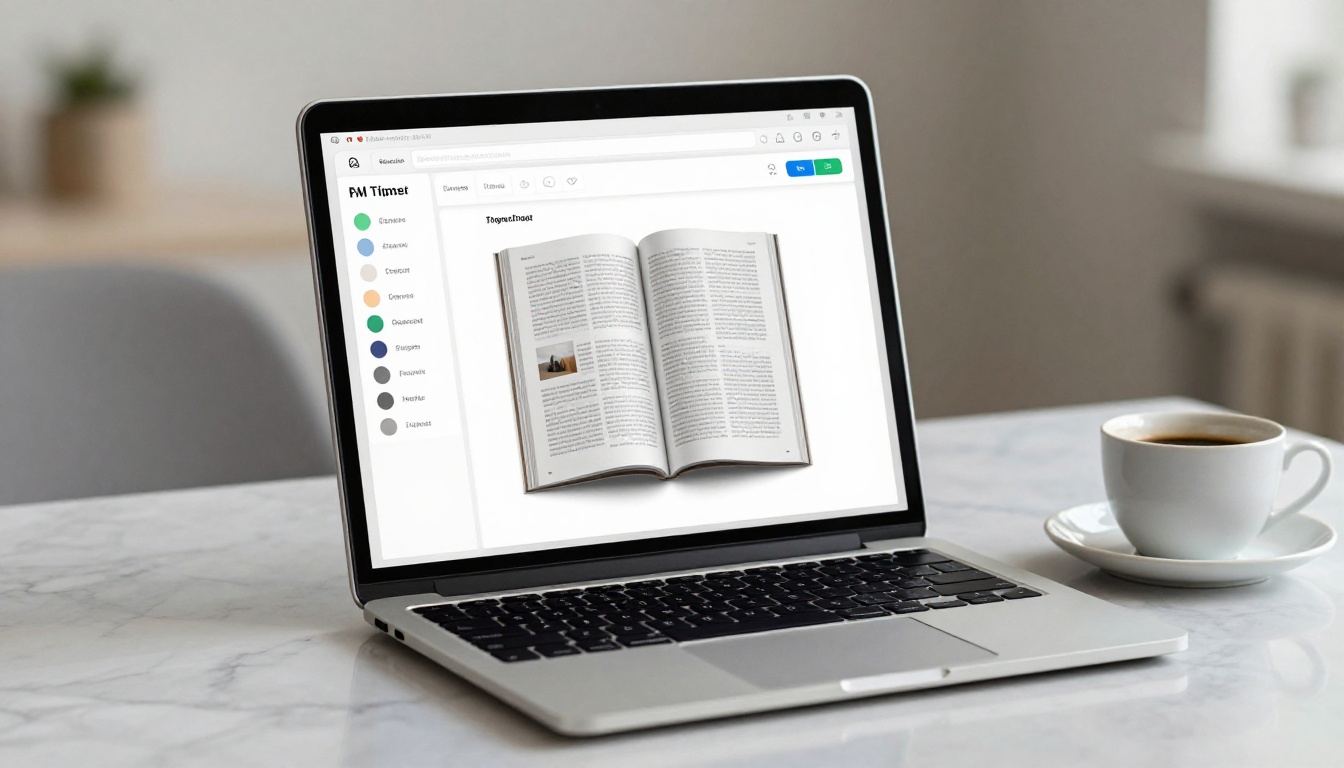
💡 If you already have a PDF, you're more than halfway there. Most online flipbook tools are built around a single workflow: upload a PDF, apply a theme, and publish. That's it.
What You Actually Need Before You Start
Before opening any tool, there are two things worth getting right: your content and your file format. Getting these ready first means zero friction once you're inside the editor.
Content Is Everything
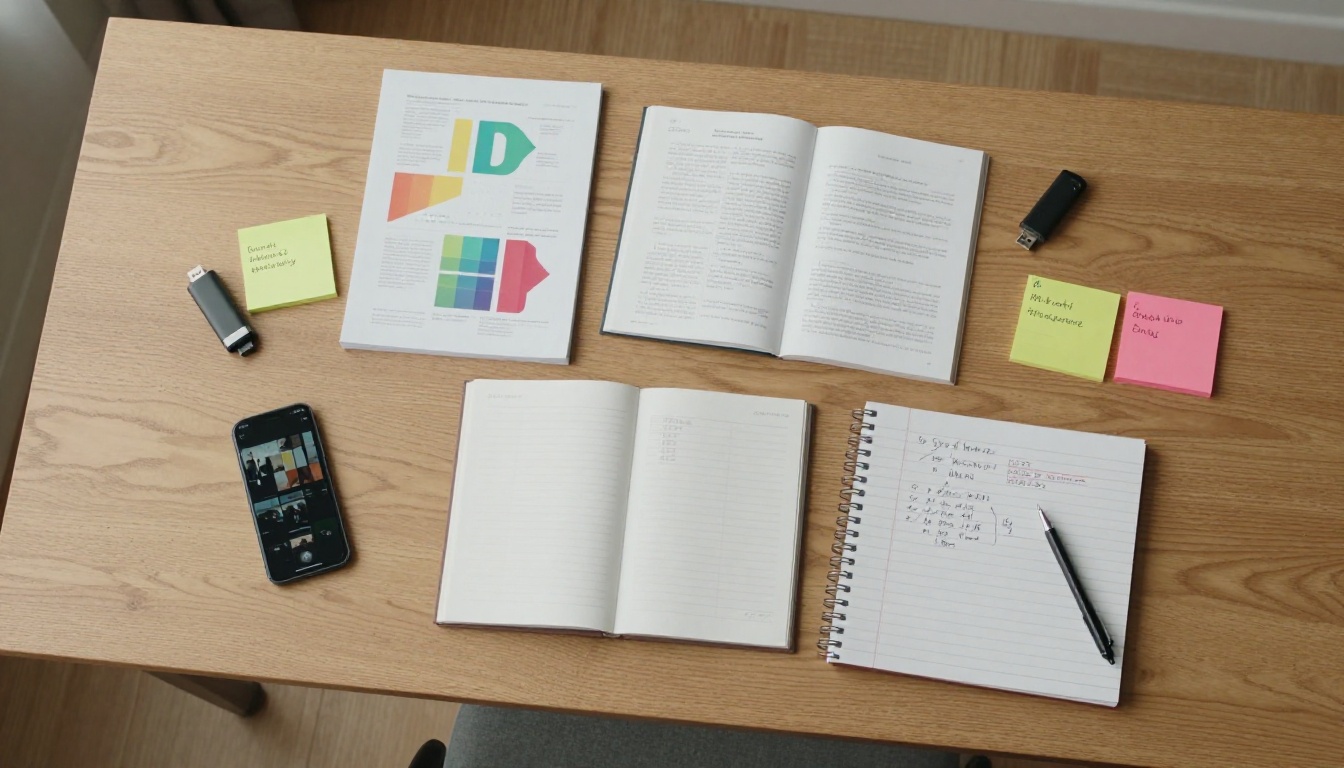
Your flipbook is only as good as what's inside it. Before worrying about page animations or color schemes, gather your materials:
- Text content: Write your copy in a Word document or Google Docs first. Spell-check it, proofread it, and finalize it before formatting.
- Images: Collect your photos in one folder. For best results, use images that are at least 1200px wide. JPG or PNG both work.
- Logo: If this is a branded flipbook for a business, have your logo file ready (PNG with transparent background is ideal).
- Color codes: Know your brand colors, either by hex code or by name. You'll use these when customizing the flipbook theme.
⚠️ One of the most common beginner mistakes is starting to build a flipbook before the content is finalized. Every time you go back to edit text after formatting, you risk breaking your layout and doubling your work.
Which Format Works Best
Most online flipbook tools convert PDFs into interactive publications. This means your best starting point is a well-structured PDF. You don't need InDesign for this:
- Google Slides: Free, easy to use, and exports clean PDFs. Great for presentations and reports.
- Canva: Drag-and-drop design tool with hundreds of publication templates. Export as PDF when done.
- Microsoft Word or Google Docs: Works for text-heavy content like manuals, catalogs, or newsletters.
- PowerPoint: Solid option for anything with a slide-based structure.
There are several online flipbook tools available, and they vary significantly in what they offer at no cost. Here's how the most popular options compare across the features that matter most to someone just starting out:
| Tool | Free Plan | Page Limit | Custom Branding | Password Protection | Embed on Website |
|---|
| Flipbooks AI | Yes | Unlimited (Standard+) | Yes | Yes | Yes |
| Issuu | Yes (limited) | 1 publication | No (free) | No (free) | Limited |
| FlipHTML5 | Yes | 5 flipbooks | No (watermark) | No (free) | Yes |
| Yumpu | Yes | Unlimited | No (watermark) | No (free) | Yes |
| Pubhtml5 | Yes | 5 flipbooks | No | No | Yes |
✅ Flipbooks AI stands out for offering unlimited flipbooks on paid plans with no watermarks, custom branding, and password protection. For anyone serious about creating professional-quality publications, those features matter from day one.
The watermark issue alone is worth paying attention to. A flipbook with a competitor's branding plastered across every page sends the wrong message when you share it with clients or customers. Explore pricing plans to see what fits your needs and budget.
How to Create a Flipbook with Flipbooks AI
This is the most direct path from zero to a finished flipbook. Flipbooks AI was built specifically for people who don't want to spend hours figuring out a tool. Here's the entire process from signup to published, broken into clear steps.
Step 1: Create Your Account
Go to flipbooksai.com/account and sign up. The process takes under a minute. No credit card required to get started. Once you're in, you'll land on your dashboard, which shows all your flipbooks in one place with clear options to create, edit, or share.
Step 2: Upload Your PDF
Click New Flipbook and choose your PDF file. Flipbooks AI converts it automatically, page by page, into a page-flip publication. The conversion process runs on the server, so you don't need a powerful computer or fast internet connection. Most PDFs convert in under two minutes.
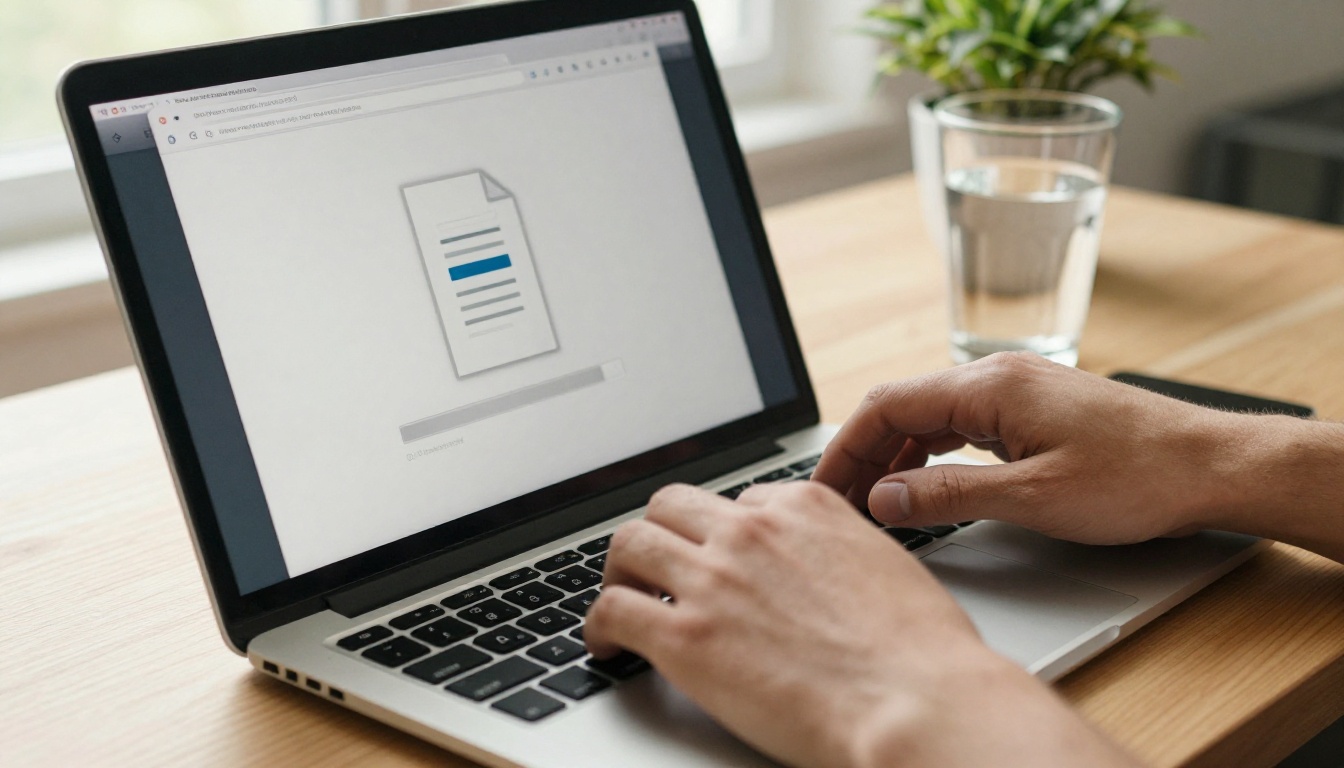
💡 PDF quality matters. A PDF exported from Canva or Google Slides at 300 DPI will produce a much sharper flipbook than a low-resolution scan or a screen-captured image file.
Step 3: Customize Your Flipbook
Once the conversion is complete, you'll see a live preview. From here, you can adjust the look and feel of your publication without touching a single design tool:
- Choose a page theme: Select from pre-built themes that control background color, shadow effects, and page texture.
- Add your brand colors: Input your hex codes to match your brand identity throughout the viewer.
- Upload your logo: It appears in the viewer header or footer depending on the layout you choose.
- Set the page flip effect: Choose from hard cover, soft flip, or slide transitions.
- Embed multimedia: Add video or audio directly to specific pages (Standard plan and above).
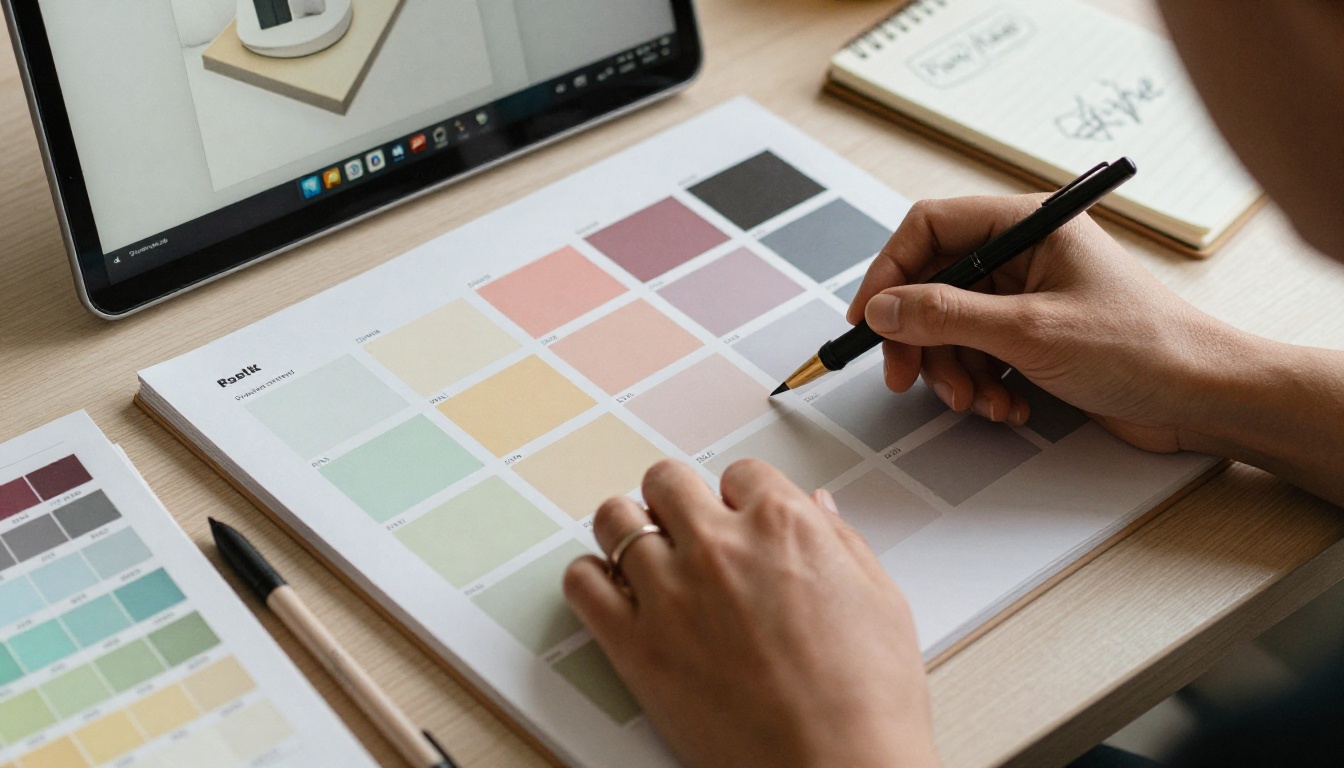
None of these options require any design experience. Each setting has a clear label, a live preview, and a default value that already looks professional even if you change nothing.
Step 4: Configure Privacy Settings
Before publishing, decide who can see your flipbook:
- Public: Anyone with the link can view it, no login required.
- Password-protected: Viewers must enter a code you set. Useful for internal documents, exclusive content, or client deliverables.
- Private: Only accessible while logged in to your account.
Step 5: Publish and Share
Hit Publish and your flipbook goes live instantly. You'll get three sharing options right away:
- A direct link you can paste anywhere, including email, social media, or messaging apps.
- A QR code for print materials, business cards, posters, or product packaging.
- An embed code to place the flipbook directly inside a website or landing page. The Embed Flipbook on Website tool provides full step-by-step embed instructions for every major platform.

Customization Without Design Skills
The best online flipbook tools are designed around the principle that customization should feel like choosing, not creating. You're not building anything from scratch. You're picking from options that already look polished.
Colors and Branding
Most people overthink this part. Here's what actually matters for a beginner's first flipbook:
- Pick two colors maximum: Your primary brand color for accents and a neutral (white, light gray, or black) for backgrounds.
- Use your logo: Even a simple text-based logo uploaded as a PNG makes your flipbook look intentional and professional rather than generic.
- Don't change fonts unless necessary: Default serif or sans-serif fonts in most tools are already optimized for readability across devices.
✅ If you don't have brand colors yet, use a free tool like Coolors (coolors.co) to generate a clean two-color palette before you open the flipbook editor.
Adding Multimedia Elements
One advantage digital flipbooks have over static PDFs is the ability to embed live content directly inside pages. With Flipbooks AI, you can:
- Embed a YouTube or Vimeo video on any page to demonstrate a product or process
- Add background audio or page-specific audio clips for guided reading experiences
- Insert clickable links that open product pages, websites, or contact forms directly
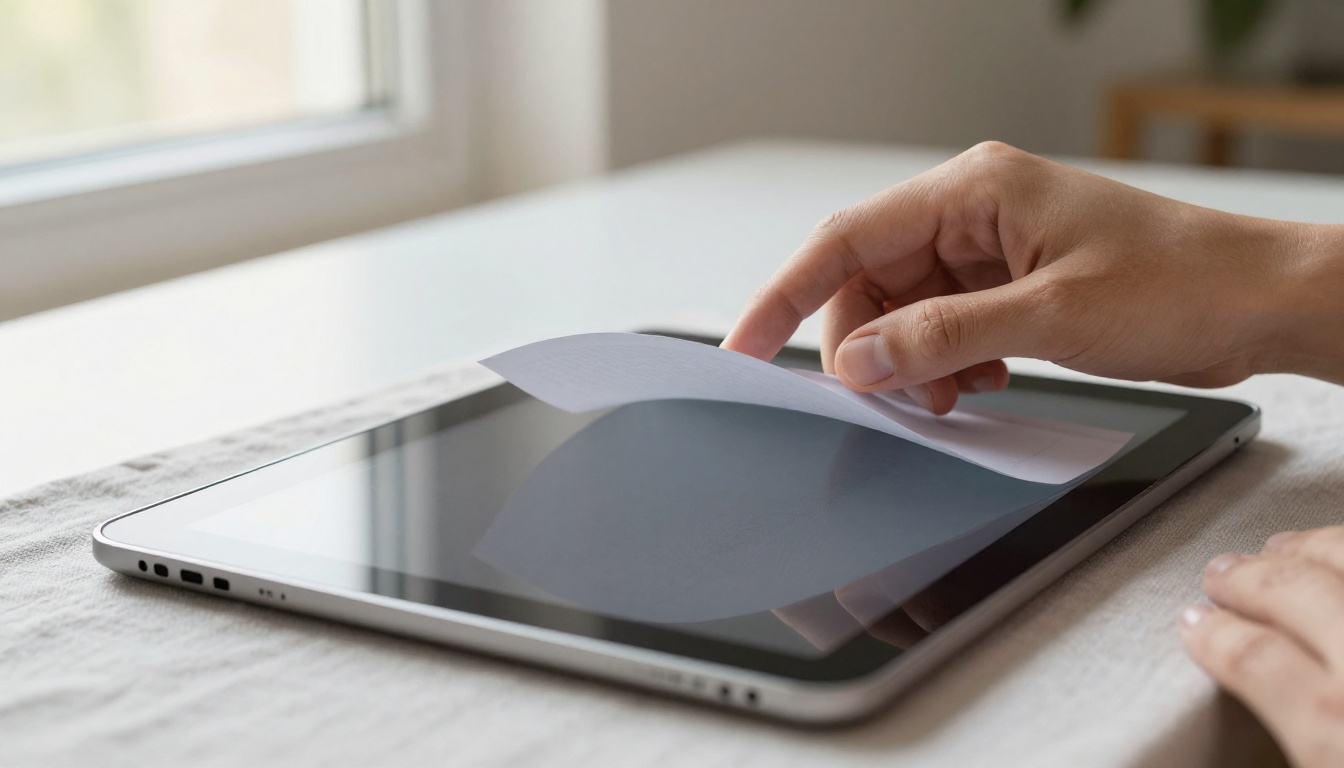
These elements transform a passive PDF into an interactive experience, which is exactly what separates a flipbook from simply attaching a document to an email.
How to Share Your Flipbook Online
Once your flipbook is live, you have more sharing options than most people realize. The right channel depends on your audience and your goal.
Direct link sharing is the simplest method. Copy your flipbook URL and share it anywhere: email, social media, WhatsApp, Slack, or a website footer. The page-flip viewer loads in any browser without any plugins or downloads required.
QR codes work well for any situation where you want to bridge print and digital. Print the QR code on business cards, event programs, product packaging, or posters. When someone scans it with their phone, they land directly on your flipbook.
Website embedding creates the most seamless experience. Readers never leave your site. The embed code is compatible with WordPress, Squarespace, Wix, Webflow, and any platform that accepts raw HTML.
Social media linking works best when paired with a strong preview message. While you can't embed a page-flip animation in a social post, sharing the link will pull your flipbook's cover image as the social card, giving the post a strong visual hook.
💡 For Professional plan users on Flipbooks AI, built-in analytics show you exactly how many people viewed your flipbook, how long they spent on each page, and where they dropped off. This data is invaluable if you're using flipbooks for sales presentations, marketing campaigns, or lead generation.
3 Common Mistakes First-Timers Make
Even with a beginner-friendly tool, there are a few pitfalls that trip people up consistently.

1. Over-designing the source PDF
The most common mistake is spending too much time making the PDF look perfect before uploading it. The flipbook tool adds its own viewer, background, and chrome around your content. A clean, well-structured PDF is always better than an overly decorated one. Keep it simple at the source.
2. Using a low-resolution source file
If your PDF was created from a scanned document or low-res images, the flipbook will look blurry on large screens and desktop monitors. Always export or create your source PDF at 300 DPI or higher. Files created in Canva, Google Slides, or PowerPoint export at high resolution by default.
3. Skipping the mobile preview
Most of your audience will view your flipbook on a phone. Before publishing, always check the mobile view. Flipbooks AI provides a mobile-responsive viewer automatically, but if your PDF pages have very small text or extremely dense layouts, they may be difficult to read on smaller screens. A more spacious layout with larger text pays off significantly for mobile readers.
⚠️ Password protection is easy to set up but also easy to forget to set. If you're creating a flipbook for internal use or paying clients, double-check the privacy settings before sharing the link with anyone.
Real-World Uses for Your First Flipbook
Still not sure what to make your first flipbook about? Here are practical ideas across different contexts, along with the purpose-built tools available on Flipbooks AI:
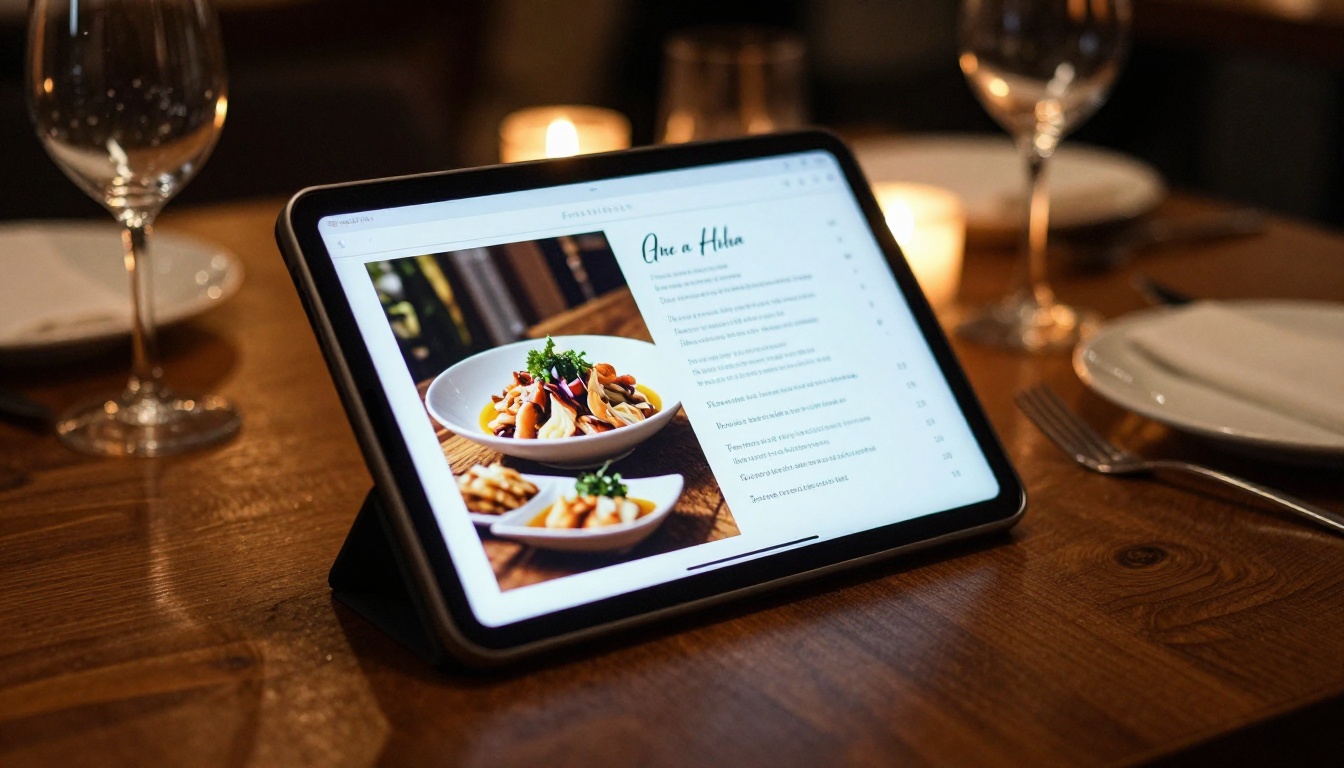
A restaurant, for example, can replace printed menus entirely. Instead of reprinting every time the menu changes, the owner updates the PDF, re-uploads it to Flipbooks AI, and the shared link instantly reflects the new version. No printing costs, no distribution delays, no outdated menus in customers' hands.
Real estate agents benefit by attaching a digital brochure flipbook to every property listing email. Instead of a static PDF attachment that most people open once and forget, a clickable page-flip publication creates a more memorable impression and keeps the agent's branding visible throughout every page.

Your First Flipbook Starts Here
You don't need design skills, expensive software, or a creative background to create a flipbook that looks professional. All you need is a PDF, a browser, and about 30 minutes. The tools have done the hard work already.
Ready to create your first flipbook? Get started for free on Flipbooks AI and see how far you get today. Browse all available tools and templates to find the right format for your content, and compare pricing plans to choose what works best for your situation.
The only thing standing between you and a finished flipbook is starting.



