There is something almost magnetic about watching a page curl and turn on a screen. That satisfying flip from one spread to the next mimics the tactile joy of holding a real magazine, and it keeps readers engaged far longer than a flat scrolling PDF ever could. If you have been wondering how to make a free flipbook with page flip effects, you are in the right place. No expensive software, no steep learning curve, and no watermarks required.
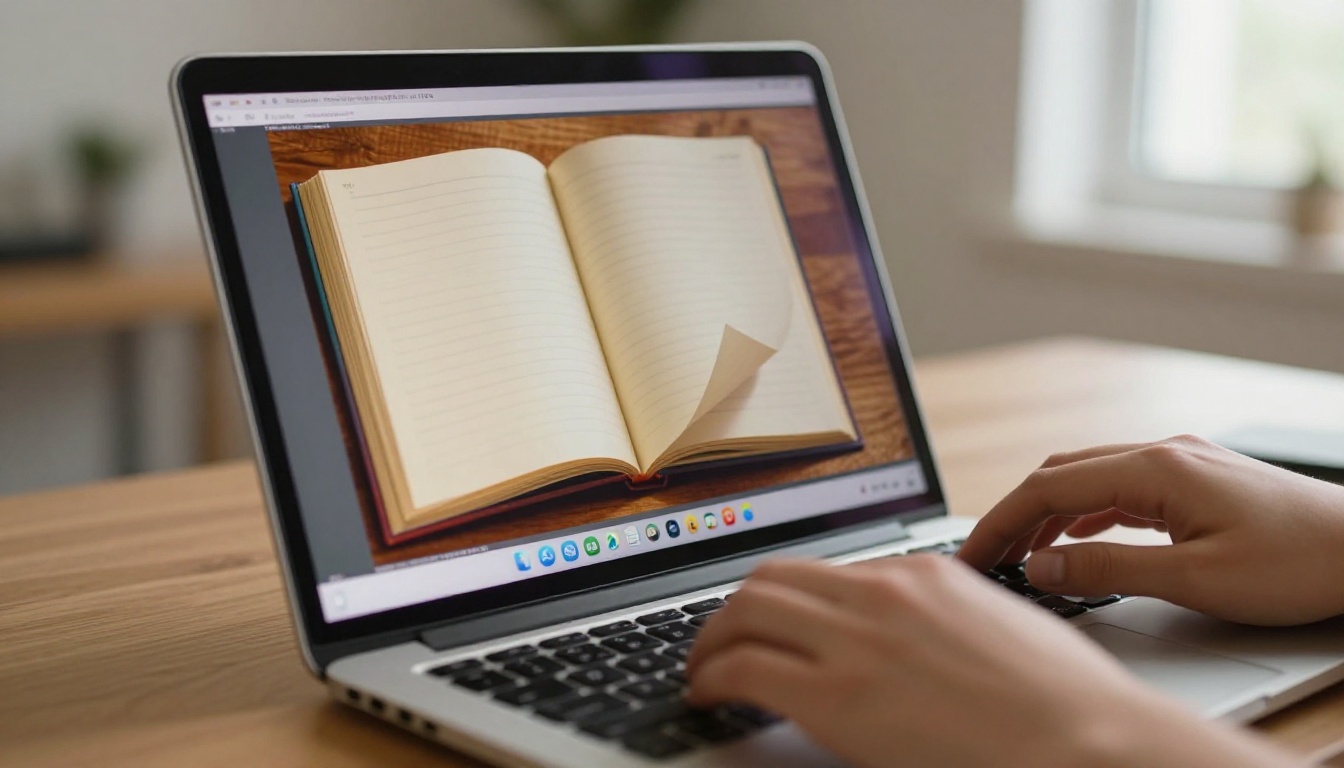
Flipbooks AI makes this process genuinely effortless. Upload a PDF, let the platform do its work, and within minutes you have a fully interactive publication with smooth HTML5 page-turn animations, ready to share or embed anywhere online.
What a Page Flip Effect Actually Does
A page flip effect is an HTML5 animation that simulates the physical act of turning a printed page. When a reader clicks or swipes, the page appears to peel away from the spine, curl in three dimensions, and land on the next spread. Shadows follow the curl, the page bends realistically, and the whole interaction feels tactile even on a flat screen.
The Physics Behind Digital Page Turns
Modern flipbook engines use CSS3 transforms and JavaScript to calculate the arc of the page as it turns. The shadow underneath the curl deepens as the page lifts, and the timing is controlled by easing functions that mimic the deceleration of real paper slowing to rest. The result reads as natural to the human eye because it follows the same physics the brain expects from years of handling physical books.
Why It Beats Static PDFs
Static PDFs are functional but passive. A reader scrolls down, zooms in, and eventually closes the tab. A flipbook with page flip effects creates a story. Readers intuitively swipe through it the same way they would flip through a magazine at a newsstand. Time-on-page metrics consistently show that flipbook formats hold attention significantly longer than their PDF equivalents.
💡 The page flip effect is not just cosmetic. It signals to a reader that this is premium content worth their time, raising the perceived value of your material before they read a single word.
Before diving into the tutorial, it is worth knowing what you actually get for free and where paid plans become worthwhile. Not all free tiers are created equal.
| Feature | Free Tier | Standard Plan | Professional Plan |
|---|
| Flipbooks | Limited | Unlimited | Unlimited |
| Watermarks | Often present | None | None |
| Custom domain | No | Yes | Yes |
| Password protection | No | Yes | Yes |
| Analytics | No | Basic | Full with lead gen |
| Offline downloads | No | Yes | Yes |
| Embed on website | Basic | Full | Full |
| Custom branding | No | Yes | Yes |
| Video and audio embed | No | Yes | Yes |
What Free Plans Actually Give You
A free plan is the right place to start if you are testing whether a flipbook format suits your content. With Flipbooks AI, the free tier gives you access to the core PDF-to-flipbook conversion and the page flip animation itself. You can see exactly how your content will look and feel before committing to anything.
The key distinction is that Flipbooks AI's Standard plan and above offer unlimited flipbooks and zero watermarks, which matters for any professional use. If you are producing content regularly, the pricing plans are structured to scale with your needs without locking page flip effects behind a paywall.

How to Make a Free Flipbook with Page Flip Effects
This is the step-by-step process. It takes less time than most people expect.
Step 1: Prepare Your PDF
The quality of your flipbook depends directly on the quality of your PDF. Use a vector-based export from InDesign, Canva, or Google Slides rather than a low-resolution scan. Optimal settings:
- Resolution: 150 to 300 DPI for text-heavy documents, 300 DPI for image-rich content
- Page size: A4 or US Letter for standard publications, custom dimensions for catalogs
- Fonts: Embed all fonts before export to prevent rendering substitution
- File size: Compress images within the PDF to keep upload times fast
- Security: Remove any encryption or password restrictions before uploading
⚠️ Avoid password-protected PDFs. Most converters cannot process encrypted files. Strip any PDF password restrictions before uploading to ensure a clean conversion.
Step 2: Upload to Flipbooks AI
Head to Flipbooks AI and create your free account. The dashboard is clean and direct. Click the upload button, select your PDF, and the platform begins conversion immediately. For a 20-page document, the process typically completes in under 30 seconds.
During conversion, the system:
- Extracts each page as a high-resolution image
- Assembles the pages into the flipbook engine
- Applies the HTML5 page flip animation layer
- Optimizes the output for mobile and desktop rendering simultaneously
Step 3: Activate the Page Flip Effect
The page flip effect is active by default in Flipbooks AI. Once conversion completes, click through your flipbook preview. You will see the page curl animation on every turn. From the settings panel, you can adjust:
- Flip speed: Controls how quickly the page completes its arc
- Shadow depth: Adjusts the intensity of the shadow cast during the page turn
- Sound effects: Optional paper-rustle audio that plays on each flip
- Auto-flip: Set a timer for automatic page progression, useful for kiosk displays and presentations

Step 4: Customize Branding and Colors
This is where your flipbook stops looking generic and starts representing your brand. Within the customization panel:
- Upload your logo to appear in the viewer toolbar
- Set a background color or texture that frames the publication
- Choose the color of the toolbar and navigation controls
- Add a table of contents with clickable chapter links
- Insert a custom thumbnail for social media sharing previews
✅ Match your flipbook toolbar color to your brand's primary color. This small detail makes the experience feel integrated rather than bolted on top of a third-party tool.
Step 5: Share or Embed Your Flipbook
Once satisfied, Flipbooks AI gives you multiple distribution options:
Direct link: A clean URL you can share in emails, social media, or messaging apps. The link opens the flipbook in a full-screen browser viewer with the page flip animation ready.
Embed code: An <iframe> snippet you paste into any website or CMS. Use the Embed Flipbook on Website tool to generate responsive dimensions tailored to your layout.
Password protection: Lock your flipbook for internal documents, premium content, or confidential presentations. Available from Standard plan.
Social sharing: Built-in one-click sharing for all major platforms directly from the viewer interface.

The platform covers a wide range of use cases, each with a dedicated tool optimized for that specific content type.
| Use Case | Recommended Tool | Best For |
|---|
| Product catalog | Digital Catalog Maker | E-commerce, retail |
| Restaurant menu | Restaurant Menu Creator | Hospitality, food service |
| Real estate brochure | Real Estate Brochure Creator | Property listings, agents |
| Digital portfolio | Digital Portfolio Creator | Creatives, photographers |
| E-book | E-Book Flipbook Generator | Authors, educators |
| Annual report | Annual Report Creator | Corporations, nonprofits |
| Digital magazine | Magazine Flipbook Creator | Publishers, lifestyle brands |
| Training manual | Training Manual Flipbook | HR departments, corporate training |
| Lookbook | Interactive Lookbook Designer | Fashion, lifestyle brands |
| Newsletter | Newsletter Flipbook Publisher | Schools, associations |
For Business and Marketing
A standard PDF brochure gets forwarded, opened once, and forgotten. A flipbook with page flip effects gets shared because it is more interesting to interact with. Real estate agents benefit from the Real Estate Brochure Creator because property photos look dramatically better when the reader is flipping through them like a glossy property magazine. A corporate presentation built with the Sales Presentation Flipbook tool arrives in a prospect's inbox looking like a premium publication rather than an email attachment.
For Creative Portfolios
Photographers and designers need their work to breathe. A rigid grid or a PDF scroll does not give images the space they deserve. The Photography Portfolio Flipbook tool creates a viewer experience that feels like handling a fine art print book. Each page turn reveals the next piece of work with intention and visual weight. The same logic applies to fashion lookbooks created with the Interactive Lookbook Designer, where the page flip adds a runway-ready sense of drama to every spread.
For Education and Training
Training materials that feel engaging are materials people actually read. The Training Manual Flipbook and Course Material Publisher turn static learning documents into interactive experiences that employees and students are far more likely to work through completely. The School Newsletter Creator solves a chronic problem in education: no one reads the PDF attachment. A flipbook link in an email gets opened because it behaves differently than every other link in an inbox.
Page Flip Effect Settings Worth Knowing
Once you have created your first flipbook, the next step is fine-tuning the animation to match your content's pace and audience expectations.
Speed and Easing Controls
Fast page turns work well for short catalogs and menus where readers are scanning rather than reading linearly. Slower, more deliberate turns suit long-form content like e-books or annual reports where readers need time to absorb each spread. A flip duration between 400 and 800 milliseconds covers most use cases without feeling either rushed or sluggish.
Sound Effects and Shadow Options
The paper-rustle sound effect is optional but worth considering for contexts where it adds atmosphere, such as a recipe book flipbook or a luxury product catalog. For corporate and technical documents, it is generally better left off. Shadow depth controls how dramatic the page lift appears. A subtle shadow reads as refined and modern. A deeper shadow adds tactile realism that works well for print-style publications.
Mobile Responsiveness
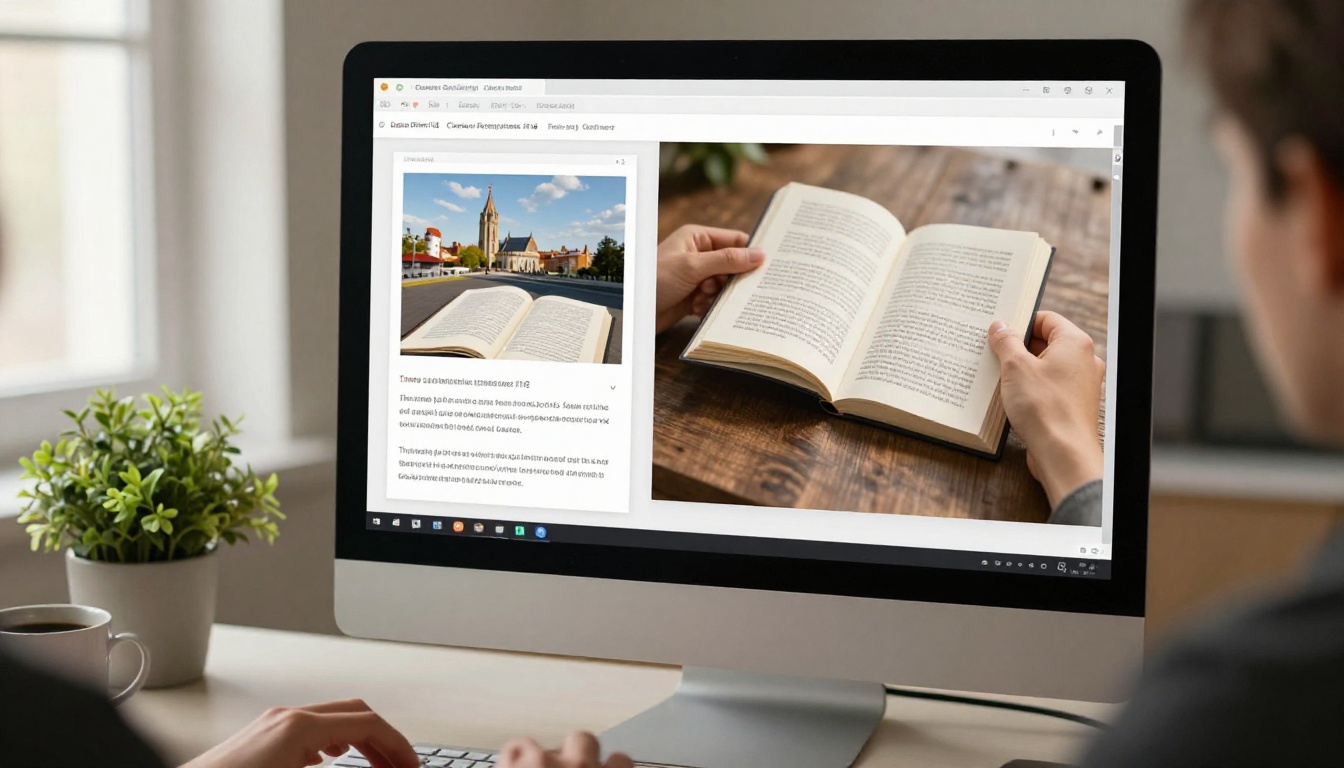
This is non-negotiable in 2026. Over half of digital content is consumed on mobile devices, and a flipbook that loses its page flip animation on a phone defeats the entire purpose. Flipbooks AI renders its page flip effect natively in HTML5, which means the animation works consistently across iOS, Android, desktop, and tablet without any additional configuration.
💡 Test your flipbook on both a phone and a tablet before sharing it widely. What looks spacious on a 27-inch monitor can feel cramped on a 6-inch screen. The platform's responsive viewer adjusts automatically, but your content layout should also account for smaller viewports when designing the original PDF.
Real-World Use Cases That Work
The page flip effect is not a novelty. It changes reader behavior in measurable ways across industries.
Restaurants using the Menu Flipbook Designer report that customers spend more time looking at additional menu categories they would have skipped in a static PDF. The act of flipping encourages browsing rather than targeted searching, which increases average order value.
E-commerce brands using the Product Catalog Generator see higher click-through rates from catalog to product page because each item gets a full-spread presentation rather than a grid thumbnail competing for attention.
Non-profits using the Non-Profit Annual Report tool present their donor-facing documents with a credibility and polish that reinforces their mission. A flipbook annual report signals organizational maturity in a way a PDF simply cannot.
| Industry | Document Type | Key Benefit |
|---|
| Hospitality | Menu | Encourages browsing, reduces order confusion |
| Real Estate | Property brochure | Premium feel increases perceived property value |
| Retail | Product catalog | Higher engagement, longer session time |
| Publishing | Magazine or e-book | Familiar reading format, better content retention |
| Education | Course material | Completion rates improve with interactive format |
| Non-profit | Annual report | Donor documents feel credible and considered |
| Fashion | Lookbook | Page flip adds drama to every visual reveal |
Beyond the Page Flip
The animation draws people in, but the platform offers a deeper toolkit for publishers who want to do more with their content once readers are engaged.
Adding Videos and Audio
Static pages become multimedia presentations when you embed video directly inside the flipbook viewer. A real estate listing that includes a property walk-through video on page three is fundamentally different from one that does not. A training manual with embedded tutorial clips on each process step gets followed rather than skipped. Flipbooks AI supports video and audio embedding natively within the viewer, and both formats work on mobile without additional plugins.
Analytics and Lead Generation
Knowing which pages your audience actually reads is valuable publishing intelligence. The Professional plan includes full analytics: page-by-page view counts, average time spent per spread, total sessions, and geographic reader data. The lead generation feature lets you add a content gate to your flipbook, collecting email addresses before readers access the material, which turns every publication into an active marketing asset with a measurable return.
Explore pricing plans to see exactly which analytics and lead generation features are available at each tier and decide when it makes sense to upgrade.
Offline Downloads
Some readers need access to your content without an internet connection. The offline download feature, available from Standard plan and above, lets you offer a downloadable version of the flipbook that preserves the page flip animation even without a live connection. This is particularly valuable for trade show materials, conference programs built with the Event Program Maker, or travel guides distributed to guests before departure.

Start Building Right Now
The difference between content that gets opened and content that gets read is often not the writing. It is the format. A flipbook with page flip effects signals craft and intention. It delivers a reading experience that a flat document simply cannot replicate, and it takes minutes to create from any PDF you already have.
Upload your first PDF, watch the page flip animation come alive, and share the link before the end of the day.
Get started for free on Flipbooks AI and see your content transform with the very first page turn. Browse all flipbook tools to find the right format for your specific use case. Or compare pricing plans if you are ready to remove all limits and publish without restrictions.
Your audience has seen enough static PDFs. Give them something they will actually flip through.



