There is a reason print magazines have outlasted every prediction of their death. When you pick one up and flip through it, something visceral happens that a flat PDF scrolled on a screen simply cannot reproduce. The good news is that digital publishing has finally caught up. With the right approach and the right tools, you can make a magazine that flips like the real thing and reads exactly that way too. Flipbooks AI makes this possible without any coding, any design degree, or any expensive desktop software subscriptions.
This is not about mimicking print for nostalgia's sake. It is about capturing the same psychological experience: the anticipation of turning a page, the double-page spread that rewards you for getting there, the sense that something curated and intentional lives inside those covers.
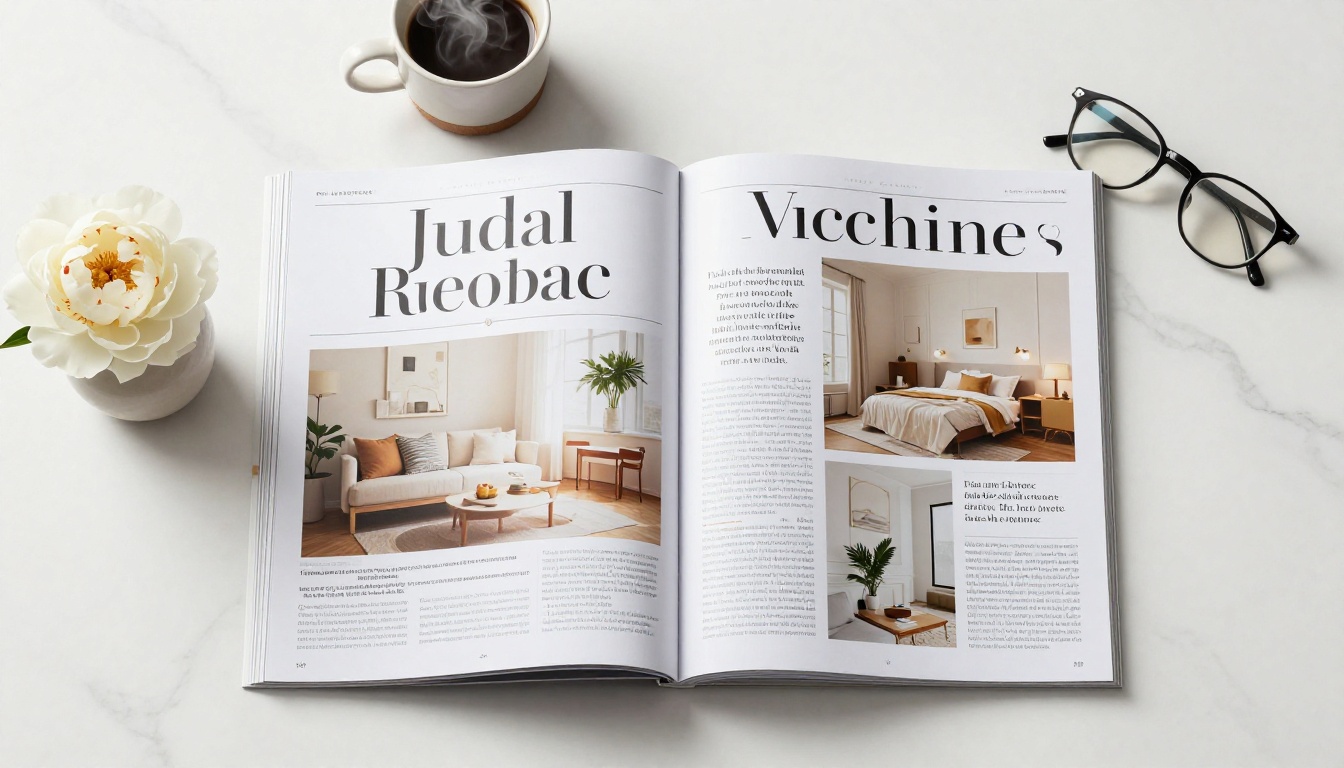
What Makes a Real Magazine Feel Different
The Physics Behind a Page Turn
When you flip a physical magazine page, several things happen simultaneously. The paper bends along a curve, not a straight axis. The opposite page holds the viewer's attention as the new one swings into view. There is the whisper of coated stock against coated stock, the slight resistance as the page catches air, the way the content on the turning page briefly becomes a translucent ghost of itself before it settles.
These details are not decorative. They are the mechanics of engagement. A well-engineered page-flip simulation replicates these mechanics faithfully. The page must arc, not fold. The shadow must fall correctly under the curling paper. The perspective must shift as the page passes through its rotation. When done well, the brain accepts the digital version as credible and enters the same reading mode it would with a physical publication.
Why Most Digital Versions Fall Flat
Most digital magazines fail because they treat the format as a scrolling document with pictures. They use static PDF renderers that show one page at a time, stripped of any spatial context. There is no right-page reveal, no double-spread continuity, no sense that you are inside a physical object with depth and physicality.
The second failure is performance. Heavy-handed page-flip plugins built on outdated Flash technology are long gone, but their poorly optimized HTML5 replacements often produce sluggish, jittery animations that break the illusion entirely. The third failure is mobile: a flip effect that works on desktop but collapses into a pinch-and-zoom nightmare on a phone is not a flip effect at all.
⚠️ A page-flip effect that lags, stutters, or breaks on mobile is worse than a plain PDF. The effect must be smooth or it must not exist at all.
Designing Your Magazine for the Flip
Page Dimensions That Work Digitally
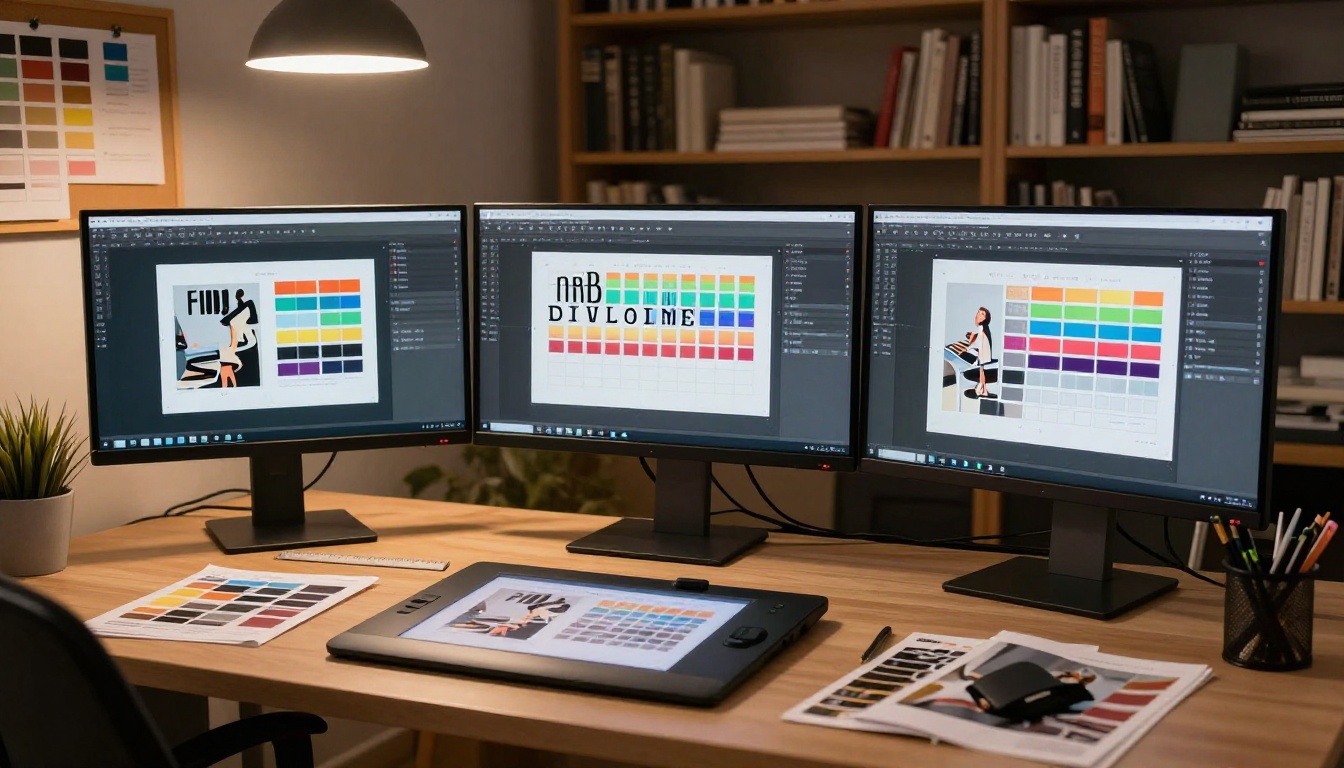
Print magazines typically use 8.375 x 10.875 inch pages (US standard) or 210 x 280mm internationally. These proportions translate well to digital flipbooks because they produce a tall, portrait-format page that reads comfortably on screens and tablets. When designing your magazine in InDesign, Affinity Publisher, or Canva, set your document to these dimensions and work in double-page spreads from the very beginning.
💡 Always design in facing pages mode. What looks good as a single page often needs to be rethought as a double-page spread, where the gutter becomes the fold point of the flip effect.
Typography That Survives the Animation
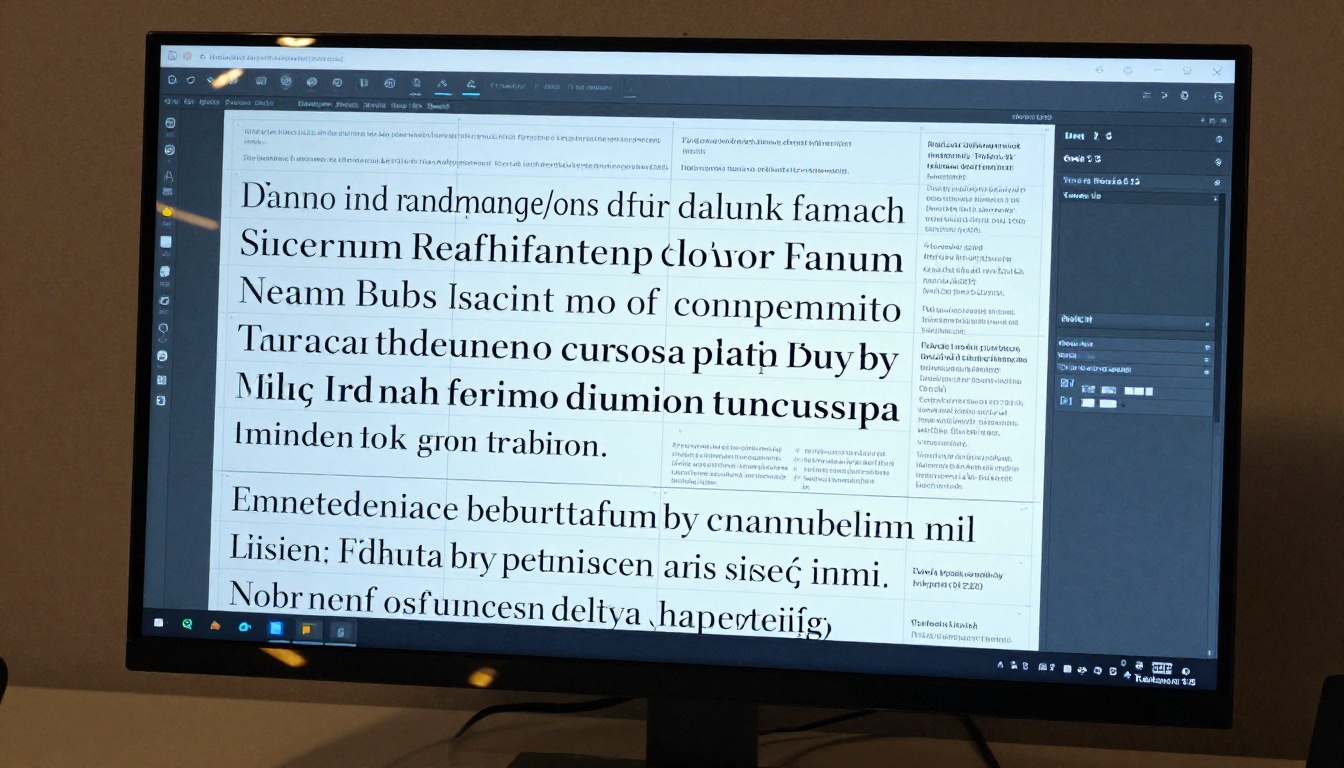
During a page-flip animation, text on the turning page moves and curves with the paper. This means body text in very small sizes can become temporarily unreadable during the transition. Design your magazine with a minimum body text size of 10pt, and keep critical information away from the outer edges of pages where the animation distortion is most pronounced.
Headlines placed near the spine (inner edge) of a double-page spread must account for the gutter. In print, a physical spine consumes some margin. In a digital flipbook, the gutter is purely visual, but readers still expect content to clear it cleanly so nothing disappears into the fold.
Typography hierarchy that works in flipbooks:
| Element | Recommended Size | Weight | Placement |
|---|
| Main Headline | 36-72pt | Bold / Black | Upper half, away from gutter |
| Subheading | 18-24pt | Semi-Bold | Mid-page |
| Body Text | 10-12pt | Regular | Inner columns |
| Pull Quote | 18-28pt | Italic | Full-width or spanning pages |
| Caption | 8-9pt | Light / Regular | Below images, aligned left or right |
Images Across Double-Page Spreads
The double-page spread is the magazine's highest-impact real estate. An image that bleeds across both pages, interrupted only by the spine, is one of the strongest visual statements in publishing. In a digital flipbook, this effect works beautifully because the two pages are rendered side by side and the flip animation preserves their relationship.
When placing bleed images across spreads, export your PDF with proper bleed settings (3mm or 0.125 inch on all edges). The flipbook software handles the alignment, but your source file must be clean and consistent. Always export at 150-200 DPI for screen, not 300 DPI print resolution, which adds unnecessary file weight without visible quality gain at screen viewing distances.
✅ Design the gutter area of double-page spreads conservatively. Place nothing critical within 10mm of each page's inner edge to avoid content being hidden at the fold point of the flip.
How Flipbook Technology Actually Works
HTML5 Replaced Flash for Good Reason
Flash was killed for security reasons, but it also had legitimate technical problems: no mobile support, heavy plugin requirements, and no search engine indexing of text content inside SWF files. HTML5-based flipbook engines fixed all of these. They run natively in every modern browser, render on iOS and Android without plugins, and allow search engines to crawl and index the text inside your flipbook pages, which matters enormously for SEO.
The best HTML5 flip engines use a combination of CSS3 transforms, canvas rendering, and WebGL acceleration to produce smooth 60fps page turns. They pre-render adjacent pages so the animation begins immediately without waiting for page loads. This pre-caching is what separates a platform that feels instant from one that shows a loading spinner between every turn.
What a Good Flip Engine Does
Not all flipbook platforms deliver the same quality of flip experience. Here is what separates a credible animation from one that breaks the illusion:
| Feature | Basic Engine | Professional Engine |
|---|
| Animation smoothness | Choppy, 15-30fps | Silky, 60fps |
| Mobile support | Desktop browser only | Fully responsive, touch gestures |
| Page preloading | None | Adjacent pages cached in advance |
| Shadow casting | Flat or absent | Realistic dynamic page shadow |
| Page curl direction | Forced left-to-right | Natural drag direction, any corner |
| Sound effects | None | Optional paper turn sound |
| Accessibility | Not considered | Keyboard navigation, screen reader |
| Search indexing | Not possible | Full text indexed by search engines |
How to Create a Flipping Magazine with Flipbooks AI
Flipbooks AI is the fastest way to take a finished magazine PDF and publish it as a professional flipping publication. The platform handles all the technical rendering and delivers a result that works on desktop, tablet, and mobile without any configuration from your end.
Step 1: Upload Your PDF
Start by creating a free account. Once inside your dashboard, click Create Flipbook and select your PDF file. Flipbooks AI accepts PDFs across a wide page count range and preserves all vector text, embedded fonts, and image quality from your source file during conversion.
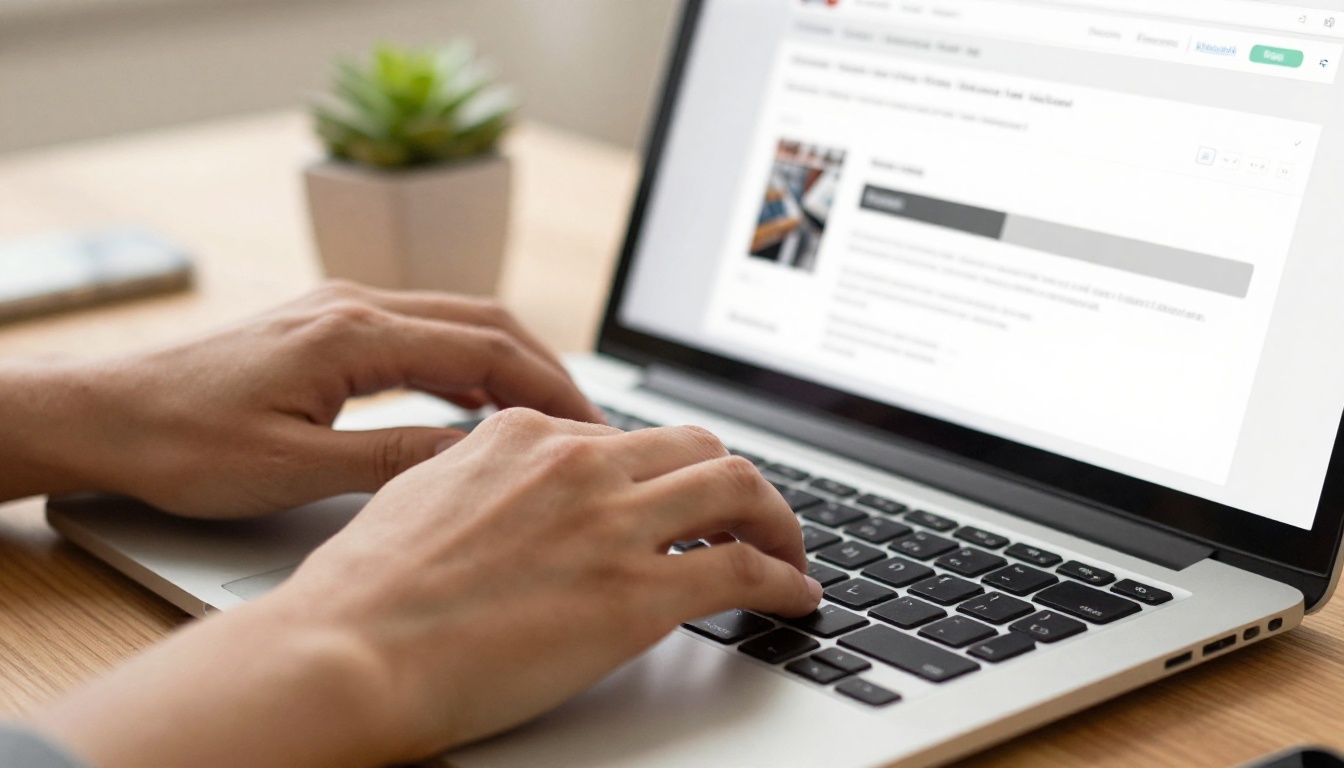
The conversion process is automatic. Within seconds, your magazine is rendered as a flipbook with a double-page spread view and the page-flip animation active and ready. You can preview it immediately before making any customizations, and the output is already shareable at this stage.
💡 If your PDF was designed in InDesign or Affinity Publisher with facing pages and proper bleeds, the flipbook output will match the original print layout with no further adjustment needed.
Step 2: Set Your Flip Behavior
In the Flipbooks AI editor, you have control over how the page-flip animation behaves. Options available to you include:
- Auto-flip speed: Set how long each page stays before automatically advancing (useful for kiosk or presentation mode)
- Start page: Open the flipbook to a specific spread rather than the cover
- Double-page or single-page view: Switch between facing-page view for large screens and single-page scroll optimized for mobile
- Right-to-left reading direction: Flip direction can be reversed for Arabic, Hebrew, or Japanese publications
Step 3: Brand It and Customize
This is where your magazine goes from a generic flipbook to a branded publication. Flipbooks AI gives you:
- Logo placement on the flipbook toolbar or sharing page
- Custom background colors behind the open magazine spread, replacing the default grey
- Custom domain or subdomain for sharing your publication under your own brand
- Watermark-free publishing on Standard plan and above
- Password protection for private or subscriber-only issues
- Embedded video and audio directly inside magazine pages, letting editorial content link to video interviews, product demos, or ambient soundscapes
Step 4: Share, Embed, or Download
Once your magazine is ready, Flipbooks AI gives you three primary distribution methods:
- Direct link: Share a unique URL that opens your flipbook in a browser. No app download required for readers.
- Embed code: Paste a single line of HTML into any website, blog, or CMS to display the flipbook inline. The Embed Flipbook on Website tool makes this completely seamless.
- Offline download: Professional plan subscribers can offer their readers a downloadable version for offline reading on any device.
For magazine publishers specifically, the E-Magazine Publishing Tool and Magazine Flipbook Creator provide purpose-built templates and sharing flows designed around editorial publishing workflows rather than generic document sharing.

Choosing the right platform affects everything from animation quality to sharing flexibility and distribution reach. Here is how the major options compare for magazine publishers:
| Platform | Page Flip Quality | Mobile Support | Watermark-Free | Embeds | Analytics | Entry Price |
|---|
| Flipbooks AI | Excellent, 60fps | Full responsive | Yes (Standard+) | Yes | Yes (Pro) | Free tier |
| Issuu | Good | Yes | Paid plans only | Limited | Yes (paid) | Subscription |
| Joomag | Good | Yes | Yes (paid) | Yes | Yes | Subscription |
| Yumpu | Average | Partial | Yes (paid) | Yes | Limited | Freemium |
| FlipHTML5 | Good | Yes | Paid plans only | Yes | Yes (paid) | Freemium |
✅ Flipbooks AI stands out for combining no-watermark publishing with offline downloads, password protection, and lead generation in a single platform. Compare all options on the pricing page to find the right tier for your volume.
Flipbooks AI plan comparison for magazine publishers:
| Feature | Free | Standard | Professional |
|---|
| Flipbooks | Limited | Unlimited | Unlimited |
| Watermarks | Yes | No | No |
| Password protection | No | Yes | Yes |
| Custom branding | No | Yes | Yes |
| Analytics | No | No | Yes |
| Lead generation forms | No | No | Yes |
| Offline downloads | No | No | Yes |
| Embed on website | Yes | Yes | Yes |
Real Use Cases That Benefit Most
Fashion and Lifestyle Magazines
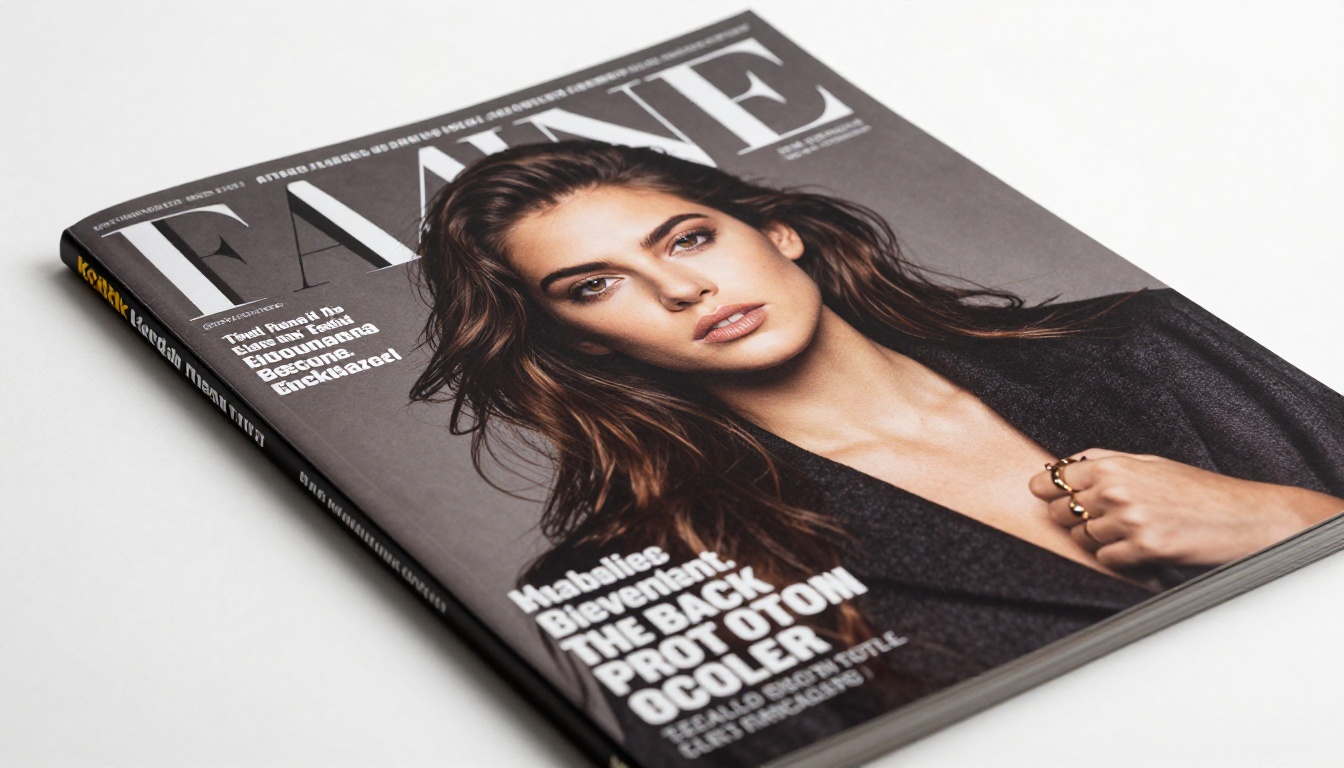
Fashion editorial relies more than any other genre on the double-page spread. A single photograph bleeding across two pages is the fundamental unit of fashion storytelling. In a digital flipbook, this spread is preserved exactly as designed. The Interactive Lookbook Designer is purpose-built for this content, giving fashion brands a way to publish seasonal lookbooks that feel as curated as their print counterparts. For dedicated magazine publishing, the Magazine Flipbook Creator handles the full editorial workflow.
Corporate and Trade Publications
Annual reports, investor presentations, and trade publications benefit enormously from the flipbook format because they carry institutional weight. A PDF emailed as an attachment reads as a document. The same content published as a flipping magazine reads as a publication. The Annual Report Creator and Corporate Report Maker give businesses professionally formatted starting points with layouts already calibrated for flipbook output.
Education and Internal Communications
School newsletters, course materials, and staff handbooks are transformed by the flipbook format. Readers engage more deeply with content that has visual structure, and the page-flip interface signals that this is worth reading carefully rather than scanning. The School Newsletter Creator and Training Manual Flipbook are built for institutional publishers who need consistent formatting at scale.
5 Things That Ruin a Flip Effect
Even with great source material and a solid platform, these mistakes consistently break the experience:
- Excessive file weight: A 200MB PDF will stall on loading screens before a single page loads. Optimize images to 150-200 DPI for screen before exporting. Print-quality 300 DPI files are significantly larger without any visible quality gain on screens.
- Single-page layout in a two-page platform: Designing each page as a standalone unit destroys the double-spread experience. Always work in facing pages mode from the very start.
- Text converted to outlines: If you convert all text to outlines for print production, the flipbook cannot index that text for search engines. Keep live text in your PDF whenever possible.
- No mobile testing on real devices: More than half of magazine readers access digital content on phones. Test your flipbook on an actual phone before publishing, not just in a browser viewport simulator. The difference is significant.
- No linked table of contents: A physical reader can fan to any section in seconds. A digital reader needs a linked table of contents or chapter navigation to replicate that freedom. Without it, readers who jump in mid-publication are permanently disoriented.
⚠️ Publishing a flipbook without testing it on an actual mobile device is the single most common publishing mistake. What works perfectly on a 27-inch monitor can be completely unreadable on a phone.
Why the Flip Effect Changes Reader Behavior
Research into digital reading consistently shows that interactive formats produce longer session times and higher page-completion rates than static PDF or standard web article formats. The physical metaphor of turning pages triggers a different cognitive mode. Readers expect more from a magazine than from an article. They slow down. They look at images. They read captions. They go back.
When you give a reader a flipbook that genuinely behaves like a real magazine, you are not just presenting information. You are creating an experience with a beginning, a middle, and an end. The flip effect is not decoration. It is the signal that says: this is worth your time, and someone cared enough to make it properly.
Reader engagement: static PDF vs. interactive flipbook:
| Metric | Static PDF | Interactive Flipbook |
|---|
| Average session duration | 1-2 minutes | 4-8 minutes |
| Pages viewed per session | 3-5 | 12-18 |
| Return visit rate | Low | Significantly higher |
| Social sharing rate | Minimal | 3-5x higher |
| Mobile completion rate | Under 20% | Over 60% |
The data reflects what readers actually feel: a well-made flipbook is worth finishing. That alone justifies the investment in getting the format right.
Start Publishing Today
The gap between a flat PDF and a publication that genuinely flips like a real magazine is smaller than most people expect. The design principles are straightforward. The technology, through platforms like Flipbooks AI, is accessible to anyone with a finished PDF. What it takes is intentionality: designing for the double-page spread, optimizing for mobile, choosing a platform with a credible flip engine, and branding the experience as yours.
Create your first flipping magazine on Flipbooks AI and see the difference a proper page-flip effect makes on how long readers stay and how many pages they read. Browse all available magazine and publishing tools to find templates built specifically for your type of publication. Compare pricing plans to find the right fit for your publishing volume and feature requirements.
A magazine that flips like the real thing is not a novelty. It is the baseline your readers now expect.



