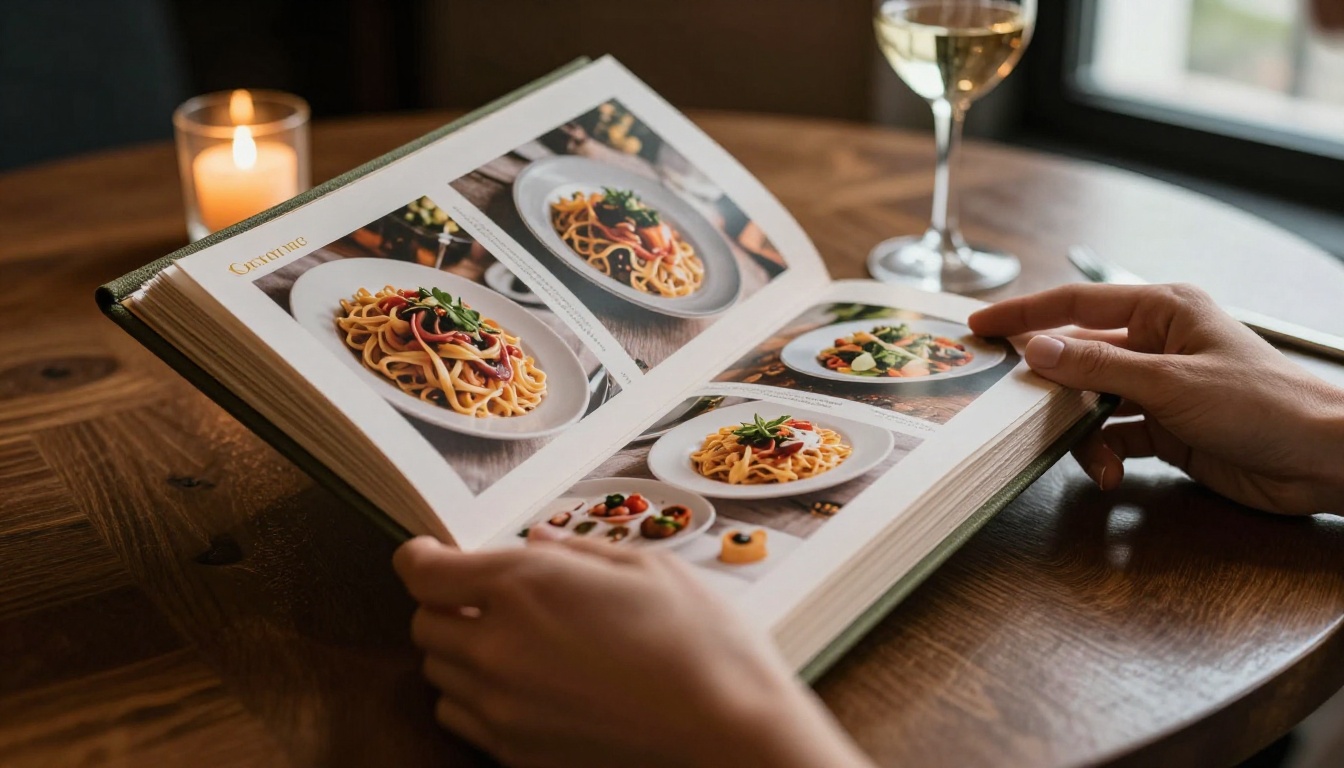
Your restaurant menu is the first thing a guest reads before they taste a single bite. It sets the mood, communicates your brand, and directly influences what people order. In a world where most customers browse before they walk through the door, a static PDF is no longer enough. A digital restaurant menu flipbook gives your menu the visual weight it deserves, turning standard pages into an immersive, page-turning experience guests can access from their phones, tablets, or laptops.
Flipbooks AI makes this process fast and straightforward, whether you are running a solo bistro or managing a multi-location chain. No design degree required. No expensive software. Just your existing menu PDF and a few clicks.
Printed menus are expensive to reprint, impossible to share digitally, and prone to physical wear. A flipbook-format digital menu solves all three problems at once.
Here is what restaurants are actually gaining when they switch to an interactive flipbook menu:
- Zero reprinting costs every time prices or dishes change
- Shareable via link or QR code before a customer ever visits
- Embeddable on your website for browsing before the reservation
- Mobile-responsive so it reads perfectly on any screen size
- Faster updates, live and immediate, no waiting on a print shop
💡 Restaurants that publish their menus online see up to 30% more reservation inquiries, because customers make decisions before they arrive.
The page-turning flipbook format adds a layer of tactile interaction that flat PDFs and image galleries simply cannot replicate. Guests flip through your starters, mains, desserts, and wine list the same way they would a physical copy, but from anywhere in the world.
Before going further, here is a direct comparison of what you are working with when choosing between print and digital flipbook formats:
| Feature | Printed Menu | Digital Flipbook Menu |
|---|
| Update cost | Reprint required | Free, instant |
| Sharing | In-person only | Link, QR code, embed |
| Accessibility | Physical copy needed | Any device, anywhere |
| Visual quality | Limited by print budget | Full HD photography |
| Multimedia | None | Video and audio capable |
| Analytics | None | View counts, interaction data |
| Environmental impact | Paper waste | Zero paper usage |
| Contactless option | No | Yes, via QR code |
The numbers speak for themselves. A digital restaurant menu flipbook is not a trend, it is a practical upgrade that pays for itself the first time you update your seasonal offerings without paying a printer.
What You Need Before You Start
Making a restaurant menu flipbook does not require much. Here is exactly what to prepare:
1. Your menu content
Decide what goes on each page. Most restaurant menus follow this structure:
- Welcome or brand introduction page
- Starters and appetizers
- Mains (often split by protein type)
- Sides
- Desserts
- Beverages and wine list
2. A PDF version of your menu
Flipbooks AI converts PDFs directly into interactive flipbooks. If you already have a printed menu, scan it or export the design file as a PDF. If you are starting from scratch, design it in Canva, Adobe InDesign, or any layout tool that exports PDF.
3. Your brand assets
Gather your logo, brand colors (hex codes), and any font preferences. These get applied during the customization step.
⚠️ Poor photography kills appetite. If your menu includes food images, invest in one good photo session. Blurry or poorly lit dish photos reduce perceived food quality before a guest reads a single word.
Great menus are built around a few non-negotiable design principles. Whether you are working with a designer or building it yourself, these rules apply across every restaurant category.
Typography That Reads at Any Size
Choose one serif font for dish names and one clean sans-serif for descriptions and prices. Avoid more than two typefaces. Your menu will be read on screens as small as 4 inches and as large as desktop monitors, so test legibility at small sizes before finalizing.
Color Psychology at the Table
Colors directly influence appetite and ordering behavior:
| Color | Psychological Effect | Best Used For |
|---|
| Warm red or orange | Stimulates appetite, creates urgency | Specials, featured dishes |
| Deep green | Fresh, healthy, natural | Salads, vegan and vegetarian sections |
| Navy or dark blue | Premium, trustworthy | Wine list, fine dining headers |
| Cream or off-white | Elegant, traditional | Background, luxury menus |
| Black | Sophisticated, bold | High-end steakhouse, cocktail bars |
Photo Placement Rules
- Lead each section with one strong full-width hero image
- Use smaller thumbnail images next to high-margin dishes you want to push
- Never use stock photography for actual dishes you serve, guests will notice the disconnect
Page Flow and Menu Engineering
Menu engineering is the practice of placing high-profit, popular items in the zones where eyes naturally land. In a two-page spread, the top-right position gets the most attention. Use it for your best margins. Highlight those dishes with a subtle color block or a bold dish name. Let the layout do the selling.
This is where it all comes together. Flipbooks AI takes your designed PDF and converts it into a fully interactive, page-turning digital menu in minutes. Here is the exact process, step by step.
Step 1: Sign Up and Open Your Dashboard
Go to flipbooksai.com/account and create your account. The free tier lets you test the platform immediately. For restaurant use, the Standard plan removes watermarks and gives you unlimited flipbooks, which is the right starting point for any professional deployment.
Step 2: Upload Your Menu PDF
From your dashboard, click New Flipbook and upload your menu PDF. The platform processes each page and renders it as a high-fidelity interactive spread. If your PDF has 8 pages, you get a beautifully bound 8-page digital booklet with smooth page-turn animation built in.
✅ Use the Restaurant Menu Creator tool for a streamlined, menu-specific workflow with pre-built templates optimized for food and beverage presentation.
Step 3: Apply Your Branding
Once uploaded, open the customization panel:
- Upload your restaurant logo
- Set your brand color for the flipbook cover and UI accents
- Choose a page-turn animation style (classic page curl, slide, or fade)
- Optionally enable background music for a more immersive browsing experience
Step 4: Set Up Sharing and Embedding
Flipbooks AI gives you multiple distribution formats:
- Direct link: Share via WhatsApp, Instagram bio, Google Business profile, or email campaigns
- QR code: Download the auto-generated QR code and print it on table cards, coasters, window signage, or receipts
- Embed code: Copy the iframe snippet and paste it directly into your restaurant website
💡 Place your QR code on the table before physical menus arrive. Guests who sit down reach for their phones immediately. That is your window to get them flipping.
Step 5: Password Protection and Access Control
For private dining events, prix-fixe dinners, or VIP experiences, you can password-protect your flipbook menu so only invited guests access it. This works well for tasting menus you do not want publicly listed.
Step 6: Track Performance with Analytics
The Professional plan unlocks menu analytics, showing you:
- How many times the menu was viewed
- Which pages receive the most time
- Where readers drop off
This data is genuinely useful. If your dessert section has a 40% drop-off rate, that is a layout or photography problem you can fix without guessing.
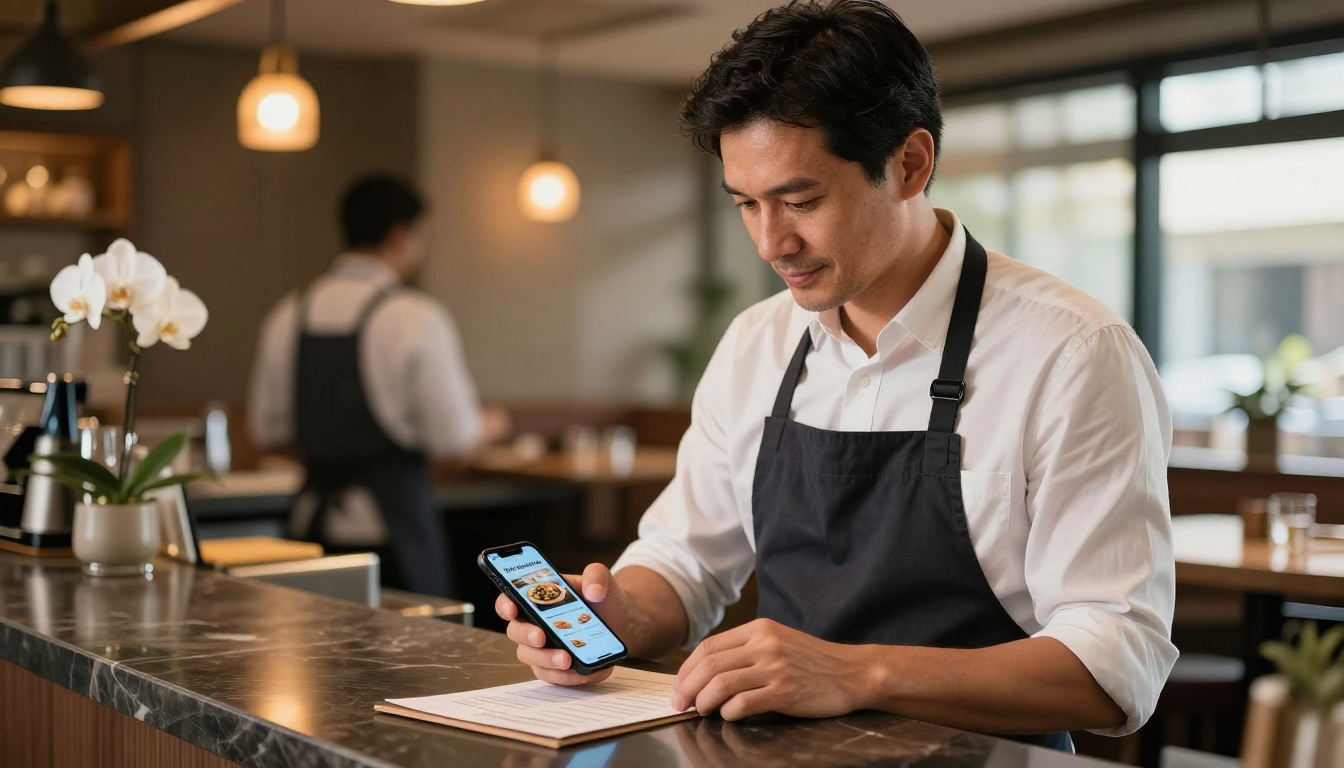
A digital menu locked on your website misses most of the opportunity. Here is where successful restaurants are distributing their flipbook menus right now:
Your Restaurant Website
Embed the flipbook directly on your menu page using the provided iframe code. Visitors can flip through every page without downloading anything. This keeps them on your site longer and raises reservation conversion rates.
Google Business Profile
Add your flipbook link to the "Menu" section of your Google Business listing. When someone searches for your restaurant on Google Maps, your interactive menu is one click away, fully browsable on mobile.
Social Media Channels
Post your flipbook link in your Instagram bio, Facebook About section, and as a pinned post. Share specific pages as short screen-recorded clips for reels or stories. The page-flip animation performs well as short-form video content.
Reservation Confirmation Emails
Include the flipbook link in automated confirmation emails. Guests who browse the menu before they arrive tend to order faster, turn tables more efficiently, and spend more per head because they arrive with intent.
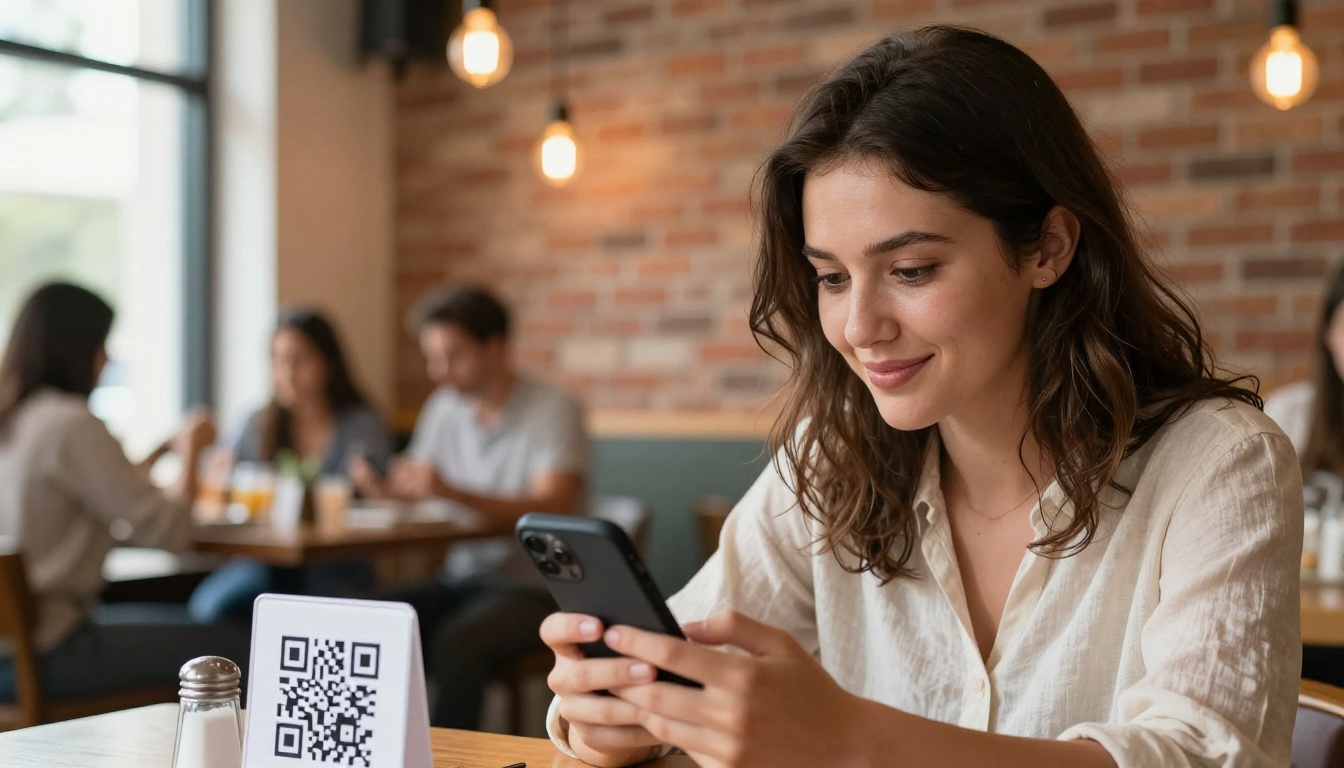
Table QR Codes
Print QR codes on small acrylic stands, coasters, or tent cards. This is especially effective for:
- Updating seasonal menus without reprinting
- Offering multilingual versions, one flipbook per language
- Providing supplementary allergen information as a separate linked flipbook
Plans and Pricing: What You Actually Need
Choosing the right plan depends on how many menus you need and which features matter most to your operation.
| Plan | Flipbooks | Watermark | Analytics | Password Protection | Offline Download |
|---|
| Free | 1 | Yes | No | No | No |
| Standard | Unlimited | No | No | Yes | No |
| Professional | Unlimited | No | Yes | Yes | Yes |
For a single-location restaurant, Standard covers everything: unlimited menu versions, no branding watermarks, and password protection for private events. Move to Professional when you want to act on menu performance data or offer offline downloads to VIP guests.
See the full breakdown at flipbooksai.com/pricing.
Even a well-designed menu can underperform if these basics are missed:
Too many pages
A restaurant menu flipbook with 30 or more pages loses readers. Aim for 8 to 12 focused pages that show your full offering without exhausting the viewer.
Low-resolution images
Flipbooks render at full screen width on desktop. Images below 1500px wide look blurry and unprofessional. Always use high-resolution food photography for every dish you feature.
No cover page personality
Your cover is the first thing guests see. It should carry your restaurant name, a strong visual, and the season or date if the menu rotates. Treat it like the front page of a magazine, not a filing label.
Missing pricing
Some restaurants hide prices for aesthetic reasons. Online, this creates friction and drives guests to competitors who show theirs. Be transparent, it builds trust.
Not testing on mobile
Over 70% of restaurant menu views happen on mobile devices. Before publishing, preview your flipbook on a phone to confirm typography is readable and images load cleanly.
⚠️ Always scan the QR code yourself before placing it on tables. A broken link on a table card is worse than no link at all. It signals carelessness.
Beyond the core menu, Flipbooks AI offers a full set of tools relevant to food and beverage businesses:
Each tool follows the same simple PDF-upload workflow, so once you have built your first menu flipbook, every other format feels instant.
Real Restaurants, Real Results
Here is how different types of food businesses are using flipbook menus in practice:
Fine dining restaurant in a city center embeds the tasting menu flipbook on their reservation confirmation page. Guests arrive familiar with the courses, ask more confident questions about wine pairings, and the kitchen reports fewer mid-service special requests.
Fast casual chain with 12 locations updates a single master flipbook whenever a seasonal item changes, then pushes the new link to all QR codes simultaneously. No reprinting, no logistics, no cost.
Hotel restaurant uses a password-protected flipbook for their exclusive Sunday brunch offering, sharing the link only with guests who book the package through the concierge. The exclusivity raises perceived value of the experience.
Food truck generates a QR code linked to their current menu flipbook and updates it daily based on ingredient availability. Customers scan it while waiting in line, which reduces order decision time at the window and keeps the queue moving.
✅ The flexibility of a digital flipbook works for every restaurant format, from white tablecloth to food cart, because the format scales up or down with your content and budget.
Building a restaurant menu as a flipbook takes less than 30 minutes the first time. Design your PDF, upload it to Flipbooks AI, apply your branding, generate your QR code, and your menu is live.
The real value compounds over time. Every seasonal update, every price change, every new dish photo goes live in seconds instead of days. Your guests browse before they arrive. Your Google listing looks professional and complete. Your website holds attention longer than a competitor with a static image.
Ready to make it happen? Create your account on Flipbooks AI and have your first interactive restaurant menu published today. Browse all available tools and templates to find the format that fits your operation best. When you are ready to choose a plan, the pricing page lays out exactly what each tier includes.
Your menu is your best marketing asset. Make it one worth flipping through.



