Someone is walking out of a job they gave 20, 30, maybe 40 years of their life to. The cake gets eaten, the speeches get made, and then everything gets packed into a cardboard box. A retirement memory flipbook changes that. It turns a career into something you can hold, flip through, and share across a screen at any family dinner for the rest of your life. Flipbooks AI makes the process fast, beautiful, and completely personalized, so even if you have never built something like this before, you can create something that will genuinely move someone to tears.
Why a Memory Flipbook Beats Every Other Retirement Gift
Most retirement gifts sit on a shelf. A crystal award. A monogrammed pen set. A gift card. These are fine, but they do not capture anything real about the person or the journey they took.
A retirement memory flipbook does something different. It holds the story.
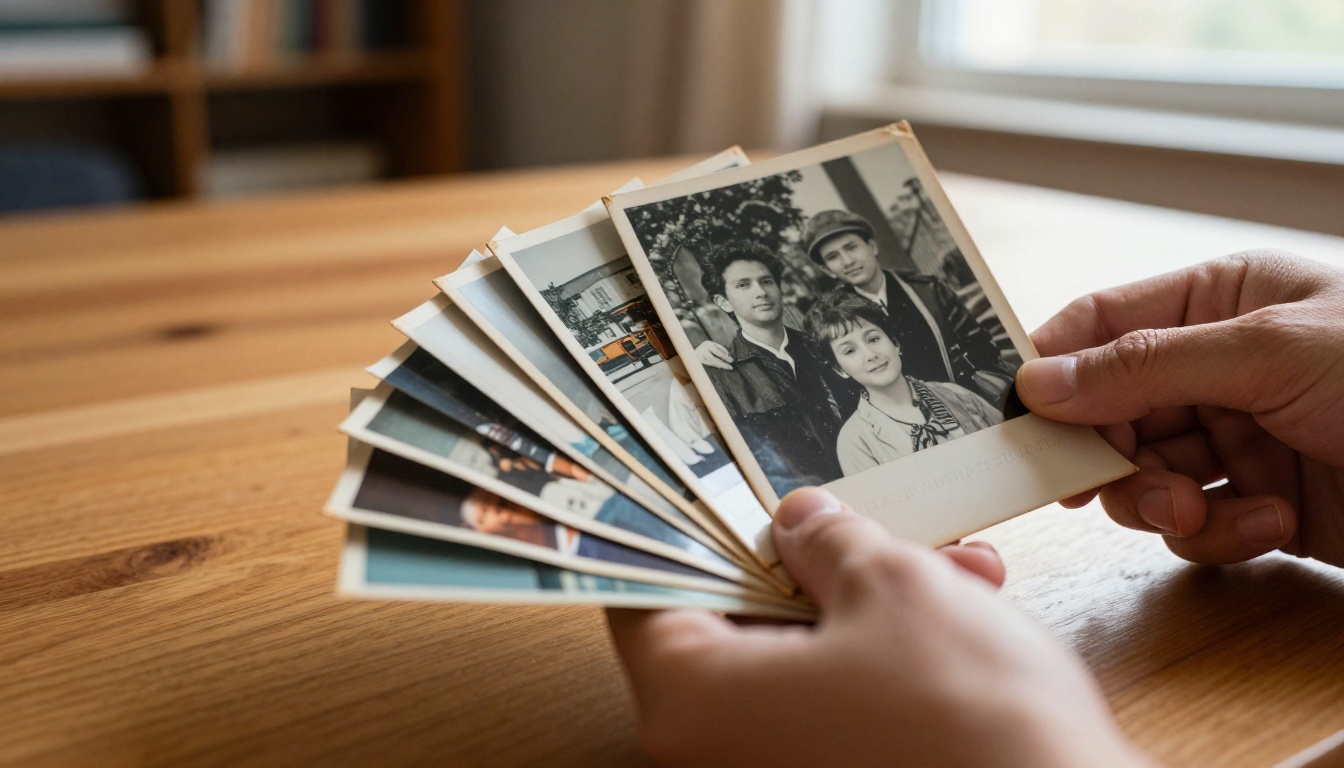
When someone flips through pages filled with early career photos, handwritten notes from colleagues, snapshots from office parties, and milestones reached across decades, they are not just looking at a book. They are revisiting who they were, who they became, and who made the ride worth it.
Here is how it compares to the alternatives:
| Gift Type | Personal? | Lasts Forever? | Interactive? | Shareable Digitally? |
|---|
| Crystal Award | No | Yes | No | No |
| Gift Card | No | No | No | No |
| Physical Photo Album | Yes | Partially | Somewhat | No |
| Handmade Scrapbook | Yes | Partially | Yes | No |
| Retirement Memory Flipbook (Digital) | Yes | Yes | Yes | Yes |
The flipbook wins on every dimension that matters for a lasting tribute.
It Travels With Them
Once someone retires, they often move, downsize, or travel. A physical scrapbook risks water damage, fading, and gets left in storage. A digital flipbook lives in the cloud, accessible from any device, anywhere in the world.
The Whole Team Can Contribute
One of the most powerful parts of a memory flipbook is that it is not a solo project. You can collect contributions from dozens of colleagues, friends, and family members and weave them into a single, cohesive tribute.
What to Collect Before You Start
Before you open any tool or upload a single file, your job is to gather raw material. The richness of what you collect directly determines how emotionally powerful the final flipbook will be.
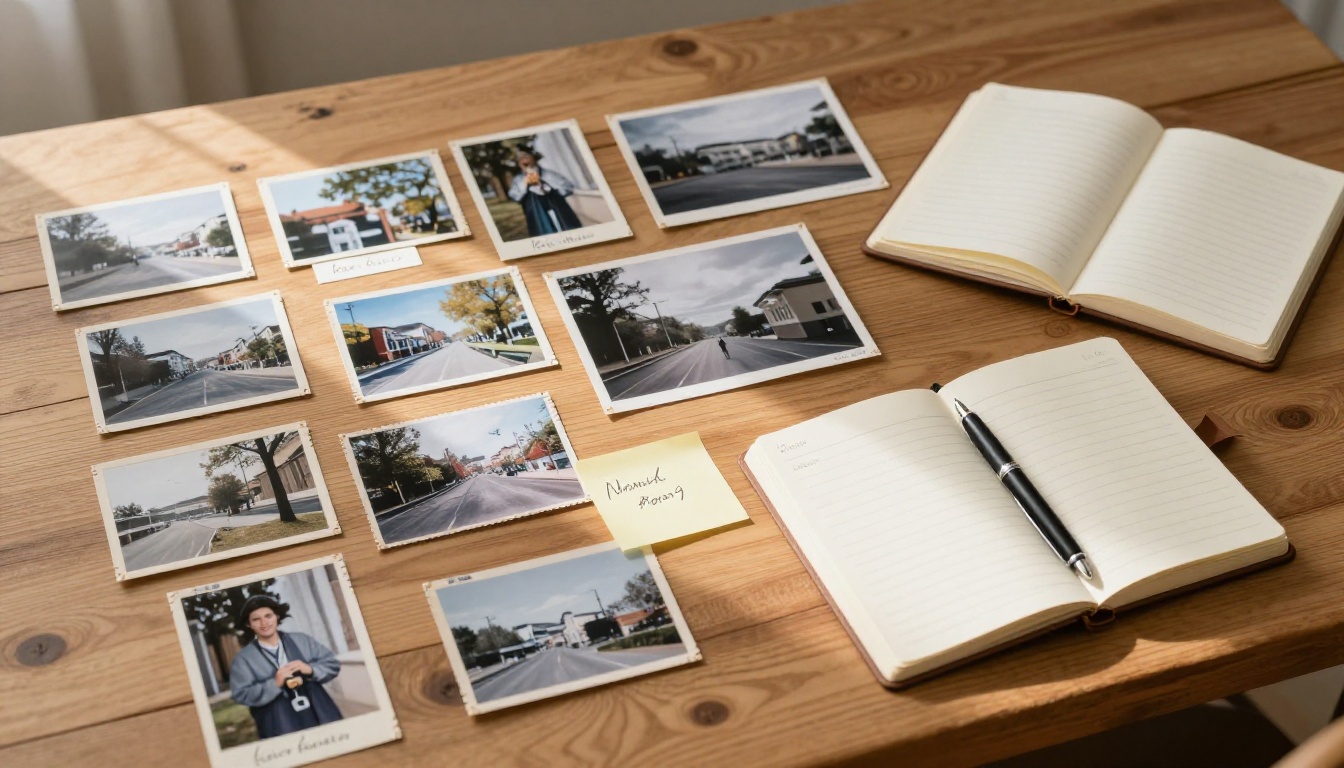
💡 Send a simple Google Form or email to colleagues two to three weeks before the retirement date. Ask for one photo, one memory, and one message. You will be amazed at what comes back.
Photos to collect:
- First day on the job (if available)
- Team photos across different years
- Conference and event shots
- Candid office moments
- Awards ceremonies and milestone celebrations
- Personal photos the retiree has shared over the years
Written content to gather:
- Messages from direct colleagues
- Notes from managers and reports
- Quotes from clients or partners
- A short career bio
- Notable achievements and promotions
Media extras (optional but powerful):
- Short video messages from remote colleagues
- Audio greetings
- Scanned handwritten notes
- Old newsletters or announcements featuring the retiree
⚠️ Always ask permission before including photos of other people. Most colleagues are thrilled to contribute, but a quick ask shows respect and keeps everything warmly collaborative.
How to Organize Memories Into Chapters
Raw material without structure becomes a pile. Structure turns that pile into a story.
The most effective retirement flipbooks follow a chronological arc with thematic chapters. Think of it like a documentary, not a slideshow.
Chapter Structure That Works
| Chapter | Content Focus | Tone |
|---|
| The Beginning | First job, early photos, how they started | Nostalgic, warm |
| The Climb | Promotions, projects, growth years | Proud, energetic |
| The People | Colleagues, teams, friendships built | Emotional, celebratory |
| The Wins | Awards, milestones, record moments | Triumphant |
| The Laughs | Funny memories, office jokes, outtakes | Light, joyful |
| What's Next | Retirement plans, wishes from the team | Hopeful, exciting |
You do not need all six chapters. Pick three or four that fit the person's story and the material you have collected.
Naming Your Chapters
Keep chapter titles personal and direct. Instead of "Career Highlights" try "The Year She Led the Whole Department." Instead of "Team Memories" try "The People Who Made Monday Worth It." Specificity creates emotion.
Writing Tributes That Actually Mean Something
The written words inside a retirement flipbook carry as much weight as the photographs. A generic tribute is forgettable. A specific, honest one lasts forever.
What Makes a Tribute Land
Specificity beats praise. "You were always positive" is easy to forget. "You stayed late to help me prepare for my first client presentation and never once made me feel like a burden" is something a person reads three times.
Use their name. It sounds obvious, but writing "Maria, you built something here that will outlast all of us" hits differently than any third-person summary.
Tell a story, not a resume. The flipbook already has the milestones. The tribute should tell the human story behind them.
✅ Best practice: Give each contributor a three-sentence limit. This forces people to be specific and cuts out the filler that makes tributes feel generic.
Tribute prompt ideas to send contributors:
- "Describe a moment when [Name] made a difference for you personally."
- "What is one thing [Name] showed you that you still use today?"
- "What will you miss most about working with [Name]?"
- "If you could say one thing to [Name] before they walk out the door, what would it be?"
How to Build It with Flipbooks AI
Flipbooks AI is built for exactly this kind of project. The platform converts any PDF into a beautifully animated digital flipbook with real page-turn effects, custom branding, and full sharing capabilities. Here is how to build a retirement memory flipbook from scratch.
Step 1: Design Your PDF First
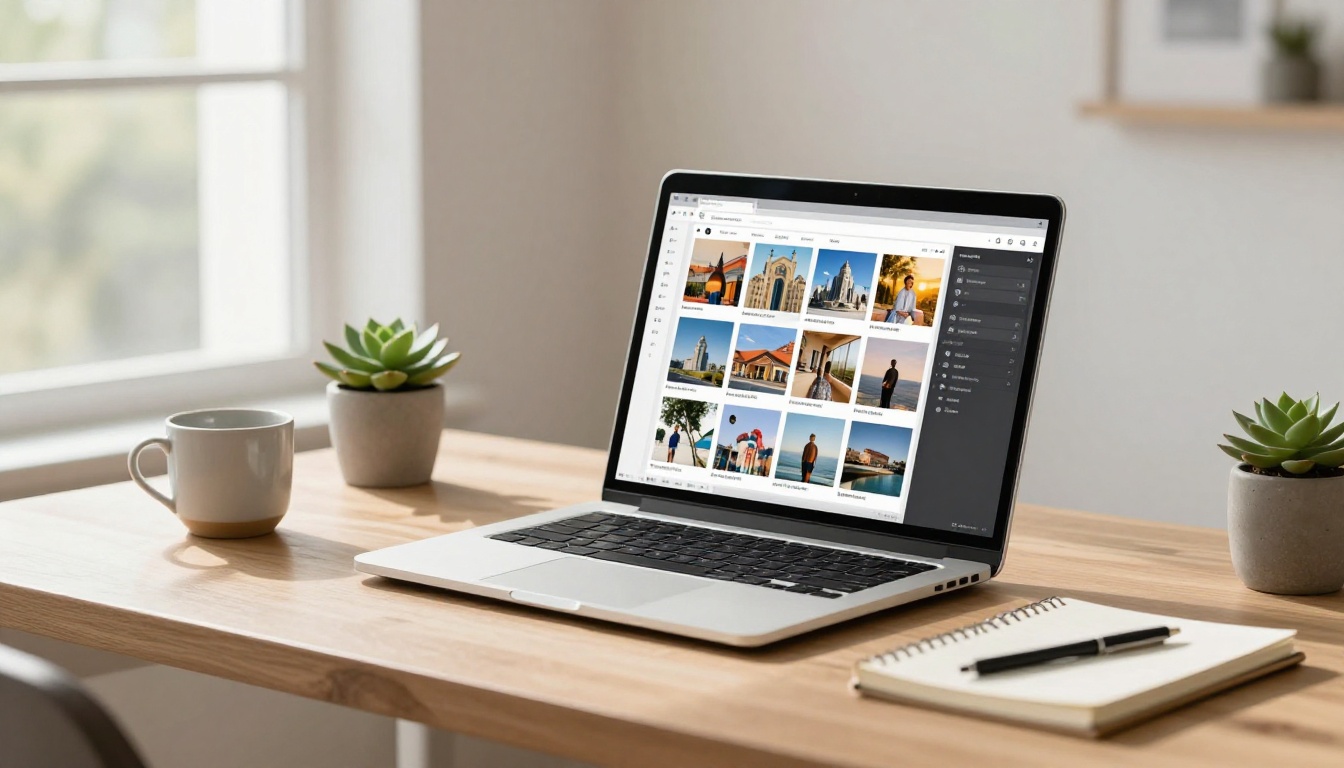
Before uploading to Flipbooks AI, create your flipbook layout in a design tool like Canva, Adobe InDesign, or Google Slides. Export it as a PDF when finished.
For a retirement memory flipbook, your PDF should include:
- A front page with the retiree's name, years of service, and a standout photo
- One chapter opener page per section
- Photo spreads with captions
- Full tribute pages for longer messages
- A closing page with the retirement date and a group photo
Step 2: Upload and Convert
- Go to flipbooksai.com and create your account
- Click "Upload PDF" from your dashboard
- Select your completed PDF file
- The platform converts it instantly into an interactive flipbook with real page-turning animation
Step 3: Personalize Every Detail
This is where the flipbook becomes truly personal:
- Custom branding: Add the retiree's name and photo to the flipbook front
- Color theme: Match the company colors or choose warm, celebratory tones
- Page effects: Enable the realistic page-flip sound and shadow effects
- Embed videos: Paste video tribute links directly into pages for remote colleagues
- Background music: Add a subtle audio track for a cinematic feel
Step 4: Set Privacy and Sharing
Retirement flipbooks are personal. Use the password protection feature to make the flipbook accessible only to invited guests. This is especially important when the book contains private messages and personal photos.
Once privacy is set:
- Copy the direct share link
- Send it via email or text to attendees before the retirement party
- Display it on a large screen at the celebration using presentation mode
Step 5: Present and Preserve
At the retirement party, open the flipbook on a tablet or laptop and hand it directly to the retiree. Watch them flip through it page by page. The animated turns and embedded messages create a moment that no physical gift can replicate.
The retiree keeps the link forever. With the offline download feature available on higher plans, they can also save a local copy for permanent access, even without an internet connection.
💡 Use the Yearbook Flipbook Maker as a starting template. It is designed for photo-heavy, tribute-style layouts that translate perfectly to retirement memory books.
Flipbooks AI Plan Comparison
Choosing the right plan depends on how many people will access the flipbook and what features matter most for your tribute.
| Feature | Free | Standard | Professional |
|---|
| Number of flipbooks | 1 | Unlimited | Unlimited |
| Password protection | No | Yes | Yes |
| Custom branding | No | Yes | Yes |
| Embed video and audio | No | Yes | Yes |
| Analytics and tracking | No | No | Yes |
| Lead generation forms | No | No | Yes |
| Offline downloads | No | No | Yes |
| Watermark | Yes | No | No |
For a one-time retirement flipbook shared privately with family and colleagues, the Standard plan covers everything you need. If you plan to build multiple flipbooks for birthdays, anniversaries, or team events going forward, Professional gives you the full suite. See all options on the pricing page.
Design Tips That Make Pages Pop
Good design does not require a professional. A few consistent choices make a massive difference.
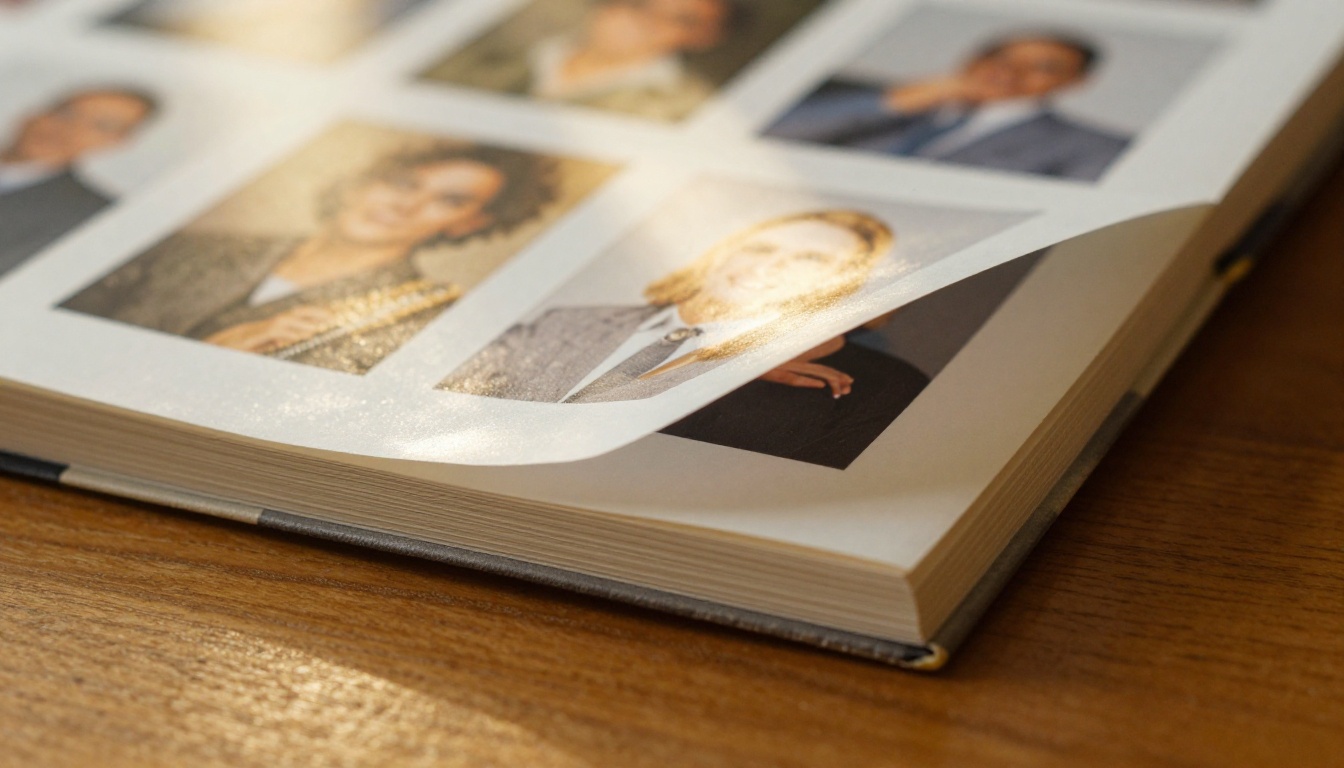
Color Palette
Choose two to three colors and stick to them throughout. Warm tones like gold, cream, and burgundy feel celebratory and personal. If the retiree has strong brand association with their company colors, incorporating those creates a familiar warmth.
Typography
Use no more than two fonts. One for headings with some personality (a serif or elegant script) and one for body text that is clean and easy to read. Avoid anything too decorative in long tribute sections.
Photo Layout Rules
- Odd numbers of photos per spread look better than even (three photos work better than two)
- Always leave white space around photos, never let them fill edge to edge
- Mix portrait and landscape orientations to create visual rhythm
- Black and white photos of earlier years look intentional alongside color photos of recent years
⚠️ Always use the highest resolution versions of photos available. Flipbooks AI renders at high quality, so blurry or pixelated source images will be immediately visible. Ask contributors for original file versions, not screenshots.
Retirement Flipbook Ideas by Relationship
The person making the flipbook shapes what it should contain. Here is a breakdown by relationship type.
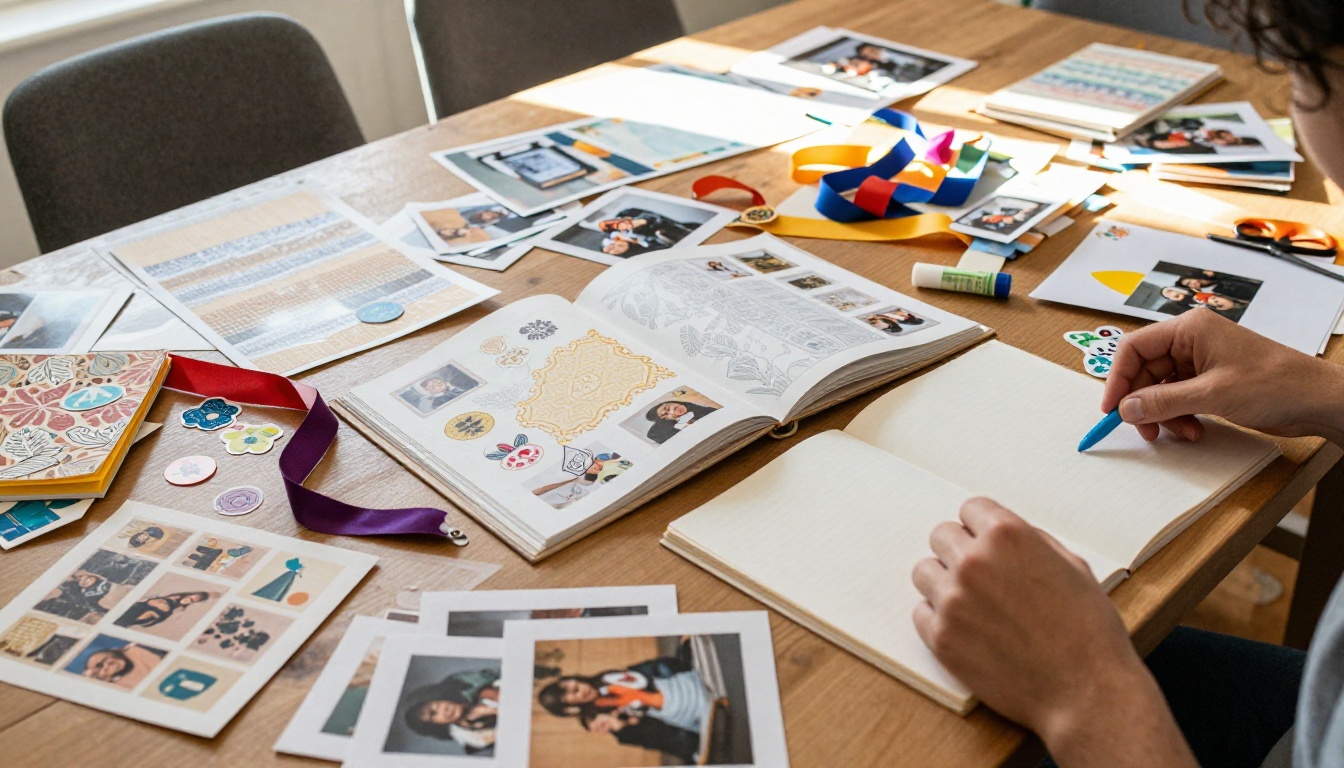
If You Are a Colleague or Team Member
Focus on work memories: projects you shared, inside jokes, the moments that defined the team culture. Include as many people as possible by sending a contribution form to the whole department. The collective weight of many voices makes the flipbook feel like a genuine farewell from the entire community, not just one person's effort.
If You Are a Family Member
You have access to the personal side of the story that colleagues never see. Early career photos, the late nights they came home talking about their work, the milestones you celebrated together at home. Family-built flipbooks often go deeper into who the person is outside the office, and that perspective is irreplaceable.
If You Are an HR or Events Organizer
You are coordinating contributions from many people while managing a timeline. Start collecting four to six weeks before the retirement date. Use the Event Program Maker for the printed ceremony program and reserve the digital flipbook for the longer, more personal tribute.
If You Are Making It for Yourself
Self-created retirement memory flipbooks are a growing trend. Some people use them to document their own career story as a personal memoir, or to create a digital record of their professional life. The Digital Portfolio Creator is a useful starting point for this format, offering a clean layout for showcasing a career timeline with photos, projects, and milestones.
Sharing and Presenting the Flipbook
The moment of presentation matters as much as the flipbook itself. Plan it carefully.

At the Retirement Party
- Keep the flipbook link a secret until the moment of presentation
- Load it on a tablet and hand it directly to the retiree
- Give them a few minutes to flip through it privately before the crowd gathers
- Display it on a large screen or TV for the group to enjoy together
After the Party
Send the flipbook link in a follow-up email to everyone who attended or contributed. This keeps the memory alive and lets people revisit it long after the event ends.
For Remote Teams
If colleagues are spread across time zones, a shared digital flipbook is perfect. Set a video call for the presentation, share your screen, and scroll through the pages together. The password-protected link can then be sent to everyone so they can revisit it at their own pace.
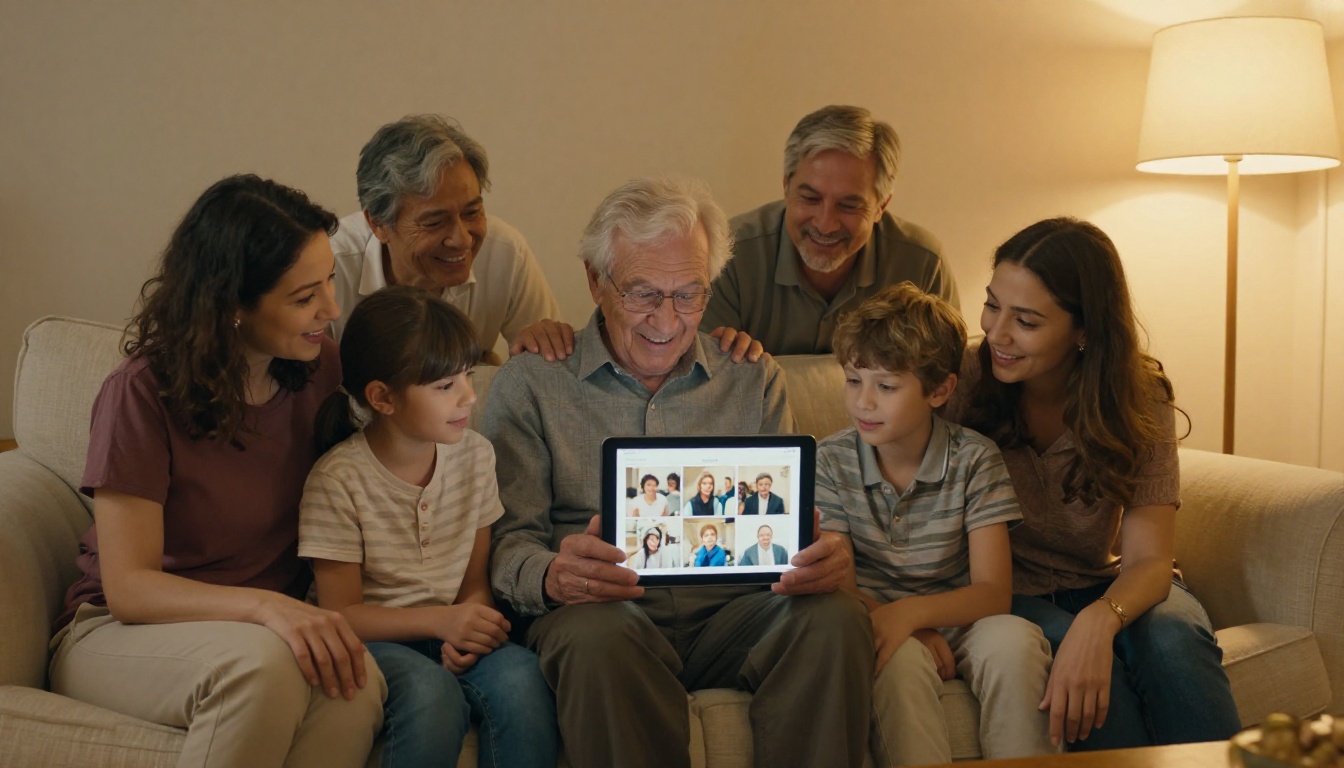
✅ Use the embed feature to place the flipbook on an internal company intranet or team page. This gives it a permanent home where anyone can find it years later.
What Makes This Worth Doing
After the party ends and the retirement card is lost in a drawer somewhere, the flipbook remains. It loads on a phone late at night when someone is feeling nostalgic. It gets opened again at a family dinner when someone says "remember when dad worked there." It becomes part of the story the family tells about who this person was and what they built over a lifetime.
That is the difference between a gift that gets appreciated once and a tribute that keeps returning value across years.
Flipbooks AI takes the technical complexity out of the equation. The platform handles the conversion, the animation, the hosting, and the sharing so you can focus entirely on the content that matters: the stories, the faces, and the words that capture who this person truly was.
Ready to build something they will remember forever? Create your retirement memory flipbook today. Browse all available tools and templates to find the right starting point, or compare pricing plans to choose what works best for your project.



