Planning a travel magazine is one of those projects that starts with a notebook full of photos and stories and somehow needs to become something people actually read. The good news is that turning that content into a digital flipbook is more straightforward than most people think, and Flipbooks AI makes the technical side nearly effortless. Whether you captured a two-week road trip through Patagonia or want to document your favorite hidden neighborhoods in Southeast Asia, a flipbook format gives your travel publication the immersive, page-turning quality that static PDFs simply cannot replicate.
Why Travel Magazines Work Better as Flipbooks
The shift from print to interactive
Printed travel magazines have a tactile appeal, but digital flipbooks offer something no physical publication can: instant distribution, zero printing costs, and interactive features baked right into the pages. When someone receives a link to your travel flipbook, they can flip through it on a phone during their commute, on a tablet at a café, or on a laptop at home. No shipping. No weight limit. No minimum print run.
The page-turn animation alone changes how readers perceive a publication. It creates the feeling of sitting down with a real magazine rather than scrolling through a document. For travel content, where mood and visual immersion matter enormously, that distinction is significant.
What makes flipbooks stand out from PDFs
A PDF is a container. A flipbook is an experience. The differences go beyond animation:
- Interactive hotspots: Link specific images to booking sites, map pins, or travel booking pages
- Embedded video: Add destination reels, interviews with locals, or timelapse footage directly into the pages
- Analytics: Track which pages readers spend the most time on (available on the Professional plan)
- Password protection: Share private editions with specific readers or travel clients
- Mobile-responsive design: Pages reflow automatically across screen sizes
💡 Travel content with embedded video sees significantly higher time-on-page than static imagery alone. If you filmed any clips on your trip, use them.
What You Need Before You Start
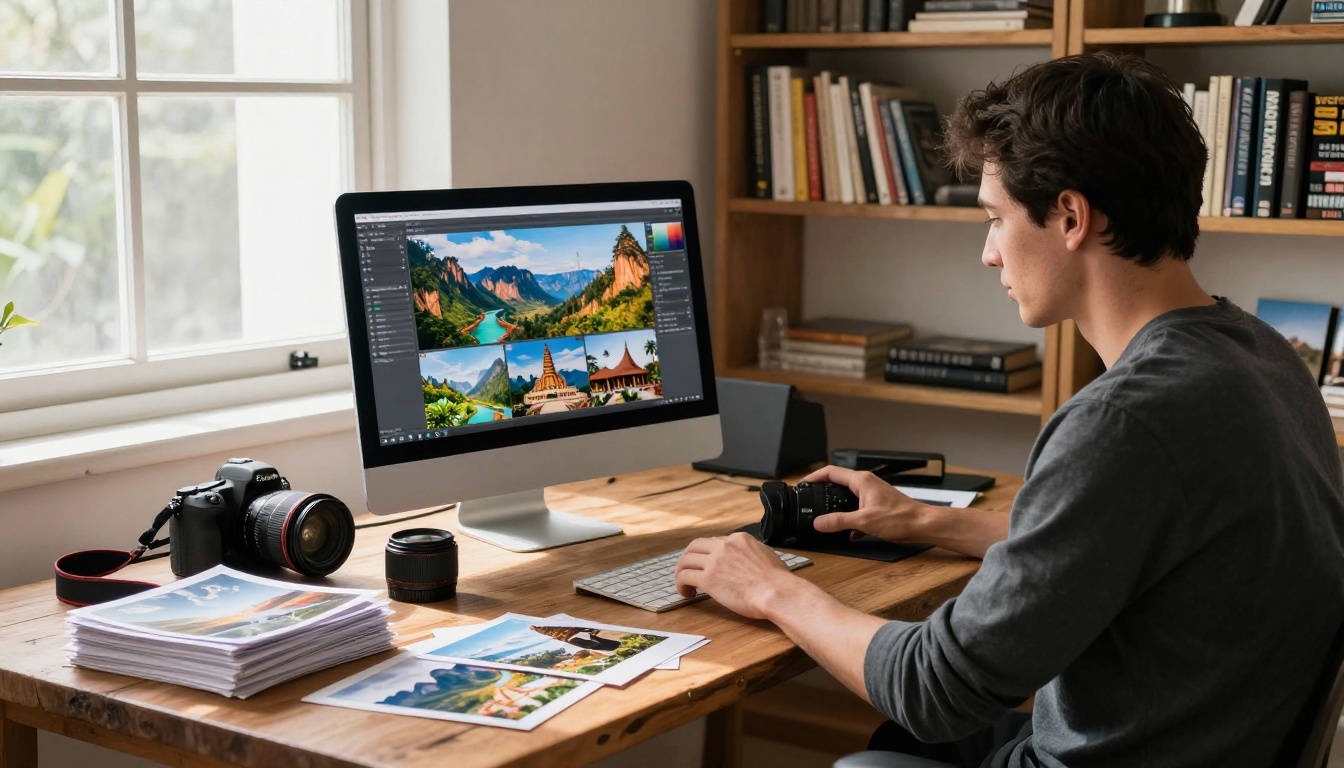
Content planning and curation
Before opening any design software, spend time with your content. A travel magazine that resonates with readers has a clear editorial perspective. Ask yourself:
- What is the central theme? (Solo travel, luxury itineraries, budget backpacking, culinary destinations?)
- Who is the audience? (Other travelers, potential clients, blog subscribers, tourism board stakeholders?)
- How many pages will it run? (20-30 pages is a solid starting range for a digital edition)
Organize your stories, photos, and any supporting material before touching a layout. Trying to design while hunting for content creates a disjointed publication.
Photo selection and quality
Travel photography carries a magazine. Select images that:
- Have consistent color grading or a similar mood
- Include a mix of wide landscape shots, mid-range street scenes, and intimate close-ups
- Are high resolution (minimum 300 DPI for print-ready PDFs, though 150 DPI is acceptable for screen-only editions)
⚠️ Avoid mixing wildly different editing styles across pages. A mix of moody film-grain photos and oversaturated Instagram-style edits on consecutive pages breaks the visual flow.
Tools for layout design
Most travel magazines are designed in one of a handful of applications before being exported as a PDF and uploaded to a flipbook platform.
| Design Tool | Best For | Price | Learning Curve |
|---|
| Adobe InDesign | Professional magazine layouts | $22/mo | Steep |
| Canva Pro | Quick, template-based design | $15/mo | Low |
| Affinity Publisher | InDesign alternative | $70 one-time | Moderate |
| Adobe Express | Fast single spreads | Free / $10/mo | Very Low |
| Figma | Web-native design teams | Free / $15/mo | Moderate |
For most independent travel publishers, Canva Pro offers the fastest path from raw content to a polished PDF. Professional designers working with advertising clients will want InDesign.
Designing Your Travel Magazine Layout
Page structure and typography
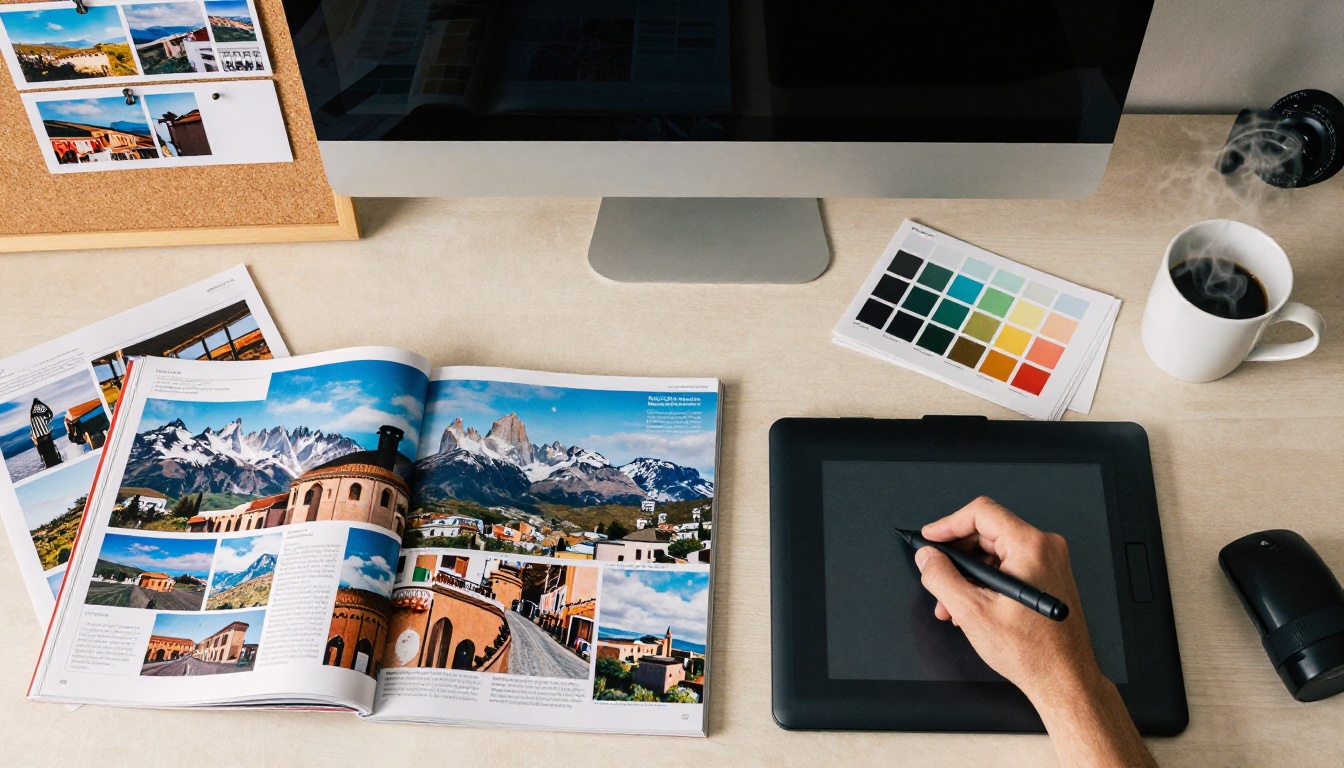
A travel magazine layout typically uses a 12-column grid system. Main structural elements include:
- Front page: Full-bleed hero image, issue title, and 3-5 headline teasers
- Table of contents: Clean, visual TOC with thumbnail images per section
- Feature spreads: Two-page layouts with dominant photography and supporting text
- Destination profiles: Consistent template format for each location
- Back matter: Credits, links, social handles, and subscription CTA
For typography, pair a strong serif for headlines (like Playfair Display or Cormorant Garamond) with a clean sans-serif body font (Inter or Source Sans Pro work well). Keep body text between 9-11pt in your design software, which translates well to screen reading.
Template options vs. custom design
There are two viable paths: start from a template or build from scratch.
Templates speed up the process dramatically. Canva, for example, has dozens of travel magazine templates that can be adapted in hours rather than days. The tradeoff is that your publication may look similar to others using the same template.
Custom layouts take more time but produce a distinctive visual identity. If you're creating a recurring publication (monthly travel letter, quarterly destination issue), the investment pays off over multiple editions.
✅ Even with a custom layout, build modular section templates for recurring elements (destination profiles, restaurant roundups, photo essays) so future issues take a fraction of the time.
How to Make a Travel Magazine as a Flipbook with Flipbooks AI
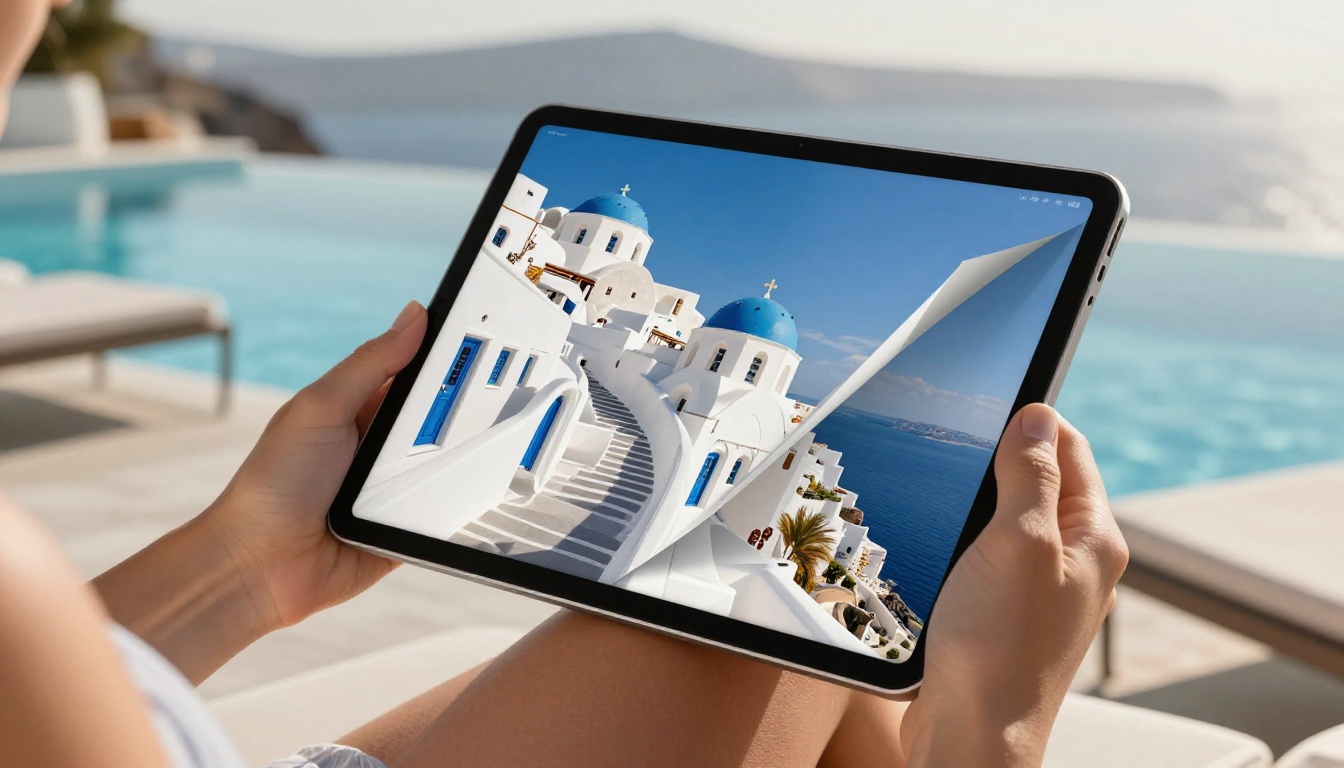
This is where your PDF becomes a living, interactive publication. Flipbooks AI converts any PDF into a fully animated page-flip magazine in minutes, with no coding required. Here is exactly how the process works:
Step 1: Create your account
Head to flipbooksai.com/account and register. The Standard plan and above include unlimited flipbooks, custom branding, and no watermarks, so you are not limited on how many editions you create.
Step 2: Upload your PDF
From your dashboard, click "New Flipbook" and drag your exported magazine PDF into the upload area. Flipbooks AI accepts PDFs of any page count. The platform processes the file and generates your flipbook automatically, with the page-turn effect applied to every spread.
💡 Export your PDF at 150 DPI for fast loading or 300 DPI for high-fidelity output. Most screen readers prefer the 150 DPI version for responsiveness.
Step 3: Customize branding and appearance
Once your flipbook is generated, open the customization panel. Options include:
- Custom domain: Host your flipbook on your own domain
- Brand colors: Match the flipbook UI to your magazine's color palette
- Background settings: Choose between solid color, image, or transparent background
- Page effects: Adjust the paper texture, shadow depth, and flip speed
- Logo placement: Add your publication logo to the viewer toolbar
Step 4: Add multimedia
One of the most powerful features of Flipbooks AI is the ability to embed media directly onto pages after upload:
- Video: Embed YouTube, Vimeo, or direct video files that play inline
- Audio: Add ambient soundscapes, podcast interviews, or narration
- Links: Make images or text clickable to external booking platforms, maps, or your website
For a travel magazine, this means readers can watch a destination reel on the same spread where they read the itinerary, without leaving the publication.
Step 5: Publish and share
When you're satisfied with the result, hit Publish. Flipbooks AI generates:
- A direct link to share anywhere
- An embed code for placing the flipbook on your website or travel blog
- Password protection options for private client editions
- Offline download capability so readers can save a copy
The Magazine Flipbook Creator tool and the E-Magazine Publishing Tool are specifically built for this kind of publication workflow.
Flipbooks AI Plans at a Glance
Choosing the right plan depends on how you intend to use your travel magazine flipbook, from a one-time personal project to a professional publication with multiple contributors and analytics requirements.
| Feature | Free | Standard | Professional |
|---|
| Flipbooks per account | 3 | Unlimited | Unlimited |
| Watermark | Yes | No | No |
| Custom branding | No | Yes | Yes |
| Password protection | No | Yes | Yes |
| Embedded video/audio | No | Yes | Yes |
| Analytics | No | No | Yes |
| Lead generation forms | No | No | Yes |
| Offline downloads | No | Yes | Yes |
| Custom domain | No | No | Yes |
For most independent travel publishers, the Standard plan covers everything needed to produce and distribute a polished digital magazine. Creators who monetize their content or need reader data should look at the Professional plan for analytics and lead generation capabilities.
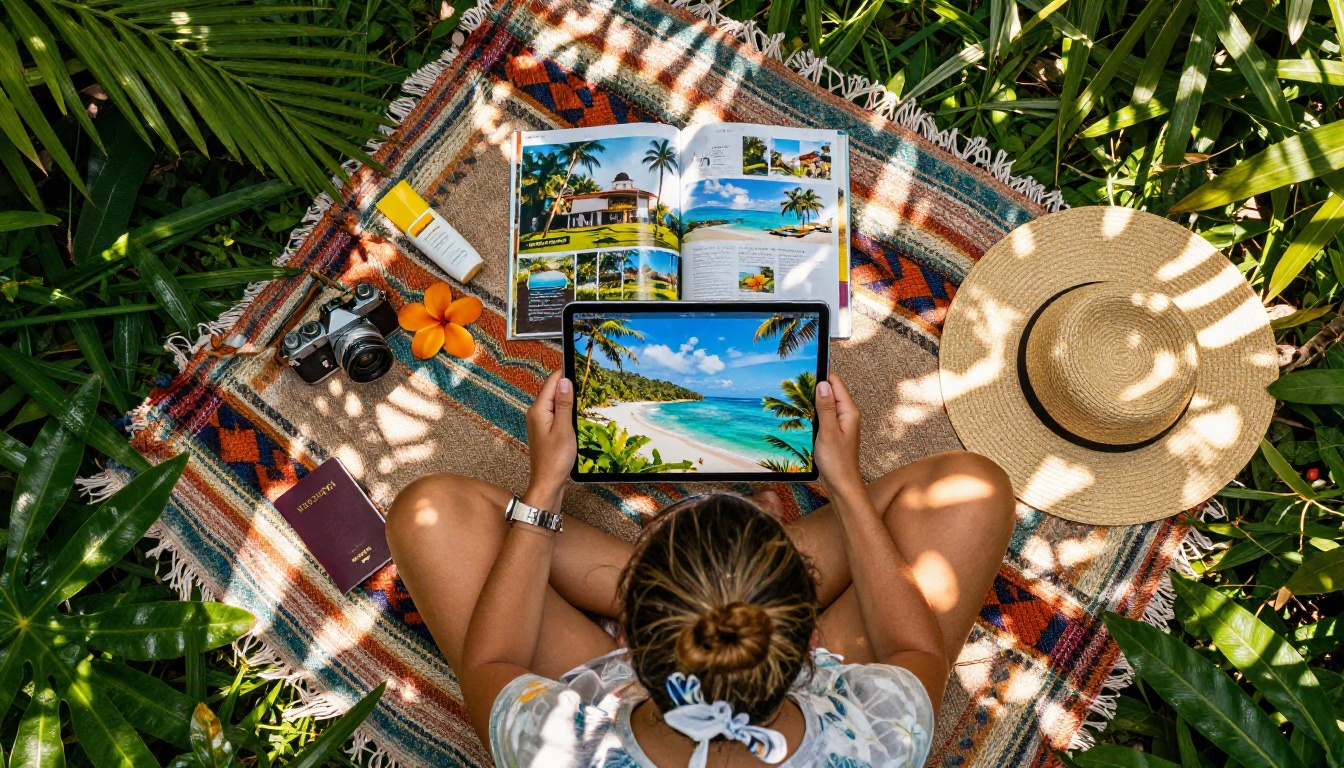
Types of Travel Publications You Can Create
Destination travel magazines
A destination magazine focuses on a single location, covering everything from accommodations and restaurants to cultural insights and local personalities. These work particularly well for:
- Tourism boards and DMOs publishing seasonal visitor publications
- Travel bloggers creating downloadable issues for email subscribers
- Hotels and resorts producing in-room digital magazines for guests
The Travel Guide Flipbook tool is purpose-built for this type of publication.
Photo journals and trip albums
Not every travel publication needs to be magazine-length. A 12-16 page photo journal documenting a specific trip, with minimal text and maximum imagery, performs well as a shareable digital object. Think of it as a printed photo album for the digital era, distributed via a link rather than a physical copy.
The Wedding Album Flipbook format translates directly to travel photo journals, and the same upload workflow applies.
Travel newsletters and recurring publications
Some travel content creators publish monthly or quarterly digital letters: curated destination picks, reader trip reports, gear reviews, and editorial photography. A flipbook format elevates this content above a standard email newsletter and can be hosted permanently at a consistent URL.
✅ If you plan recurring issues, create a consistent front-page template and back-matter format from the start. Readers will orient faster in each new issue when the structure is familiar.

Sharing Your Travel Flipbook
Embedding on your travel blog or website
The embed code generated by Flipbooks AI lets you place a fully functional flipbook viewer anywhere on your site. Visitors can flip through your magazine without being redirected to another page. This increases time-on-site and keeps readers within your own domain. The Embed Flipbook on Website tool handles this in a few clicks.
Social media distribution
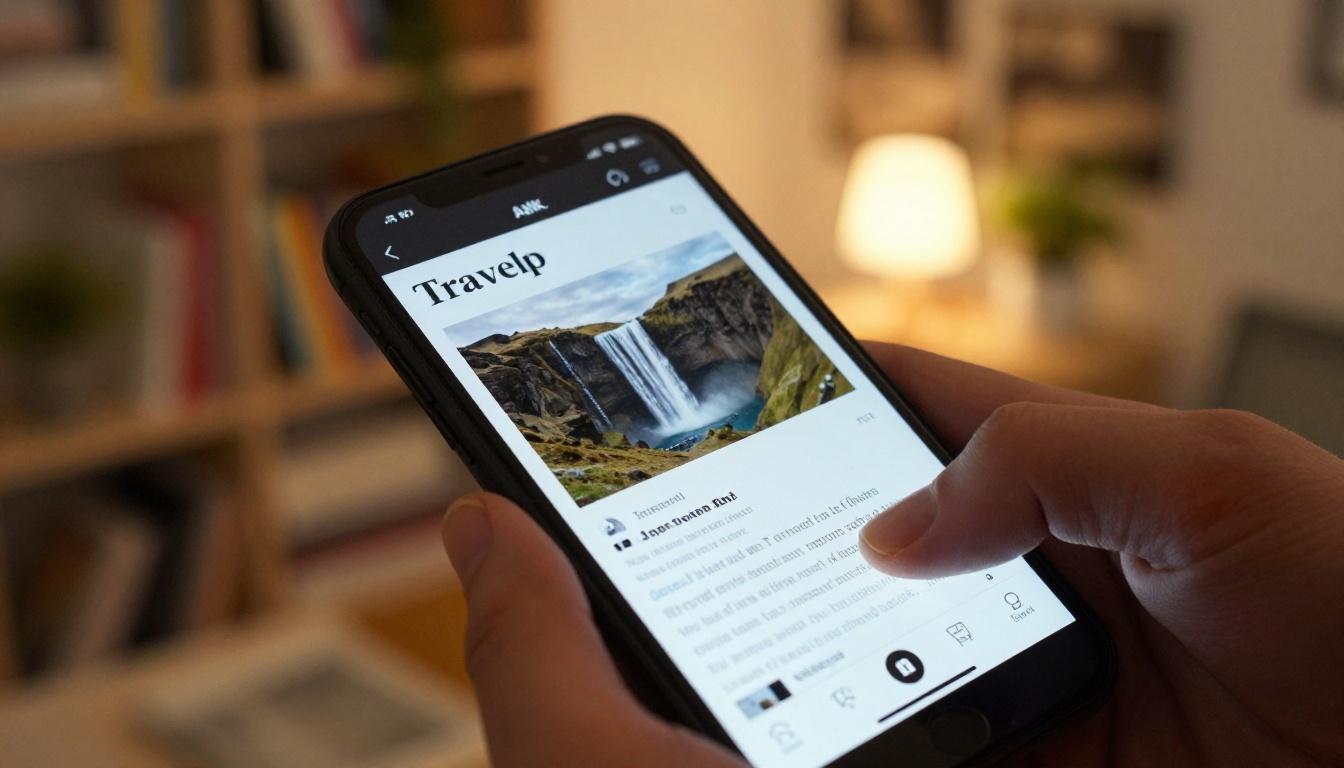
A direct flipbook link can be shared in any channel where links are supported: email newsletters, Instagram bio links, Twitter/X posts, LinkedIn articles, and Pinterest boards. Because the flipbook viewer is mobile-responsive, readers get a smooth experience regardless of what device they use to open it.
💡 Create a short preview clip of your flipbook's page-turn animation to share as a reel or story. Animated previews perform significantly better than static link cards on most social platforms.
Password-protected editions
For travel content aimed at specific audiences, such as paid subscribers, travel agency clients, or private travel groups, password protection keeps the publication exclusive without requiring a separate platform or subscription paywall. Set a password directly in the Flipbooks AI dashboard before sharing the link.
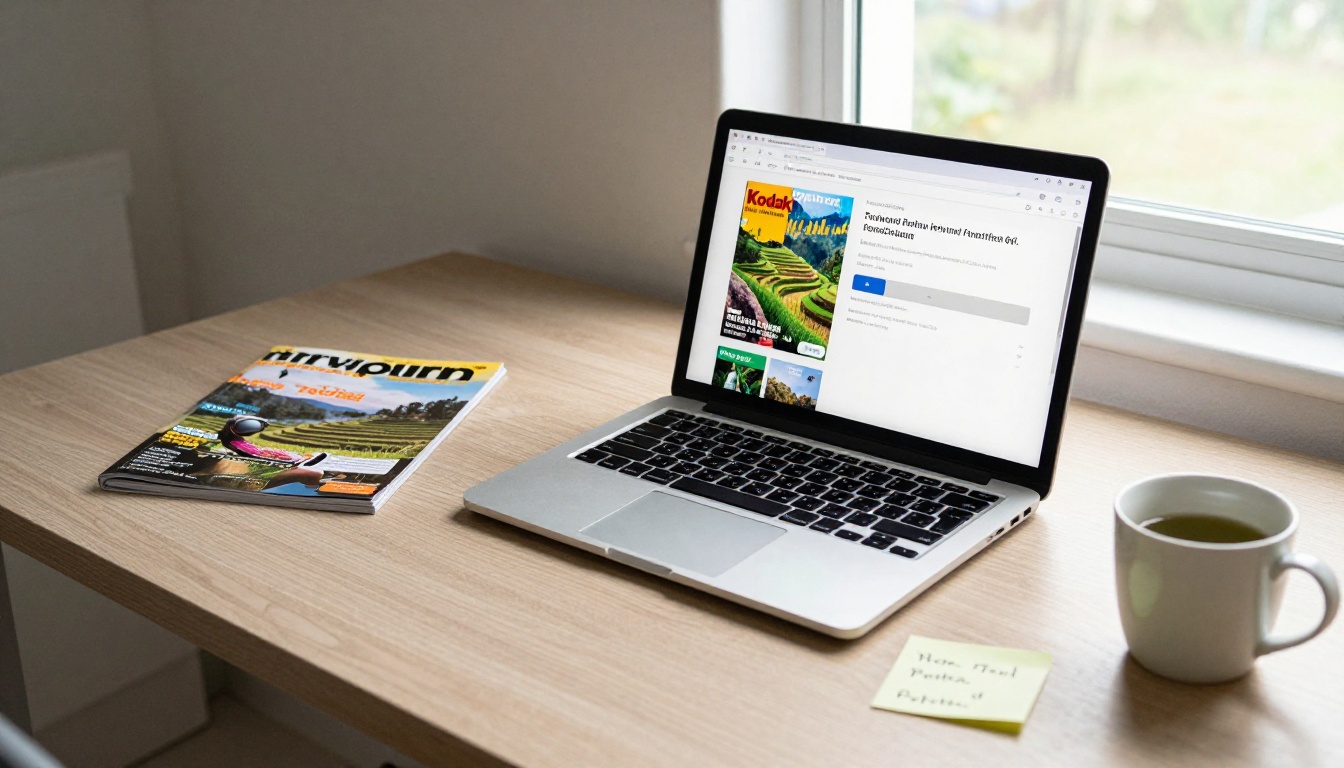
Real-World Use Cases
| Publisher Type | Publication Type | Primary Distribution | Monetization |
|---|
| Independent travel blogger | Monthly destination issue | Email list + social bio link | Sponsored pages, affiliate links |
| Tourism board | Seasonal visitor magazine | Hotel lobby QR code, website embed | None (promotional) |
| Travel agency | Client itinerary booklets | Direct link per client | Client acquisition |
| Photography collective | Quarterly photo journal | Portfolio site, direct link | Print sales, workshop sign-ups |
| Travel influencer | Brand partnership magazines | Branded link, stories | Brand sponsorship fees |
| Resort/hotel | In-room digital magazine | QR code in rooms, website | Guest upsells, dining reservations |
Each of these use cases benefits from different Flipbooks AI features. A tourism board prioritizes a clean embed on their website. A travel agency values password protection for individualized client itineraries. An influencer needs analytics from the Professional plan to report reach to sponsors with real numbers.
Pro Tips for a Stunning Flipbook Magazine
Making the jump from a good flipbook to a genuinely impressive one comes down to a handful of details most creators overlook:
-
Design for spreads, not single pages. In a flipbook, readers see two pages simultaneously. Design double-page layouts intentionally, with images that bleed across both pages for maximum visual impact.
-
Use a consistent page margin. A safe margin of 12-15mm on all sides ensures text stays readable even on smaller screens.
-
Build a strong opening spread. The first two pages after the front page set the tone for the entire publication. Invest disproportionately in the quality of this spread.
-
Limit font choices. Two typefaces maximum. One for headlines, one for body copy. More than two creates visual noise that distracts from the photography.
-
Create section dividers. Full-bleed color or photo divider pages between major sections give readers a clear sense of structure and pacing.
-
Test on mobile before publishing. Open your flipbook on a phone screen before sharing. Text that looks perfect on a 27-inch monitor can become unreadable on a 6-inch display.
-
Add a clickable table of contents. Most design tools allow you to create internal links within a PDF. These become tappable navigation in the flipbook.
-
Use the analytics. If you're on the Professional plan, review which pages readers abandon. Consistently low dwell time on a specific section is a signal to rethink that content.
⚠️ Avoid placing important text too close to the spine of the layout (the center of a two-page spread). In the page-turn animation, the inner margins curve and can make text along the center gutter difficult to read.
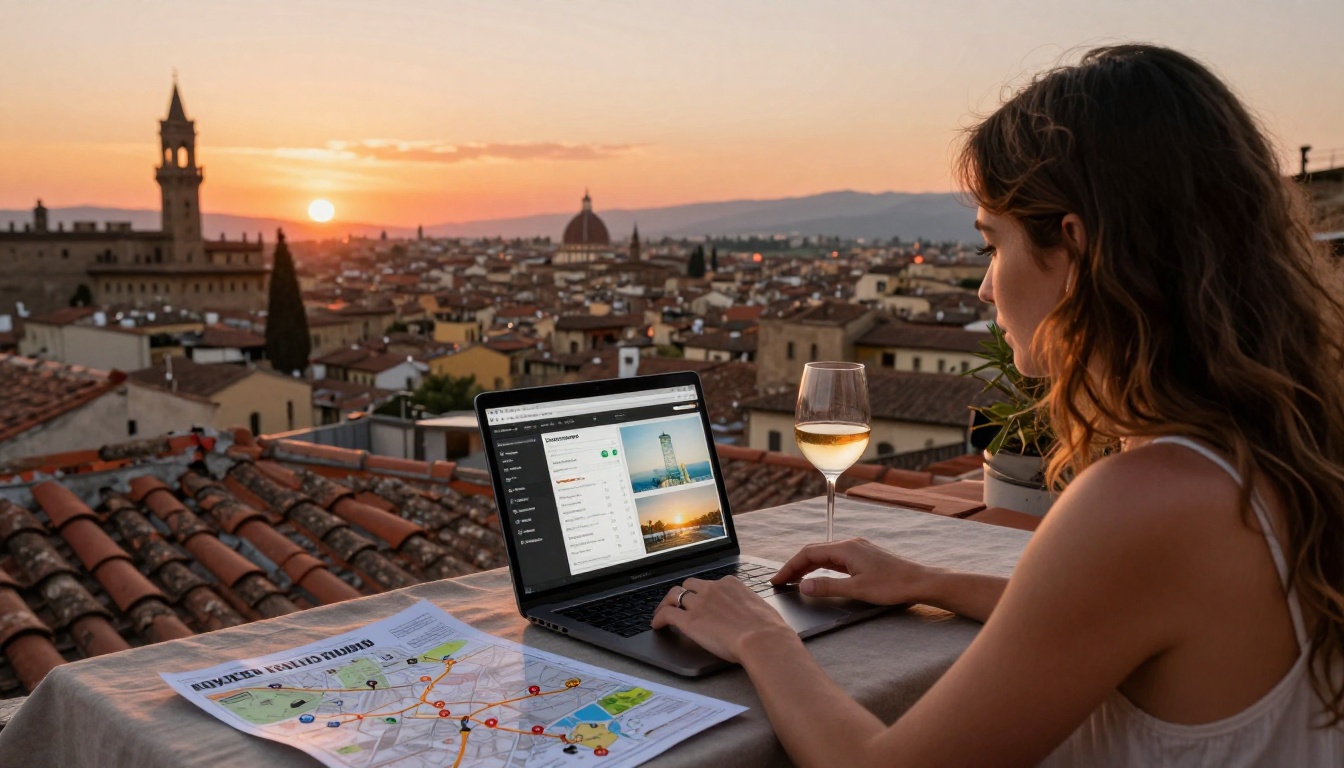
Take Your Travel Magazine Online Today
Creating a travel magazine as a flipbook is one of the most effective ways to share destination content in a format that feels intentional, polished, and genuinely enjoyable to read. The process is simpler than most people expect: design your layout, export a PDF, upload it to Flipbooks AI, and your interactive magazine is ready to share in minutes.
Whether you're publishing a one-time photo journal from a recent trip, launching a recurring travel newsletter, or producing destination content for a tourism brand, the workflow is the same and the results consistently exceed what a static PDF or blog post can deliver.
Ready to create your first travel flipbook? Get started for free on Flipbooks AI and see how quickly your content becomes a publication worth sharing.
Not sure which plan fits your needs? Compare pricing plans and choose the setup that works for your publishing goals.
Browse all available flipbook tools and templates to find the perfect fit for your specific travel publication type.



