Your printed brochure is sitting in someone's junk drawer right now, unread. That's the hard truth about static marketing collateral in 2026. Meanwhile, businesses using interactive digital brochures are tracking exactly who reads what, embedding video walkthroughs directly inside pages, and converting casual visitors into paying customers, all from a single shareable link. If you've been wondering how to make an interactive brochure for your business without hiring a developer or a design agency, you're about to find out. Flipbooks AI makes this process simple, fast, and 100% code-free.
Why Printed Brochures Fall Short
Think about the last time you received a physical brochure. Did you read every page? Most people don't. Print materials have a fixed lifespan: they get glanced at, set aside, and eventually thrown away. There's no way to update them after printing, no way to track if anyone actually read them, and no way to embed a product demo video or a clickable "Book Now" button.
Digital brochures changed the equation, but static PDFs weren't much better. A flat PDF is just a digital version of the same problem: no interactivity, no analytics, no personality.
Interactive brochures fix all of that. They behave more like websites than documents. Readers can flip pages, click embedded links, watch videos, fill out forms, and share the brochure instantly. And you can see exactly which pages got the most attention.
💡 Pro Tip: Businesses that switch from PDF to interactive flipbook formats report significantly higher time-on-page and lower bounce rates compared to static document sharing.
Static vs. Interactive: A Side-by-Side Look
| Feature | Static PDF Brochure | Interactive Digital Brochure |
|---|
| Page-flip animation | No | Yes |
| Clickable links | No | Yes |
| Embedded video/audio | No | Yes |
| Real-time analytics | No | Yes |
| Mobile-optimized | Sometimes | Always |
| Updatable after publishing | No | Yes |
| Password protection | No | Yes |
| Shareable by link | Limited | Yes |
| Lead capture forms | No | Yes |
| Custom branding | Limited | Full |
The difference is dramatic. Interactive brochures are not a cosmetic upgrade — they're a fundamentally different marketing tool.
What an Interactive Brochure Actually Does
Before getting into the how, it's worth being specific about what "interactive" actually means in practice. Not all digital brochures are created equal.
The Core Interactive Elements
An interactive brochure built on a modern platform like Flipbooks AI includes:
- Page-flip animation: Simulates a real book being turned, which increases read-through rates by making the experience feel tactile and natural.
- Clickable hyperlinks: Every product name, call-to-action, or web address becomes a live link your reader can tap.
- Embedded video: Drop a product demo, testimonial, or virtual tour directly onto any page.
- Audio narration: Walk customers through your services with voiceover embedded on specific pages.
- Lead capture forms: Collect name, email, and phone number without the reader ever leaving the brochure.
- Analytics dashboard: See total views, time per page, click-through rates, and device type breakdowns.
- Mobile responsiveness: Auto-adapts to any screen size without pinching or zooming.
- Password protection: Keep sensitive pricing sheets or internal proposals private.
- Offline download: Let customers save the brochure for areas with poor internet coverage.
✅ Best Practice: Include at least one embedded video in your interactive brochure. Pages with video receive 2-3x more time spent on them than text-only pages.
How to Build One With Flipbooks AI
Here's the step-by-step process for creating a professional interactive brochure using the Online Brochure Designer. No coding. No design degree required.

Step 1: Set Up Your Account
Head to Flipbooks AI and sign up. The platform offers a free tier so you can test the tool before committing to a paid plan. No credit card required at signup.
Step 2: Upload Your PDF
Once inside the dashboard, click "New Flipbook" and upload your brochure as a PDF. The platform accepts standard PDF files and converts them automatically into a page-flipping format within seconds. If you don't have a designed PDF yet, tools like Canva or Adobe InDesign work well for creating one first, then bringing it into Flipbooks AI.
💡 Pro Tip: Design your PDF at 1920x1080px for the best visual quality in widescreen flipbook format. Use bleeds and avoid placing critical content too close to page edges.
Step 3: Customize the Branding
After conversion, you can fully brand the flipbook:
- Upload your company logo to the top navigation bar
- Set a custom background color or texture for the viewer
- Choose your brand's primary and secondary colors for buttons and controls
- Add a custom domain so the sharing link reflects your brand, not a generic URL
This step is what separates a generic PDF viewer from a polished, professional presentation that customers associate with your business.
Step 4: Add Interactive Elements
This is where the real power comes in. Inside the editor:
- Select any page in the flipbook
- Click "Add Element" to insert a hotspot, video embed, or clickable link
- Draw the interactive zone over any area, such as a product photo, a CTA button, or a headline
- Set the action: open a URL, play a video, show popup text, or trigger a lead form
- Repeat for each page where you want interactivity
For brochures specifically, the Brochure Flipbook Maker provides pre-configured templates that make this process faster. Industry-specific options are available for hotel brochures, real estate listings, and automotive dealerships.
Step 5: Set Privacy and Sharing Options
Before publishing, decide who can view your brochure:
- Public: Anyone with the link can view instantly
- Password-protected: Ideal for proposals, pricing documents, or internal training materials
- Embed on website: Copy the embed code and paste it into any webpage, landing page, or blog post using the Embed Flipbook on Website tool
Step 6: Publish and Track
Hit Publish and your interactive brochure is live. Share the link via email, WhatsApp, LinkedIn, or embed it directly on your website. From the analytics dashboard, track:
- Total number of views and unique visitors
- Which pages had the most time spent
- Which clickable elements were tapped most often
- Geographic location of viewers
- Device breakdown (mobile vs. desktop)
⚠️ Note: Analytics and lead generation features are available on the Professional plan. Check pricing plans to see which tier fits your needs.
Real Business Use Cases
Interactive brochures aren't a one-size-fits-all tool. Here's how different industries put them to work.
Real Estate Agents
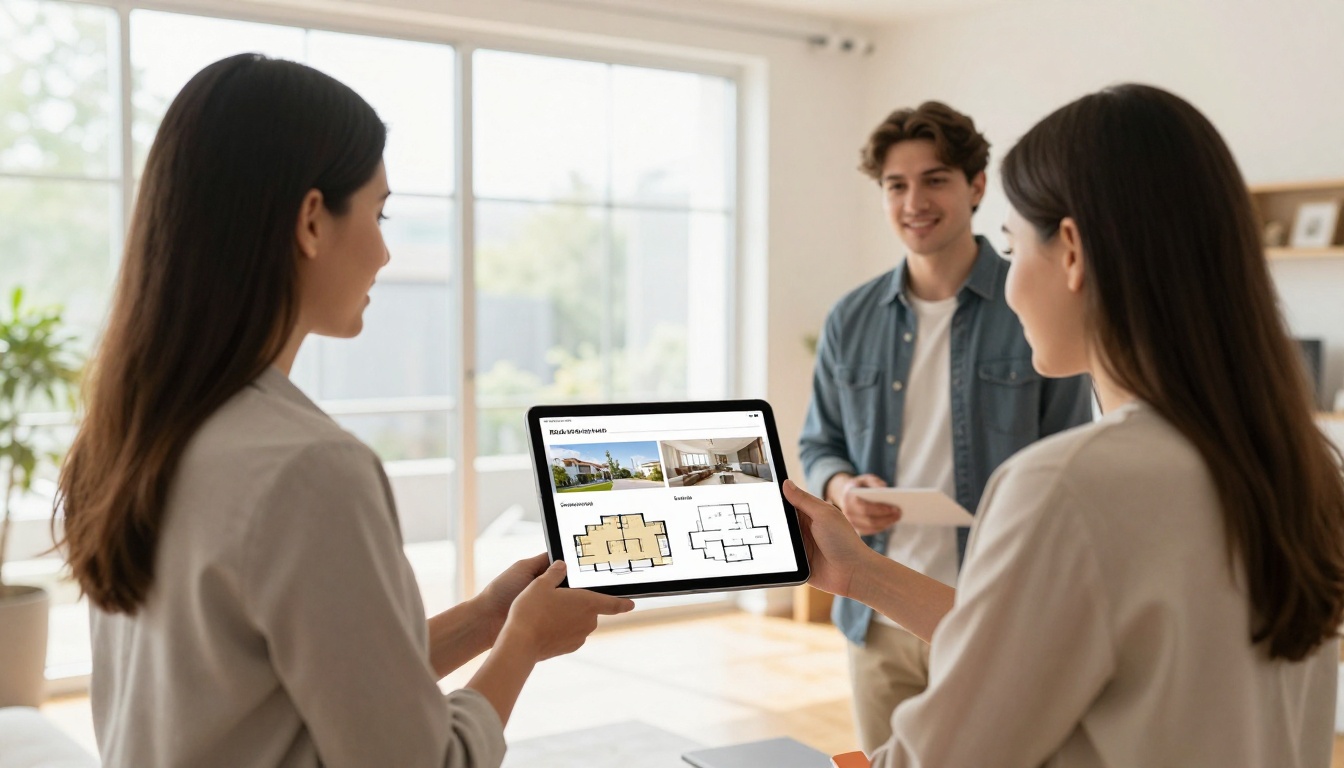
A real estate agent can replace bulky property packets with a single interactive flipbook. Each page can feature a property with clickable floor plans, embedded virtual tour videos, and a lead capture form for scheduling viewings. The Real Estate Brochure Creator makes this straightforward, with templates built around property listings.
Restaurants and Cafes
Restaurants use interactive brochures as shareable menus that include photos, pricing, and even short video clips of dishes being prepared. The Restaurant Menu Creator lets owners update menus without reprinting anything, saving both money and time.

Hotels and Travel Businesses
Hotels can create destination brochures with room galleries, video tours, and clickable booking buttons. The Hotel Brochure Designer and Travel Guide Flipbook templates are purpose-built for hospitality marketing, covering everything from amenities to local attractions.
Retailers and E-Commerce Brands
Retailers turn product catalogs into shoppable brochures where every product image links directly to the product page. The Digital Catalog Maker handles this perfectly, letting customers browse and buy without leaving the flipbook experience.
Professional Services
Consultants, agencies, and law firms use interactive brochures as polished proposals and company overviews. With embedded analytics, they know exactly when a prospect has opened the document and which sections they spent the most time reviewing, giving sales teams better conversation starters.
Choosing the Right Plan
Flipbooks AI offers tiered pricing to match different business needs. Here's how the plans compare:
| Feature | Free | Standard | Professional |
|---|
| Watermark-free | No | Yes | Yes |
| Unlimited flipbooks | No | Yes | Yes |
| Custom branding | No | Yes | Yes |
| Password protection | No | Yes | Yes |
| Offline downloads | No | Yes | Yes |
| Analytics dashboard | No | No | Yes |
| Lead generation forms | No | No | Yes |
| Custom domain | No | No | Yes |
| Priority support | No | No | Yes |
For most small businesses, the Standard plan covers everything needed to produce professional, branded interactive brochures. If your team needs lead capture and viewer analytics, the Professional plan is worth the investment. Compare all plans in detail before deciding.
Flipbooks AI provides specialized tools for different business types. Here's a quick-reference table:
Browse the full flipbook tools directory to see every available option.
5 Mistakes That Hurt Your Brochure
Even with the right tool, it's easy to undercut your results. Avoid these common pitfalls.
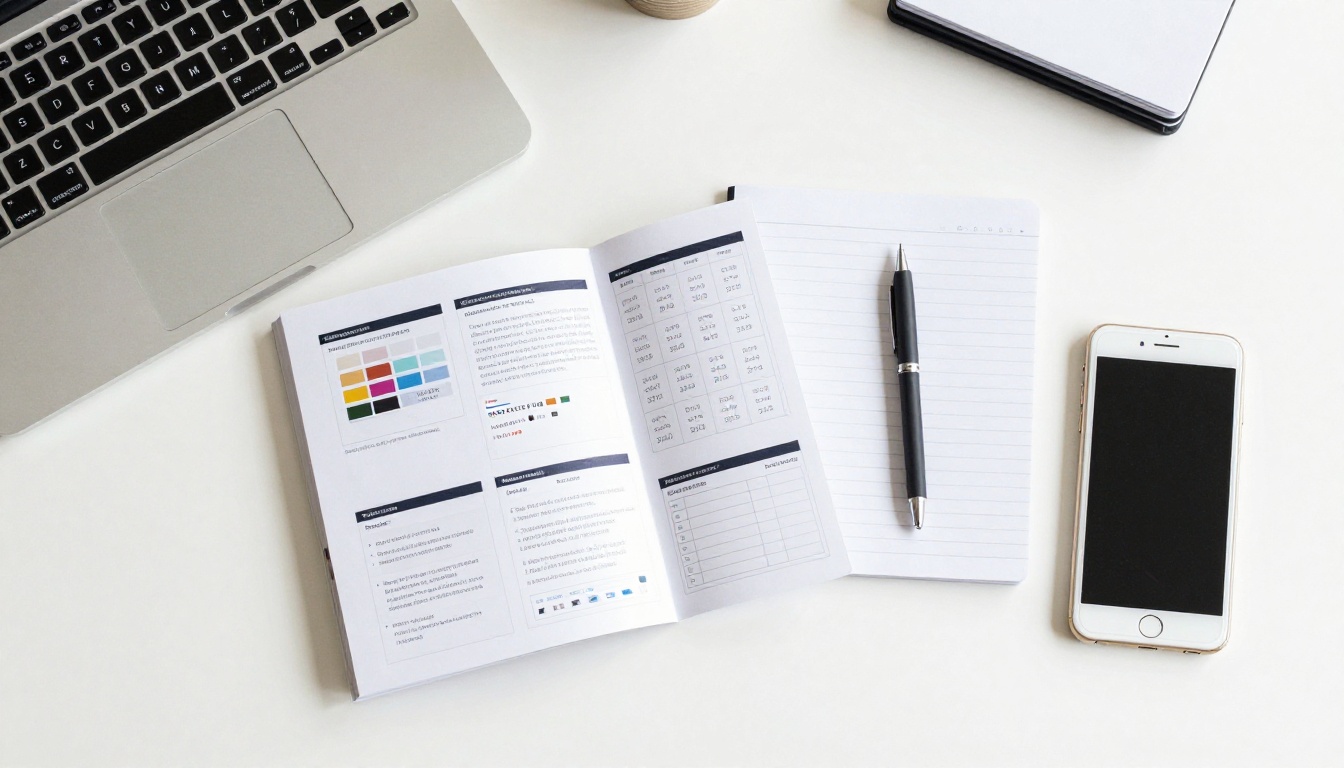
1. Too much text per page. An interactive brochure is not a whitepaper. Keep each page focused on one idea with supporting visuals. Dense blocks of text kill read-through rates faster than anything else.
2. No clear call-to-action. Every brochure needs a "what now?" moment. Whether it's "Book a Call," "Shop Now," or "Download the Price List," make the next step obvious and clickable on every key page.
3. Ignoring mobile users. Over 60% of digital content is consumed on mobile devices. Always preview your flipbook on a smartphone before publishing. What looks great on a desktop can be cramped on a phone screen.
4. No branding on the viewer interface. A generic flipbook viewer without your logo or colors looks unfinished. Take 10 minutes to set up custom branding. It matters more than you think for first impressions.
5. Skipping analytics. If you're sending out brochures but not tracking views, you're flying blind. Even basic page-view data tells you which products or services are getting the most interest and where readers are dropping off.
⚠️ Warning: Don't share your interactive brochure as a downloadable PDF export if you want to track views. Always share the live link so analytics data is captured accurately.
Offline, Embedded, and Everywhere
One underappreciated feature is offline download. For sales reps attending trade shows or client meetings in areas with poor Wi-Fi, having the interactive brochure saved locally means the presentation never gets interrupted. This is available on the Standard plan and above.
Embedding is equally powerful. The Embed Flipbook on Website tool generates a short code snippet that drops your interactive brochure directly into any web page. Visitors browse without ever navigating away, which keeps them on your site longer.
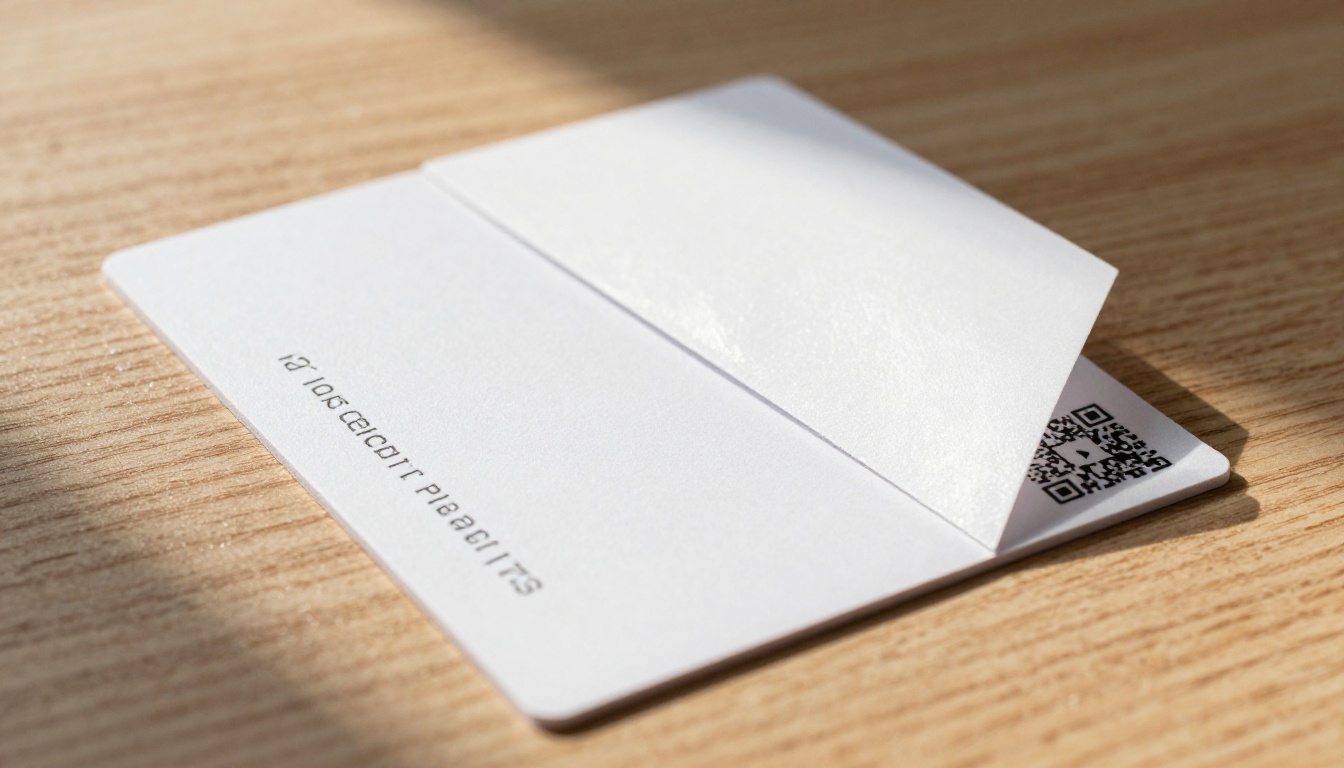
QR codes add another dimension. Print your brochure's QR code on business cards, storefront windows, product packaging, or event banners. Anyone who scans it lands directly in your interactive digital brochure on their phone.
Who Benefits Most
Interactive brochures aren't exclusively for large businesses with big marketing budgets. In fact, small and medium-sized businesses often see the biggest return because they're replacing expensive print runs with a one-time digital asset that can be updated indefinitely.

Startups can use interactive brochures as investor decks with embedded financial charts, team bios, and product videos. Agencies can build client proposals that show exactly which pages got attention during review. Non-profits can share annual reports that bring data to life with clickable infographics and embedded donor testimonials.
The Press Kit Designer and Sales Presentation Flipbook tools cater specifically to these professional use cases, with layouts designed for credibility and clarity.
The bottom line: any business that currently hands out printed materials, sends PDF attachments, or links to static documents can immediately upgrade its results by switching to an interactive brochure.
Your First Interactive Brochure Starts Here
Creating an interactive brochure for your business is no longer a complicated, expensive project. With the right tool, it takes less than 30 minutes from PDF upload to a published, shareable flipbook. The results speak for themselves: higher read-through rates, measurable viewer data, and a presentation that actually reflects how professional your business is.
Ready to stop handing out brochures that end up in the trash? Create your first interactive brochure for free on Flipbooks AI. If you want to see which plan fits your business, compare pricing options before getting started. And if you're looking for the right tool for your specific industry, browse all flipbook tools and templates to find the perfect fit.



