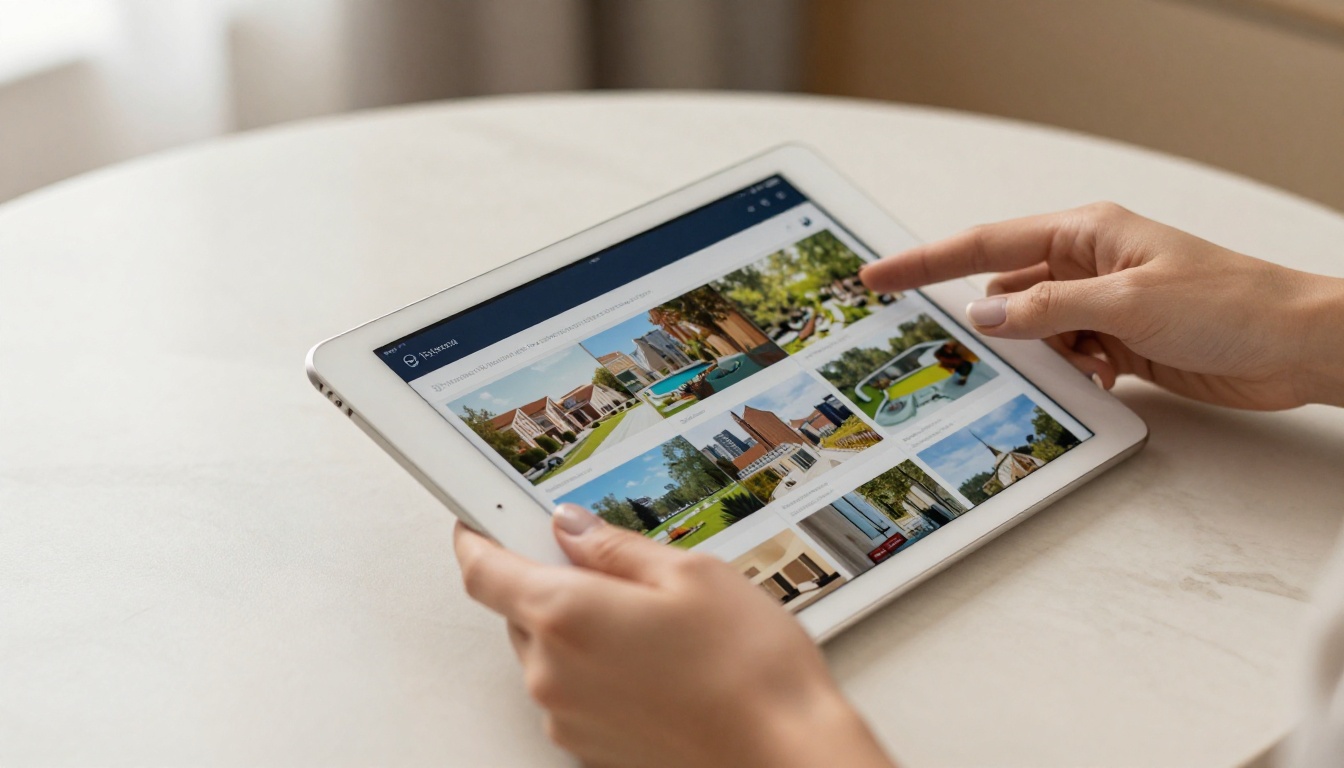
Printed brochures pile up on desks, get tossed in recycling bins, and fail to load properly on smartphones. If your marketing materials are still static PDFs or physical paper, you are handing leads to competitors who have already moved to digital. An interactive brochure changes the entire dynamic: clickable pages, embedded video, animated page-flip effects, shareable links, and real-time analytics telling you exactly who read what. With Flipbooks AI, you can build one in under five minutes without touching a design tool.
Why Static Brochures Are Costing You Sales
The Attention Problem
The average person spends fewer than eight seconds on a piece of marketing material before deciding whether to stay or move on. A flat PDF with no interactivity, no animations, and no clickable elements is functionally invisible compared to what your audience now expects. Interactive content generates twice the interaction rates of static formats and is significantly more likely to be shared across teams, forwarded to decision-makers, and referenced days after the first view.
Static brochures also break the moment someone opens them on a phone. Text shrinks, images lose clarity, and there is no way to navigate directly to a relevant section. An interactive brochure built on a responsive platform scales to every screen automatically, without requiring the reader to zoom and scroll their way through the whole thing.
What "Interactive" Actually Means
The term gets used loosely. In the context of brochures and digital publications, interactive means:
- Realistic page-flip animations that mimic the tactile feel of printed materials
- Clickable links and buttons that work inside the brochure itself
- Embedded multimedia: videos, audio clips, and lead-capture forms placed directly on pages
- Navigation controls: table of contents, search function, direct page jumps
- Sharing and embedding: a single URL or embed code that works on any website or social platform
What You Actually Need to Start
The barrier to entry is much lower than most people expect. You do not need a graphic designer, a developer, or specialized software installed on your machine. Here is what you actually need:
- A PDF file of your existing brochure (or any document you can export as PDF)
- A web browser and a free account on Flipbooks AI
- Five minutes of focused time
💡 Pro Tip: If you do not have a PDF yet, design your brochure in Canva, Google Slides, or PowerPoint and export as PDF before uploading. Most of these tools offer free templates that are ready to customize in under an hour.
Static vs Interactive: A Direct Comparison
| Feature | Static PDF | Interactive Brochure |
|---|
| Mobile-friendly layout | No | Yes |
| Page-flip animations | No | Yes |
| Clickable internal links | Limited | Full support |
| Embedded video | No | Yes |
| Analytics and tracking | No | Yes |
| Shareable direct link | Email attachment only | Direct URL |
| Password protection | No | Yes |
| Lead capture forms | No | Yes |
| Offline access | Only if downloaded | Downloadable PDF option |
| Print-ready version | Yes | Yes |
The difference is not marginal. It is a completely different experience for the person receiving your materials.
How to Make an Interactive Brochure in 5 Minutes
This is the part that surprises most people. The process on Flipbooks AI is fast enough that you can start before a coffee gets cold and finish before it does.
Step 1: Create Your Account
Go to Flipbooks AI and sign up. No credit card required for the entry level. The dashboard loads immediately, with no lengthy onboarding sequence or setup wizard to click through. You are in your workspace within seconds.
Step 2: Upload Your PDF
Click New Flipbook, then drag and drop your PDF file into the upload zone. The platform processes the file, converts each page into a high-resolution interactive layer, and assembles the flipbook format automatically.

✅ Best Practice: Export your PDF at 300 DPI for the sharpest image quality. Low-resolution PDFs will look blurry in the interactive version, especially on retina displays and larger monitors.
The conversion takes between 30 and 90 seconds depending on file size. While the platform processes your file, you can already configure your branding preferences in the settings panel on the right.
Step 3: Customize Your Brochure
This is where the experience shifts from "converted document" to "branded publication." In the Flipbooks AI editor, you can:
- Set custom colors for the background, toolbar, and page shadow effects
- Add your logo and configure a custom domain link for sharing
- Choose your page-flip style: hard cover, soft cover, or slide transition
- Embed video and audio directly onto specific pages
- Enable a table of contents for longer multi-section brochures
- Set background music for immersive presentation experiences

No code. No plugins. Every change previews live in real time on the right-hand panel, so you see exactly what your audience will see before you publish.
Step 4: Share, Embed, or Download
Once you are satisfied with the design, hit Publish. You immediately receive:
- A direct link to share via email, WhatsApp, LinkedIn, or any social channel
- An embed code to place your brochure directly inside any website or landing page
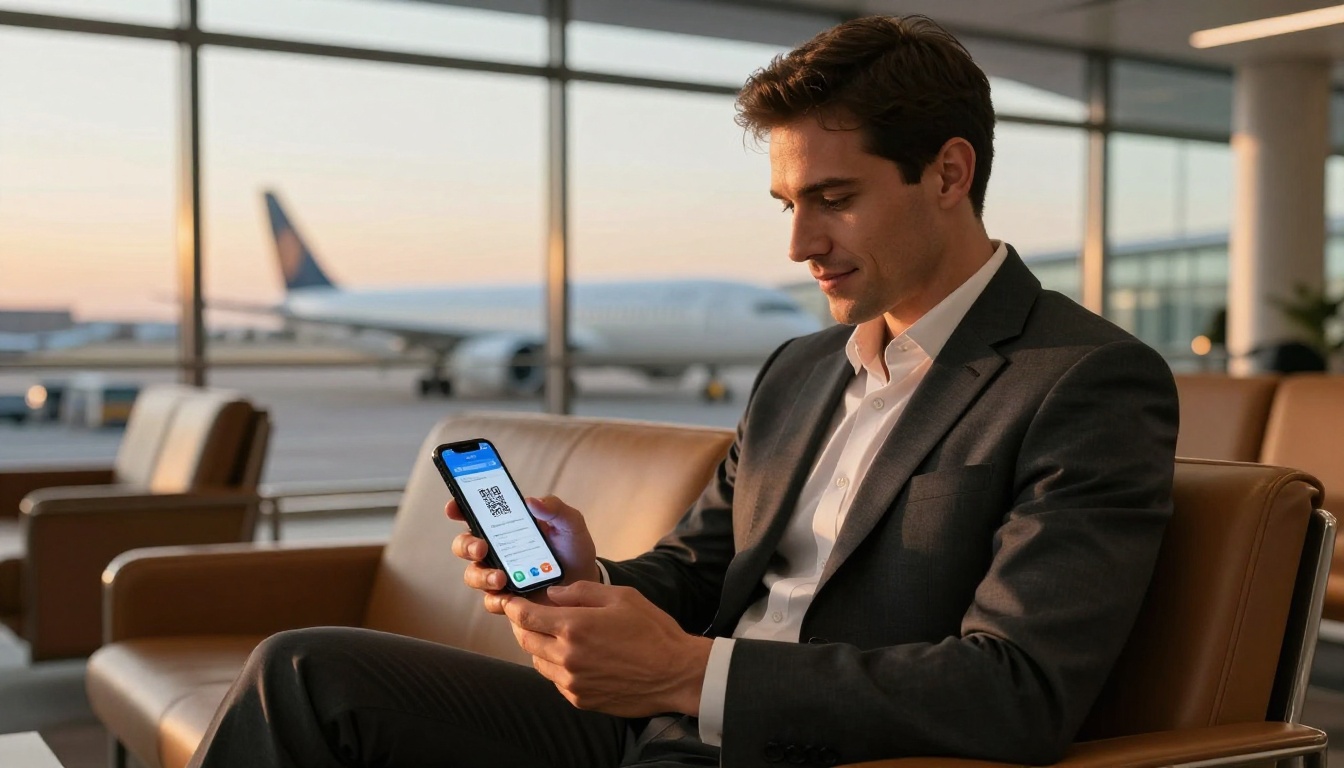
- A QR code for print materials that points visitors straight to the digital version
- Password protection for private client presentations (Professional plan)
- An offline downloadable PDF version for recipients without reliable internet access
That is the entire workflow. From raw PDF to published, branded, shareable interactive brochure in five minutes flat.
Real-World Use Cases by Industry
Interactive brochures are not one-size-fits-all. The format works across a wide range of industries, and the specific features you lean on shift depending on your audience and goals.
Real Estate
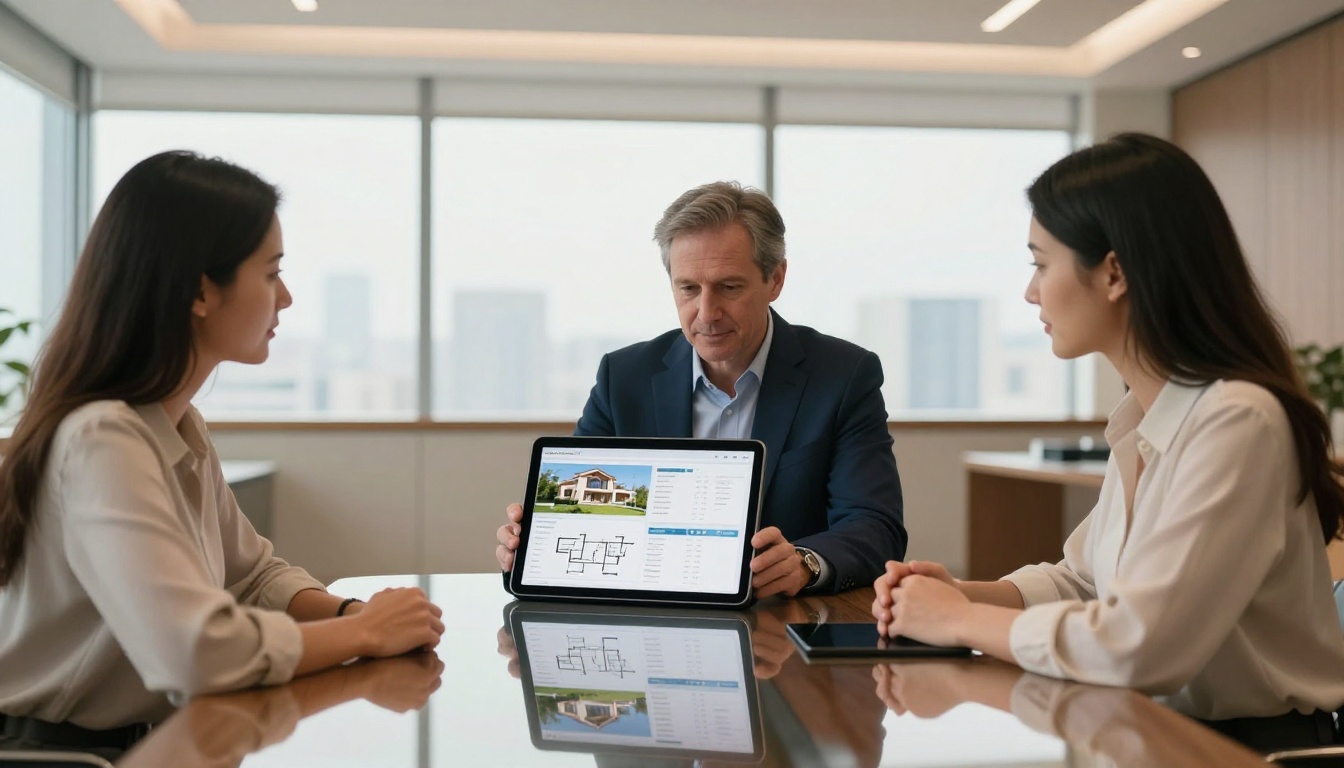
A real estate agent can convert a property listing PDF into an interactive flipbook with exterior photography on the opening spread, floor plans further in, neighborhood highlights in a dedicated section, and a contact form embedded at the close. Clients receive a mobile-ready experience instead of a flat email attachment they will probably never open twice. The Real Estate Brochure Creator is purpose-built for exactly this workflow, with property-specific layouts and placeholder sections already in place.
Agents using interactive brochures consistently report that clients share the link with family members before viewings, return to review details multiple times, and arrive at appointments far better prepared than those who received static materials.
Hotels and Hospitality
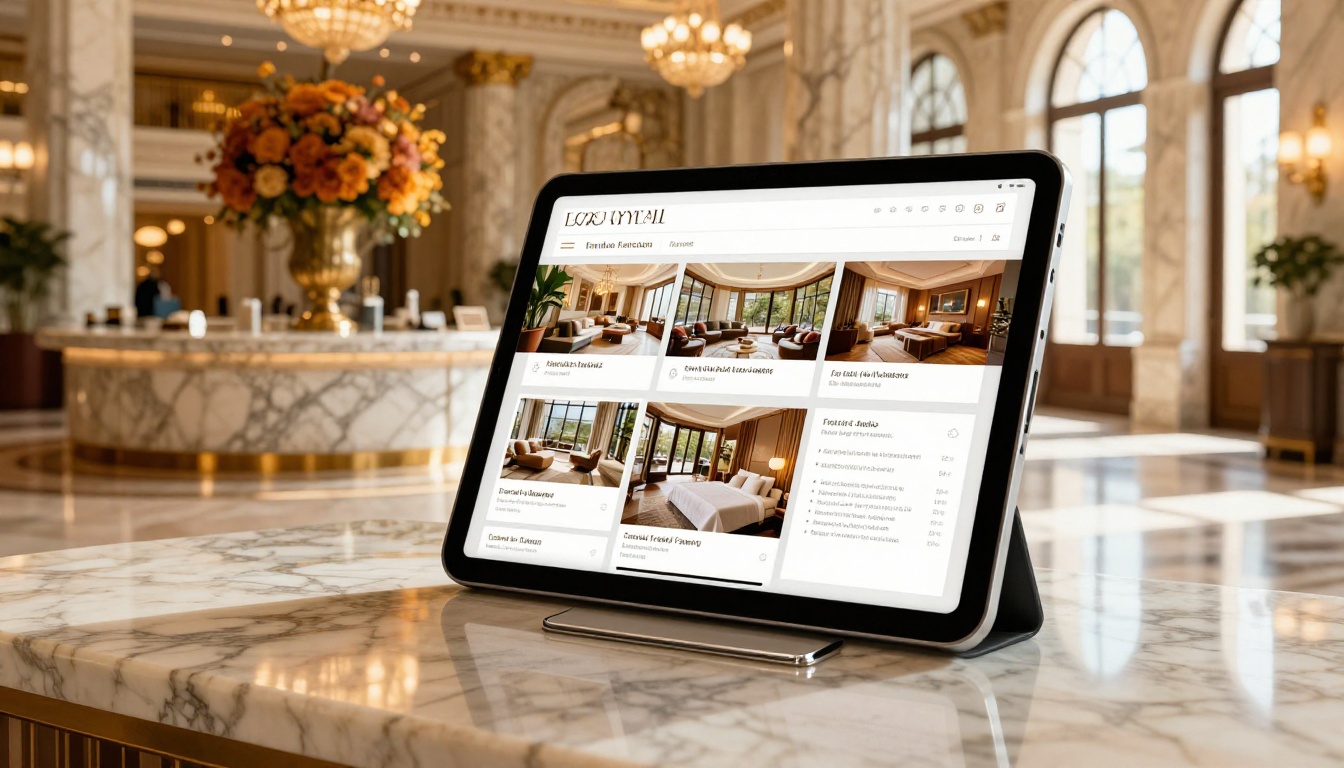
A hotel can replace its printed in-room directory with a digital interactive brochure accessible via QR code on the nightstand. The brochure covers dining hours, spa menus, local attraction recommendations, and room service options with embedded video tours of suites and facilities. The Hotel Brochure Designer provides hospitality-specific templates with everything pre-structured for this type of content.
Retail and Fashion
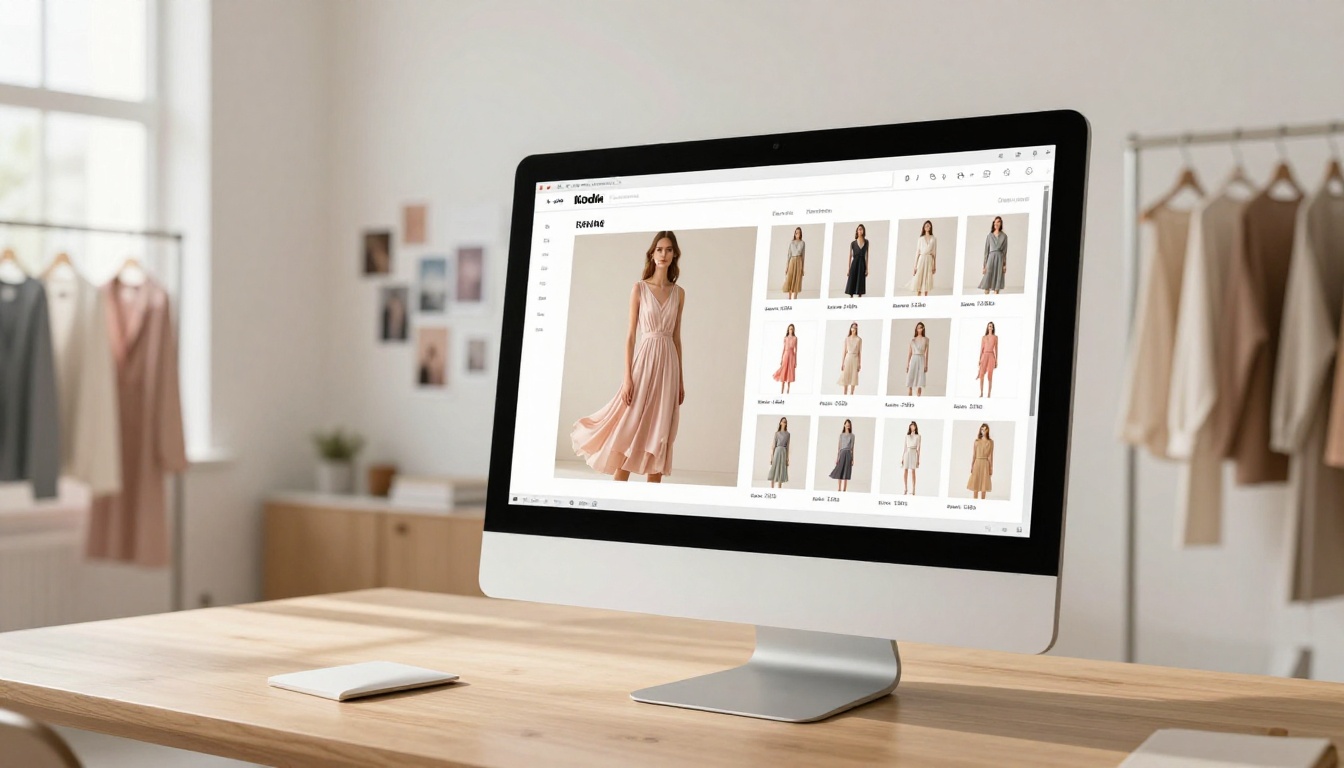
A fashion brand can turn its seasonal lookbook into a clickable interactive catalog where every product image links directly to the product page on the website. Short video clips of runway shows embed directly onto editorial pages. The Interactive Lookbook Designer handles this with ready-to-fill templates built around editorial photography and product grids.
Industry Quick Reference
| Industry | Recommended Tool | Primary Features |
|---|
| Real Estate | Real Estate Brochure Creator | Floor plans, contact forms, property video |
| Hotels | Hotel Brochure Designer | Room galleries, spa menus, QR access |
| Retail/Fashion | Interactive Lookbook Designer | Product links, video embeds, sharing |
| Automotive | Automotive Brochure Generator | Spec sheets, model comparisons |
| Corporate | Corporate Report Maker | Data pages, executive summaries |
| Restaurants | Restaurant Menu Creator | Menu sections, location map, reservations |
| General Use | Online Brochure Designer | Multi-purpose template library |
Browse the full tools directory to find the right fit for your industry.
Features That Make the Difference
Page-Flip Animations
The signature characteristic of flipbook-format brochures is the realistic page-turn animation. It carries the tactile feeling of printed materials into the digital space and keeps readers engaged longer than a flat scroll view. The effect works identically on desktop and mobile, with no plugin or app required from the reader.
Embedded Video and Audio
This is where interactive brochures genuinely separate from anything print can do. Drop a product demo video directly onto a page. Add a welcome message from the founder on the opening spread. Include a client testimonial clip inside the services section. The multimedia stays inside the brochure, so your audience never has to navigate away to a separate platform to watch a video and lose their place.
💡 Pro Tip: Keep embedded videos under 90 seconds. Completion rates drop sharply past that threshold regardless of content quality.
Password Protection
For client proposals, internal presentations, or confidential pricing documents, password protection locks the brochure behind a single access code. Share the link and the password through separate channels for a basic layer of access control. This feature is available on the Professional plan at Flipbooks AI.
Analytics and Lead Generation
The Professional plan includes a full analytics suite showing page-by-page read rates, time spent per section, total view counts, and geographic viewer data. You can see exactly which pages hold attention and which ones lose readers before they reach your call to action.
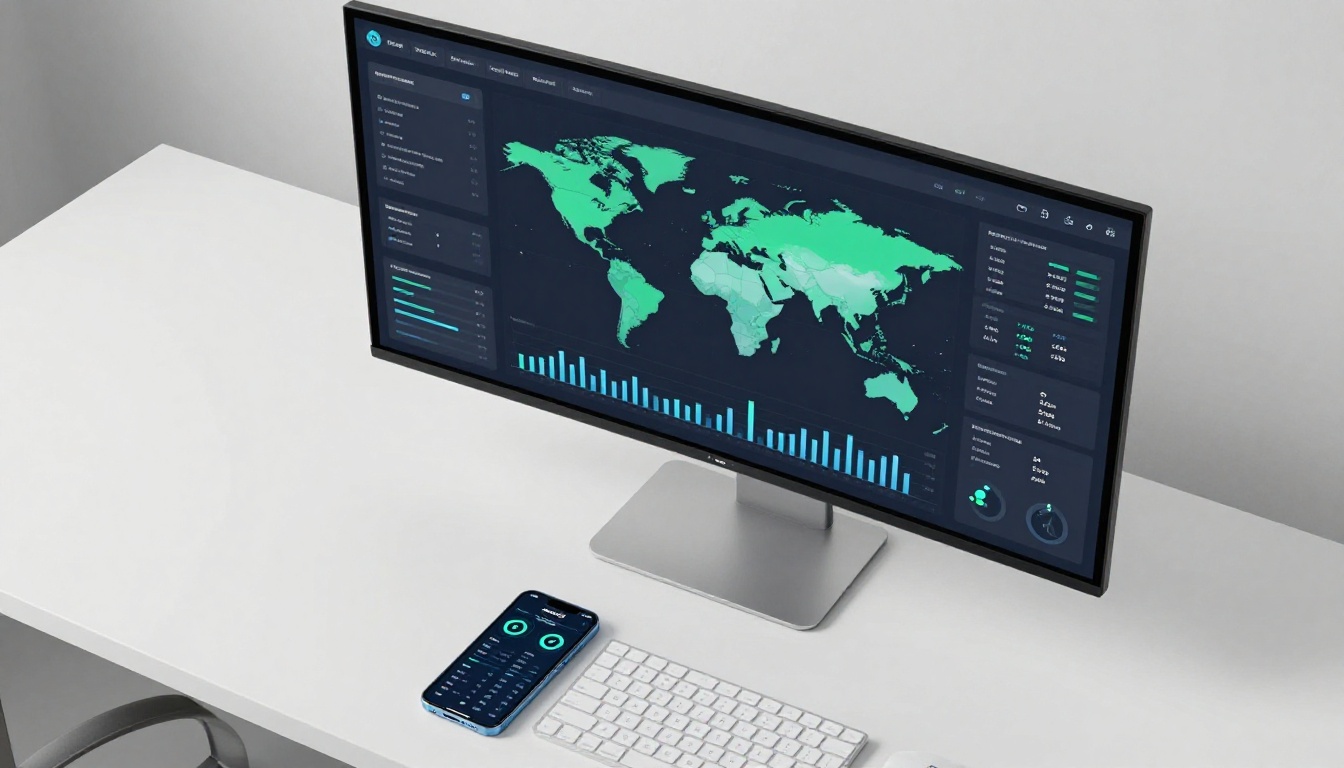
Combined with built-in lead capture forms embedded directly on specific brochure pages, this turns your publication into an active sales asset rather than a passive document that disappears into someone's downloads folder.
How Flipbooks AI Compares
| Feature | Flipbooks AI | Issuu | Publuu | FlipHTML5 |
|---|
| No watermarks | ✅ All plans | ❌ Free plan only | ❌ Free plan only | ❌ Free plan only |
| Unlimited flipbooks | ✅ Standard+ | ❌ Capped on all | ❌ Capped on all | ❌ Capped on all |
| Custom branding | ✅ | ✅ Paid only | ✅ Paid only | ✅ Paid only |
| Password protection | ✅ Professional | ✅ Paid only | ✅ Paid only | ✅ Paid only |
| Offline downloads | ✅ | ❌ | ✅ Paid only | ✅ Paid only |
| Lead generation | ✅ Professional | ✅ Paid only | ❌ | ✅ Paid only |
| Analytics | ✅ Professional | ✅ Paid only | ✅ Paid only | ✅ Paid only |
| Embed on website | ✅ All plans | ✅ | ✅ | ✅ |
| Mobile-responsive | ✅ | ✅ | ✅ | ✅ |
The standout difference is watermark-free publishing on every plan. Most competitors display their branding on your content unless you pay for a premium tier. Flipbooks AI removes that gate entirely from the start, so your brochure looks professional regardless of which plan you are on.
Choosing Your Plan

| Plan | Best For | What's Included |
|---|
| Free | Testing and personal projects | Basic flipbooks, watermark-free publishing |
| Standard | Small businesses, freelancers | Unlimited flipbooks, custom branding, embed codes |
| Professional | Marketing teams, sales-focused teams | Analytics, lead capture forms, offline downloads, password protection |
Visit the pricing page for current rates and a full feature breakdown. For most small businesses, the Standard plan covers everything needed to replace static PDFs across all marketing channels without hitting a wall.
⚠️ Note: Analytics tracking and lead capture forms require the Professional plan. If tracking reader behavior is part of your sales strategy, factor that into your plan selection from the start.
Tips for Better Results
- Strong opening page: The first spread determines whether someone flips to page two. Use your best image, a clear value statement, and your logo placed prominently.
- Keep it concise: 8 to 16 pages is the sweet spot for brochures. Publications longer than 20 pages consistently lose readers before they reach the CTA.
- Make every CTA clickable: Every "Contact Us," "Book Now," or "Shop Collection" phrase should be a live hyperlink inside the flipbook, not decorative text.
- Use the QR code on print: Print your brochure's QR code on physical business cards, event flyers, and signage to bridge offline and online audiences seamlessly.
- Review your data regularly: Page retention analytics tell you exactly where to improve. A high drop-off on a specific page signals weak content, poor imagery, or a CTA that is too far from where interest peaks.
- Embed on your website: Use the Embed Flipbook on Website tool to place your interactive brochure directly on a product or landing page for maximum visibility without forcing visitors to click away.
- Use the Brochure Flipbook Maker if you want a purpose-built brochure template rather than uploading a generic PDF and customizing from scratch.
Start Publishing Today
Static PDFs had their moment. Interactive brochures are what your audience actually opens, reads, shares, and returns to later. The process is straightforward: export a PDF from any design tool, upload it to Flipbooks AI, customize your branding, and publish. In five minutes you have a professional, mobile-optimized, shareable interactive brochure that works harder than anything you have ever printed or emailed as an attachment.
Ready to replace your static materials? Create your free account and publish your first interactive brochure today. Browse the full tools and templates to find the right starting point for your industry and content type. When you are ready to add analytics and lead generation, compare pricing plans to choose the option that fits your team.



