Making a professional interactive brochure used to mean hiring a designer, sending files to a print shop, and waiting a week just to hand out something that ends up in the bin. That world is over. With Flipbooks AI and a stack of genuinely capable free tools, you can build a brochure that flips pages, embeds video, and works beautifully on every screen your audience owns, all without the overhead that used to make digital marketing feel out of reach for small teams and solo operators.
Why Print Is Bleeding Your Budget
The cost of a printed brochure never stays where you expect it. You pay for design, then printing, then distribution. And when a detail changes, you pay again. That cycle has a real dollar figure attached to it.
The Numbers Behind Print Costs
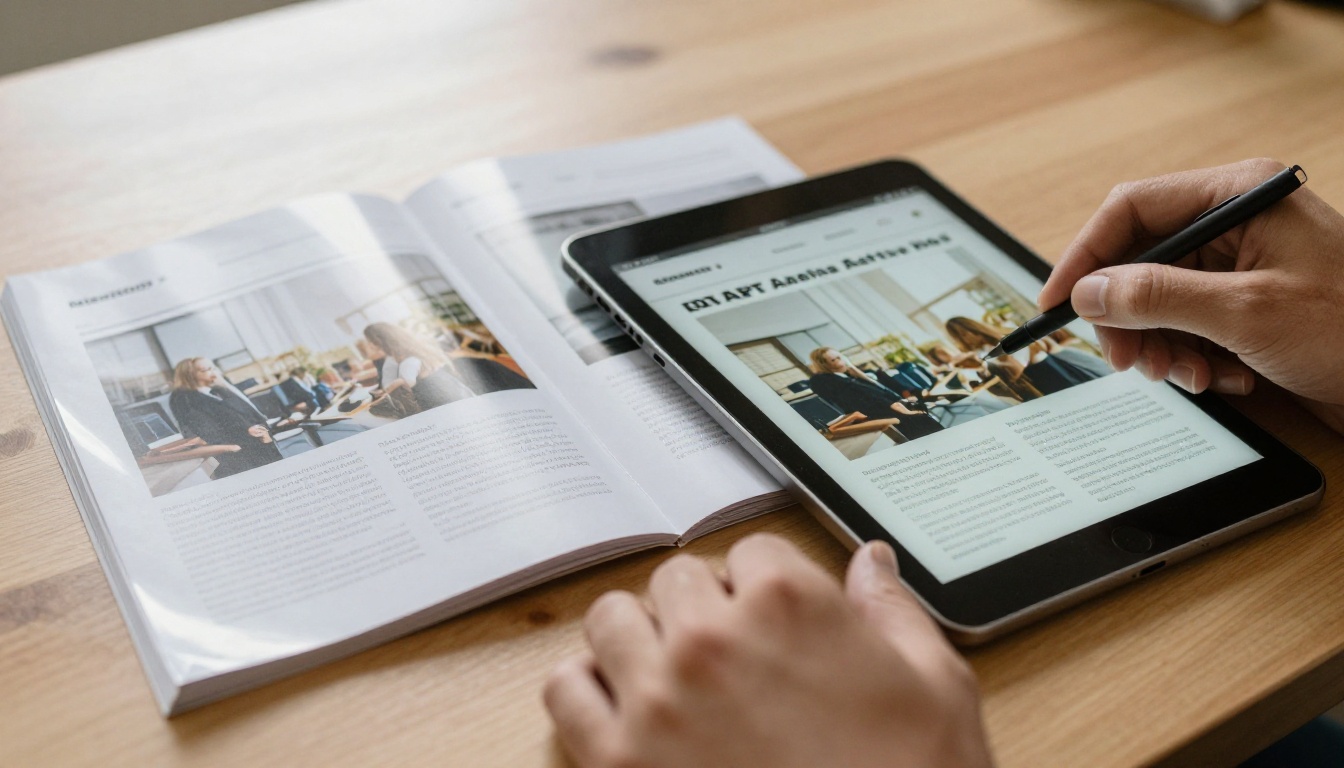
Most print shops charge between $0.50 and $2.00 per brochure for a run of 500 units, before you account for setup fees and delivery. A modest print run of 1,000 tri-fold brochures with full-color printing on coated stock can land anywhere between $300 and $800. Add a freelance designer, and you're looking at $500 or more before a single brochure leaves the door.
| Cost Category | Printed Brochure | Digital Interactive Brochure |
|---|
| Design (freelance) | $300 - $800 | $0 - $100 (templates) |
| Print run (1,000 units) | $300 - $800 | $0 (no printing) |
| Distribution | $50 - $200 (postage) | $0 (email or link share) |
| Updates and revisions | Full reprint cost | Instant, free |
| Shelf life | 6 - 12 months | Unlimited |
| Total Estimate | $650 - $1,800+ | $0 - $100 |
⚠️ Every time your pricing, contact details, or offer changes, a printed brochure becomes obsolete. A digital brochure updates in seconds with no reprinting cost.
The math is not subtle. Going digital is not just a tech preference, it's a serious budget decision with measurable savings.
What Makes a Brochure Actually "Interactive"
The word "interactive" gets stretched in marketing. Not every PDF on a website qualifies. A truly interactive brochure does specific, measurable things that a flat PDF or a printed page cannot.
Features That Change How People Engage
- Page-flip animation: Simulates turning physical pages, increasing time-on-content
- Embedded video: Play product demos or testimonials directly inside the brochure
- Clickable links: Drive traffic to landing pages, product pages, or booking forms
- Audio narration: Walk readers through content with voice-overs on specific pages
- Password protection: Share confidential content securely with specific audiences
- Analytics tracking: See exactly which pages people read and for how long
What You Can Get Without Spending
Not all of these require a paid plan. Free tiers on platforms like Flipbooks AI give you page-flip functionality, shareable links, and mobile-responsive viewing right out of the box. The features that cost money tend to be analytics, lead capture, and offline downloads — genuinely useful at scale, but not required on day one.
💡 Start with a free tier to test your design and measure audience response. Upgrade once you know it's working and you need more capacity.
The design-to-publish pipeline has three stages: design, export, and convert. There are strong free options at each step.
Design Tools That Cost Nothing
| Tool | Free Tier | Best For | Export Format |
|---|
| Canva | Yes (limited templates) | Non-designers, quick layouts | PDF |
| Adobe Express | Yes (basic features) | Brand-consistent creative work | PDF |
| Google Slides | Fully free | Simple, structured layouts | PDF |
| LibreOffice Impress | Fully free | Offline design, full control | PDF |
| Figma | Free (up to 3 projects) | UI-quality, precise layouts | PDF |
Canva is the default choice for most non-designers, and for good reason. Its drag-and-drop interface and pre-built brochure templates get you to a finished PDF quickly without a learning curve. Google Slides is underrated for clean, structured layouts and exports reliably to PDF with consistent formatting.
PDF to Flipbook Converters
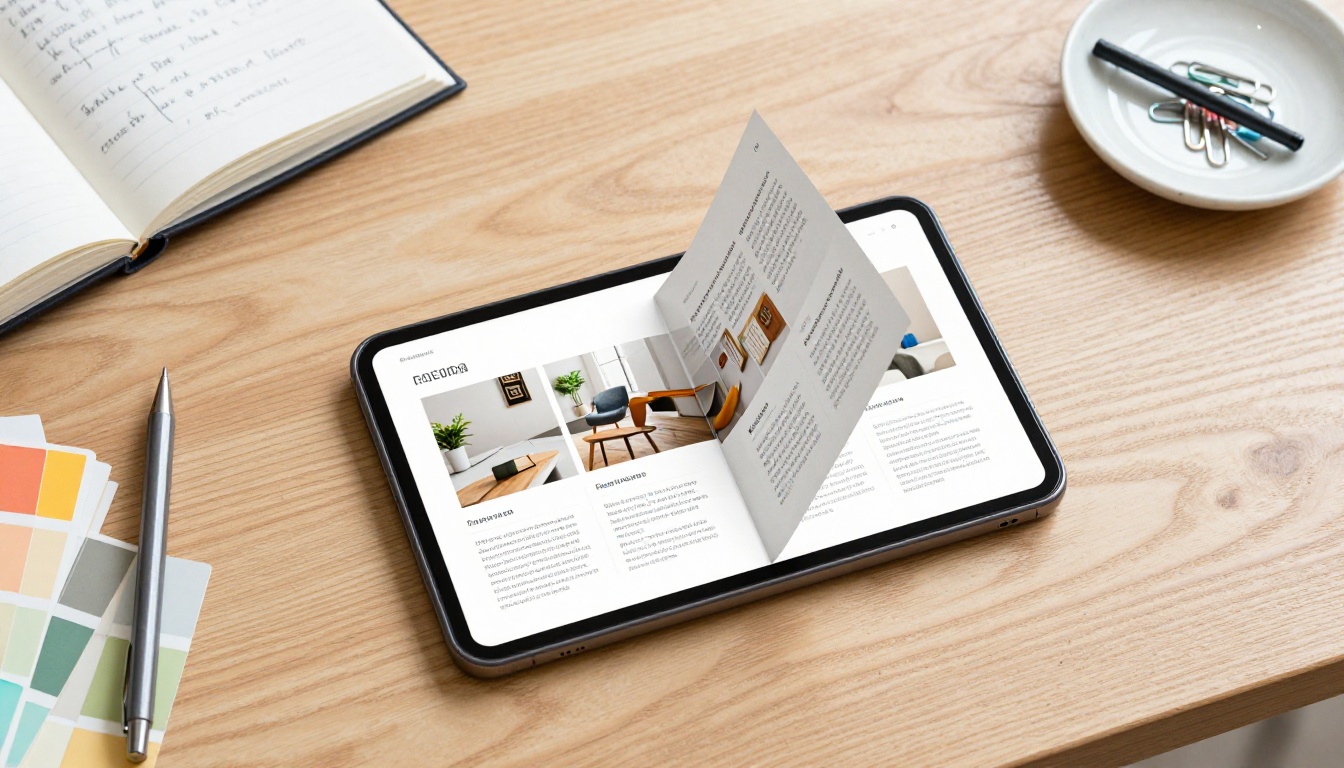
Once your PDF is ready, converting it to an interactive flipbook is where the reading experience changes completely. This is where platforms like Flipbooks AI come in, offering a PDF to Flipbook Converter that handles the transformation automatically, no code or technical setup required.
| Platform | Free Tier | Watermark Free | Custom Branding | Analytics |
|---|
| Flipbooks AI | Yes | Yes | Yes (Standard+) | Professional plan |
| Issuu | Limited | No (free tier) | Paid only | Paid only |
| FlipHTML5 | Limited | No (free tier) | Paid only | Paid only |
| Yumpu | Yes | No | Paid only | Paid only |
✅ Flipbooks AI removes watermarks on free and entry-level plans, making it the strongest option for budget-conscious creators who still need to look professional in front of clients.
How to Build an Interactive Brochure: Step by Step
This process works whether you're a solo freelancer or a small team with no dedicated designer on staff.
Step 1: Plan Your Content First
Don't open a design tool until your content structure is clear. Define:
- Audience: Who is this for? What do they need to know to take action?
- Goal: What should they do after reading? Book a call, visit a page, request a quote?
- Pages: Most brochures work best at 4, 6, 8, or 12 pages. Stick to even numbers for the page-flip effect.
- Sections: Opening spread, problem statement, solution, features or services, pricing or CTA, contact
💡 Treat each two-page spread (left and right pages open together) as a single visual unit. What does the reader see when both pages are visible at once?
Step 2: Design Your PDF
Use one of the free design tools listed above. Design decisions to make before you start:
- Dimensions: Use standard A4 (210 x 297mm) or US Letter (8.5 x 11in) portrait. Landscape orientation works well for presentations.
- Bleed: Add 3mm bleed on all sides if your design runs edge-to-edge
- Resolution: 150 DPI minimum for screen-only use, 300 DPI if you ever want to print
- File size: Keep total PDF under 50MB for fastest upload and conversion

Avoid overcrowding pages. Whitespace costs nothing and it makes content far easier to read on screens of all sizes, from desktop monitors to smartphones.
Step 3: Export as PDF
Every design tool exports to PDF. In Canva: Share > Download > PDF Print for best quality. In Google Slides: File > Download > PDF Document. Name your file clearly before uploading, as the filename often becomes the default title in your flipbook dashboard.
Step 4: Upload and Convert
This is where Flipbooks AI takes your flat PDF and turns it into a living, page-turning document.
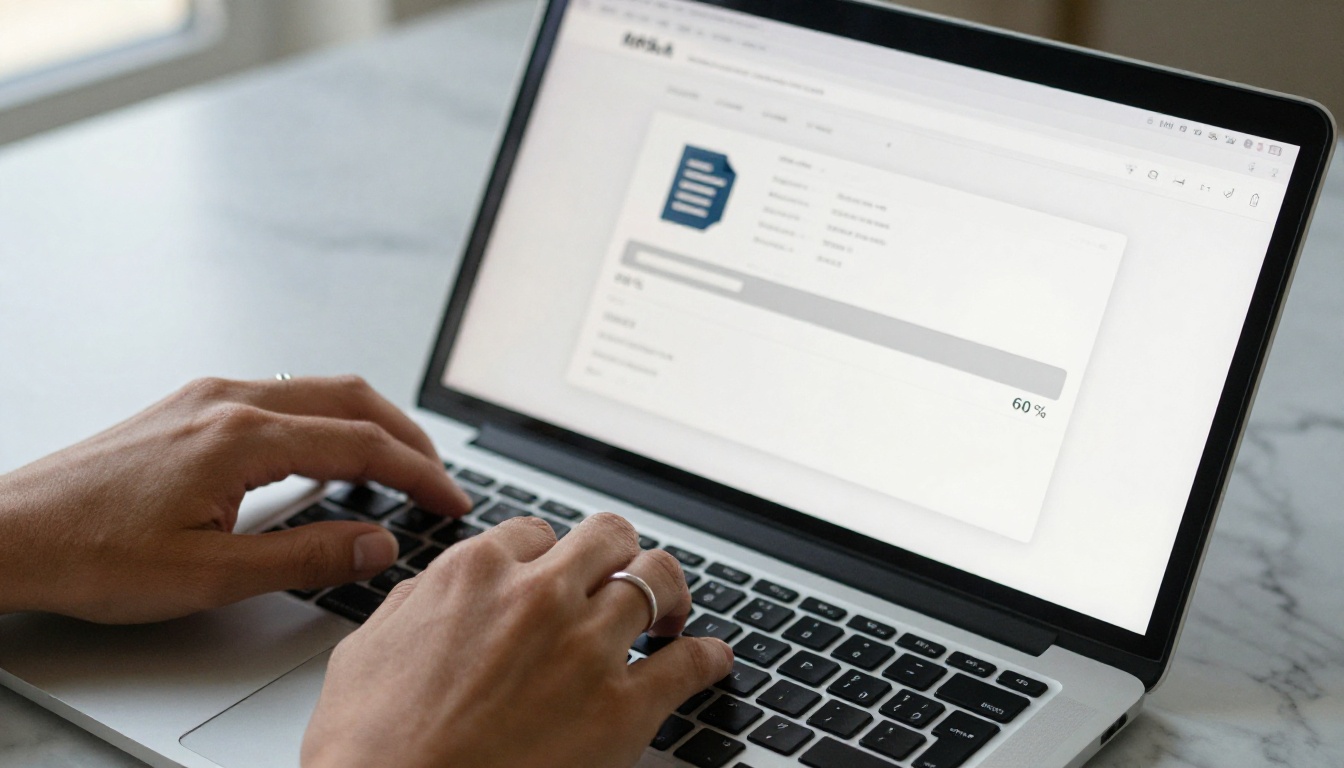
- Go to flipbooksai.com and create a free account
- Click Upload PDF and select your brochure file
- Wait for conversion (typically 30 to 90 seconds depending on page count)
- Preview the result in the built-in interactive viewer
- Adjust settings: title, description, sharing permissions, and branding
The conversion is fully automatic. No technical knowledge required, no plugins to install.
How to Create Your Brochure with Flipbooks AI
Flipbooks AI is purpose-built for exactly this workflow. Here's what the full process looks like once your PDF is ready.
First Steps on Flipbooks AI
- Visit flipbooksai.com/account and register (free, no credit card required)
- From your dashboard, click New Flipbook
- Upload your brochure PDF using the drag-and-drop uploader
- The platform converts your PDF pages into a smooth, realistic page-flip experience automatically
Customizing Your Brochure
After conversion, you have full control over how the brochure looks and behaves:
- Branding: Add your logo, choose custom colors for the viewer toolbar and background to match your identity
- Page effects: Enable realistic page-curl animation or flat slide transitions depending on the tone of your content
- Multimedia: Embed video links, audio clips, and external URLs directly on specific pages without coding
- Password protection: Restrict access to specific audiences with a custom password for sensitive proposals or client documents
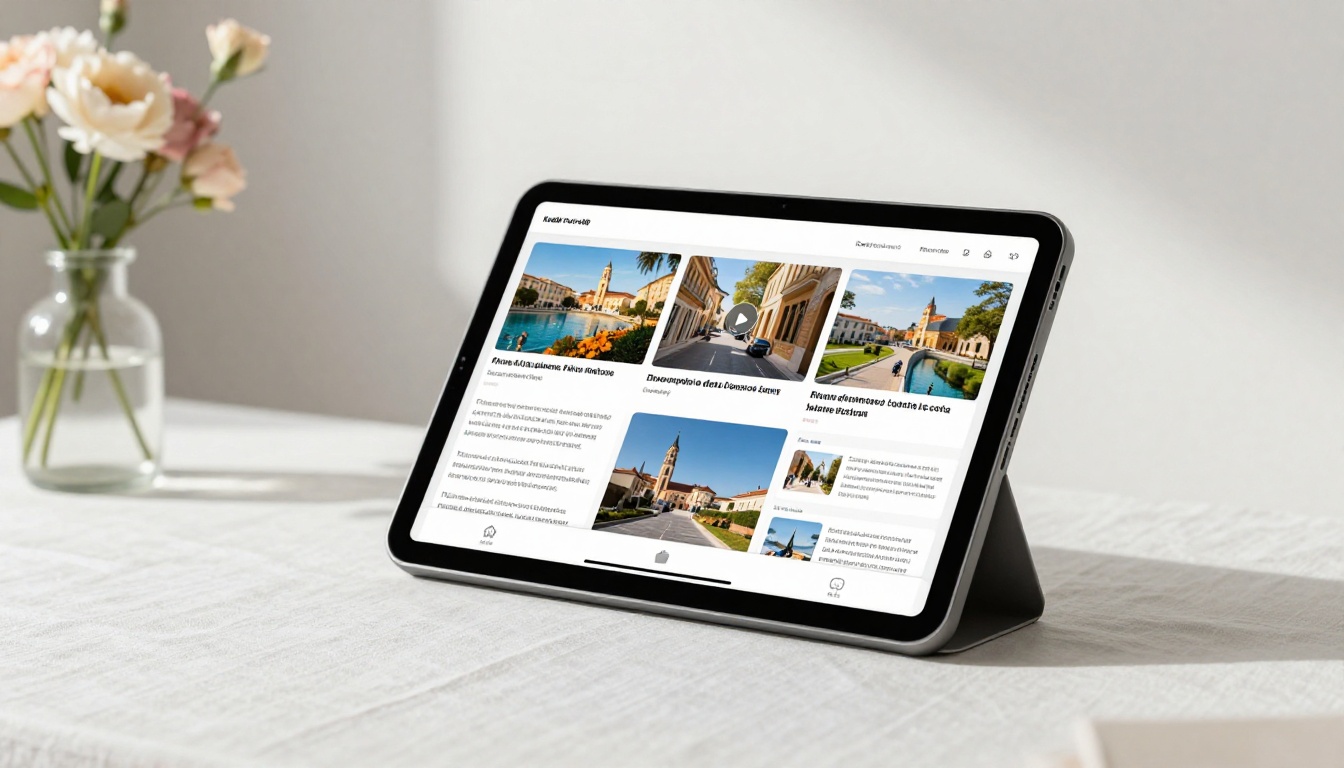
The Online Brochure Designer and Brochure Flipbook Maker tools offer specialized starting points for brochure-specific projects. For real estate professionals, the Real Estate Brochure Creator is optimized for property listings and buyer packages.
Sharing and Embedding
Once your brochure is live, distribution costs nothing:
- Direct link: Copy the URL and share via email, social media, or SMS instantly
- Embed code: Paste one snippet of HTML to embed the flipbook directly on your website or landing page
- QR code: Generate a QR code from the flipbook URL to print on business cards, packaging, or in-store signage
- Password-protected share: Send the link with a private password to specific clients or partners for confidential documents
Using the Embed Flipbook on Website tool makes the embed process straightforward even without web development experience.
What the Professional Plan Adds
On the Professional plan, you get capabilities that turn your brochure into a sales tool:
- Analytics: Track page views, average reading time per page, and geographic reader data
- Lead generation forms: Capture email addresses before readers access the brochure content
- Offline downloads: Allow readers to save the flipbook for offline viewing at their convenience
- Custom domain: Host your flipbook on your own branded domain for a seamless client experience
Budget Breakdown: Free vs Paid
Knowing what each tier actually gives you helps you decide when upgrading makes financial sense.
| Feature | Free | Standard | Professional |
|---|
| Flipbooks | Limited | Unlimited | Unlimited |
| Watermarks | None | None | None |
| Custom branding | Basic | Full | Full |
| Password protection | No | Yes | Yes |
| Analytics | No | No | Yes |
| Lead generation | No | No | Yes |
| Offline downloads | No | No | Yes |
| Embedded video and audio | Yes | Yes | Yes |
| Mobile-responsive | Yes | Yes | Yes |
✅ No watermarks on any plan is a significant differentiator. Most competing platforms require a paid subscription just to remove their branding from your content.
For most small businesses and freelancers starting out, the free tier covers the fundamentals well. Move to Standard when you need unlimited flipbooks and password protection, and to Professional when analytics and lead capture become part of your sales workflow.
Real-World Use Cases by Industry
Interactive brochures work across nearly every sector. Here's how different industries use them without large budgets.
Small Business Owners
A local bakery, fitness studio, or home services company can replace printed menus and service lists with a shareable flipbook. Post the link on your Google Business Profile, include it in email signatures, and link to it from your social media bio. No printing cost, no distribution overhead, instant updates when prices or services change.
Real Estate Agents
Property listings, neighborhood overviews, and buyer packages are natural fits for the Real Estate Brochure Creator. Agents can share a unique link per property, embed virtual tour video directly on the listing page, and use Professional plan analytics to see how many prospects actually read past page two.
Event Planners
Event programs, sponsor packages, and venue brochures convert well to interactive formats. The Event Program Maker handles this use case specifically. Attendees receive a link instead of a paper program, which can be updated in real time if the schedule changes on the day.

Nonprofits and Education
Annual reports, donor impact documents, and program catalogs benefit from the credibility of a page-flip format without the cost of print production. Flipbooks AI's nonprofit tools are built specifically for these documents, making it simple to produce something that looks polished and intentional.
Hotels and Tourism
Hotel amenity brochures and travel publications traditionally required expensive print runs. The Hotel Brochure Designer and Travel Guide Flipbook tools create shareable alternatives that embed photo galleries and video walkthroughs, giving potential guests a richer sense of the experience than a printed tri-fold ever could.
Sharing Your Brochure Without a Marketing Budget
Creating a strong brochure is only half the job. Getting people to read it does not have to cost anything.
Distribution Channels That Are Free
- Email signature: Every email you send becomes a touchpoint with your brochure link attached
- Social media bio links: A single link in your Instagram or TikTok bio points directly to your brochure
- Google Business Profile: Add the flipbook link to your services or posts section for local discovery
- LinkedIn posts: Share individual pages as static images with the flipbook link in the caption
- WhatsApp and Telegram: Send the link directly in customer conversations for immediate, personal sharing
- Website embed: Use the embed code to add the flipbook to any page on your site without a plugin
- QR codes on physical materials: Generate a QR code from the flipbook URL and print it on business cards, packaging, or in-store signage at zero additional cost
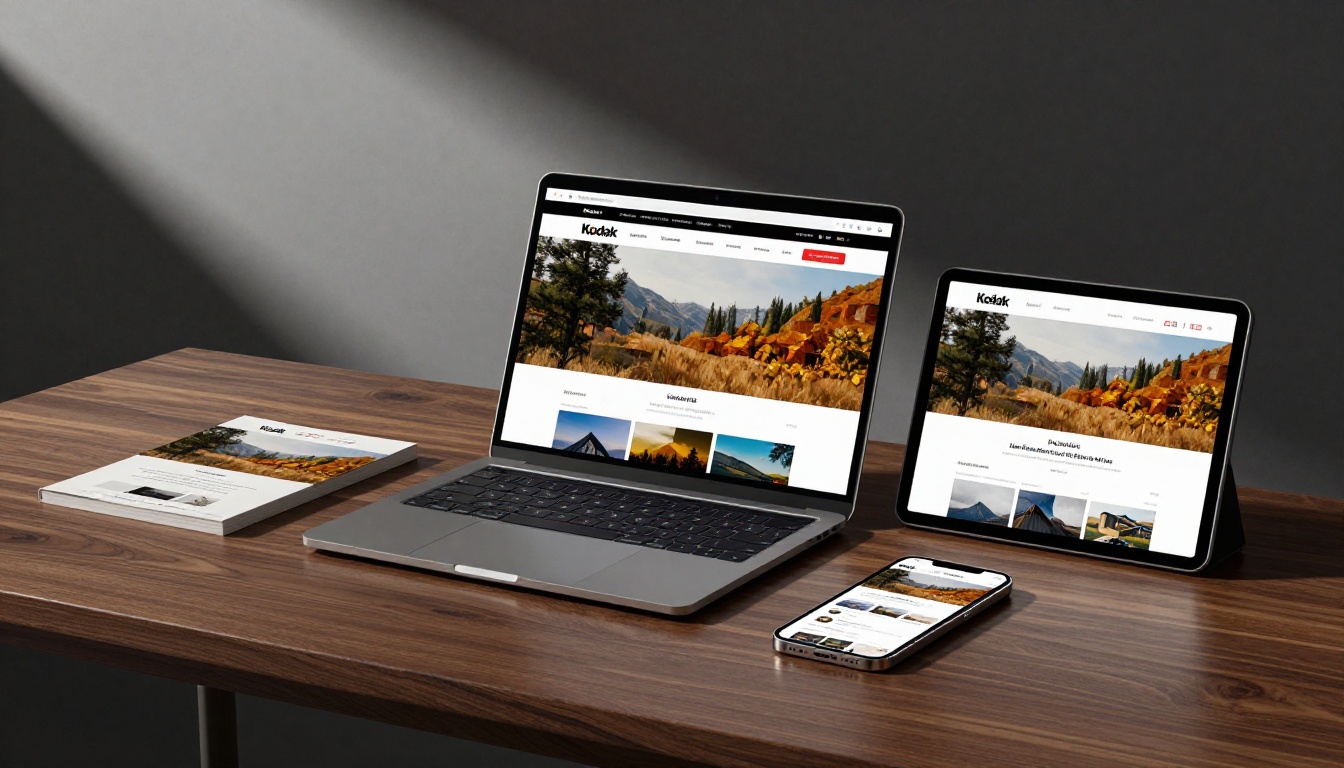
💡 A flipbook URL opens instantly in any browser on any device without downloading a file. That frictionless experience means more people actually read it rather than saving a PDF for later and forgetting about it.
Tracking What Works
On the Professional plan, analytics show you which distribution channels drive readers and how deep into the brochure they get. That data helps you focus effort on what's actually performing rather than guessing.
If you're not ready for analytics yet, basic tracking is available for free using UTM parameters on your flipbook URL paired with Google Analytics on your website. It takes five minutes to set up and tells you whether the link in your email signature or the one in your social bio is doing more work.
Start Without Spending a Dollar
The workflow from brochure idea to published interactive flipbook takes less than two hours on your first attempt, and costs nothing if you use free design tools with Flipbooks AI's free tier. As your needs grow, the upgrade path is clear and priced to scale with small operations.
Here's the path forward:
- Design your brochure in Canva or Google Slides using a free template
- Export it as a PDF at 150 to 300 DPI depending on your needs
- Upload it to Flipbooks AI at flipbooksai.com/account and convert it in under two minutes
- Customize branding and sharing settings to match your business identity
- Share the link via email, social platforms, or embed it directly on your site
Ready to stop paying for print? Create your first interactive brochure for free and see what your content looks like when it actually moves. Browse all brochure and flipbook tools to find the right starting point for your industry, or compare pricing plans when you're ready to add analytics and lead generation to your workflow.



