You have a great product, a service worth sharing, or an event that deserves real attention. The only thing standing between you and a beautiful brochure? You think you need a designer. You don't. With the right tools, anyone can produce a professional, clickable, page-flipping brochure that looks like it cost thousands to produce, in under an hour.
Flipbooks AI makes this possible for small business owners, marketers, event planners, and content creators who want polished results without the design overhead. This article walks you through every step of the process, from picking the right format to distributing your finished brochure across every channel you use.
Why Static PDFs Stop Working
Traditional brochures are stuck in 2005. You send a PDF, it gets downloaded, ignored, or lost in an inbox. There is no way to track whether anyone actually read it, no way to embed a walkthrough video, and no clickable links anywhere on the page. Static files are a one-way dead end.
Interactive brochures solve all of that. They:
- Turn pages with a realistic flip animation that keeps readers scrolling forward
- Embed clickable links directly on the page, sending readers to product pages, booking forms, or contact pages
- Include video so prospects can see your work instead of just reading about it
- Track real data with page-view analytics so you know what content actually resonates
- Work on every device without any app download or special software
The difference between a static PDF and an interactive brochure is the difference between handing someone a flyer and giving them a live website experience.
What You Actually Need to Start
No Photoshop. No InDesign. No freelancer. Here is the complete list of what you need:
- A PDF of your content (even a basic one made in Canva, Google Docs, or Word)
- A free account at Flipbooks AI
- 15 to 30 minutes
That's it. The platform handles everything else: conversion, hosting, mobile optimization, and sharing.
💡 Pro tip: If you don't have a PDF yet, create a simple one in Canva using one of their free brochure templates. Export it as PDF, then upload it to Flipbooks AI for instant conversion.
Choosing the Right Brochure Type
Before you build, decide what you're building. Different brochure types serve very different audiences and goals.
Each of these tools on Flipbooks AI is purpose-built for its use case, with pre-optimized layouts that look professional out of the box.
How to Build Your Interactive Brochure With Flipbooks AI
Here is the exact process, from zero to published, broken into five steps.
Step 1: Create Your Account
Go to flipbooksai.com/account and sign up for free. No credit card required to start. The free tier lets you test the platform and see your brochure come to life before committing to a plan.
Step 2: Upload Your PDF
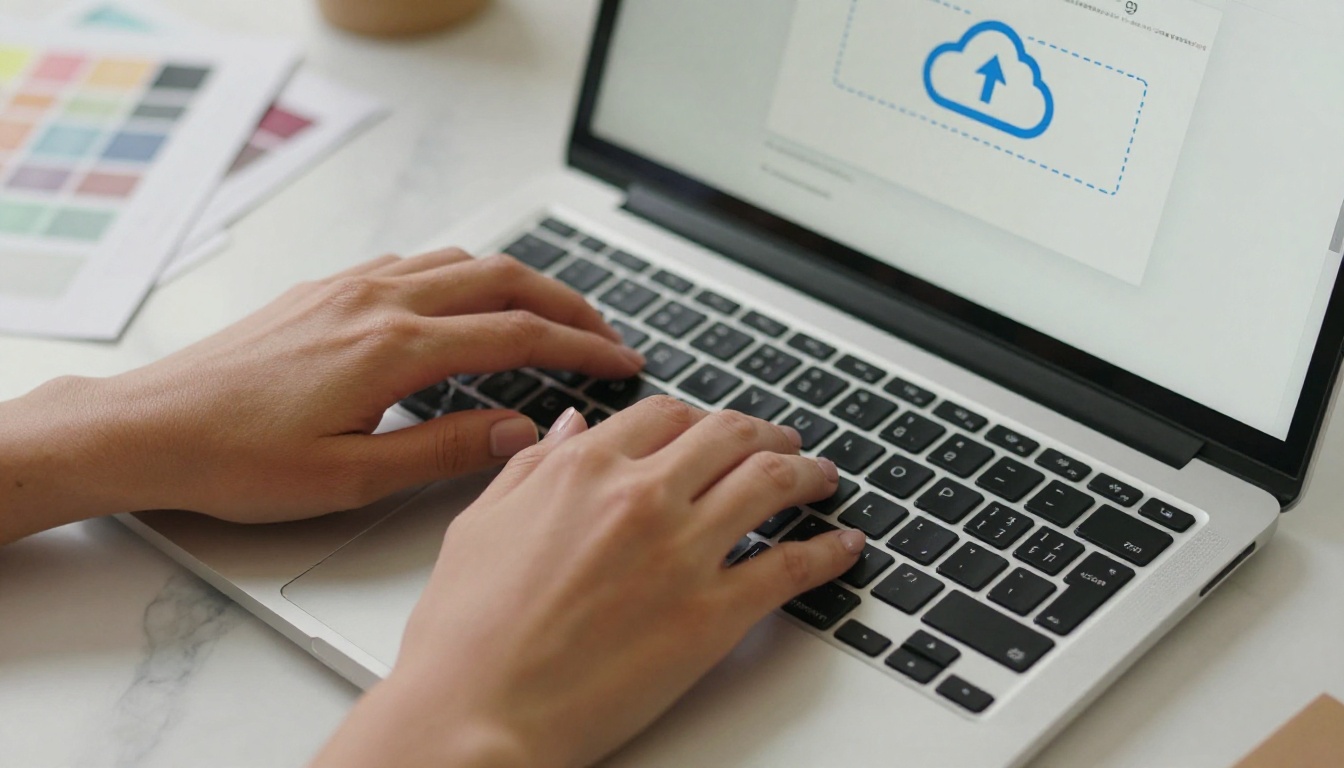
Click New Flipbook and drag your PDF into the upload area. The PDF to Flipbook Converter processes your file automatically, converting every page into a crisp, high-resolution flipbook page. Conversion takes anywhere from 10 seconds to 2 minutes depending on file size.
⚠️ Warning: Make sure your PDF uses high-resolution images (at least 150 DPI). Low-res files produce blurry flipbook pages that undermine the professional impression you're trying to create.
Step 3: Customize Your Branding
This is where the difference becomes visible. In the editor, you can:
- Set your brand colors for the flipbook toolbar and background
- Upload your logo to appear in the flipbook viewer
- Choose a background, whether solid color, gradient, or a custom image
- Select page effects including realistic shadow and page-curl behavior
- Add a custom domain or subdomain for a fully branded share link
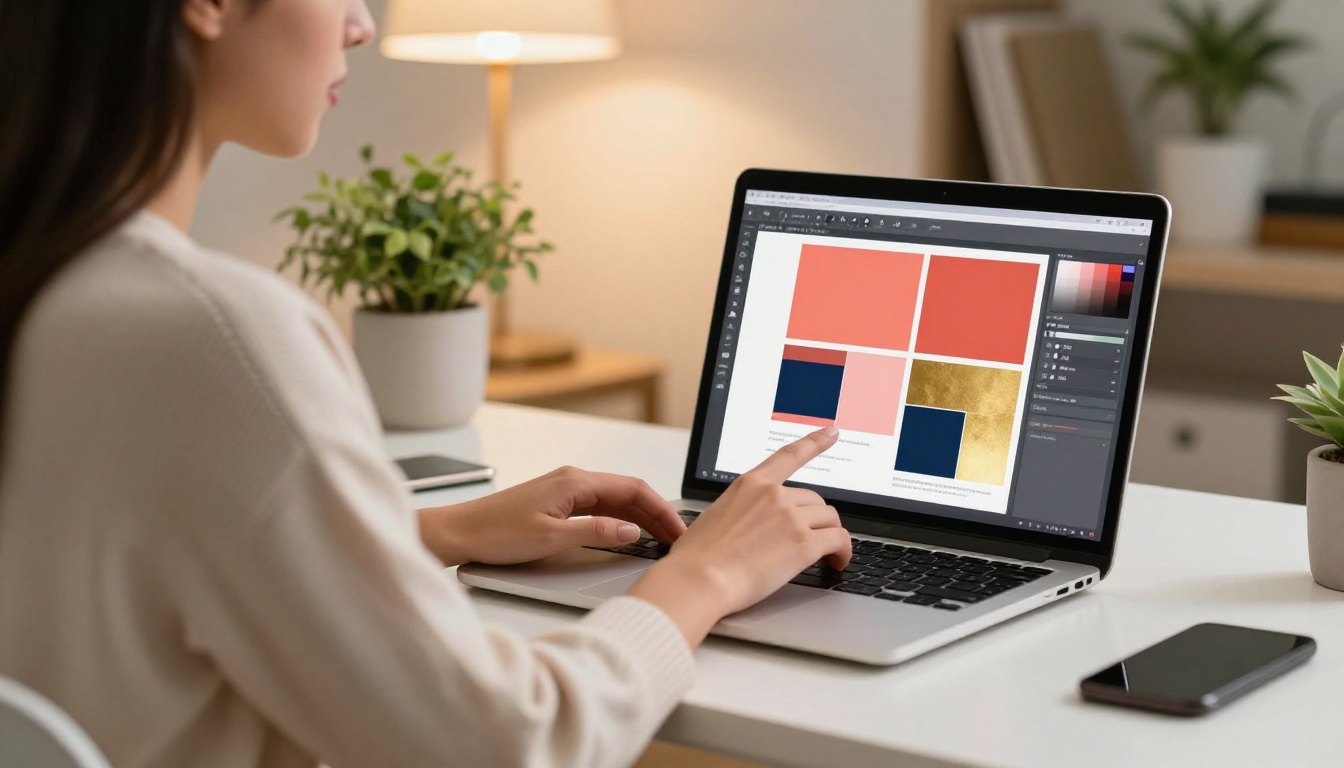
Non-designers often worry that customization will be overwhelming. The Flipbooks AI interface is built around simplicity: every option uses a live visual preview so you always see exactly what you're changing before it goes live.
Step 4: Add Interactive Elements
This is the step that turns a static document into something people actually interact with. You can add:
- Clickable links on any part of any page, including buttons, text, images, and phone numbers
- Embedded video directly on a page so readers can watch without leaving the brochure
- Audio clips for narrated tours, background music, or product demos
- Pop-up images for zoomed detail views of products, floor plans, or fine print
💡 Pro tip: Add a clickable "Book a Call" button on the last page of your brochure. It converts readers into leads without requiring any additional follow-up from you.
Step 5: Publish and Share
Hit Publish and your interactive brochure is live instantly. You receive:
- A direct link to share via email, WhatsApp, or social media
- An embed code to drop the flipbook directly onto your website using the Embed Flipbook on Website tool
- A QR code for print materials that links directly to the digital version
You can also set password protection if the brochure is for a specific client or for internal use only.
Real-World Use Cases That Work
The best way to see why interactive brochures matter is to look at who uses them and what results they produce.
Real Estate Agents
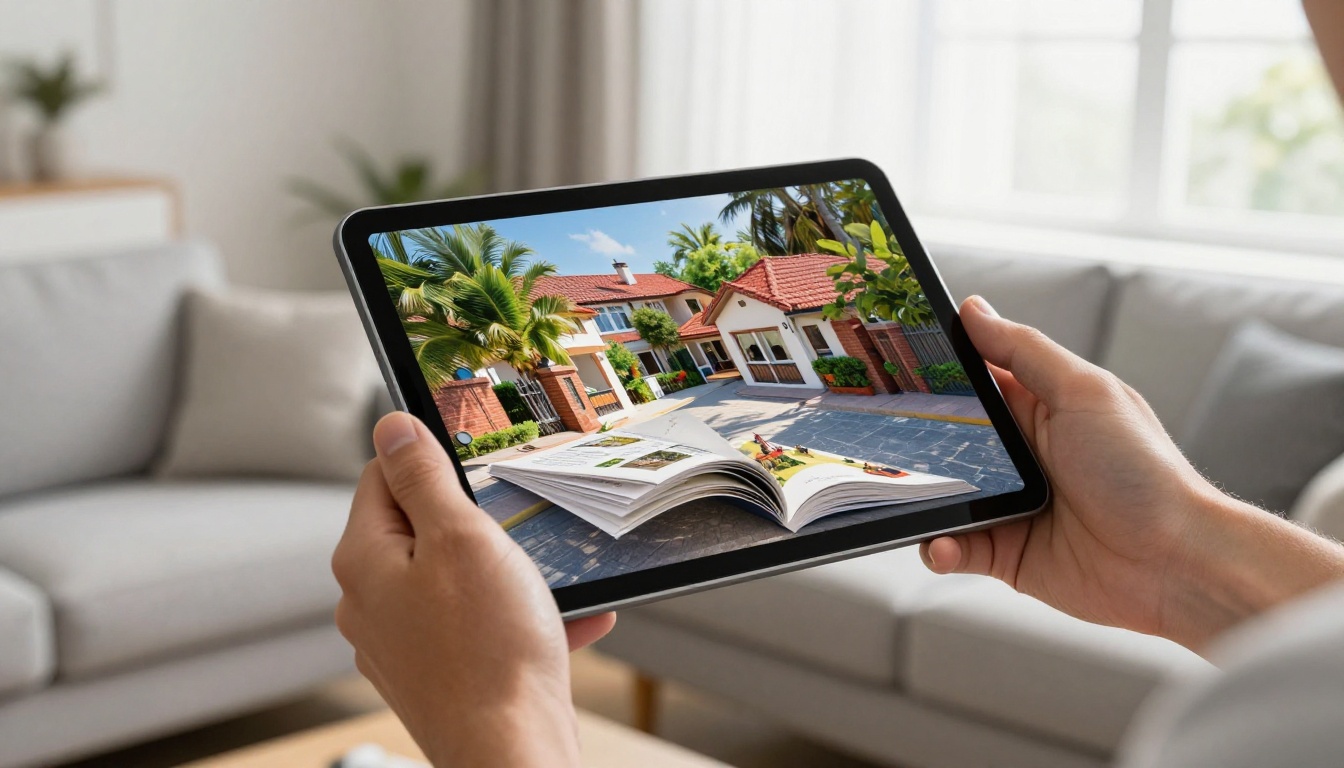
Property listings with static PDFs get forwarded once, if at all. A flipbook brochure with a page-turn effect, embedded virtual tour video, and a clickable "Schedule a Showing" button gets shared and revisited. Real estate agents using digital brochures report significantly higher open rates and more inbound appointment requests compared to emailed PDFs.
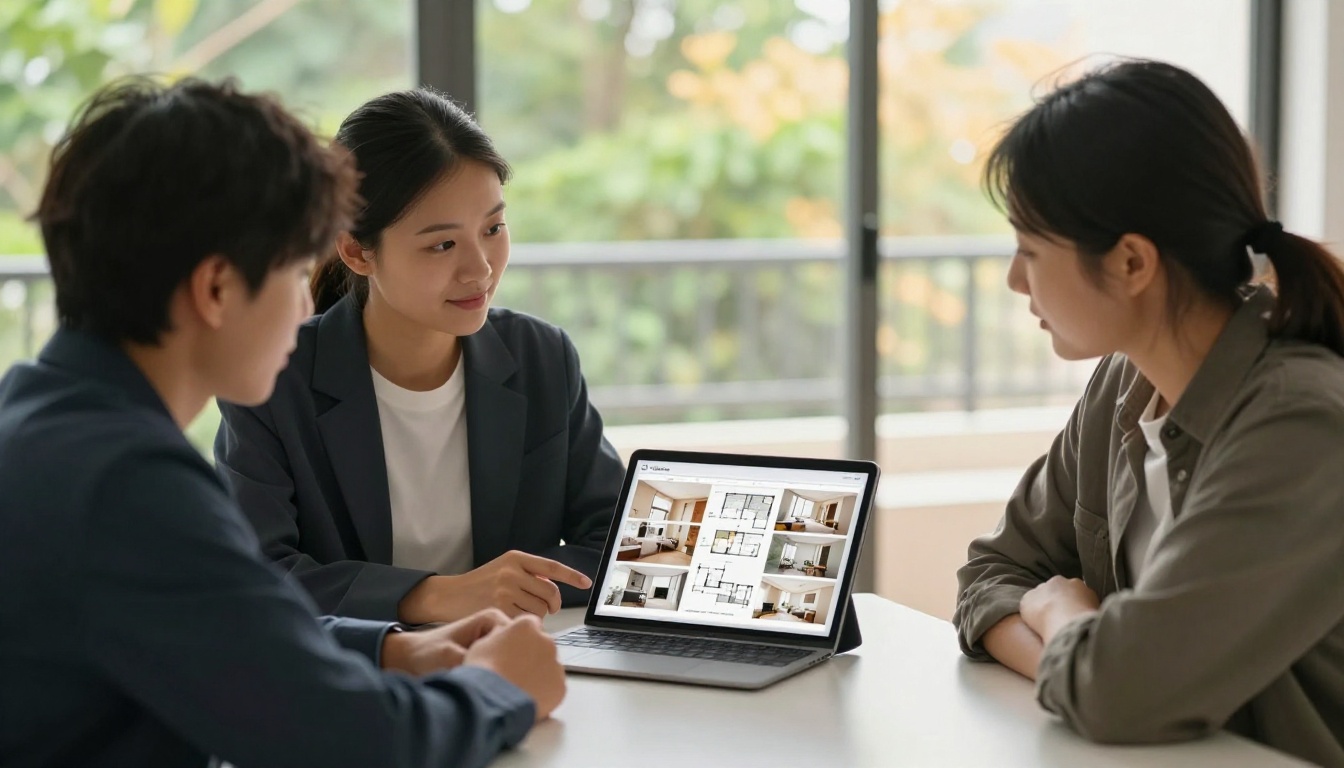
The Real Estate Brochure Creator is purpose-built for this, with layouts optimized for property photography, floor plans, and local market details.
Hotel and Hospitality Businesses
A hotel brochure that only shows static images leaves revenue on the table. An interactive version with embedded room tour videos, a clickable reservations button, and a dedicated page for each amenity creates an experience that mirrors actually being there. The Hotel Brochure Designer handles this with layouts built around high-quality photography and booking flows.
Spa and Wellness Centers
Service menus sitting in waiting rooms collect dust. A digital spa menu sent via link before an appointment sets the tone, gives clients time to consider add-ons, and drives upsells passively. Use the Spa & Wellness Menu Creator for a shareable version that works on every device.
Automotive Dealerships
Vehicle spec sheets are historically passive documents. An interactive automotive brochure with model comparisons, embedded video walk-arounds, and a clickable "Request a Test Drive" CTA on every page turns a passive document into an active sales asset. The Automotive Brochure Generator is built exactly for this workflow.
Comparing Plan Features
Not every brochure project needs the same capabilities. Here's how Flipbooks AI plans stack up for different needs:
| Feature | Free | Standard | Professional |
|---|
| Flipbooks | Limited | Unlimited | Unlimited |
| Watermarks | Yes | No | No |
| Custom Branding | No | Yes | Yes |
| Password Protection | No | Yes | Yes |
| Analytics | No | Basic | Detailed |
| Lead Generation Forms | No | No | Yes |
| Offline Downloads | No | No | Yes |
| Embed on Website | Yes | Yes | Yes |
| Video Embedding | No | Yes | Yes |
For most small businesses, the Standard plan delivers everything needed to create and share professional interactive brochures without limits. The Professional plan adds the detailed analytics and lead capture features that agencies and larger teams depend on. See the full breakdown at flipbooksai.com/pricing.
Designing Without Design Skills: Practical Tips
No design background? These five principles make any brochure look polished:
1. Use one font, not five. Pick a clean sans-serif in your PDF (Inter, Open Sans, Lato) and stay consistent. Visual discipline does most of the heavy lifting.
2. Leave breathing room. White space is not wasted space. Dense pages look amateur. Give every element room to exist on its own.
3. Lead with images, not text. Open with your strongest photo. Readers decide in the first few seconds whether to keep going.
4. Limit your color palette. Two to three brand colors, everything else neutral. The Flipbooks AI branding panel makes this easy to apply consistently.
5. End every section with an action. A clickable button, a phone number, a booking link. Every page should give the reader somewhere to go.
✅ Best practice: Before publishing, open your brochure on a phone. More than 60% of brochure links are accessed on mobile. If it doesn't look clean on a 6-inch screen, fix it before it goes live.
Mobile-First Is Not Optional
Every flipbook created on Flipbooks AI is automatically mobile-responsive. Pages reflow for smaller screens, touch gestures handle page turns, and all embedded media plays inline without redirects or pop-ups.

This matters because the majority of brochure links shared via WhatsApp, Instagram DMs, or email newsletters are opened on mobile. A brochure that breaks on a phone is a brochure that loses the sale.
Tracking What Works
One of the biggest advantages of digital brochures over print is knowing exactly what happens after you hit send. With Flipbooks AI's analytics, available on the Professional plan at flipbooksai.com/pricing, you can track:
- Total views and unique visitor counts
- Average time on each page so you know which content holds attention
- Page-specific heatmaps showing where readers stop and click
- Drop-off points so you can identify weak pages and improve them
- Lead capture data from embedded forms and CTA buttons
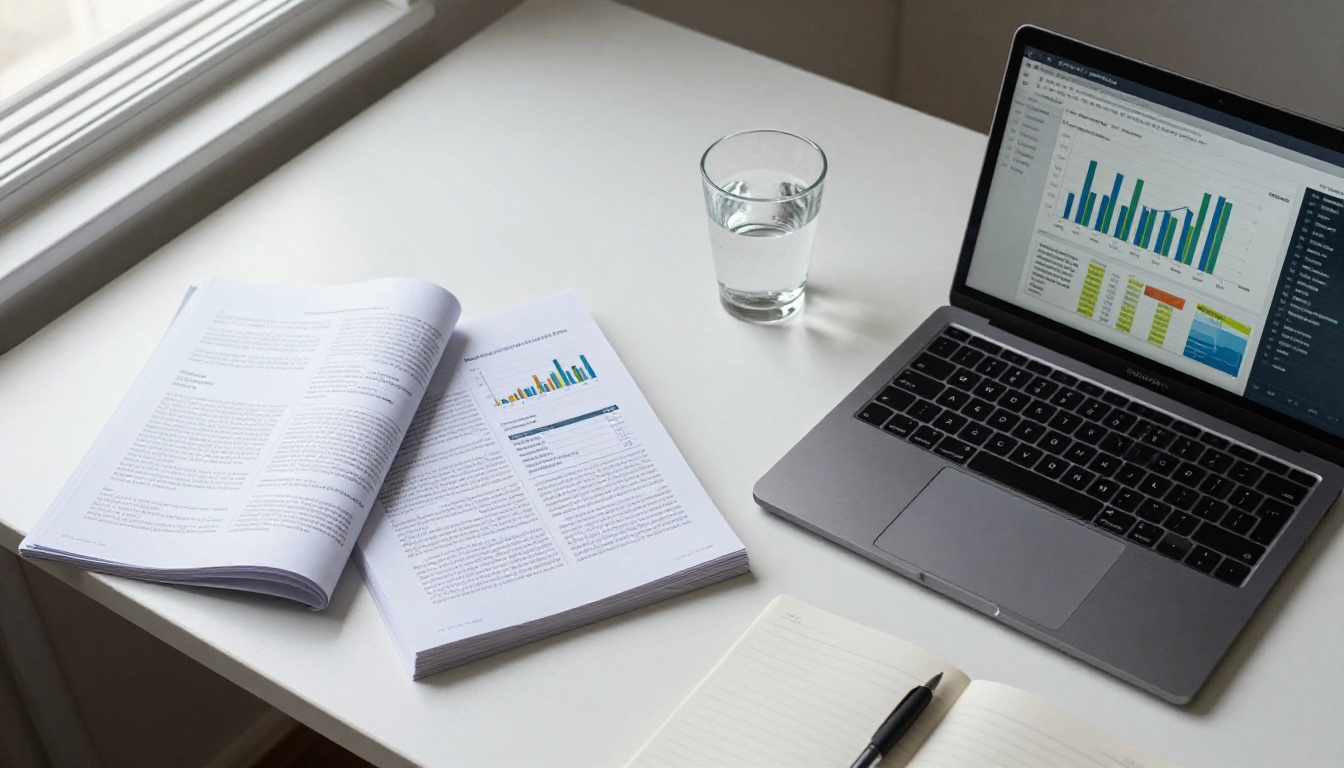
This data closes the loop between creating a brochure and improving it. Print brochures never tell you whether anyone read past page two. Digital brochures tell you everything.
Beyond Brochures: What Else You Can Build
Once you see how the platform works, the same workflow applies to a much wider range of content. Here are formats worth knowing about:
Every one of these tools follows the same PDF-upload-customize-publish workflow. Once you've built one interactive brochure, you can build anything on the platform in the same amount of time.
Who This Is Really For
Interactive brochures are not a privilege reserved for large companies with design teams. They are the most accessible professional marketing asset available for people who work alone or in small teams. You don't need to know what kerning is. You don't need to understand bleed margins or print resolution. You need a clear message, a decent PDF, and 30 minutes.

The freelancer pitching new clients. The boutique hotel launching a seasonal package. The small car dealership that can't afford a marketing agency. The yoga studio that wants something better than a static JPEG. These are the people who benefit most from being able to create and publish a polished interactive brochure without a designer in the loop.
Start Building Today
You have everything you need: a PDF, an idea, and a free account at Flipbooks AI. From there, the platform handles conversion, hosting, mobile optimization, and sharing automatically.
Browse all available flipbook tools to find the one that fits your use case exactly. Or go straight to pricing plans if you already know you need unlimited flipbooks, custom branding, or lead generation features.
Your brochure does not need a designer. It needs the right tool.



