Creating a professional interactive magazine used to be expensive, complicated, and time-consuming. Today, anyone with a PDF and a few minutes can publish a fully interactive, page-turning digital publication for free and share it with thousands of readers instantly. Whether you're running a small business, creating content for a brand, or publishing a school newsletter, the tools available right now make this surprisingly straightforward. Flipbooks AI is one of the best places to start.
What "Interactive" Actually Means
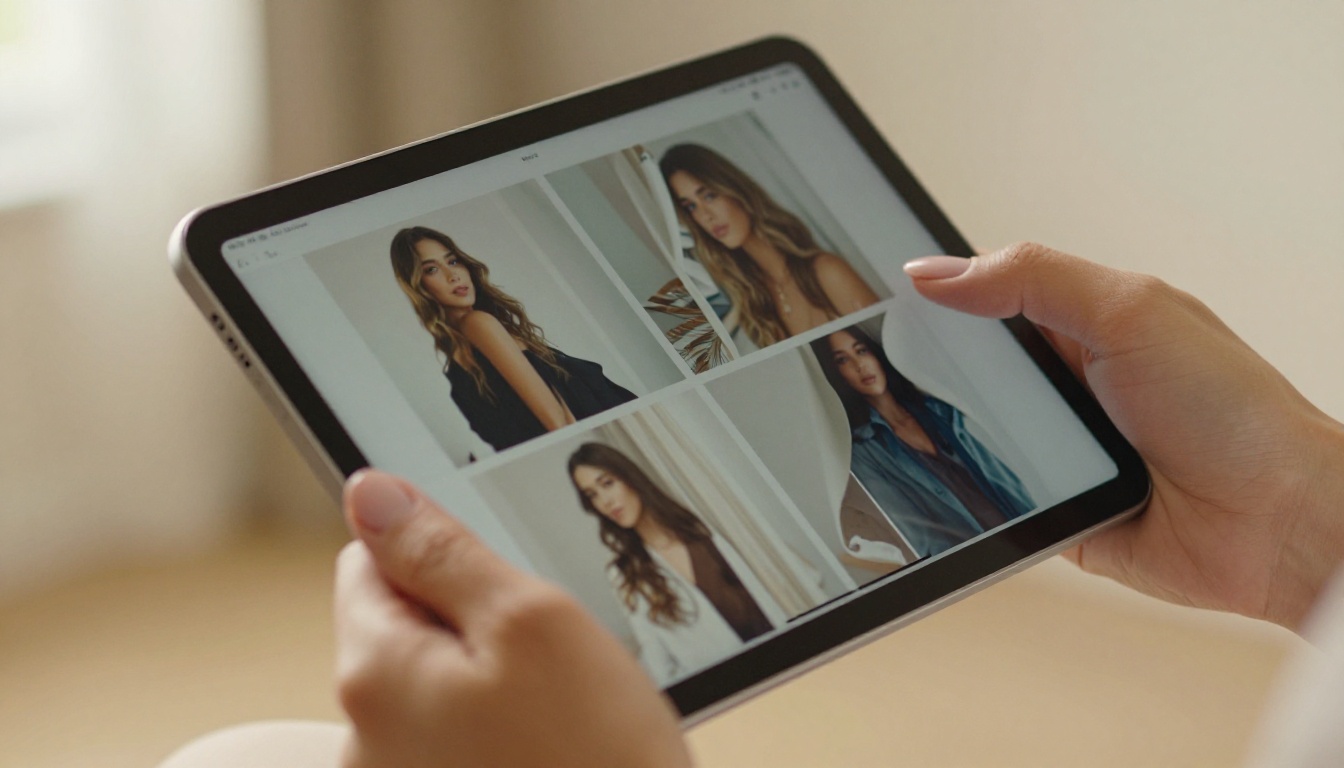
The word "interactive" gets used loosely, but for digital magazines it has a specific meaning. A static PDF is flat: you scroll through pages and that's it. An interactive magazine behaves more like a physical publication that comes to life on screen.
Here's what makes a magazine truly interactive:
- Page-flip animation: Pages turn like a real book, with a realistic curl and shadow effect
- Clickable links: Readers can click URLs, product buttons, or navigation items
- Embedded media: Videos, audio clips, and animated content play directly in the publication
- Zoom and pan: Readers can pinch-zoom on images or detailed charts
- Mobile responsiveness: The magazine adapts to any screen size automatically
- Search functionality: Readers can search text across the entire publication
💡 The page-flip effect alone can increase average reading time by 30-40% compared to a standard PDF viewer, according to digital publishing studies.
Why Digital Beats Print in 2025

Print magazines are beautiful, but they come with a price, literally. Between design, print runs, distribution, and reprints, even a modest print publication can cost thousands per issue. Digital interactive magazines flip that equation entirely.
| Factor | Print Magazine | Interactive Digital Magazine |
|---|
| Production cost | $500 to $5,000+ per issue | Free to $30/month |
| Distribution | Physical shipping costs | Instant link or embed |
| Reach | Limited by print run | Unlimited readers |
| Updates | Reprint required | Edit and republish instantly |
| Analytics | No reader data | Page views, click tracking |
| Interactivity | None | Video, links, audio |
| Environmental impact | High paper usage | Zero |
The gap is clear. For most publishers, the only reason to still choose print is brand prestige or specific audience preference. For everything else, digital wins on every metric.
What You Need Before Starting
The good news: the barrier to entry is almost zero. Here's what you actually need:
A PDF file. This is your source material. It could be a magazine layout you designed in Canva, Adobe InDesign, or even Google Slides exported as PDF. Quality matters here. A high-resolution PDF (300 DPI for images, properly embedded fonts) will produce a sharper, more professional result.
A free account. Sign up at Flipbooks AI and you're ready to go. No credit card required.
Your content ready. Have your articles, images, and structure finalized before you convert. Editing a flipbook after the fact works, but it's smoother to upload a polished PDF from the start.
What Makes a Good Source PDF
Not all PDFs convert equally. Here's what to aim for:
- Page size: Standard magazine sizes work best (A4, Letter, 8.5x11)
- Resolution: 150 DPI minimum, 300 DPI preferred for images
- Fonts embedded: Prevents text rendering issues during conversion
- File size: Under 100MB for fastest upload and processing
- Bleed/margins: Add at least 3mm bleed if you want clean edge-to-edge pages
How to Turn Your PDF Into an Interactive Magazine

This is where the magic happens. Using Flipbooks AI, you can convert any PDF into a fully interactive digital magazine in four steps. The E-Magazine Publishing Tool and Magazine Flipbook Creator make the entire process simple and fast.
Step 1: Create your free account
Go to flipbooksai.com/account and create a free account. No credit card required for the free plan.
Step 2: Upload your PDF
Click "Create New Flipbook" from your dashboard and select your PDF file. The platform accepts files up to 100MB on the free plan. Drag and drop works, or use the file browser. Processing typically takes between 15 seconds and 2 minutes depending on page count.
Step 3: Choose your settings
Once your PDF is uploaded and converted, configure how it looks and behaves:
- Select your page-flip animation style
- Set the background color or texture for the reading area
- Enable or disable the table of contents sidebar
- Choose whether to show page numbers
- Set the zoom level and fit-to-screen defaults
Step 4: Publish and share
When you're satisfied with the settings, click Publish. You instantly get a shareable link you can send anywhere, plus an embed code for adding the magazine directly to your website.
✅ Best practice: Always preview your flipbook on both desktop and mobile before sharing. What looks perfect on a wide screen may need adjustments on a phone.
Customizing Your Magazine for Maximum Impact

A raw conversion is just the starting point. The real power of an interactive magazine comes from customization. This is where your publication stops looking like a converted PDF and starts looking like a professional digital product.
Branding and Visual Identity
Consistent branding matters. With the customization tools in Flipbooks AI, you can:
- Add your logo to the reading interface
- Set a custom domain or subdomain for your publication (paid plans)
- Apply brand colors to the navigation chrome
- Create a custom thumbnail for the cover page preview
- Set a favicon for the browser tab
Adding Interactive Elements
This is what separates a flipbook from a simple PDF viewer. You can embed:
- YouTube or Vimeo videos directly into specific pages
- Clickable links on text, images, or buttons
- Audio clips for narration, music, or podcast-style content
- Photo galleries within pages
- Lead generation forms for capturing reader emails (Professional plan)
💡 Embedding a short video intro on your magazine's first page can increase reader retention dramatically. Even a 30-second welcome video from the editor creates a stronger connection than text alone.
Password Protection
If you're publishing for a specific audience, such as paying subscribers, members, or a company's internal team, password protection lets you lock access. Only readers with the password can view the publication. This feature is available on the Standard plan and above.
Sharing Your Magazine with the World
Publishing is the point, so let's talk about how to actually get your magazine in front of readers.
Direct Link
The simplest option. Share the URL anywhere: email, social media, WhatsApp, text message. The link opens the magazine in a full-screen reading experience without requiring any app download.
Embedded on Your Website
The embed code from Flipbooks AI lets you drop your magazine directly into any webpage. It appears as a responsive flipbook player right on your site, keeping readers in your ecosystem rather than sending them to a third-party viewer. The Embed Flipbook on Website tool walks through the process step by step.
Social Media Sharing
The platform generates social-ready thumbnails and preview images automatically, making it easy to share your magazine on Instagram, LinkedIn, Facebook, or X with a compelling visual.
QR Codes
Print a QR code linking to your digital magazine on business cards, physical flyers, or packaging. Readers scan and immediately access the interactive version. This bridges the gap between physical and digital publishing beautifully.
Free vs. Paid: What You Actually Get
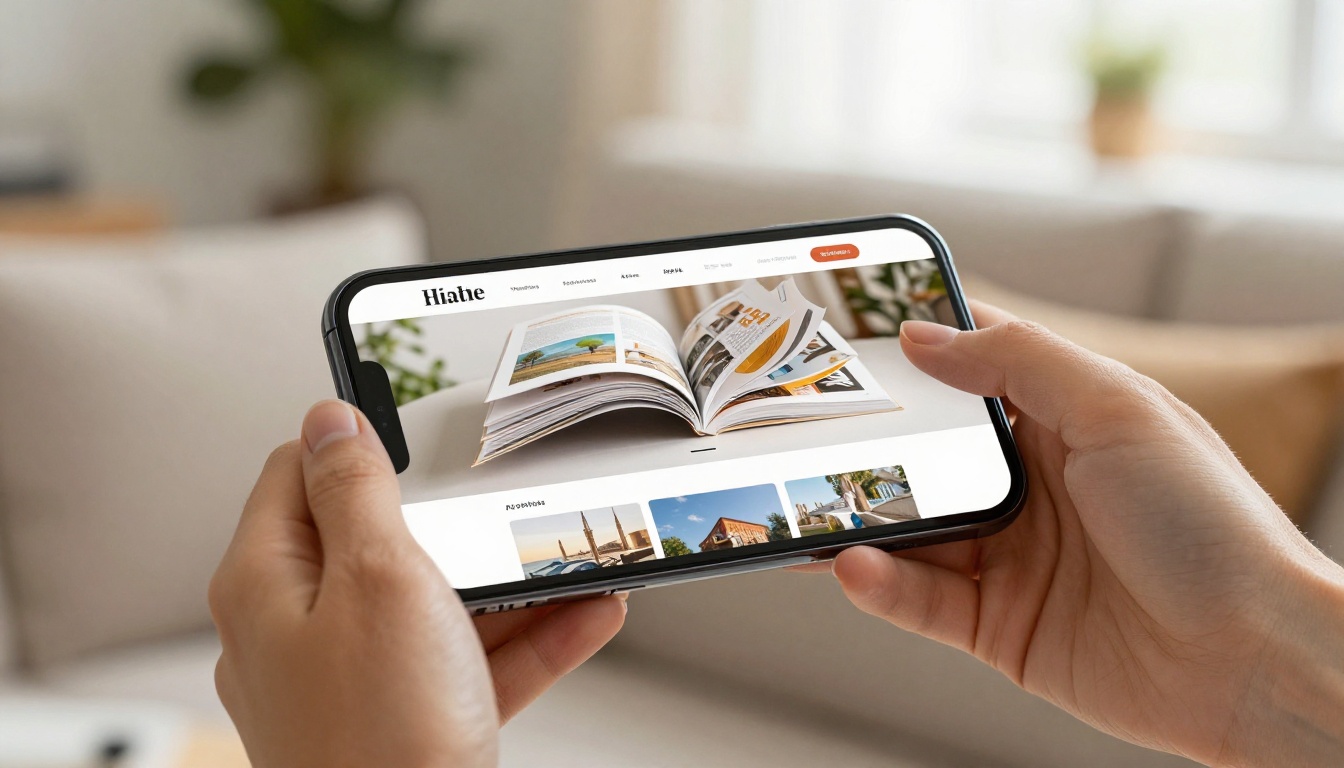
Many free tools bury the good features behind a paywall. Here's an honest breakdown of what Flipbooks AI offers at each level. Check the full details at flipbooksai.com/pricing.
| Feature | Free | Standard | Professional |
|---|
| Number of flipbooks | Limited | Unlimited | Unlimited |
| Watermarks | None, ever | None, ever | None, ever |
| PDF upload size | Up to 100MB | Up to 500MB | Up to 500MB |
| Password protection | No | Yes | Yes |
| Custom domain | No | No | Yes |
| Analytics and tracking | No | Basic | Detailed |
| Lead generation forms | No | No | Yes |
| Offline downloads | No | Yes | Yes |
| Embed on website | Yes | Yes | Yes |
| Video embedding | Yes | Yes | Yes |
| Mobile responsive | Yes | Yes | Yes |
| Custom branding | Limited | Full | Full |
⚠️ Watch out: Some competing platforms add watermarks on free plans or charge extra for basic features like mobile responsiveness. Flipbooks AI's free plan includes mobile support and zero watermarks from day one.
The free plan is a genuine starting point, not a stripped-down teaser. For most individual creators and small publications, the Standard plan unlocks the features that matter most: unlimited flipbooks, password protection, and offline downloads.
Real-World Use Cases That Work

Knowing how to make an interactive magazine is one thing. Knowing why is another. Here are real scenarios where this technology delivers clear results:
Fashion and lifestyle brands use interactive digital magazines as lookbooks. Instead of a static PDF catalog, readers flip through styled pages, click directly on products, and land on the purchase page. The Interactive Lookbook Designer is built specifically for this use case.
Independent publishers produce zines, literary magazines, and niche publications without printing costs. A 48-page digital magazine can reach a global audience the moment it's published, for free.
Schools and universities publish student newspapers, yearbooks, and course materials as interactive flipbooks. The Yearbook Flipbook Maker and School Newsletter Creator make this accessible even without a dedicated IT team.
Real estate agencies create interactive property magazines where each listing page links directly to the full property details online. The Real Estate Brochure Creator handles this workflow cleanly.
Non-profits and associations publish annual reports and newsletters as professional digital documents without the print budget. The Non-Profit Annual Report tool covers this use case specifically.
Comparing the Top Free Options
Not every tool fits every need. Here's how the main options compare:
| Tool | Free Plan | Page Flip | No Watermark | Embed | Analytics | Best For |
|---|
| Flipbooks AI | Yes | Yes | Yes | Yes | Paid plans | All-purpose publishing |
| Issuu | Limited | Yes | No (paid) | Limited | Paid | Large publishers |
| Flipsnack | Yes | Yes | No (paid) | Yes | Paid | Business catalogs |
| Yumpu | Yes | Yes | No (paid) | Yes | Paid | Document sharing |
| Publuu | Yes | Yes | No (paid) | Yes | Paid | SMB publications |
The clearest differentiator for Flipbooks AI is the combination of a genuinely usable free plan with no watermarks and a clean, modern reading experience out of the box. Browse all available flipbook tools to find the right fit for your specific publication type.
Tips for a Better Reader Experience
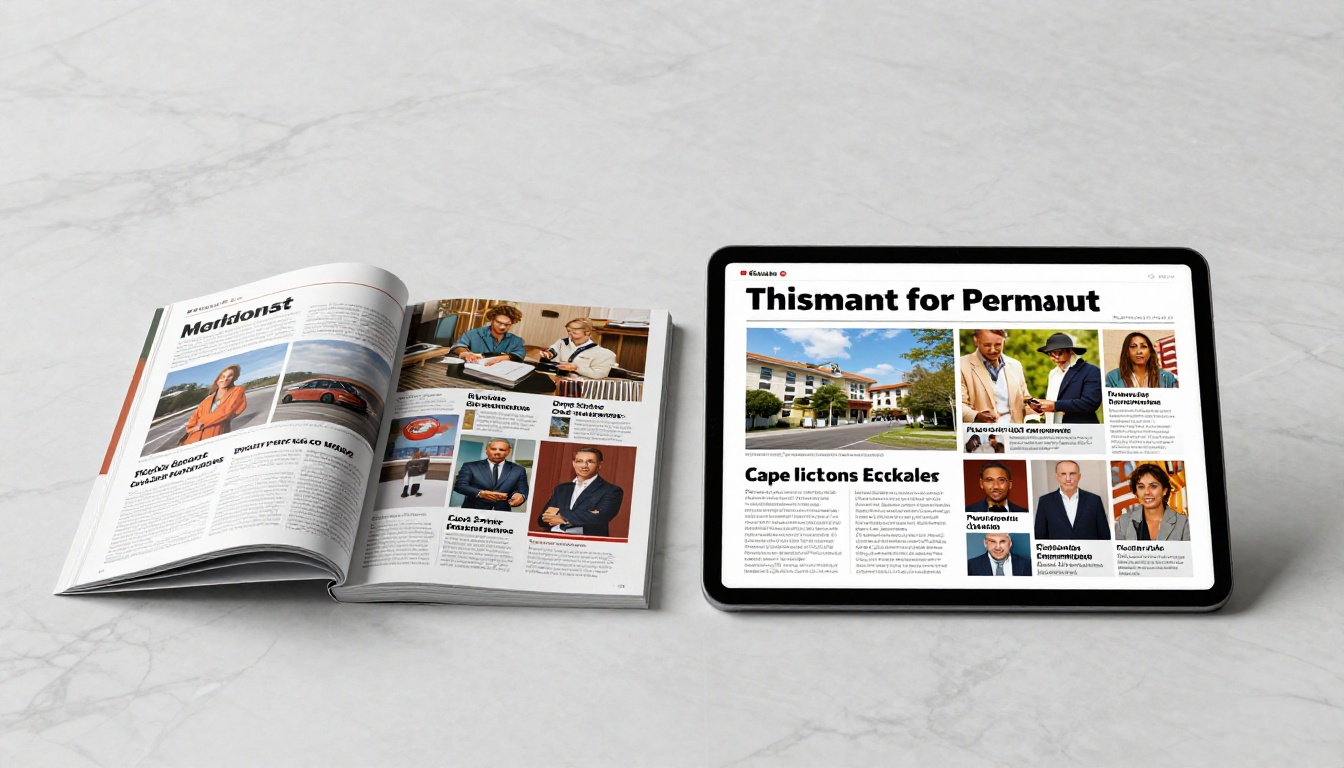
A technically solid magazine is only half the job. These details push a good publication into great territory:
Optimize page count. Readers are more likely to finish a 16 to 24 page magazine than a 60-page one. Break longer publications into issues.
Use double-page spreads intentionally. In a flipbook, pages display in pairs. Design your layouts knowing that pages 2 and 3, 4 and 5, etc. will always appear together. Use this for dramatic photo spreads.
Write for screen, not print. Shorter paragraphs, larger body text (minimum 10pt after PDF conversion), and more white space all improve on-screen readability.
Include a clickable table of contents. Even a simple list on page 2 with anchor links to each section dramatically improves navigation in longer publications.
Test your load time. Large, unoptimized PDFs take longer to load and can lose mobile readers before the first page appears. Use tools like Acrobat's "Reduce File Size" or Smallpdf before uploading.
Track what readers actually read. On the Professional plan, Flipbooks AI's analytics show exactly which pages get the most attention. Use this data to improve your next issue.
💡 The best interactive magazines treat each page spread as a standalone visual statement. Even readers who don't read every word should be able to appreciate every spread at a glance.
Start Publishing Today
Building a professional interactive magazine is no longer a project that requires a team, a budget, or months of planning. With the right tools, you can go from a finished PDF to a live, shareable publication in under ten minutes.
Flipbooks AI handles the technical complexity so you can focus on what actually matters: your content, your readers, and your story.
Ready to publish your first interactive magazine? Create your free account and upload your first PDF today. No credit card, no commitments.
Want to see what the full feature set looks like? Check pricing plans to find the right tier for your publishing needs.
Looking for a specific type of publication? Browse the tools directory to find a purpose-built solution for your industry or format.



