Every school year wraps up with the same scramble: who has photos, who is collecting them, and how do we get something into students' hands before summer break? The good news is that flipbook software has changed what "making a yearbook" actually looks like. With Flipbooks AI, you can go from a folder of photos to a shareable, interactive digital yearbook in an afternoon, no design degree required.

Why Digital Yearbooks Beat Print
Print yearbooks made sense before the internet. Today, a digital yearbook does everything a printed one does and then some: it loads on any phone, can include video clips, gets updated after the fact, and costs a fraction of traditional printing. Schools with tight budgets are making the switch fast, and students are responding well to a format built for the devices they already use.
The Real Cost of Print Yearbooks
Traditional yearbook production involves coordinating with a printing company, paying per-student, managing pre-orders, and hoping the final product looks like the proof. For smaller schools or community programs, minimum order requirements make the whole process feel punishing. Errors found after printing are permanent. Rush fees eat into already-thin budgets.
| Cost Factor | Print Yearbook | Digital Yearbook |
|---|
| Per-unit cost | $20 to $60+ | $0 per student |
| Minimum order | Usually 50 to 100+ | None |
| Revision after printing | Impossible | Instant |
| Storage and shipping | Required | None |
| Delivery time | 4 to 8 weeks | Immediate |
| Video support | No | Yes |
| Access anywhere | No | Yes |
💡 A single Standard plan on Flipbooks AI gives you unlimited flipbooks with no watermarks, meaning one subscription covers your entire school's yearbooks, newsletters, and event programs throughout the year.
What Students Actually Want
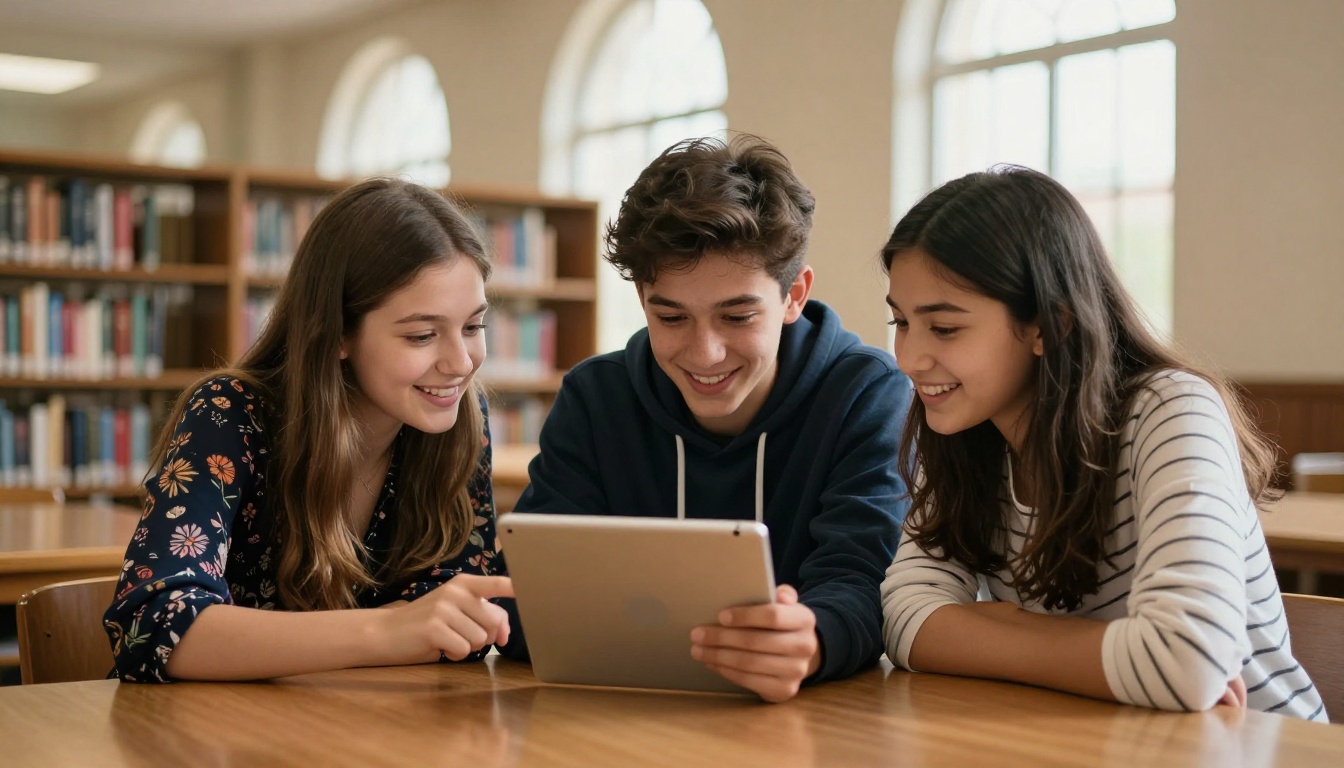
Ask students what they want from a yearbook and the answers are consistent: photos of their friends, candid shots from events, and something they can actually share on their phones. Digital yearbooks deliver on all three. Sharing a link is faster than mailing a book, and the interactive page-flip format gives it the physical feel without the printing wait. Students can access the yearbook two years from now without worrying about where they stored it.
What You Need Before You Start
Photo Collection Done Right
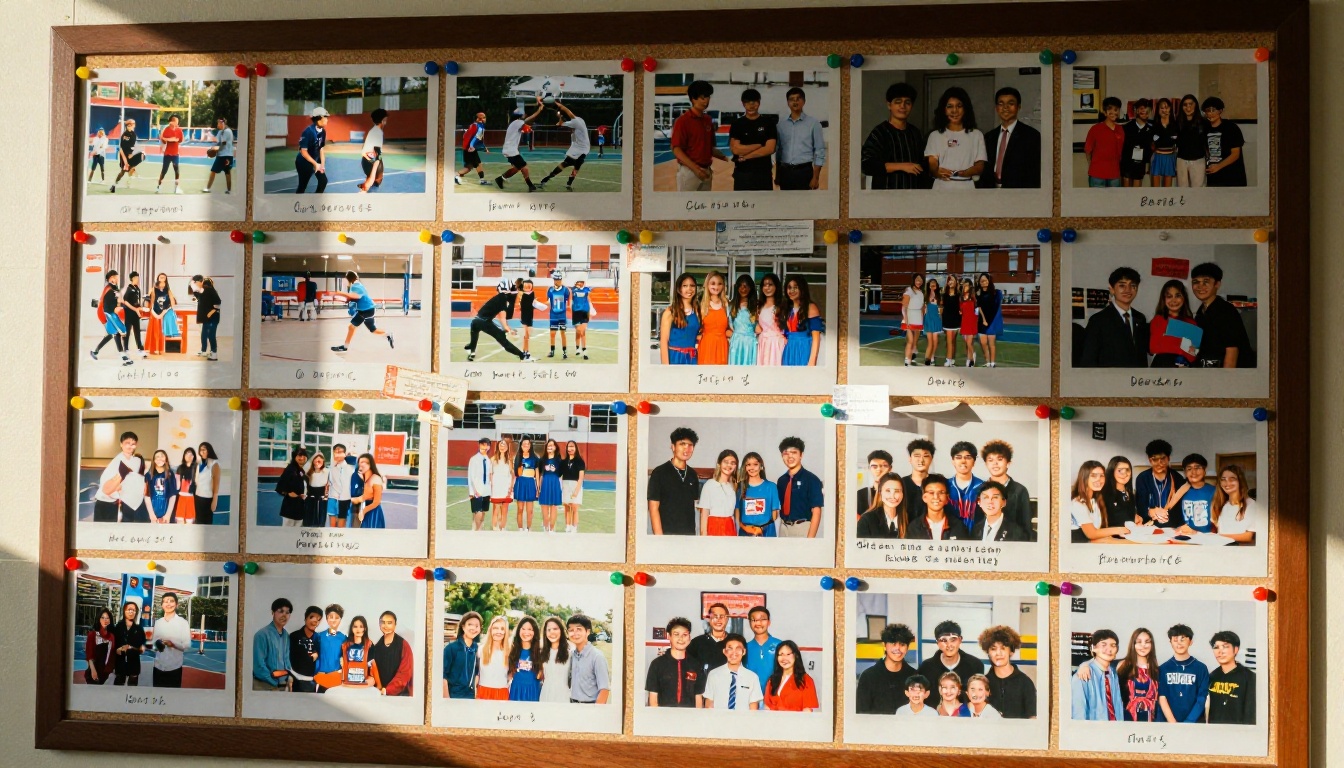
The biggest bottleneck in any yearbook project is gathering photos. Setting this up early saves weeks of chasing people down in the final stretch. The best yearbook committees build a collection system in the first month of the school year, not the last.
Recommended collection methods:
- Create a shared Google Drive or Dropbox folder and share it with staff, parents, and club leaders
- Set a submission deadline at least two weeks before your intended publish date
- Organize folders by category: sports, academics, arts, social events, and portraits
- Request photos at minimum 1500 x 1500 pixels for sharp display on screens
- Assign one student per grade or club to be the photo representative
⚠️ Never use photos taken directly from Instagram or social media profiles. Compression destroys quality. Always ask contributors for the original file from their camera roll or camera app.
Choosing the Right Software
Not every PDF-to-flipbook tool is built for yearbooks. You need something that handles large page counts gracefully, lets you customize layouts without writing code, and makes sharing dead simple for families who are not tech-savvy.
| Feature | Basic PDF Converters | Flipbooks AI |
|---|
| Custom branding | Rarely | Yes, full control |
| Password protection | No | Yes |
| Embed on website | Sometimes | Yes, full embed code |
| Analytics | No | Yes (Professional) |
| Video embedding | No | Yes |
| Unlimited flipbooks | No | Yes (Standard+) |
| Watermark-free | No | Yes |
| Mobile responsive | Sometimes | Always |
| Lead generation | No | Yes (Professional) |
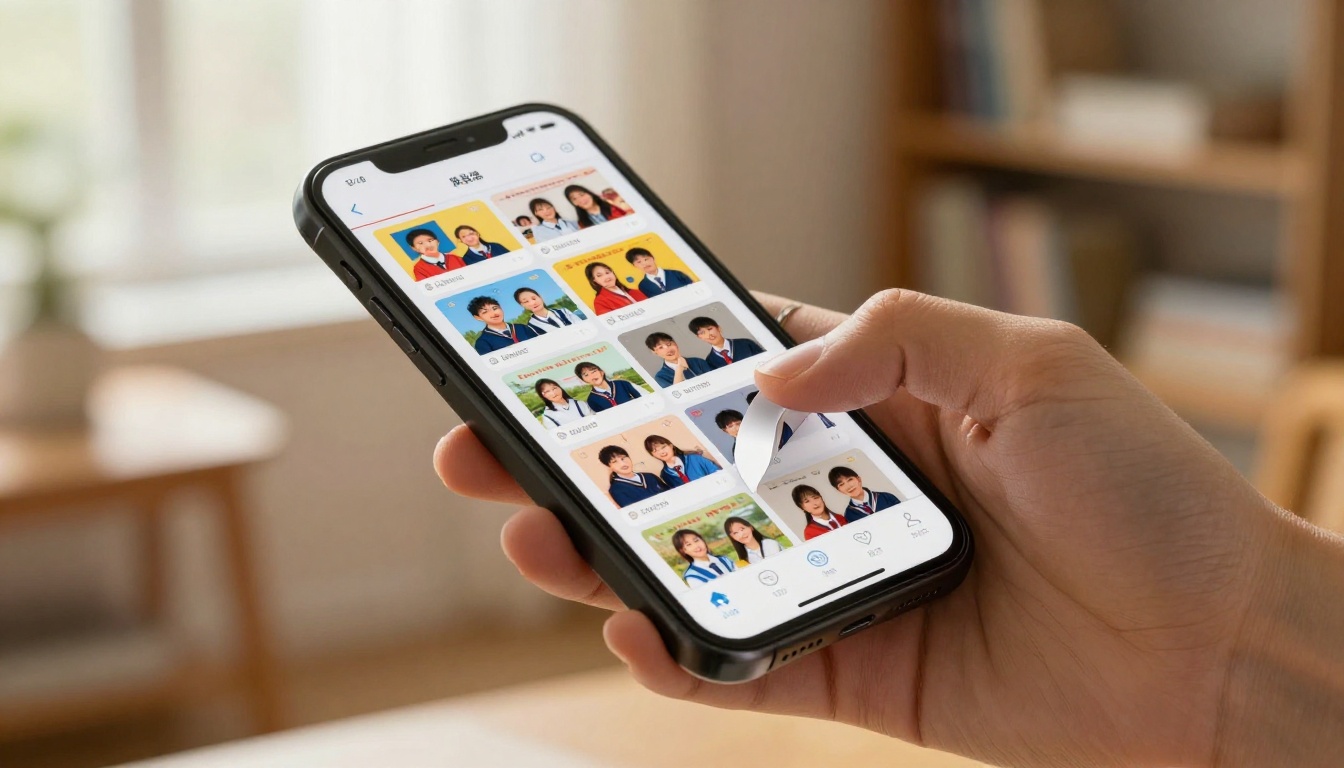
Flipbooks AI was built for documents that need to look professional and reach a wide audience fast. The Yearbook Flipbook Maker handles everything from student portraits to event photo spreads with clean, responsive layouts that work on every screen size.
How to Make a Digital Yearbook with Flipbook Software
This is where the actual work happens. Here is the full process from blank canvas to published yearbook.
Step 1: Create Your Account
Head to Flipbooks AI and create your account. The free tier lets you test the platform before committing. For a full yearbook project the Standard plan is the right fit: unlimited flipbooks, no watermarks, and custom branding included.
✅ Use a shared school or organization email address for the account so multiple staff members can access the project without credential-sharing issues across the committee.
Step 2: Design Your Layout in PDF First
Flipbooks AI converts PDFs into interactive flipbooks. This means your design work happens in your preferred layout tool first: Canva, Adobe InDesign, Google Slides, or even PowerPoint. Once your PDF is ready, the upload process takes care of the rest.
Build your PDF with these sections in mind:
- Opening page with school name, year, and a strong photo
- Table of contents with section page numbers
- Senior class portraits arranged alphabetically
- Underclassmen portraits organized by grade
- Faculty and staff pages with short bios
- Sports team photos and season record highlights
- Club and activities pages with group shots
- Candid photo spreads from major school events
- Senior quotes page with small portrait thumbnails
- Autograph pages for the printed tradition, digitized
💡 Design at 1920 x 1080 pixels per page (16:9 ratio) for the best display on wide screens and phones. Most templates in Canva support this exact size under their "Presentation" category.
Step 3: Upload and Convert
Once your PDF is ready, upload it directly inside Flipbooks AI. The conversion takes seconds for most files and produces a flipbook with realistic page-turn animations that look and feel like a real book.
During upload, you can configure:
- Custom title and description for the flipbook
- Thumbnail image for the flipbook preview card
- Background color or decorative pattern behind pages
- Page shadow intensity and lighting effect style
Large yearbooks with 80+ pages convert smoothly. There is no page limit enforced by the platform, so even a 150-page production yearbook works without issue.
Step 4: Add Branding and Customization
This is where a generic PDF becomes something that feels distinctly like your school's yearbook.
Customization options available:
- Upload your school logo and place it in the viewer header or footer
- Set a custom color scheme that matches your school colors exactly
- Choose from multiple page-flip animation styles to match the mood
- Add background music that plays softly as readers flip through
- Embed video clips from sports championships, graduation ceremonies, or class projects directly into pages
For private yearbooks, enable password protection so only students and families with the correct password can access it. This is important when the yearbook contains photos of minors and requires controlled distribution.
Step 5: Publish and Share
Hit publish and Flipbooks AI generates a direct share link instantly. You can also grab the embed code to place the flipbook directly on the school's website or parent communication portal.
Sharing options available:
- Direct URL: share via email, classroom app, or text message
- Embed code: paste into any website, Google Sites, or LMS page
- QR code: print on graduation programs, report card envelopes, or event flyers
- Password-protected link: for controlled distribution to specific families
✅ The Embed Flipbook on Website tool gives you a one-click embed code that works on WordPress, Squarespace, Wix, and any raw HTML page without technical setup.
Yearbook Page Ideas That Actually Work
Must-Have Sections
Even a lean yearbook needs certain anchor pages. These are the pages students and parents search for first after receiving the link.
| Section | Why It Matters | Ideal Format |
|---|
| Senior portraits | The most-referenced section in any yearbook | 4 to 6 per page grid |
| Faculty pages | Validates the full community of the school year | 2 to 3 per page with short bios |
| Event spreads | Captures the energy of the year visually | Full-bleed photo collage |
| Senior quotes | Highly personal, always memorable for families | 2 per page with portrait |
| Sports highlights | Strong draw for athletes and their families | Action photos with season stats |
| Club and activities | Reaches non-athlete students across the school | Group shots with activity captions |
| Autograph pages | Interactive tradition students still request | Ruled lines or designed blank space |
Pages Students Love Most
Beyond the standard sections, a few page types consistently generate the biggest reaction from students and families.
"In Their Own Words": Give each class or homeroom one page to fill with short answers to prompts like "The song of our year was..." or "We will never forget when..." This creates content that is genuinely unique to your specific school year and impossible to replicate.
"Then and Now": Side-by-side photos of students from kindergarten or freshman year next to current senior portraits. Parents respond to these pages more than almost anything else in the yearbook.
"Best Of" voted spreads: Most likely to succeed, most spirited, most likely to be found asleep in the library. Light-hearted superlatives add personality and give students a reason to flip through every page looking for their name.
Teacher tribute page: Short quotes from students about a beloved teacher, collected anonymously. These pages often become the most meaningful keepsakes for school staff.
💡 Use the School Newsletter Creator or Course Material Publisher tools for supplementary school publications that complement the main yearbook.
Sharing Your Yearbook with the Whole School
Reaching Every Family
Not every family checks the school website regularly. A layered distribution strategy makes sure the yearbook actually gets seen by the people who matter most.
Recommended distribution channels:
- Email the direct link to all student families through the school mailing list on publication day
- Post the link or embed in the parent communication app (ClassDojo, Remind, or Seesaw)
- Print a QR code on the final report card envelope or graduation program insert
- Post on the school's social media accounts and tag the graduating class accounts
Password-Protected Distribution
For schools with strict photo policies, password protection means you can share the link widely without worrying about unauthorized public access to student images.
💡 Use a simple, memorable password: school initials plus the graduation year works well. Announce it in the same email as the link so families have everything in one place.
The Professional plan on Flipbooks AI adds lead generation forms, meaning you can capture parent and alumni emails before they access the yearbook. This builds a contact list that is genuinely valuable for future fundraising campaigns, reunion communications, and alumni outreach.
Plan Comparison for Schools
Choosing the right plan depends on how many people are working on the project and which features matter most for your school's specific needs.
| Plan | Flipbooks | Watermark | Analytics | Password | Lead Gen |
|---|
| Free | 1 | Yes | No | No | No |
| Basic | 10 | No | No | No | No |
| Standard | Unlimited | No | No | Yes | No |
| Professional | Unlimited | No | Yes | Yes | Yes |
✅ For a school doing one yearbook per year, Standard is the right fit. For programs that also produce newsletters, event programs, and sports season recaps throughout the year, Professional pays for itself quickly across multiple publications.
See full pricing details including annual billing discounts that reduce the monthly cost significantly.
3 Common Mistakes to Avoid
1. Starting design too late. Photo collection always takes longer than expected. Start gathering images at least six weeks before your target publish date. Build the PDF with placeholder images if needed, then swap in the final ones in the last two weeks before publishing.
2. Forgetting mobile users. Most students will view the yearbook on a phone, not a laptop. Test your flipbook on mobile before publishing. Flipbooks AI renders as mobile-responsive by default, but verify that your PDF text is large enough to read without zooming on a small screen.
3. Using too many fonts. A common first-yearbook mistake is mixing five or six different typefaces across pages in an attempt to make them feel distinct. Pick two: one for headings, one for body text. Consistency makes the whole book feel professionally produced even when built entirely in Canva or Google Slides.
Make This Year's Memories Last
A school year is 180 days of ordinary moments that feel extraordinary in retrospect. A digital yearbook captures that, keeps it accessible forever on any device, and reaches every student and family without a single printing bill or shipping delay.
The Yearbook Flipbook Maker on Flipbooks AI is built exactly for this kind of project. Upload your PDF, add your branding, and publish in minutes. No design agency, no printing minimum, no waiting.
Ready to build yours? Create your account and start the first page today. When you're ready to share it with the whole school, check the pricing plans and pick the one that fits your program and budget.



