Every student knows that sinking feeling: you spent days on research, wrote thoughtful analysis, and put real effort into your content, but when you look at the finished document, it just does not look the way you imagined. The problem is almost never the content. It is the presentation. Teachers review dozens of projects at a time, and the ones that look polished get noticed first. That is exactly why more students are turning to digital flipbooks, and why Flipbooks AI has become one of the most practical tools available for turning any school assignment into something genuinely impressive.
This article walks you through exactly how to make your school project look professional with flipbooks, from the foundational design principles that matter most, to a step-by-step tutorial for creating your first digital flipbook, to the sharing strategies that leave lasting impressions.
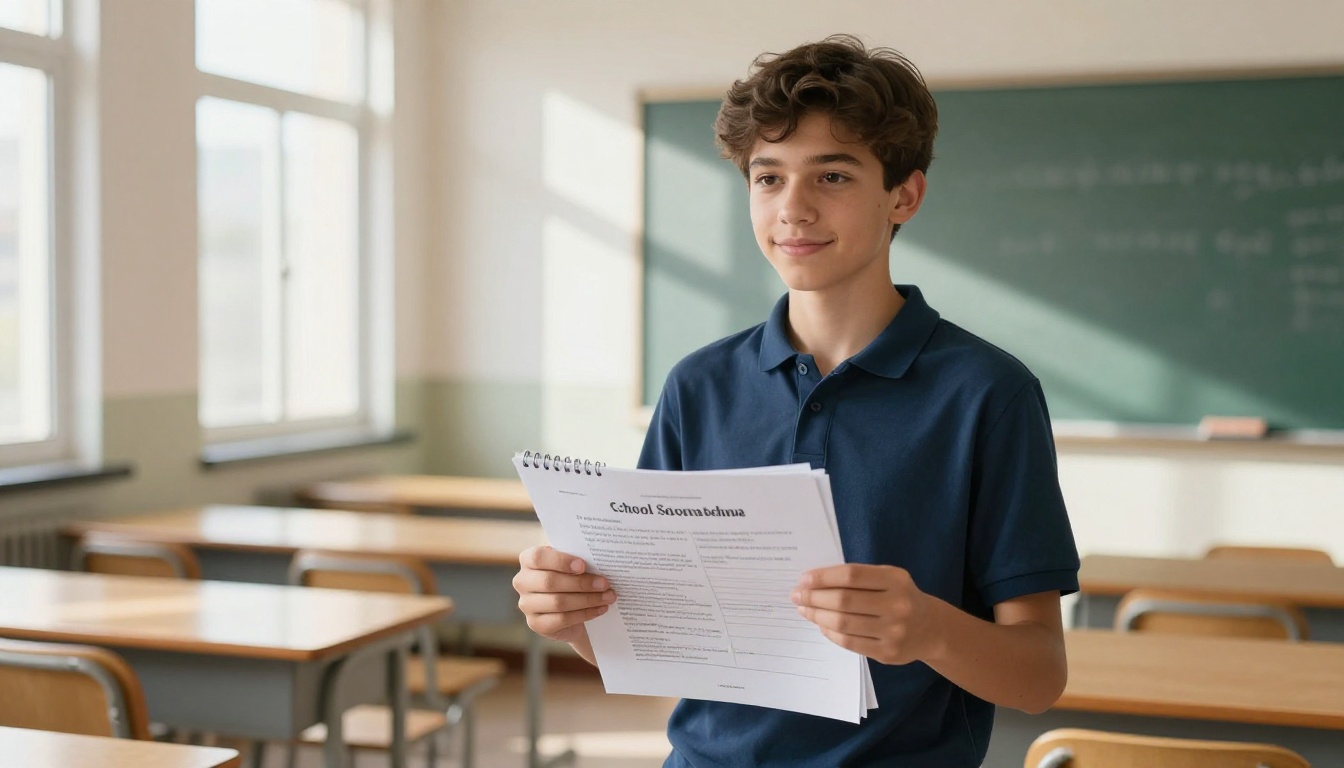
Why Your School Project's Presentation Actually Matters
Research in educational psychology consistently shows that well-formatted, visually organized documents are perceived as more credible, more thorough, and more worthy of high marks, even when the underlying content is identical to a messier version. That is not a reason to sacrifice research quality for aesthetics. It is a reason to make both work together.
Presentation communicates something beyond the information on the page. It tells the reader whether the student cares about their work. It signals organization, attention to detail, and respect for the audience. A teacher who opens a project with a clear cover page, logical section headings, consistent typography, and quality images is primed to read the content more generously than one who opens a wall of unstyled text.
| Element | Basic Document | Professional Flipbook |
|---|
| Navigation | Scroll or flip physical pages | Clickable, interactive page turns |
| Visual Design | Plain text with default fonts | Custom layouts, colors, typography |
| Media Support | Static images only | Embedded videos, audio, links |
| Accessibility | Physical or file download only | Shareable link, mobile-friendly |
| First Impression | Standard submission | Memorable, polished presentation |
| Revision | Reprint or resubmit | Re-upload updated PDF instantly |
The gap between a project that feels professional and one that does not usually comes down to a handful of specific, fixable decisions.
What Makes a Project Look Truly Professional
Professionalism in design is not about complexity. It is about consistency, clarity, and intentional structure. These are the principles that separate a project that looks thrown together from one that looks like it was made by someone who knows what they are doing.
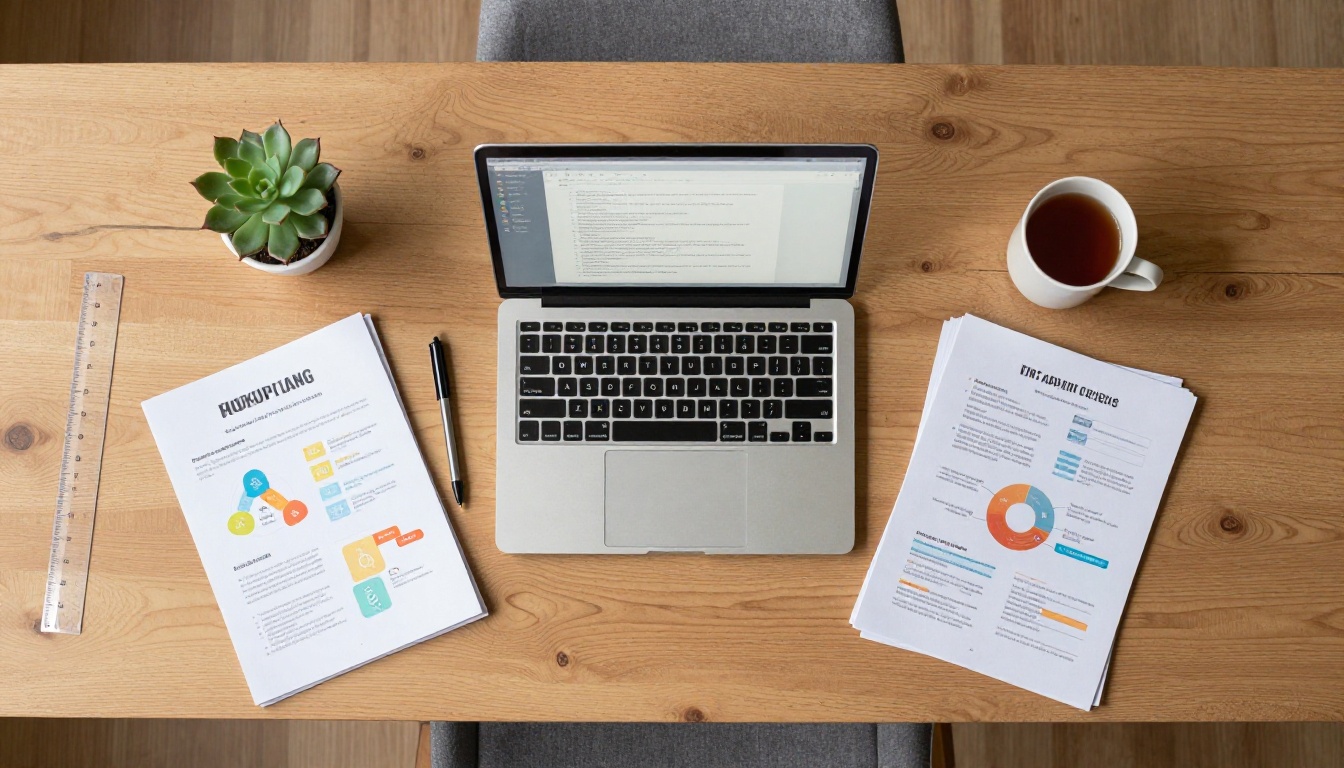
Typography: the foundation of readable design
Typography choices affect how readers experience your content before they read a single word. The rules are simple: use no more than two typefaces throughout the entire project. One for headings, one for body text. Choose fonts that complement each other. Avoid novelty fonts that are hard to read. Stick to your choices from the first page to the last.
Color palette: cohesion over creativity
Pick two to three colors and apply them consistently. Your school colors are a great starting point because they immediately signal institutional belonging. Every heading, accent element, and call-out box should draw from the same palette. Random color choices across pages make a project look unfinished, even when the content is strong.
White space: the most underrated tool
Students often try to fill every inch of every page, believing more information per page equals a more thorough project. The opposite is true. White space, the empty areas around text and images, gives content room to breathe and makes everything easier to read. Generous margins, line spacing, and padding around images all contribute to a professional feel.
Visual hierarchy: guiding the reader's eye
Headings should look like headings. Subheadings should be clearly subordinate to headings but still visually distinct from body text. Body text should be consistent in size and weight. When a reader can instantly identify the structure of a page at a glance, they feel oriented and in control, which makes them more receptive to the content.
💡 A fast consistency check: flip through all your pages without reading any text. If the visual rhythm feels uniform and predictable, your formatting is working.
Non-negotiables for a professional project:
- Consistent fonts throughout (max two typefaces)
- Two to three color palette applied uniformly
- Adequate white space on every page
- High-resolution images, nothing pixelated
- Clear heading hierarchy on every page
- Numbered pages and a functional table of contents
- A polished, complete cover page
How Flipbooks Change Everything for Students
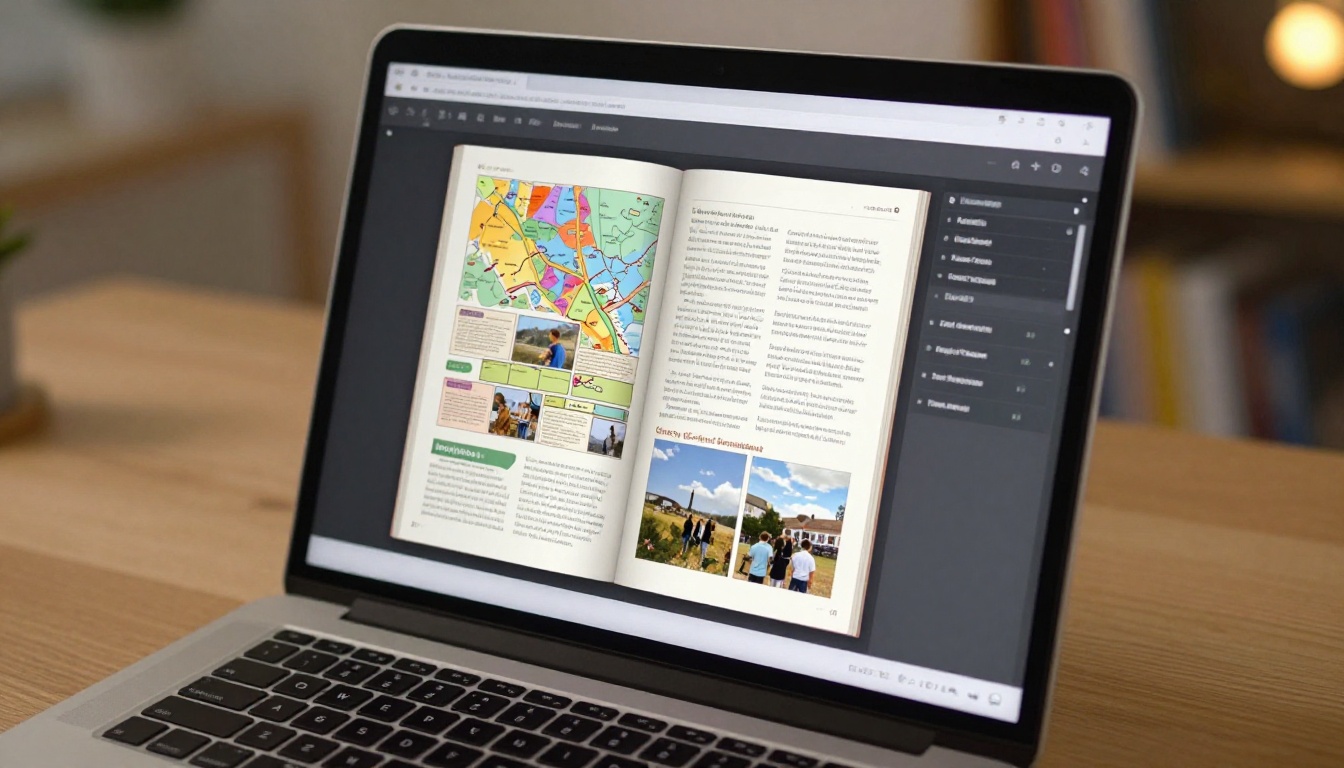
A digital flipbook takes your project from a static document into something interactive. Instead of scrolling through a PDF or flipping physical printed pages, readers experience satisfying animated page turns, clickable internal links, embedded videos, and a format that works beautifully on any device, from a 27-inch desktop monitor to a smartphone screen.
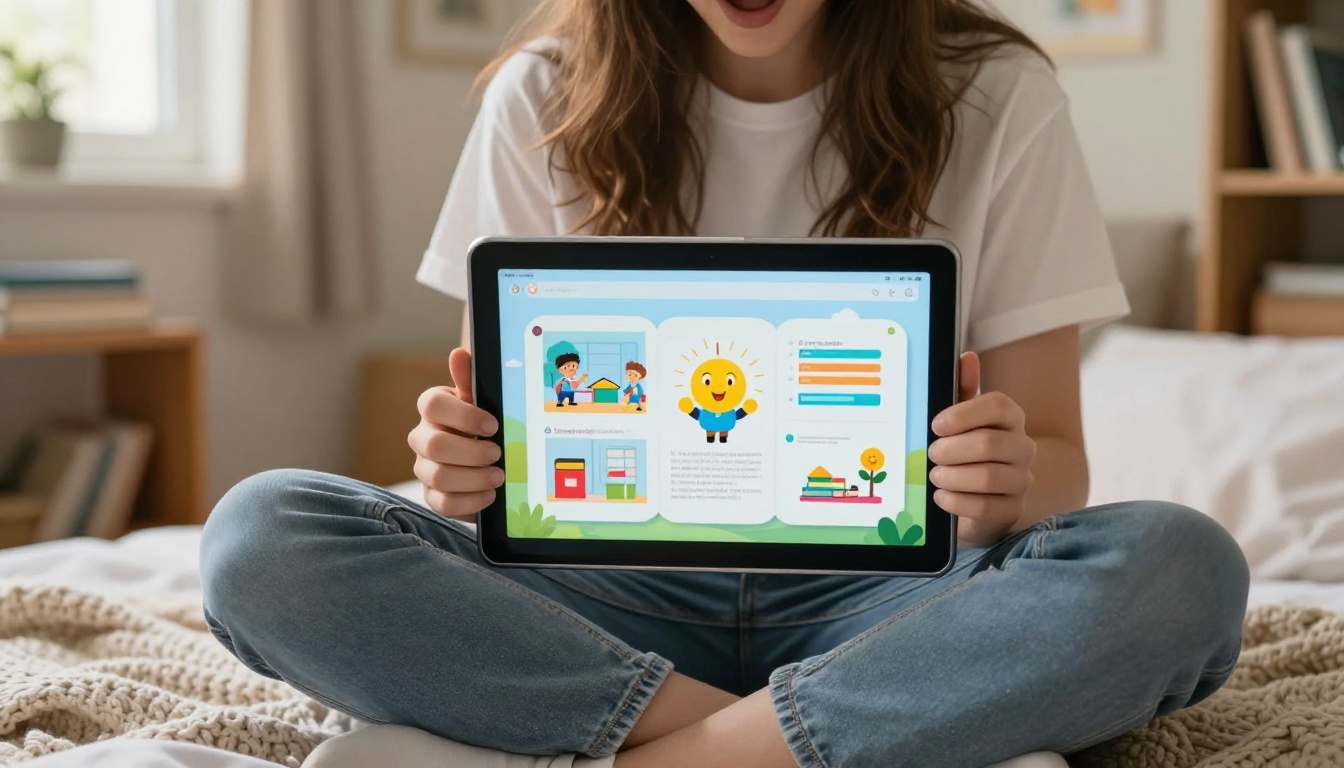
The practical advantages for students go beyond aesthetics:
- No printing costs: A digital flipbook costs nothing to share and nothing to reproduce. No ink, no paper, no binding fees.
- Instant updates: Caught a factual error or typo after submitting? Fix the source document, export a new PDF, and re-upload. The link stays the same.
- Sharable anywhere: Email a link, post it in a group chat, or embed it in a learning management system. The recipient clicks once and it opens immediately.
- Works on every device: Teachers can view it on their phone during a commute, on a tablet at their desk, or on a laptop at home without installing special software.
- Visually unforgettable: The page-turn animation alone elevates the perceived quality of your project. It says "I put thought into how this would be experienced."
✅ Best practice: include your flipbook link directly in the body of your assignment submission, not buried in an attachment. One click is the goal.

How to Build Your School Project Flipbook Step by Step
The process from raw document to polished shareable flipbook takes less time than most students expect. Here is exactly how to do it using Flipbooks AI.
Step 1: Create your free account
Visit Flipbooks AI and sign up. No credit card is required to get started, and your first flipbook is free.
Step 2: Prepare your source document
Before uploading, export your project as a PDF from whatever application you used: Google Docs, Microsoft Word, Canva, or LibreOffice all export to PDF directly. Before exporting, verify:
- All fonts are embedded and displaying correctly
- Images are at full resolution, not compressed
- Pages are in the correct order
- Margins are consistent across all pages
- The cover page is the first page of the document
Step 3: Upload to the PDF converter
Use the PDF to Flipbook Converter to drag and drop your file. The platform processes your PDF in seconds and generates a fully interactive flipbook automatically.

Step 4: Customize the flipbook
This is where your project goes from good to genuinely memorable:
- Branding: Add your name, class period, and project title as a custom display name
- Colors: If available, match your flipbook's interface accent colors to your project's color palette
- Page-turn effect: Enable a realistic paper-turn animation for that polished, professional feel
- Table of contents: Turn on automatic chapter navigation so readers can jump to any section instantly
Step 5: Add multimedia where it counts
This is where digital flipbooks completely outperform printed reports. If your project includes:
- A video clip of an experiment, embed it directly into the relevant page
- External sources or citations, link them as clickable references
- Audio components, add them as embedded players
- Infographics that link to data sources, make them interactive
Step 6: Choose how to share it
Once you are satisfied with the result, you have several options:
- Direct link: Copy a URL to paste anywhere
- Embed code: Drop it into a school website, Google Sites page, or LMS assignment
- Password protection: Set a password so only your teacher or designated reviewers can access it
⚠️ Always test your flipbook on a mobile device before submitting. Many teachers review student work on phones and tablets, and a broken mobile experience undermines the whole effort.
Step 7: Submit with confidence
Send your teacher the direct link in your submission. Your project will open instantly, render beautifully on any screen, and signal exactly the kind of initiative and digital literacy that schools increasingly value.
Which Projects Shine as Flipbooks
Not every assignment benefits equally from the flipbook format. Here is a breakdown of which types of school projects see the most impact when converted to interactive digital flipbooks.
| Project Type | Why Flipbooks Work | Recommended Tool |
|---|
| History report | Timeline navigation, embedded archival photos, video clips | Course Material Publisher |
| Science experiment | Photo documentation, data charts, embedded video of procedures | Training Manual Flipbook |
| Book report or literary analysis | Clean editorial layout, quoted passages, chapter navigation | Interactive E-Book Publisher |
| Art or photography portfolio | Full-bleed image layouts, visual storytelling, no text clutter | Digital Portfolio Creator |
| Group presentation | Shared link for all team members, no version conflicts | Presentation Flipbook Designer |
| School newsletter or class magazine | Multi-column layout, announcements, photo spreads | School Newsletter Creator |
| End-of-year or class yearbook project | Photo-heavy, personal, highly shareable | Yearbook Flipbook Maker |
💡 Group projects benefit especially from digital flipbooks because every team member can share the same link. No more emailing 50MB PowerPoint files back and forth or dealing with version confusion.
Mistakes Students Make That Cost Them Grades
Even with a great tool, common design mistakes can drag down the overall impression of your project. Avoiding these separates average submissions from ones that earn top marks.
Overcrowding every page
More content per page does not mean a more thorough project. Teachers skim before they read deeply. Crowded pages with no breathing room signal disorganization. Spread your content across more pages and let each idea stand on its own.
Using too many fonts
Beginners often use three, four, or five different typefaces thinking variety adds interest. It adds chaos. Use one heading font and one body font, applied consistently from page one to the last page.
Low-resolution images
Blurry or pixelated photos immediately undermine the credibility of your work. Use images at 300 DPI for print-ready quality or at minimum 150 DPI for screen viewing. Never screenshot a web image and use it directly.
Neglecting the cover page
Your cover is the first thing anyone sees. It should contain your name, class, project title, and date, with a visual element that sets the tone for everything that follows. A plain white page with a title typed in 12pt Times New Roman is not a cover. It is a missed opportunity.
Skipping the table of contents
For any project longer than five pages, a table of contents is not optional. It demonstrates intentional structure and makes the project easier to review and grade.
Not proofreading before converting
Once you export to PDF and convert to a flipbook, fixing an error means going back to the source document, making the correction, exporting again, and re-uploading. That is not difficult, but it is preventable. Proofread thoroughly before you convert.
⚠️ The most frequent teacher feedback on student projects: "presentation needs improvement." In most cases, this is about structure and visual design, not content. A well-built flipbook addresses this directly.
Free vs. Paid: What You Actually Need
Flipbooks AI offers several plan tiers. For most students working on individual assignments, the free plan covers everything needed. Here is a clear comparison:
| Feature | Free Plan | Standard Plan | Professional Plan |
|---|
| Number of flipbooks | Limited | Unlimited | Unlimited |
| Watermarks | None | None | None |
| Password protection | No | Yes | Yes |
| Custom branding | Basic | Full | Full |
| Embedded media (video, audio) | No | Yes | Yes |
| Analytics and view tracking | No | No | Yes |
| Offline downloads | No | No | Yes |
| Lead generation forms | No | No | Yes |
For a single school project, the free plan is sufficient. Students managing multiple projects across an entire semester, or those running school clubs and publications, will get real value from the Standard plan. The Professional plan, with its analytics and offline access, is best suited for teachers or students running ongoing digital publications.
💡 Ask your teacher or school administrator whether your institution has a group or institutional account. Many schools have partnerships that give students access to premium features at no personal cost.
Get Your Project in Front of the Right People
Creating a professional flipbook is half the work. The other half is making sure it reaches your audience in the right way.

For individual teachers: Paste the direct link in the body of your assignment submission email or LMS submission field. Add one sentence describing what the flipbook contains so they know exactly what to expect when they click.
For group presentations: Embed your flipbook on your school's Google Sites page or learning management system using the provided embed code. Classmates can follow along on their own devices in real time instead of crowding around a single screen.
For family and parents: Share the direct link via any messaging app. Unlike a PDF attachment, a flipbook opens instantly in any browser without downloading software or special apps.
For competitions and awards: Submitting to a regional or national student competition? A polished flipbook link alongside your written entry demonstrates digital literacy and presentation skills that physical submissions simply cannot replicate. Judges notice.
For your own portfolio: Save every flipbook you create throughout the school year. By the end of the year, you have a personal digital portfolio showing your best academic work, ready to share with college applications, scholarship committees, or extracurricular programs.
The difference between a project that gets remembered and one that disappears into a pile has very little to do with how much research went into it. It has everything to do with how that research is presented. A professionally formatted digital flipbook tells your teacher, before they read a single word, that you took your work seriously. That signal matters.
Your next school project does not have to look like everyone else's. Create your free account on Flipbooks AI and convert your first project today. Browse all available tools and templates to find the right format for your subject area, or check the pricing plans to see which tier fits your workload. The upgrade from plain document to polished flipbook takes minutes. The impression it leaves lasts the entire semester.



