Your product catalog is ready. The photos look sharp, the layout is clean, and everything is exactly where it should be. But then comes the question: how do you actually put it in front of customers? Emailing a 40MB PDF is not it. Printing hundreds of copies costs a fortune. And building a dedicated website takes weeks. That is where digital catalog publishing changes everything. With the right tool, you can go from a finished PDF to a live, shareable, mobile-friendly online catalog in under 10 minutes. This article shows you exactly how, step by step, using Flipbooks AI.
Why Digital Catalogs Are Replacing Print
The shift from print to digital catalogs is not just a trend. It is a business necessity driven by real cost savings and measurable performance improvements.
The Real Cost of Printed Catalogs
Printing is expensive. The average mid-size business spends between $3,000 and $15,000 per catalog print run when you factor in design revisions, printing, and distribution. Then there is the shelf life problem: the moment a price changes or a product goes out of stock, your printed catalog becomes inaccurate and unusable.
| Cost Factor | Printed Catalog | Digital Catalog |
|---|
| Design changes | Reprint required ($$$) | Instant, free |
| Distribution | Shipping and postage | Share a link |
| Updates | New print run | Edit in minutes |
| Analytics | None | Full data |
| Shelf life | Limited | Unlimited |
| Environmental impact | High | Minimal |
What Customers Actually Want
Modern buyers browse on phones during commutes, compare products on tablets in stores, and share links with colleagues over messaging apps. A PDF attachment nobody opens is not a catalog strategy. An interactive, page-turning digital catalog that loads instantly and works on any device moves product.
💡 Pro Tip: Interactive digital catalogs get 3x more engagement time compared to static PDFs, because readers can flip pages, zoom in, and click embedded links directly.
What You Need Before You Start
Getting your catalog online does not require a developer, a graphic designer, or a large budget. You need two things: a PDF of your catalog, and an account on a platform built for this.

Getting Your PDF Ready
Before uploading, run through this quick checklist:
- File size: Aim for under 50MB for fastest upload and processing
- Page orientation: Consistent landscape or portrait throughout (no mixing)
- Resolution: 150 DPI minimum for crisp screen display; 300 DPI for zoom-worthy detail
- Embedded fonts: Flatten all fonts to avoid rendering issues
- Image quality: Export images at screen-optimized resolution to reduce file size without losing visual quality
⚠️ Warning: Password-protected PDFs will not upload correctly. Remove any PDF password protection before converting.
Choosing the Right Platform
Not all digital catalog tools are equal. Here is what separates a professional-grade platform from a basic converter:
| Feature | Basic Converters | Flipbooks AI |
|---|
| Page-flip animation | Sometimes | Yes, always |
| Mobile responsive | Rarely | Yes, always |
| Custom branding | No | Yes |
| Password protection | No | Yes |
| Analytics | No | Yes (Professional) |
| Embed on website | Sometimes | Yes |
| No watermarks | No | Yes |
| Lead generation | No | Yes (Professional) |
| Offline downloads | No | Yes |
Flipbooks AI handles all of the above without requiring any technical setup. You upload a PDF, and the platform handles conversion, hosting, and sharing automatically.
How to Publish a Catalog Online in Under 10 Minutes
Here is the exact process, timed and tested.

Step 1: Create Your Account (1 Minute)
Go to Flipbooks AI and create a free account. No credit card required for the free plan. The signup form takes under 60 seconds to complete.
Once logged in, you land on a clean dashboard. No overwhelming menus, no complex onboarding. The interface is built around one primary action: uploading your PDF.
Step 2: Upload Your PDF (2 to 3 Minutes)
Click the "Create Flipbook" button and drag your PDF file directly into the upload zone, or click to browse. The platform accepts files up to 200MB and processes them automatically.

Processing time depends on the number of pages. A 20-page catalog typically converts in 30 to 60 seconds. During processing, the platform:
- Converts each PDF page into high-resolution images
- Optimizes those images for fast web loading
- Builds the interactive flipbook interface around your content
- Prepares mobile and desktop layouts simultaneously
✅ Best Practice: For product catalogs with many pages, use the Catalog Flipbook Creator tool specifically designed for high-page-count publications. It handles pagination and loading performance better for large files.
Step 3: Customize Your Flipbook (3 to 4 Minutes)
This is where your catalog becomes yours. The customization panel gives you control over:
Branding
- Upload your logo to appear in the flipbook header
- Set your brand colors for the page background and controls
- Add a custom title and subtitle visible to all viewers
Page Effects
- Choose between hard-cover or soft-page flip animations
- Enable or disable automatic page turning for presentation mode
- Set your preferred background color or texture
Sharing Settings
- Toggle password protection on or off
- Set the flipbook to public, private, or unlisted
- Enable or disable the download button for viewers
Multimedia (available on Standard plan and above)
- Embed YouTube or Vimeo videos on specific pages
- Add clickable hyperlinks to product pages, contact forms, or your website
- Insert audio narration for presentation-style catalogs
💡 Pro Tip: For fashion and furniture catalogs, set the page background to a deep charcoal or warm cream color to make your product photography pop against the digital page.
Step 4: Publish and Share (Under 1 Minute)
Hit Publish. Your catalog is now live. The platform generates:
- A direct link: Share it anywhere via email, social media, WhatsApp, or Slack
- An embed code: Copy-paste into any website or blog to display the flipbook inline
- A QR code: Print it on packaging, business cards, or in-store displays
The entire process, from account creation to sharing a live link, takes less than 10 minutes. No developer needed. No design revisions. No waiting.
Best Catalog Types to Publish Online
Flipbooks AI supports any industry that uses visual catalogs. Here are the most common use cases and the dedicated tools built for each.

Product Catalogs
Retailers and wholesale businesses can replace thick printed product binders with interactive digital versions. The Product Catalog tool lets you add clickable links from each product to its purchasing page, turning your catalog into a direct sales channel.
Real-world example: A wholesale kitchenware supplier replaced their annual 120-page printed catalog with a digital flipbook. They now send a single link to buyers, track which pages get the most views, and update product information without reprinting.
Fashion and Lookbooks
Fashion brands rely on visuals. The Fashion Catalog tool is optimized for image-heavy layouts with smooth page transitions that make clothing photography look editorial and premium. Seasonal collections can be updated and reshared in minutes, with no additional printing costs.
Furniture and Home Decor
Furniture retailers need high-resolution photography and room-by-room organization. The Furniture Catalog Maker handles large files gracefully and supports zoom functionality so customers can examine fabric textures and finish details up close.

Beyond Catalogs
The same 10-minute publishing workflow applies to:
Features That Make Your Catalog Work Harder
A digital catalog is not just a prettier PDF. When built on the right platform, it becomes an active business tool.

Analytics That Show What Works
The Professional plan on Flipbooks AI includes catalog analytics that reveal:
- Total page views by day, week, and month
- Per-page engagement: which products get the most attention
- Viewer location: where your audience is geographically
- Average reading time: how long people spend with your catalog
- Lead capture: collect viewer emails directly within the flipbook
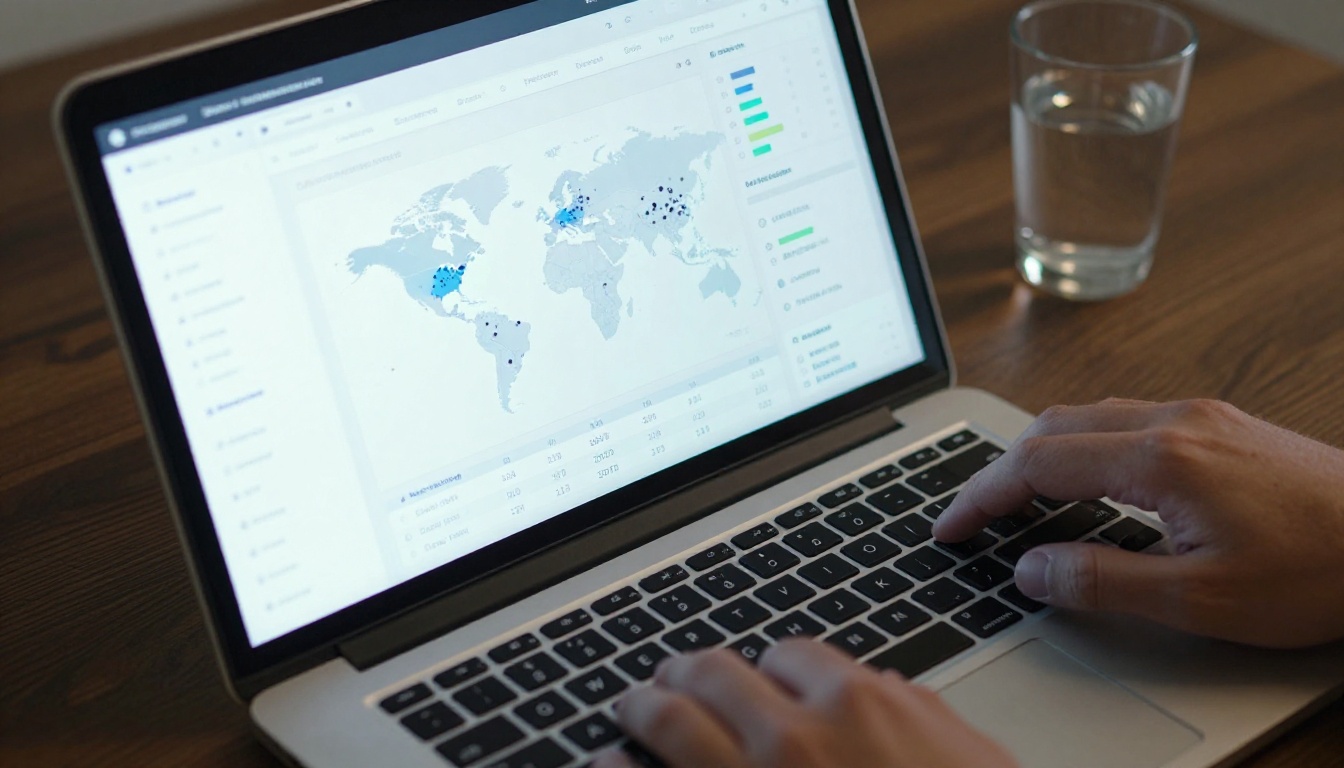
This data is something printed catalogs can never provide. You move from guessing what resonates to knowing exactly which products drive interest and which pages get skipped.
Password Protection and Privacy
Not every catalog is meant for public consumption. Private price lists, trade buyer catalogs, and internal inventory documents can be protected with a password. Only viewers who enter the correct password can access the flipbook, making it ideal for:
- B2B wholesale buyers
- Internal sales teams
- VIP customer segments
Embed Anywhere
The Embed Flipbook on Website tool generates a clean iframe code that works on any website builder including WordPress, Shopify, Squarespace, Webflow, or any custom HTML site. Your catalog becomes part of your website experience without requiring a developer.
Pricing Plans at a Glance
Choosing the right plan depends on how many catalogs you publish and which features matter most for your business.
| Feature | Free | Standard | Professional |
|---|
| Flipbooks | 3 | Unlimited | Unlimited |
| Pages per flipbook | 30 | 300 | Unlimited |
| Watermark | Yes | No | No |
| Custom branding | No | Yes | Yes |
| Password protection | No | Yes | Yes |
| Analytics | No | No | Yes |
| Lead generation | No | No | Yes |
| Offline download | No | No | Yes |
| Embed on website | No | Yes | Yes |
💡 Pro Tip: The Standard plan is the sweet spot for most small and mid-size businesses. It removes watermarks, allows unlimited flipbooks, and includes website embedding at a fraction of print costs. See all pricing plans to find the right fit.
3 Common Mistakes to Avoid
1. Uploading a Low-Resolution PDF
A PDF designed for print at 72 DPI will look blurry on screen. Always export your source file at a minimum of 150 DPI, ideally 300 DPI, before uploading. This ensures sharp text and crisp product photography even when viewers zoom in.
2. Skipping the Mobile Preview
Over 60% of digital catalog views happen on mobile devices. Always preview your flipbook on a smartphone before sharing it publicly. Check that text is readable without zooming, buttons are tappable, and page-turn navigation works smoothly on a touch screen.
3. Sending a Direct PDF Link
Sending a Google Drive or Dropbox PDF link is not the same as sharing an interactive flipbook. PDF links require downloading, break on many mobile browsers, and provide zero engagement data. Always share the flipbook link, not the original PDF file.
⚠️ Warning: If your catalog link is not working for international viewers, check your flipbook privacy settings. Public flipbooks are accessible globally. Unlisted flipbooks require the exact URL. Password-protected flipbooks require the password to be shared separately.
Your Catalog Deserves Better Than a PDF Attachment
You now have everything you need to take your catalog from a static file to a live, shareable, professional digital publication. The process is simpler than most businesses expect, and the results are immediate.
Whether you are a fashion brand publishing a seasonal lookbook, a wholesaler distributing a product line to buyers, or a restaurant updating a menu for the week ahead, the workflow is the same: prepare your PDF, upload it, customize the look, and share the link.
Flipbooks AI is free to start. No credit card, no long-term commitment, no technical skills required. Create your first flipbook today and have it live before your next meeting.
Explore the full library of catalog and publishing tools built for every industry and use case. When you are ready to access analytics, lead generation, and unlimited pages, review the pricing plans and choose what works for your business.
Your catalog does not need a print run. It needs a link.



