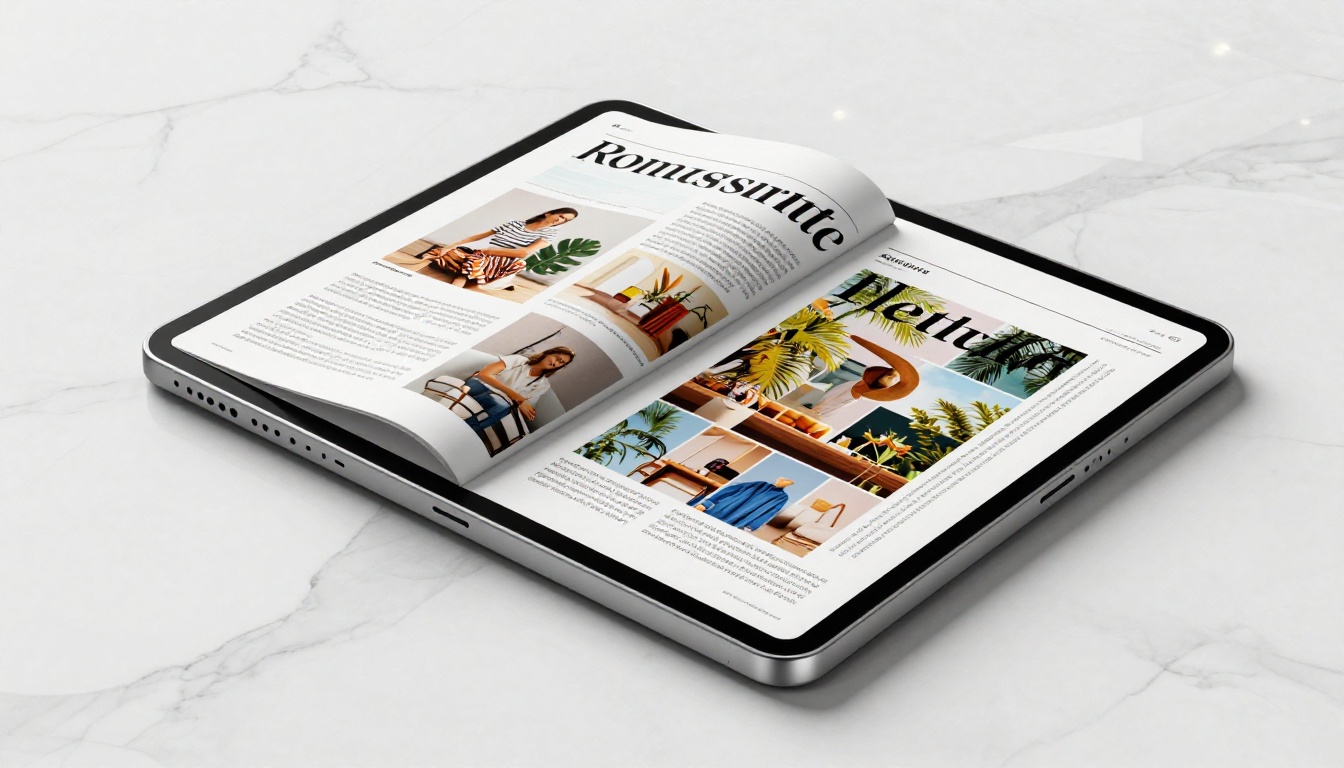
Publishing a digital magazine has never been more accessible. Whether you're an independent journalist, a nonprofit, a fashion brand, or a community organizer, the barrier to entry dropped to zero in 2026. You no longer need a printing budget, a distributor, or a tech team. All you need is a good PDF, the right platform, and a clear process. Flipbooks AI is one of the tools making this possible for thousands of creators worldwide, and we'll show you exactly how to use it.
Why Print Budgets Are Officially Optional
The numbers that changed everything
Global print magazine circulation has declined over 40% since 2015. Meanwhile, digital publication readership grew 28% year-over-year in 2024 alone. Readers are not just tolerating digital, they actively prefer it. They share issues via WhatsApp, save them to their phones, and read offline on planes. For publishers on a tight budget, this shift is not just a trend. It's a permission slip.
The cost difference is staggering:
| Format | Average Cost Per Issue | Distribution | Analytics |
|---|
| Print (500 copies) | $1,200 - $3,500 | Physical delivery only | None |
| PDF email blast | $0 | Email only | Open rates |
| Digital flipbook | $0 (free plan) | Link, embed, social | Full page tracking |
A digital flipbook does everything print does, costs nothing to reproduce, and tells you exactly who read it and which pages held their attention longest.
What readers actually want now
Readers want speed and convenience. They want to open your magazine on their phone while commuting, flip through pages with their thumb, and tap a link to buy the product they just saw on page 12. Static PDFs cannot do that. Digital magazines built with the Magazine Flipbook Creator can. The page-flip animation, mobile responsiveness, and embedded multimedia create an experience that feels alive, not archived.
What You Need Before You Start
Your PDF is your raw material
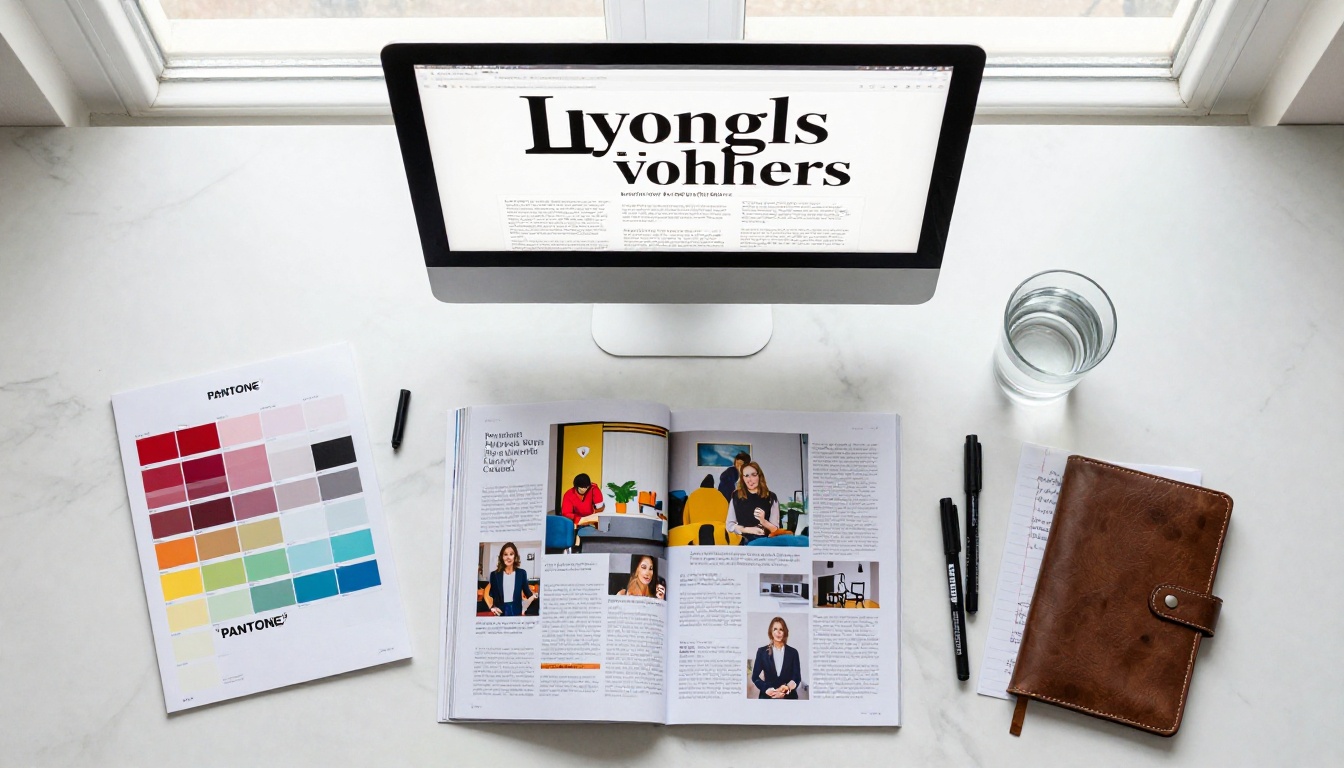
Every digital magazine starts with a PDF. If you're designing from scratch, tools like Canva, Adobe InDesign, or even Google Slides can export a print-ready PDF. Aim for a 16:9 or A4 landscape ratio for the best screen experience. Keep your file under 100MB for faster uploads and smoother performance.
A few things to check before uploading:
- Fonts: Embed all fonts in the PDF to prevent rendering issues
- Images: Use RGB color mode, not CMYK (screens use RGB)
- Resolution: 150 DPI is enough for screens (300 DPI is overkill for digital)
- Links: Hyperlinks embedded in your PDF will remain clickable in the flipbook
- Page count: No hard limits, but 12-60 pages is the sweet spot for reader engagement
Picking the right free platform
Not all free publishing platforms are equal. Some watermark your content, limit your page count, or make you pay to share with more than 10 readers. Here's what the real comparison looks like:
| Platform | Free Plan Watermark | Pages Limit | Custom Branding | Analytics |
|---|
| Flipbooks AI (Free) | No watermarks, ever | Unlimited | Basic | No |
| Issuu (Free) | Yes | 1 publication | No | No |
| Yumpu (Free) | Yes | Limited | No | No |
| Flipbooks AI (Standard) | No watermarks, ever | Unlimited | Full | No |
| Flipbooks AI (Professional) | No watermarks, ever | Unlimited | Full | Yes |
Flipbooks AI is the only platform in this comparison that never adds watermarks on any plan, including free. That alone makes it the strongest option for professional publishing.

How to Create Your Digital Magazine with Flipbooks AI
This is where the process gets straightforward. Head to Flipbooks AI and create a free account. No credit card required.
Step 1: Upload your PDF
Once logged in, click the upload button and select your PDF file. The platform accepts files up to 500MB and converts your document in seconds. The PDF to Flipbook Converter engine handles all file parsing automatically, preserving your layout, typography, and embedded links exactly as designed.

💡 If your magazine has distinct sections, name your PDF pages descriptively before uploading. Some platforms allow you to add a clickable table of contents that maps directly to those names.
Step 2: Brand your publication
After conversion, you enter the customization panel. This is where your magazine gets its identity. You can:
- Upload your logo to appear in the viewer header
- Set your brand colors for the interface chrome
- Choose a background color or texture for the reading environment
- Enable or disable page shadow and page curl effects
- Add a custom domain (available on paid plans)
The E-Magazine Publishing Tool gives you even finer control over the reading experience, including multimedia embeds if your content includes video interviews or audio features.
Step 3: Set visibility and access
Free publications can be configured as:
- Public: Anyone with the link can read it
- Password protected: Share only with subscribers or paying members
- Unlisted: Not indexed, only accessible via direct link
For a community magazine, public is the right call. For a subscriber-only issue, password protection gives you full access control without a paywall platform.
Step 4: Publish and share
Hit publish. You get three things instantly:
- A direct link to your magazine, shareable anywhere
- An embed code to drop it into any website via the Embed Flipbook on Website tool
- A QR code for print collateral that routes readers straight to the digital version
That's the full workflow. From PDF to live digital magazine in under five minutes.
Real-World Use Cases That Work
Independent journalists and writers
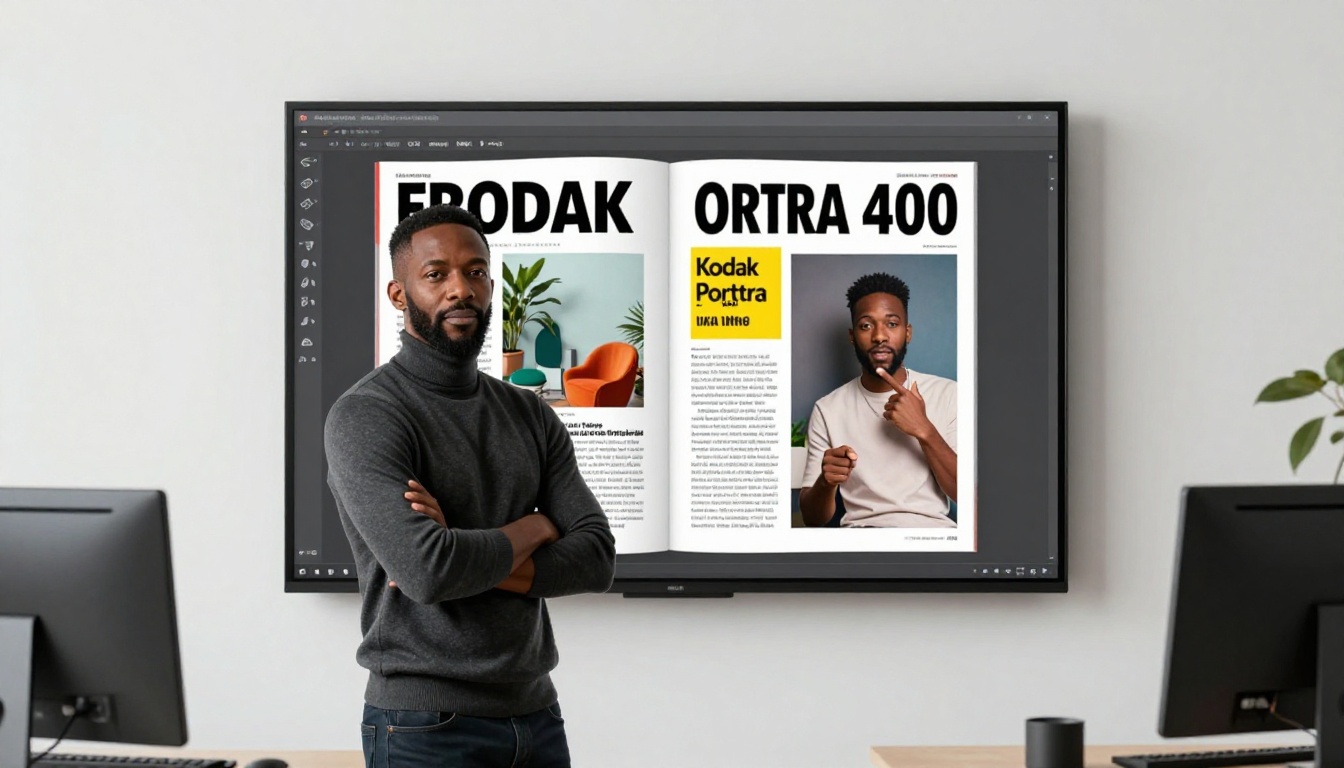
An independent journalist covering local food culture can publish a quarterly digital magazine without spending a cent. They design in Canva, export as PDF, upload to Flipbooks AI, and share the link across Instagram, their email newsletter, and a Linktree profile. Readers flip through it on mobile. Advertisers get a professional, trackable placement in a publication that reflects real editorial standards.
Fashion and lifestyle brands
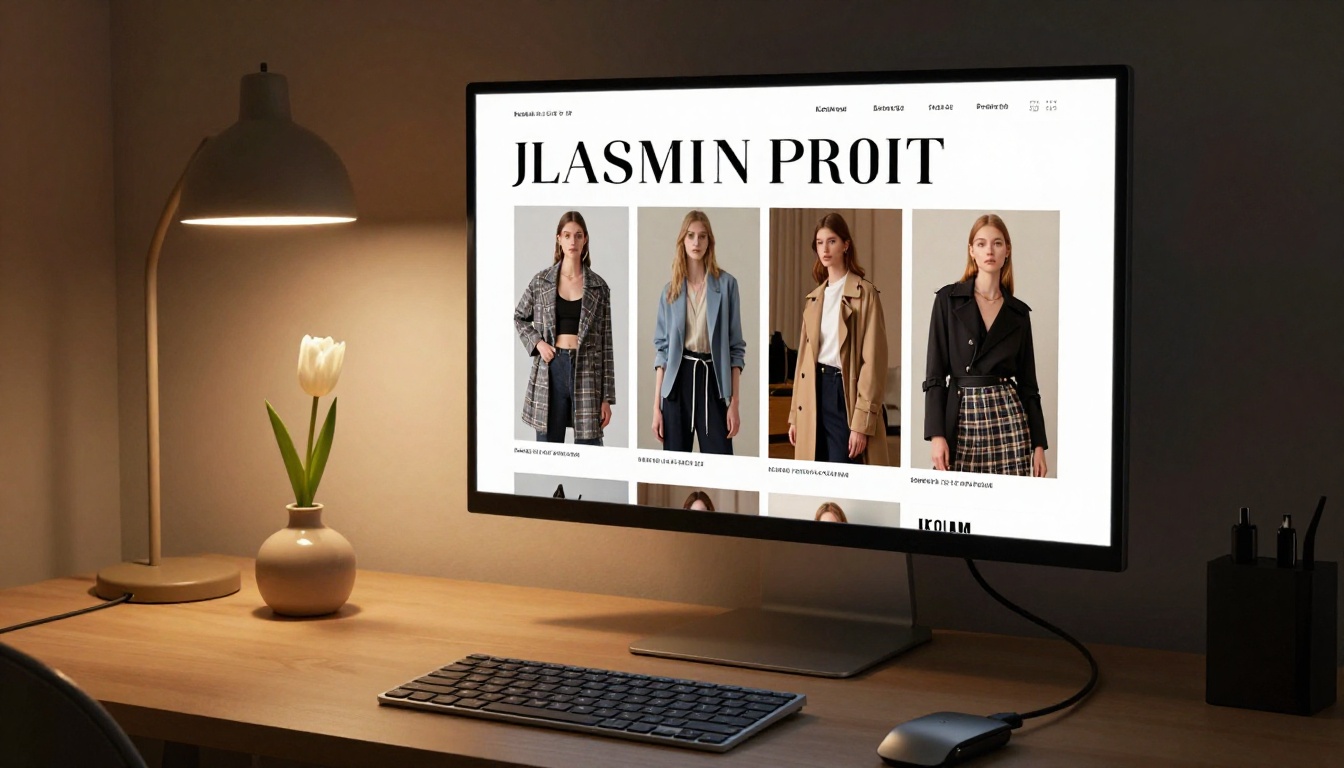
A small fashion label launching a seasonal lookbook can use the Interactive Lookbook Designer to create a shoppable magazine experience. Embedded product links let readers tap directly from the editorial spread to the product page. No print run. No shipping. No waste.
Community organizations and nonprofits
A neighborhood organization publishing an annual report or community newsletter saves thousands by going digital. The School Newsletter Creator and Non-Profit Annual Report tools make the process even faster with purpose-built templates designed for exactly these use cases.

What separates good from forgettable
The difference between a magazine people share and one they abandon after page two comes down to three things: pacing, visual weight, and interactivity.
Pacing means varying your layouts deliberately. Two pages of dense text should be followed by a full-bleed image or a strong pull quote. Your PDF design controls this before you ever upload.
Visual weight means each spread has a single clear focal point. One hero image, one headline, one color accent per spread. Don't compete with yourself.
Interactivity is where digital publishing wins over print entirely. Embedded links, video thumbnails, and audio players turn passive readers into active participants who return for the next issue.
Page structure that actually works
| Section | Purpose | Recommended Length |
|---|
| Cover | First impression, brand identity | 1 page |
| Table of Contents | Navigation anchor | 1 page |
| Feature article | Main editorial content | 4-8 pages |
| Visual spread | Photography or infographic | 2-4 pages |
| Advertorial or sponsored | Monetization | 1-2 pages |
| Back matter | Credits, links, next issue CTA | 1-2 pages |
Most successful digital magazines run between 20 and 48 pages. Below 12 feels thin. Above 60 risks reader fatigue without very strong editorial discipline.
How to Grow Your Magazine's Readership
SEO for digital magazines
A digital magazine with a public URL is indexable by search engines. To build organic traffic over time:
- Title your flipbook precisely: Use the actual keywords your audience searches, not clever internal names
- Write a strong description: The platform lets you add a description to your magazine that search engines read and index
- Embed it on a blog post: A blog post with the flipbook embedded creates a dedicated SEO landing page for every issue you publish
- Use descriptive image alt text: Add alt text to your PDF images before exporting for both accessibility and search visibility
✅ Publish a new issue on the same day each month. Consistency trains your audience and creates a returning-visitor pattern that reinforces SEO signals over time.
Distribution tactics that compound
- Share the link (not the file download) so all traffic flows through your analytics dashboard
- Embed in your email signature with a preview thumbnail and issue number
- Submit to niche content aggregators in your vertical
- Build a "past issues" archive page on your website, each issue embedded via the Embed Flipbook on Website tool, creating a content library that earns traffic for years

Making Money from Your Free Publication
Three revenue models that work
You don't need to charge readers for the magazine itself to generate revenue. The three most effective models for independent digital magazines in 2026 are:
1. Sponsored pages: Sell full-page or half-page placements to brands in your niche. Charge based on your subscriber count and average open rate. Even 500 engaged readers in a specific niche such as organic food, independent music, or local real estate are worth $150-$500 per placement to the right advertiser.
2. Lead generation: The Flipbooks AI Professional plan includes built-in lead capture forms. You can gate specific issues or bonus content behind an email submission, turning readers into leads for your business or a client's campaign.
3. Affiliate links: Embed affiliate links directly in your PDF before uploading. When readers tap the link in the flipbook, they go to the product page. Any resulting purchase earns you a commission. This works especially well for product review magazines, travel content, and lifestyle publishing.
⚠️ Be transparent about sponsored content. Label advertorials clearly. Readers trust digital publications more when they understand the business model behind them.
When to upgrade from free
The free plan covers everything a new publisher needs in their first several months. Consider upgrading to Standard or Professional when:
- You want full custom branding with your logo, your colors, and your domain
- You need analytics to prove ROI to sponsors and track which pages drive the most engagement
- You want offline download capability for paid subscribers who read on flights
- You're managing multiple publications and need team collaboration and shared asset management

Your First Issue Is One Upload Away
Most people planning to publish a digital magazine spend months preparing and never ship. The format doesn't matter as much as the decision to start. A 12-page PDF uploaded this week beats a 48-page masterpiece sitting in your drafts folder until next quarter.
The tools are free. The process takes under an hour. The audience is online right now.
Start with one issue. Upload it to Flipbooks AI, share the link with 50 people who care about your topic, and pay attention to what they respond to. Your second issue will be stronger. Your tenth will be something worth pointing to.
Explore all the publishing tools available, from the Magazine Flipbook Creator to the Newsletter Flipbook Publisher, and find the workflow that fits your project and cadence. When you're ready to scale, compare pricing plans to see which features make sense for your next phase.
The only thing left is to open your design tool and start page one.