Publishing a magazine used to require expensive print runs, distribution contracts, and weeks of lead time before a single reader ever turned a page. That world is largely behind us. Today, anyone with a finished PDF and something worth sharing can reach a global audience in minutes, across every device, without paying for a single printed copy. This article covers exactly how to publish a magazine online for free, which platforms actually deliver on their promises, and how Flipbooks AI turns a static PDF into a fully interactive reading experience that feels nothing like a basic file download.
Why Print No Longer Makes Sense
The economics of print publishing have always been brutal for independent creators. Minimum print runs, storage costs, shipping logistics, and the constant risk of unsold inventory make print a high-stakes gamble for anyone outside a major media house.
The Real Cost of Going to Print
A standard short-run magazine job (250 copies, full color, 32 pages) typically costs between $800 and $2,500 depending on the printer and finish quality. Add distribution, and you're looking at costs that most independent publishers simply cannot recoup without a significant subscriber base already in place. Digital publishing flips that math entirely.
💡 Pro Tip: A digital magazine has zero marginal cost per additional reader. Whether 10 people or 10,000 read your issue, your production cost stays the same.
What Digital Actually Delivers
Digital magazines are not just cheaper versions of print. They are fundamentally better in several ways:
- Video and audio: Embed media directly into pages for a richer experience
- Live links: Product links, social profiles, and external resources all work inside the publication
- Analytics: See exactly which pages readers spend the most time on
- Instant updates: Fix a typo or update pricing after publishing with no reprint cost
- Global reach: Anyone with a link can read it, anywhere, on any device
- Zero distribution fees: No postage, no warehousing, no returns
What You Need Before You Start
Before uploading anything to a publishing platform, a few fundamentals need to be in place. Most of the real work happens before you ever open a browser.
Your Content in the Right Format
Virtually every online magazine publishing tool accepts PDF as the primary input format. This means you can design your magazine in whatever tool you already use:
- Adobe InDesign: The professional standard for multi-page publications
- Canva: Free to use, with excellent editorial templates built in
- Affinity Publisher: A one-time purchase with professional-grade layout tools
- Google Slides: Basic but functional for simple internal publications
Export your file as a PDF with bleed settings active, fonts fully embedded, and images at 150 to 300 DPI for a clean digital display. A file with missing fonts or low-resolution images will look noticeably rough after conversion.
Picking the Right Publishing Platform
Not all free online magazine tools are created equal. Some bury your content behind their own branding, limit the number of pages you can publish, or place a watermark across every spread on the free tier.
| Platform | Free Tier Limits | Watermark-Free | Interactive Features | Mobile-Responsive |
|---|
| Flipbooks AI | Generous free tier | ✅ Yes | ✅ Full feature set | ✅ Yes |
| Issuu | 1 publication/month | ❌ No (free tier) | Limited | ✅ Yes |
| Yumpu | 3 publications | ❌ Ads shown | Basic only | ✅ Yes |
| Joomag | 1 publication | ❌ Watermarked | Limited | ✅ Yes |
| Calameo | 25 pages max | ❌ Branded reader | Basic only | Partial |
⚠️ Warning: Many "free" platforms add their own branding or third-party advertisements to your publication on the free plan. Always check what your readers will actually see before publishing anything with your name on it.
How to Turn a PDF Into a Digital Magazine
The actual conversion process is straightforward, but the preparation details matter. Here is how to go from a finished PDF to a live, shareable digital magazine.
Step 1: Finalize Your PDF
Before uploading, run through this checklist:
- All fonts are embedded in the file
- Images are high resolution (150 DPI minimum for digital viewing)
- Margins and spacing look correct in print preview
- All internal links and interactive elements are properly set
- File size is under 100MB (most platforms impose upload limits)
Step 2: Upload and Convert
Most platforms use a drag-and-drop interface for the initial upload. Conversion from PDF to an interactive flipbook format takes between 30 and 90 seconds depending on page count and file size.

Step 3: Customize Before You Publish
After conversion, most platforms open an editor where you can adjust:
- Preview thumbnail: What readers see before they click through
- Background: Color or texture visible behind the magazine pages
- Page transition style: The animation used when turning pages
- Navigation: Table of contents, thumbnail strip, or chapter markers
- Sharing settings: Who can access the publication and how
Do not skip customization. A magazine with an auto-generated blurred thumbnail and a generic gray background signals low effort even if the content inside is outstanding.
How to Publish Your Magazine with Flipbooks AI
Flipbooks AI is purpose-built for this exact workflow: taking a polished PDF and turning it into a professional interactive magazine with zero technical setup required. Here is the full process from account creation to a live, shareable publication.
1. Sign Up and Open the Dashboard
Go to flipbooksai.com/account and create your free account. No credit card is required on the free plan. Once logged in, the dashboard shows all your publications and gives you a clear starting point for your first upload.
2. Upload Your PDF
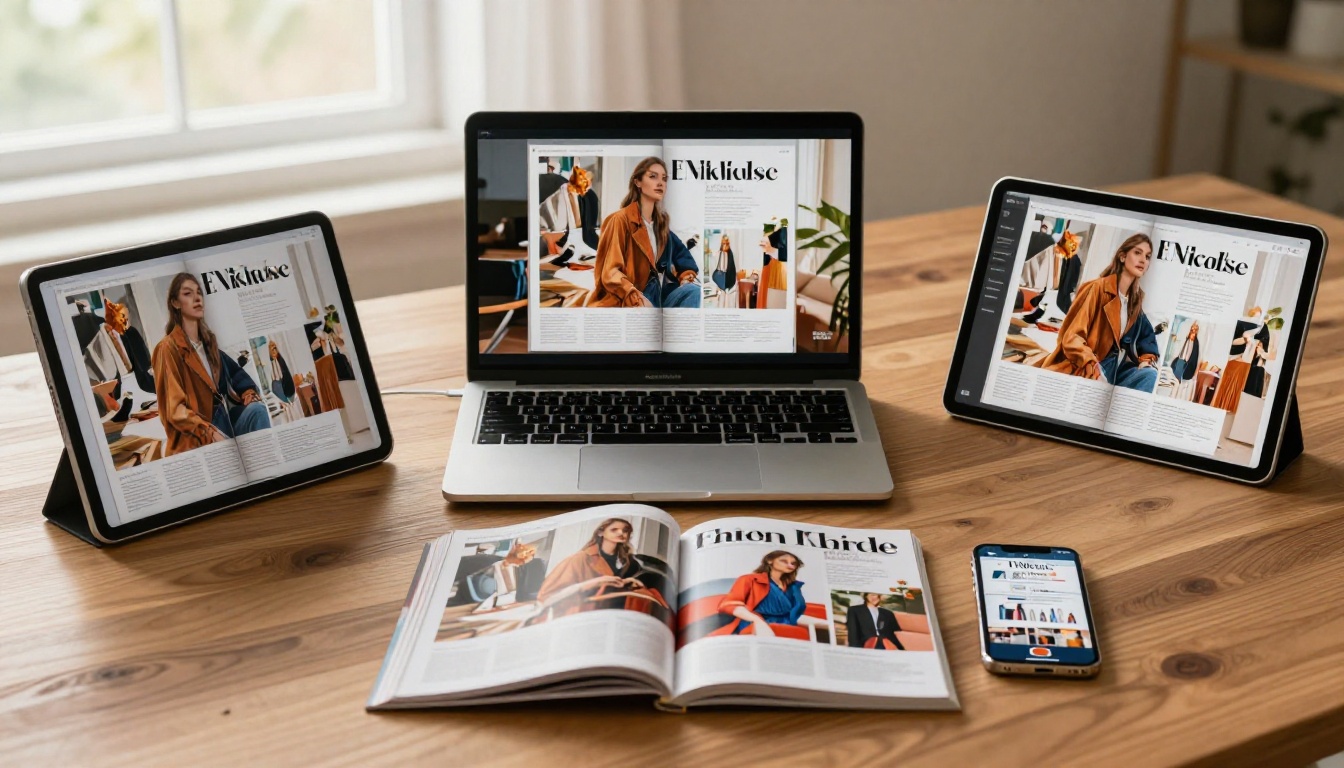
Click New Flipbook, then drag your PDF into the upload zone or browse to select it manually. Flipbooks AI processes the file and renders every page as a high-fidelity digital spread, preserving fonts, images, and layout exactly as designed.
3. Customize Your Magazine
Once converted, the editor gives you full control over how your magazine presents itself to readers:
- Branding: Upload your logo and set brand colors for the reader interface
- Background: Choose a custom background color, image, or texture
- Page effects: Select the page-turn animation that suits your publication's tone
- Table of contents: Auto-generate chapter navigation or build it manually
- Multimedia embeds: Add videos and audio directly to specific pages (Standard plan and above)
💡 Pro Tip: The E-Magazine Publishing Tool is designed specifically for magazine-format publications, with layout options and branding controls optimized for editorial content. The Magazine Flipbook Creator handles the presentation layer so your team focuses on content.
4. Configure Sharing Options
Before you hit publish, set up how readers will access the magazine:
- Direct link: A clean shareable URL you can post on social media or send via email
- Embed code: Drop your magazine into any website or blog with a single snippet
- Password protection: Restrict access to paying subscribers or private audiences
- Social sharing buttons: Built-in options for major platforms
5. Publish and Distribute
Hit publish. The magazine is instantly live. Use the Embed Flipbook on Website tool to integrate the publication directly into your existing site with a fully responsive reader that adjusts to any screen size.
✅ Best Practice: Test the published link on a smartphone before distributing it widely. A significant portion of your readers will open it on mobile, and the experience should feel native, not scaled-down.
Free vs Paid: What You Actually Get
The free tier of Flipbooks AI covers the basics well. Understanding exactly what each plan includes helps you make a clear-eyed decision about whether free is enough right now or when upgrading makes sense.
| Feature | Free | Standard | Professional |
|---|
| Number of flipbooks | Limited | Unlimited | Unlimited |
| Watermark-free | ✅ Yes | ✅ Yes | ✅ Yes |
| Password protection | ❌ | ✅ | ✅ |
| Custom branding | Basic | Full | Full |
| Analytics dashboard | ❌ | ❌ | ✅ |
| Lead generation forms | ❌ | ❌ | ✅ |
| Offline downloads | ❌ | ✅ | ✅ |
| Embedded video and audio | ❌ | ✅ | ✅ |
| Custom domain | ❌ | ❌ | ✅ |
See the full breakdown at flipbooksai.com/pricing to compare what each plan covers in detail before committing.
When Free Is Enough
For most first-time digital publishers, the free plan covers everything needed to launch successfully. You get a clean, professional reading experience with no watermarks and a shareable link that works on any device. Community newsletters, school magazines, personal projects, and small business announcements all fit comfortably within the free tier.
When to Upgrade
The Professional plan becomes genuinely valuable once you need reader data. Analytics showing which pages receive the most attention, how long readers stay on each spread, and where they exit is actionable editorial intelligence. The lead generation forms on the Professional plan also turn your magazine into a practical tool for building an email subscriber list directly from the publication itself.
Where to Share Your Magazine Online
Publishing the file is only step one. Getting it in front of the right readers requires deliberate, consistent distribution.
Social Media and Direct Links
Every publication on Flipbooks AI gets a clean, shareable URL. Use it across every channel you maintain:
- Add the link to your Instagram bio and reference it in Stories
- Share it directly on LinkedIn with a short description of the issue's content
- Pin the link on your Facebook page with a strong visual thumbnail
- Post individual page spreads as image content with the full link in the caption
Embedding on Your Site
The embed code option places your magazine directly on any web page. Readers browse the full interactive publication without leaving your site. This works particularly well for portfolio sites, brand websites, and blogs that reference specific issues of an ongoing publication.
Email Newsletters
Include a screenshot of the front page in your newsletter and link it directly to the flipbook URL. Most email clients do not support embedded interactive content, but a strong visual with a clear call-to-action drives solid click-through rates. Pair it with a one-line summary of what is inside the issue.
3 Real-World Use Cases That Work
Digital magazine publishing serves a much wider range of creators than most people initially assume. Here are three concrete examples of how it works in practice.
Independent Lifestyle Magazines
A small editorial team producing a quarterly publication covering food, travel, or design can use Flipbooks AI to publish each issue as a digital flipbook. The page-turn format preserves the editorial feel of a print layout while making the content searchable, shareable, and accessible on any screen. Readers can link directly to specific pages, which makes editorial content far more shareable on social platforms than a static PDF would ever be.
School and University Publications
Student newspapers, literary magazines, and yearbooks are natural fits for digital publishing. Print costs are often prohibitive for school budgets, and digital distribution reaches students, parents, and alumni far more effectively than physical copies. The Yearbook Flipbook Maker and School Newsletter Creator tools are purpose-built for these formats, with templates that reduce production time significantly.
Small Business Product Lookbooks
A boutique clothing brand, furniture studio, or artisan food producer can publish a seasonal product lookbook as an interactive flipbook. Embedded links let readers click directly from a product image to a purchase page or contact form. The Interactive Lookbook Designer handles this format with features built specifically for product-forward publications.
What Makes a Digital Magazine Actually Good
Publishing online is easy. Publishing something readers actually want to open, read through, and share with others takes more deliberate thought.
| Element | Why It Matters | How to Get It Right |
|---|
| Front page design | First impression drives click-through | Bold typography, one strong image, minimal text |
| Page layout | Readers scan before they read | White space, clear hierarchy, consistent grid |
| Image quality | Low-res photos signal amateur work | 150 to 300 DPI minimum for digital display |
| Typography | Readability affects time on page | Serif for body text, sans-serif for headers |
| Page count | Too long loses readers, too short feels thin | 16 to 48 pages is a practical range |
| Interactive elements | Links and media increase time on page | At least 3 to 5 clickable elements per issue |
✅ Best Practice: Test your digital magazine on a phone before publishing it. Over 60% of online reading happens on mobile devices. If the text is too small to read without pinching to zoom, resize it before the publication goes live.
Navigation and Structure
A digital magazine without a table of contents or clear section structure forces readers to scroll through everything to find what interests them. Build a table of contents with clear section labels. Keep section titles short and specific. Readers should be able to orient themselves within two seconds of opening your publication.
Consistency Across Issues
If you are publishing multiple issues, consistency in layout, tone, and visual identity builds recognition over time. Create a template from your first issue and use it as the starting point for every subsequent publication. This is not about being rigid with the creative direction; it is about respecting your reader's familiarity with your format.
💡 Pro Tip: Use the Newsletter Flipbook Publisher for regular-cadence publications like monthly newsletters, where consistency and fast production turnaround matter more than elaborate custom layouts.
Start Publishing Your Magazine Today
The barrier between having something worth publishing and actually getting it in front of readers is lower than it has ever been. You do not need a printing budget, a distribution deal, or any technical background. You need a finished PDF and a platform that handles everything else.
Flipbooks AI gives you a professional digital magazine experience with no watermarks, no technical setup, and no upfront cost. Upload your PDF, customize the presentation to match your brand, and share a link that works on every device your readers use.
Ready to publish your first issue? Create your free account and have your magazine live in under 10 minutes.
When your audience grows and you need more from your publishing workflow, check the pricing plans to add analytics, offline downloads, and lead generation capabilities. Browse all available tools and templates to find the right format for your publication type, from fashion lookbooks and product catalogs to school newsletters and annual reports.
Publishing is no longer something you wait to afford. It is something you do today.



