Printing a travel brochure is expensive, slow, and limited in reach. You invest in design, spend on print runs, and then hand them out at trade shows or leave stacks in hotel lobbies hoping someone picks one up. Meanwhile, a traveler scrolling their phone in Tokyo is searching for your destination right now, and your PDF attachment is sitting unread in their inbox. There is a better way, and it takes less time than you think. With Flipbooks AI, you can publish a travel brochure as a fully interactive flipbook in minutes, no printing required, no technical skills needed.
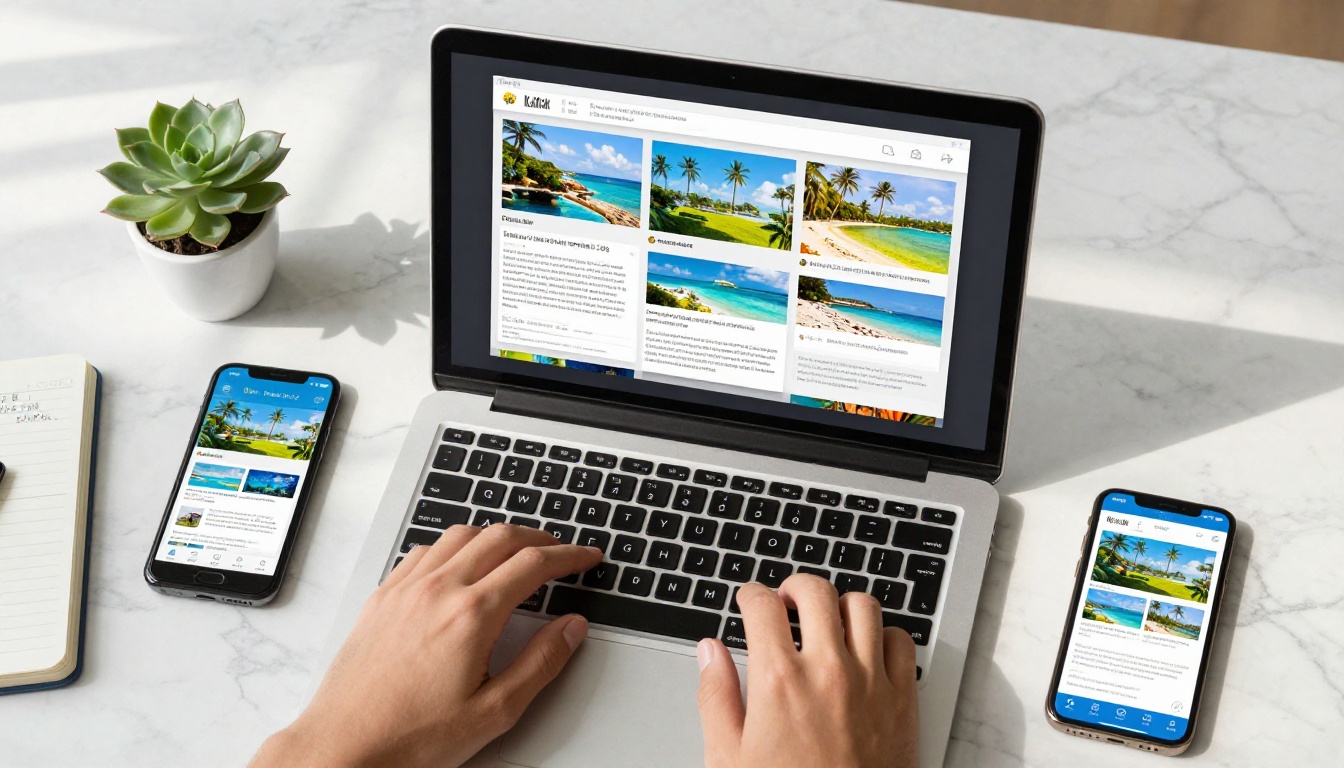
Why PDF Brochures Fall Short for Travel
The travel industry runs on inspiration. People decide where to go based on how something looks and feels. A flat PDF attached to an email does not inspire anyone. It does not load fast on mobile, it does not feel alive, and it does not share well on social media or messaging apps.
Most travel businesses still rely on static PDF brochures because converting them felt complicated or time-consuming. That assumption no longer holds up.
The 3 Biggest Problems with Static PDFs
- Poor mobile experience: PDFs require a dedicated app or browser plugin on most phones, adding friction before a traveler even sees your content
- Zero tracking: You have no idea who opened your brochure, which pages held their attention, or whether any of it drove actual bookings
- Clunky shareability: Sending a PDF file over WhatsApp, Instagram DM, or in an email newsletter feels awkward and unprofessional
- No interactivity: Links inside PDFs often break, and there is no page-turn feel that makes browsing enjoyable or immersive
- Expensive distribution: Physical brochures require print runs, shipping logistics, and constant restocking at display locations
What Today's Traveler Actually Expects
Modern travelers browse on phones, share content instantly, and make booking decisions fast. They expect your content to load in under three seconds, work perfectly on any screen size, feel interactive and visually rich, and be shareable with a single link. A digital travel flipbook hits every single one of those expectations.
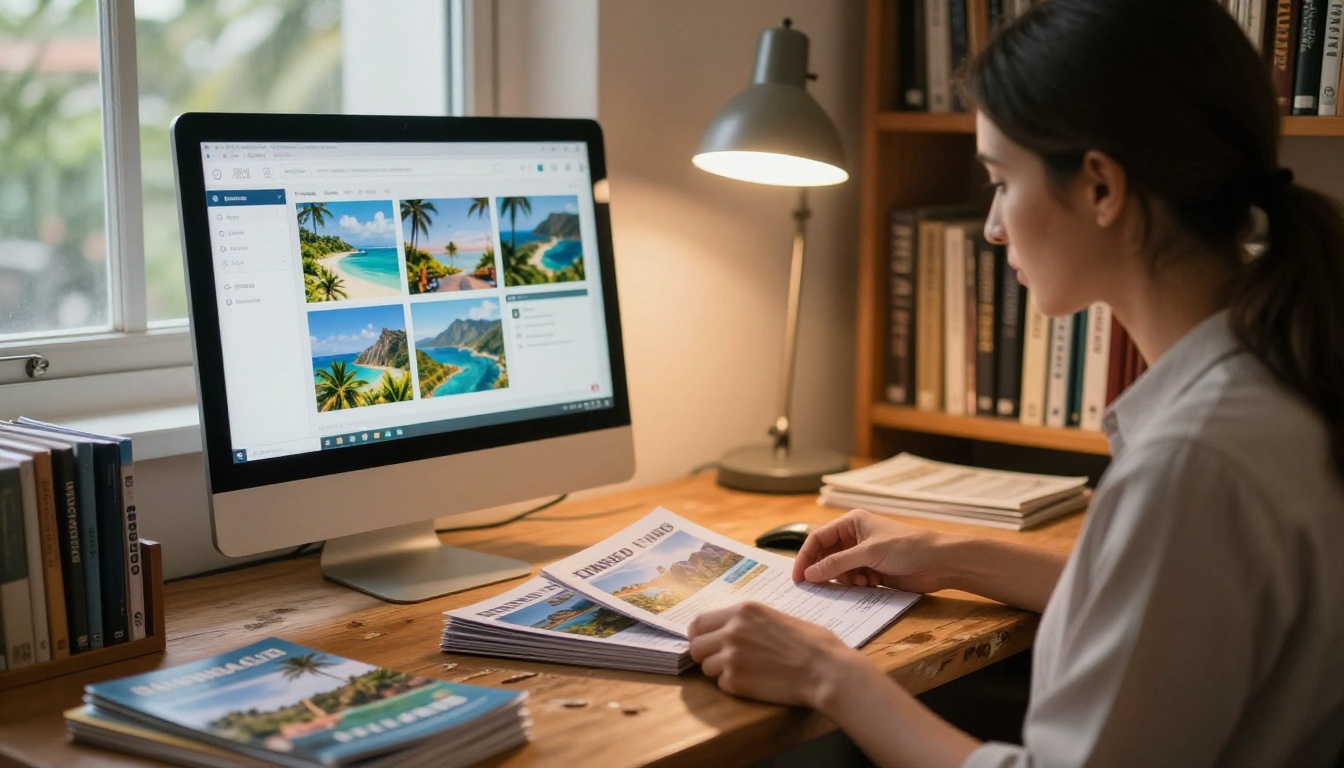
What a Travel Flipbook Actually Is
A travel flipbook is a digital publication that mimics the feel of flipping through a physical brochure, complete with realistic page-turn animations, clickable links, embedded video, and full mobile responsiveness. Unlike a PDF, a flipbook lives on the web. Anyone with the link can open it instantly in any browser, on any device, without downloading anything.
Page-Turn Animation That Feels Real
The flip animation is not just cosmetic. It creates a reading experience that feels natural and emotionally engaging. Visitors spend more time with content that carries physical-world familiarity. For travel content especially, that sense of browsing through a brochure creates a feeling of anticipation that a flat PDF never achieves.
Works on Every Device Without an App
This is the point most travel businesses overlook. A flipbook published through Flipbooks AI works instantly on iPhones and Android phones, iPads and Android tablets, MacBooks and Windows laptops, Chromebooks, and even presentation screens. No app downloads, no software installs. Just a link that opens and works.
How to Publish a Travel Brochure as a Flipbook Fast
This is the actual step-by-step process. It is genuinely fast, and no technical background is required.
Step 1 - Prepare Your Travel Brochure PDF
If you already have a PDF version of your travel brochure, you are ready to go. If your brochure only exists in print form, scan it at high resolution or export it from Canva, Adobe InDesign, Microsoft Publisher, or any design tool as a PDF file.
💡 Pro tip: Export your PDF at 150 to 300 DPI for sharp, crisp visuals without creating an oversized file. A 10 to 50MB file is the sweet spot for fast flipbook loading on any connection speed.
Step 2 - Upload Your PDF to Flipbooks AI
Head to Flipbooks AI and sign up for a free account. The upload process is drag-and-drop simple:
- Click Upload PDF from your dashboard
- Drag your travel brochure PDF into the upload zone or browse to select it
- Wait for automatic conversion (usually under 60 seconds for a 20-page brochure)
- Your flipbook is instantly generated with page-turn animation applied to every page
The PDF to Flipbook Converter handles the entire conversion automatically. Every page of your brochure becomes a crisp, browsable flipbook page with no manual work required on your part.

Step 3 - Customize Your Travel Flipbook
Once the conversion is complete, you can personalize it to match your brand and destination content:
- Brand colors: Set your flipbook background and toolbar to match your company color palette
- Logo upload: Add your travel company, hotel, or agency logo to the viewer header
- Background audio: Embed ambient destination sounds or music that plays as visitors browse
- Video embedding: Add destination video tours directly into specific brochure pages
- Custom domain: Publish under your own domain for a polished, professional presentation
✅ Best practice: Always add your logo and brand colors before sharing publicly. Every person who browses your flipbook reinforces brand recognition, especially when the link gets forwarded beyond your original audience.
Step 4 - Publish and Share Instantly
When you click Publish, your travel flipbook goes live with a shareable URL immediately. No approval queue, no waiting period. You can share it through:
- Direct link: Copy and paste into emails, SMS messages, WhatsApp groups, or social media posts
- Embed code: Place the interactive flipbook directly on your website or booking landing page
- QR code: Generate a scannable QR code for printed materials, hotel lobbies, travel fairs, or physical signage
- Password-protected link: Lock the flipbook for exclusive previews, press kits, or private client presentations
For hotels, the Hotel Brochure Designer offers purpose-built templates for hospitality content. Tour operators will find the Travel Guide Flipbook tool equally useful for multi-destination itinerary content.
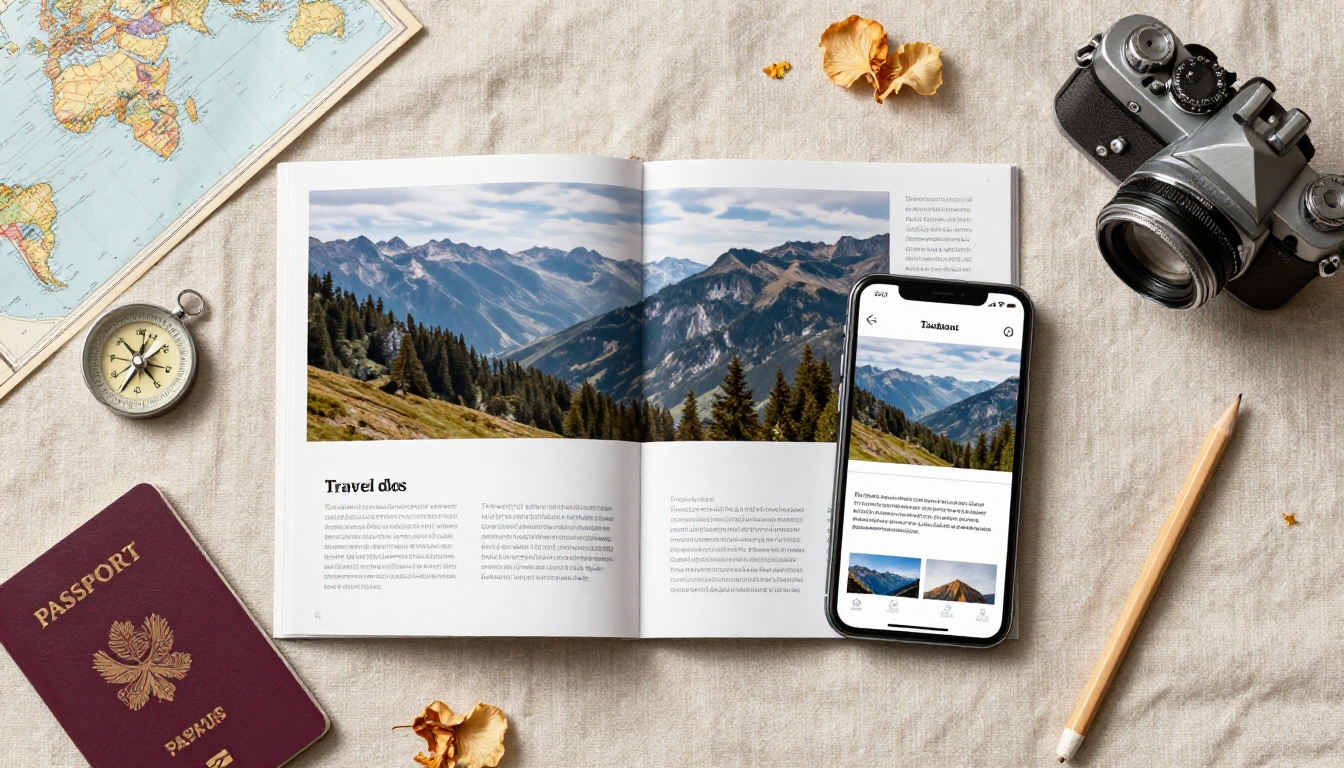
Sharing Options That Actually Work
Getting your travel flipbook in front of the right people is as important as creating it. Here is how each sharing method compares in real-world use:
| Sharing Method | Best For | Setup Effort | Reach Potential |
|---|
| Direct link | Email, WhatsApp, DMs, social bios | Zero | Very high |
| Website embed | Homepage, destination pages, booking flows | Low | High |
| QR code | Print materials, events, hotel lobbies | Low | Medium |
| Password-protected link | VIP clients, press kits, agent previews | Low | Controlled |
| Social media preview | Instagram, Facebook, LinkedIn posts | Zero | Very high |
Direct Links vs. Embed Codes
A direct link works everywhere with zero setup. Paste it in an email newsletter, a social media bio, a WhatsApp group, or a Google Ad. Anyone who clicks opens the flipbook in their browser instantly with no friction.
An embed code places the flipbook inside your own website, so visitors never have to leave your page to browse your travel content. This is ideal for travel agencies with destination landing pages, hotels with property overview pages, or tour operators who want the flipbook to anchor a booking conversion page.
💡 Pro tip: Use the Embed Flipbook on Website tool to generate a responsive embed snippet that adapts perfectly to any website layout or screen size.
Password Protection for Private Brochures
Not every travel brochure is meant for the public. If you are sharing wholesale pricing with trade agents, preparing a press kit for travel journalists, or creating an exclusive destination preview for high-value clients, password protection keeps full control in your hands while still delivering a polished digital experience.
Flipbooks AI Plan Comparison
Choosing the right plan depends on your publishing volume and the specific features your travel business needs. Here is a direct breakdown:
| Feature | Free | Standard | Professional |
|---|
| Number of flipbooks | 3 | Unlimited | Unlimited |
| Watermark on flipbooks | Yes | No | No |
| Custom branding and logo | No | Yes | Yes |
| Password protection | No | Yes | Yes |
| Embed on website | No | Yes | Yes |
| Page-level analytics | No | No | Yes |
| Lead generation forms | No | No | Yes |
| Offline downloads | No | No | Yes |
| Custom domain publishing | No | No | Yes |
| Video and audio embedding | Yes | Yes | Yes |
| Mobile-responsive design | Yes | Yes | Yes |
⚠️ Important: The free plan includes a visible watermark on all published flipbooks. For any professional travel business presenting content to clients or customers, the Standard plan or above is necessary to maintain credibility and brand integrity.
Which Plan Fits Your Travel Business
Solo travel bloggers or small agencies will find the Standard plan covers all core needs: unlimited flipbooks, no watermarks, custom branding, and embeds.
Hotels and resorts benefit most from the Standard plan at minimum, with the Professional plan adding value if room booking analytics and lead capture from the flipbook itself matter to your sales process.
Tour operators with multiple destination collections should consider the Professional plan for page-level analytics that reveal which itineraries get the most engagement, informing which destinations to prioritize in future brochures.
Large travel groups, destination marketing organizations, and DMOs will want the Professional plan for custom domains, offline download capability for travel fairs, and lead generation tools built directly into the flipbook experience.
See current pricing at flipbooksai.com/pricing to compare what each plan costs and includes right now.
PDF vs. Flipbook: A Real-World Comparison
| Factor | PDF Brochure | Digital Travel Flipbook |
|---|
| Mobile experience | Poor, requires app or plugin | Excellent, browser-native |
| Shareability | Clunky file attachment | Clean, single shareable URL |
| Brand presentation | Static, flat pages | Branded viewer with animation |
| Reader analytics | None | Full page-level tracking |
| Update process | Reprint entire batch | Re-upload PDF instantly |
| Distribution cost | High, printing and shipping | Zero |
| Interactivity | None | Video, audio, clickable links |
| Load speed on mobile | Slow, large file download | Optimized, fast streaming |
| Offline access | Requires download | Available on Professional plan |
This comparison says everything. The gap between a PDF and a digital flipbook is not incremental improvement. It is the difference between content that sits in a stack and content that travels the world on a single link.
Travel Business Use Cases That Win
Hotels and Resorts
A hotel brochure as a flipbook changes how potential guests experience your property. Instead of a flat PDF with static room photos, guests flip through pages, encounter embedded video tours inside the rooms section, and reach a booking link without ever leaving the flipbook interface.
A beachfront resort, for example, can embed a drone flyover video on the pool page and a 360-degree room tour on the suites page. That level of immersive content in a shareable link is something printed brochures can never replicate.
Tour Operators
Tour operators deal in multi-destination itineraries, which means long, content-rich brochures with dozens of pages. A flipbook format handles this naturally. Readers can jump through the page-turn interface, skim for their destination of interest, and click booking links embedded directly beside each tour package description.
✅ Best practice: Add a clickable table of contents on your first flipbook page so readers can jump directly to the destination or tour type they care about, rather than flipping through every page sequentially.
Travel Agencies
Travel agencies produce seasonal brochures: summer specials, winter escapes, honeymoon collections, group tour catalogs. Publishing each as a flipbook means zero printing costs per edition, instant updates when prices or availability change by simply re-uploading a revised PDF, and analytics revealing which seasons and destinations drive the most reader interest.
The Brochure Flipbook Maker is built specifically for this publishing workflow and handles recurring brochure updates efficiently.

Tips for a Better Travel Flipbook
Image Quality Sets the Tone
Travel content is entirely visual. If your brochure photos are low resolution or poorly lit, the flipbook will not save them. Before uploading your PDF, ensure all destination photos are at least 1920x1080 pixels, colors are vivid and properly color-graded for screen viewing, and no watermarked stock photos appear on any page.
Design for Mobile Readers First
More than 60% of travel content is browsed on mobile devices. Design your original PDF with mobile reading in mind: large readable text, full-width destination images, and minimal dense text blocks. The flipbook replicates your PDF design exactly, so a mobile-friendly PDF produces a mobile-friendly flipbook.
💡 Pro tip: Test your published flipbook on your own phone before sharing it widely. Verify that all page text is readable without zooming and that any embedded booking links or call-to-action buttons are large enough to tap comfortably with a thumb.
Let Analytics Shape Your Next Edition
With the Professional plan, page-level analytics show precisely which pages get the most reading time and attention. Use this data to move your highest-performing destinations earlier in your next brochure edition, cut pages that nobody reaches, and identify where readers drop off so you can redesign those sections.
This kind of data-driven refinement is impossible with printed brochures. It transforms your travel content into something that actually improves with every edition.

Your Next Brochure Needs a Link, Not a Print Run
The fastest way to reach more travelers with your brochure is to stop printing and start publishing. A digital travel flipbook reaches people on every device, in every country, the moment you share a link. No logistics, no lead times, no leftover stacks of printed paper.
Converting your existing PDF takes minutes on Flipbooks AI, and your first flipbook can be live today at no cost.
Ready to publish your travel brochure as a flipbook right now? Create your free account and have your first flipbook live in under five minutes.
Want to see exactly what each plan includes before signing up? Compare all pricing options and pick the tier that fits your publishing needs and budget.
If you produce travel brochures across multiple destinations or content types, browse the full collection of flipbook tools to see every purpose-built option available, from the Online Brochure Designer to the Brochure Flipbook Maker and beyond.



