Publishing an eBook is a big milestone. But dropping a PDF link into a blog post or email feels like handing someone a printed manuscript and calling it done. Flipbooks AI changes that completely, giving you a way to turn any PDF into a polished, interactive online flipbook that readers actually want to open.
This is not about fancy effects for their own sake. It is about giving your content the presentation it deserves, and making it just as easy to share as any other piece of web content.
Why Your eBook Deserves More Than a PDF Link
There is nothing wrong with a PDF. It stores text and images reliably, prints cleanly, and opens everywhere. The problem is what it signals to a reader. A PDF says "document." A flipbook says "publication."
When someone clicks a PDF link, they either download a file they may never open again, or they get a browser PDF viewer with no visual personality. There is no page-turning sensation, no sense of volume or weight, no reading atmosphere. For fiction, branded content, educational material, or anything you have worked hard on, that is a real loss.
The Problem with Static PDFs
Static PDFs create friction at every stage of the reading experience:
- Readers cannot flip through at a glance to sense the scope or flow of the content
- No embedded navigation by default, forcing readers to scroll through hundreds of pages
- PDFs feel unfinished for marketing materials, course books, and branded publications
- Sharing is awkward: links break, downloads get ignored, and files pile up in someone's downloads folder
- There is no way to track whether anyone actually read it
What Readers Actually Want
Readers respond to visual context. They want to see how long the book is, flip ahead, scan chapter headings, and feel the flow of the content before committing to reading. An online flipbook delivers all of that in a browser, instantly, with no download required.
💡 A flipbook also stays on-brand. Your logo, your colors, and your custom domain are all visible the moment someone opens the link.
What an Online Flipbook Actually Does
An online flipbook converts your PDF into an HTML5 publication with a realistic page-turn animation. It runs in any browser, on any device, without plugins or downloads. The reader sees a spread of pages they can click or swipe to turn, just like a physical book.
Page-Flip Effects That Feel Real
The page-turn animation is more than decoration. It gives readers a physical reference point for where they are in the book. It communicates professionalism. And it makes the act of reading feel like an event rather than a chore.
Works on Every Device
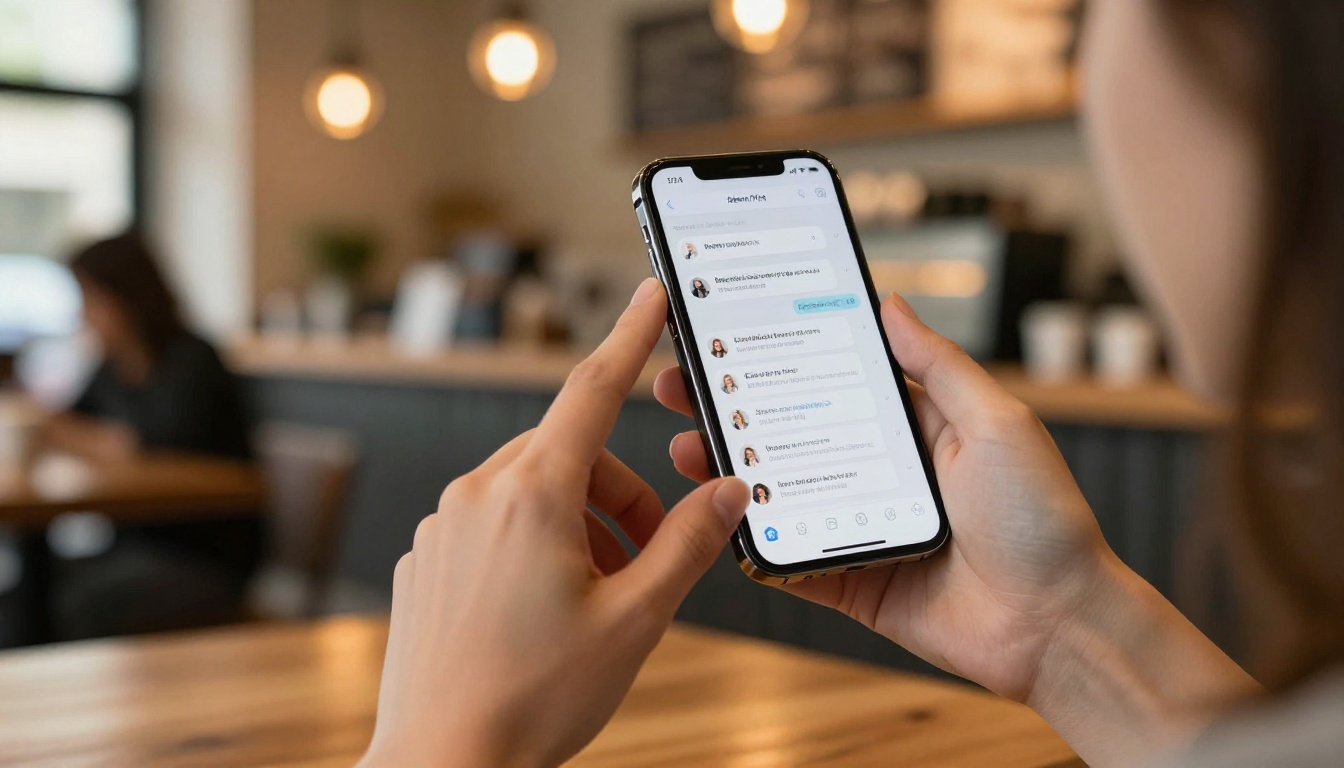
One of the most practical advantages of an online flipbook is that it is mobile-responsive out of the box. Whether a reader opens your link on a 27-inch desktop monitor or a phone screen, the layout adapts. No pinching to zoom on awkward PDF columns. No sideways scrolling.

| Feature | Static PDF | Online Flipbook |
|---|
| Page-flip animation | No | Yes |
| Mobile responsive | Limited | Fully responsive |
| Custom branding | No | Yes |
| Shareable direct URL | Download link only | Permanent URL |
| Embed on website | No | Yes |
| Password protection | No | Yes |
| Reader analytics | No | Yes (Professional) |
| No download needed | No | Yes |
| Offline access | Yes | Yes (downloadable) |
How to Publish Your eBook with Flipbooks AI
This is where the actual process happens. Flipbooks AI handles the technical conversion automatically. You do not need design skills or coding knowledge. Here is how it works from upload to published link.
Step 1: Create Your Account
Go to flipbooksai.com/account and sign up. The free plan lets you test the platform immediately. For unlimited flipbooks without watermarks, the Standard plan is where most authors and creators land.
Step 2: Upload Your PDF
Once you are in, click "New Flipbook" and drag your PDF into the upload zone. The platform accepts PDFs of any length: a 300-page novel or a 12-page lead magnet, both process the same way. Every page is automatically converted into the flipbook format.

✅ Make sure your PDF has embedded fonts and high-resolution images before uploading. The output quality of your flipbook directly reflects the quality of the source file.
Step 3: Customize the Look
After upload, you get full control over the visual style of your flipbook:
- Set a custom background color or upload a texture
- Add your logo to the header or cover overlay
- Choose page transition speed and flip direction
- Build a floating table of contents from your PDF's bookmarks
- Set chapter thumbnail previews for easy navigation
For authors with specific brand colors or typography preferences, this is where the flipbook starts to feel genuinely custom rather than templated.

Step 4: Set Your Sharing and Privacy Options
Before publishing, decide who can see your flipbook:
- Public: Anyone with the link can read it, shareable without restrictions
- Password protected: Ideal for paid content, course materials, or pre-release review copies
- Unlisted: The link works, but the flipbook does not appear in any public index
⚠️ If you plan to use your flipbook as a lead magnet, the Professional plan on Flipbooks AI includes a lead generation gate that collects email addresses before granting access to the content.
Step 5: Publish and Embed
Hit publish and your flipbook gets a permanent URL you can share anywhere. Copy the direct link for email campaigns, or grab the embed code to drop it directly into your website or landing page.
The Embed Flipbook on Website tool gives you a ready-to-paste iframe snippet. Paste it into any page builder, WordPress post, or custom HTML section. Your flipbook appears inline, without the reader needing to leave your site.

Customization Options Worth Knowing
Most people upload their PDF, adjust the colors, and publish in under ten minutes. But there is a deeper layer of customization that separates a good flipbook from a genuinely memorable one.
Branding and Visual Identity
- Custom domain: Your flipbook lives at your own domain rather than a generic shared URL
- Favicon: Your brand icon appears in the browser tab when readers open the link
- Cover page overlay: Replace the PDF's first page with a dedicated designed cover
- Watermark-free publishing: All Standard plans and above publish without any platform watermarks
Adding Multimedia
One thing a PDF cannot do is play video or audio inline. With a flipbook, you can embed:
- YouTube or Vimeo clips directly inside a page spread
- Audio narration for individual chapters, useful for educational and instructional content
- Clickable hyperlinks throughout the text that open in new tabs
- Contact forms or lead capture inside the publication itself (Professional plan)
For educators, this turns an eBook into something closer to an interactive course module. For marketers, it means product demo videos sit right inside the publication where they are most relevant. The Interactive E-Book Publisher tool is built specifically for this type of content.
Who Actually Uses Online Flipbooks
The range of people publishing eBooks as online flipbooks is wider than most expect. Here are the real-world scenarios where the format delivers the most value.
Authors and Self-Publishers
Self-published authors use flipbooks to share advance copies with reviewers, distribute to book clubs, or offer as free downloads in exchange for newsletter signups. The page-flip format makes a self-published title feel just as polished as something from a traditional publisher, at no extra production cost.

Educators and Course Creators
Course material, study guides, and reference textbooks all benefit from the flipbook format. Students access the content in a browser without downloading anything, and the educator can update the source PDF and re-upload at any time without issuing a new link. The Course Material Publisher handles this workflow directly.
Businesses and Marketers
For businesses, the standout value is in analytics. Knowing which pages readers spend the most time on, where they drop off, and how many times a document was opened informs how you write the next one. The Professional plan includes full page-level analytics that tie directly to content performance decisions.
Sharing and Distributing Your Flipbook
Once published, your flipbook needs to reach people. Here is how distribution actually works in practice.
Direct Links and Embed Codes
Every flipbook on Flipbooks AI gets a permanent shareable URL the moment it publishes. You can:
- Drop it into email newsletters as a direct read link, with no attachment friction
- Post it on social media, where it renders a preview on most platforms automatically
- Add it to your author website, portfolio, or bio page
- Include it in a digital press kit alongside your media materials and bio
The embed option goes one step further. Copy the iframe code and paste it into any webpage. Your flipbook appears inline exactly where you want it, giving readers a seamless experience without leaving your site.
Password Protection for Private Content
If you are selling your eBook directly or distributing pre-release copies to a select group, password protection lets you control exactly who sees it. Set a password before publishing, share it with your audience, and the flipbook stays locked for everyone else.

💡 Password-protected flipbooks work well for internal training materials, member-only content, and anything that should not be publicly indexed by search engines.
Picking the Right Plan for Your Needs
Flipbooks AI offers three main tiers. Here is what matters at each level for eBook publishers.
| Plan | Flipbooks | Watermark | Analytics | Lead Capture | Custom Domain |
|---|
| Free | Limited | Yes | No | No | No |
| Standard | Unlimited | No | No | No | No |
| Professional | Unlimited | No | Yes | Yes | Yes |
For most authors and content creators, Standard hits the right balance. You get unlimited publications, no watermarks, password protection, offline download support, and full embed capabilities. If you are using flipbooks as a marketing or sales tool, the Professional plan pays for itself once you factor in lead generation and page-level analytics.
✅ All paid plans include mobile-responsive design, custom branding, multimedia embedding, and the ability to publish your flipbook on any website.

Your eBook Is Ready. Make It Look Like It.
Your content is written. The PDF is formatted. All that remains is publishing it in a format that does it justice.
Publishing as an online flipbook takes minutes. Upload the PDF, set a visual style, choose your sharing options, and you have a permanent link to a publication that looks professional on any screen and any device. No downloads, no browser plugins, no design experience required.
Create your free account on Flipbooks AI and publish your first flipbook today. If you want to see what the right tool looks like for your specific content type, browse the full tools directory. And when you are ready to commit to a plan, compare all pricing options to find what fits your workflow and budget.