Publishing your eBook used to mean uploading a PDF, crossing your fingers, and hoping someone would download it. Most readers never do. A flat file sitting in a downloads folder does not inspire anyone to read, share, or buy again. Converting that same content into an interactive flipbook changes the entire experience, turning a static document into something that feels like a real publication. Flipbooks AI makes this process fast, polished, and surprisingly straightforward, even if you have never built a digital publication before.
Why Static PDFs Fall Flat
There is nothing technically wrong with PDFs. They are reliable, universally supported, and easy to create. The problem is the experience they deliver to readers.
Readers Close PDFs Fast
When someone opens a PDF on their phone, they face a wall of text, a tiny scroll bar, and no sense of where they are in the document. There is no interactivity, no page flip, no visual hierarchy that signals "this is worth your time." Reading time drops sharply with plain PDF files compared to formatted digital publications. People skim, get bored, and close.
What a Flipbook Changes
A flipbook replicates the satisfying experience of turning physical pages, but adds layers a print book never could. Readers can click links inside the content, watch embedded videos, zoom into images, and share specific pages. The document feels alive. More importantly, it feels intentional, like the author cared about how it would be consumed. That perception alone significantly increases the chances a reader will finish it and return for more.
| Format | Reader Experience | Sharing | Interactivity | Mobile Friendly |
|---|
| Static PDF | Flat, scroll-only | File download | None | Poor |
| Interactive Flipbook | Page-turn, visual | Direct URL or embed | Links, video, audio | Fully responsive |
| Printed Book | Physical, tactile | Physical copy only | None | N/A |
What to Prepare Before You Convert
File Format and Quality
The standard input for any flipbook converter is PDF. Before uploading, check these details:
- Resolution: Export at 150-300 DPI for clean, sharp pages on high-density screens
- Fonts: Embed all fonts in the PDF so text renders correctly on every device
- File size: Aim for under 100MB for fast loading; compress large images if needed
- Page size: Consistent page dimensions throughout (A4 or Letter works well)
- Hyperlinks: Any links already embedded in your PDF will remain clickable in the flipbook
💡 If you wrote your eBook in Canva, Adobe InDesign, or Google Docs, export directly to PDF with "embed fonts" and "high quality" selected before uploading.
Content That Works in Flipbook Format
Not all eBooks convert equally well. Content that performs best:
- Visual-heavy layouts: Chapters with images, infographics, and call-out boxes shine in flipbook format
- Well-structured chapters: Clear headings help readers navigate using the thumbnail sidebar
- Lead magnets and opt-in content: Password-protected flipbooks work well for premium content
- Portfolios and lookbooks: Visual content benefits enormously from the page-turn presentation
eBooks that are dense walls of plain text benefit less. If your content is mostly text, consider adding a designed cover page, section dividers, and at least one image per chapter before converting.
How to Publish Your eBook as a Flipbook (Step by Step)

The actual conversion process takes under ten minutes once your PDF is ready. Here is the full process using Flipbooks AI.
Step 1: Create Your Account
Go to flipbooksai.com/account and sign up. No credit card is required to start. The free tier lets you try the platform before committing to a paid plan.
Step 2: Upload Your PDF
From your dashboard, click New Flipbook and select your PDF file. The platform accepts standard PDF files and processes them page by page. Depending on file size, conversion typically takes 30 seconds to 2 minutes. You will see a live preview as pages render.
⚠️ If your PDF has security restrictions (printing disabled, password protected at the file level), remove those settings before uploading. The converter needs unrestricted access to the file content.
Step 3: Customize Your Flipbook
This is where your eBook goes from a converted file to a branded publication. Options include:
- Preview thumbnail: Choose which page displays as the flipbook preview image
- Background color or image: Set the scene behind the open book
- Branding: Add your logo to the flipbook interface
- Page sounds: Enable the paper page-turn sound for an immersive feel
- Table of contents: Automatically generated from your PDF bookmarks
Step 4: Set Privacy and Access
Decide who can see your eBook. Three main options:
- Public: Anyone with the link can read it
- Password protected: Readers enter a password to access (ideal for paid eBooks or exclusive content)
- Unlisted: Not searchable, only accessible via direct link
The Professional plan adds lead generation, where readers must enter their email before accessing the flipbook. This is powerful for authors building a mailing list.
Step 5: Publish and Share
Click Publish and your flipbook is live instantly. You receive:
- A direct URL to share anywhere
- An embed code to place the flipbook on any website or blog
- A QR code for print materials
Your eBook is now a fully interactive digital publication.
Branding Your Flipbook Like a Pro

A converted PDF is a starting point. A branded flipbook is a product.
Custom Colors, Fonts, and Logos
Branding consistency matters, especially if your eBook is part of a larger content strategy or business. With Flipbooks AI, you can:
- Upload your logo so it appears in the flipbook toolbar
- Set a custom background color or gradient that matches your brand palette
- Choose button and control colors to align with your visual identity
- Remove all platform watermarks (available on Standard plan and above, no watermarks ever)
✅ Use your brand's primary color as the flipbook background. Readers immediately associate the reading experience with your brand, not the platform that built it.
Adding Multimedia Elements
If your original PDF includes links, they stay clickable. You can also enrich the flipbook after conversion:
- Embedded videos: Add YouTube or Vimeo videos that play directly within specific pages
- Audio tracks: Background music or narration for a more immersive experience
- Clickable hotspots: Add interactive buttons on any page that link to external resources, product pages, or chapters
The Interactive E-Book Publisher and E-Book Flipbook Generator tools are purpose-built for this use case if you want a dedicated flow from the start.
How to Share Your Flipbook with the World
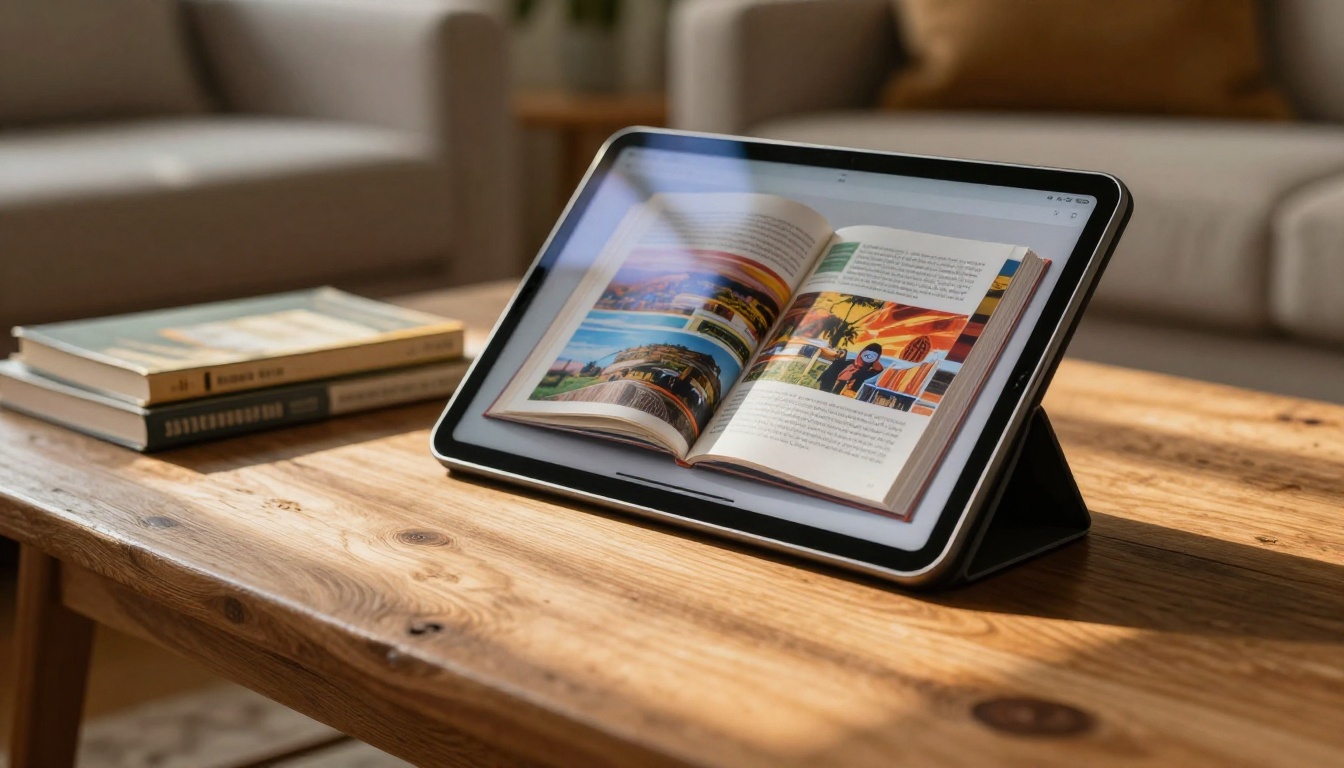
Generating the flipbook is half the work. Getting it in front of readers is the other half.
Embedding on Your Website
The Embed Flipbook on Website tool makes integration simple. Copy the embed code from your flipbook dashboard and paste it into any webpage. The flipbook renders responsively, fitting any screen width automatically. This works in:
- WordPress posts and pages
- Squarespace and Wix site builders
- Custom HTML websites
- Landing pages and sales funnels
💡 Embedding directly on your site keeps readers in your ecosystem rather than sending them away to a third-party reader.
Email Campaigns and Newsletters

Email remains one of the highest-converting distribution channels for eBooks. Instead of attaching a PDF (which many email clients block or quarantine), share the direct flipbook URL. The click-through experience is dramatically better: readers land on a polished, branded reading interface rather than a download prompt.
Best practices for email distribution:
- Use a screenshot of your flipbook as the email image with a play button overlay
- Write your subject line around what the reader will gain, not the format
- Include the direct URL as both a button and a plain text link for deliverability
- Segment your list: send the flipbook to subscribers who have shown interest in that topic
Social Media
A flipbook URL works anywhere a link works. On platforms that allow link previews, the flipbook's thumbnail and title often auto-populate, creating a rich preview card. For Instagram or TikTok where links are limited, use the QR code on graphics or Stories to drive traffic directly to your publication.
Tracking Who Reads Your eBook

One of the biggest advantages flipbooks have over PDFs is data. A downloaded PDF is invisible once it leaves your server. A flipbook keeps reporting.
Reader Data That Actually Matters
With the Professional plan, you get access to:
- Total views: How many times the flipbook was opened
- Average read time: How long readers spend before closing
- Time per page: Which pages readers linger on and which they skip
- Device breakdown: Desktop vs. mobile vs. tablet split
- Geographic data: Where in the world your readers are located
This data is genuinely useful. If readers consistently drop off at chapter 3, you know that section needs work. If 70% of your traffic comes from mobile, you know to optimize your PDF layout for smaller screens before the next edition.
Lead Generation Features
The lead capture gate is one of the most commercially valuable features for authors and content marketers. Before a reader can access the flipbook, they see a form asking for their name and email. This is standard practice in content marketing and significantly more effective than a gated PDF download, because the reading experience itself is the incentive.
✅ Pair lead capture with a strong thumbnail and a compelling description. Make the reader want to enter their details before they even see the content.
Pricing Plans at a Glance
Choosing the right plan depends on how many eBooks you publish and what features you need. Visit flipbooksai.com/pricing for current pricing details.
| Plan | Flipbooks | Watermark | Password Protection | Analytics | Lead Gen | Offline Downloads |
|---|
| Free | Limited | Yes | No | No | No | No |
| Standard | Unlimited | No | Yes | Basic | No | Yes |
| Professional | Unlimited | No | Yes | Advanced | Yes | Yes |
💡 For authors publishing more than one or two eBooks per year, the Standard plan pays for itself quickly by removing watermarks and enabling unlimited publications with offline download support.
Real-World Use Cases
Different types of authors and creators use flipbooks in different ways. Here is how various situations map to specific features:
| Author Type | Best Use | Recommended Feature |
|---|
| Fiction author | Chapter previews as lead magnets | Password protection + lead capture |
| Non-fiction expert | Full eBook as content marketing | Public URL + website embed |
| Course creator | Workbooks and course materials | Private link + no watermark |
| Business consultant | Case studies and white papers | Analytics + branded interface |
| Children's book author | Illustrated story previews | Page-turn sound + visual branding |
| Recipe developer | Visual cookbook samples | Embedded links + multimedia |
The Course Material Publisher and Training Manual Flipbook tools are purpose-built for educational creators who need clean, structured reading experiences. For portfolios and visual storytelling, the Digital Portfolio Creator and Interactive Lookbook Designer offer tailored workflows.
Common Mistakes to Avoid
Ignoring Mobile Readers
More than half of all web traffic comes from mobile devices, and that number skews even higher for social media driven traffic. If your PDF was designed for A4 print with small fonts and dense columns, it will render poorly on a phone screen even in flipbook format. Before converting, check:
- Minimum font size of 11pt throughout the document
- No two-column layouts that collapse awkwardly at small widths
- Images wide enough to be legible at 375px screen width
Skipping the Branding Step
A flipbook that uses default colors and has no logo looks like every other converted PDF on the internet. Spending 10 minutes in the customization panel, adding your logo, setting your brand colors, and choosing a clean background makes the difference between something that looks professional and something that looks like an afterthought. Readers notice, even if they do not consciously register why.
Publishing Without a Clear CTA Inside
The flipbook content itself should contain calls to action. A reader who finishes your eBook is primed to take the next step. Make sure your final pages include:
- A link to your website or product
- An invitation to join your email list
- A prompt to share the flipbook with someone it would help
Your eBook, Fully Published

Publishing your eBook as a flipbook is not a complicated technical project. It is a 10-minute process that permanently upgrades how your content is experienced by every reader who finds it. The difference in perceived quality, shareability, and how long readers stay is significant, and the tools to do it are more accessible than ever.
If your content is sitting in a PDF file right now, getting no reads and no shares, it is worth giving it a second life. Create your first flipbook on Flipbooks AI and see how the same content lands when it is delivered properly.
Compare pricing plans to find the right tier for your publishing volume, or browse all available tools and templates to see what fits your specific use case, from interactive eBooks to full course materials and branded portfolios.



