Turning a finished eBook into a polished online flipbook used to require expensive software, a graphic designer, and hours of configuration. That barrier is gone. Platforms like Flipbooks AI have reduced the entire process to a few minutes, giving any author, educator, or brand the ability to publish an interactive flipbook that reads like a real book, works on every device, and can be shared anywhere online. If you have a finished PDF and want it to reach readers in the most engaging format available today, this is the workflow you need.
Why Static PDFs Fall Short
Publishing your eBook as a plain PDF feels like the obvious first choice. PDFs are universal, easy to create, and widely supported across every device. The problems start the moment someone actually tries to read one.
The Reading Experience Problem
On a desktop, PDF readers offer no interactivity. On mobile, zooming in and scrolling through dense pages becomes frustrating within minutes. Most readers close a PDF-format ebook long before they reach the end. There is no page-turn sensation, no visual sense of progress through the book, and no feedback that makes reading feel rewarding or immersive.
Even beautifully designed PDFs suffer the same fate. The format was built for printing, not for screen reading. When you publish an eBook as a PDF, you are shipping a print document to a digital audience.
The Distribution Problem
A PDF downloaded as a file lives on a hard drive and gets forgotten. It cannot be easily shared with a single link, embedded in a blog post, gated behind an email opt-in form, or tracked for views. For anyone trying to build an audience, sell their work, or distribute educational material at scale, a static file creates a dead end.
⚠️ A PDF sitting in a downloads folder is a missed opportunity. An interactive flipbook that opens instantly in any browser is a living, shareable publication.
What Makes a Flipbook Actually Work
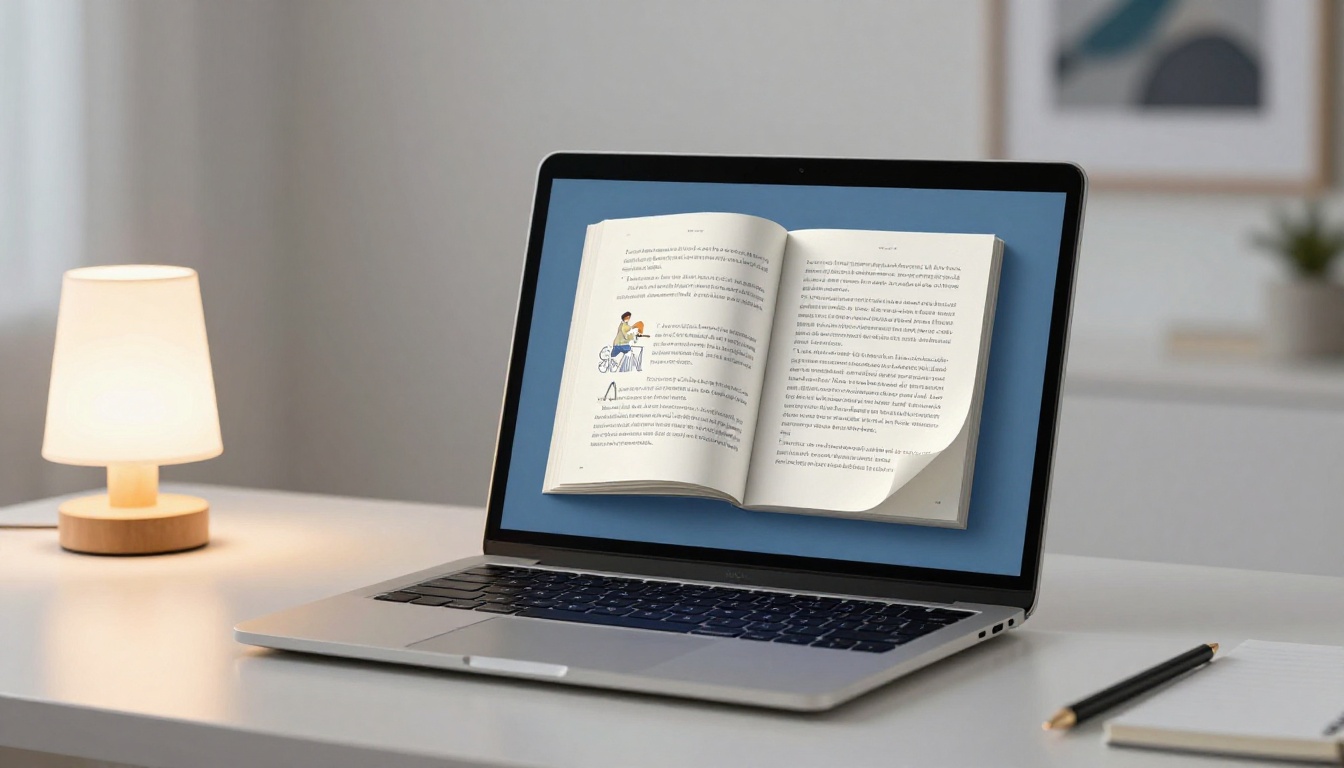
A flipbook is not simply a PDF with a fancier wrapper. It is a purpose-built reading format that replicates the physical experience of turning pages while adding capabilities that print never had.
The Page-Turn Effect
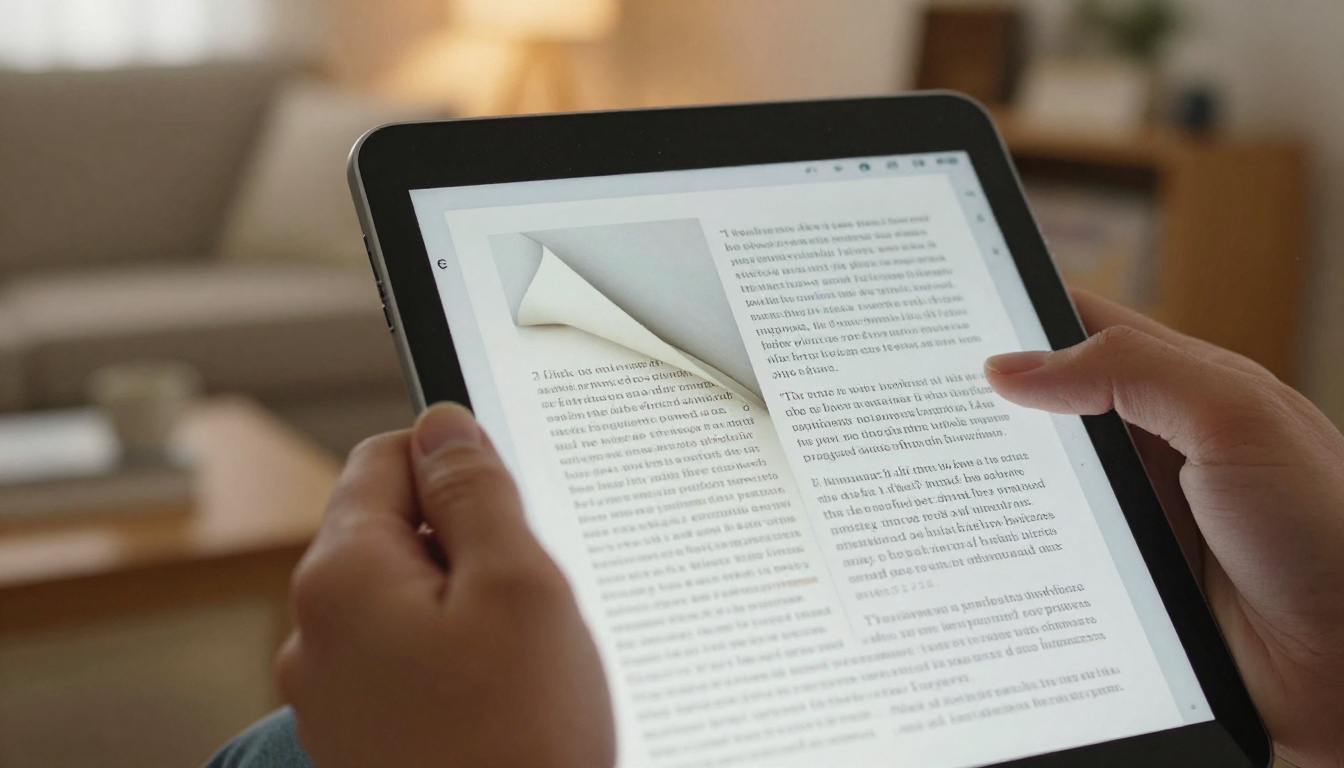
The signature feature is a realistic page-curl animation. As readers click or swipe from one page to the next, the page folds with natural-looking physics, including shadow depth, perspective shift, and directional movement. This single element changes how readers perceive and interact with the content. It signals that this is a genuine publication, not just a file.
The psychological effect is measurable: readers spend more time per page, return to previously read pages more often, and complete flipbooks at significantly higher rates than PDF downloads.
What You Can Embed Inside a Flipbook
Beyond aesthetics, flipbooks support multimedia content that static PDFs cannot match:
- Videos embedded directly on any page
- Audio clips for narration, music, or guided sections
- Clickable hyperlinks throughout the text and images
- Lead capture forms on specific pages before access to premium chapters
- Zoom controls for detailed diagrams, maps, or high-resolution photography
- Automatic page-flip for presentations and kiosk displays
💡 For photography books, art books, and illustrated guides, the ability to zoom into full-resolution images on any device is a feature readers notice and appreciate immediately.
Mobile-First Reading by Default
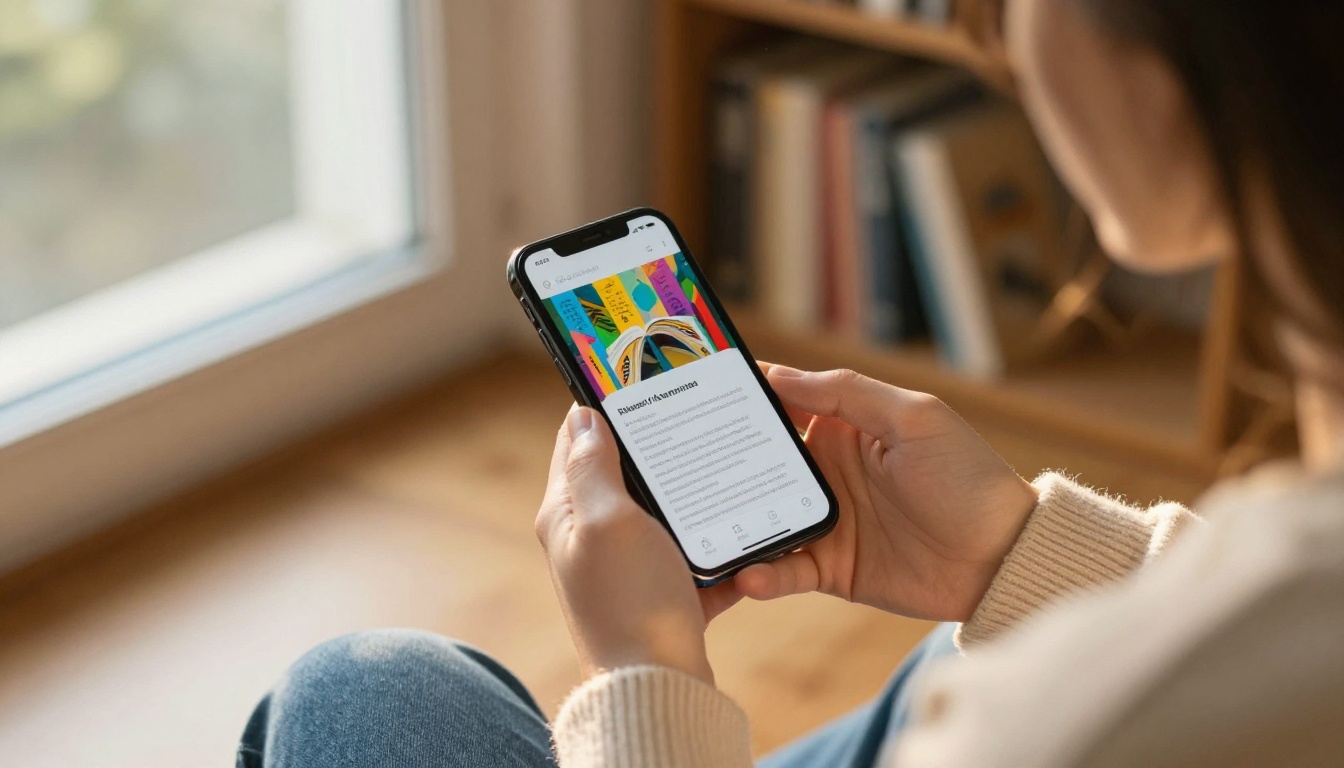
Every flipbook published through Flipbooks AI is automatically responsive. The layout adapts to phones, tablets, and desktops without any additional configuration or separate mobile version. Readers swipe on mobile exactly as naturally as they click on desktop.
Prepare Your eBook for Conversion
Before converting, the quality of your final flipbook depends heavily on the quality of the PDF you start with. A few minutes of preparation makes the difference between a publication that looks professional and one that looks rushed.
File Requirements at a Glance
| Requirement | Recommended Value | Notes |
|---|
| File format | PDF | Native format for conversion |
| Max file size | Up to 500MB | Compress large images if needed |
| Page size | A4 or Letter | Custom sizes supported |
| Font embedding | Required | Prevents font substitution on render |
| Image resolution | 150 to 300 DPI | Higher resolution yields sharper pages |
| Color mode | RGB | Optimized for screen display |
Optimize Before You Upload
Running through this checklist before uploading will prevent the most common conversion issues:
- Flatten all layers and transparency effects before exporting from your design tool
- Embed all fonts to prevent rendering substitutions in the flipbook viewer
- Convert spot colors to RGB for accurate screen color reproduction
- Remove any password protection from the source PDF before upload
- Verify all internal hyperlinks work correctly in the original document
- Export at "High Quality" or "Print Quality" settings from your word processor or design application
✅ A clean, well-structured PDF converts to a polished flipbook in under 60 seconds. A messy or corrupted PDF will produce rendering artifacts and inconsistent page margins.
How to Publish Your eBook as a Flipbook with Flipbooks AI
Flipbooks AI is built specifically for this workflow. The platform handles the conversion automatically and provides a full set of customization tools without requiring any design experience. Here is the exact process from PDF to live publication.
Step 1: Create Your Account
Go to flipbooksai.com/account and sign up. You can start on a free account to test the conversion before committing to any plan. No credit card is required to get your first flipbook published.
Step 2: Upload Your PDF
From your dashboard, click "New Flipbook" and drag your PDF directly onto the upload area, or browse to select it from your files. The conversion process starts immediately after upload.
For most eBooks between 50 and 200 pages, the conversion completes in under 60 seconds. During processing, the platform:
- Analyzes every page of your PDF
- Renders high-resolution previews of each spread
- Builds the page-turn animation engine around your content
- Applies your default theme and branding settings automatically
Step 3: Customize the Look and Feel

This is where the flipbook takes on its identity. The customization panel gives you direct control over:
Branding:
- Upload your logo to appear in the flipbook viewer header
- Set brand colors for the toolbar and navigation elements
- Add a custom loading screen using your cover image
Reading experience:
- Single-page or double-page spread layout
- Page-flip sound effect on or off
- Background color or texture around the pages
- Auto-flip speed for presentation mode
Content additions:
- Clickable table of contents with chapter links
- Embedded video or audio on specific pages
- Lead capture forms for email collection (Professional plan)
- Watermark control, removed entirely on Standard plan and above
💡 The Interactive E-Book Publisher tool is designed specifically for long-form reading content and includes pre-configured typography and layout settings for novel-length publications.
Step 4: Set Your Sharing Permissions
Before going live, choose who can access the flipbook:
- Public: Anyone with the link can view it, no account required
- Password-protected: Readers must enter a password you define
- Private: Only visible to you, useful for proofing before launch
Password protection is a standard feature available across paid plans and is ideal for premium content, paid eBook distribution, or confidential internal publications.
Step 5: Publish and Share
Hit publish. Your flipbook receives a permanent URL that you can share immediately. The link opens the full interactive flipbook in any browser, on any device, with no app download or plugin installation required. First-time readers see the full experience the moment they click.
Sharing Your Flipbook with the World
Publishing the flipbook is only the first step. The distribution options available through Flipbooks AI cover every channel where your audience is.
Direct Link Sharing
Every flipbook has a clean, permanent URL you can copy and paste anywhere:
- Email newsletters and drip campaigns
- Social media posts and bios
- SMS campaigns and WhatsApp broadcasts
- Author bio pages and link-in-bio tools
- Press releases and media pitches
The link opens directly to the flipbook viewer without any login or download required. Readers get the full interactive version in their browser on the first click.
Embedding on Your Website or Blog

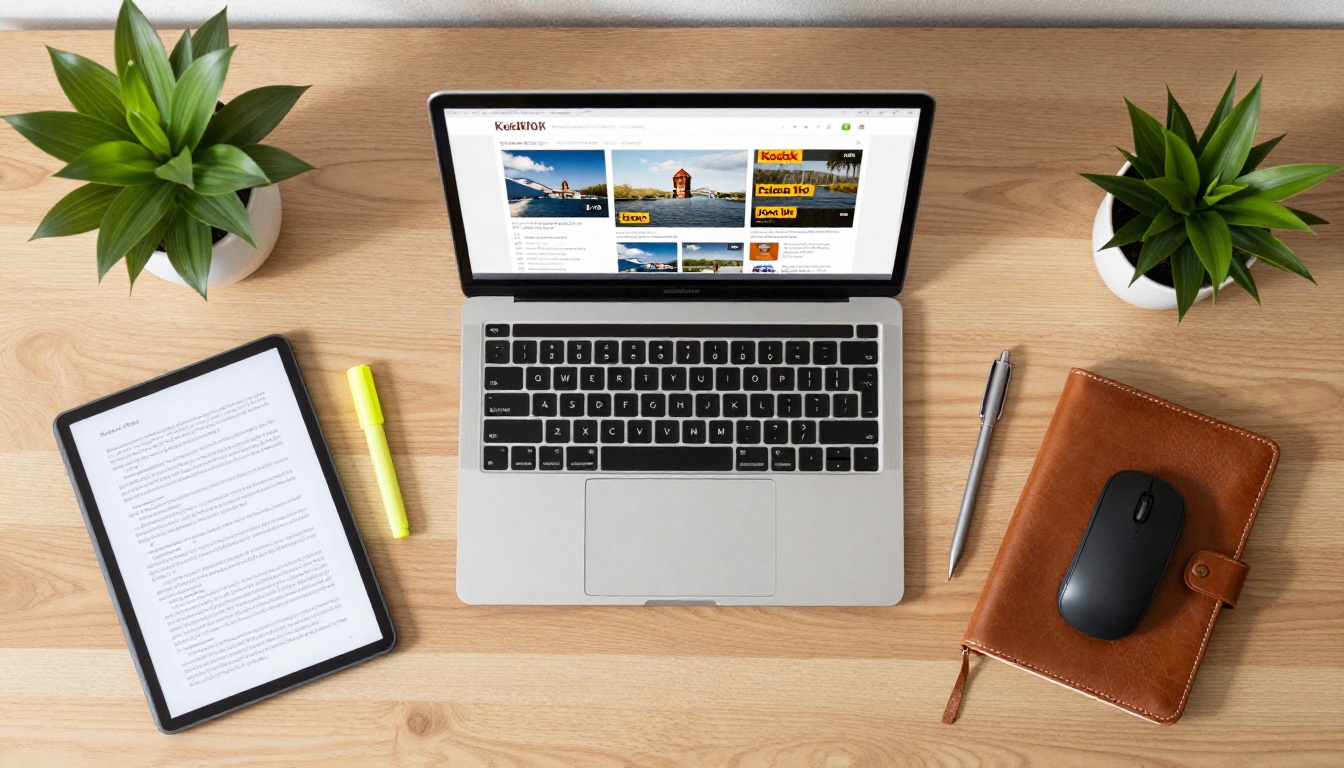
To host your flipbook directly on your own website, the embed code feature generates an HTML snippet you paste into any page. The flipbook appears inline with full page-turn functionality. It works with:
- WordPress (page or post editor)
- Squarespace and Wix page builders
- Webflow and Framer
- Custom HTML sites
- Ghost and Substack newsletters
The Embed Flipbook on Website tool covers the setup process step by step, including how to configure iframe dimensions for responsive embedding on mobile viewports.
✅ Embedding your flipbook on your own domain keeps readers on your site longer and registers as a site visit in your traffic analytics.
Password-Protected Distribution
For authors selling premium content, the password-protected flipbook mode replaces complex download-gating setups. After a reader purchases access, send them the flipbook URL and password. They open the full book in their browser. No files exchanged, no download links to manage, no DRM software to install.
Analytics and Lead Generation
For professional distribution, upgrading to the Professional plan through Flipbooks AI unlocks:
- View counts: Total reads and unique visitors per flipbook
- Page-level analytics: Which pages hold attention longest and where readers drop off
- Lead generation forms: Capture email addresses inside the flipbook before readers reach specific chapters
- Download tracking: See who downloads offline copies and when
These insights are unavailable through static PDF distribution and make a meaningful difference for authors and teams optimizing their content for conversions.
Choosing the right plan depends on your publishing volume and which features matter most to your distribution strategy.
| Feature | Free | Standard | Professional |
|---|
| Number of flipbooks | 3 | Unlimited | Unlimited |
| Watermark | Yes | No | No |
| Password protection | No | Yes | Yes |
| Custom branding | No | Yes | Yes |
| Embedded video and audio | No | Yes | Yes |
| Analytics dashboard | No | No | Yes |
| Lead generation forms | No | No | Yes |
| Offline downloads | No | No | Yes |
| Custom domain | No | No | Yes |
| Mobile-responsive viewer | Yes | Yes | Yes |
💡 The Standard plan is the sweet spot for most independent authors: unlimited flipbooks, no watermarks, full custom branding, and embedded multimedia at a price that fits regular publishing workflows.
See full pricing details at flipbooksai.com/pricing.
Not all eBooks are the same, and the right starting tool depends on the type of content you are publishing. Here is how common eBook formats map to the most relevant tools on Flipbooks AI:
Each tool includes pre-configured layouts and viewer settings optimized for that content type. Starting from a specialized tool saves significant setup time compared to configuring everything from a blank template.
Who Benefits Most from Flipbook Publishing
The use cases for converting eBooks to flipbooks span far beyond individual authors.
Independent Authors and Self-Publishers
Self-published authors using platforms like Amazon KDP or Gumroad can offer their audience a second, browser-based reading experience alongside their primary sales channel. A flipbook version functions as a preview, a bonus for newsletter subscribers, a free sample for prospective buyers, or a standalone product sold through direct links.
The lack of watermarks on paid plans means every copy looks as professional as traditionally published work.
Educators and Online Course Creators
Course material in flipbook format is far more accessible than a PDF download. Students open it on any device without needing specific apps. Instructors on Professional plans can see which pages students spend the most time on and where they lose interest, and lead capture forms inside the flipbook feed directly into a CRM or email marketing platform for follow-up sequences.
Businesses Publishing Content
Annual reports, product lookbooks, training manuals, and press kits all benefit from the professional presentation a flipbook delivers. The E-Book Flipbook Generator handles general business publication needs, while dedicated tools like the Corporate Report Maker and Press Kit Designer address specific formal publishing requirements.
Marketing Teams and Content Strategists
Any brand producing digital content, whether seasonal lookbooks, product catalogs, or customer onboarding guides, gets a presentation upgrade by moving from static PDFs to interactive flipbooks. Pages that embed product videos, clickable pricing tables, and built-in lead forms turn a passive document into a direct conversion tool that lives on your website.
Take Your eBook Live Today
Publishing your eBook as a flipbook online is one of the highest-return distribution decisions available to any content creator. The setup takes minutes. The result is a publication your audience can read, share, and return to on any device, without downloading a single file.
Create your account on Flipbooks AI and convert your first eBook free. No design experience required, no watermarks on paid plans, and no limits on what you can publish once you are set up.
Browse all available tools and templates to find the right starting point for your content type, whether you are publishing a novel, a recipe collection, a course workbook, or a corporate report. Compare pricing plans to choose the option that fits your publishing volume and feature needs.
Your eBook deserves better than a downloads folder.



