Publishing your eBook as a flipbook is one of the fastest ways to make your content feel premium, shareable, and worth reading. The difference between sending someone a flat PDF and handing them a polished interactive flipbook is the same as the difference between a photocopied menu and a leather-bound one. Both carry the same words. Only one gets remembered.
Flipbooks AI takes your existing PDF and converts it into a fully interactive digital publication with realistic page-turning effects, custom branding, embedded multimedia, and a shareable link you can send anywhere. No coding. No design degree. No waiting.
This article walks you through exactly how to publish your eBook as a flipbook today, from file preparation to distribution strategies that actually move the needle.
Why Flipbooks Beat Static PDFs

The Problem with PDFs in 2025
PDFs were designed for print. They sit flat on a screen, offer zero interactivity, and give you no information about who read them, how far they got, or whether they clicked anything. For self-publishing authors and content creators, this is a significant blind spot.
Here is what a static PDF cannot do:
- Tell you how many people opened it
- Show you which pages readers spent the most time on
- Let you add video, audio, or animated elements
- Adapt to mobile screens without frustrating zoom-and-scroll behavior
- Generate leads by collecting reader emails
- Be embedded directly into a webpage
Every one of those limitations costs you readers, data, and revenue.
What a Flipbook Actually Does Differently
A flipbook replicates the physical experience of turning a real page, but it runs entirely in a browser. No download required. No special software. Any device, any screen size, any location.
💡 Flipbooks load as fast as a webpage. Readers on slow connections still get a smooth experience because the content streams progressively, page by page.
The interactive eBook format also changes how readers perceive value. Studies on digital reading behavior consistently show that users spend more time with paginated, visual content than with scrollable documents. A flipbook signals production quality before your reader has read a single word.
What You Need Before You Start
File Format Requirements
The process is simple, but a few quick checks before you upload will save you time.
| Requirement | Details |
|---|
| File format | PDF (required) |
| Recommended resolution | 150 DPI minimum, 300 DPI for print-quality visuals |
| Page size | Any standard size (A4, Letter, custom) |
| Max file size | Depends on plan, typically up to 500MB |
| Fonts | Embedded fonts recommended for accurate rendering |
| Color mode | RGB for screen, CMYK will be converted automatically |
⚠️ If your PDF uses non-embedded fonts or has password protection, the conversion may produce errors. Always export a clean, unlocked PDF from your original design software before uploading.
Content Checklist
Before you convert, run through this list:
- Your PDF is finalized (no placeholder text, no draft watermarks)
- Cover page is visually strong (it becomes your flipbook's first impression)
- All internal links in the PDF are functional
- Images are high resolution and not pixelated
- Table of contents links are working (these become clickable in the flipbook)
- Copyright page is included if needed
Converting Your eBook to a Flipbook

The Interactive E-Book Publisher tool from Flipbooks AI is built specifically for this. Here is the full step-by-step process.
Step 1: Create Your Account
Go to flipbooksai.com/account and sign up. The process takes under two minutes. No credit card required to start. Once inside your dashboard, you have access to all core conversion tools immediately.
Step 2: Upload Your PDF
Click New Flipbook, then drag and drop your PDF file into the upload zone. The system will process each page and render a preview within seconds. For longer eBooks (100+ pages), allow up to 60 seconds for full processing.
💡 Use the E-Book Flipbook Generator if you are specifically converting a book rather than a catalog or report. It is optimized for text-heavy documents and handles complex layouts with greater precision.
Step 3: Customize Your Flipbook
This is where your eBook gets its identity.

The customization panel gives you control over:
- Brand colors: Match your book cover or author brand palette
- Logo upload: Appears in the flipbook header or corner
- Background: Choose from solid colors, gradients, or custom textures
- Page effects: Realistic paper curl, hard page flip, or smooth slide
- Table of contents: Auto-generated from your PDF bookmarks or headings
- Sharing controls: Public, unlisted, or password-protected
- Custom domain: Point your own domain to the flipbook (Professional plan)
Step 4: Publish and Share
Hit Publish. Your flipbook goes live instantly with a direct URL you can share anywhere. No hosting setup. No server. Flipbooks AI handles the infrastructure, so you get a fast, reliable link that works on every device without any extra configuration.
Branding Your Flipbook
A flipbook that looks like it was made in five minutes will be read like it was worth five minutes. Branding is not decoration. It is credibility.
Colors and Fonts
Match your flipbook's interface colors to your book cover design or your existing author brand. If your eBook uses a specific palette (say, deep navy and warm gold), carry those colors into the flipbook's background and toolbar. The visual continuity signals professionalism even before the reader opens the first page.
Logo and Metadata
Upload your author logo or imprint logo to the header area. Set your flipbook title and description with care since these appear in social sharing cards and search previews. A well-written description here functions exactly like a meta description does for a webpage.
✅ Write your flipbook description the same way you'd write a compelling back-cover blurb. Focus on the reader's benefit, not the content's structure.
Sharing and Distributing Your Flipbook

Getting the flipbook made is half the job. Getting it in front of readers is the other half.
Direct Links and Social Media
Your published flipbook gets a clean, shareable URL. When posted to social media, platforms like LinkedIn, Facebook, and X will generate a rich preview card showing your cover image and title. This dramatically increases click-through rates compared to posting a raw PDF link.
For email distribution, embed a preview image of your flipbook cover and link it to your flipbook URL. This beats a PDF attachment in almost every metric: open rates, click rates, and reader completion.
Embedding on Your Website
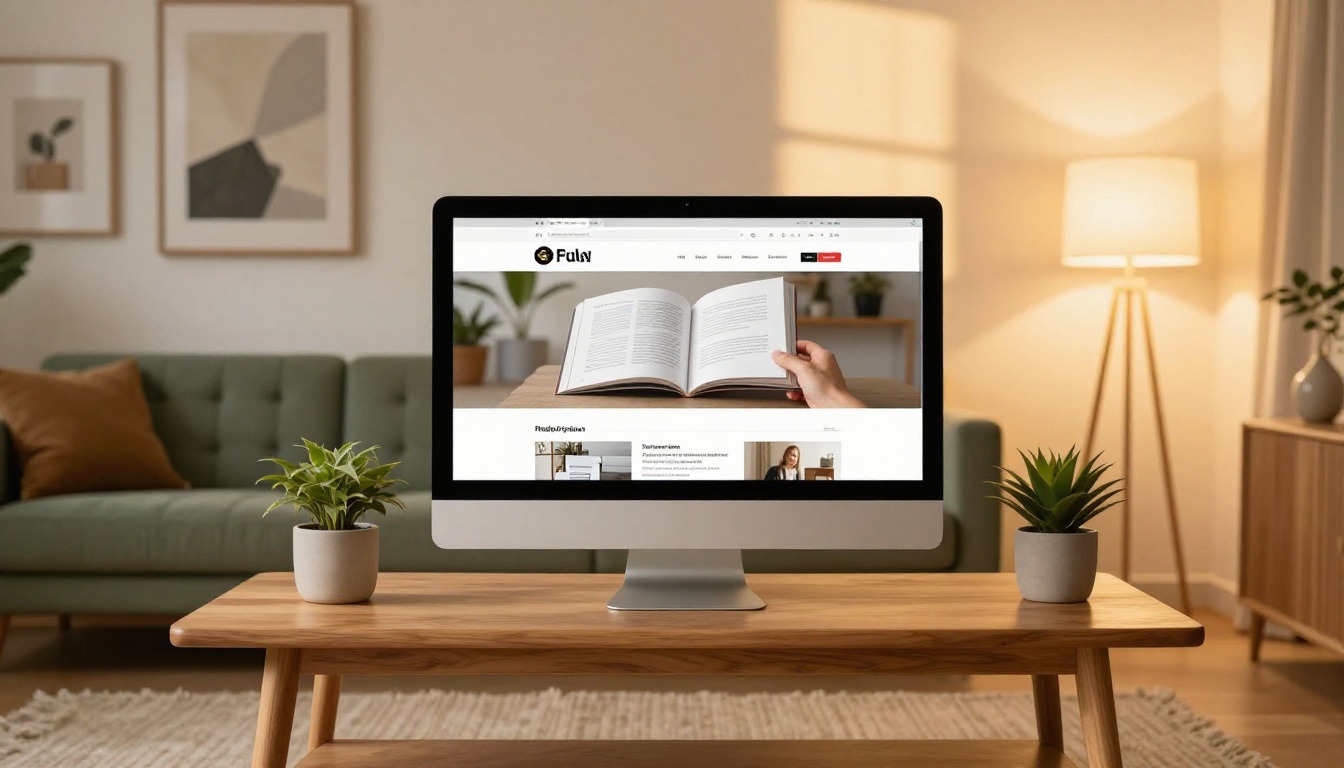
The Embed Flipbook on Website tool generates a clean <iframe> snippet you can drop into any webpage, WordPress site, Squarespace page, or Webflow build. No plugins required. The embedded flipbook is fully responsive and adjusts to the container width automatically.
This is particularly powerful for:
- Author websites: Replace a static "books" page with a live, readable flipbook preview
- Landing pages: Let visitors sample the first few chapters before they buy
- Email newsletters: Include a "read in browser" link that opens directly to your flipbook
- Course platforms: Embed supplementary eBooks directly into lesson pages
Password Protection for Private Copies
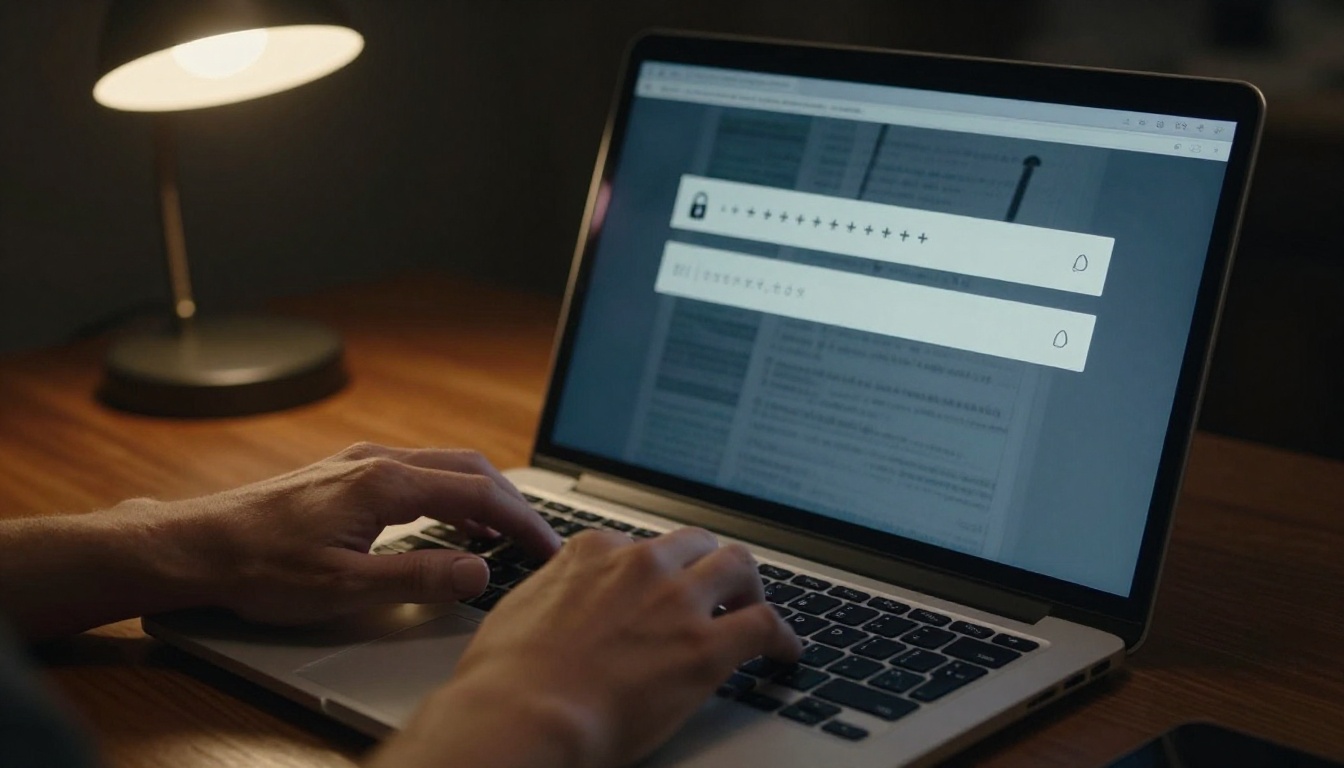
Not every eBook is for public consumption. If you are distributing a paid eBook, a course companion, or an exclusive member resource, password protection is essential.
Flipbooks AI lets you set a custom password on any flipbook. Share the link and password separately to maintain control over access. This removes the risk of someone forwarding a PDF download to unlimited recipients.
| Distribution Method | PDF | Flipbook |
|---|
| One-click sharing | ✅ | ✅ |
| Password protection | Limited | ✅ Native |
| Revokable access | ❌ | ✅ |
| Open tracking | ❌ | ✅ |
| Mobile-optimized | ❌ | ✅ |
| Embed on website | ❌ | ✅ |
| No download required | ❌ | ✅ |
| Branding controls | ❌ | ✅ |
Track Who's Reading
Analytics That Actually Matter

One of the most significant advantages of publishing your eBook as a flipbook rather than a PDF is what happens after you hit publish. With a PDF, you send it into the void. With a flipbook on Flipbooks AI, you get a live analytics dashboard showing:
- Total views and unique readers: Know exactly how many people have opened your eBook
- Average reading time: See how long readers stay engaged
- Page-by-page heatmaps: Identify which sections hold attention and which lose readers
- Traffic sources: Understand where your readers are coming from (social, email, direct)
- Device breakdown: Know what percentage of your audience reads on mobile vs. desktop
- Geographic data: See which countries and cities your readers are in
This data is invaluable for authors, marketers, and anyone using an eBook as part of a content strategy. It turns guesswork into evidence.
Lead Generation Features
The Professional plan includes a lead capture gate. Before readers can access your flipbook, they are prompted to enter their name and email. You collect the lead. They get the eBook. Everyone wins.
For authors building a list, this replaces an entire lead magnet funnel. Instead of: ad, landing page, email opt-in, download link, you have: flipbook link, built-in gate, automatic lead capture.
💡 Gate only part of your eBook. Let readers access the first chapter freely, then prompt for their email to continue. Conversion rates on partial gates are typically higher than full gates because readers are already invested in the content.
Mobile Reading Without the Frustration

More than 60% of digital content is now consumed on mobile. PDFs are notoriously painful on phones: pinch to zoom, lose your place, pinch again, scroll sideways. Flipbooks solve this natively.
Every flipbook published through Flipbooks AI is automatically optimized for mobile. Readers can:
- Swipe between pages naturally
- Tap the table of contents to jump to any chapter
- Zoom into images with standard pinch gestures
- Switch between landscape and portrait without losing their page
No app required. It works in any mobile browser, on any operating system.
4 Mistakes That Kill Your Flipbook's Reach
Even with a great eBook and a solid flipbook tool, these common errors hold authors back.
1. Using a low-resolution PDF
If your source PDF has images at 72 DPI (screen resolution), your flipbook will look blurry on retina displays. Always export at 150 DPI minimum, 300 DPI if your book is image-heavy.
2. Skipping the cover page
The cover page is the thumbnail that appears in social sharing cards, email previews, and the flipbook's own interface. A weak cover page is the first thing readers judge. Invest in it before you convert.
3. Ignoring the metadata
The flipbook title and description fields are often left blank. These fields power your social sharing cards and SEO visibility if you embed the flipbook on a webpage. Fill them in with the same care you'd give a book listing on a retail platform.
4. No call to action inside the eBook
If someone reads your entire eBook and there is nothing prompting them to buy, subscribe, or contact you, you have left value on the table. Add a final page with a clear next step before you convert to flipbook format. The flipbook does not add what was not there to begin with.
Flipbooks AI Plan Comparison
Before you commit, here is how the plans stack up for eBook publishing:
| Feature | Free | Standard | Professional |
|---|
| Flipbooks | Limited | Unlimited | Unlimited |
| Watermark | Yes | No | No |
| Password protection | ❌ | ✅ | ✅ |
| Analytics | Basic | Standard | Advanced |
| Lead generation | ❌ | ❌ | ✅ |
| Offline downloads | ❌ | ✅ | ✅ |
| Custom domain | ❌ | ❌ | ✅ |
| Video and audio embed | ❌ | ✅ | ✅ |
| Custom branding | Limited | Full | Full |
For authors publishing more than one or two eBooks, the Standard plan removes the watermark and unlocks unlimited flipbooks. The Professional plan is the right move if you are using eBooks as a lead generation tool or running a professional publishing operation. See full details on the pricing page.
Beyond traditional eBooks, the same workflow applies to:
Every tool on the platform follows the same upload-customize-publish workflow, so the skills you build publishing your first eBook transfer immediately.
Your eBook Is Ready. Now What?

You have written the eBook. You have done the work. Publishing it as a flipbook is the step that makes it real, shareable, and impossible to ignore.
The entire process takes less than ten minutes. Upload your PDF, customize the look, hit publish, and you have a professional-grade interactive digital publication that works on every device, tracks every reader, and reflects the quality of the work inside it.
Ready to publish your first flipbook? Create your free account on Flipbooks AI and convert your first eBook today. When you are ready to access analytics, lead capture, and custom branding, compare pricing plans to find the right tier for your publishing goals.
Not publishing a traditional eBook? Browse all flipbook tools including the Digital Portfolio Creator, Magazine Flipbook Creator, and Course Material Publisher to find the format that fits your content best.



