Sending a PDF attachment used to be the default. Drop the file in an email, hit send, and hope the recipient's inbox doesn't block it for being too large. That workflow is broken, and most people already know it. Flipbooks AI offers a smarter path: convert your PDF into a shareable flipbook link and send that instead. No file size anxiety, no attachment filters, no guessing whether anyone actually opened it.
Why PDF Attachments Are Failing You
PDF attachments made sense when sharing happened on local networks. Today they carry a long list of problems that quietly undermine the work you put into your documents.
File Size Limits Nobody Mentions
Most email servers cap attachments somewhere between 10MB and 25MB. A multi-page sales deck, a detailed product catalog, or a real estate brochure with high-resolution photos will routinely blow past that. The result: a bounced email, an embarrassed follow-up, and a prospect who never saw your document.
Corporate spam filters are even more aggressive. Attachments from unknown senders get flagged, quarantined, or silently dropped. Your carefully designed brochure may never reach its destination at all.
No Visibility After You Hit Send
A PDF attachment disappears into the recipient's download folder. You have no idea whether they opened it, which pages they read, or when they stopped. If you're a sales rep, a marketer, or a business owner, that blind spot costs you follow-up timing and negotiation leverage.
Flipbook links, by contrast, give you real-time data. With Flipbooks AI's analytics features, you can see page views, average read time, and geographic data for every person who opens your document.
💡 Pro tip: Companies using trackable flipbook links report faster follow-up response rates because they know exactly when to reach out, not just that a proposal was "sent."
Static Documents Don't Hold Attention
A flat PDF offers no interaction. No clickable table of contents, no embedded video, no animated transitions. Recipients scroll, skim, and close. A flipbook with a realistic page-turn effect and embedded multimedia holds attention significantly longer than a static file ever will.
What a Flipbook Actually Is
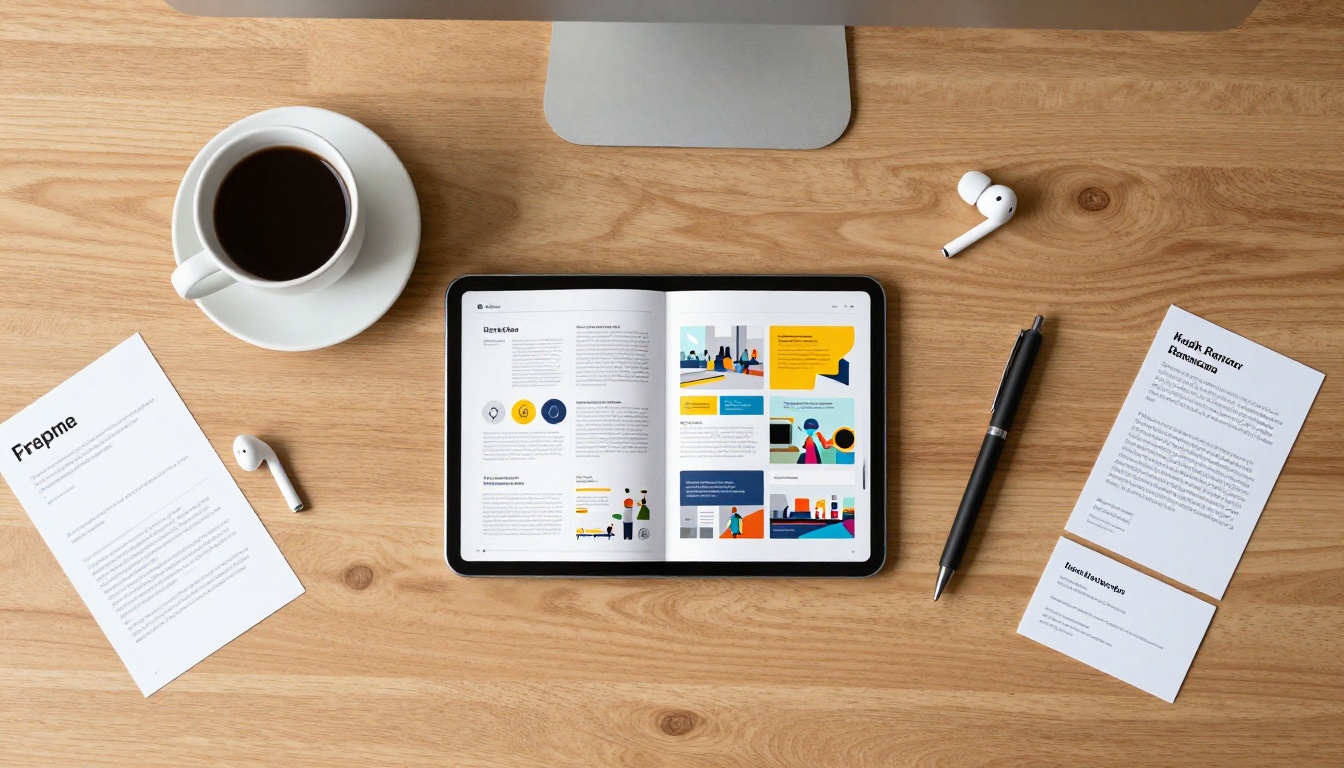
A flipbook is a digital publication hosted online, accessible via a URL. When someone clicks your link, they open a browser-based reader that displays your content with realistic page-turn animations, a responsive layout that works on any device, and optional interactive elements like videos, audio, and clickable links.
PDF vs. Flipbook: The Real Difference
| Feature | PDF Attachment | Flipbook Link |
|---|
| File size limit | Yes (10-25MB typical) | None |
| Spam filter risk | High | None |
| Works on mobile | Varies | Always |
| Page-turn animation | No | Yes |
| Embedded video/audio | No | Yes |
| Password protection | Optional (complex) | Built-in (one click) |
| Read analytics | No | Yes (Professional plan) |
| Update after sending | No | Yes, edits go live instantly |
| Shareable without download | No | Yes |
| Custom branding | No | Yes |
The difference is not cosmetic. When you share a flipbook link, you're sharing a live, hosted document that you control after the fact. If you spot a typo or need to update pricing, you fix it once and every link already sent reflects the change immediately.
How Flipbook Links Replace Attachments
The mechanics are simple. You upload your PDF to Flipbooks AI, and the platform converts it into a hosted flipbook. You get a clean shareable URL. You copy that link and paste it anywhere: email, WhatsApp, Slack, a LinkedIn message, a text, or your website. Recipients click, it opens instantly in their browser, and they read without downloading anything.
How to Send a Flipbook Instead of a PDF Attachment
This is the full process from file to shareable link. The whole thing takes under three minutes once you have your PDF ready.
Step 1: Create Your Account
Go to Flipbooks AI and sign up. No credit card required for the free tier. Once you're in, you'll see the dashboard where all your flipbooks are managed.
Step 2: Upload Your PDF
Click the "Create Flipbook" button and select your PDF file. Flipbooks AI accepts files of any size. While the file uploads and converts, you'll see a real-time progress indicator. Most files under 50MB convert in under 30 seconds.

You can upload virtually any PDF type:
- Sales proposals and pitch decks
- Product catalogs and lookbooks
- Real estate listings and property brochures
- Restaurant menus
- Training manuals and course materials
- Annual reports and press kits
- Portfolios and event programs
Step 3: Customize Before You Share
Before copying your link, spend two minutes on customization. This is where a flipbook pulls far ahead of a raw PDF attachment:
- Brand colors: Set your primary and secondary brand colors so the reader UI matches your identity
- Logo: Upload your logo to display in the flipbook header
- Page effects: Choose from realistic page-curl, slide, or fade transitions
- Background: Set a custom background color or image behind the pages
- Table of contents: Auto-generated from your PDF headings, making navigation instant
- Password protection: Add a password for sensitive documents shared with specific recipients
✅ Best practice: Always add your logo and brand color before sending to clients. It takes 60 seconds and makes the entire experience feel intentional and professional.
Step 4: Copy Your Sharing Link
Once your flipbook is published, click the Share button in the dashboard. You'll see your clean public URL. Copy it. That link is what you paste instead of attaching a file.
You also get:
- A short link for character-limited platforms
- An embed code for websites and landing pages
- A QR code for print materials and in-person sharing
Step 5: Send the Link in Your Email
Instead of attaching a file, write something like:
"Hi [Name], here's the product catalog I mentioned: View Catalog. It opens directly in your browser, no download needed."
That single line is more professional than any attachment. It signals that you're considerate of the recipient's inbox, and it opens immediately on any device they happen to be using.
⚠️ Warning: Avoid third-party URL shorteners when sending flipbook links via email. Some spam filters flag unknown shorteners. Use the native short link from Flipbooks AI instead.
Sharing Flipbooks Beyond Email
A flipbook link works anywhere text can be pasted. Here's how it performs across different platforms.
WhatsApp and Messaging Apps
Paste your flipbook URL directly into a WhatsApp chat, Telegram message, or iMessage. The link auto-generates a rich preview with your flipbook's cover image and title, making it look polished even in a casual message thread. Recipients tap to open it in their mobile browser without leaving the app.
This is particularly useful for:
- Sending proposals to clients who prefer messaging over email
- Sharing restaurant menus or event programs for quick review
- Distributing team documents in group chats
Slack and Internal Tools
In Slack or Microsoft Teams, paste your flipbook link into any channel or direct message. Slack's link unfurling shows a preview card automatically. Team members click once and read the document in a browser tab without cluttering shared file storage.

Embed on Your Website or Blog
For documents that live permanently on your site, such as product catalogs, menus, or brochures, use the embed code. The Embed Flipbook on Website tool gives you a single <iframe> snippet. Paste it into your website's HTML or CMS and the flipbook appears inline, interactive and responsive, with no third-party viewer required.
This works extremely well for:
- Restaurant websites embedding their current menu
- Real estate agencies displaying property brochures
- E-commerce brands showcasing seasonal catalogs
- Hotels sharing their venue and amenities details
Social Media and LinkedIn
LinkedIn direct messages and Sales Navigator sequences work well with flipbook links. Share a catalog or case study flipbook in a connection message and it feels far more valuable than a generic PDF download request.
For Instagram or Facebook, use the QR code option. Print it on marketing materials or include it in a story, and mobile users scan directly to open the flipbook.
Sharing Methods at a Glance
| Sharing Method | Best For | Setup Time |
|---|
| Email link | Proposals, catalogs, reports | 10 seconds |
| WhatsApp / Telegram | Menus, quick documents, casual outreach | 5 seconds |
| Slack / Teams | Internal docs, team resources | 5 seconds |
| Website embed | Permanent catalogs, menus, portfolios | 2 minutes |
| QR code | Print materials, in-person events | 30 seconds |
| Social media link | Promotions, announcements | 10 seconds |
| Password-protected link | Confidential proposals, pricing docs | 2 minutes |
Track Who Actually Read Your Document
This is the feature that changes how sales and marketing teams operate. With a Professional plan, every shared flipbook link comes with a live analytics panel.

You see:
- Total views and unique visitors per flipbook
- Pages visited and time spent on each page
- Device breakdown: desktop vs. mobile vs. tablet
- Geographic data: city and country of each reader
- Lead capture: optional form overlay to collect name and email before reading
💡 Use case: A real estate agent sends a property brochure as a flipbook link. Analytics show the prospect viewed it three times, spent 4 minutes on the floor plan page, and shared the link with someone else. That's the signal to call.
This level of insight is simply not possible with a PDF attachment.
Real-World Use Cases by Industry
Different industries replace PDF attachments with flipbook links every day:
Sales Teams: Send proposals as flipbook links and get notified when a prospect opens them. No more wondering whether your deck landed in the right inbox.
Real Estate: The Real Estate Brochure Creator turns property PDFs into stunning interactive listings. Share the link in your listing email or text thread.
Restaurants: Convert your menu PDF using the Restaurant Menu Creator and share the link instead of a PDF attachment. Works on any phone without downloading an app.
Marketing Agencies: Monthly reports, campaign decks, and brand proposals all convert cleanly. Share the link and let clients review at their own pace. Update the content live if anything changes.
HR and Training: Replace emailed policy PDFs with Training Manual Flipbooks. New hires click one link from their onboarding email and have access to everything, on any device.

Plans That Fit Every Need
Flipbooks AI offers tiered pricing to suit individuals, small teams, and large organizations.
| Plan | Flipbooks | Analytics | Password Protection | Lead Generation |
|---|
| Free | Limited | No | No | No |
| Standard | Unlimited | Basic | Yes | No |
| Professional | Unlimited | Full, real-time | Yes | Yes |
The Standard plan removes watermarks and includes unlimited flipbooks, while the Professional plan adds the full analytics dashboard, lead generation forms, and offline download options. Compare all plans in detail to see which fits your workflow.
✅ Best practice: Start with the free plan to test conversion quality and the sharing experience. Upgrade when you want analytics and unlimited publishing.
One Link, Every Device, Every Recipient

One of the most practical advantages of sending a flipbook link is that the same URL works for everyone. Share it once in a team chat and ten people open it simultaneously on whatever device they have. No one needs to download the same file ten times. No version confusion. No forwarded attachments separated from the original message thread.
When you update the document, every link already shared reflects the new version. There is no "PDF v2 FINAL FINAL" situation.
The Shift Is Simpler Than It Sounds

The mental model is straightforward: instead of attaching a file, you paste a link. That single habit eliminates size limit problems, spam filter risk, version chaos, and complete read blindness. The first time you check your analytics and see that a prospect spent six minutes on your proposal, you will never go back to attaching PDFs.
Flipbooks AI makes this possible without any technical knowledge. You upload a PDF, get a link, and share it. If you want to go further, customization, password protection, analytics, and lead capture are all available when you need them.
Browse all available flipbook tools to find the right fit for your documents, whether that is a product catalog, a digital portfolio, a sales presentation, or simply a cleaner way to share your next proposal.
Ready to stop attaching files? Create your first flipbook for free and send a link instead.



