PDF attachments get blocked by spam filters, bounce off file size limits, and arrive on recipients' screens as lifeless walls of text. If you've ever sent a proposal, catalog, or report as a PDF and heard nothing back, the format itself might be the problem. There's a better way, and it starts with sending a flipbook link instead.
Flipbooks AI lets you convert any PDF into an interactive, page-turning flipbook that you share with a single URL. No downloads. No blocked attachments. Just a link that opens instantly on any device and gives the reader a far more engaging experience than scrolling through a flat PDF ever could.
Why PDF Attachments Keep Failing
Let's be direct about what goes wrong when you send a PDF as an email attachment.
File size blockers. Most email servers reject attachments over 10-25MB. A multi-page product catalog, brochure, or annual report can easily exceed that limit, which means your document never arrives.
Security filters. Corporate IT departments routinely quarantine or delete PDF attachments from unknown senders. Your beautifully designed proposal gets flagged as suspicious before the recipient ever sees it.
Zero engagement data. You send the PDF and then wait. Did they open it? Did they read page 7? Did they share it with a colleague? You have no idea. With a PDF attachment, you are flying blind.
Bad mobile experience. PDFs render poorly on smartphones. Readers have to pinch, zoom, and scroll horizontally just to read a paragraph. Most people give up before reaching page two.
No interactivity. Links, videos, and embedded media often don't work in emailed PDFs. Your document arrives stripped of everything that made it compelling.
💡 A flipbook shared via link bypasses every one of these problems. No attachment, no file size issue, no spam filter. Just a URL that opens directly in any browser.
Flipbook vs PDF: The Real Difference
Before diving into the how-to, it's worth understanding what actually changes when you send a flipbook link instead of a PDF file.
| Feature | PDF Attachment | Flipbook Link |
|---|
| File size limits | ✗ Often blocked above 25MB | ✅ No limit, hosted in cloud |
| Spam filter risk | ✗ High risk of quarantine | ✅ No attachment, minimal risk |
| Mobile experience | ✗ Poor, requires pinch-zoom | ✅ Fully responsive |
| Page-turn interaction | ✗ None | ✅ Realistic page flip |
| Embedded video and audio | ✗ Often stripped | ✅ Fully supported |
| Analytics and tracking | ✗ Zero visibility | ✅ Views, time per page, clicks |
| Password protection | ✗ Requires separate software | ✅ Built-in |
| Shareable URL | ✗ Must re-send the file | ✅ One link, works everywhere |
| Branding and customization | ✗ Static only | ✅ Colors, logo, backgrounds |
The gap is significant. A flipbook is not just a prettier PDF. It is a fundamentally different sharing experience, and the recipient feels that difference immediately.
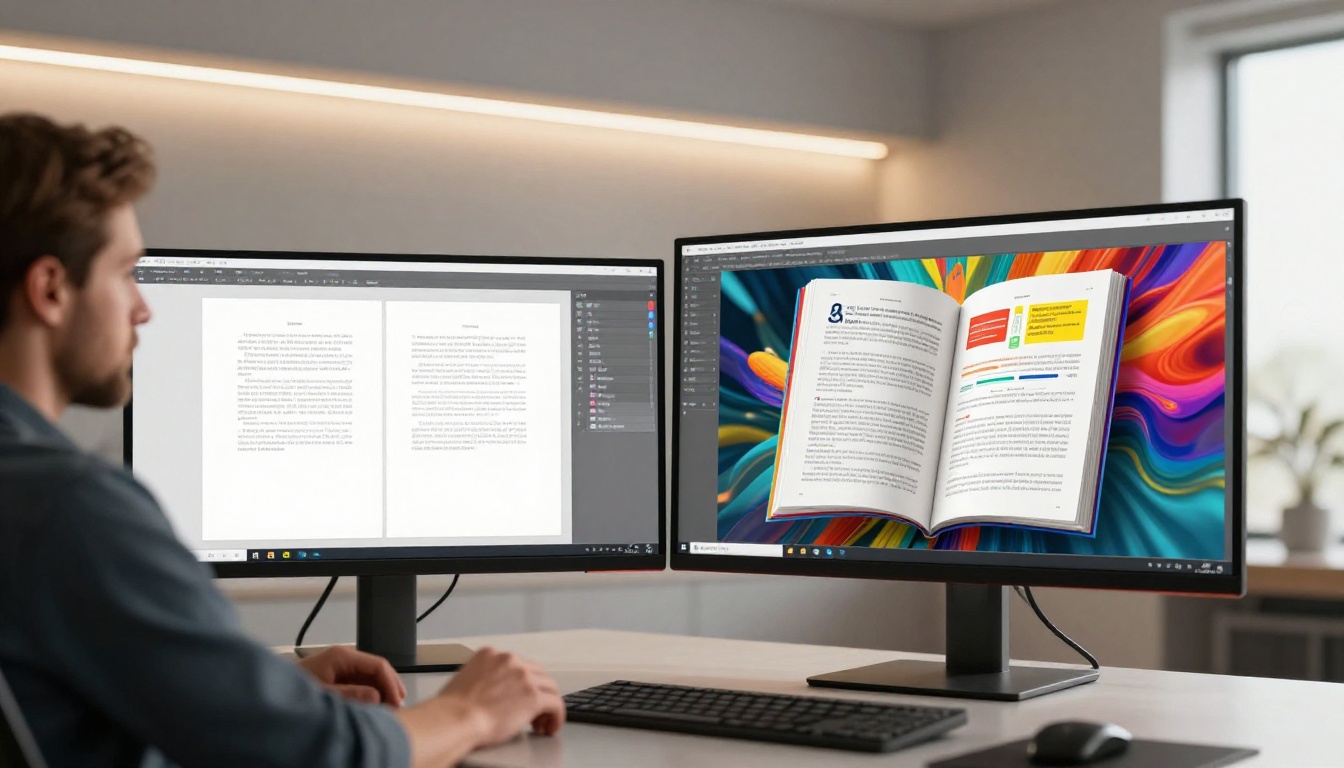
Convert Your PDF to a Flipbook
The process takes less than five minutes from start to share. Here is how to do it with Flipbooks AI:
Step 1: Create Your Account
Go to flipbooksai.com/account and sign up. The free plan lets you start immediately with no credit card required.
Step 2: Upload Your PDF
From your dashboard, click Create Flipbook and upload your PDF file. Flipbooks AI accepts documents of any size, from a one-page flyer to a 300-page catalog. The conversion happens automatically in seconds.
Step 3: Customize the Flipbook
Once converted, personalize the flipbook before sharing:
- Brand colors: Match your company palette exactly
- Logo: Add your logo to the viewer interface header
- Background: Choose a background color or image that complements your document
- Page effects: Enable realistic page-curl animation or flat slide transitions
- Cover style: Set a custom thumbnail for how the link preview appears in messages
Step 4: Get Your Share Link
After customization, click Share and copy your unique flipbook URL. That is the link you will send instead of a PDF attachment. It opens instantly and works on every device.
Step 5: Send It
Paste the link anywhere: email body, Slack message, LinkedIn DM, WhatsApp, or embed it directly on a webpage. The recipient clicks once and the flipbook opens in their browser, no download required.
✅ Always paste the flipbook link as plain text in the email body. A visible URL builds more trust than generic anchor text like "click here" and typically earns a higher click-through rate.
Sending a Flipbook via Email
Replacing the PDF attachment in an email is the most common use case. The practical difference in how you write the email is immediate.
Old approach with PDF attachment:
Attached please find our product catalog for Q2. Let me know if you have questions.
New approach with flipbook link:
Here is our interactive Q2 catalog: [link]. Browse it directly in your browser and feel free to share it with your team.
The second version is shorter, more professional, and the recipient can open the flipbook on their phone during a commute, on a tablet in a meeting, or on a desktop at their desk. The same link works everywhere without any compatibility issues.
What to Write Around the Link
- Keep the email short. The flipbook is the content; the email is only the delivery vehicle.
- Reference something specific on a page to create curiosity ("Check out page 12 for the updated pricing table").
- For proposals, mention the page that addresses the recipient's specific challenge.
- Add a second link at the bottom as a call to action, pointing to your website or a booking page.

Sharing a Flipbook Across Channels
A flipbook link is not limited to email. Every channel where you would have once attached a PDF now works better with a link.
| Channel | How to Share | Best For |
|---|
| Email | Paste URL directly in body | Proposals, catalogs, reports |
| LinkedIn | Post or DM with link preview | B2B content, portfolios |
| WhatsApp and iMessage | Paste link, preview auto-loads | Quick sharing, mobile audience |
| Slack and Teams | Paste in channel or DM | Internal team documents |
| Instagram Bio | Link in bio tool | Lookbooks, menus, portfolios |
| Website | Use the embed code | Catalogs, brochures inline on page |
| QR code | Generate QR pointing to link | Print materials, events, packaging |
💡 Flipbooks AI generates an embed code in one click. Paste it into any website or landing page to display the full interactive flipbook directly inline. The Embed Flipbook on Website tool handles all of this without any coding required.

Password-Protected Sharing for Private Docs
Not every document is meant for the public internet. Contracts, financial reports, internal manuals, and client proposals all require controlled access.
Flipbooks AI lets you add a password to any flipbook before sharing. The recipient receives the same clean link, but when they click it, a password prompt appears before the document opens. You share the password separately, over a call or in a second message.
This replaces the clunky workaround of sending an encrypted PDF that most recipients can't open anyway, or using a shared drive with complicated permission settings.
⚠️ Password protection is available on Standard plans and above. See the full pricing page for a detailed breakdown of what each plan includes.
When to Use Password Protection
- Client proposals: Only the intended client can open the document
- HR documents: Onboarding materials, handbooks, confidential policy documents
- Financial reports: Quarterly results, investor decks, sensitive annual reports
- Restricted catalogs: Wholesale pricing, private product lines, dealer-only materials
Tracking Who Reads Your Flipbook
One of the biggest advantages of sending a flipbook link over a PDF attachment is visibility into what actually happens after you send it. When someone opens your PDF attachment, you know nothing. When they open your flipbook link, you can see exactly what happened.
With the Flipbooks AI Professional plan, you get access to:
- View count: Total opens and unique visitor counts
- Time on page: How long readers spent on each individual page
- Geographic data: Where your readers are located
- Device breakdown: Desktop vs. tablet vs. mobile split
- Lead generation: Capture names and emails directly within the flipbook reader

For sales teams, this data changes the follow-up conversation entirely. If you send a proposal as a flipbook and see the prospect spent 9 minutes on the pricing page but only 20 seconds on the scope section, you know exactly what to address on the next call.
Lead Generation Inside Flipbooks
The Professional plan adds a lead gate feature. You can require readers to enter their name and email address before the flipbook opens, or after a specific number of pages. Every submission goes directly to your dashboard and can be exported or connected to a CRM.
Every shared flipbook becomes a quiet, frictionless lead generation tool.
Real-World Use Cases
Different industries are already using flipbook sharing to replace PDFs in very specific, measurable ways.
Sales and Marketing Teams
Instead of attaching a 20MB product catalog to every cold outreach email, sales reps paste a digital catalog link that loads instantly on any device. Open rates improve because there is no attachment to trigger spam filters, and follow-up calls are more informed because the rep can see which products the prospect actually spent time on.
Real Estate Agents
Property brochures sent as PDFs are forgettable. A real estate brochure built as a flipbook and shared via link gives prospective buyers a rich, page-by-page visual experience on their smartphone. Premium listings can include embedded video walkthroughs directly within the flipbook pages.
Restaurants and Hospitality
Instead of attaching a PDF menu to reservation confirmation emails, restaurants share a menu flipbook link that opens on any phone. Guests arrive having already browsed the menu, and the link updates instantly when items change, with no need to resend anything to previous recipients.
HR and Training Departments
New employee onboarding packets, training manuals, and policy handbooks sent as PDF attachments often go unread because they are too large and too static. A training manual flipbook shared via link is accessible on any device, can be updated centrally at any time, and supports embedded instructional videos.
Event Organizers
Programs, speaker bios, and schedules sent as PDF attachments before an event are immediately outdated if anything changes. An event program flipbook shared as a QR code or direct link at the door is always current, requires no printing costs, and can include interactive maps and session registration links.
Flipbooks AI Plans at a Glance
| Plan | Flipbooks | Analytics | Password | Lead Gen | Offline Downloads |
|---|
| Free | Limited | Basic | No | No | No |
| Standard | Unlimited | Standard | Yes | No | No |
| Professional | Unlimited | Advanced | Yes | Yes | Yes |
See the full pricing page for current rates and a complete feature breakdown across all plans.
✅ Start on the free plan to test your first flipbook. Once you see how much higher your open and engagement rates are compared to PDF attachments, upgrading to Standard or Professional pays for itself quickly.
Embed a Flipbook on Your Website
Beyond email and direct sharing, flipbooks can be embedded directly in any webpage using the Embed Flipbook on Website tool. This is ideal for:
- Product catalogs on e-commerce and retail sites
- Digital menus on restaurant and hospitality websites
- Portfolio showcases on creative agency pages
- Annual reports on investor relations sections
- Course materials on education and training platforms
The embed code is a single snippet. Paste it into any webpage or CMS and the full interactive flipbook appears inline, with page-turning animation and all functionality intact.
Common Questions About Sending Flipbooks
Does the recipient need to install anything?
No. Flipbooks open directly in any modern web browser on any device. There is nothing to download, install, or configure on the recipient's end.
Can I update the flipbook after I send the link?
Yes. If you update the content in your Flipbooks AI dashboard, the same URL automatically reflects the new version. You never need to resend the link to previous recipients.
What about offline access?
The Professional plan includes offline downloads, which lets readers save a self-contained version of the flipbook that works without an internet connection. The downloaded file retains all page-turn animations and formatting.
Can I share the same link with multiple people?
Absolutely. The link is not single-use. Share it with one person, with a thousand, or post it publicly on social media. Each view is tracked separately in your analytics dashboard.
Can I send a flipbook from my phone?
Yes. You can manage and share flipbooks from the Flipbooks AI mobile interface. Copy the link on your phone and paste it into any messaging app, email client, or social platform exactly as you would on a desktop.
Stop Attaching. Start Sharing.
Sending a flipbook instead of a PDF attachment is not a minor formatting upgrade. It changes how recipients experience your documents, it gives you real visibility into what they actually read, and it removes every technical friction point that causes PDF attachments to fail in the first place.
The PDF to Flipbook Converter handles the conversion in seconds. Upload your existing PDF, nothing needs to be redesigned or rebuilt, and within a minute you have a shareable link that performs better on every channel than the attachment ever could.
Ready to stop attaching files and start sharing experiences? Create your first flipbook on Flipbooks AI for free, no credit card required. Or compare plans to see which features fit your workflow best.
Browse all available flipbook tools for your specific use case, from product catalogs and restaurant menus to annual reports and creative portfolios.



