Every parent has been there: you take a photo of your child's latest masterpiece, send it via WhatsApp, and within 24 hours it's buried under 47 other messages. Grandparents can't find it. Teachers never replied. And the original drawing? Folded into a backpack pocket and forgotten. There's a better way to share your kids' schoolwork, and it involves turning everything into a beautiful, interactive flipbook using Flipbooks AI.
This isn't just about going digital. It's about giving your child's hard work the presentation it deserves, a format that people actually open, scroll through, and come back to.
Why Email and WhatsApp Just Don't Cut It
The Real Problem With Sharing Schoolwork Online
Most parents default to two options: snapping a quick photo or scanning a document and firing it off in a message. Both methods work technically, but the experience on the receiving end is pretty underwhelming.
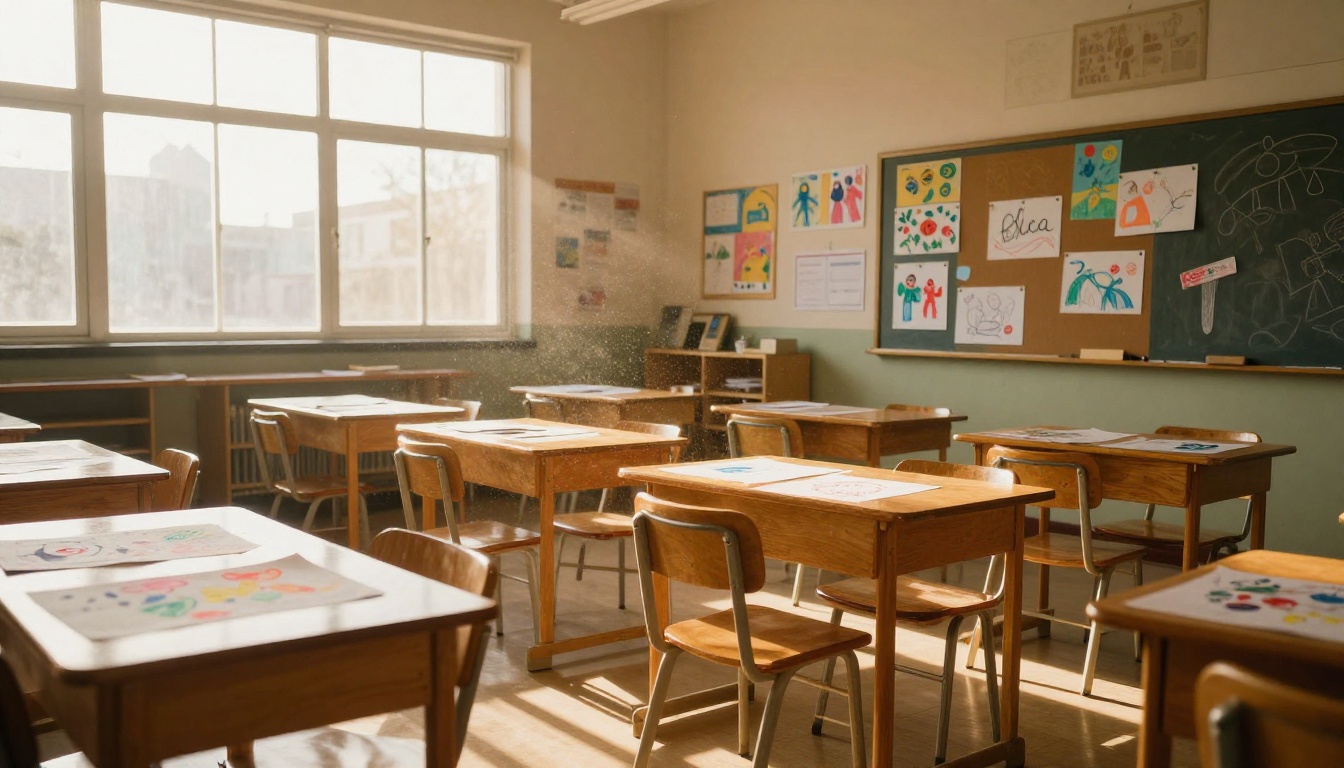
Here's what typically happens:
- Photos get buried in chat threads within hours
- Email attachments require downloading, opening a separate app, and managing files
- Google Drive links feel impersonal and confusing for less tech-savvy family members
- PDFs sent as attachments don't feel special or exciting
Your child spent three hours on that volcano diagram. It deserves more than a 3-second scroll in someone's camera roll.
What Makes Flipbooks Different
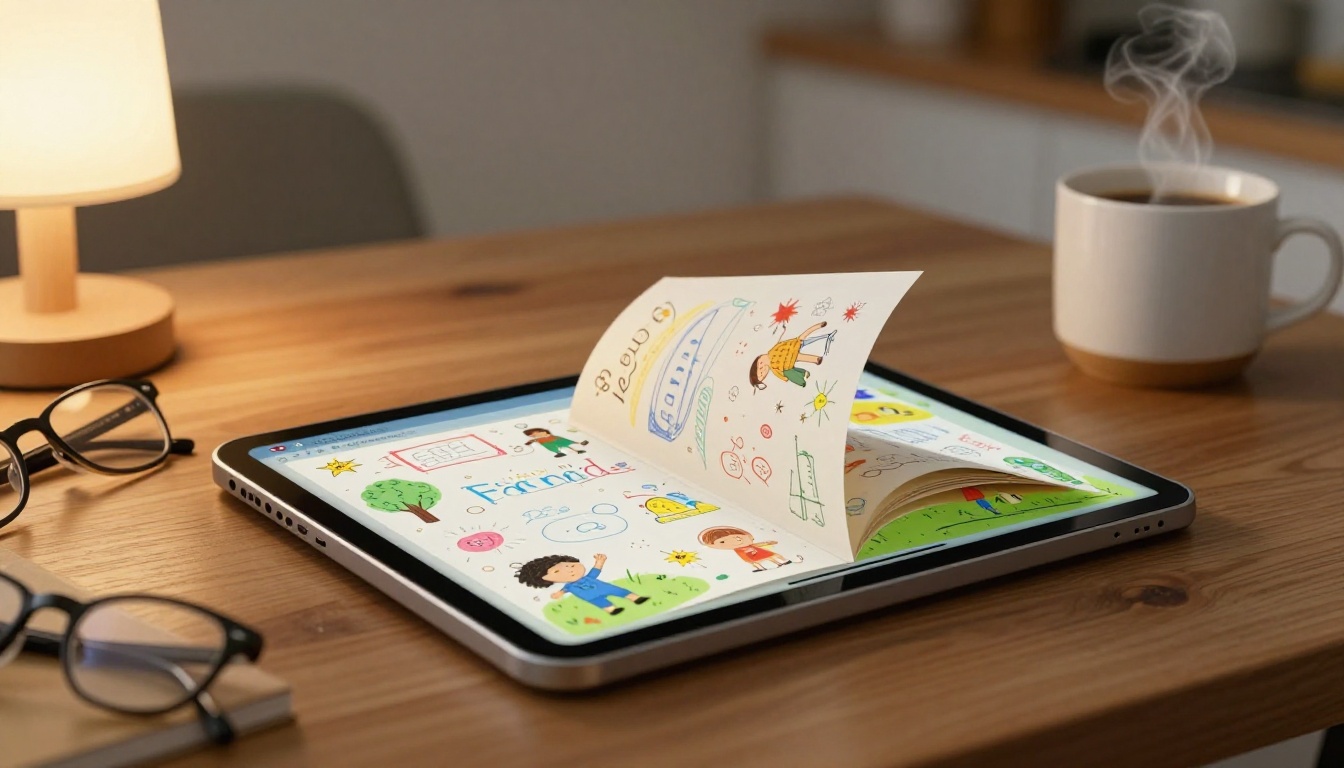
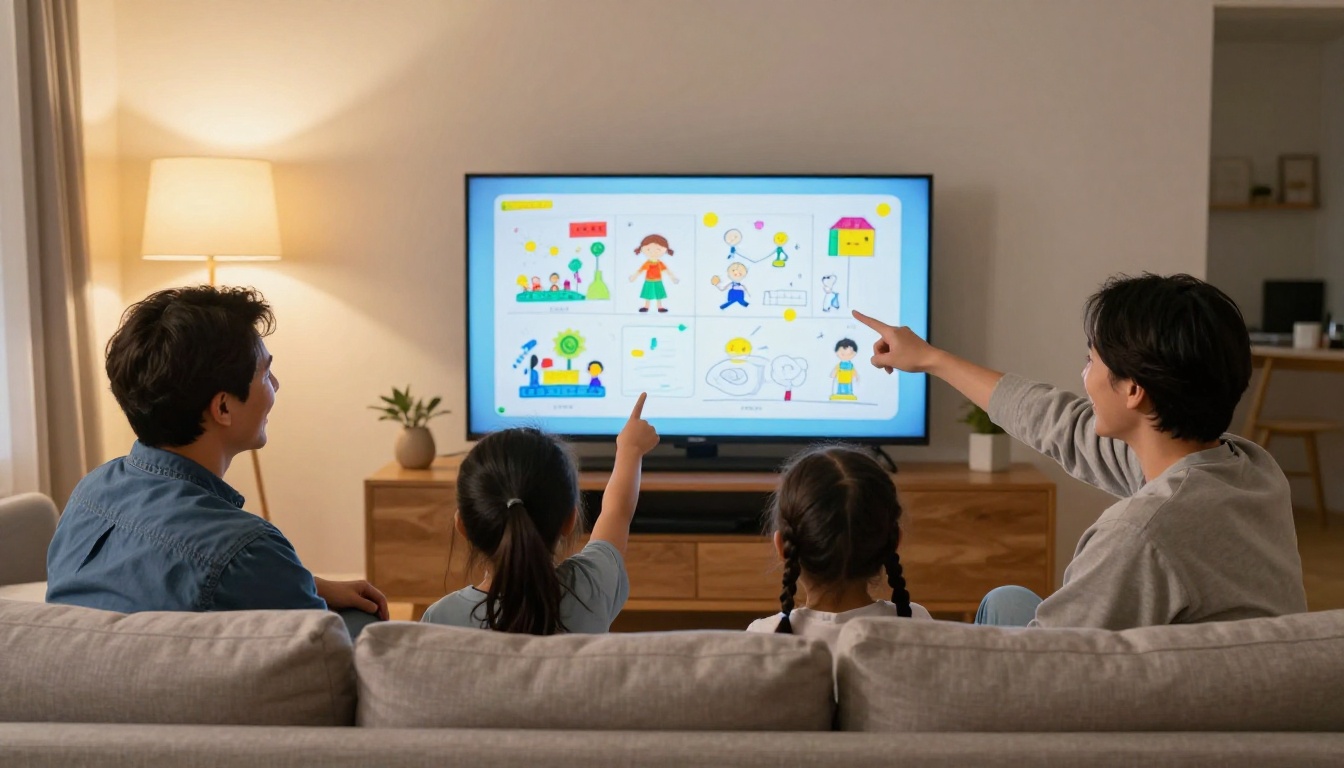
A flipbook is an interactive, page-turning digital document that mimics the feel of flipping through a real book. When you share a flipbook link, recipients open it in their browser with zero downloads required. They see every page with smooth animations, and they can zoom in, navigate by chapter, and even view it fullscreen.
💡 Flipbooks work on every device including phones, tablets, and smart TVs. No app download, no login, no friction.
The emotional impact is completely different. When grandma opens a link and sees her grandchild's drawings presented as a beautiful book with page-turning effects, she's not going to close it after two seconds. She's going to spend five minutes on it and share it with her friends.
What Schoolwork Works Best as a Flipbook
Artwork and Drawings
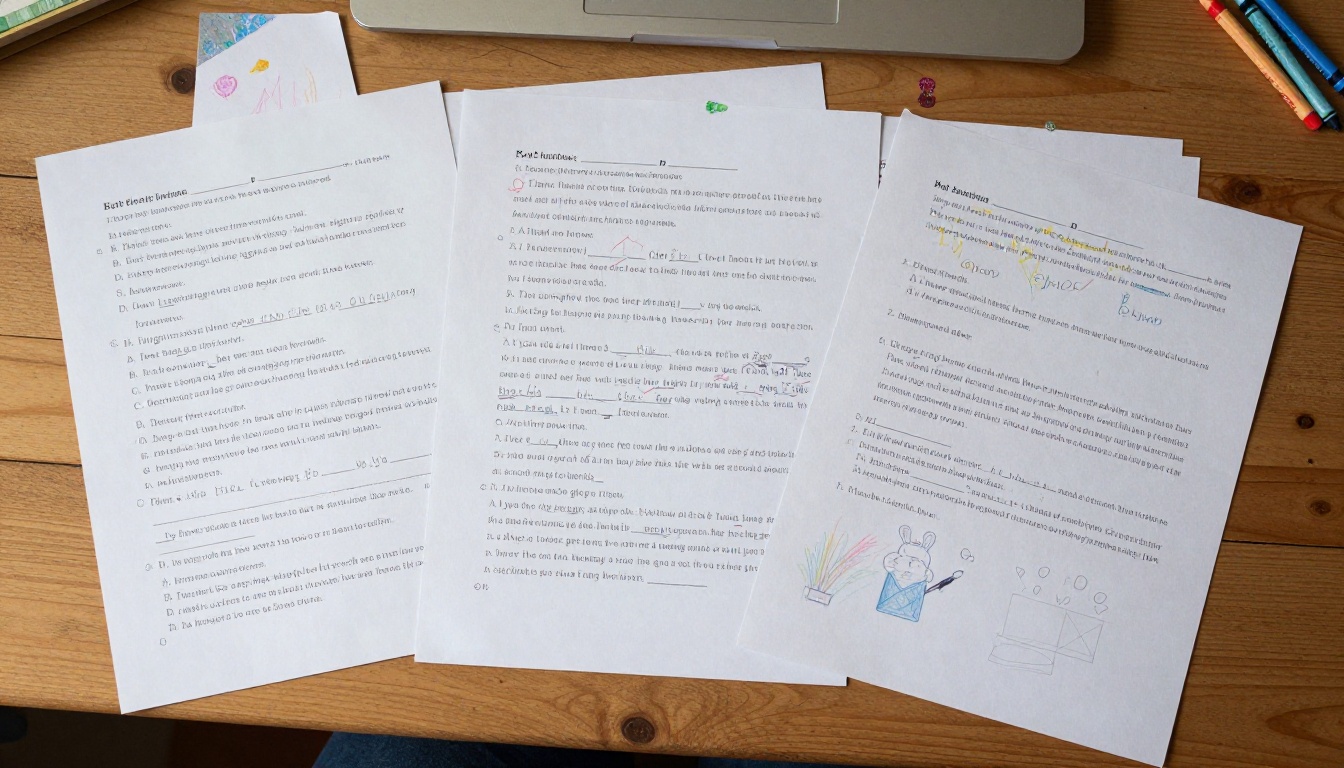
This is the most obvious use case, and it works brilliantly. Crayon drawings, watercolor paintings, pencil sketches, finger paintings: all of them scan beautifully and pop in a flipbook format. You can dedicate one page per piece, or arrange multiple drawings per page for a "portfolio" feel.
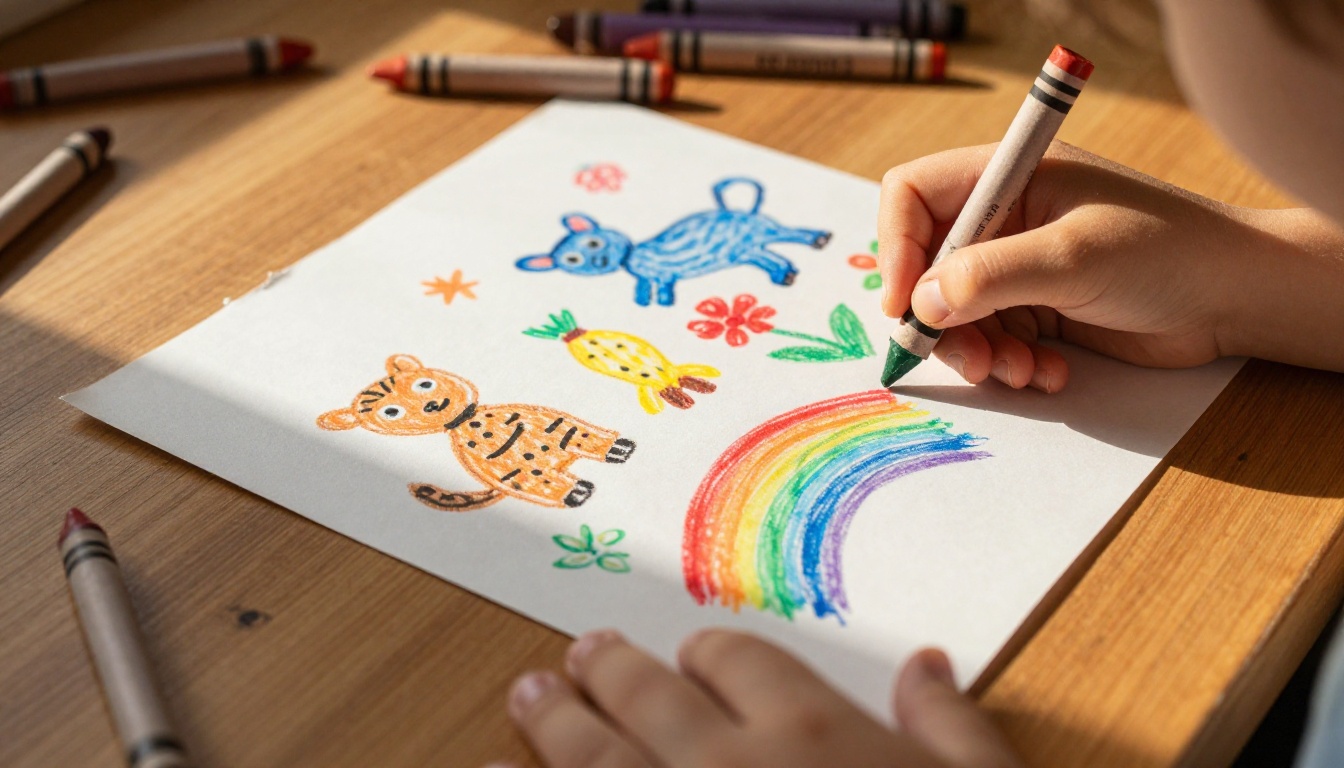
What to include:
- Weekly or monthly artwork collections
- Special projects like holiday cards or Mother's Day drawings
- Art class assignments with teacher comments
- Before-and-after drawings to show progress over the year
Written Reports and Essays
Written schoolwork benefits enormously from the flipbook format because readers can actually take their time with it. A handwritten story or typed essay feels much more intentional when presented as a proper document rather than an image attachment.
✅ For typed documents, export directly as PDF before uploading. For handwritten work, scan at 300 DPI minimum for clean, readable pages.
Science Projects and Diagrams
Diagrams of the solar system, biology drawings, labeled maps, book report posters: these are exactly the kind of multi-page school projects that benefit from sequential presentation. Instead of sending one giant JPEG that requires pinching and zooming, a flipbook lets the reader go page by page, at their own pace.
| Type of Schoolwork | Best Sharing Format | Why Flipbook Wins |
|---|
| Artwork and drawings | Flipbook | Visual impact, no compression loss |
| Essays and reports | Flipbook | Readable pages, proper formatting |
| Science diagrams | Flipbook | Zoom capability, sequential pages |
| Photos and class events | Flipbook | Album-style presentation |
| Year-end portfolios | Flipbook | Professional, shareable single link |
| Handwritten stories | Flipbook | Preserved exactly as written |
How to Create a Schoolwork Flipbook Step by Step
This is where Flipbooks AI makes the whole process simple enough that any parent can do it in under 10 minutes.
Step 1: Collect and Scan the Work
Start by gathering the physical schoolwork. If your child has digital work like a typed report or something saved on a school tablet, even better: it's already halfway there.
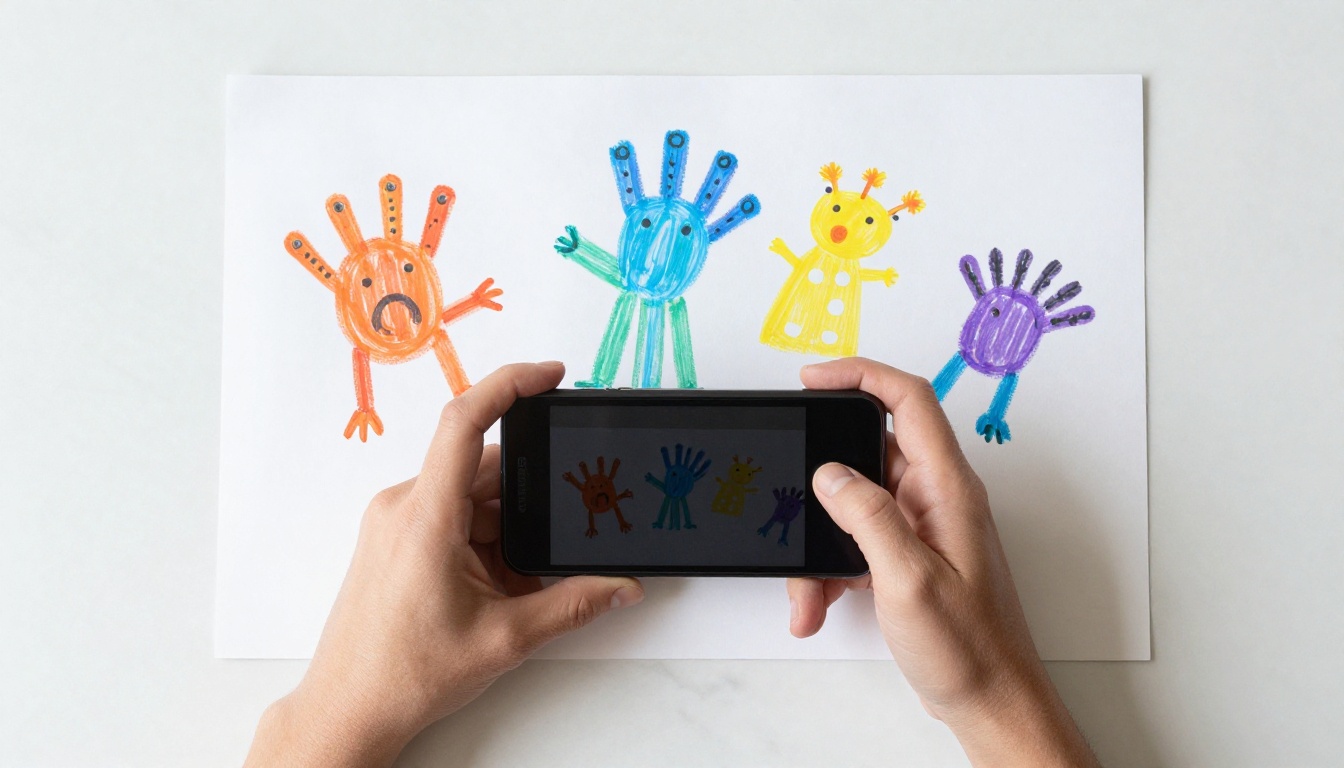
For physical papers:
- Use a free scanning app on your phone (Microsoft Lens, Adobe Scan, or Apple's built-in document scanner in the Notes app)
- Scan each piece of work individually on a flat, well-lit surface
- Export as PDF, not as individual images
- Name the file something recognizable like "Emma_March_Artwork.pdf"
⚠️ Avoid photographing papers at an angle. Use your phone's document scanner mode, which automatically corrects perspective and improves contrast.
Step 2: Combine Into a Single PDF
If you have multiple scans, combine them into one PDF before uploading. You can do this for free with:
- Preview on Mac (drag pages into one document)
- Adobe Acrobat Online (free merge tool)
- Smallpdf or ILovePDF (free browser tools)
One PDF per flipbook works best. You can create separate flipbooks for different subjects or combine everything into one monthly portfolio.
Step 3: Upload to Flipbooks AI
Go to flipbooksai.com and create a free account. Once you're logged in:
- Click New Flipbook
- Upload your PDF file
- Wait 30 to 60 seconds while the platform converts it
- Your flipbook is ready with an automatic page-turning effect
The PDF to Flipbook Converter handles everything automatically. No manual page setup, no formatting work required.
Step 4: Add a Personal Touch
This is where you make it special. Before sharing, spend two minutes customizing:
- Add a title: "Sofia's Spring Artwork Collection" feels so much more intentional than a filename
- Set a cover: Upload a photo of your child or their favorite piece as the cover image
- Choose colors: Match the flipbook's color scheme to something your child loves
- Write a description: A short note like "Emma's best work from March 2025, age 7" gives context to anyone who opens it
💡 If you're a teacher, the School Newsletter Creator tool lets you build a proper newsletter-style layout combining multiple children's work, which is perfect for sending home to parents at the end of a term.
Step 5: Share with Everyone
Once your flipbook is ready, you get a direct link that works everywhere:
- Copy and paste the link into WhatsApp, iMessage, email, or Facebook Messenger
- Embed it on a personal blog or family website using the built-in embed code (see Embed Flipbook on Website)
- Download as PDF to keep an offline archive (available on Standard plan and above)
The link never expires. Grandma can open it six months from now and it will still work perfectly.
Best Ways to Send a Schoolwork Flipbook
Via Direct Link (Recommended)
The simplest method. Copy the flipbook link and paste it anywhere. Recipients click it, it opens in their browser, and they're immediately viewing the flipbook with full interactivity. No account required, no software to install.
This works brilliantly in:
- WhatsApp and Telegram groups
- Family email chains
- Class parent group chats
- Facebook posts (the link generates a preview thumbnail automatically)
Via Email With a Personal Note
Email is still the preferred method for reaching grandparents or teachers who aren't in family group chats. Paste the flipbook link in the body of the email with a short personal note:
"Hi Grandma, I scanned all of Lily's drawings from this semester and put them together in a little digital book. Click the link below to flip through it like a real book!"
That framing, "flip through it like a real book," genuinely prepares people and makes the experience more magical when they open it.

Password Protection for Private Sharing
Not every flipbook should be publicly accessible. For anything containing your child's full name, school name, or personal information, turn on password protection before sharing.
Flipbooks AI includes password protection on all paid plans. You set a password, share it alongside the link, and only people who know the password can view the content.
✅ Best practice: use a simple word-based password that's easy to type on mobile, like "Emma2025" or "SpringArt". Share the password in a separate message from the link for basic security.
Comparing Your Sharing Options
| Sharing Method | Ease of Use | Visual Impact | Privacy Control | Works on All Devices | Stays Organized |
|---|
| WhatsApp Photo | Very Easy | Low | None | Yes | No |
| Email Attachment | Easy | Low | Basic | Yes | No |
| Google Drive Link | Medium | Medium | Good | Yes | Medium |
| Physical Portfolio | Hard | High | Full | N/A | Yes |
| Flipbook Link | Very Easy | High | Full | Yes | Yes |
The flipbook format wins on almost every dimension. The only thing a physical binder does better is that tactile feeling of turning real pages, and even that is partially replicated through the page-curl animations.
Real Situations Where This Works Perfectly
Knowing the format is great is one thing. Seeing exactly how other families use it is even more useful.
Monthly Artwork Roundup for Grandparents
A parent collects their 6-year-old's drawings from the month, scans them on Sunday evening, uploads to Flipbooks AI, and sends the link to both sets of grandparents. Each month, grandparents know to expect a new "issue." They've started looking forward to it the way people used to look forward to printed newsletters.
End-of-Year School Portfolio
At the end of each school year, scan the best pieces from the entire year and create one flipbook per grade level. By the time your child finishes elementary school, you have a beautiful archive showing their progression from kindergarten through sixth grade.
Teacher Appreciation
Send the child's teacher a flipbook of their best classroom work as a thank-you gift at the end of term. Teachers rarely get to see collected portfolios of individual students' growth presented this way, and it's genuinely memorable.
Class Projects for All Parents
For group science projects or art class exhibitions, a teacher can compile the whole class's work into one flipbook and share it with all parents at once. The Course Material Publisher tool is built for exactly this kind of multi-student, multi-page presentation.
Creating a Yearly Portfolio Flipbook
One of the most meaningful things you can do with this format is build a proper annual portfolio, a single flipbook that captures your child's best schoolwork from an entire year. Think of it as a yearbook, but entirely personal to your child.
Here's a simple structure that works well:
- Cover page: Child's name, school year, age, grade
- Favorite drawing from September through October
- Written story or report from any subject
- Science or nature project
- Holiday art from December or January
- Math achievement, such as a graded test they're proud of
- Spring artwork
- Teacher's note or end-of-year summary (if comfortable sharing)
This kind of portfolio becomes genuinely precious over time. Ten years from now, you'll have a collection of flipbooks that tells the story of your child's education in a way that a box of papers in the attic never could.
Features That Actually Matter for Families
No App Required, Ever
The biggest practical barrier for family sharing is technology. Grandparents don't want to download an app. Aunts and uncles won't create an account just to see a drawing. Flipbooks created on Flipbooks AI open directly in any web browser with zero friction for the recipient.
Works on Every Device
Phone, tablet, laptop, desktop, even smart TVs through a browser. The flipbook adapts its layout automatically. On mobile, the page-curl works with swipe gestures. On desktop, you use arrow keys or click the edges of the pages.
No Watermarks
Unlike some free tools that stamp their logo across every page, Flipbooks AI never adds watermarks to your content. Your child's work is presented cleanly, exactly as you uploaded it.
Storage That Doesn't Disappear
Cloud storage services change their policies. Free tiers shrink. Links to Google Photos or Dropbox expire or get blocked by privacy settings changes. Flipbooks AI stores your content reliably and links remain active without you having to manage anything.
Plan Options at a Glance
| Feature | Free Plan | Standard Plan | Professional Plan |
|---|
| Flipbooks created | Limited | Unlimited | Unlimited |
| Password protection | No | Yes | Yes |
| Custom branding | No | Yes | Yes |
| PDF offline download | No | Yes | Yes |
| Analytics and tracking | No | No | Yes |
| Lead generation tools | No | No | Yes |
| No watermarks | Yes | Yes | Yes |
For most families, the Standard plan covers everything needed. The Professional plan is more relevant for teachers who want analytics on who opened a class portfolio, or for parents who run a family blog. Check the full pricing breakdown to see what fits your situation.
Uploading Schoolwork as a PDF: Quick Reference
| Step | Action | Tool to Use |
|---|
| 1 | Scan physical papers | Phone camera (Document mode) |
| 2 | Convert scans to PDF | Microsoft Lens, Apple Notes, Adobe Scan |
| 3 | Combine multiple PDFs | Smallpdf, ILovePDF, Preview on Mac |
| 4 | Upload to Flipbooks AI | PDF to Flipbook Converter |
| 5 | Customize title and cover | Flipbooks AI dashboard |
| 6 | Share the link | WhatsApp, email, social media |
Worth Doing More Than Once
The real value of this workflow isn't in doing it once. It's in making it a habit. A monthly flipbook of your child's work takes about 15 minutes from scan to share. Over a school year, that's roughly three hours of effort to produce a complete, organized, beautifully presented archive of your child's education.
💡 Set a reminder on the last Sunday of each month. Spend 15 minutes scanning the month's best work, upload it, and send the link to family. By June, you'll have something truly special to look back on.
Compare that to the alternative: a chaotic mix of photos in your camera roll, papers stuffed in a folder somewhere, and a vague memory of what your child was working on in October. The flipbook approach costs almost nothing and gives you something you'll genuinely want to keep forever.
For teachers who want to do this at a classroom level, tools like the Yearbook Flipbook Maker and the School Newsletter Creator are built specifically for educational contexts and can handle multi-student, multi-page presentations with professional polish.
Your child's schoolwork deserves better than a JPEG in a chat thread. Give it the format it actually deserves, one that families open, enjoy, and come back to.
Get started for free on Flipbooks AI and create your first schoolwork flipbook today. Browse all available tools and templates to find the right fit for what you need, and check the pricing plans if you want to unlock password protection and unlimited flipbooks for the whole school year.



