Posting a link and hoping people click is not a social media strategy. If you want your flipbook to actually reach people, stop, get read, and drive action, you need to share it the right way on each platform. Flipbooks AI makes this straightforward with built-in sharing tools, direct links, embed codes, and QR generation all in one place. Whether you are a marketer, a small business owner, or a content creator, this is the practical breakdown you need.
Most content on social media is flat. A link drops into a feed and users scroll past it without a second thought. A flipbook is different because it is interactive, animated, and visual all at once. The page-turn effect alone creates a moment of pause, which is increasingly rare in crowded feeds.
The Attention Economics of Animated Content
Social platforms reward content that makes users stop scrolling. Animated previews, video thumbnails, and interactive elements consistently outperform static images and plain text links. A flipbook, especially one shared with a preview image or animated GIF of the page-flip, triggers the same instinct. It looks like a real publication. It feels premium. And when people click through, they stay longer because the reading experience is genuinely enjoyable.
What Audiences Actually Respond To
Social audiences are conditioned to distrust traditional ads. They respond to content that feels useful, beautiful, or entertaining. A well-designed flipbook for a restaurant menu, a product catalog, or a digital magazine hits all three marks. It does not feel like a promotional blast because it looks like something worth reading.
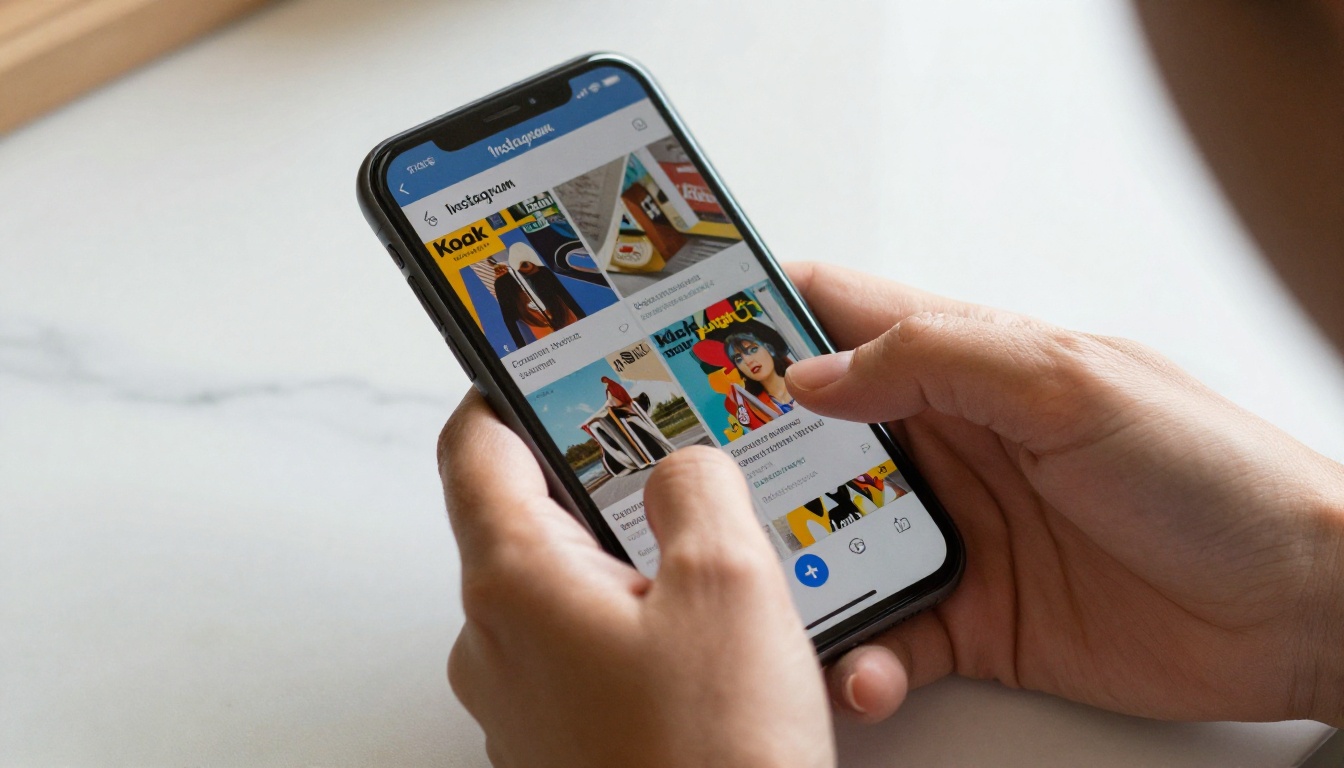
Not every platform is the right fit for every type of flipbook. Before you start sharing, match your content to where your audience actually lives.
| Platform | Best Flipbook Type | Sharing Method | Primary Audience |
|---|
| Instagram | Lookbooks, portfolios, catalogs | Story link, bio link, preview image | Visual consumers, B2C |
| Facebook | Magazines, newsletters, event programs | Direct post with link preview | Broad demographic, local business |
| LinkedIn | Annual reports, corporate brochures, case studies | Article embed, post with link | B2B professionals |
| Pinterest | Recipe books, travel guides, fashion catalogs | Pin with preview image | DIY, lifestyle, e-commerce |
| Twitter / X | News, press kits, product launches | Short link tweet with preview | Media, tech, brands |
| WhatsApp | Menus, price lists, private lookbooks | Direct link with password | High-intent leads |
💡 Pro tip: Your flipbook link works anywhere. The platform you choose determines how you frame the sharing, not where the flipbook lives.
How to Share Your Flipbook on Instagram
Instagram does not allow clickable links inside regular posts. Your strategy depends on which format you use.
Using Instagram Stories
Stories are the most effective format for flipbook sharing on Instagram because they support swipe-up links (for accounts with the link sticker).
- Open your flipbook on Flipbooks AI and copy the direct share link.
- Take a screenshot or export a compelling page from the flipbook as a static image.
- Open Instagram Stories and upload the screenshot as the background.
- Tap the sticker icon and select the Link sticker.
- Paste your flipbook URL and label it something direct, like "Read the full lookbook."
- Post the Story.
Using Your Bio Link
For regular feed posts, add the flipbook link to your bio and direct followers there with a clear caption. Tools like Linktree or a simple personal link page let you host multiple flipbook links under one bio URL.

How to Share Your Flipbook on Facebook
Facebook supports rich link previews, which means your flipbook post can show a thumbnail image, the page title, and a short description before anyone even clicks. This is one of the highest-converting sharing formats available.
Step-by-Step for Facebook Posts
- Copy your flipbook's direct URL from the Flipbooks AI dashboard.
- Create a new Facebook post and paste the link.
- Wait for the link preview to populate. If the thumbnail does not appear correctly, manually upload an eye-catching screenshot from the flipbook as the post image.
- Write a post caption that creates context ("This month's catalog is live. Check every page with full detail.")
- Publish and pin the post to the top of your Page if it is a campaign asset.
Facebook Groups and Events
Flipbook links perform especially well in niche groups and event pages. A real estate agent sharing a real estate brochure in a local property group, or a chef sharing a restaurant menu in a local food community, gets targeted reach without paid promotion.
How to Share Your Flipbook on LinkedIn
LinkedIn is the highest-value platform for B2B flipbook distribution. An annual report, a corporate brochure, or a professional portfolio shared on LinkedIn signals credibility in a way that no other format matches.
Posting as a Regular Update
Paste your flipbook URL into a LinkedIn post. LinkedIn generates a card preview automatically. Write a short paragraph that explains the value inside the flipbook before asking people to read it. Do not open with a question. Open with a statement: "Our Q1 results are in, and this report breaks down every number."
Publishing as a LinkedIn Article
For long-form flipbooks like an interactive e-book or a corporate report, publish a LinkedIn Article that summarizes 3-5 key insights and then links to the full flipbook. This hybrid approach gets algorithm reach from the article format and conversions from the flipbook link.
✅ Best practice: Tag relevant people or companies mentioned in the flipbook when you post on LinkedIn. This significantly expands organic reach.

Twitter / X and Pinterest
Twitter / X: Speed and Brevity
Twitter rewards short, punchy sharing. Keep your post under 240 characters and let the link preview do the visual work. If your flipbook has a striking cover image, make sure it is set as the Open Graph thumbnail so the preview card looks polished.
For product launches, use Twitter to share a direct link paired with 1-2 page screenshots attached as images. Combine both in a single tweet and the visual impact is substantially higher than a link alone.
Pinterest: The Long-Tail Platform
Pinterest operates more like a search engine than a social feed. Flipbooks with visual content, especially fashion catalogs, recipe books, and travel guides, have strong long-term discovery potential on Pinterest.
Pin individual pages from your flipbook as images, then link each pin back to the full flipbook URL. Over time, these pins compound and bring consistent referral traffic without any paid spend.
How to Create and Share a Flipbook with Flipbooks AI
The fastest path from a PDF to a shared social-ready flipbook runs through Flipbooks AI. Here is exactly how it works.
Step 1: Create Your Account
Go to flipbooksai.com/account and sign up for free. No credit card required to start.
Step 2: Upload Your PDF
From the dashboard, click New Flipbook and upload your PDF. Flipbooks AI converts it automatically into an interactive, page-turning flipbook within seconds. This works for catalogs, menus, portfolios, brochures, reports, and any document you have.
Step 3: Customize the Look
Before sharing, make it yours. Add your brand colors, logo, and a custom domain if you are on a Standard plan or above. You can also add multimedia like videos and audio directly to pages. Mobile-responsive design is automatic on every flipbook.
💡 Pro tip: A strong cover page drives significantly more clicks when used as a preview image on social posts. Spend time making page 1 visually compelling.
Step 4: Grab Your Share Link
In the Flipbooks AI sharing panel you get:
- Direct URL: A clean link ready to paste into any social post.
- Embed code: For websites, blog posts, or LinkedIn articles.
- QR code: For offline materials, printed menus, event signage, or Instagram Stories.
- Password protection: For exclusive or client-only content (great for private lookbooks or unreleased catalogs).
Step 5: Post It
Copy the link and share it across your chosen platforms using the platform-specific strategies outlined above. The flipbook loads fast on mobile and desktop with no plugin required.

Sharing Methods Compared
Choosing between a direct link, an embed, and a QR code depends on where and how your audience will encounter the flipbook.
| Sharing Method | Best For | Pros | Limitations |
|---|
| Direct URL | Social posts, emails, DMs | Works everywhere, instant | No interactivity in feed |
| Embed Code | Websites, LinkedIn articles, newsletters | Full interactive experience | Requires edit access to host page |
| QR Code | Printed materials, in-store displays, event programs | Bridges offline to digital | Requires phone camera |
| Password-Protected Link | Exclusive content, client previews | Controlled access, secure | Adds friction for casual audiences |
| Preview Image + Link | Instagram, Twitter, Pinterest | High visual impact | Requires good cover art |
⚠️ Warning: Avoid sharing just a raw URL with no context or preview image on visual platforms. It looks like spam and gets scrolled past instantly.
Platform-Specific Content Formats That Work Best
Different types of flipbooks resonate differently across platforms. This table matches content types to where they perform best.
| Flipbook Type | Instagram | Facebook | LinkedIn | Pinterest | Twitter |
|---|
| Product catalog | High | High | Medium | High | Low |
| Corporate annual report | Low | Medium | Very High | Low | Medium |
| Restaurant menu | Medium | High | Low | Medium | Medium |
| Fashion lookbook | Very High | High | Low | Very High | Medium |
| Portfolio | High | Medium | High | High | Medium |
| Press kit | Low | Medium | High | Low | High |
| Recipe book | Medium | High | Low | Very High | Low |
| Event program | Medium | High | Medium | Medium | Medium |
These are the differences between a flipbook post that gets 12 views and one that generates real traffic.
- Use a screenshot, not just a link. Attach a visually strong page from your flipbook as an image in every post. It creates a thumbnail even when the link preview fails.
- Write about what is inside. Tell people specifically what they will find, not just that you published something.
- Post at peak times. Instagram and Facebook see highest organic reach Tuesday through Thursday between 9am and 11am local time for most B2C audiences. LinkedIn performs best on Tuesday and Wednesday mornings.
- Repost individual pages. A 20-page catalog gives you 20 individual posts. Pin standout pages as individual images and link back to the full flipbook each time.
- Use your QR code offline. Print it on business cards, packaging, menus, and event programs. The offline-to-online path is under-used and often converts at very high rates.
- Track what works. With the Professional plan on Flipbooks AI, you get built-in analytics showing where readers come from, which pages they spend time on, and how long they stay. Use this to refine your social strategy over time.

Specific Use Cases Worth Noting
Real-world examples make abstract strategy concrete. Here are a few scenarios where social flipbook sharing delivers measurable results.
A boutique fashion brand publishes a new seasonal lookbook as a flipbook. They share individual page screenshots to Instagram with a bio link to the full flipbook. Stories feature a direct swipe-up. Pinterest gets pinned individual page images. In one week, the flipbook link drives more referral traffic to the shop than any paid ad that month.
A restaurant chain creates a new menu using the Restaurant Menu Creator and posts it to Facebook as a link post with a food-forward page screenshot. They also print QR codes on table cards. The QR scan rate during the first weekend exceeds their previous physical menu reach.
A corporate consulting firm publishes its annual report using the Annual Report Creator and shares it on LinkedIn with a post summarizing the top three findings. The post is commented on and reshared by partners, generating inbound leads the firm did not pay for.
A travel content creator builds a travel guide flipbook and pins every destination page to a curated Pinterest board. Six months later, those pins bring in thousands of visitors per month from search alone.
The QR Code Advantage
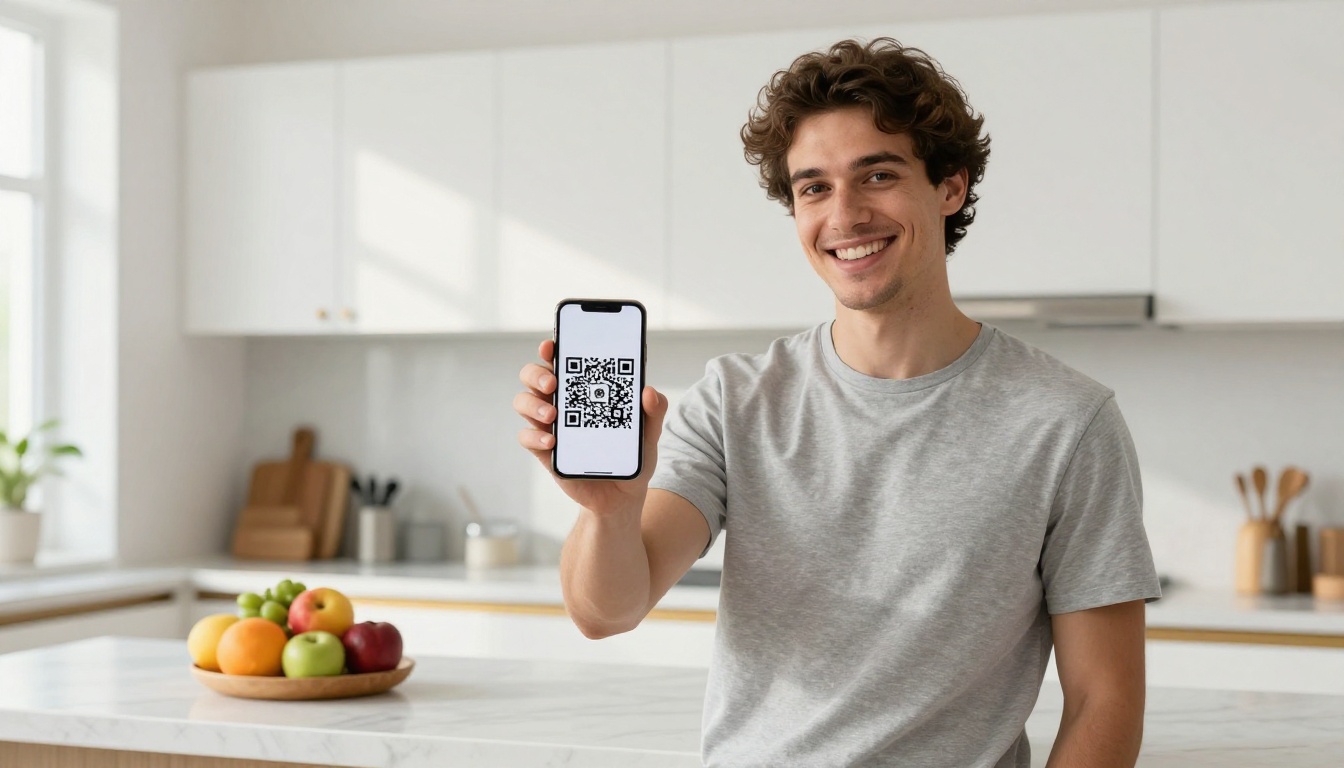
QR codes are the most underused tool in flipbook sharing strategy. They close the gap between physical and digital in a way that no other method can.
Print your flipbook's QR code on:
Every scan is a potential social share waiting to happen. When someone arrives at your flipbook from a QR code and finds genuinely useful content, they share it on their own channels without any further effort from you.
Plans and Features Worth Knowing
Not all sharing features are available on every plan. Here is a quick breakdown of what matters for social sharing strategy.
| Feature | Free | Standard | Professional |
|---|
| Direct share link | Yes | Yes | Yes |
| QR code | Yes | Yes | Yes |
| Custom branding | No | Yes | Yes |
| Password protection | No | Yes | Yes |
| Embed code | Yes | Yes | Yes |
| Analytics and lead gen | No | No | Yes |
| Unlimited flipbooks | No | Yes | Yes |
| Offline downloads | No | No | Yes |
The Standard plan is where most social media marketing needs are fully covered. The Professional plan adds the analytics layer that lets you tie social shares directly to reader behavior data. See the full pricing breakdown here.
Your Next Move
Sharing a flipbook on social media is not complicated, but doing it well requires matching your content to the right platform, using the right format, and giving your audience a clear reason to click.
Start today: create your first flipbook for free on Flipbooks AI. Upload a PDF, customize it, copy the link, and post it. The entire process takes under ten minutes and the result is a shareable, interactive publication that looks nothing like anything else in your audience's feed.
Browse all the flipbook tools available to find exactly what fits your content type. Or compare pricing plans to see which tier gives you everything you need. The free plan is a real starting point, and upgrading is straightforward when you are ready for analytics, custom branding, and unlimited flipbooks.



