Sharing a flipbook used to mean printing dozens of copies and hoping they landed in the right hands. Today, a single link posted to the right social platform can put your interactive publication in front of thousands of people within hours. Flipbooks AI makes it simple to convert any PDF into a stunning, page-turning digital flipbook that looks great on every device, and social media is where those flipbooks truly get their moment to shine.
They stop the scroll instantly
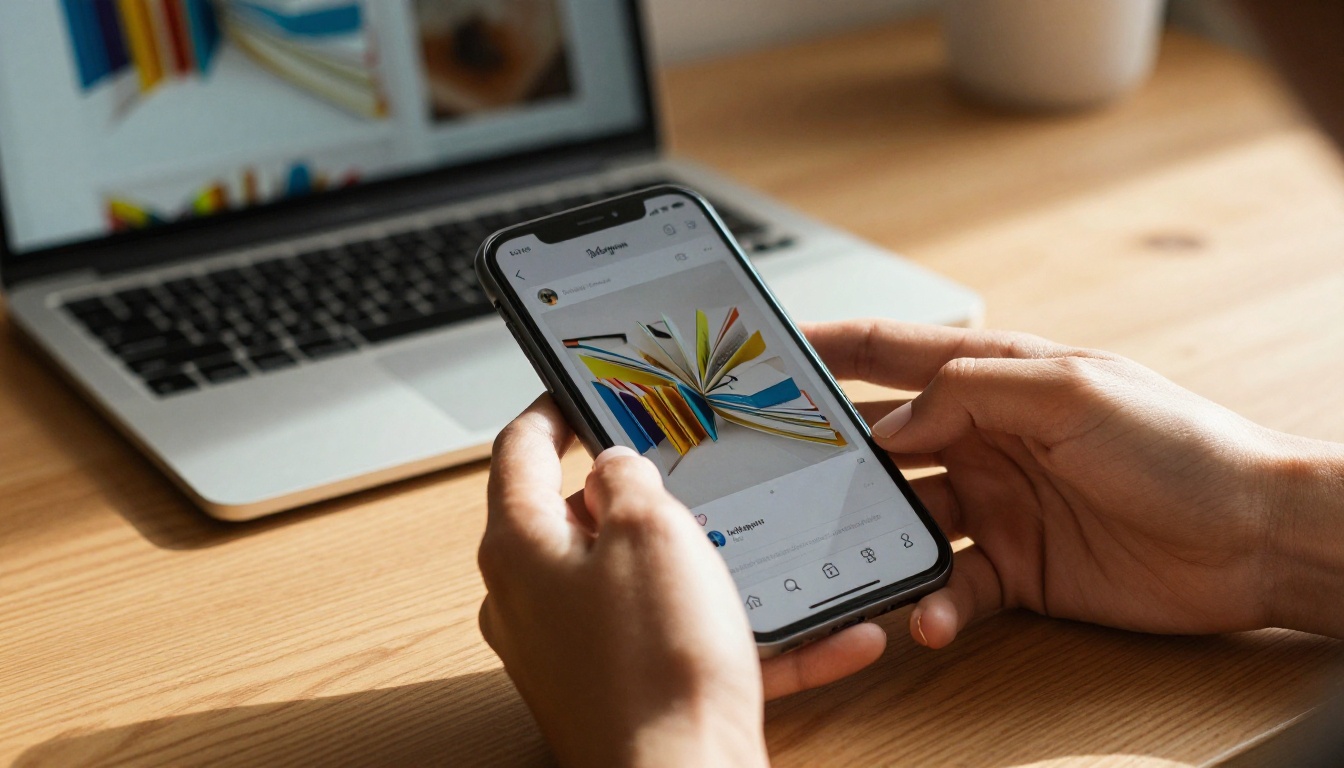
Most social media content is flat: static images, text blocks, video thumbnails. A flipbook is different. Even the thumbnail preview of a flipbook, showing a page curl or a spread of colorful content, looks unlike everything else in a feed. That visual distinction is a significant advantage when you're competing for attention in a timeline that never sleeps.
Interactive content also generates more clicks. A link that promises a "digital magazine" or an "interactive catalog" naturally outperforms a link that says "read our PDF." The format carries implicit value before anyone even opens it.
The link is everything
Unlike a video that has to be uploaded natively to each platform, a flipbook lives at a permanent URL. You share the link once, and it works everywhere: Instagram bio, Facebook post, LinkedIn article, WhatsApp message. No file attachments, no download prompts, no compatibility issues. The reader clicks and the flipbook opens instantly in their browser.
Not every social platform delivers the same results for flipbook content. The table below breaks down what to expect from each major platform.
| Platform | Best Content Type | Link Sharing | Preview Card | Reach Potential |
|---|
| Facebook | Catalogs, magazines, event programs | Full post with link | Rich preview with thumbnail | Very high |
| LinkedIn | Reports, brochures, presentations | Post and article | Strong preview card | High (B2B) |
| Instagram | Lookbooks, portfolios, fashion catalogs | Bio link only | N/A | High (visual) |
| Pinterest | Recipes, travel guides, lookbooks | Pin with link | Image and description | Evergreen |
| Twitter/X | News, releases, quick announcements | Inline link | Card preview | Fast but short-lived |
| WhatsApp | Private sharing, team distribution | Direct message | Link preview card | Targeted |
Facebook: the easiest win
Facebook gives you a full link preview when you paste a URL into a post. The flipbook's thumbnail, title, and description appear automatically, giving your post visual weight before anyone even reads the caption. For businesses sharing product catalogs, digital brochures, or event programs, Facebook remains one of the highest-ROI channels for flipbook distribution.
Post the link with a 1-2 sentence hook that tells readers exactly what's inside. Avoid vague captions. "Check this out!" performs far worse than "Our spring catalog is live. 48 pages of new arrivals, size guides, and exclusive offers."
LinkedIn: built for professional publications
LinkedIn is where flipbooks perform best for B2B content. Annual reports, corporate presentations, training manuals, and white papers all find receptive audiences here. The platform's algorithm currently rewards content that keeps people on LinkedIn, so pairing your flipbook link with a strong native post (3-5 sentences of genuine insight) before dropping the link in the first comment is a strategy many professionals use to boost reach.
For teams using the Corporate Report Maker or Sales Presentation tools, LinkedIn is the natural home for that content.
Instagram: the link-in-bio workaround
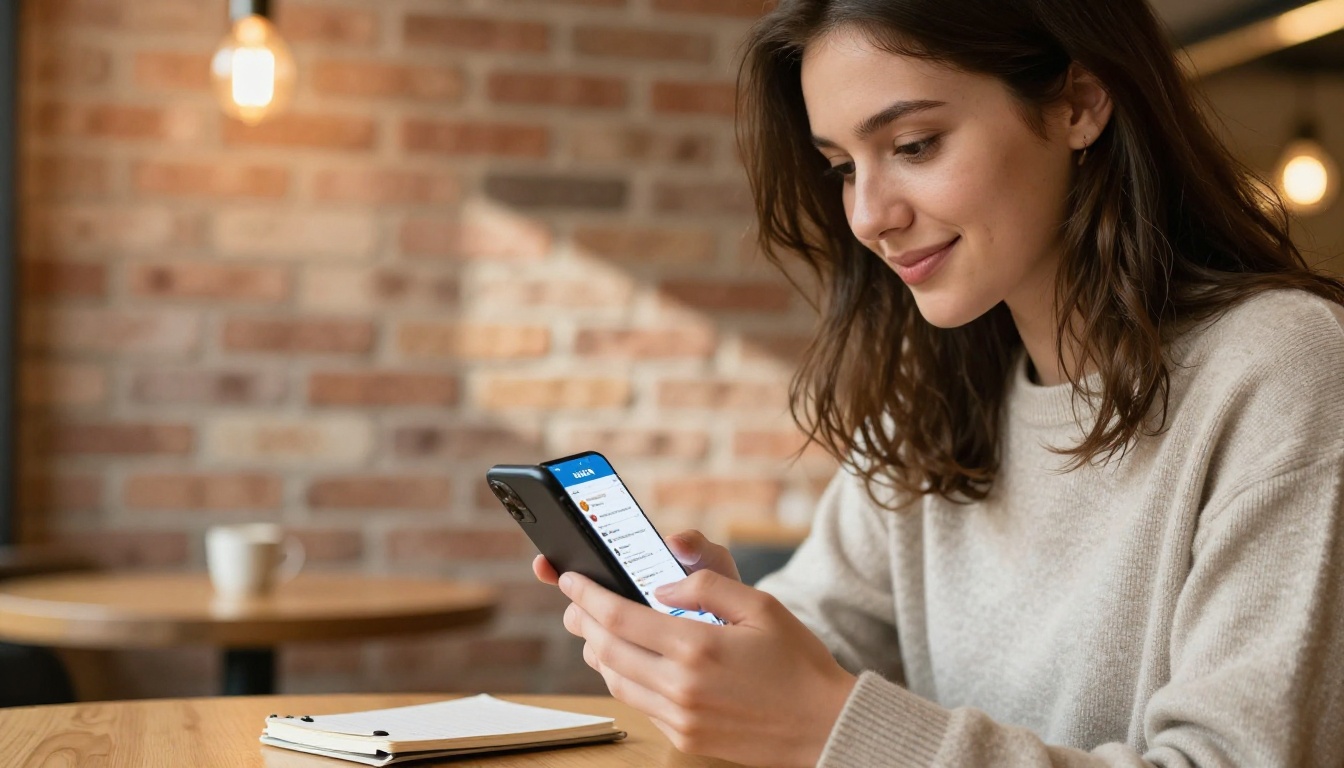
Instagram doesn't allow clickable links in regular posts, which means you need a workaround. The standard approach:
- Add your flipbook link to your bio
- Create an Instagram post using a teaser image or screenshot from the flipbook
- Write a caption ending with "Link in bio"
- Use Instagram Stories with a link sticker pointing directly to the flipbook URL
Stories with link stickers convert particularly well because the action is immediate: tap and the flipbook opens. Fashion brands using the Interactive Lookbook Designer see strong performance with this approach.
Pinterest: evergreen flipbook traffic
Pinterest is an underrated channel for flipbooks. A well-designed pin with a compelling image links directly to your flipbook URL, and Pinterest content has a long shelf life, sometimes generating traffic months or years after the original post. Recipe books, travel guides, wedding albums, and interior design lookbooks perform especially well here.
The Recipe Book Flipbook and Travel Guide Flipbook tools are purpose-built for exactly this kind of evergreen content.
How to Share Your Flipbook Step by Step

Copy the flipbook link
Every flipbook on Flipbooks AI gets its own permanent URL the moment you publish it. From your dashboard, open the flipbook and click "Share." Copy the direct link. This is the URL you'll use everywhere.
Customize the link preview metadata
Before you share, check how the link preview looks. Paste your flipbook URL into a social media debug tool (Facebook has one, LinkedIn has one too) to see the title, description, and thumbnail that will appear. If the auto-generated preview isn't compelling, update the flipbook's title and cover image in your Flipbooks AI settings, then re-scrape the URL.
Post with platform-native captions
Each platform has a different tone. A LinkedIn caption should feel professional and insight-driven. A Facebook caption can be warmer and more conversational. An Instagram caption is punchy, often with emojis and hashtags. Resist the temptation to copy-paste the same text everywhere.
Track your clicks
Professional plan users on Flipbooks AI have access to built-in analytics showing how many people opened the flipbook, how many pages they viewed, and where traffic came from. This data tells you which platforms are actually driving engaged readers versus which ones just rack up clicks.
How to Create Your Flipbook with Flipbooks AI

If you haven't created your flipbook yet, here's how to go from PDF to shareable publication in minutes.
-
Create your account: Head to Flipbooks AI and sign up. No credit card required to start.
-
Upload your PDF: From your dashboard, click "New Flipbook" and upload your PDF file. The converter handles everything automatically, generating a page-turning flipbook that preserves your original layout, fonts, and images.
-
Customize your flipbook: Add your brand colors and logo, choose a page-turn style (classic curl, flat, or slide), and optionally add background music or embedded video. For product catalogs, use the Digital Catalog Maker template to get polished formatting fast.
-
Set sharing permissions: Choose whether your flipbook is public (anyone with the link can view it), or password-protected for private distribution to clients or team members.
-
Publish and copy the link: Hit publish and grab your unique flipbook URL. That's the link you'll share across every platform.
-
Embed on your website (optional): Use the embed code from Flipbooks AI to place the flipbook directly on your website or blog. The Embed Flipbook on Website tool makes this a one-click process.
💡 Pro tip: Upload a high-resolution PDF for the sharpest result. Images that look fine in print sometimes appear soft in a digital flipbook if the source file is low-resolution.

Sharing Strategies That Actually Drive Traffic
Getting the link out there is step one. Getting people to click and stay is step two. These are the strategies that separate high-performing flipbook shares from ones that get ignored.
Use a teaser screenshot, not the full thing
Before you post the link, capture a screenshot of the most visually striking spread in your flipbook. Post that image natively on Instagram or Facebook, then reference the link. Native images get far more organic reach than plain link posts on most platforms, and the preview creates curiosity that drives link clicks.
Split long flipbooks into social-media-sized bites
A 60-page annual report is valuable, but most people won't click a link promising "60 pages of corporate data." Instead, share one key finding per post, with the flipbook link for those who want the full picture. Each post becomes a reason to visit the flipbook without overwhelming anyone upfront.
Password-protect premium content
If your flipbook contains exclusive content (a trade show catalog, a premium lookbook, client proposals) restrict access and tease it on social media. "DM us for the password" is a proven tactic that also builds your contact list. Flipbooks AI supports password protection on all paid plans.
⚠️ Warning: Don't share flipbooks with confidential client data using a public link. Always use password protection for anything that shouldn't be universally accessible.
Add a CTA inside the flipbook itself
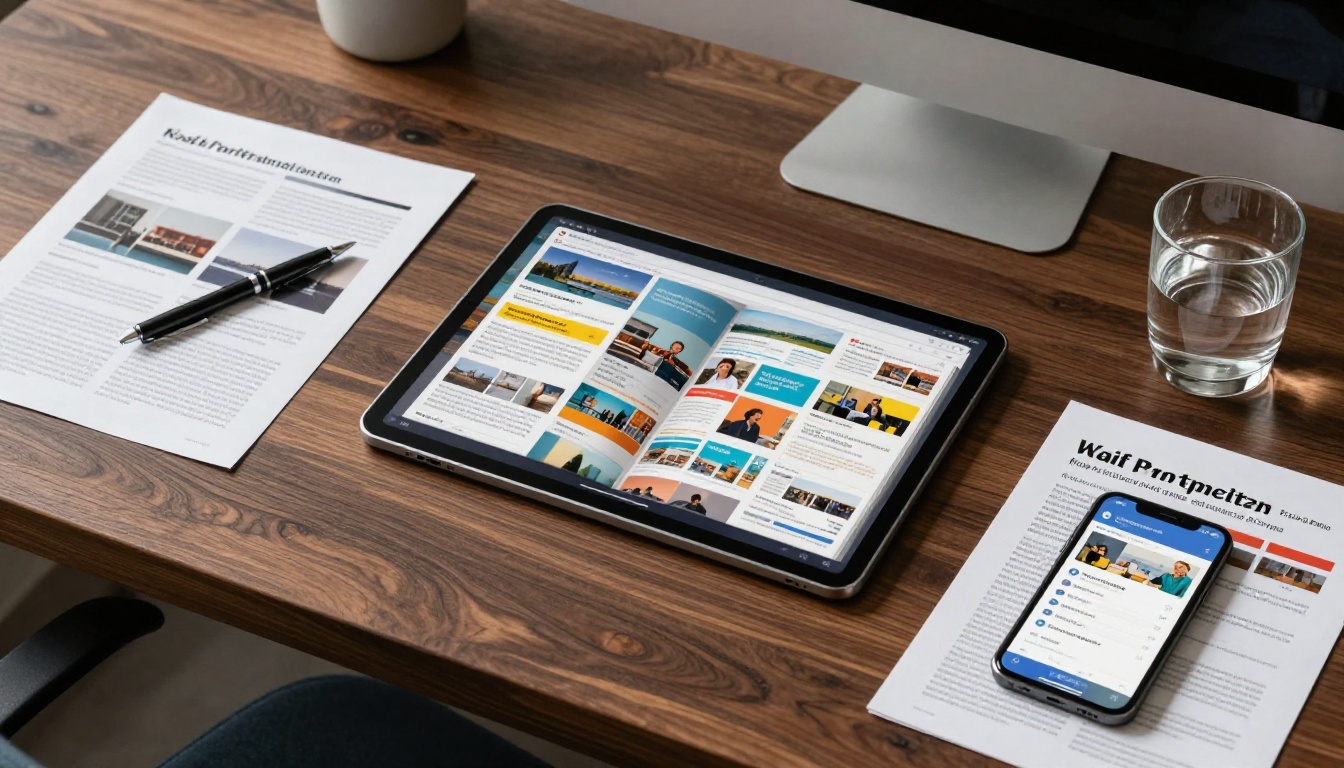
Many people share flipbooks without putting any call-to-action inside the flipbook content. This is a missed opportunity. Add a final page or spread that tells readers exactly what to do next: visit your website, book a call, follow your Instagram, or sign up for your newsletter. The flipbook is its own marketing channel.
Sharing Options by Plan
Different Flipbooks AI plans offer different capabilities for distribution. Here's how the sharing options stack up.
| Feature | Free | Standard | Professional |
|---|
| Public shareable link | ✅ | ✅ | ✅ |
| Password protection | ✗ | ✅ | ✅ |
| Custom domain | ✗ | ✅ | ✅ |
| Embed on website | ✅ | ✅ | ✅ |
| Analytics dashboard | ✗ | Basic | Full |
| Lead generation forms | ✗ | ✗ | ✅ |
| Offline downloads | ✗ | ✅ | ✅ |
| No watermarks | ✗ | ✅ | ✅ |
✅ Best practice: If social media is your primary distribution channel, the Standard plan gives you clean, watermark-free flipbooks with password protection: the two features that matter most for professional sharing.
Explore pricing plans to find the right fit for your distribution needs.

Sharing before checking the mobile view
More than 70% of social media browsing happens on mobile. If your flipbook's cover image is text-heavy at small sizes or your pages are difficult to read on a phone screen, people will bounce immediately. Always preview your flipbook on a phone before sharing.
Writing a weak link caption
The caption is the ad for your flipbook. Vague captions ("New content is up!") convert poorly. Specific captions that promise a clear outcome ("See our full spring lookbook: 40 styles, prices included") convert much better. Spend as much time on the caption as you do on the flipbook itself.
Ignoring comments and replies
When someone comments on your flipbook post ("Where can I order this?" or "Is this available in large?") and you don't reply, you're leaving conversions on the table. Social sharing works best as a two-way channel. Monitor your posts and engage.
💡 Pro tip: Schedule your flipbook posts at peak times for each platform. LinkedIn performs best Tuesday through Thursday between 8-10am. Facebook gets strong results mid-morning and early evening. Instagram varies by audience but generally performs well from 11am-1pm.
Comparing Sharing Methods
Not all sharing methods deliver the same return. Here's a breakdown of the main approaches and what each one delivers.
| Method | Best For | Reach | Engagement | Setup Time |
|---|
| Direct link post | All platforms, quick shares | Medium | Medium | Under 1 minute |
| Native image and link in caption | Instagram, Facebook | High | High | 5-10 minutes |
| Website embed and social promotion | Long-term traffic | Very high | Very high | 20-30 minutes |
| Email blast with flipbook link | Existing audience | Targeted | Very high | 30-60 minutes |
| Pinned post or Story highlight | Profile visitors | Consistent | Medium | 5 minutes |
The most effective approach combines all of these: embed the flipbook on your site, post natively on social with a teaser image, pin it to your profile, and send it to your email list. Each channel reinforces the others.
Build Your Flipbook and Start Sharing
Every brand, business, and creator has content worth turning into a flipbook. Your product catalog, your company newsletter, your photography portfolio, your restaurant menu, your event program: all of it becomes dramatically more shareable the moment it stops being a flat PDF and starts being an interactive, page-turning experience.
Flipbooks AI gives you all the tools to make that happen, from PDF upload and conversion to custom branding, analytics, and sharing controls. Whether you're posting to Instagram, pinning to Pinterest, or sharing in a LinkedIn article, the process is the same: upload, publish, share.
Ready to build yours? Get started for free on Flipbooks AI and have your first flipbook ready to share in minutes. Browse all available tools and templates to find the perfect format for your content. If you're ready to access analytics and lead generation, compare pricing plans to choose the right tier.
Your next flipbook post is one upload away.



