Sharing your work with a client used to mean attaching a 20MB PDF to an email and hoping it didn't land in spam. Those days are over. A flipbook portfolio link is now the cleaner, faster, and more impressive way to put your work in front of the right people, and it takes less time to set up than you'd think.
Flipbooks AI makes it possible to convert any PDF portfolio into a beautifully paginated, interactive flipbook with a single shareable link. No software to install. No downloads required on the recipient's end. They click, they see your work, they're impressed.
Why a Flipbook Link Beats a PDF Attachment
There's a reason PDFs feel outdated for portfolio sharing. They require a download, often launch in a separate app, and offer zero visual wow factor before someone opens them. A flipbook link changes all of that.
No Downloads, No Friction
When you send a flipbook link, your recipient opens it in their browser. That's it. No waiting for a file to download, no compatibility issues, no "I can't open this on my phone" messages. The portfolio loads immediately and plays like an interactive magazine.
This matters more than people realize. Every extra step between your work and your audience's eyes is a chance to lose them. A friction-free link removes every barrier.
First Impressions That Actually Work
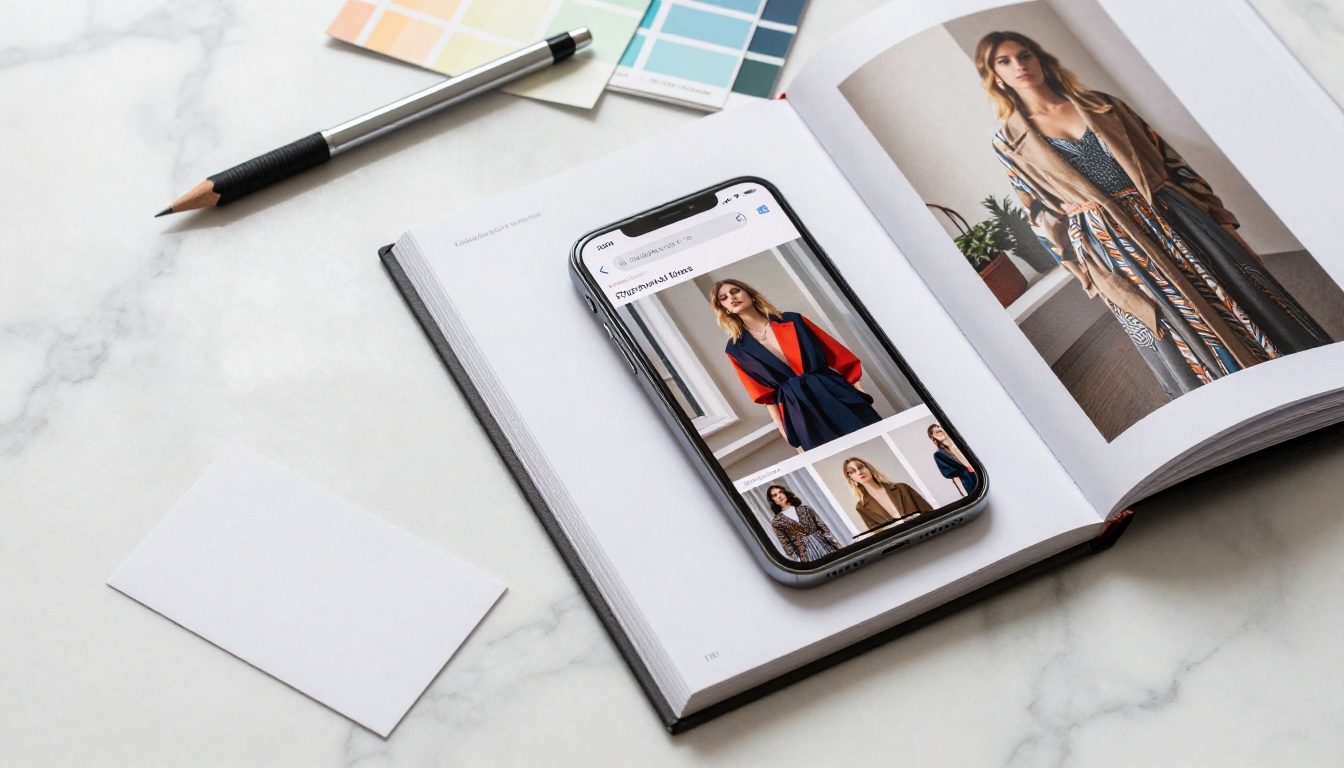
A flipbook portfolio flips like a real book. Pages turn with a satisfying animation. The layout stays exactly as you designed it. Compare that to a PDF viewer where formatting sometimes breaks, fonts get substituted, and there's no sense of progression through your story.
Instant Access on Any Device
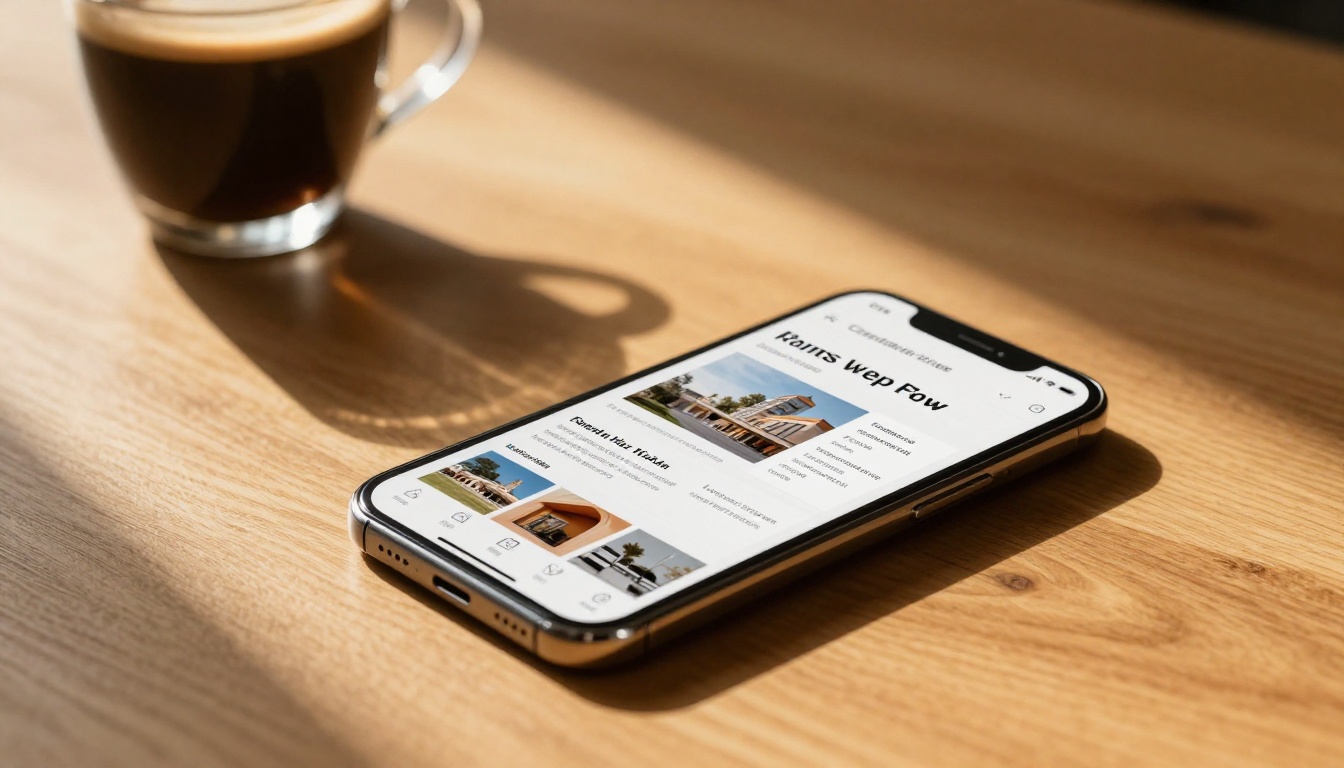
Flipbook links are fully mobile-responsive. A recruiter checking their phone during their commute, a client reviewing work on a tablet over lunch, a collaborator on a desktop in a different time zone. They all see the same polished experience, and it works perfectly on every screen.
💡 Pro tip: A mobile-optimized portfolio is no longer optional. Over 60% of emails are opened on mobile devices first.
What to Prepare Before You Convert
The quality of your flipbook starts with the quality of your source file. Before you upload, a few things are worth checking.
Getting Your PDF Portfolio Right
Your PDF should:
- Be exported at high resolution (at least 150 DPI for crisp display, 300 DPI for photography portfolios)
- Use consistent margins so nothing gets cut off during conversion
- Include a strong opening page, since that is the first thing recipients see
- Stay under 50 pages when possible (25 to 35 is ideal for most portfolios)
- Be organized logically, with your strongest work in the first third
Choosing the Right Portfolio Format
Not all portfolio types work the same way as a flipbook. Here is a quick breakdown of what converts well:
| Portfolio Type | Works as Flipbook? | Best Use Case |
|---|
| Photography portfolio | Excellent | Client pitches, job applications |
| Graphic design work | Excellent | Agency presentations, freelance bids |
| Architecture / interior design | Very good | Client proposals |
| UI/UX case studies | Good | Tech job applications |
| Writing samples | Moderate | Use with visual layouts |
| Video work | Good | Use with still frames and video embeds |
⚠️ Heads up: If your portfolio is mostly text-heavy pages without visual layout, consider redesigning it in a tool like Canva or InDesign before converting. Plain text flipbooks rarely make the impression you want.
How to Create Your Flipbook Portfolio on Flipbooks AI
This is where the actual work happens, and it is faster than you think. The Digital Portfolio Creator and Portfolio Flipbook Builder tools on Flipbooks AI are purpose-built for this exact task.
Step 1: Create Your Account
Head to Flipbooks AI and create your free account. No credit card required to start. The free plan lets you test the conversion and see how your portfolio looks before committing to anything.
Step 2: Upload Your PDF

Once you are in your dashboard, click Upload PDF and select your portfolio file. Flipbooks AI processes the conversion automatically. Most portfolios under 30MB convert in under 30 seconds. You will see a live preview immediately after upload.
Step 3: Customize Your Flipbook
Before you share anything, spend five minutes on customization. This is what separates a generic flipbook from one that feels distinctly yours.
Options available in the editor:
- Custom colors: Match your brand palette exactly
- Logo placement: Add your logo to every page spread
- Background: Choose from white, dark, or a custom color
- Page effects: Adjust the page-turn animation speed and style
- Table of contents: Auto-generated from your PDF bookmarks
- Password protection: Available on Standard and Professional plans
Step 4: Get Your Shareable Link

In your flipbook dashboard, click Share. You will see your direct link, ready to copy. This is the URL you send to anyone. The link is permanent, works on all devices, and updates automatically if you ever replace the flipbook content.
✅ Best practice: Test your link on mobile before sending it to anyone. Open it on your phone, scroll through a few pages, and confirm the layout looks right.
How to Share Your Flipbook Portfolio Link
Having the link is step one. Knowing where and how to share it is what actually gets your work seen.
Sending via Email
The single most common portfolio share is still email. Here is how to do it well:
- Paste the link directly into the email body, not as an attachment
- Hyperlink it to a phrase like "View my portfolio" instead of pasting a raw URL
- Add a short line of context: "Here is my portfolio covering my last three years of brand identity work."
- Include a preview image in the email body if you want extra click appeal, using a screenshot of your flipbook opening page

Adding to Your Social Profiles
Your flipbook link belongs in multiple places across your professional presence:
| Platform | Where to Add the Link |
|---|
| LinkedIn | "Featured" section and bio link |
| Instagram | Bio link (use Linktree if you have multiple links) |
| Behance | Portfolio external link field |
| Dribbble | Profile website field |
| Twitter / X | Bio link |
| Personal website | Header CTA button or dedicated portfolio page |
| Email signature | "View my portfolio" hyperlink |
Sharing as a QR Code
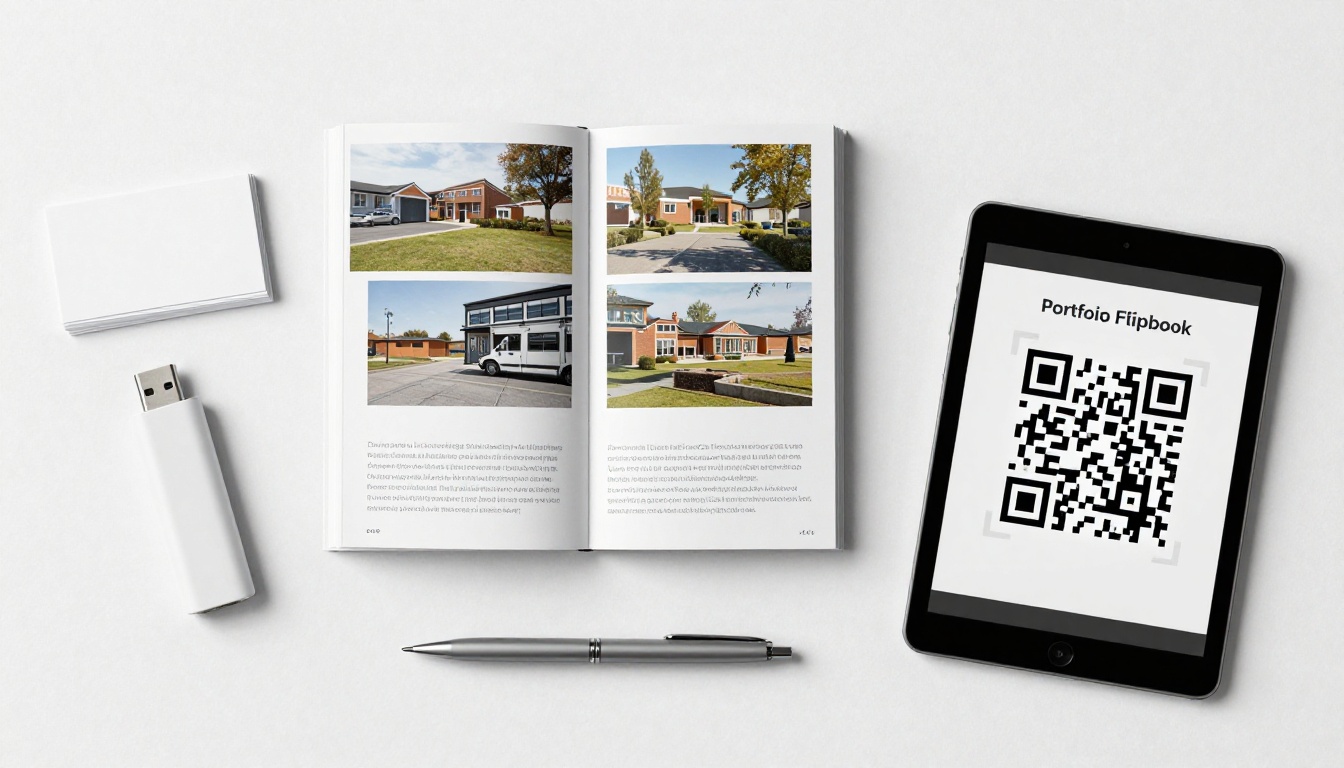
If you ever pitch in person, whether at a conference, a networking event, or a client meeting, a QR code that links directly to your flipbook is a sharp move. Print it on your business card. Add it to a one-page overview. Anyone who scans it lands immediately on your live, interactive portfolio.
Embedding on Your Website
Instead of linking away from your site, you can embed the flipbook directly into a portfolio page using the embed code provided by Flipbooks AI. The Embed Flipbook on Website tool generates a simple iframe code you paste into your site.
This keeps visitors on your domain while still giving them the full interactive flipbook experience.
Public vs. Private Sharing Options
Not every portfolio share is the same. Sometimes you want the world to see it. Sometimes you need it locked down for a specific client.
Public Links
The default flipbook link is public, meaning anyone with the URL can view it. This is ideal for:
- Social media sharing
- Email campaigns
- Adding to your LinkedIn profile
- Job application portals that accept links
Password-Protected Links
For sensitive work, client presentations with proprietary content, or confidential pitches, you can add password protection to any flipbook. Recipients need the password to open it. Available on Standard plan and above at Flipbooks AI pricing.
💡 Pro tip: Use password-protected links when sharing work you have done for a client that is not yet publicly released. It shows professionalism and protects both parties.
Who Benefits Most from Flipbook Portfolio Links
The flexibility of a flipbook link makes it relevant across a wide range of creative and professional fields.
Photographers and Visual Artists
A photography portfolio needs to breathe. Compressed PDFs destroy the quality you worked for. A flipbook link preserves the resolution, presents images full-spread, and gives the viewer a pacing experience that feels intentional. The Photography Portfolio tool on Flipbooks AI is built specifically for this type of work.
Freelancers and Creative Agencies
When you are pitching multiple clients at once, having a single shareable link means your portfolio is always current. Update the flipbook once, and every link that was already shared now points to the updated version. No resending attachments, no version confusion.
Agencies can create separate flipbooks for different service areas: brand identity, web design, illustration, then send the most relevant one to each prospect.
Job Seekers and Graduates
A recruiter seeing a flipbook link in a job application notices it. It signals that you are current with how work is presented professionally, that you care about the impression you make, and that you put in the extra effort most candidates skip.
Interior Designers and Architects
Project work in these fields is inherently spatial and visual. A flipbook lets you present room layouts, material boards, and before-and-after comparisons as a cohesive narrative rather than a grid of image files.
Tips for a Portfolio Link That Gets Responses
Generating the link is the easy part. Making it convert into actual opportunities takes a bit more thought.
Keep It Focused
A portfolio trying to show everything shows nothing. Pick your 15 to 25 strongest pieces that are relevant to what you are currently pursuing. A photography portfolio for editorial clients should look different from one targeting commercial brands.
Make That First Page Count
The opening page of your flipbook is the first thing someone sees. Treat it like a hero banner. Your name, your specialty, one strong image, and nothing else. The rest of the flipbook sells the work. That first spread sells the click.
Add Context to Your Work
The flipbook should tell a story, not just display images. For each project, include a short description: the client, the brief, what you delivered, and any notable results. Three sentences is enough. This helps clients and recruiters understand the context behind the work, not just the aesthetics.
Track Who Opens It
On the Professional plan, Flipbooks AI provides analytics on your flipbook links: views, time spent per page, geographic location, and more. This tells you which portfolios are getting traction and which are not. You can also see if someone you pitched actually opened it, which is valuable information before a follow-up.

Flipbooks AI Plan Comparison for Portfolio Sharing
Not all plans offer the same sharing features. Here is how they stack up for portfolio-specific use:
| Feature | Free | Standard | Professional |
|---|
| Flipbooks created | Limited | Unlimited | Unlimited |
| Watermark | Yes | No | No |
| Password protection | No | Yes | Yes |
| Custom branding | No | Yes | Yes |
| Analytics | No | No | Yes |
| Lead generation | No | No | Yes |
| Offline downloads | No | Yes | Yes |
| Embed on website | Yes | Yes | Yes |
| Mobile-responsive | Yes | Yes | Yes |
| Custom domain | No | No | Yes |
For most freelancers and creatives, the Standard plan covers everything needed for professional portfolio sharing. The Professional plan is the right call if you are sending high-volume pitches and want to track performance. See the full breakdown at Flipbooks AI pricing.
Your Portfolio, Ready to Share
Your work deserves to be seen in the best possible light. Sending a flipbook link instead of a PDF attachment is not a small detail. It is the difference between someone experiencing your portfolio and someone tolerating it.

The process is straightforward: prepare your PDF, upload it to Flipbooks AI, customize the look to match your brand, and copy your shareable link. From there, put it everywhere that matters, including your email signature, your LinkedIn profile, your proposals, and your in-person pitches.
Ready to create yours? Get started for free on Flipbooks AI. No credit card, no commitment. Just upload your PDF and see how your portfolio looks as a flipbook in under a minute.
Want to see what is possible? Browse all available portfolio tools and pick the one built for your niche. And when you are ready to go further with analytics, password protection, and unlimited flipbooks, compare the pricing plans to find what fits your work best.



