Sharing your portfolio used to mean attaching a heavy PDF to an email and hoping the recipient's email client did not reject it for file size. Clients would scroll through static pages with no sense of pacing, no animation, and no personality. That approach has a ceiling, and most creative professionals have already hit it. Today, the standard for a professional portfolio is an interactive flipbook that lives at a permanent link, opens instantly in any browser, and makes a strong first impression before the viewer reads a single caption. Flipbooks AI is built for exactly this workflow: convert your existing PDF, apply your branding, and send a live portfolio link that works everywhere.

Why a Flipbook Portfolio Leaves Static PDFs Behind
There is a reason print designers spend hours on paper stock, binding, and layout. The physical act of turning pages creates a narrative rhythm that flat digital files cannot replicate. A digital flipbook brings that same quality to the screen, without the printing cost or the courier fee.
What is Wrong With PDF Portfolios
PDF portfolios have been the default format for creatives since the early 2000s. But in practice, they create friction at every step:
- File size issues: A high-resolution portfolio can easily exceed 50MB, triggering email attachment limits.
- No interactivity: Flat pages, no transitions, no embedded video, no audio.
- Frozen after sending: Once emailed, a PDF cannot be updated. Landing a new project or fixing a typo means resending the entire file.
- Poor mobile experience: PDFs require specific reader apps on mobile, and zooming through small pages loses viewer attention quickly.
- No visibility: There is no way to know if someone opened your PDF, how long they spent reading, or whether they passed it on to a colleague.
A flipbook portfolio solves every one of these problems.
The Real Difference in Presentation
| Feature | Static PDF | Flipbook Portfolio |
|---|
| Page-turn animation | No | Yes |
| Mobile-responsive viewing | Poor | Full support |
| Updateable after sharing | No | Yes |
| Embed video and audio | No | Yes |
| Password protection | No | Yes |
| View analytics | No | Yes (Professional plan) |
| Shareable via direct link | Attachment only | Instant link |
| Custom branding | No | Yes |
| Lead capture form | No | Yes (Professional plan) |
| Embed on website | No | Yes |
The table above covers the functional differences. The real gap, though, is experiential. When a potential client clicks your link and watches pages turn with realistic shadow and curl physics, they register a higher level of professional preparation before they consciously process the work itself.
💡 The Digital Portfolio Creator and Portfolio Flipbook Builder are purpose-built for creatives who want that impression without spending hours on setup.
How to Build and Publish Your Portfolio Flipbook

The workflow on Flipbooks AI is designed to get you from PDF to published flipbook in under ten minutes. Here is the full process.
Step 1: Prepare Your PDF
Optimize before uploading:
- Export at 150-300 DPI. Higher resolution is unnecessary for screen viewing and only inflates processing time.
- Embed all fonts so text renders correctly on every device.
- Arrange pages in presentation order: cover, work samples, process documentation, case studies, contact page.
- Keep aspect ratio consistent throughout. A4 portrait, US Letter, or custom landscape formats all work well.
⚠️ A tight, curated 20-40 page portfolio holds attention far better than a 150-page archive of every project you have ever produced. Edit rigorously before uploading.
Step 2: Upload and Convert
Create a free account on Flipbooks AI. Then:
- From your dashboard, click New Flipbook.
- Select Upload PDF and choose your portfolio file.
- The platform processes each page automatically and applies realistic page-curl physics.
- Conversion for a standard 30-40 page portfolio typically completes in under a minute.
Step 3: Apply Your Branding
This is where a generic upload becomes a branded presentation:
- Logo: Upload your logo and position it in the header or footer. It appears on every spread.
- Brand colors: Set the interface chrome, toolbar, and background to match your color palette.
- Favicon: Set a custom favicon so your brand appears in the viewer's browser tab.
- Background: Choose white, dark mode, or a custom hex color that frames your imagery correctly.
- Page effects: Adjust shadow intensity, page-curl speed, and animation style to match the mood of your work.
Photographers will find the Photography Portfolio tool particularly well-suited, as its default settings emphasize full-bleed imagery with minimal interface chrome.
Step 4: Set Sharing Permissions
Before publishing, decide the access level:
- Public link: Anyone with the URL can view. Best for job applications, social media bios, and email signatures.
- Password-protected: Viewers must enter a password before accessing the flipbook. Ideal for NDA work, client-specific presentations, or unreleased projects.
- Offline access: Toggle whether viewers can download the flipbook for offline viewing.
Step 5: Publish and Distribute
Click Publish and the platform immediately generates:
- A permanent, shareable URL.
- An
<iframe> embed code for your website.
- A QR code for print materials and business cards.
- Social share links for direct posting to LinkedIn and other platforms.
✅ Paste the direct link into your email signature, LinkedIn Featured section, and every job application form. Every touchpoint should route directly to your live portfolio.
Sharing Methods That Reach the Right People

A published flipbook is only as valuable as the distribution strategy behind it. Different channels serve different purposes, and the best approach combines several.
Direct Link in Email
Replace the PDF attachment entirely. In the body of your outreach email, include the flipbook URL as a hyperlink. The recipient clicks, their browser opens the flipbook, and there is no download prompt, no plugin requirement, no compatibility issue.
Because the link is live, any updates you publish to the flipbook reflect instantly for anyone who opens it in the future. Send the link once and it always shows your current work.
Email Signature
Your email signature is active in every message you send. A linked portfolio there requires no deliberate sharing action on your part. Every email becomes a passive invitation to view your work, reaching anyone who receives correspondence from you, from cold prospects to existing clients following up on an active project.
LinkedIn Profile
LinkedIn's Featured section allows you to add a direct link with a thumbnail preview. A flipbook link here gets significantly more visual presence than a plain text URL. Set it as your primary featured item so it sits at the top of your profile page and catches attention before a visitor reaches the experience section.
Website Embed
If you have a personal or studio website, embedding the flipbook directly into a page with the Embed Flipbook on Website tool creates a seamless in-page experience. Visitors do not need to leave the page. The flipbook lives within your site layout, fully responsive, without any visible third-party branding on the Standard plan and above.
The <iframe> code generated by Flipbooks AI works in Webflow, Squarespace, WordPress, Framer, and custom HTML environments without any additional configuration.
In-Person and Video Call Presentations

For face-to-face meetings, open the flipbook on a tablet and hand it across the table. The page-turn interaction is intuitive and gives the presentation a natural, unhurried pace. For video calls, share your screen and let the page animations run during the walkthrough.
The auto-play feature lets you set pages to turn automatically at a defined interval, which is useful for conference room presentations or trade show displays running on a loop with no presenter actively controlling the pace.
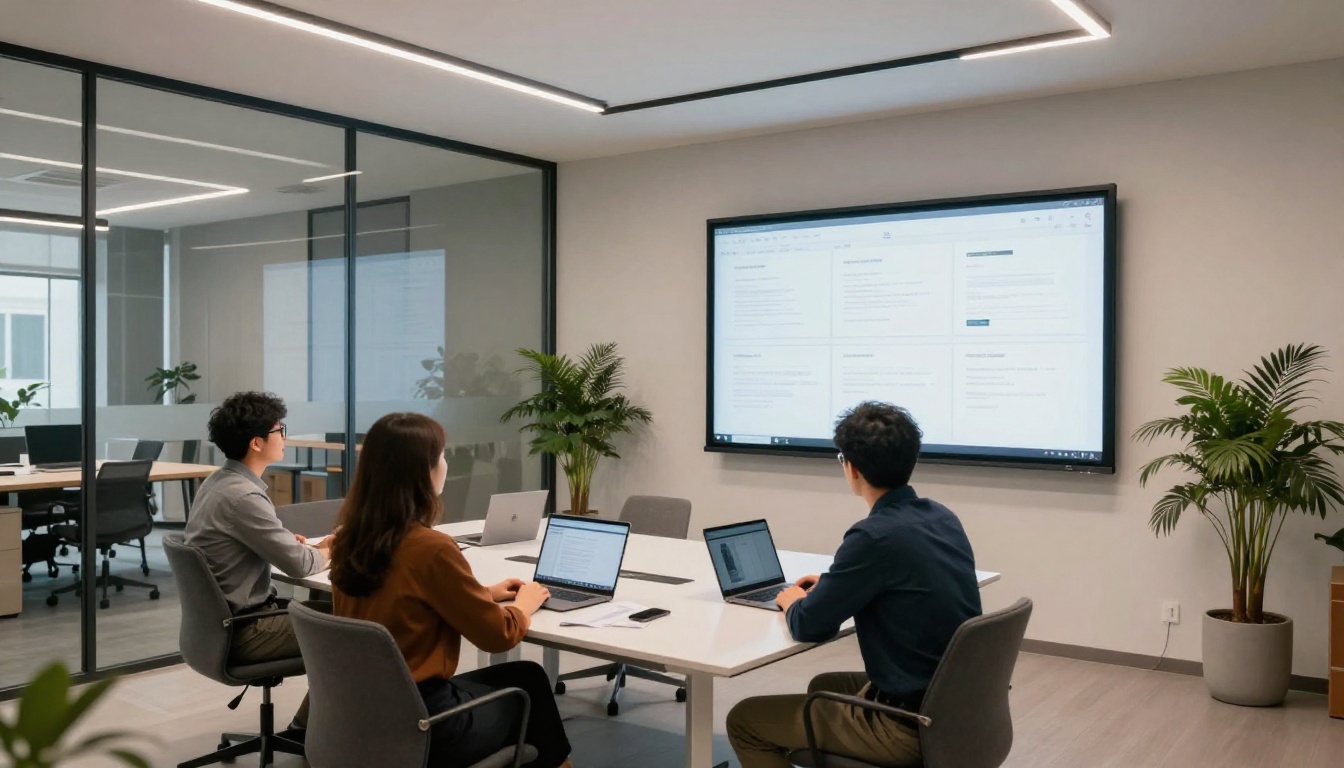
The flipbook format works across creative disciplines. Here is a practical breakdown by role.
Photographers
Full-bleed double-page spreads allow a single image to span both pages at full resolution. The page-turn moment itself becomes part of the visual reveal. Editorial photographers, portrait artists, and commercial shooters all benefit from the format's emphasis on impact over text density, letting the work speak without surrounding clutter.
Designers and Architects
Case study portfolios with before-and-after sequences, process documentation, and final deliverables suit the sequential, page-by-page structure. A designer can walk through a project from brief to finished product in a way that feels deliberate and controlled, guiding the viewer through the narrative rather than dropping them into a gallery of unordered images.
Freelancers Pitching Clients
For freelancers, the flipbook link replaces the attachment in a cold pitch email. Instead of asking a prospect to download a file, you send a link that opens in their browser within seconds. The friction of viewing drops sharply, and the likelihood of your work being forwarded to other decision-makers at the same company rises considerably.
Privacy, Branding, and Access Control

No Watermarks on Your Work
On the Standard plan and above, flipbooks published through Flipbooks AI carry no platform watermarks. The only branding visible to viewers is yours. A watermarked portfolio document advertises the software company, not you. That distinction matters in professional contexts where every detail of the presentation reflects on your studio or personal brand.
Password Protection in Practice
Setting up password protection takes under a minute:
- In the flipbook settings, toggle Password Protection on.
- Set a password and save the flipbook.
- Share the URL with the intended viewer.
- Send the password through a separate channel, such as a text message or a second email, for a basic layer of security separation.
- To revoke access at any point, change or remove the password without changing the URL itself.
This is particularly valuable for architects presenting confidential residential projects, photographers sharing unpublished editorial work, or designers presenting unreleased brand identities under NDA.
Portfolio Analytics and What They Tell You
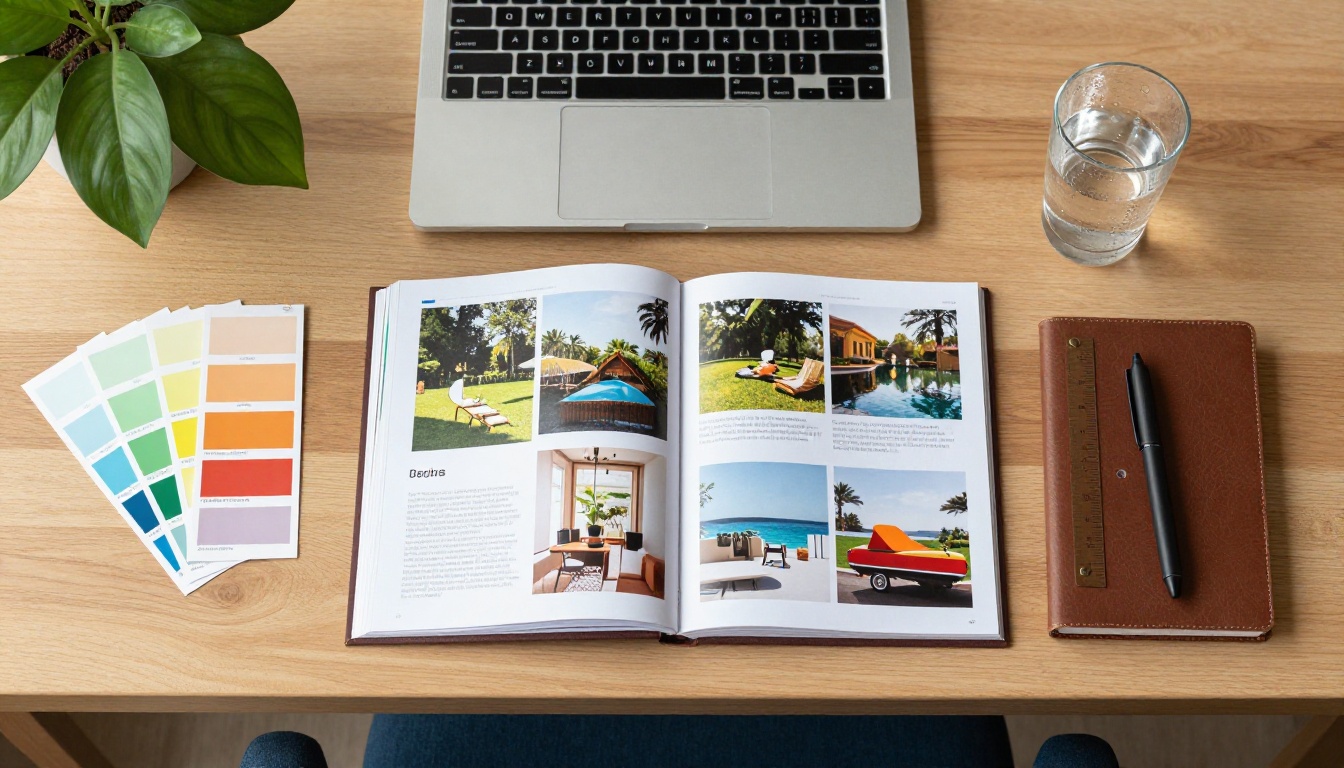
Reading Your View Data
The Professional plan on Flipbooks AI includes analytics that change how you think about your portfolio's performance:
- Total views: The number of times your flipbook has been opened.
- Unique visitors: Individual viewers, excluding repeat visits from the same person.
- Time on page: Which pages held attention and which ones were skipped over quickly.
- Geographic data: Where in the world your viewers are located.
- Traffic sources: How viewers found your link, whether through email, social media, or direct entry.
If the case study on page 14 is consistently where viewers stop reading, that is actionable information. You can restructure the portfolio, rewrite that section's opening, or replace the project with a stronger one. Without view data, that feedback loop does not exist and you are optimizing in the dark.
Plan Features at a Glance
| Feature | Free | Standard | Professional |
|---|
| Number of flipbooks | 1 | Unlimited | Unlimited |
| Watermark-free | No | Yes | Yes |
| Password protection | No | Yes | Yes |
| Custom branding | No | Yes | Yes |
| Embed on website | No | Yes | Yes |
| Offline downloads | No | Yes | Yes |
| Analytics | No | No | Yes |
| Lead generation forms | No | No | Yes |
See all options and pricing tiers on the pricing page to choose what fits your current needs.
Lead Capture for Freelancers
The Professional plan adds a lead generation form that appears when a viewer finishes the flipbook. Rather than closing the tab after the final page, an interested visitor can enter their name and email directly within the flipbook experience, without being sent to a separate contact page or form.
For a freelancer, this turns the portfolio from a passive credential into an active business development asset. Every captured lead is someone who saw the full body of your work and expressed interest. That is a far warmer starting point than any unsolicited outreach.
✅ Set the lead form to appear on the final page with a specific prompt. A message like "Interested in working together? Leave your details and I will follow up within 24 hours" performs significantly better than a generic contact invitation.
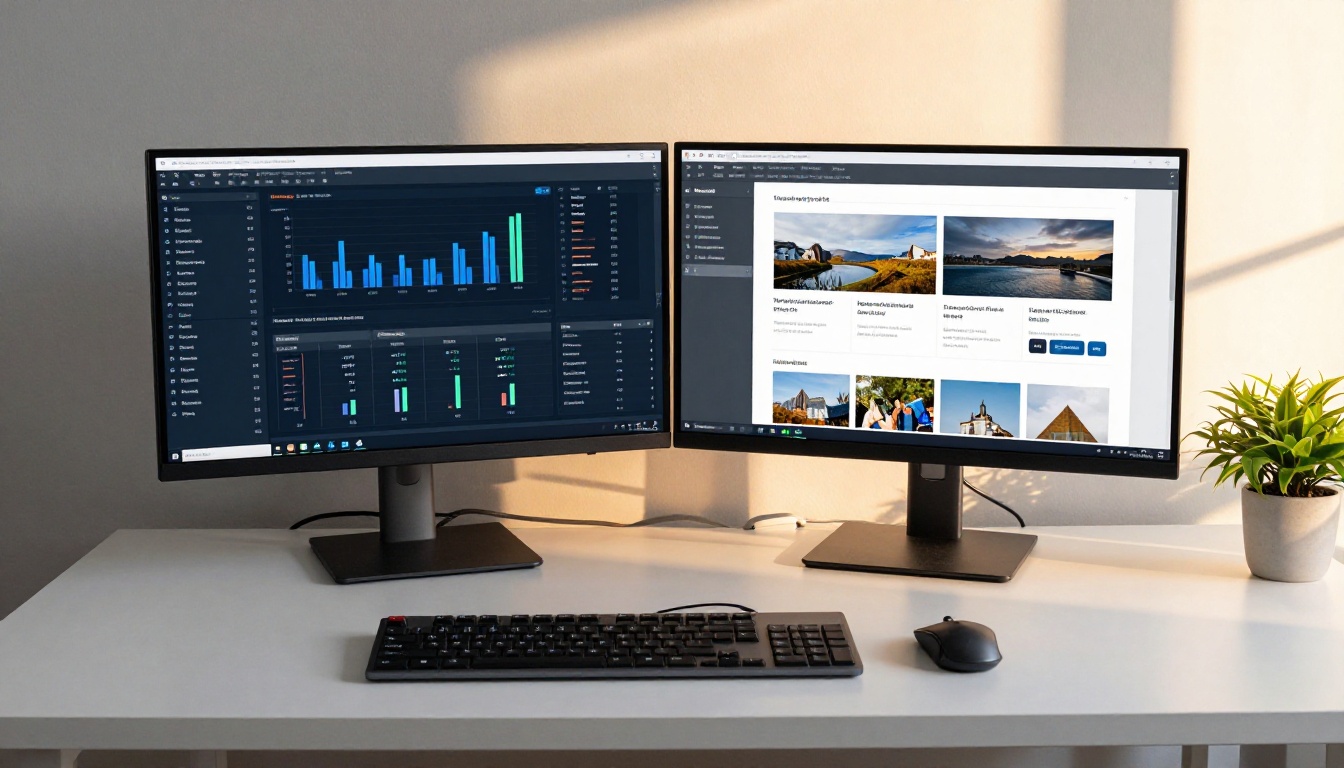
Sending someone a link that opens into a branded, page-turning portfolio is a meaningfully different experience from attaching a PDF to an email. Clients register that difference. Employers register it. Interactive formats consistently hold attention longer and generate more follow-through than static documents.
Flipbooks AI gives you everything needed to make this shift:
- Upload your PDF and convert in minutes, with no technical skill required.
- Apply custom branding, including logo, colors, and favicon, with no design overhead.
- Share via direct link, embed code, or QR code on printed business cards and marketing materials.
- Protect sensitive or unreleased work with password access controls.
- Track who views your work and how long they spend on each page with built-in analytics.
- Capture leads from interested viewers directly within the flipbook on the Professional plan.
Whether you are a photographer sharing sample albums with prospective wedding clients, a designer pitching a rebranding project to a startup, or an architect presenting to a tender evaluation panel, the flipbook format puts your work in the best possible context with the least possible friction for your audience.
Ready to build your flipbook portfolio? Get started for free and have your portfolio live and shareable within minutes. Compare pricing plans to find the right fit for your creative practice, or browse all available portfolio and creative tools to find what fits your specific discipline.



