Your tattoo portfolio is the single most important sales tool you own. It closes bookings before you even open your mouth. But most artists are still sharing it wrong: a PDF that nobody opens, an Instagram grid that clients scroll past in seconds, or a Google Drive folder that looks like a homework submission. There is a better way, and it starts with turning your work into an interactive flipbook that pages through beautifully on any screen. Flipbooks AI makes this possible in minutes, without a developer or a design degree.
Why Static Portfolios Are Costing You Bookings
Think about the last time a potential client emailed you asking to see your work. What did you send? If your answer involves a link to your Instagram, a shared Dropbox folder, or a PDF attachment, you are leaving impressions on the table. Static formats are forgettable. They do not create the experience your tattoos deserve.
A PDF portfolio opens flat, shows no personality, and gives clients zero interactivity. Instagram is controlled by an algorithm that decides who sees your content and when. Neither format communicates the quality and confidence that serious tattoo artists carry.
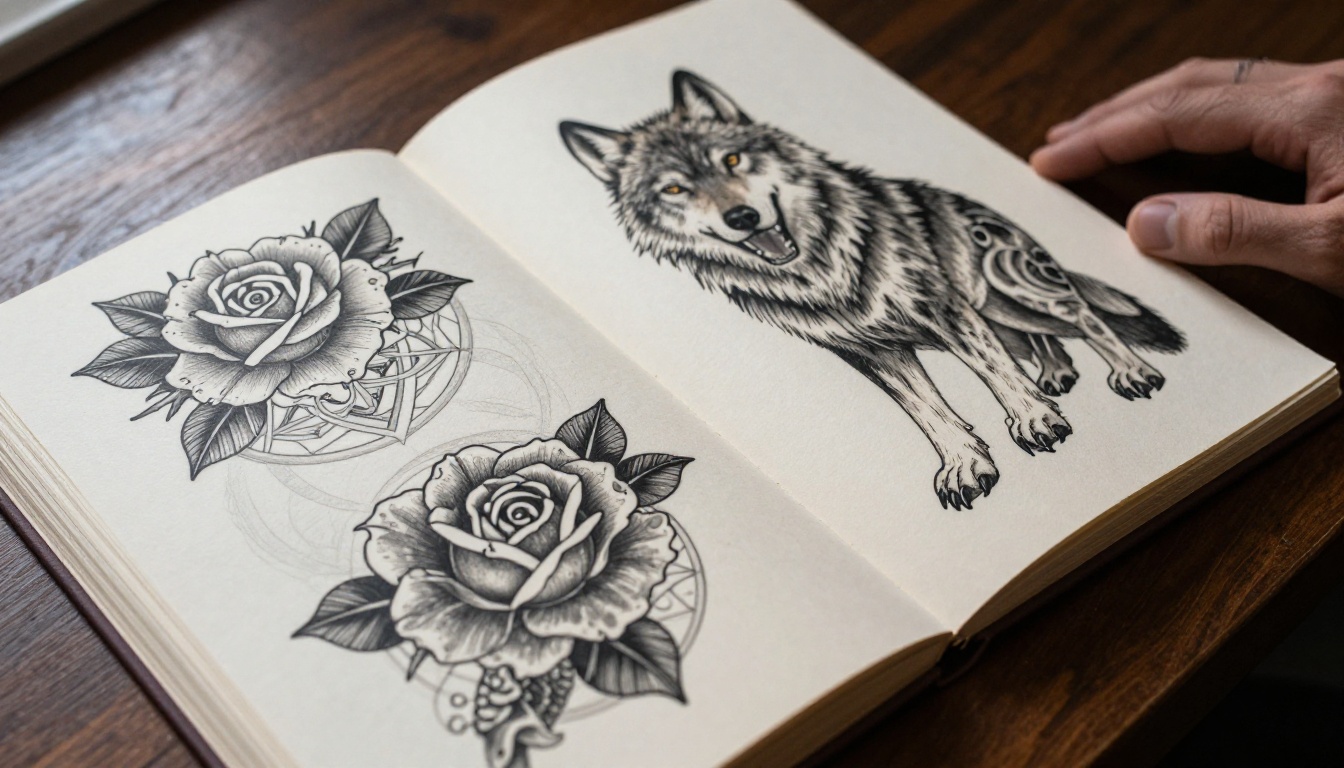
An interactive flipbook solves all of this. It mimics the physical experience of flipping through a real portfolio book: smooth page turns, full-bleed images, and a professional presentation that signals you take your craft seriously. Clients feel the difference immediately.
💡 Tattoo artists who use digital flipbooks for consultations report clients arriving with clearer design requests and higher conversion rates from inquiry to deposit.
The Real Problem with PDF Portfolios
| Feature | PDF Portfolio | Interactive Flipbook |
|---|
| Page-turning experience | None, scrolls flat | Realistic animated flip |
| Mobile viewing | Awkward zoom and pan | Fully responsive |
| Sharing ease | Download required | Single shareable link |
| Client impression | Generic, plain | Professional and memorable |
| Loading speed | Slow on mobile | Fast, optimized images |
| Password protection | Not available | Available on Pro plans |
| Analytics | Zero data | View tracking on Pro |

What Clients Actually Want to See
When a potential client reaches out, they want three things: your style, your consistency, and your communication. A flipbook portfolio delivers all three in the first 30 seconds of viewing.
- Style clarity: Clients can flip directly to the section that matches their interests
- Consistency proof: Page-by-page presentation shows your quality holds across different subjects and sessions
- Professional signal: A polished flipbook instantly communicates that you are serious about your craft
How to Build a Tattoo Portfolio That Flips
The process is simpler than most artists expect. You do not need a web designer, a developer, or a subscription to five different tools. You need your best images, a clean PDF, and a free account on Flipbooks AI.
Curating Your Best Work First
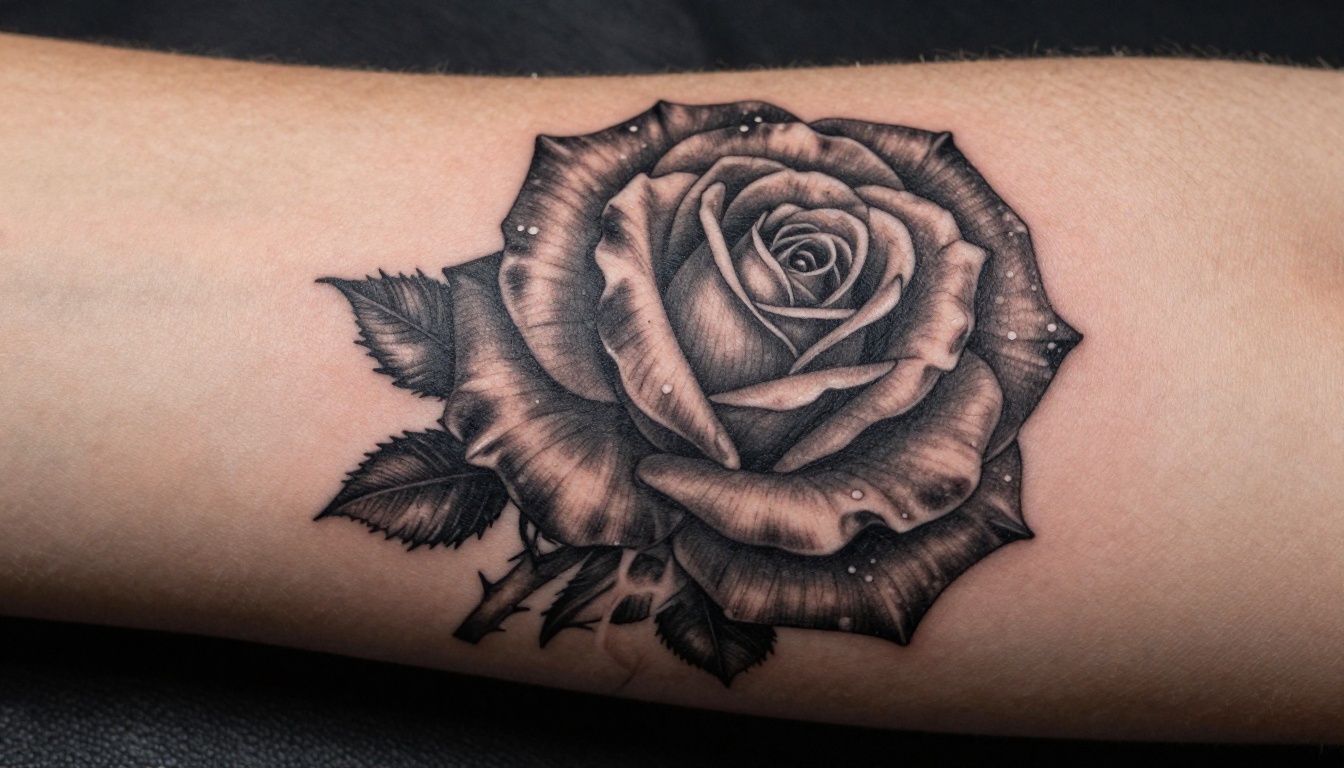
Before you build anything, edit ruthlessly. A flipbook with 80 mediocre photos performs worse than one with 25 exceptional ones. Clients make judgments in seconds. Every page that does not impress them is a page that weakens your position.
What to include:
- Your 3-5 strongest pieces in each style you offer
- Healed tattoo photos whenever possible (fresh tattoos look different from settled work)
- A variety of placements: arm, back, ribs, hands, necks
- Before and after shots for cover-ups, if that is your specialty
- Any award-winning or featured pieces
What to leave out:
- Unhealed tattoos with redness and swelling
- Low-resolution or blurry photos
- Work that does not represent your current skill level
- Designs you no longer offer or enjoy doing
⚠️ Never include a piece in your portfolio that you would not want to replicate. Clients will ask for exactly what they see.
Shooting Your Tattoos for a Flipbook Format
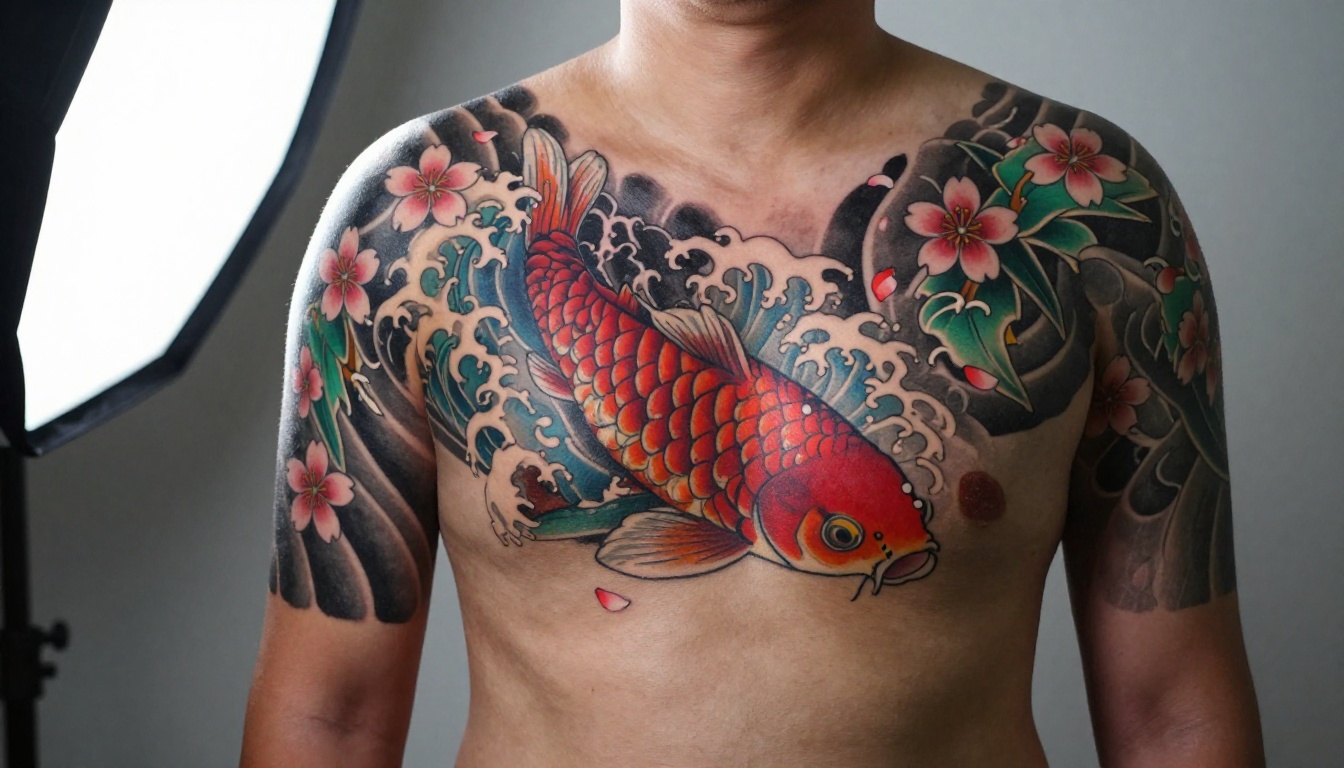
Portfolio photography for a flipbook has specific requirements. The 16:9 horizontal format is ideal for the page-turn experience, which means shooting landscape matters.
Photography basics that make a real difference:
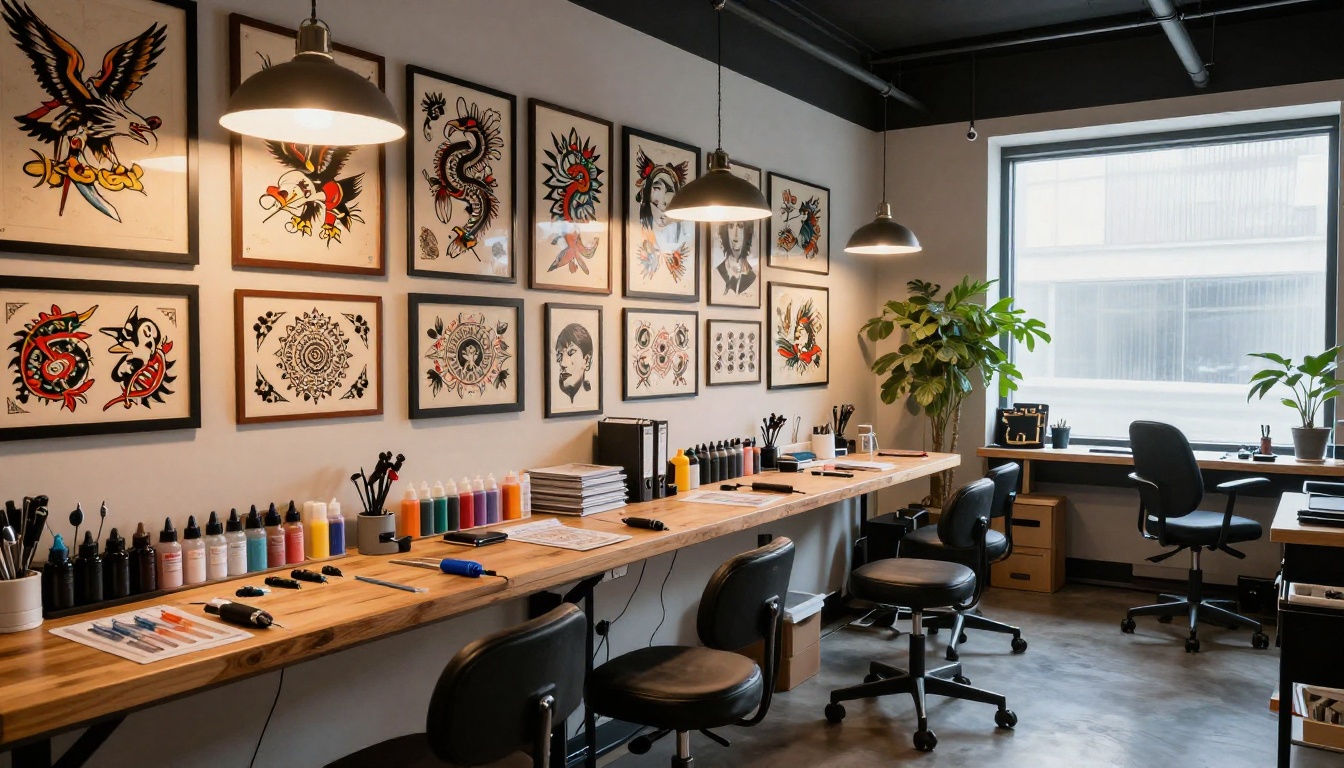
- Natural light is your friend for color accuracy. Shoot near a large window with diffused afternoon light
- No flash directly on skin: it flattens the depth and washes out shading gradients
- Shoot healed work whenever clients can return for photos, ideally 4-6 weeks post-session
- Use a tripod or stabilized shot to avoid motion blur in macro work
- Fill the frame with the tattoo, keeping the surrounding skin clean and the composition tight
Even a smartphone with a good camera produces excellent results under the right conditions. What matters most is the light and the composition.
Organizing Your Flipbook by Style
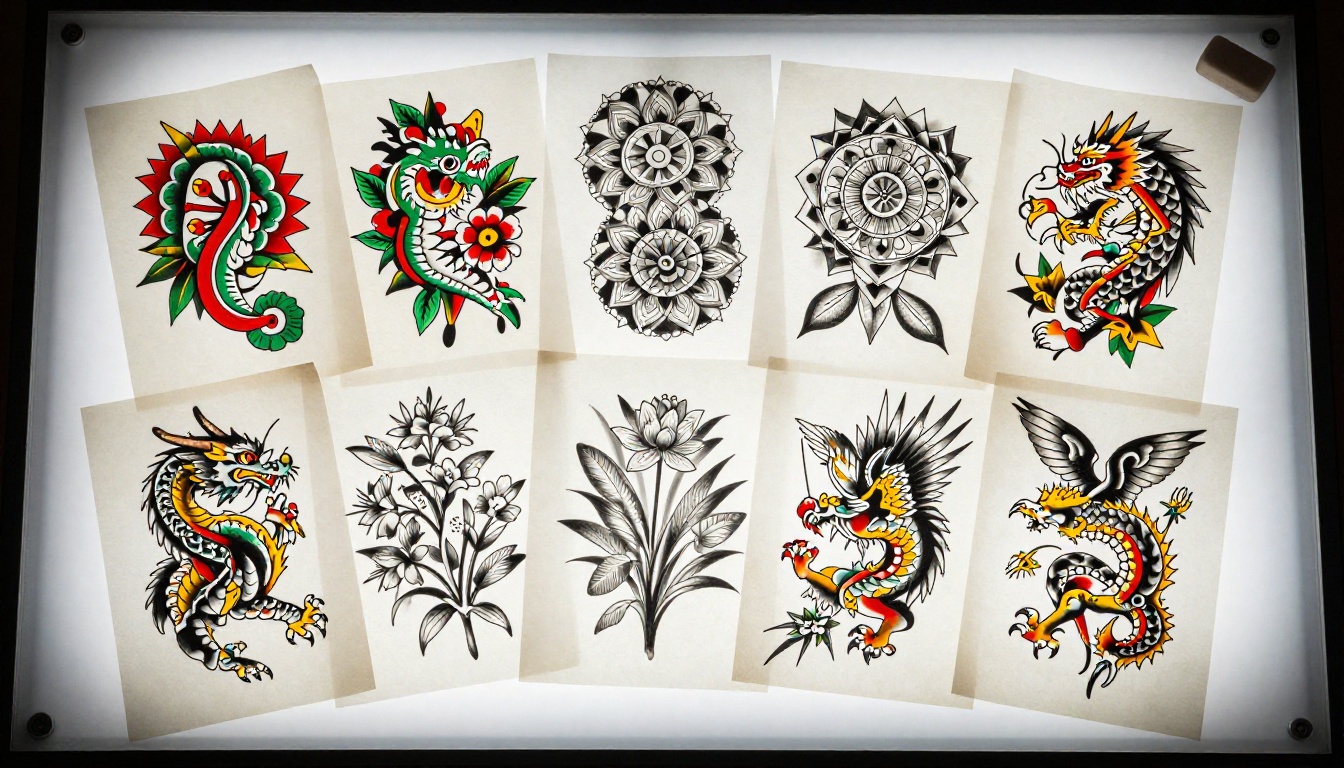
Structure is what separates a browseable portfolio from a confused one. Organize your flipbook sections by tattoo style, not by date or by client. This lets people who want neo-traditional work flip straight to that section without wading through geometric or watercolor pieces.
Suggested section order:
- Signature style or specialty (lead with your strongest)
- Black and grey realism
- Color realism
- Traditional and neo-traditional
- Geometric and dotwork
- Watercolor and illustrative
- Cover-ups and reworks
- Small and delicate work
Each section can begin with a brief text page that states the style and notes what kinds of subjects you prefer working in that genre. This sets client expectations before they see a single image.
Creating the Flipbook with Flipbooks AI
Once your images are curated and organized, converting them into an interactive flipbook takes minutes. Flipbooks AI is built for exactly this kind of professional creative work.
Step 1: Prepare Your PDF
Assemble your selected images in order inside a PDF. Any design software works: Canva, Adobe InDesign, Lightroom, or even Microsoft Word. Use landscape orientation (16:9 or A4 landscape) for the best flipbook page appearance. Keep file size reasonable by compressing images to 72-150 DPI for screen viewing.
Step 2: Upload and Convert
Go to Flipbooks AI and create your account. From the dashboard:
- Click New Flipbook
- Select Upload PDF
- Drag your portfolio PDF into the upload zone
- Wait for the automatic conversion, typically under 60 seconds for a 30-page portfolio
The platform handles all the technical processing and creates a fully interactive, page-turning version of your portfolio automatically. No coding, no technical setup.
Step 3: Customize Your Branding
This is where your personality comes through. In the flipbook editor:
- Set your cover: Choose which page acts as the front cover or upload a custom cover image
- Brand colors: Apply your studio color palette to the viewer interface
- Typography: Adjust any text elements to match your aesthetic
- Background: Select a dark or light background for the viewer to complement your work
✅ Dark backgrounds tend to work better for tattoo portfolios because they let the artwork breathe and draw focus to the ink rather than the interface.
Step 4: Configure Sharing Settings
Flipbooks AI gives you multiple ways to share your portfolio depending on your workflow:
- Direct link: A clean URL you can send via email, DMs, or text
- Embed code: Paste it on your website and the flipbook loads inline
- Password protection: Useful if you want to share exclusive pieces only with serious inquiries
- QR code: Print it on your business card for in-person consultations

Step 5: Share and Track
Once your flipbook is live, you have a portfolio that works while you tattoo. Send the link in every inquiry response. Embed it on your booking page. Post the QR code in your studio.
With a Professional plan, you also get analytics: see how many people viewed your portfolio, which pages they spent the most time on, and where they dropped off. This is real data about which work resonates with your audience, something no PDF or Instagram account can give you.
Here is a clear comparison of the three most common ways tattoo artists share their portfolios, measured against the factors that actually influence bookings:
| Feature | Instagram | PDF Link | Flipbook Portfolio |
|---|
| Professional first impression | Medium | Low | High |
| Algorithm dependency | High | None | None |
| Custom branding | Limited | None | Full |
| Page-by-page organization | No | No | Yes |
| Analytics and view data | Basic | None | Full (Pro) |
| Mobile experience | Good | Poor | Excellent |
| Password-protected sharing | No | No | Yes |
| Embed on website | No | No | Yes |
| Offline access | No | Yes | Yes (downloadable) |
| Load speed | Fast | Slow | Fast |
The numbers speak clearly. Instagram has its place for discovery, but when a client is ready to book, a flipbook portfolio closes the deal faster and more professionally than any other format.
Pricing Plans at a Glance
Flipbooks AI offers plans that fit every stage of a tattoo artist's career:
| Plan | Best For | Flipbooks | Highlights |
|---|
| Starter | New artists | Limited | Core flipbook creation |
| Standard | Working artists | Unlimited | No watermarks, custom branding |
| Professional | Studios and busy artists | Unlimited | Analytics, lead gen, offline downloads |
💡 The Portfolio Flipbook Builder tool is purpose-built for creative professionals showing their work in a polished, interactive format.
How Tattoo Artists Are Using Flipbooks Right Now
The practical applications go further than a basic portfolio. Here are real ways working artists are using flipbook portfolios to run smarter businesses:
Consultation prep: Send the flipbook link the day before a consultation appointment. Clients arrive having already browsed your work, with specific pages they want to discuss. The consult becomes a focused creative conversation instead of a first-time overview.
Style-specific versions: Build separate flipbooks for different styles. Send your black and grey realism book to clients requesting portraits. Send your geometric work to clients asking about mandala sleeves. Specialized portfolios convert better than general ones.
Cover-up specialists: Create a dedicated before-and-after flipbook showing cover-up transformations. This is an incredibly powerful format for this specific type of work, where the contrast tells the whole story in a single page flip.
Guest spot marketing: When reaching out to shops for guest spots, attach your flipbook link instead of a PDF. It signals digital-forward professionalism and makes you stand out against other applicants.
Studio team portfolios: Shop owners can build a unified flipbook that introduces every artist in the studio, allowing clients to browse the whole team in one experience before booking.

Tools Built for Creative Portfolios
For tattoo artists who want a dedicated tool rather than starting from scratch, the Digital Portfolio Creator on Flipbooks AI is purpose-built for exactly this workflow. It provides templates and layouts optimized for visual creative work.
The Photography Portfolio Flipbook tool also works exceptionally well for tattoo work, since both fields share the same requirements: high-resolution image fidelity, clean layout, and a presentation that lets the work speak for itself.
Making Your Flipbook Work for Bookings
A flipbook portfolio is only as powerful as the system around it. Here are the practical steps to make it a consistent part of your booking workflow:
- Add the link to your email signature: Every message you send becomes a portfolio touchpoint
- Include it in your booking form confirmation: New inquiries get the flipbook immediately with their auto-reply
- Put the QR code on your business card: Anyone you meet in person can access your full portfolio in seconds
- Embed it on your website booking page: Let the portfolio do the persuading before clients fill out the form
- Reference specific pages in DM conversations: "Check page 12 in my portfolio for an example of exactly that style"
✅ Artists who embed their flipbook directly on their website see longer session times on their booking page, which correlates with higher inquiry-to-deposit conversion.
What to Include Beyond the Images
The strongest tattoo flipbooks include more than just photos. A few extra elements elevate a simple image collection into a complete brand experience:
- Artist bio page: A brief statement about your style, training, and specialties
- Booking information: Your deposit amount, appointment process, and turnaround time
- Style reference page: A visual guide showing the styles you specialize in
- Aftercare reminder page: A quick-reference aftercare guide that clients can revisit
- Social and contact page: Instagram handle, email, and booking link on the final page
Think of it as a digital press kit that doubles as a portfolio. It tells the full story of who you are as an artist and how working with you looks from start to finish.
Your Portfolio Should Match Your Work
Sharing your tattoo portfolio as an interactive flipbook is one of the highest-return moves you can make for your booking calendar. It takes about an hour to build the first version, and it works for you every single day after that.
Create your portfolio flipbook for free on Flipbooks AI. Explore all available tools and templates to find the right format for your style. Compare pricing plans to see which features fit where you are in your career.
Your work is already good enough to book clients. Make sure the way you present it matches that quality.



