People send PDFs every day. Reports, catalogs, proposals, training manuals, lookbooks. And most of them get opened once, skimmed for about 30 seconds, then closed and forgotten. That is not a content problem. That is a format problem. The PDF was designed in 1993 to replicate a printed page on screen. It was never built for the way people actually read online today, and yet it remains the default for almost every type of document. If you want people to genuinely read what you create, you need to stop handing them a digital printout and start giving them something worth their attention. Flipbooks AI is built around exactly that premise.
Why Nobody Reads Your PDFs
The attention problem is real
The average person spends less than two minutes with a business document before deciding whether it is worth their time. That decision happens in the first ten seconds. A PDF that opens to a dense block of black-and-white text has already lost the battle before the reader reaches the second paragraph.
It is not that your content is bad. It is that the container you put it in sends the wrong signals immediately. A flat, static file with no visual hierarchy, no interaction, and no sense of progress communicates one thing: this will be work to read.
The human brain is wired to respond to movement, color, and visual structure. Online readers scan before they read. They look for visual cues that tell them where to go. A standard PDF gives them none of that.
What your readers actually want
Readers online want a few things before they commit to a document:
- Visual clarity: Headers, images, and white space that break the content into digestible pieces
- A sense of pace: The feeling that there is a beginning, middle, and end, not an endless scroll
- Interactivity: Something to click, watch, or hover over that rewards curiosity
- Mobile comfort: Content that works on a phone without pinching and zooming
A static PDF fails on every single one of these. That is why the format feels tired regardless of how well-written the content inside it is.
What Makes a PDF "Boring"
Wall-of-text syndrome
Most PDFs are designed in a word processor or exported from a presentation tool without any thought given to how they will actually be consumed on screen. The result is predictable: pages filled edge to edge with text, minimal imagery, and zero breathing room.
Even when a PDF has images, they are typically static. There is no caption interaction, no lightbox, no embedded media. You look at the image, then you keep scrolling. Nothing responds to you.
⚠️ The biggest mistake: Treating your PDF like a printed page. Screens are not paper. The people reading your content on a laptop or phone expect the document to behave like the rest of the internet.
No clicks, no curiosity
Curiosity is the engine of reading. When something is clickable, watchable, or interactive, it creates a micro-commitment: the reader invests a moment, gets a small reward, and stays engaged. Static PDFs offer nothing like that.
There are no embedded videos. No clickable table of contents that jumps to a section. No animations on page turn. No audio. No forms. No leads captured. The document just sits there, passive, waiting to be scrolled.
Compare this to a flipbook format, where pages turn with a physical page-flip animation, images can expand on click, videos play inline, and the entire experience feels closer to a magazine or website than a static file.
Static PDF vs. Interactive Flipbook
The difference between a PDF and a flipbook is not just aesthetic. It is functional. Here is a direct comparison:
| Feature | Static PDF | Interactive Flipbook |
|---|
| Page-turn animation | No | Yes, realistic flip effect |
| Embedded video | No | Yes, plays inline |
| Mobile responsive | No (requires zoom) | Yes, fully optimized |
| Clickable table of contents | Rarely | Yes, built-in |
| Custom branding | No | Yes, logo, colors, fonts |
| Password protection | No | Yes |
| Analytics and read tracking | No | Yes (Professional plan) |
| Embeddable on website | No | Yes, iframe embed |
| Shareable link | Download only | Direct URL, no download needed |
| Lead generation forms | No | Yes (Professional plan) |
💡 Pro tip: The shareable link alone changes how people consume your content. Instead of a file attachment that needs to be downloaded and opened, you send a URL. It opens instantly in a browser, on any device, with no software required.

How to Do It with Flipbooks AI
Step 1: Create your account
Go to flipbooksai.com and sign up. It takes under a minute. No credit card required to start.
Step 2: Upload your PDF
From your dashboard, click New Flipbook and drag your PDF file into the upload area. Flipbooks AI handles the conversion automatically, preserving your layout, fonts, and imagery while adding the interactive layer on top.
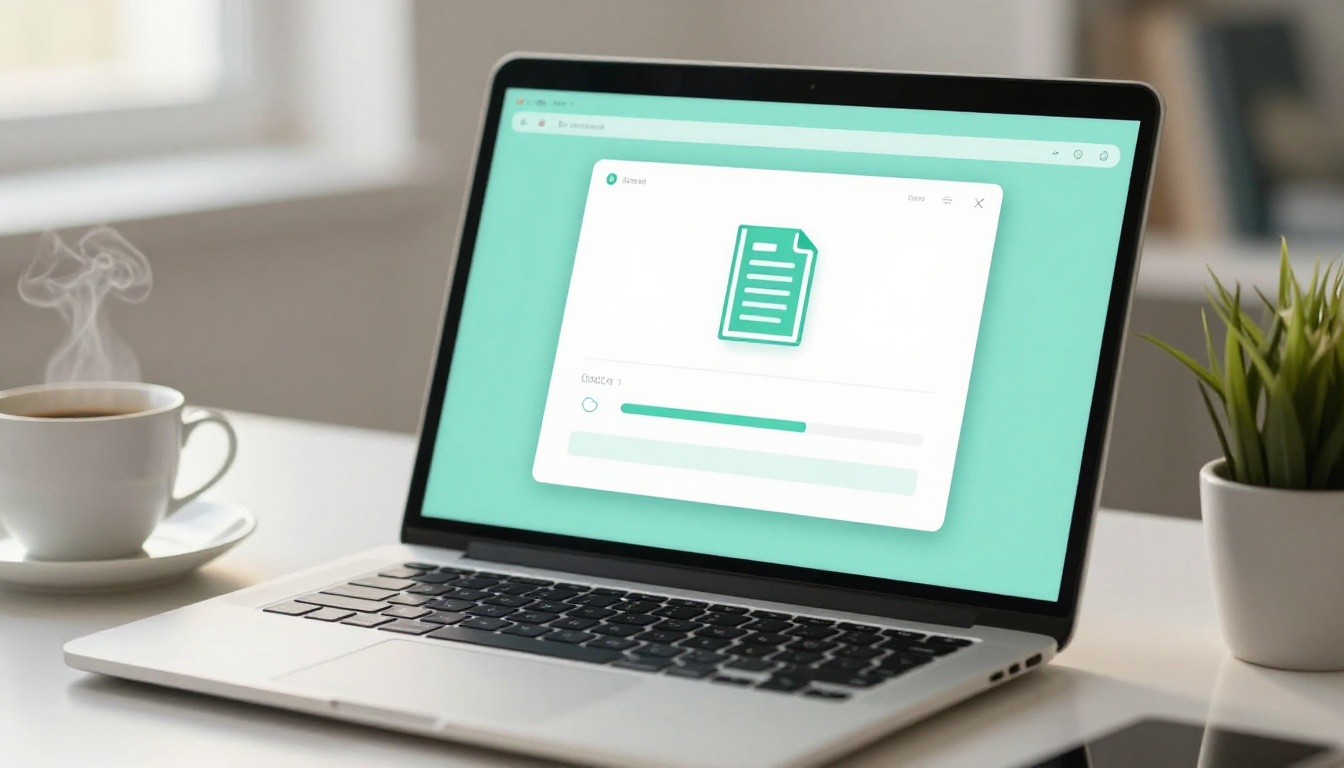
Most PDFs convert in seconds. Longer documents with many images may take a minute or two. Once done, you see a live preview of your flipbook with the page-turn animation already active.
Step 3: Customize the look and feel
This is where a flat document becomes something worth sharing. In the editor, you can:
- Upload your logo and set it to appear on every page
- Set brand colors for the toolbar, background, and page borders
- Choose a page effect: classic paper flip, soft curl, or flat slide
- Add a custom thumbnail for the cover so the first impression is strong
- Set the background: solid color, gradient, or custom image
Even small branding adjustments make a dramatic difference. A catalog with your logo, your brand color in the toolbar, and a clean cover thumbnail looks like a premium publication instead of a converted file.
Step 4: Add multimedia (optional but powerful)
If your original PDF has sections where a video would add context, this is the moment to add it. On any page, you can embed a YouTube or Vimeo link. The video plays inline inside the flipbook without opening a new tab.
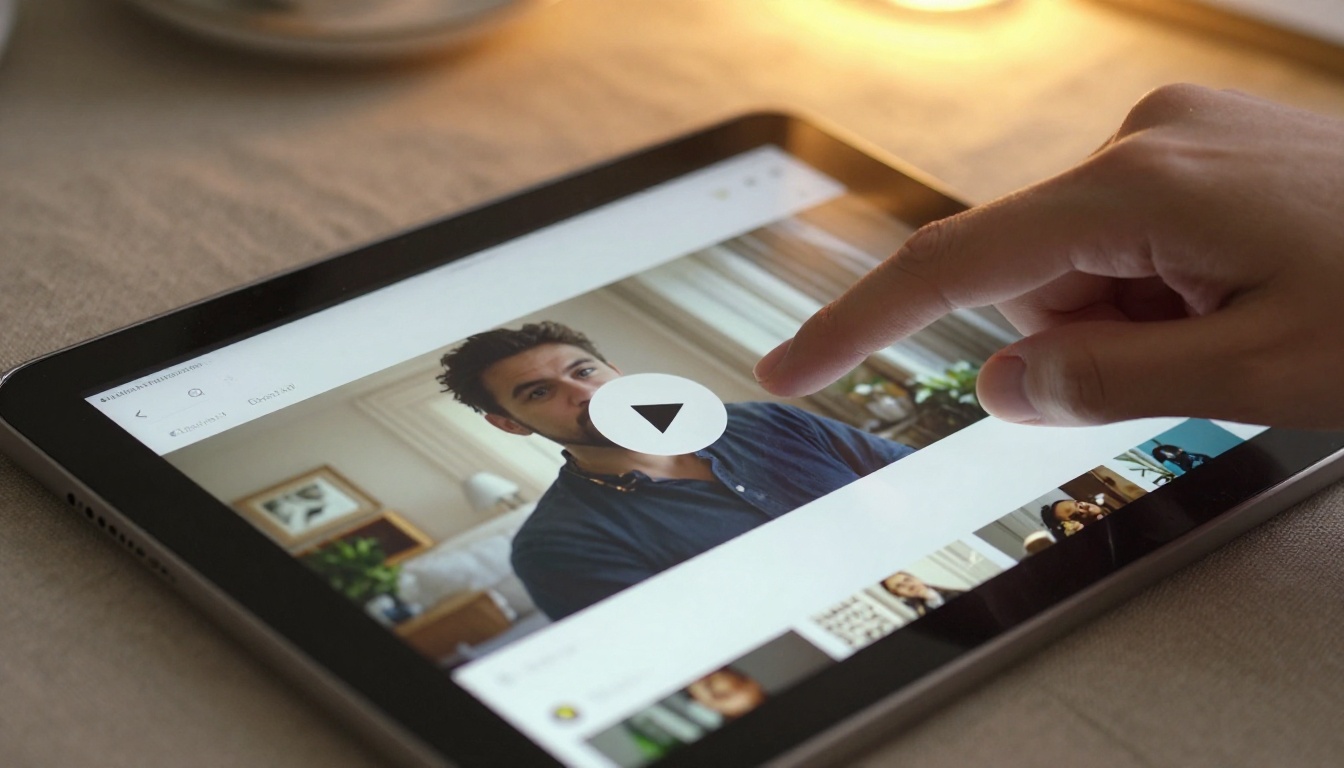
You can also add clickable links on any region of any page, hyperlinks that open product pages, booking forms, or external resources. This turns a passive document into an active sales or information tool.
Step 5: Set privacy and sharing
Once you are satisfied with the result, choose how to share it:
- Public link: Anyone with the URL can view it instantly
- Password protected: Set a password for internal documents, client deliverables, or gated content
- Embedded on your website: Copy the iframe snippet and paste it into any page builder, CMS, or HTML file
✅ Best practice: For marketing content like catalogs and brochures, use a public link and embed it on a landing page. For internal reports or client proposals, use password protection to keep it private.
Flipbooks AI also lets you download the flipbook for offline use, which is useful for trade shows, presentations, or situations with no internet access.
Real-World Use Cases
Businesses and sales teams
The format difference is most visible in commercial use. Here is how different industries benefit:
| Industry | PDF Problem | Flipbook Solution |
|---|
| Real estate | 20-page property PDF nobody downloads | Interactive brochure flipbook with photo galleries and map links |
| Restaurants | Static printed menu emailed as PDF | Digital restaurant menu with photo-rich pages, updated instantly |
| Retail | Product catalog PDF too large to email | Lightweight digital catalog shared via URL, viewable on any phone |
| Hotels and resorts | Boring brochure PDF attached to booking emails | Stunning hotel brochure with embedded room tour videos |
| Auto dealerships | Dense vehicle spec sheets | Visual automotive brochure with model comparisons and feature highlights |

A real estate agent, for example, used to email a 15MB PDF with property photos that half their clients could not even open on mobile. With a flipbook, the same content becomes a link that opens in under two seconds on any device, with images that expand on tap, a clickable floor plan section, and a contact form embedded on the last page.
Creators and educators
The shift away from static PDFs is equally valuable for content creators, educators, and publishers:
The interactive e-book publisher is particularly popular with authors and educators who want to distribute long-form content without forcing readers to download a file. The reading experience on a flipbook is simply better: pages turn, progress is visible, and the content feels intentional rather than dumped into a document.
Plan Features at a Glance
Choosing the right plan depends on what you need. Here is a quick breakdown:
| Feature | Free | Standard | Professional |
|---|
| Flipbooks | 1 | Unlimited | Unlimited |
| Watermarks | Yes | No | No |
| Custom branding | No | Yes | Yes |
| Password protection | No | Yes | Yes |
| Offline downloads | No | Yes | Yes |
| Embed on website | No | Yes | Yes |
| Video and audio | No | Yes | Yes |
| Analytics and tracking | No | No | Yes |
| Lead generation forms | No | No | Yes |
💡 For most users, the Standard plan hits the sweet spot: no watermarks, unlimited flipbooks, custom branding, and embed support. The Professional plan adds analytics and lead capture, which is essential for sales teams and marketers who need to know how their documents are performing.
See the full breakdown on the pricing page to pick the right fit.

The Content Is Not the Problem
Here is the honest truth about boring PDFs: the content inside them is often excellent. The research is solid. The design work is real. The photography is good. But it all gets buried inside a format that actively works against the reader.
Switching to a flipbook does not require rewriting a single word. You upload the exact same file you already have. The conversion is automatic. What changes is everything around the content: the experience of opening it, the way pages move, the ability to embed media, the mobile behavior, the shareability.
✅ The simplest test: Send the same content as a PDF to one group and as a flipbook link to another. Track how long each group spends with the document. The difference is consistent and significant.
Browse all available flipbook tools to find the right starting point for your specific use case, whether that is a product catalog, a school newsletter, a training manual, or an annual report. Each tool is purpose-built for its format.
If you are ready to stop sending documents nobody reads, create your first flipbook free and see the difference in under five minutes. When you are ready to remove watermarks and publish without limits, check out the available plans to pick what fits your workflow.



