Every day, millions of people share PDFs that nobody actually reads. The file lands in an inbox, sits unopened, and eventually gets deleted. A flipbook changes that dynamic completely. With realistic page-curl animations, clickable links, and smooth mobile playback, a flipbook feels like a real publication rather than a static attachment.
The good news: you don't need to pay for expensive software or hire a developer. Free online tools, including Flipbooks AI, can convert any PDF into a professional digital flipbook in under five minutes. This article walks you through exactly how to do it, what to expect from free plans, and how to get the most out of your digital publications.

What a Flipbook Actually Does
Before jumping into the how-to, it's worth being clear on what a flipbook is and why it performs better than a regular PDF.
A PDF is a fixed document. It looks the same whether someone opens it on a phone, a desktop, or a tablet. It has no interactivity beyond basic hyperlinks. There are no page transitions, no zoom animations, no embedded media, and no analytics.
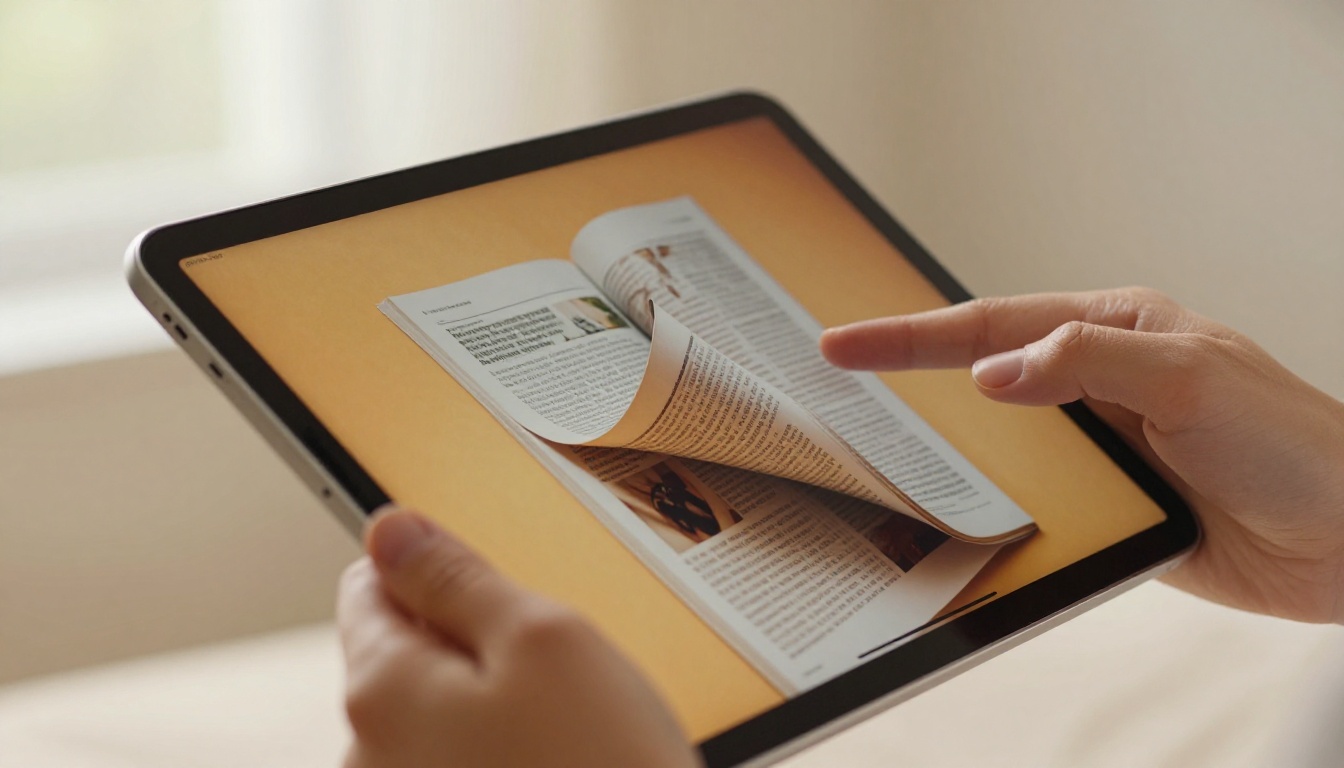
A flipbook is an HTML5 digital publication built from your PDF pages. When someone opens it in a browser, they get:
- Realistic page-curl animations when turning pages
- Smooth zoom functionality for dense content
- Clickable links and interactive elements
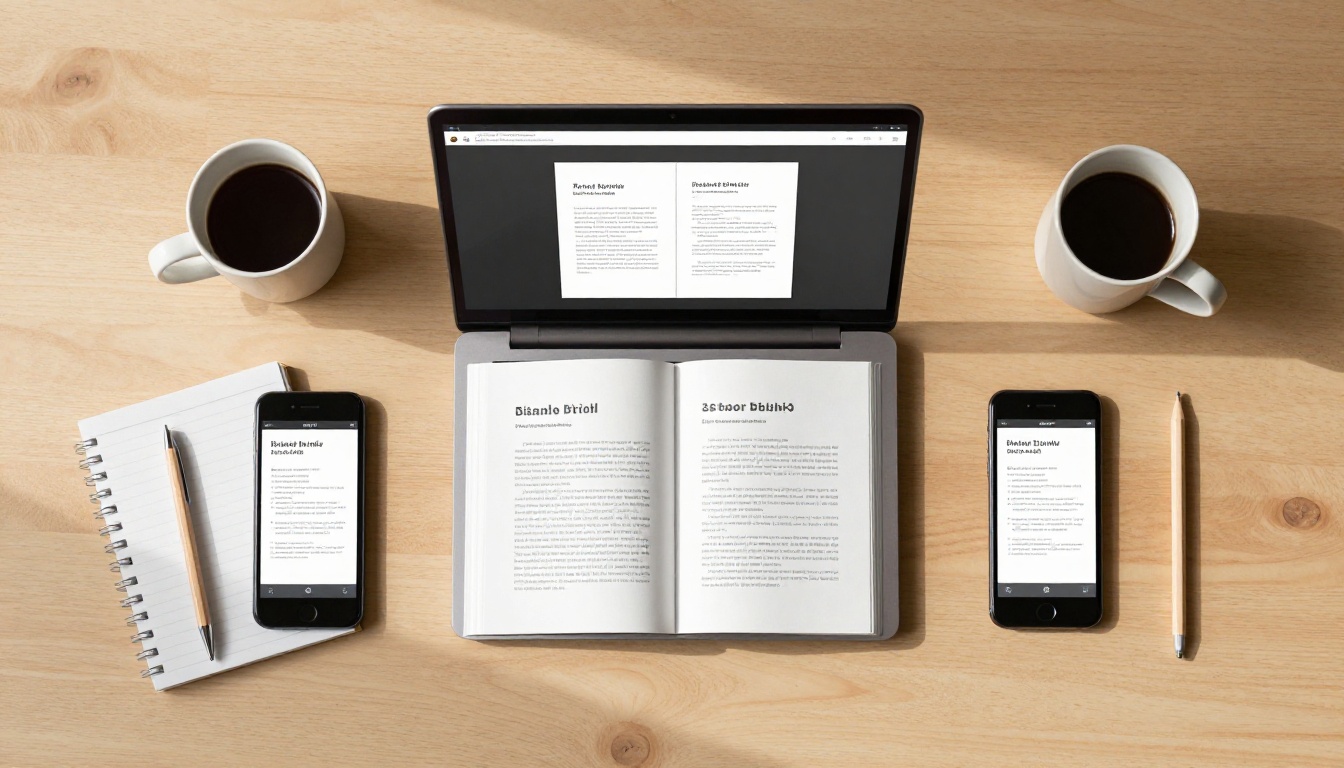
- Mobile-responsive layout that adjusts to any screen
- Shareable URL instead of a bulky file attachment
- Optional embedded videos, audio, and lead capture forms
Static PDF vs. Interactive Flipbook
| Feature | PDF | Flipbook |
|---|
| Page-turn animation | No | Yes |
| Mobile responsive | Partial | Fully optimized |
| Shareable via link | File attachment | Direct browser link |
| Embedded video | No | Yes |
| Analytics tracking | No | Yes (paid plans) |
| Password protection | Limited | Yes |
| No download required | No | Yes |
The difference in reader experience is significant. Interactive flipbooks consistently generate longer read times and higher engagement than static PDF downloads. Readers browse more pages, spend more time per page, and are far more likely to share the content with others.
Who Actually Uses PDF Flipbooks
Flipbooks aren't just for publishers. They're used across almost every industry:
- Businesses converting product catalogs and annual reports into living documents
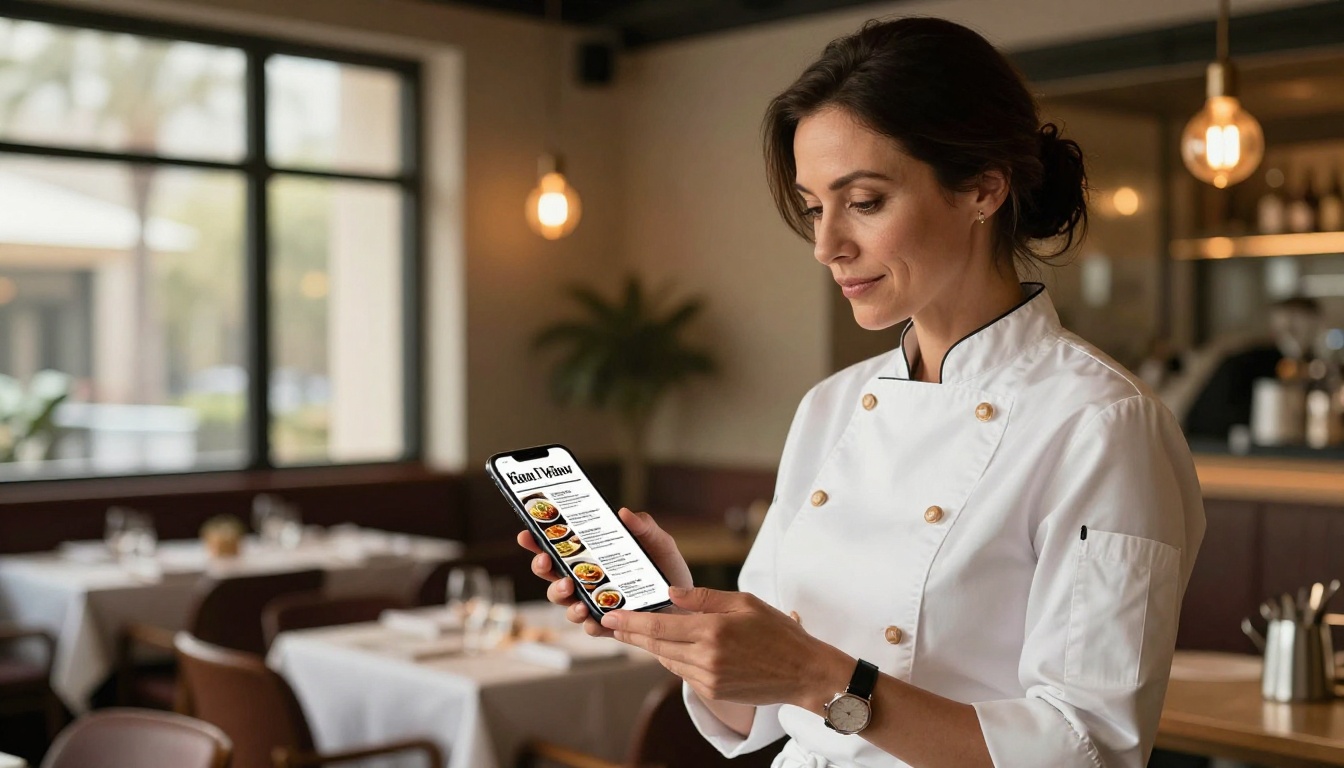
- Restaurants turning printed menus into shareable, always-updated digital versions
- Real estate agents presenting property brochures without bulky email attachments
- Teachers and educators distributing course materials that students actually open
- Designers and photographers building visual portfolios that impress on any screen
- Event planners sharing programs and schedules through a single QR code
Most flipbook platforms offer a free tier. But not all free plans are equal. Some add watermarks. Others limit you to a set number of pages. A few restrict sharing options entirely.
What Free Plans Usually Include
A solid free flipbook plan should offer at minimum:
- PDF upload and conversion to HTML5
- Basic page-flip animation with smooth transitions
- A shareable public URL link
- Standard branding and color options
What You Actually Need vs. What's Paid
| Feature | Free | Standard | Professional |
|---|
| Flipbooks per month | Limited | Unlimited | Unlimited |
| Watermark | Sometimes | No | No |
| Custom branding | Basic | Yes | Yes |
| Analytics dashboard | No | No | Yes |
| Password protection | No | Yes | Yes |
| Embed on website | Limited | Yes | Yes |
| Offline downloads | No | No | Yes |
| Lead generation forms | No | No | Yes |
| Multimedia embeds | No | Yes | Yes |
💡 If you only need to share one or two documents publicly, a free plan works perfectly. For ongoing business use, the upgrade cost is typically minimal compared to the professional image it creates.
How to Convert a PDF to a Flipbook in 5 Steps
The general process is consistent across most platforms. Here's how it works from start to shareable link.
Step 1: Prepare Your PDF
Before uploading, a few quick checks save headaches later:
- File size: Aim for under 50MB for fastest processing
- Image resolution: 150 DPI is sufficient for screen; 300 DPI is ideal for zoom quality
- Fonts: Embed all fonts to prevent substitution during conversion
- Color mode: RGB is correct for digital display, not CMYK
- Page count: Most free tools support up to 50-100 pages
⚠️ Password-protected PDFs will block conversion on most platforms. Remove any encryption before uploading.
Step 2: Upload to the Platform
Go to your chosen platform and find the upload area. Most tools support:
- Drag-and-drop directly onto the browser window
- File picker from your local drive
- Cloud storage import (Google Drive, Dropbox) on paid plans
The conversion typically completes in 10-60 seconds depending on file size and page count. You'll see a preview immediately after processing.
Step 3: Customize the Design
This is where flipbooks get interesting. Most platforms let you adjust:
- Background color or pattern behind the open book
- Page shadow and lighting effects for depth
- Table of contents auto-generated from your PDF bookmarks
- Logo or watermark placement
- Page flip sound (a subtle paper rustle, togglable)
- Auto-flip for timed, presentation-style page turns
Step 4: Configure Sharing Settings
Choose how your flipbook will be accessed:
- Public link: Anyone with the URL can view instantly
- Password protected: Requires a code to open
- Domain restriction: Only accessible from your specific website domain
- Embed code: Places the flipbook directly inside your own webpage
Step 5: Publish and Share
Once published, you get a permanent URL you can paste anywhere: email campaigns, social media, WhatsApp groups, or your website. No file download needed. Readers open it instantly in any browser on any device.

How to Create a Flipbook with Flipbooks AI
Flipbooks AI offers one of the cleanest PDF-to-flipbook workflows available, with no watermarks on any plan and unlimited flipbooks on Standard and above. Here's the full process.
Create Your Account
Go to flipbooksai.com/account and sign up. The process takes under a minute. No credit card required to begin.
Upload Your PDF
From your dashboard, click "New Flipbook" and drag your PDF into the upload zone. Flipbooks AI processes the file and converts each page into high-quality, web-ready assets automatically. A preview appears within seconds of the upload completing.
The PDF to Flipbook Converter handles everything automatically, whether you're uploading a 5-page menu or a 200-page catalog.
Customize Branding and Design
Flipbooks AI gives you precise control over your publication's look:
- Logo placement: Upload your own logo to appear in the flipbook header
- Color themes: Match your brand palette for the viewer interface
- Background: Choose from solid colors or subtle paper textures
- Page effects: Adjust shadow depth and paper texture on the page-curl animation
- Multimedia: Embed YouTube videos or audio directly into specific pages (Standard plan and above)
For specific document types, use the purpose-built tools:
Set Sharing and Privacy Options
Click the "Share" tab to configure access:
- Copy the direct link for email or social media
- Generate an embed code using the Embed Flipbook on Website tool
- Enable password protection for sensitive or confidential documents
- Set domain restrictions if needed
Access Advanced Features
On the Professional plan (see pricing), you unlock:
- Analytics dashboard: Track views, time on page, and reader geography in real time
- Lead generation forms: Capture reader emails before they access your content
- Offline downloads: Allow readers to save a local copy for offline viewing
- Priority support: Faster response times from the support team
✅ For business documents like annual reports or sales presentations, use the Sales Presentation Flipbook tool to get a pre-optimized layout that works immediately without manual configuration.

Real-World Use Cases
PDF flipbooks solve concrete problems across multiple industries. Here's how different professionals use them in practice.
Business and Marketing Teams
A business development team converts a 40-page product catalog into a flipbook. Instead of attaching a 15MB PDF to outreach emails, they paste a single link. Recipients open it in two seconds on their phone, zoom into product specs, and click through to purchase pages without ever downloading a file.
The Product Catalog Generator and Catalog Flipbook Creator provide industry-ready templates for exactly this workflow.
Restaurants and Hospitality
A restaurant chain replaces printed menus with a digital flipbook updated weekly. The same QR code on every table always opens the latest version. No reprinting costs, no outdated specials listed, no physical contact concerns. The Restaurant Menu Creator handles the layout automatically, including section dividers and food photography placement.
Education
A university professor distributes a 60-page course reader as a flipbook. Students access it on laptops, phones, or tablets with equal ease. The professor uses Professional plan analytics to track which sections get the most attention, then restructures future materials based on actual engagement patterns rather than assumptions.
The Course Material Publisher and Training Manual Flipbook are purpose-built for educational content distribution.
Real Estate
An agent presents a luxury property portfolio during client meetings without carrying physical brochures. They pull up the flipbook on an iPad, hand it to the client, and let them browse at their own pace. Floor plans, interior photography, and pricing all live in one polished, interactive document. The Real Estate Brochure Creator gets the layout right from the first upload.

Optimizing Your PDF Before Converting
The quality of your flipbook depends heavily on the quality of your source PDF. A few small preparations make a significant difference in the final output.
File Preparation Tips
- Use vector graphics wherever possible. Text and logos from vector sources remain razor-sharp at any zoom level, while rasterized versions blur when readers zoom in.
- Optimize images before placing them in your layout software. Compress JPEGs to 80% quality. This cuts file size significantly without any visible degradation on screen.
- Set correct bleed and margins. Content too close to page edges may get clipped during conversion. Maintain at least 5mm safe zones for critical content.
- Use bookmarks in your PDF. Most platforms convert these automatically into a navigation table of contents, making long documents far easier to browse.
- Test on a phone first. If your layout doesn't read well on a small screen in PDF form, the flipbook version won't fix it. Adjust font sizes and column layouts before converting.
Common Mistakes to Avoid
| Mistake | Impact | Fix |
|---|
| CMYK color mode | Dull, inaccurate colors on screen | Convert to RGB in your design software before export |
| Raster logos and icons | Blurry when zoomed | Replace with vector SVG versions |
| Font sizes below 10pt | Unreadable on mobile | Increase minimum body text size |
| No PDF bookmarks | No auto table of contents | Add bookmarks in your design tool before exporting |
| Password-protected PDF | Blocks conversion entirely | Remove password protection before uploading |
| Images over 300 DPI | Unnecessarily large file size | Downsample to 150-200 DPI for screen output |
Sharing Your Flipbook Effectively
A flipbook sitting unpublished helps no one. Here's how to get it in front of your actual audience once it's ready.
Direct Link Sharing
Every flipbook gets a unique, permanent URL the moment it's published. You can:
- Paste it into email campaigns instead of attaching large files
- Post directly on LinkedIn, Twitter, Facebook, or Instagram Stories
- Add it to your email signature as a link to your latest catalog or portfolio
- Include in a QR code on physical print materials
Embedding on a Website
The embed code option places your flipbook directly inside a webpage. Readers never leave your site, and the flipbook renders at full quality within your existing layout. This works on any website builder: WordPress, Wix, Squarespace, Webflow, or custom HTML pages. The Embed Flipbook on Website tool generates the exact embed code you need with a single click.
QR Codes for Print Materials
Generate a QR code from your flipbook URL and print it on:
- Business cards linking to your portfolio or catalog
- Physical brochures that open to the digital version
- Restaurant table tents linking to the digital menu
- Exhibition stands at trade shows or conferences
- Product packaging pointing to an instruction manual
When someone scans the code, they open the digital version instantly on their phone. No app required, no account needed. This bridges print and digital without any extra technical work.
💡 Use a custom short URL for your QR code. Shorter links are easier to track, look cleaner if typed manually, and can be updated later without reprinting your physical materials.
Flipbooks for Specific Document Types
Different documents benefit from different approaches. Here's a quick reference for the most common scenarios and which tools handle each best.
Browse the complete directory at flipbooksai.com/tools to find the right starting point for any document type.

Flipbook Features Worth Knowing About
Before you publish, here are several capabilities that are easy to overlook on a first pass through the platform settings.
Password protection lets you share confidential documents, internal reports, or premium content with a select audience. The reader sees a password prompt before the flipbook opens. Useful for board reports, employee handbooks, and subscriber-only publications.
Analytics (Professional plan) show you exactly how readers interact with your flipbook: total views, unique visitors, average time spent, which pages get skipped, and geographic data. This information is genuinely useful for improving your next publication.
Offline downloads let readers save a local version for use without internet access. Particularly valuable for travel guides, instruction manuals, or course materials that readers need in low-connectivity situations.
Lead generation forms gate your flipbook behind an email capture form. This turns every shared document into a list-building tool. Readers enter their email to access the content, and you collect qualified leads in your dashboard.
✅ For a detailed breakdown of what each plan includes and costs, visit the pricing page directly.
Start Publishing Today
Converting a PDF to a flipbook is one of the highest-leverage actions you can take for any document you actually want people to read. The process takes minutes, costs nothing to start, and produces results that look immediately professional to anyone who opens them.
Whether you're sharing a product catalog, a restaurant menu, a school newsletter, or a creative portfolio, the difference between a PDF attachment and a live interactive flipbook is visible to every reader the moment they open it. Better presentation, faster access, more engagement, zero download friction.
Ready to create your first flipbook? Get started for free on Flipbooks AI. No credit card required, no watermarks, no complicated setup.
Explore all available tools and templates to find the right fit for your document type. Or check the pricing plans if you need advanced capabilities like analytics, offline downloads, or lead generation forms.
Your PDF is already halfway there. The flipbook is one upload away.



