Your resume is competing against dozens of others in every inbox it lands in. Hiring managers spend an average of six seconds scanning a traditional PDF before deciding whether to read on, and most of those PDFs look exactly the same. Converting your resume into an interactive flipbook changes that equation entirely, giving recruiters something worth pausing for. Flipbooks AI makes this process simple, whether you are a fresh graduate or a seasoned professional looking to stand out.
Why a Static PDF No Longer Works
The job market has changed. Remote hiring, digital-first HR teams, and applicant tracking systems mean your resume often never gets printed. It sits in a folder, competes with hundreds of files, and disappears. A flipbook resume does not disappear.
What Recruiters Actually Notice
Research from eye-tracking studies in hiring shows that visual hierarchy, white space, and motion cues all affect how long someone spends on a document. A page-flipping resume:
- Loads instantly in any browser, no software required
- Works on mobile, where many recruiters review applications
- Holds attention longer than a scrollable PDF
- Creates a memorable first impression that static documents cannot match
The Format Gap Most Candidates Miss
Most job seekers know their content matters. Few realize the format itself signals how they think. A professional who submits an interactive resume is already demonstrating creativity, digital fluency, and attention to detail before the recruiter reads a single word.
What Makes a Flipbook Resume Different
A flipbook is not just a PDF with a page-turn animation. When built properly, it is a fully interactive digital document that can include:
- Clickable links to your portfolio, LinkedIn, or GitHub
- Embedded videos or project demos
- Password protection for sensitive versions
- Analytics showing who opened it and how long they spent reading
- Mobile-responsive pages that reformat automatically
💡 A flipbook resume can also be embedded directly into your personal website or portfolio page, giving you one central place to send every recruiter.
Flipbook Resume vs. Traditional PDF
| Feature | Traditional PDF | Interactive Flipbook |
|---|
| Page-turn animation | No | Yes |
| Mobile optimized | Partial | Fully responsive |
| Clickable links | Yes | Yes |
| Embed on website | No | Yes |
| Password protection | No | Yes |
| Analytics tracking | No | Yes (Professional) |
| Video embedding | No | Yes |
| No downloads required | No | Yes |
Who Benefits Most
Not every resume format works for every industry. Here is a breakdown of where interactive flipbook resumes perform especially well:
| Industry | Why It Works |
|---|
| Marketing & Creative | Visual storytelling signals brand awareness |
| Tech & Development | Links to GitHub, demos, and live projects |
| Design & Architecture | Portfolio pages integrate naturally |
| Sales & Business Dev | Shareable links make follow-ups easier |
| Education & Training | Clean, structured format with embedded resources |
| Freelancers & Consultants | One URL replaces sending multiple attachments |
Before you upload anything, your resume needs to be formatted correctly. The flipbook will preserve your design, so the stronger the underlying document, the better the result.
Choosing the Right Layout
Flipbooks work best with single-column or two-column layouts that read clearly at standard page width. Avoid:
- Text boxes with hard borders that might clip on smaller screens
- Font sizes below 10pt
- Non-standard fonts that may not embed cleanly in PDF export
⚠️ Always export your resume as a proper PDF before uploading. Word documents or Google Doc exports sometimes introduce spacing errors. Use "Print to PDF" or the native PDF export in your design tool.
Optimal Page Structure for a Flipbook Resume
Think of each page as a chapter. A well-structured resume flipbook typically follows this flow:
- Cover page: Name, title, contact details, a professional photo (optional)
- Professional summary: One punchy page, no filler
- Experience: One role per visual block, with achievements bulleted
- Skills: Visual or table-based layout works better than plain lists
- Education & Certifications: Clean, scannable
- Portfolio or Projects: This is where an interactive flipbook pays off most. Link out, embed previews, let the work speak.
How to Create Your Flipbook Resume with Flipbooks AI
This is where the practical work happens. Flipbooks AI provides a PDF to Flipbook Converter that handles everything from upload to publishing in minutes.
Step 1: Create Your Account
Go to Flipbooks AI and sign up. No credit card required for the free tier. Once logged in, you will land on your dashboard where all your flipbooks are managed from a single clean interface.
Step 2: Upload Your Resume PDF
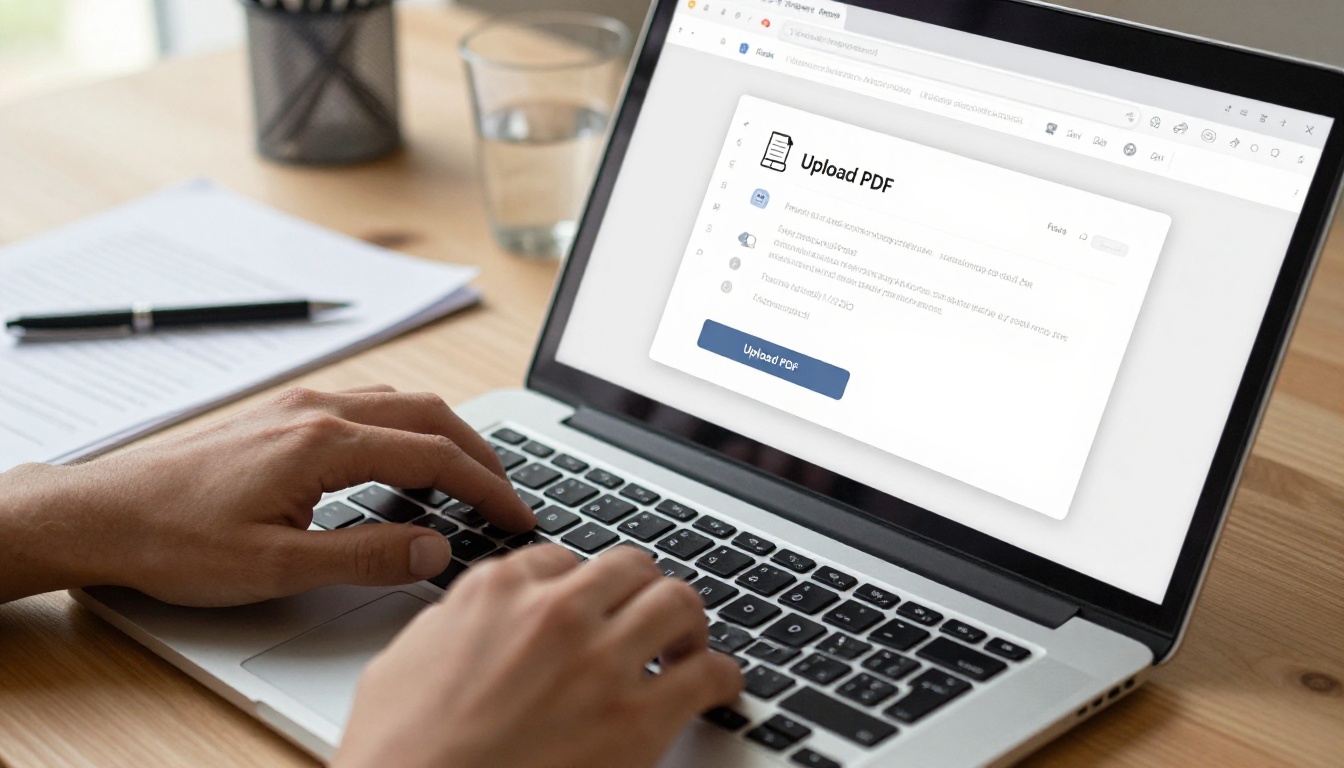
Click New Flipbook and drag your resume PDF into the upload zone. The platform processes your file and converts each page into a high-fidelity interactive spread. Processing typically takes under 60 seconds for a standard two-page resume.
✅ Upload the highest-quality PDF you have. A 300 DPI export from Canva, Adobe Illustrator, or InDesign will produce sharper results than a Word document converted on the fly.
Step 3: Customize Your Flipbook
This is where your resume starts to separate itself from the competition. From the editor:
- Set a custom cover with your name and headline
- Choose your color theme to match your personal branding
- Enable page shadows and realistic flip sounds for a polished, tactile feel
- Insert your logo or personal monogram in the header or footer
- Add clickable hotspots over portfolio images or project names
The Digital Portfolio Creator and Portfolio Flipbook Builder tools are particularly useful if your resume includes a portfolio section, since they are designed to display creative work at its best.
Step 4: Configure Sharing and Privacy
Before sending your flipbook to recruiters, decide how you want to control access:
- Public link: A clean shareable URL you can put in your email signature or LinkedIn bio
- Password-protected: Useful when applying to confidential positions or sharing tailored versions with specific companies
- Embed code: Drop it into your personal website, portfolio, or linked pages
💡 For executive-level roles, password-protect your flipbook and include the password in your cover email. It creates a small but intentional interaction that makes the recruiter feel like they are receiving something exclusive.
Step 5: Share and Track Performance
Once published, every recruiter who clicks your link generates data. With the Professional plan, you can see:
- How many times your flipbook was opened
- Which pages held attention the longest
- How long each session lasted
- Where your readers are located geographically
This is information no PDF has ever given a job seeker.
Flipbooks AI Plans: What You Actually Need
For most job seekers, the Standard or Professional plan covers everything. Here is how the tiers compare for resume use cases:
| Feature | Free | Standard | Professional |
|---|
| Number of flipbooks | 1 | Unlimited | Unlimited |
| Custom branding | No | Yes | Yes |
| Password protection | No | Yes | Yes |
| Analytics | No | No | Yes |
| Lead generation | No | No | Yes |
| Offline downloads | No | No | Yes |
| Embed on website | Yes | Yes | Yes |
| Watermark | Yes | No | No |
| Custom domain | No | No | Yes |
⚠️ The free plan includes a watermark on all flipbooks. For professional job applications, always use at least the Standard plan. A watermarked resume signals the wrong level of investment in your own presentation.
Compare full pricing plans to decide what works for your timeline.
Using Your Flipbook Resume in Real Applications
Generating the flipbook is only half the work. Where and how you use it matters just as much.
In Email Applications
Replace the traditional PDF attachment with a direct link. A simple line like:
"You can view my interactive resume here: [your flipbook link]"
...is far more likely to get clicked than an attachment that requires downloading and opening a separate app. It also removes any compatibility issues across operating systems and devices.
On LinkedIn
Add your flipbook URL to your LinkedIn profile's Featured section. Recruiters who visit your profile will see a visual preview of your resume before they even reach out. This is one of the highest-leverage placements available to any job seeker right now.
In Job Interviews
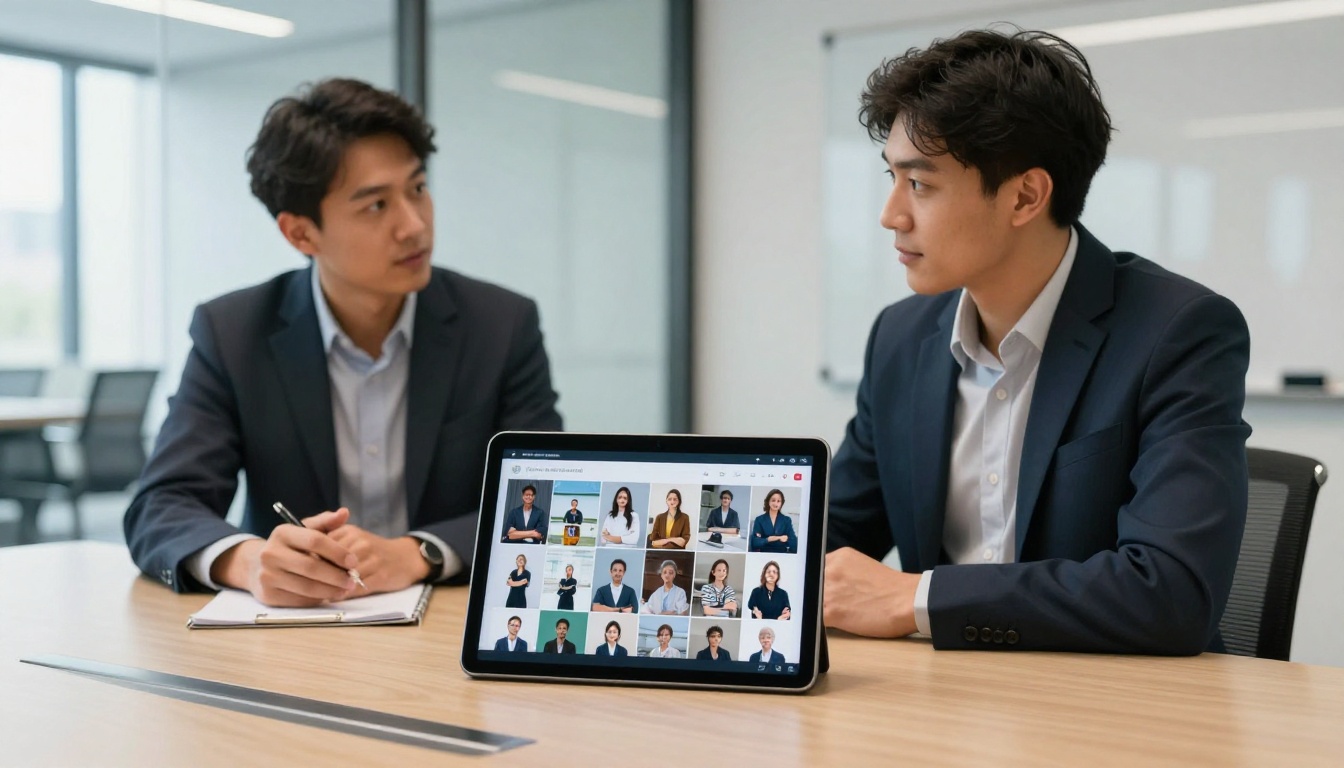
Bring a tablet or laptop to your interview. When the moment feels right, open your flipbook and walk the interviewer through it. The page-turn interaction gives the conversation a natural rhythm and keeps both of you looking at the same document at the same pace.
In Your Email Signature
Add a one-line link below your name in every professional email you send. "View my resume: [link]" works especially well when networking at industry events, reaching out to potential collaborators, or following up after conversations at conferences.

Common Mistakes That Undercut a Good Flipbook Resume
Even a well-designed flipbook can fail if you make these avoidable errors.
Too Many Pages
A flipbook resume should be two to three pages maximum. More than that and the novelty wears off before a recruiter reaches your key qualifications. If your resume runs long, edit ruthlessly before converting.
Poor PDF Quality
Blurry text, misaligned elements, or clipped margins in the source PDF will appear in your flipbook. Always review your published flipbook on both desktop and mobile before sending it to anyone.
No Clear Call to Action on the Final Page
Your last page should always include:
- Your contact email (linked)
- Your LinkedIn profile URL
- A portfolio link if relevant
Do not assume the recruiter will scroll back to find your contact details. Put it where they land last.
Ignoring Mobile Preview
More than half of recruiter email reviews happen on mobile. Open your published flipbook on your own phone before sending. Check that text is readable, images are not pixelated, and navigation feels natural with a thumb.

Resume Plus Portfolio: One Flipbook, Full Story
A flipbook resume does not have to stop at work history. The format supports a full digital portfolio alongside your credentials. For creative professionals especially, combining resume and portfolio into a single shareable flipbook eliminates the need to send multiple documents and creates a cohesive professional narrative.
Effective combinations by profession:
- Designer: Resume pages + selected project spreads with brief case study notes
- Developer: Resume + screenshots of shipped products with GitHub links embedded
- Marketing professional: Resume + campaign results data visualized in clean infographic pages
- Photographer: Resume + curated image galleries using the Photography Portfolio tool
- Consultant: Resume + client testimonial pages and service overview sheets
💡 If you freelance or consult, consider creating separate flipbooks for different client types. A flipbook built for a startup audience and one built for enterprise buyers can draw from the same core resume, just with different emphasis pages leading the narrative.

Stop Sending Flat PDFs
The difference between a resume that gets read and one that gets deleted often comes down to whether it gives the recruiter a reason to pause. An interactive flipbook gives them exactly that: a format worth opening, a document worth sharing, and a candidate worth calling back.
Create your interactive resume flipbook on Flipbooks AI today. Setup takes minutes, the result looks polished without extra effort, and the analytics on the Professional plan will tell you exactly how far your resume is actually traveling through hiring teams.
Browse all flipbook tools to find formats suited to every professional need, or review pricing plans to pick the tier that fits your job search right now.



