Creating a flipbook used to mean hiring a designer, wrestling with specialized desktop software, and waiting days for a finished product. Today, AI has collapsed that entire process into minutes. Whether you have a polished PDF ready to go or are building from a blank idea, Flipbooks AI gives you everything you need to build, brand, and publish a professional interactive flipbook without touching a line of code or opening a design application.
This article walks you through the entire process, from understanding what a flipbook is to publishing one that works on any device and collecting real data on who reads it.

What a Flipbook Actually Is
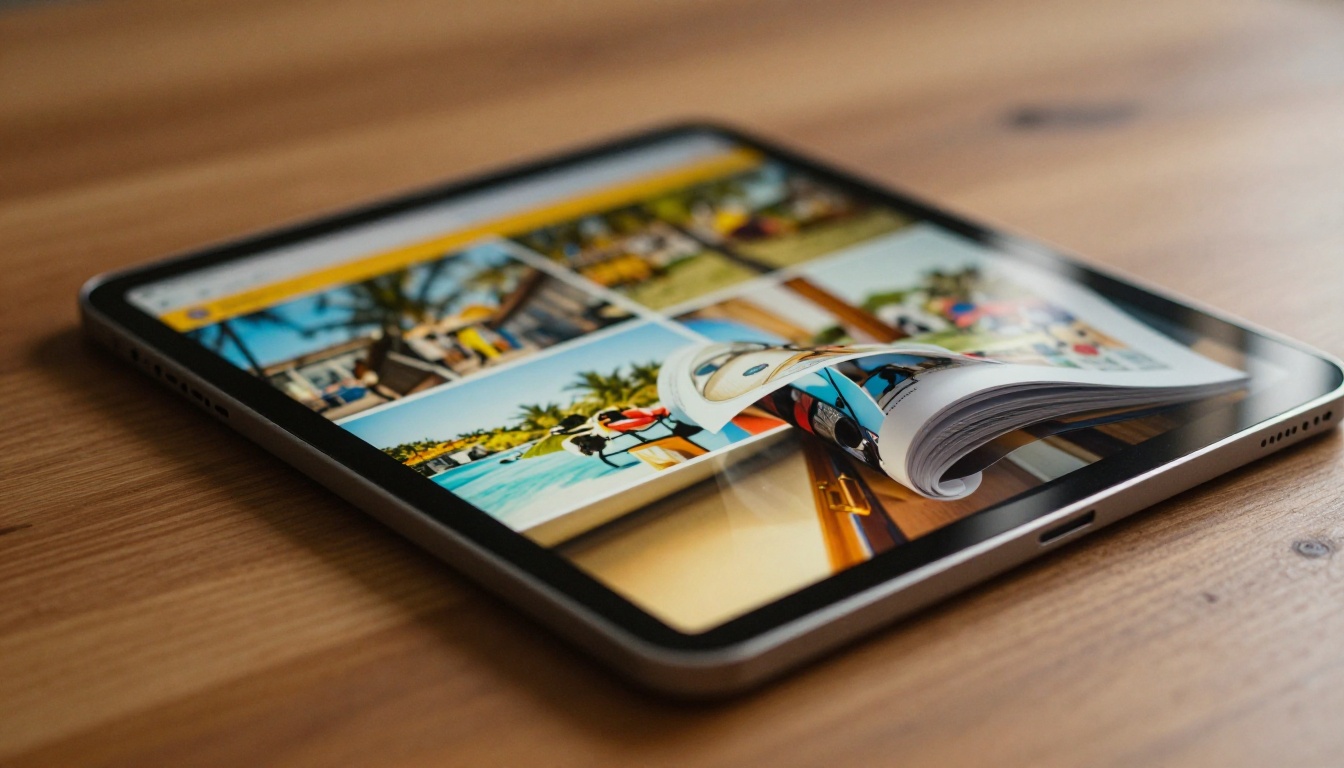
A digital flipbook is an interactive publication that mimics the physical sensation of turning the pages of a magazine or book. Pages flip with a realistic page-turn animation, content is clickable and scrollable, and the entire thing runs directly in a browser with zero downloads or plugins required.
The core distinction from a PDF is interactivity. A PDF is static. A flipbook is a living document.
Static PDFs vs. Interactive Flipbooks
| Feature | PDF | AI Flipbook |
|---|
| Page-turn animation | No | Yes |
| Clickable links | Limited | Fully interactive |
| Embedded video and audio | No | Yes |
| Mobile responsive | Inconsistent | Always |
| Analytics and tracking | No | Yes (Professional plan) |
| Custom branding | No | Yes |
| Password protection | No | Yes |
| Embed on any website | No | Yes |
This comparison shows clearly why businesses, educators, and creative professionals are moving away from static files. The reader experience is dramatically better, and the data you get back is something a PDF can never offer.
Why the Page-Turn Effect Still Works
There is something psychologically satisfying about a physical page-turn, even in digital form. It creates a sense of depth and movement that flat scrolling cannot replicate. Readers spend more time with content presented this way. Research in digital publishing consistently shows that interactive formats increase time-on-page and content retention compared to static documents.
For brands, that extra attention translates directly into sales, sign-ups, and awareness.
How AI Does the Work for You
The old process of building a flipbook required specialized software, manual page imports, and hours of configuration. AI-powered platforms collapse that entire workflow into a few clicks.
From Document to Digital in Seconds
When you upload a PDF to an AI flipbook platform, the system automatically handles every step:
- Parses every page of your document at high resolution
- Generates a responsive page-turn interface that adapts to all screen sizes
- Preserves all text, images, and layout exactly as originally designed
- Optimizes asset delivery so pages load fast on any connection speed
- Creates a shareable URL you can distribute immediately after processing
None of that requires manual input. You upload, the AI processes, and a finished interactive publication is ready.
3 Things AI Automates That You Cannot Do Manually
Responsive scaling: AI flipbook engines automatically reformat your content for phones, tablets, and desktops without requiring you to create separate versions of your document.
Performance optimization: Every page is delivered as an optimized asset. Images are compressed intelligently, pages are pre-loaded in sequence, and load times stay fast regardless of how long your document runs.
Publishing infrastructure: Hosting, SSL certificates, CDN delivery, and uptime are all managed for you. You never think about servers.
💡 Always export your source PDF at 300 DPI or higher before uploading. The AI conversion preserves every design detail faithfully, but only if the source file has the resolution to support it.
Step-by-Step: Build Your First Flipbook with AI
Here is the complete process for creating a flipbook from scratch using Flipbooks AI.
Step 1: Create Your Account
Go to flipbooksai.com/account and sign up for free. No credit card is required to start. The free plan lets you create flipbooks and test all core features before deciding whether to upgrade.
Once inside, you land on a clean dashboard showing your flipbook library and a prominent button to create a new publication.
Step 2: Upload Your PDF
Click Create Flipbook and drag your PDF into the upload zone. The platform accepts PDF files of any size. If you do not have a PDF yet, most design tools, including Canva, Adobe InDesign, Google Slides, and even Microsoft Word, let you export directly to PDF in seconds.

The AI processes your document page by page. Depending on file size, this typically takes between 10 and 60 seconds. A progress indicator shows the status, and once complete, a live preview of your flipbook is available immediately.
⚠️ Password-protected PDFs must be unlocked before upload. The platform cannot parse encrypted documents.
Step 3: Customize Your Flipbook
This is where you shape the final presentation of your publication:
- Branding: Upload your logo, set brand colors, and choose a custom background for the flipbook viewer
- Page effects: Select your page-turn animation style, speed, and whether pages turn on click or drag
- Multimedia: Embed YouTube videos, audio clips, or animated GIFs directly into specific pages
- Table of contents: Auto-generate a clickable contents panel from your document headings
- Password protection: Restrict access with a password for private or premium content
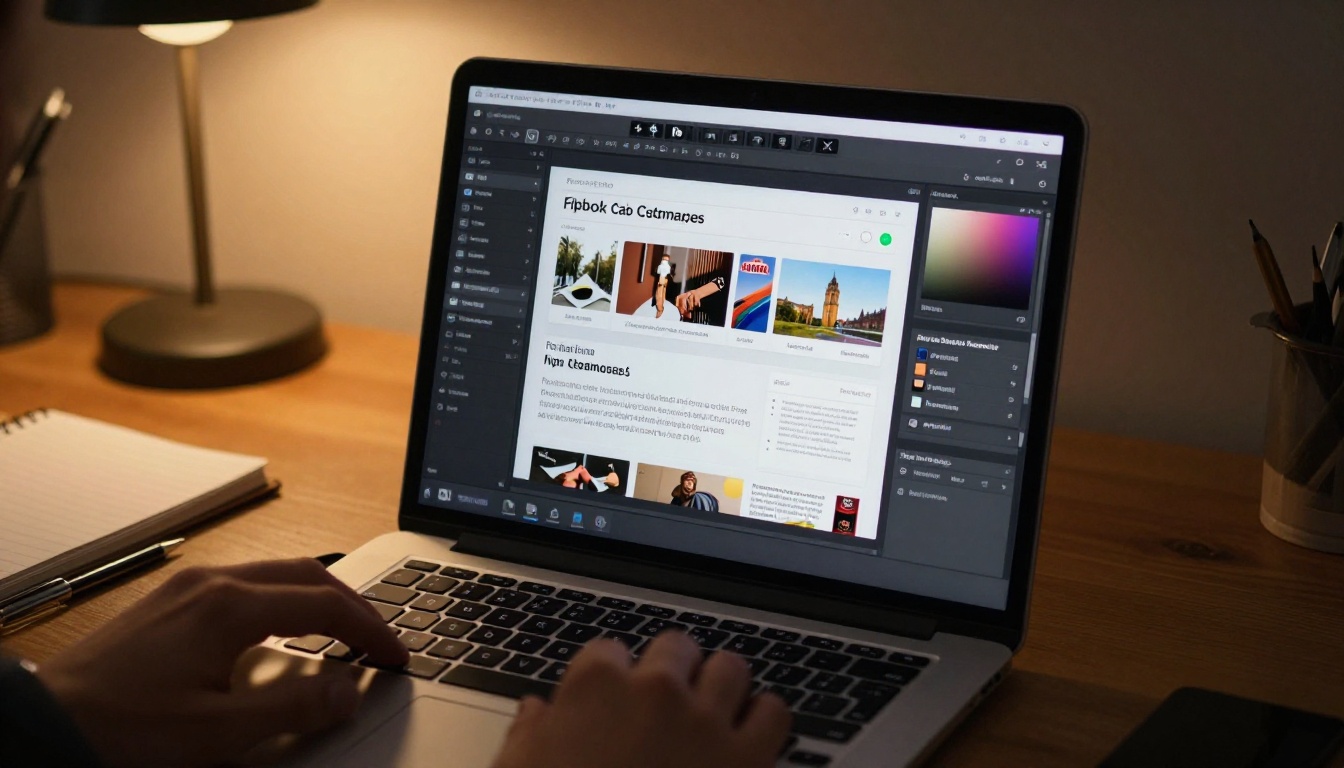
✅ Always upload your logo and match the viewer background to your brand palette before publishing. A branded flipbook builds immediate trust and looks significantly more professional than the default settings.
Step 4: Share, Embed, or Download
Once customized, your flipbook is live. You get multiple distribution options immediately:
- Direct link: A clean, permanent URL you can share anywhere
- Embed code: An iframe snippet you drop into any website or CMS in seconds
- Social sharing: One-click share buttons for major platforms
- Offline download: Export the flipbook as a standalone HTML file for offline use (Professional plan)
- Lead generation: Capture reader emails with a built-in content gate before the flipbook opens (Professional plan)
The PDF to Flipbook Converter tool handles all standard conversions with no file-size anxiety.
Not all flipbook platforms deliver the same experience. Here is what actually matters when you compare options.
What to Look For
Before committing to any platform, run through this checklist:
- No watermarks: Some free tools stamp your flipbook with their own branding. That is not acceptable on client-facing documents.
- Custom branding: You want your name and colors on it, not the platform's.
- Embed capability: If you have a website, embeddability is non-negotiable.
- Analytics: Knowing how many people read your flipbook, and which pages they read, is critical for sales and marketing decisions.
- Mobile performance: Over 60% of web traffic happens on mobile. A flipbook that breaks on phones is not a viable publication.
Platform Comparison
| Feature | Flipbooks AI | Typical Free Tool | Desktop Software |
|---|
| No watermarks | ✅ All plans | Paid only | ✅ |
| Cloud hosting | ✅ | ✅ | ❌ |
| Custom branding | ✅ | Limited | ✅ |
| Analytics | ✅ Professional | Rare | ❌ |
| Mobile optimized | ✅ Always | Varies | ❌ |
| Embed on website | ✅ | Limited | ❌ |
| Offline download | ✅ Professional | Rare | ✅ |
| Lead capture | ✅ Professional | No | No |
| Unlimited flipbooks | ✅ Standard+ | Often capped | ✅ |
| Password protection | ✅ | Rarely | Sometimes |
Flipbooks AI stands out because it removes watermarks on every plan, which matters the moment you share a document with a client, customer, or prospect.
Pricing at a Glance
| Plan | Best For | What You Get |
|---|
| Free | Testing and personal projects | Core flipbook creation, shareable link, basic customization |
| Standard | Small businesses and freelancers | Unlimited flipbooks, custom branding, embed code, no watermarks |
| Professional | Marketing teams and agencies | Analytics, lead generation, offline downloads, priority support |
See the full breakdown on the pricing page to find the right fit for your volume and goals.

Real-World Use Cases
Flipbooks are not just for magazines. Here are the industries extracting the most value from AI-powered digital publications.
Marketing and Sales
Sales teams are replacing static pitch decks and product sheets with interactive publications that perform far better. A product catalog that a prospect can page through on their phone, with clickable product links and embedded demo videos, converts at a higher rate than a PDF attachment sitting unopened in an inbox.
Real estate agents have adopted real estate brochures that load instantly on mobile, include virtual tour video embeds, and track which pages potential buyers spend the most time on.
Practical example: A fashion brand uploads its seasonal lookbook as a PDF. AI converts it into an interactive lookbook flipbook with clickable product links. Readers browse the lookbook and click directly to purchase. The analytics panel shows which products attracted the most attention, informing the next campaign strategy.
Education and Training
Training departments use flipbooks to modernize static manuals and course materials. A training manual flipbook stays accessible from any browser, can be updated without redistributing files, and holds embedded instructional videos within the same document.
Universities use the course material publisher to distribute interactive syllabi and reading packets that students access from phones or tablets without downloading anything.

Hospitality and Food
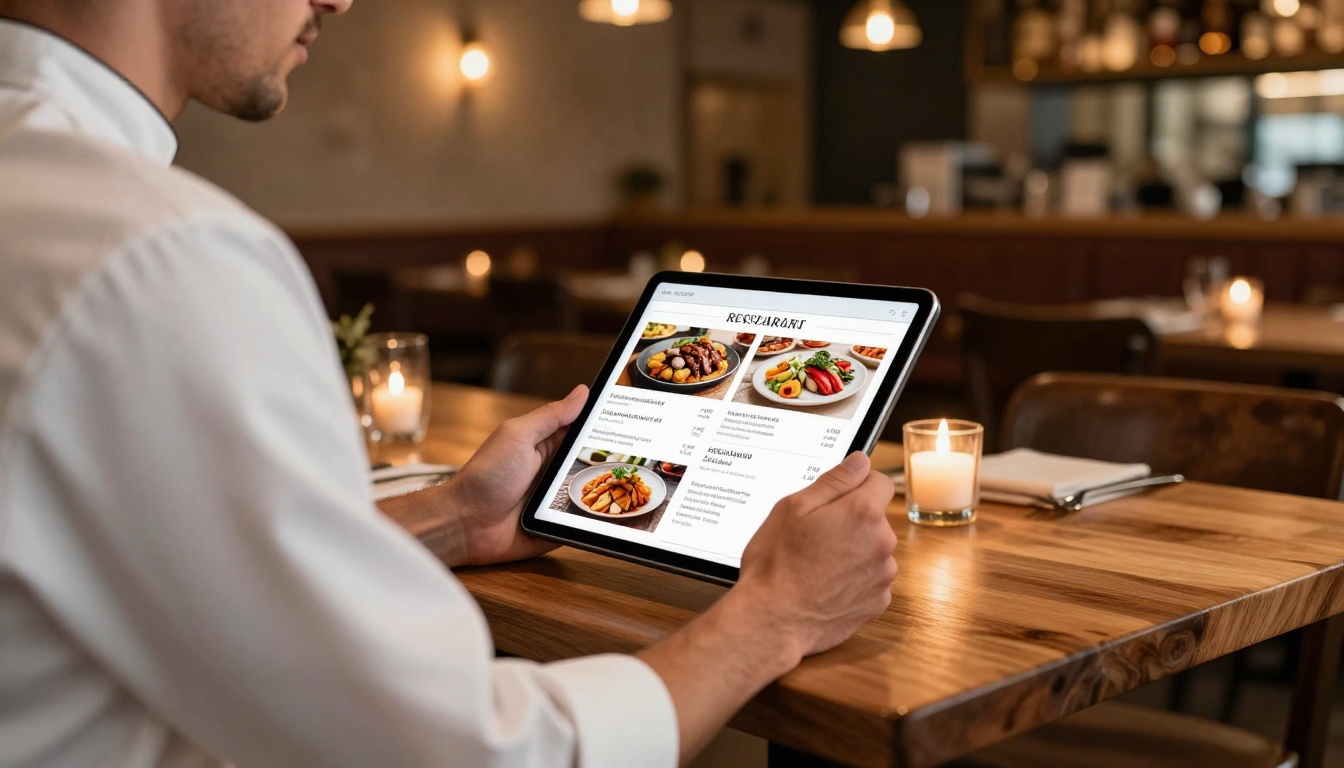
Restaurants are replacing printed menus with digital alternatives that update instantly when items or prices change. The Restaurant Menu Creator turns any designed menu PDF into a flipbook that loads on a QR-code scan at the table, with no app required from the diner.
Hotels use the Hotel Brochure Designer to distribute room and amenity guides that include embedded video tours and live booking links alongside the property photography.
3 Mistakes That Ruin a Flipbook
Low-Quality Source PDFs
The AI conversion is only as good as the document you give it. Low-resolution images, missing fonts, or poor layout in your source file carry over into the flipbook. Always export your PDF at the highest quality your design tool allows.
⚠️ Scanned documents with image-based text (not real, selectable text) will display correctly but will not be searchable inside the flipbook. Use proper PDF exports from design tools wherever possible, not scans of physical documents.
Skipping the Branding Step
The default viewer settings are deliberately neutral, which means they look generic. Taking five minutes to add your logo, set your brand colors, and customize the viewer background changes how your flipbook is perceived entirely. A branded publication signals professionalism before the reader turns a single page.
Forgetting Mobile
Always preview your flipbook on a phone before sharing it publicly. Most platforms include a mobile preview mode in the editor. Zoom levels, font sizes, and navigation all behave differently on small screens, and problems that look fine on a desktop often break completely at mobile widths.
💡 Design your source PDF with mobile in mind from the start. Use larger fonts (12pt minimum), avoid multi-column layouts that compress badly on small screens, and keep important text and images away from page edges where mobile crop zones tend to cut content.
What to Do After You Publish
Sharing Options
Your flipbook lives at a permanent, clean URL the moment you publish. Distribution options include:
- Email: Paste the link directly into campaigns, newsletters, or individual outreach
- Social media: Share natively on LinkedIn, Instagram, Facebook, or X
- Website embed: Use the embed tool to place it inside any page with a single iframe code snippet
- QR code: Generate a QR code pointing to your flipbook for print materials, packaging, or signage
Reading Your Analytics
On the Professional plan, your flipbook dashboard surfaces data that changes how you create content:
- Total views and unique reader count
- Page-by-page retention: Which pages hold attention and where readers exit
- Device breakdown: Mobile, desktop, and tablet split
- Lead capture data: Email addresses collected through the content gate feature
- Session time: Average reading duration per visit

Page-drop-off data tells you not just whether someone opened your document, but how they interacted with it section by section. If readers consistently stop at page 5 of a 20-page catalog, that page needs attention, whether the design breaks down or the content loses momentum.
💡 Run a review of your flipbook analytics after the first 100 views. The page-drop-off curve almost always reveals one or two pages that need redesigning, and fixing those typically increases average read depth across the board.
Your First Flipbook Starts Here
You now have everything needed to build a professional AI-powered flipbook from scratch. Prepare your PDF, upload it to Flipbooks AI, apply your branding, and publish. The whole process takes under five minutes once your source document is ready.
The difference between sharing a static file and sharing an interactive flipbook is the difference between an attachment and an experience. Readers stay longer, click more often, and retain more when content moves and responds to them.

Create your first flipbook for free and have a live, shareable publication ready in minutes.
If you want tools built for a specific use case, browse the full flipbook tools library covering everything from fashion catalogs to digital portfolios to annual reports and interactive e-books.
When you are ready to access analytics, lead capture, and offline downloads, compare all pricing plans and pick the tier that fits your needs.



