Sending a client proposal used to mean printing a glossy deck, hoping it survived the mail, and waiting by the phone. Today, you email a PDF and hope it doesn't get buried under 300 other unread messages. Neither approach works well anymore. The clients who respond fastest, and with the most enthusiasm, are the ones who received something they actually wanted to click through. That's where flipbooks change everything.
Flipbooks AI lets you convert any static PDF proposal into a fully interactive, page-turning digital document that clients can view on any device, share with their team, and experience like a real presentation, not a file attachment buried in a downloads folder.
Why Static PDFs Are Losing You Clients
The Proposal Open Rate Problem
Most proposals get one glance. Research consistently shows that decision-makers spend an average of under 3 minutes reviewing a proposal before deciding whether to read further or archive it. A flat PDF gives you no data, no interactivity, and no second chance.

The core problems with static PDFs:
- No interaction tracking: You never know if the client opened it, which pages they read, or where they dropped off
- No interactivity: Clients cannot click embedded links, watch videos, or interact with any content
- Weak visual impact: Even well-designed PDFs look flat on screen compared to a dynamic, page-turning experience
- Hard to share internally: Clients often forward PDFs to other decision-makers, losing formatting and context along the way
- No version control: Once a PDF is sent, you cannot update it if pricing changes or you spot a typo
⚠️ If you're sending PDFs without tracking, you're flying blind. You have no idea if your proposal is being read or archived the moment it arrives.
What Clients Actually Want to See
Modern clients expect digital-first experiences. They want to flip through a proposal the way they browse a website, not scroll a static document endlessly. They respond better to:
- Visual storytelling with high-quality images and embedded media
- Clear section navigation without hunting for information
- Mobile-friendly formats they can review on the go
- Branded, polished presentations that reflect real professionalism
- Documents that feel tailored specifically to them, not mass-produced
The gap between what most businesses send and what clients actually want to receive is significant. Flipbooks close that gap in a concrete, measurable way.
What Makes a Flipbook Proposal Different
Interactive Pages vs. Static Slides
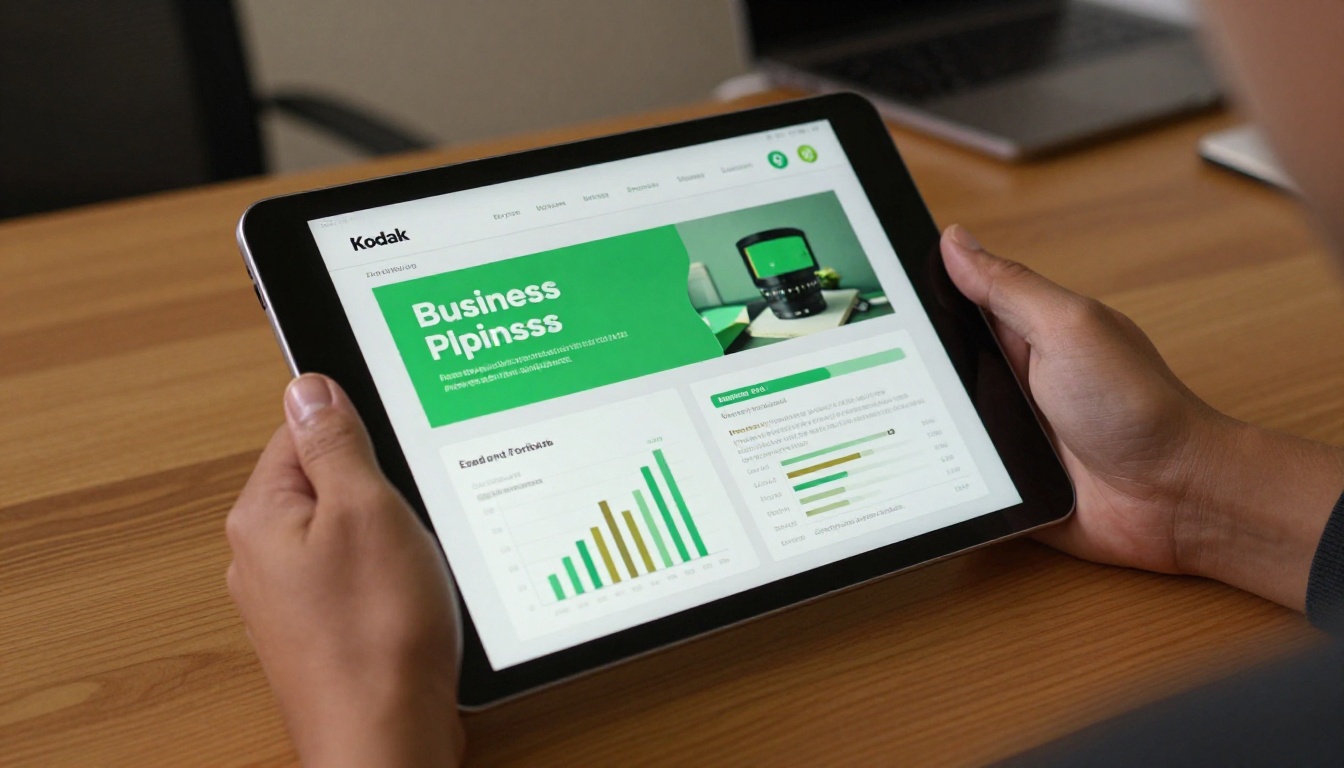
A flipbook proposal is a living document. Instead of a flat PDF or a slide deck that requires software to open, a flipbook renders in any browser with a realistic page-turn animation. Clients navigate sections the way they browse content, naturally and intuitively. No downloads. No plugins. Just a link.
| Feature | Static PDF | PowerPoint/Slides | Flipbook Proposal |
|---|
| Page-turn interactivity | No | No | Yes |
| Mobile-responsive | Partial | Partial | Yes |
| Embedded video/audio | No | Limited | Yes |
| Open and activity tracking | No | No | Yes |
| Password protection | No | No | Yes |
| Custom branding | Limited | Yes | Yes |
| No software required | No | No | Yes |
| Direct share link | No | No | Yes |
| Update after sending | No | No | Yes |
Multimedia That Sells
Static proposals tell. Flipbook proposals show. You can embed:
- Product videos directly inside the pages, no external links needed
- Clickable links to your portfolio, case studies, or pricing pages
- Audio narration for added context on complex sections
- Interactive navigation so clients jump to the sections they care about most
💡 Embedding a 60-second video testimonial inside a proposal page can significantly increase client response rates. Video gives the proposal a human voice without requiring a live call.
The result is a proposal that clients actually spend time with, one they scroll, watch, and return to rather than skimming once and forgetting.
How to Build Your First Client Proposal Flipbook
This is where Flipbooks AI makes the process straightforward. You don't need design skills or technical knowledge to produce something that looks genuinely impressive.
Step 1: Design Your PDF Proposal
Start with what you already have. Use your existing proposal template in any design software (Canva, InDesign, Google Slides, Microsoft Word) and export it as a PDF. When designing for flipbook conversion, focus on:
- One idea per page, not walls of text
- Large, high-resolution images with emotional impact
- Consistent font and color scheme throughout
- Clear section breaks that reward page-turning

✅ Best practice: Keep proposals between 12 and 20 pages. Shorter proposals get read in full more often than longer ones, and the page-turn format makes even 20 pages feel like a fast, satisfying read.
Step 2: Upload and Convert
Head to Flipbooks AI and create your account. Once inside the dashboard:
- Click "New Flipbook" to start a new project
- Select your PDF file from your computer and upload it
- The platform converts it automatically into a page-turning flipbook in seconds
- Preview your flipbook in the built-in viewer before making any changes
- Check every page renders correctly and all images appear at full quality
The conversion process preserves all your existing formatting, fonts, and images exactly as designed in your original document.
Step 3: Brand It to Match Your Business
Before sharing with any client, apply your branding so the flipbook feels like an extension of your company identity:
- Upload your company logo to appear on the flipbook viewer header
- Set your brand colors for the navigation bar, page controls, and background
- Add a custom background texture or color to frame the flipbook pages
- Choose the page-flip style (rigid, soft page, or realistic curl)
- Set a custom sharing URL to match your brand presentation
This transforms a generic document into a polished, client-ready experience that reflects your company identity from the moment they click the link.
Step 4: Add Multimedia and Links
With branding done, enrich the content to make the proposal genuinely interactive:
- Embed videos: Paste a YouTube or Vimeo URL to add video directly on any page
- Add hyperlinks: Link text or images to external URLs, your portfolio, or contact pages
- Include audio: Add narration or background music for specific pages
- Set page hotspots: Create clickable zones that open popups, images, or external links
- Insert forms: Capture questions or interest directly within the flipbook
Step 5: Share It with the Client
This is where flipbook proposals genuinely outperform every other format. Instead of attaching a file, you share a clean URL that works everywhere:
- Direct link: Copy and paste into any email or message
- Password protection: Require clients to enter a password before viewing
- Embed code: Drop the flipbook directly onto a proposal page of your website
- Download option: Allow clients to save an offline PDF version for reference
- QR code: Generate a QR code for in-person meetings or printed materials
💡 For high-stakes proposals, use password protection so only the intended client can access the content. This signals that the proposal was built exclusively for them, which creates a stronger sense of value and urgency.
Proposal Types That Work Best as Flipbooks

Almost any client-facing document benefits from the flipbook format, but some proposal types see the greatest impact.
Sales Proposals
Sales teams sending service or product proposals see faster response times when clients can flip through a visual, interactive document instead of scrolling a PDF. The Sales Presentation tool is purpose-built for this exact use case.
Sections to include:
- Executive summary (page 1, before anything else)
- Problem statement in the client's own language
- Proposed solution with supporting images
- Pricing breakdown with clear tiers or packages
- Project timeline
- Social proof and client testimonials
- Clear next steps with a single call to action
Real Estate Proposals
Real estate professionals benefit enormously from flipbook proposals. Instead of emailing static images or PDFs, agents can present a beautifully laid-out property analysis with embedded virtual tour links, neighborhood photos, and comparative market data. The Real Estate Brochure tool handles the structural layout, leaving you to focus on the content.
Marketing Agency Proposals
Creative agencies use flipbooks to show, not tell. A marketing proposal that includes embedded campaign videos, portfolio work shown at full resolution, and clickable case study links feels completely different from a Word document. Clients feel the agency's creativity before the contract is even signed.
Event Planning Proposals
Event planners can include vendor photos, venue walkthroughs via embedded video, layout diagrams, catering menus, and pricing tables all within a single interactive flipbook. Clients can share the link with partners or stakeholders internally without any file format issues or version confusion.
Features That Make Your Proposal Stand Out

Password Protection
Proposals contain pricing, strategy, and proprietary thinking. Password protection ensures only your intended client sees the content. It also communicates that the proposal was built exclusively for them, which creates a stronger psychological sense of value and exclusivity.
Analytics and Tracking
This is the single biggest advantage flipbooks have over every other proposal format. With analytics (available on the Professional plan), you can see:
- Total views and unique visitors to the proposal
- Which pages were read most thoroughly
- How long clients spent on each individual page
- Whether they reached and spent time on the pricing section
- Which sections clients returned to after the first read
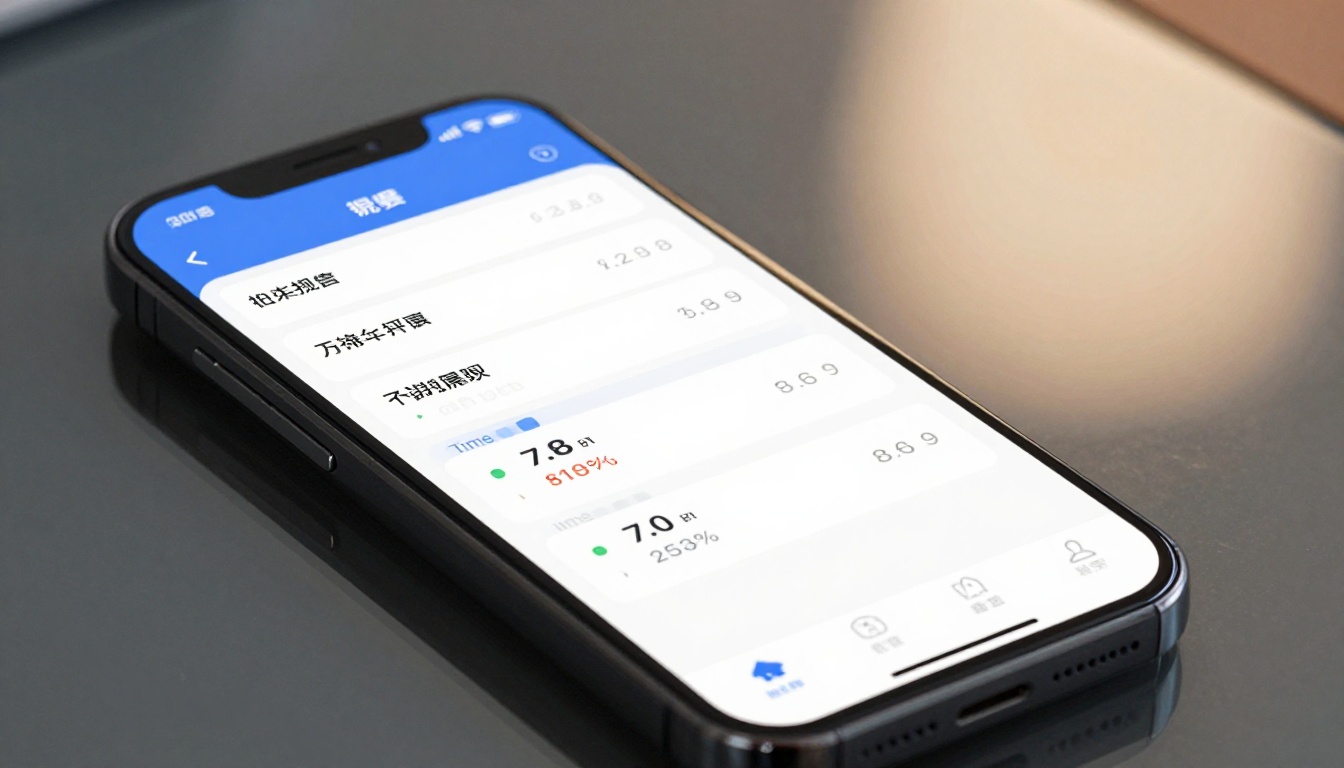
This data transforms your follow-up strategy entirely. If you know a client spent 4 minutes on your pricing page and then went back to the testimonials section, you know exactly what to address in your follow-up call.
💡 Use analytics data to time your follow-up. If you see the client opened the flipbook an hour ago and is still active, that's the moment to send a casual check-in message. Your timing will feel perfectly calibrated without being intrusive.
Lead Generation Inside the Proposal
On the Professional plan, you can embed lead capture forms directly within the flipbook pages. This means clients can express interest, ask a question, or request a callback without ever leaving the proposal. It removes friction from the conversion process entirely.
Embedding on Your Website
For agencies and consultants, embedding a live proposal demo directly on your website adds a level of professionalism that no email attachment can match. Use the Embed Flipbook on Website tool to generate an embed code in seconds, then drop it onto any web page.
Plan Comparison: What You Get
| Feature | Free | Standard | Professional |
|---|
| Number of flipbooks | Limited | Unlimited | Unlimited |
| Watermarks | Yes | No | No |
| Custom branding | No | Yes | Yes |
| Password protection | No | Yes | Yes |
| Analytics | No | No | Yes |
| Lead generation | No | No | Yes |
| Offline downloads | No | Yes | Yes |
| Embed on website | No | Yes | Yes |
| Video embedding | No | Yes | Yes |
For client proposals, the Standard plan is the minimum worth using since it removes watermarks and adds custom branding. The Professional plan becomes essential once you want analytics to see which clients interacted with your proposal, which pages they read, and when to follow up.
See pricing plans to choose what works for your business size and proposal volume.
Common Proposal Mistakes to Avoid

Too Much Text
A proposal page crammed with paragraphs doesn't get read, it gets skimmed. Use bullet points, short sentences, and visual hierarchy. Let images carry the emotional weight while text handles the specifics. If you need three sentences to make a point, you need to rethink the point.
No Visual Hierarchy
Clients scan proposals in an F-pattern, reading across the top, then down the left side. Put your strongest argument in the top-left of each page. Use bold text, contrasting colors, and section headers to guide the eye toward what matters most.
Ignoring Mobile Viewers
A significant portion of decision-makers review proposals on their phones, especially during commutes or after hours. Flipbooks rendered through Flipbooks AI are fully mobile-responsive by default. Static PDFs often render as tiny, unreadable text on mobile screens, immediately undermining the proposal's credibility before the client reads a single word.
⚠️ Test your flipbook on mobile before sending. Open the link on your phone and check that every page reads clearly at mobile size. What looks great on desktop can become illegible on a small screen if not checked first.
Skipping the Follow-Up
A proposal without a follow-up plan is just a document waiting to be forgotten. Use analytics to identify when the client first viewed it, then reach out within 24 hours. This timing communicates responsiveness without being pushy. It shows you're attentive, not desperate.
Sending the Same Proposal to Every Client
Generic proposals lose to personalized ones almost every time. With flipbooks, you can quickly duplicate and modify a proposal, swapping out the client's name, logo, specific pain points, and relevant case studies. The investment of 20 extra minutes per proposal can dramatically improve your win rate.

Flipbooks AI provides purpose-built tools for specific proposal types. Instead of starting from scratch, choose the tool built for your industry:
Browse the full library of flipbook tools to find the right starting point for your next proposal.
Start Winning More Proposals
The difference between a proposal that wins and one that gets ignored often comes down to how it feels to receive it. A flat PDF feels like homework. A polished, interactive flipbook feels like a gift. It's easy to open, beautiful to read, and memorable long after the initial meeting.
You already have the content. The strategy, the pricing, the case studies, the results. Flipbooks AI gives you the format that makes all of it land the way it deserves.
Ready to send proposals clients actually want to read? Create your account and build your first interactive proposal today. Want analytics and lead generation from day one? Upgrade to Professional to see exactly how clients interact with your proposals and follow up at precisely the right moment.



