Event programs have always had a problem: guests glance at them once, fold them in half, and leave them on the table before the first speaker finishes. All that printing cost, all that design time, all that paper — gone before the event ends. Digital flipbooks solve this in ways that even the best-designed printed program never could.
Flipbooks AI turns your existing event program PDF into an interactive, page-turning digital experience that guests actually engage with — on their phones, tablets, or laptops, before and during the event. This article covers exactly how to make that happen, from the design stage to the share button.
Why Paper Programs Are Costing You More Than You Think
Printed event programs feel professional, but they come with a stack of hidden costs that add up fast. Understanding the real numbers changes how most event planners approach this decision.
The True Cost of Printed Programs
A standard print run for a 500-person event breaks down like this:
| Cost Item | Estimate |
|---|
| Design and layout (freelance) | $150 - $400 |
| Printing (500 copies, 8 pages) | $300 - $700 |
| Last-minute reprints for changes | $100 - $250 |
| Distribution and folding labor | $50 - $150 |
| Waste (uncollected copies) | 15-30% of total |
| Total | $600 - $1,500+ |
That last row stings the most. Industry data consistently shows that 20-40% of printed event programs go uncollected or are discarded within the first hour. You are literally paying to produce trash.
Digital flipbooks eliminate almost every line item above. Once designed and uploaded, your program costs nothing extra to distribute to 50 or 5,000 guests.
What Attendees Actually Want in 2026
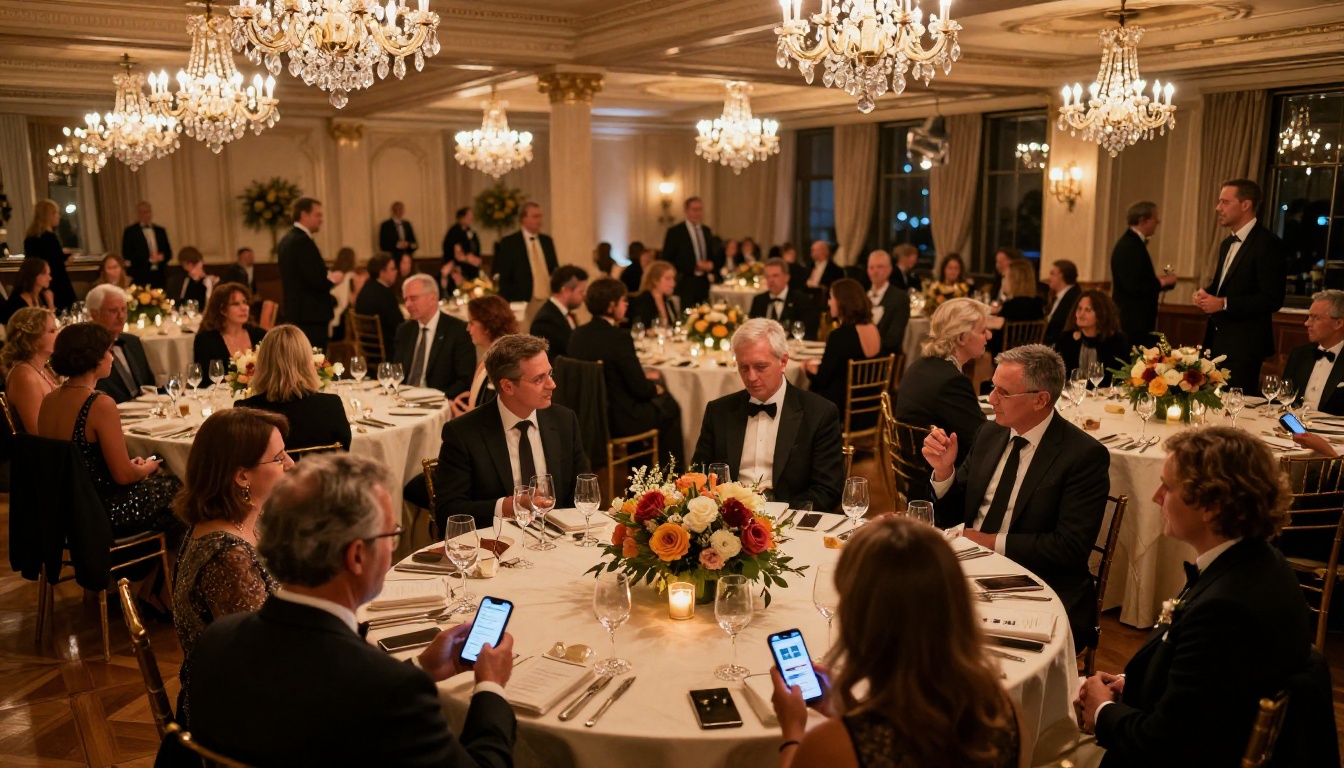
Attendees at modern events are on their phones anyway. Rather than fighting that instinct, smart event planners are channeling it. A digital event program in flipbook format lets guests:
- Check the schedule without asking a volunteer
- Tap speaker bios to read full backgrounds
- Share the program link with colleagues who couldn't attend
- Zoom in on small text without squinting
- Access the program before the event starts, days in advance
The page-turn effect also triggers something print never quite manages: it feels like an experience rather than an information sheet.
Types of Events That Benefit Most
Not every event program is created equal. The use case shapes what your flipbook needs to include and how guests will interact with it.
Conferences and Corporate Events
This is where digital event programs genuinely shine. Conference attendees are glued to their devices, often looking up speakers in real time. A flipbook-format conference agenda lets you:
- Include hyperlinked speaker bios so attendees can tap to read more
- Embed session descriptions with room locations
- Update the schedule in real time if sessions shift
- Track which pages attendees visit most with analytics
The Event Program Maker tool on Flipbooks AI is purpose-built for exactly this use case.

Weddings and Ceremonies
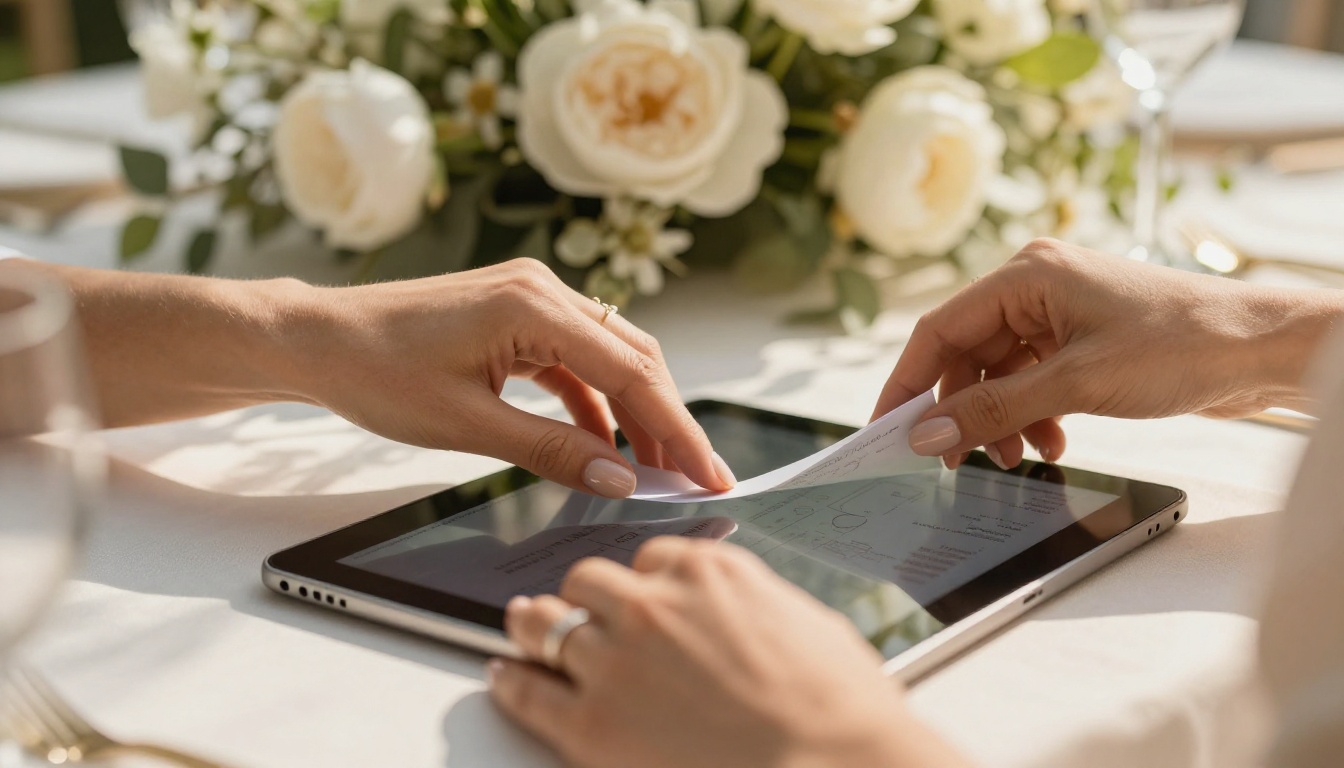
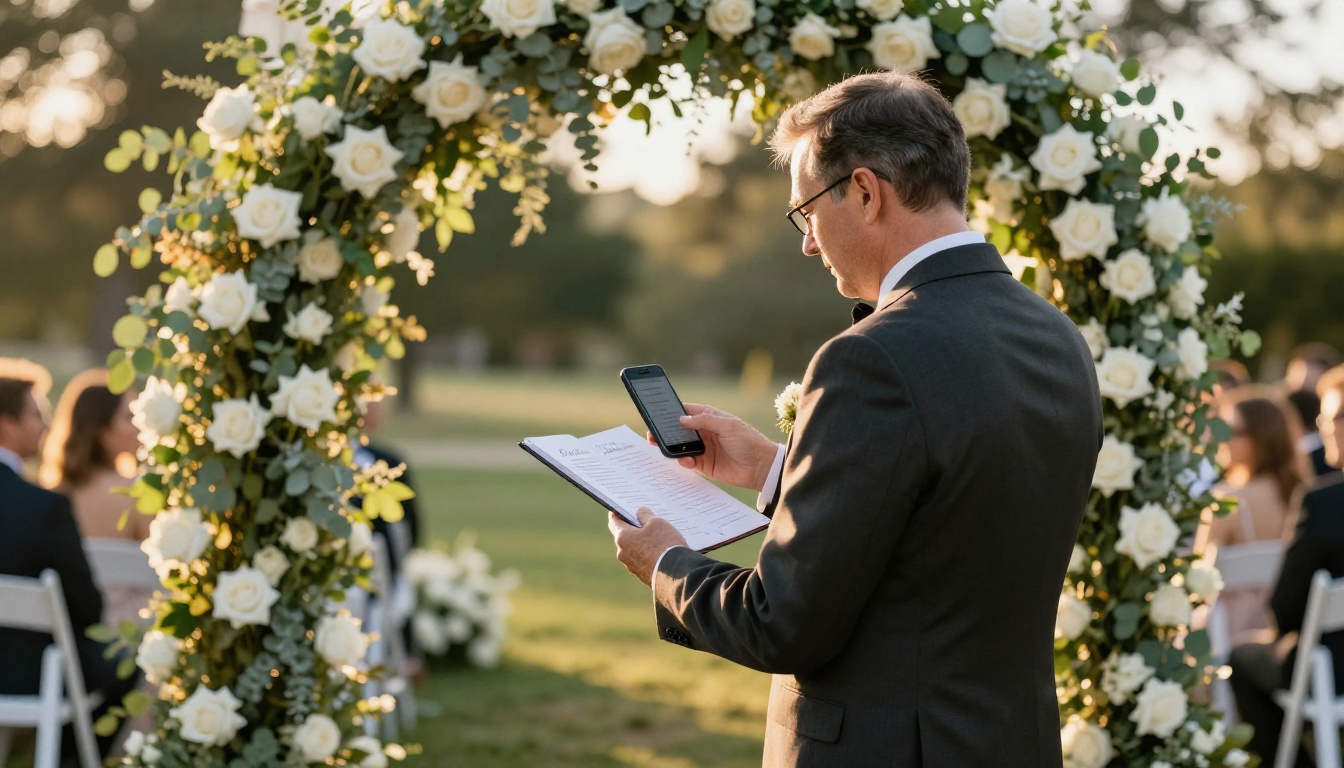
Printed ceremony programs are a wedding staple, but they're also a notorious source of last-minute stress. The officiant changes wording, a reading gets swapped, someone misspells the maid of honor's name. Reprinting 200 programs the night before the wedding is a nightmare most couples have lived.
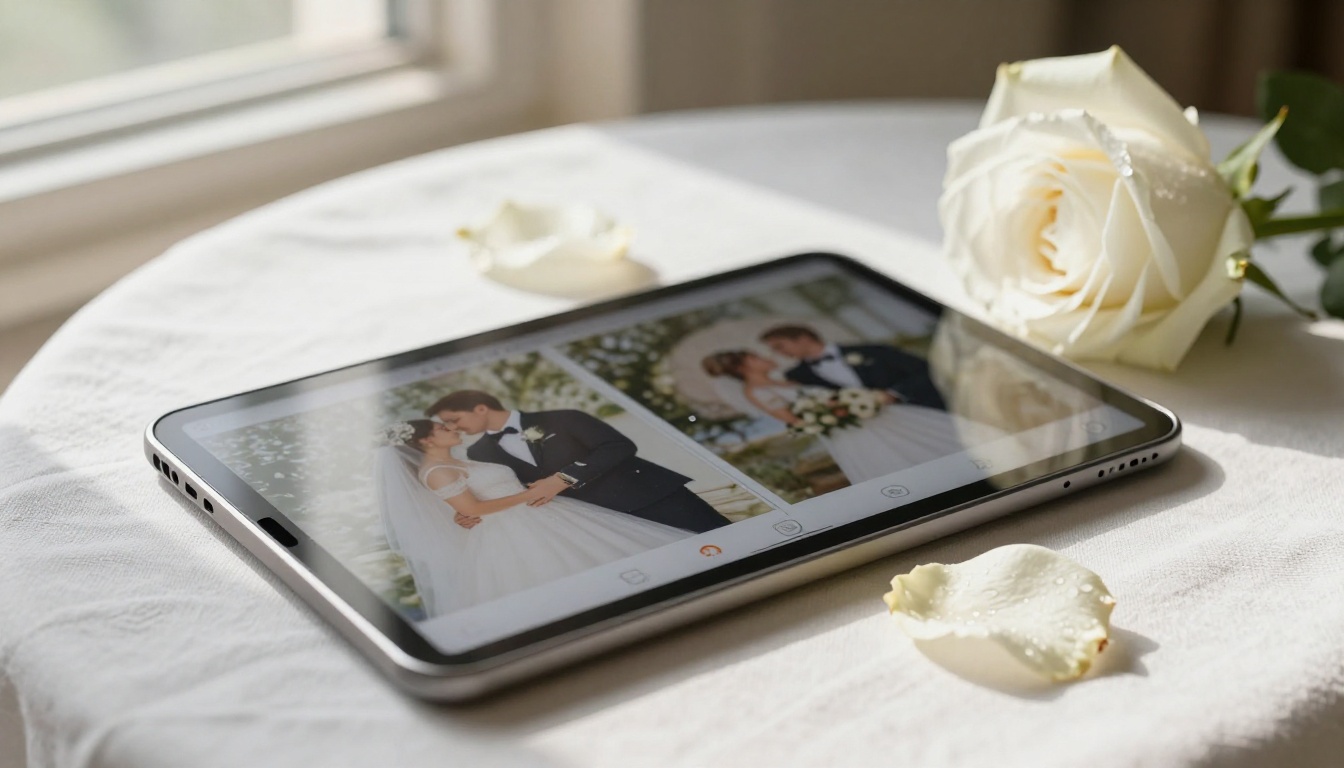
A wedding ceremony flipbook solves all of that. Edit the program the morning of the event, share the updated link with guests, and every phone in the room is looking at the correct version.
💡 Pro Tip: Create a password-protected version of the ceremony flipbook for private family events, and a public version for open receptions, both from the same master PDF.
Galas, Awards, and Fundraisers
Award ceremony programs are long by nature. Donor lists, award categories, honoree bios, sponsor acknowledgments — they often run 20-30 pages. That's a bulky printed booklet that most guests tuck under their arm and forget.
As a digital flipbook, that same 30-page program becomes something guests actually browse. You can include sponsor logos with clickable links, video tributes embedded directly on the page, and a table of contents that lets guests jump to the sections they care about.
Fundraisers in particular benefit from linking directly to donation pages from within the program itself.
What Makes a Flipbook Better Than a Plain PDF
Sending guests a PDF link feels functional but forgettable. A flipbook transforms that same file into something experiential. The difference matters more than it sounds.
Page-Turn vs. Scroll
PDFs require scrolling. Flipbooks require page turns. That single interaction shift changes how people experience content.
| Feature | PDF | Flipbook |
|---|
| Page-turn animation | No | Yes |
| Mobile-optimized viewing | Partial | Full |
| Embedded video and audio | No | Yes |
| Shareable link | Yes | Yes |
| Password protection | Limited | Yes |
| Analytics (who viewed what) | No | Yes |
| Custom branding | No | Yes |
| QR code sharing | No | Yes |
| Print option retained | Yes | Yes |
| Offline access | Download required | Available |
Real-Time Updates Without Reprinting
This is the feature that converts most skeptics. When a speaker cancels at 9 PM the night before your conference, you don't reprint 400 programs. You update the PDF in Flipbooks AI, re-upload, and every existing share link automatically reflects the change.
The same link, sent in last week's confirmation email, now shows today's correct schedule. No mass re-communication needed. No apology emails. No confused guests.
⚠️ Important: If you password-protect your flipbook, remember to include the password in the event confirmation email or on the venue signage.
How to Build Your Event Program with Flipbooks AI
The process is straightforward, and you don't need to be a designer to produce something polished.
Step 1: Design Your PDF First
Your flipbook is only as good as the PDF behind it. Use whatever design tool you're comfortable with — Canva, Adobe InDesign, Google Slides, or even Microsoft Word. What matters is:
- Portrait orientation (standard 8.5x11 or A4)
- Clear section headings for easy scanning
- High-resolution images (300 DPI minimum)
- Consistent branding: colors, fonts, and logos
For event programs specifically, organize content in this order: Welcome and Overview, Schedule, Speaker and Participant Bios, Acknowledgments and Sponsors, Map or Venue Information.

Step 2: Upload and Convert
Head to Flipbooks AI and create your account. The conversion process takes under a minute:
- Click New Flipbook from your dashboard
- Drag and drop your event program PDF into the upload area
- Wait for the automatic conversion (typically 10-30 seconds depending on file size)
- Preview the page-turn version to verify every page converted cleanly
✅ Best Practice: Review every page in the preview before sharing. Watch for fonts that may not have embedded correctly or images that appear compressed.
Step 3: Brand It for Your Event
This step separates a generic digital document from a proper event experience. In the Flipbooks AI editor:
- Set your event colors as the flipbook background and UI elements
- Upload your event logo to brand the viewer interface
- Choose a page-turn style (soft curl, hard cover, or digital slide)
- Add a custom domain or subdomain if you're embedding on your event website
- Set the opening page so guests land on the welcome section, not the cover
Step 4: Sharing Options That Actually Work
This is where digital event programs beat print on every front. From your published flipbook, you have multiple sharing options:
| Method | Best For |
|---|
| Direct link | Email confirmations, event websites |
| QR code | Physical signage at venue entrance |
| Embed code | Adding to event website or registration page |
| Password protection | Private events, VIP-only content |
| Social share | Pre-event promotion |
Print the QR code on a small tent card and place it at each table. Attendees scan it and have the full program in their hands before the first toast.

Step 5: Embed on Your Event Website
If your event has a dedicated website or landing page, embedding the flipbook directly keeps guests in your ecosystem. Flipbooks AI provides a clean embed code that works in any website builder — Squarespace, Wix, WordPress, or custom HTML.
Use the Embed Flipbook on Website tool to generate your embed snippet in seconds.
Advanced Features for Serious Event Planners
Once you've used the basics, these features make event programs genuinely powerful as a communication tool.
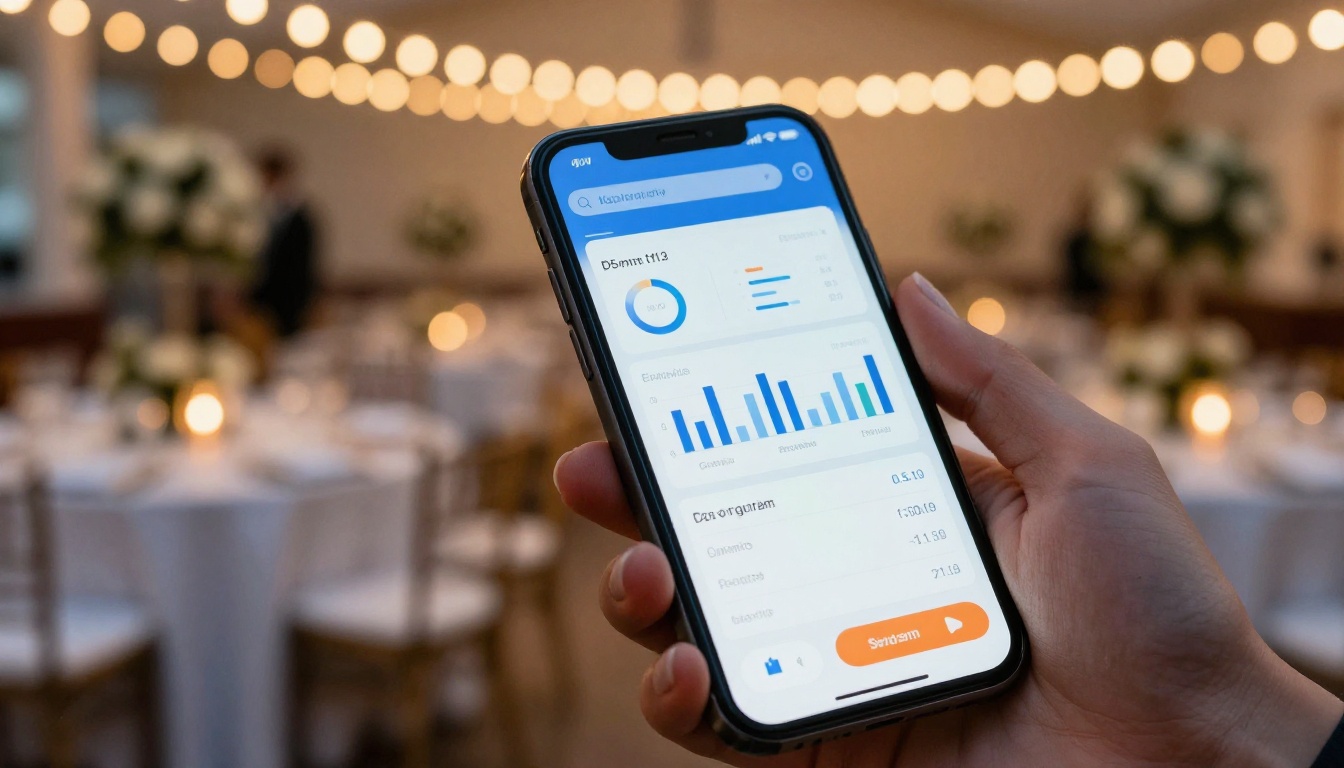
Analytics: Know What Guests Actually Read
Available on the Professional plan, Flipbooks AI analytics show you page-by-page engagement data. For event programs, this tells you:
- Which sessions got the most pre-event interest
- Whether guests read the sponsor section
- How long attendees spent on the program overall
- Drop-off points where you lost their attention
This data is gold for future event planning. If 60% of your attendees viewed the speaker bios section but only 10% read the sponsor acknowledgments, you know exactly where to invest more design attention next time.
💡 Pro Tip: Share the analytics report with sponsors post-event. Showing them that their logo was viewed by 347 unique attendees is a concrete value proposition for renewal.
Embedding Video Directly in the Program
This is the feature that printed programs can never compete with. Inside your flipbook, you can embed video directly onto any page. Practical uses for event programs:
- A welcome message video from your keynote speaker on the cover page
- Artist or performer previews on their bio pages
- Venue walkthrough video on the location and map page
- Sponsor product videos in the acknowledgments section
Guests tap the thumbnail, the video plays inline, and they return to the program without leaving the flipbook.
Lead Generation Forms
For business conferences and professional events, the Professional plan includes lead generation capabilities. You can add a contact form or email capture directly within the flipbook. Attendees who want to connect with a speaker or sponsor fill out the form without leaving the event program.
This turns a passive document into an active engagement tool.
Offline Access
Network reliability at venues is notoriously inconsistent. The offline download feature on Flipbooks AI means guests can cache the program to their device before the event starts. Even in a basement ballroom with no signal, the program is still accessible.
Flipbooks AI Plan Comparison for Events
| Feature | Free | Standard | Professional |
|---|
| Flipbooks | 1 | Unlimited | Unlimited |
| Watermark | Yes | No | No |
| Custom branding | No | Yes | Yes |
| Password protection | No | Yes | Yes |
| Analytics | No | No | Yes |
| Lead generation | No | No | Yes |
| Offline downloads | No | Yes | Yes |
| Video embeds | No | Yes | Yes |
| Custom domain | No | No | Yes |
| Priority support | No | No | Yes |
For a one-time event, the Standard plan gives you everything you need with no watermarks and full sharing features. Recurring event organizers — conference series, annual galas, monthly meetups — will find the Professional plan worth every cent for the analytics alone.
Compare all pricing plans to pick the right fit for your event scale.
Common Mistakes to Avoid
Most event program flipbooks fail for predictable reasons. Avoid these and yours will stand out.
Uploading a low-resolution PDF. If your source file has compressed images or non-embedded fonts, the flipbook will inherit those problems. Always export from your design tool at 300 DPI with all fonts embedded.
Sharing the link without testing on mobile. Most guests will open the program on a phone, not a laptop. Open your published flipbook on your own phone before distributing. Check that text is readable at default zoom and that page turns work smoothly.
Forgetting to include the QR code on venue signage. A digital program nobody can find is useless. Print QR codes on large signs at the entrance, on table cards, and in the pre-event confirmation email.
Not setting a custom cover page. Flipbooks AI lets you set a specific page as the entry point. Use the welcome page or the event schedule, not the inside back cover.
⚠️ Common Error: Sending guests a PDF download link instead of the flipbook link. Double-check that you're sharing the published flipbook URL, not the original PDF from your file storage.
Practical Use Cases by Event Type
| Event Type | Key Pages to Include | Recommended Features |
|---|
| Wedding ceremony | Order of service, vows, readings | Password protection, video embed |
| Corporate conference | Agenda, speaker bios, floor plan | Analytics, lead gen, QR sharing |
| Gala fundraiser | Program schedule, donor list, sponsors | Video tributes, clickable sponsor links |
| Awards ceremony | Category details, honoree bios | Analytics, embedding |
| Trade show | Exhibitor directory, session guide | Lead capture, embed on website |
| Music festival | Stage schedule, artist bios | Video previews, QR at gates |
| School graduation | Ceremony order, graduate names | Password for family access |
Stop Printing What Gets Left on the Floor
The math is simple. Printed programs cost more, update less, and end up as waste before the event ends. Digital flipbooks cost less, update instantly, and give you data about how attendees actually use them.
The page-turn format isn't a gimmick — it changes how people interact with a document. It signals that someone put care into the experience. That matters for how guests perceive your event overall.
You don't need a big team or a design background to make it work. Design your PDF in whatever tool you already use, upload it to Flipbooks AI, set your branding, and share the link. The whole process takes under an hour for most event programs.
Ready to build yours? Get started for free on Flipbooks AI, or browse all event tools to find the right starting point. If you're managing events regularly, explore the Professional plan to unlock analytics and lead generation that turns every program into a post-event asset.



