If you run a small business and your marketing still relies on static PDFs, printed brochures, or plain Word documents, you are leaving customers on the table. Today's buyers scroll fast, skim harder, and respond to content that moves. That is exactly why thousands of small business owners have switched to digital flipbooks, and why tools like Flipbooks AI are changing how local businesses compete online.
A flipbook turns any PDF into an interactive, page-turning digital publication. Think of your product catalog, restaurant menu, or service brochure not as a flat file someone downloads and forgets, but as an experience they can click through, share with a friend, and revisit. The difference in customer response is real and measurable.
This article walks you through the how and why of using flipbooks specifically to grow your business. You will find practical examples by industry, a step-by-step tutorial, and a clear comparison of what different plans offer.
Why Static PDFs Are Hurting Your Business
The Problem with Traditional Marketing Materials
Most small businesses share marketing content in one of three ways: printed materials that cost money to update, email attachments that go unread, or generic website pages that do not stand out. None of these options give potential customers a reason to stop scrolling.
A static PDF has no personality. It does not animate, it does not track who opened it, and it certainly does not make someone feel excited about what you are selling. Worse, a PDF downloaded on a phone often displays incorrectly, gets buried in the downloads folder, and is never opened again.
⚠️ If your marketing materials require someone to download a file just to see your products or services, you have already lost half your potential customers before they even start.
What Customers Actually Want
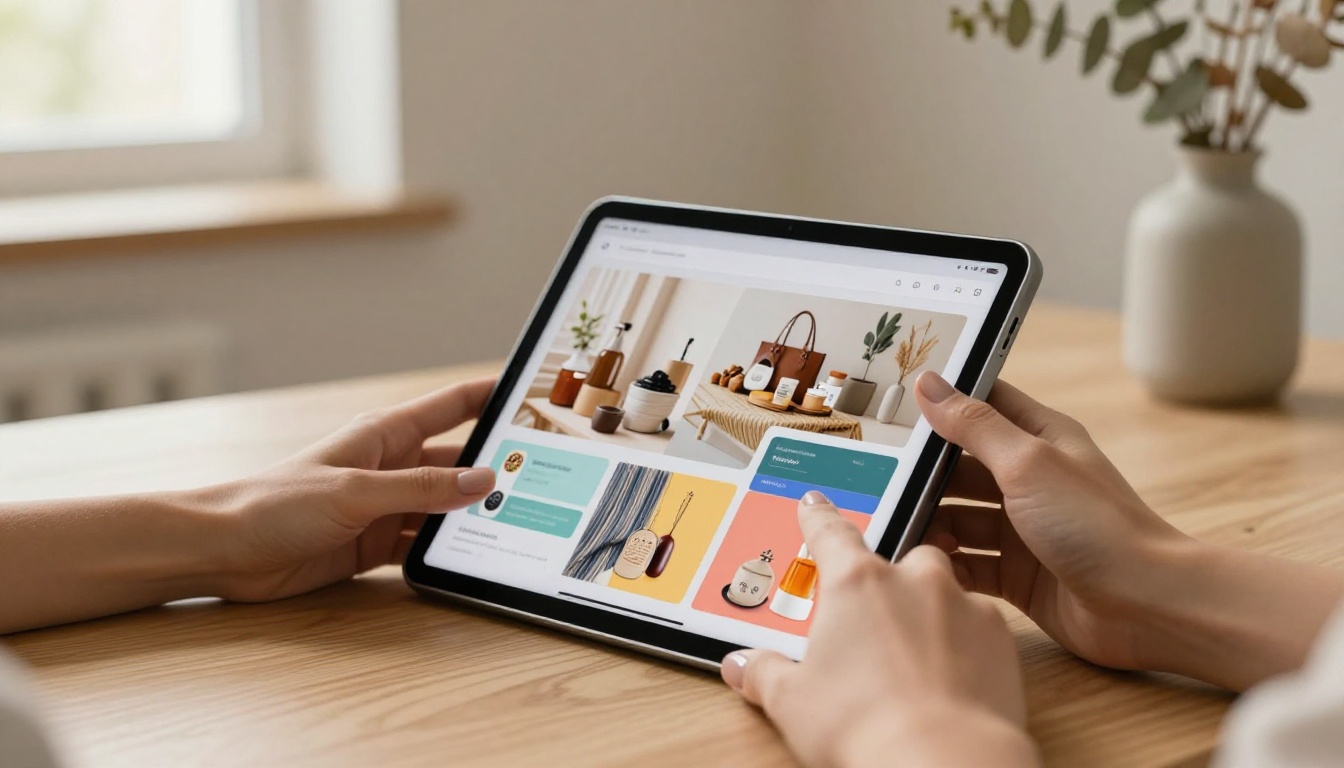
Modern buyers want fast, visual, and interactive content. They want to browse your products like they are flipping through a magazine at a coffee shop. They want to click a link you shared on Instagram and immediately see everything you offer, without friction.
Interactive flipbooks meet that expectation. They open instantly in any browser, work on any device, and feel professional without requiring a design team or a large budget. That combination is why so many small business owners consider digital flipbooks one of the most practical marketing investments they have made.
What a Flipbook Does for Your Business
More Than Just a Pretty Page
A digital flipbook is not just a nicer-looking PDF. It is a marketing tool that works across multiple channels simultaneously. You can embed it directly on your website, share the link in emails, post it on social media, or send it via WhatsApp to a prospective client. One file, unlimited distribution.
The page-turn effect creates a tactile, magazine-like experience that holds attention longer than a scrolling web page. When your content is well-designed, that extra time on the page translates directly into more inquiries, more purchases, and more trust from people who had never heard of your business before.
💡 Research consistently shows that interactive content generates two to three times more reader interaction than static content. For a small business, that difference can mean the gap between someone remembering you or forgetting you entirely.
The Numbers Behind Interactive Content
| Metric | Static PDF | Interactive Flipbook |
|---|
| Average view time | Under 30 seconds | 3 to 5 minutes |
| Mobile readability | Poor, zoom required | Fully responsive |
| Shareability | Low, download required | High, single link |
| Analytics | None | Page views, drop-offs, time on page |
| Update process | Reprint or re-upload | Instant online edit |
The numbers tell a clear story. Every minute a potential customer spends inside your flipbook is a minute they are not looking at a competitor's website.

5 Industries Using Flipbooks Right Now
Restaurants and Food Service
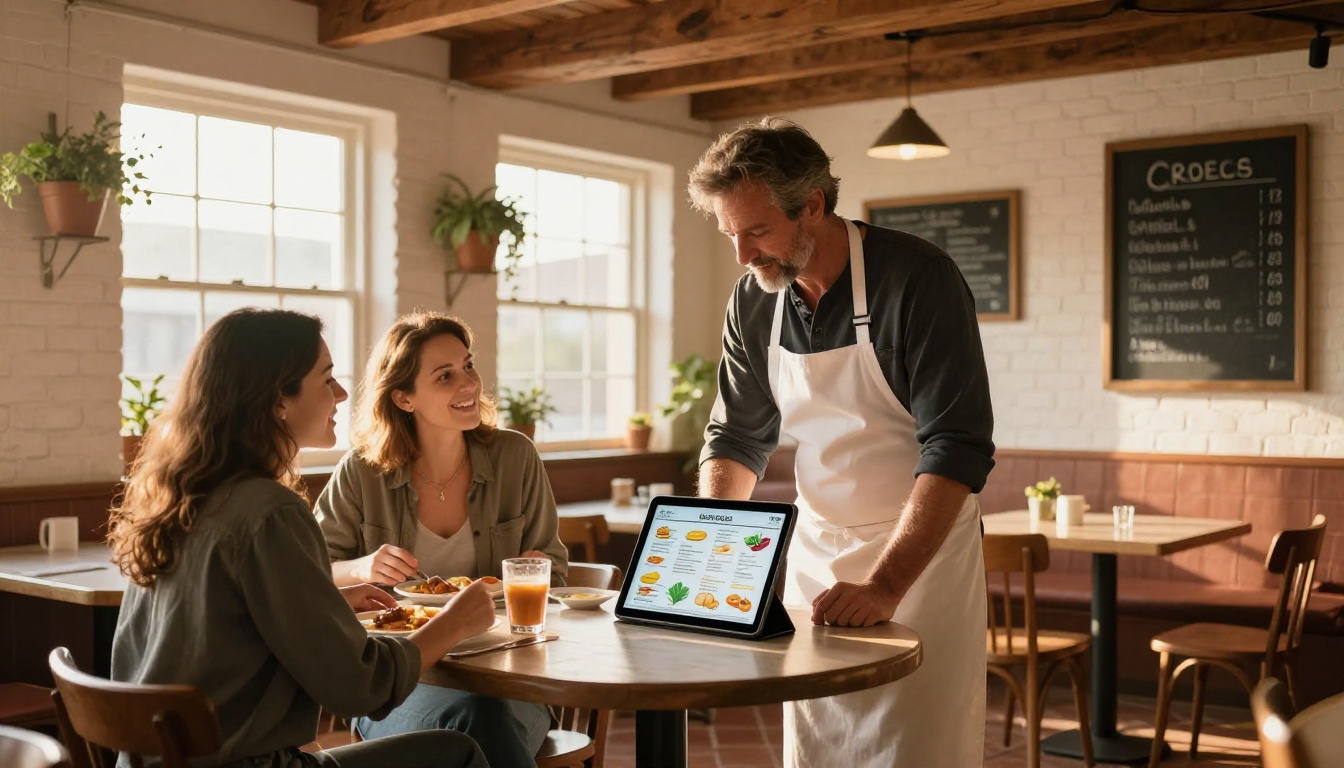
A restaurant that shares a digital menu flipbook converts more walk-ins from social media. Instead of directing customers to a confusing PDF menu or a cluttered website table, you share one clean link. Customers browse the full menu beautifully formatted, see seasonal specials on dedicated pages, and even pull up the link at the table on arrival.
The Restaurant Menu Creator and Spa & Wellness Menu tools on Flipbooks AI make this setup fast, even without a designer on staff. A single afternoon is enough to go from blank template to published, shareable menu.
Real Estate
Real estate agents using digital property brochures consistently outperform those sending Word docs or basic PDF listings. A flipbook property brochure lets buyers flip through full-bleed photography, floor plans, neighborhood details, and financing options in one polished document they can share with a spouse, parent, or co-buyer instantly.
The Real Estate Brochure Creator makes it simple to build a listing presentation that feels premium without premium agency costs. Agents who adopt this approach report faster decision timelines and stronger post-showing recall from buyers.
Retail and Fashion
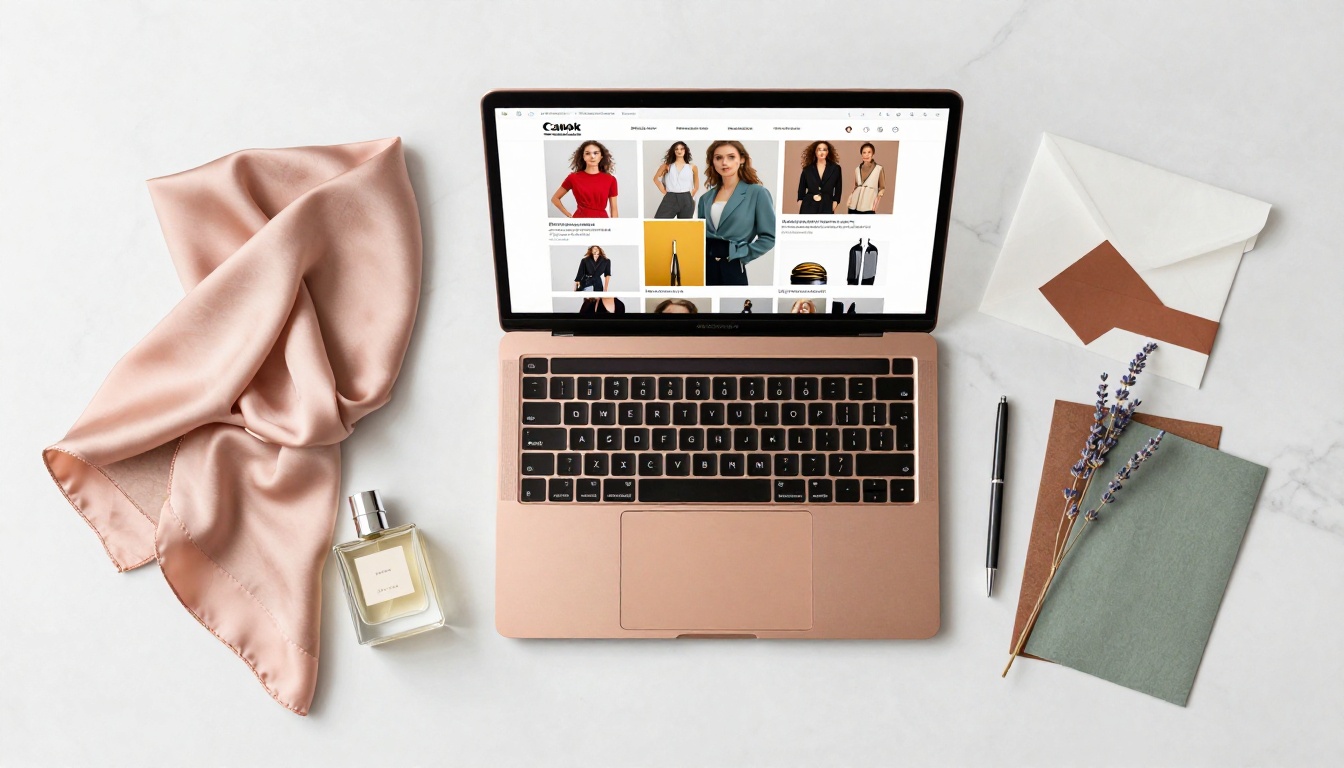
Product catalogs in flipbook format are a competitive advantage for small retailers. A boutique that sends customers a link to a seasonal lookbook gets better results than one posting a stack of product photos in a Facebook album. The Fashion Catalog Creator and Interactive Lookbook Designer are built specifically for this use case.
✅ Best practice: Update your product catalog flipbook every season and share it across email, Instagram bio link, and your website homepage. Treat it like a living document, not a one-time project.
Professional Services
Accountants, consultants, lawyers, and coaches all benefit from having a polished service brochure in flipbook format. It elevates professional perception instantly. A consultant who sends a beautifully formatted interactive brochure after a discovery call creates a far stronger impression than one who sends a plain email attachment.
The Sales Presentation and Press Kit Designer tools handle both client-facing and media-facing needs, making it easy to maintain a consistent professional presence across every touchpoint.
Events and Hospitality
Hotels, event venues, and wedding planners use flipbooks to replace static price lists and package PDFs. An Event Program Maker or Hotel Brochure flipbook lets clients browse packages, view photography, and share the link with their planning committee, all from one URL that never requires a download.
How to Build Your First Flipbook with Flipbooks AI
Getting your first flipbook live takes less time than most people expect. Here is the exact process from start to share.
Step 1: Sign Up and Upload Your PDF
Head to Flipbooks AI and create your account. Once you are in, click the upload button and drag your PDF into the converter. The PDF to Flipbook Converter processes your file instantly, preserving all your layout, fonts, and images while generating the interactive page-turn format.
If you do not have a designed PDF yet, start with any of the specialized creation tools. Choose a template, fill in your content, and export directly into flipbook format without touching any external design software.
Step 2: Customize Your Flipbook
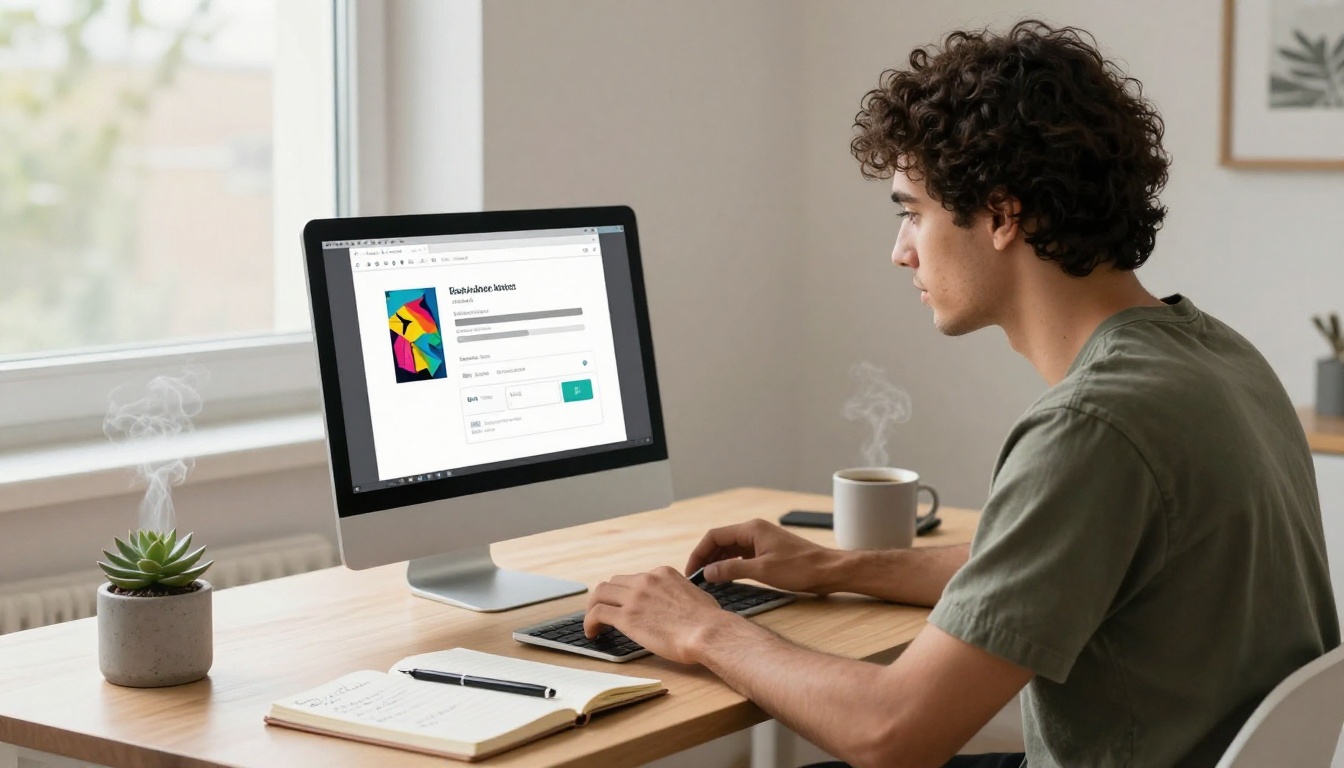
Once uploaded, you can adjust your flipbook's appearance to match your brand:
- Brand colors: Set your primary and secondary colors across the viewer interface
- Logo placement: Add your business logo to the flipbook header for instant recognition
- Page effects: Choose from different page-turn animation styles that suit your industry tone
- Background: Select solid colors, gradients, or custom background images
- Multimedia: Embed YouTube videos, audio clips, or hyperlinks directly on any page
The customization options mean even a basic PDF transforms into something that looks intentionally designed and distinctly yours.
Step 3: Share It Everywhere
Once your flipbook is published, you have multiple distribution options:
- Direct link: Copy and paste the URL anywhere, into emails, social media posts, or text messages
- Embed code: Place your flipbook directly on your website or landing page using the Embed Flipbook on Website tool
- Password protection: Restrict access to specific clients, wholesale buyers, or private content
- QR code: Generate a QR code to print on physical materials, business cards, or packaging
💡 Put the link to your digital catalog in your email signature. Every outbound email becomes a passive marketing touchpoint with zero extra effort.
Step 4: Track What Works
On the Professional plan, Flipbooks AI gives you full analytics on your flipbooks. You can see which pages readers spend the most time on, where they drop off, how many people viewed each publication, and even collect leads directly inside the document. This data is genuinely useful for small businesses that need to make every marketing decision count.

Flipbooks AI Plans at a Glance
One of the most common questions from small business owners is which plan actually fits their needs. Here is a clear breakdown:
| Feature | Free | Standard | Professional |
|---|
| Flipbooks per month | Limited | Unlimited | Unlimited |
| Watermark | Yes | No | No |
| Custom branding | No | Yes | Yes |
| Password protection | No | Yes | Yes |
| Analytics | No | Basic | Full |
| Lead generation | No | No | Yes |
| Offline downloads | No | No | Yes |
| Embed on website | No | Yes | Yes |
✅ For most small businesses, the Standard plan delivers everything needed: no watermarks, unlimited flipbooks, custom branding, and website embedding. Move to Professional when analytics and lead capture become priorities for scaling your marketing.
See the full breakdown at the Flipbooks AI pricing page to find the tier that fits your current stage.

Real Use Cases That Drive Sales
Theory is useful. Real examples are better. Here is a breakdown of how specific business types use flipbooks to bring in more revenue:
| Business Type | Flipbook Use | Result |
|---|
| Boutique clothing store | Seasonal lookbook shared on Instagram | Higher cart values from customers who browsed the full catalog |
| Independent restaurant | Digital menu linked in Google Business profile | Fewer "what's on the menu?" calls, more informed walk-ins |
| Real estate agent | Property brochures sent after showings | Faster decision timelines, stronger buyer recall |
| Freelance consultant | Service deck shared post-discovery call | Higher close rates compared to plain email follow-ups |
| Fitness studio | Class schedule and pricing brochure | Cleaner onboarding, fewer repetitive DMs about pricing |
| Wedding venue | Packages flipbook with embedded photo gallery | More site visits converting to booked consultations |
The common thread across all of these examples: replacing a flat, forgettable file with something that actually holds attention and earns a response.
Common Mistakes to Avoid
Even with a great tool, small businesses sometimes undercut their results with avoidable errors. Watch for these:
Uploading a poorly designed PDF. A flipbook is only as good as the PDF it converts. If your source file is cluttered, low-resolution, or full of tiny text, the flipbook will reflect that. Invest time in the design before converting.
Not sharing it anywhere. Some business owners create a flipbook and leave it sitting on a dashboard. A flipbook that is not shared does not work. Add it to your website, your email signature, your social profiles, and your Google Business listing from day one.
Ignoring mobile formatting. Most of your customers will view your flipbook on a phone. Test it on mobile before sharing it widely. Flipbooks AI flipbooks are mobile-responsive by default, but your source PDF layout still matters for readability.
Skipping the branding step. A flipbook with your logo and brand colors looks deliberate. A generic-looking flipbook with a watermark looks like an afterthought. Take ten minutes to set up custom branding before your first share.
Never updating the content. Seasonal menus, new products, updated pricing: if your flipbook content goes stale, it actively works against you. Set a calendar reminder to review and refresh your flipbooks each quarter.
Stop Being the Business That Sends Plain PDFs
There is a clear divide forming between small businesses that look professional online and those that still feel stuck a decade behind. Flipbooks are one of the fastest, most affordable ways to close that gap. You do not need a marketing agency, a design team, or a significant budget. You need a well-designed PDF and a Flipbooks AI account.
Your catalog, your menu, your service brochure, your seasonal lookbook: every single one of those assets becomes more powerful when it is interactive, trackable, and shareable from a single link that works on any device.
Ready to build yours? Create your free account and have your first flipbook live in under 15 minutes. When you are ready to scale, explore plans that grow with your business. And if you want to see the full range of what is possible, browse all flipbook tools designed for every business type and industry.



